
Face and apparent age
Compare eye shape, nose, jaw, complexion, hairline, and apparent adult age with the approved reference.
Quick answer: What AI tool can generate both influencer photos and videos? AI Influencer Generator lets you create and save the same fictional adult character, generate photos, review an approved image, and continue it into separate video, Reel, motion-clip, and talking-video workflows. The saved identity or authorized reference guides both stages. Having an image generator and a video generator is not enough: identity continuity between them matters. No workflow guarantees an identical face in every output, so a person must review each photo and the full motion clip before publishing.

Consistency is recognition across useful variation—not a duplicated portrait. Keep the identity stable while the content changes.
Compare eye shape, nose, jaw, complexion, hairline, and apparent adult age with the approved reference.
Track proportions, hair, wardrobe language, and one or two memorable accessories without forcing every post to look identical.
Test new poses, outfits, locations, camera angles, and lighting while changing only a few variables at once.
For video, inspect the identity through head turns, expressions, occlusion, and motion—not only the first frame or poster.
This comparison records capabilities described on each company’s public pages, checked September 13, 2026. AI Influencer Generator is our product, so its row is first-party disclosure rather than an independent assessment. This is not a controlled cross-platform benchmark, price comparison, or ranking. “Not verified” means the reviewed first-party page did not confirm the capability or could not be accessed; it does not mean the capability is absent.
| Tool | Photos | Video | Same character | Photo-to-video | Talking / lip-sync | Social-creator fit |
|---|---|---|---|---|---|---|
| AI Influencer Generator | Yes | Yes | Saved character and authorized reference images | Yes — separate workflow from an approved still | Yes — Talking Photo and lip-sync workflows | Creator photos, Reels, motion clips, and talking videos |
| Higgsfield | Yes | Yes | Soul ID | Reference-led video is described | Voice is described; lip-sync not verified on the reviewed page | Influencers, short-form video, and cinematic concepts |
| RYLA | Yes | Yes | Stored identity with model-specific adapters | Yes | Not verified | Photos, pose and outfit changes, scenes, and video clips |
| Influencer Studio | Yes | Yes | Preset identity or reference-photo training | Not verified | Talking heads described; lip-sync not verified | Social content, ads, talking heads, and storyboards |
| Mage | Not verified | Not verified | Not verified | Not verified | Not verified | Not verified |
| Morphic | Yes | Motion generation described | Reusable characters across scenes | Image-to-motion workflow described | Not verified | Vertical AI-influencer workflow ready for social use |
The workflow preserves the decisions and task trail needed to return to an approved character. It still treats every output as a draft that needs review.
Define stable face, hair, apparent adult age, body, and signature styling. Use an owned reference only with permission.
Keep the approved character under the account instead of rebuilding it from a fresh prompt.
Create a small, independently recoverable photo batch from the saved character.
Compare face, apparent age, hair, hands, teeth, edges, anatomy, and object contact with the approved identity.
Use the strongest reviewed image as the input for a compatible image-to-video workflow.
Inspect the full clip for identity drift through head turns, expressions, occlusion, and motion—not only its poster.
Download only an approved result, then add platform-appropriate copy and synthetic-media disclosure before publishing it yourself.
On August 21, 2026, three completed video tasks reused the same Grace Kim character input and character hash with three different motion references. The local archive retains the three output poster frames. We reviewed identity in those frames as two Pass and one Minor drift. This small sample does not establish a success rate, scene-compliance score, or frame-by-frame video consistency. No local MP4 is present, so these are not embedded videos and this is not a photo-to-video success rate.
Pass / Minor drift / Fail
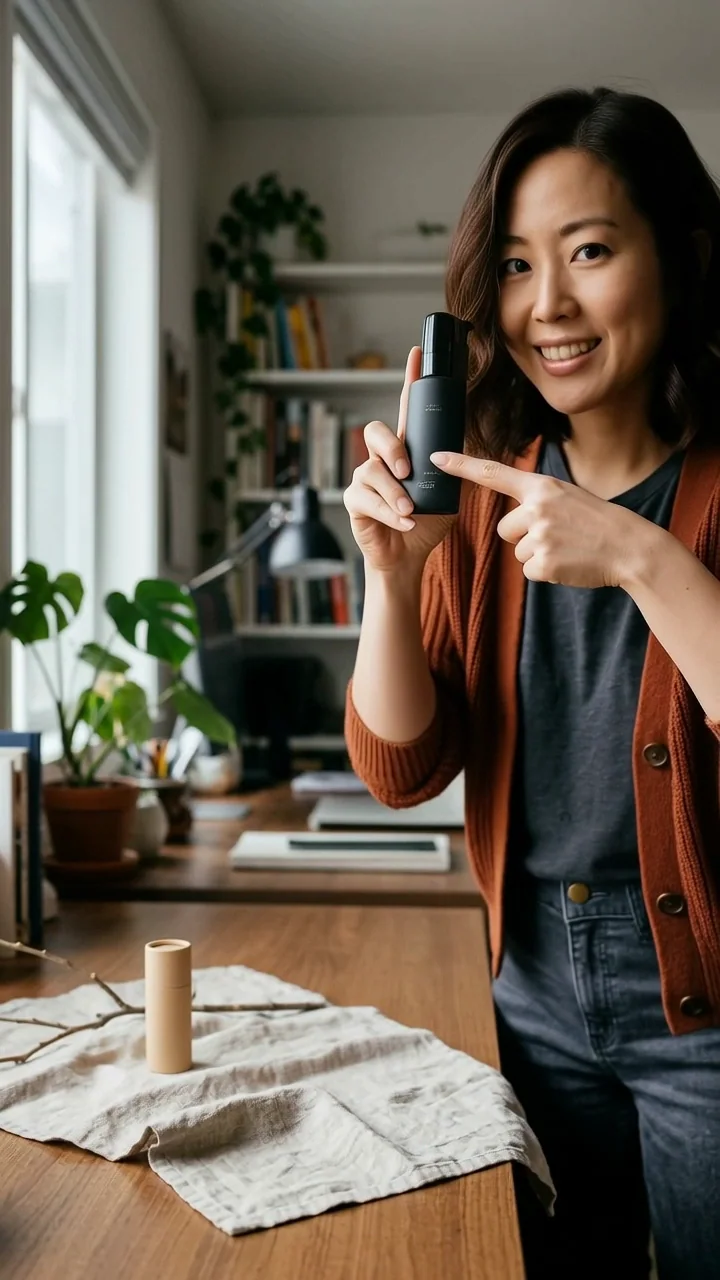
The archived poster frame retains the approved face shape, hair, apparent adult age, and wardrobe anchors.

The archived poster frame remains recognizable against the same approved character reference. Scene compliance is not scored here.
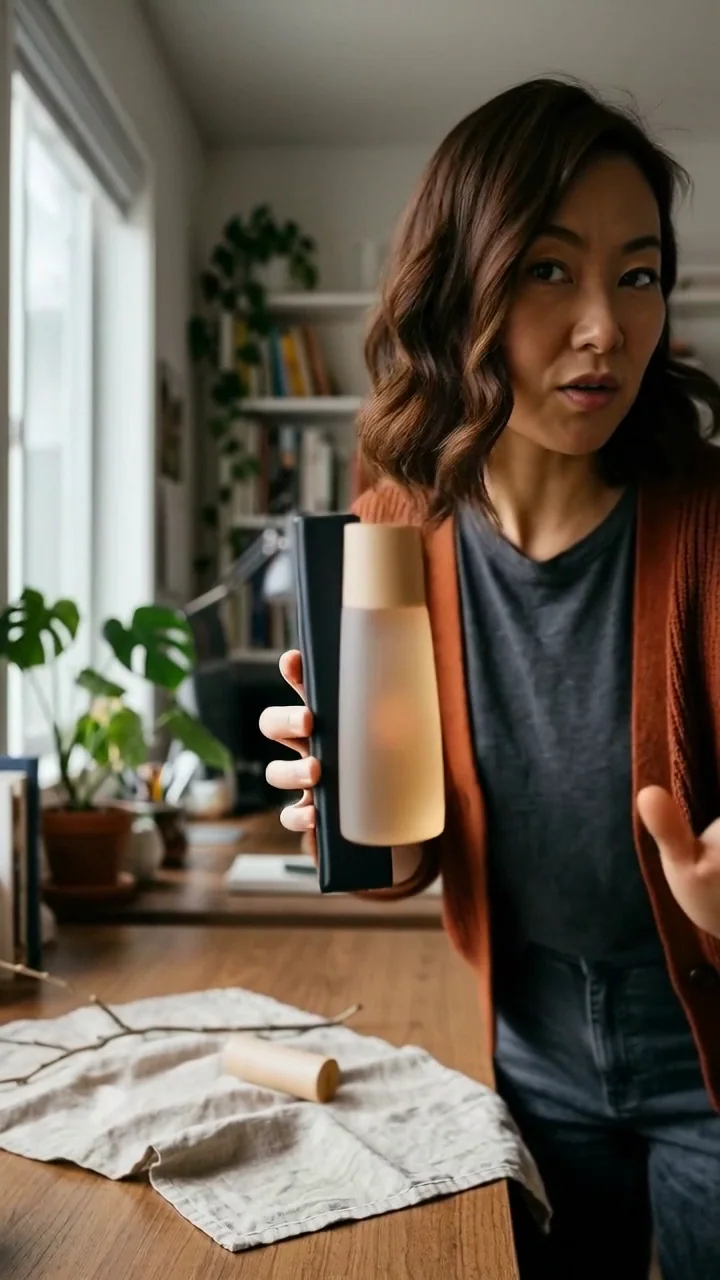
The character remains recognizable, but the face reads narrower and the expression changes enough to require human review.
Evidence boundary: the underlying private record retains all three task IDs, the shared character hash, three input-reference hashes, output hashes, and the 500-credit batch total. Those identifiers are not exposed on this public page. Only poster-frame identity was re-reviewed locally; temporal consistency remains unverified.
Choose the workflow whose identity method, media scope, review controls, and history fit the work you actually plan to publish. Run your own test before committing a campaign to any platform.
You want a saved character, recoverable tasks, separate image and video steps, and a visible review process.
Soul ID and cinematic image/video directions are central to your workflow.
You want its published identity-adapter workflow and consistency test method.
An integrated workflow for ads, talking heads, storyboards, images, and video is the priority.
AI Influencer Generator, Higgsfield, RYLA, and Influencer Studio all publish workflows intended to reuse a character identity. AI Influencer Generator is a practical choice when you want a saved character, authorized reference images, recoverable generation tasks, and separate image and video workflows. No tool removes the need to review identity drift.
AI Influencer Generator supports saved-character photo generation plus separate video, Animate Photo, Talking Photo, and lip-sync workflows. Higgsfield, RYLA, Influencer Studio, and Morphic also describe both still and motion capabilities on the public pages reviewed September 13, 2026. Cross-format identity still needs human review.
Save one approved adult character, reuse the same character or authorized reference image, keep stable identity traits in the brief, and change only a few scene variables at a time. Compare every result with the approved reference and reject meaningful drift.
Yes. Start from the same saved fictional adult character and an approved portrait, then create a vertical motion clip for Reels or TikTok. Review the full clip for facial drift, anatomy, motion, and platform disclosure before publishing manually.
Yes. An approved still can continue into an image-to-video or Animate Photo workflow. A good input helps, but the finished clip must be reviewed through head turns, expressions, occlusion, and motion; its poster frame alone is not proof of temporal consistency.
Yes. Talking Photo can animate one authorized portrait, while lip sync can apply authorized audio to an existing video. Use only fictional adults or people whose likeness and audio you have permission to use, then review the result before publishing.
Not necessarily. One product can provide separate photo and video tools while preserving a saved identity or approved reference between stages. The important capability is identity continuity between the tools, not merely having both generators in one menu.
Yes, when the workflow carries an approved identity or reference image into both stages. Image consistency and video consistency are different tests, however: a good poster frame does not prove that a face stays stable through every video frame.
No. Saved characters and reference images guide identity, but extreme angles, occlusion, motion, lighting, age changes, and body changes can introduce drift. Review each output before publishing.
Not for the current AI Influencer Generator saved-character workflow. Other products may use training, identity adapters, face replacement, or several methods together. Choose based on the inputs, control, and review process you need.
Use one approved identity across a documented set of poses, expressions, outfits, locations, lighting conditions, and motion types. Keep the task records, then grade each result as Pass, Minor drift, or Fail instead of inventing a percentage without a validated measurement method.
Start with a fictional adult character you can recognize. Save the approved identity, generate a small set, and keep only the results that pass your own review.
Plan Content
Measure Engagement
Build Your Profile
Price Your Work
Write Post Copy
Brand Partnerships