

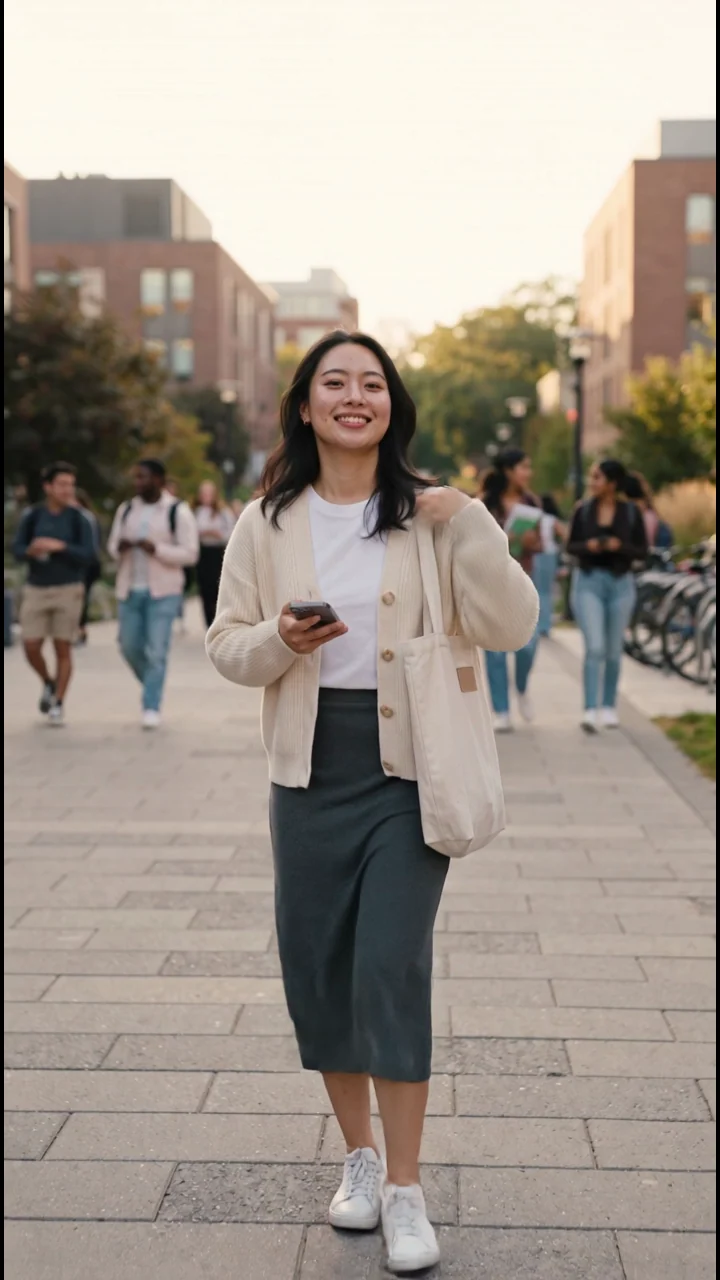
Campus Diary
Create one consistent character for photos, Reels, motion clips, and talking videos.
Create My AI InfluencerBuild a believable, recognizable virtual creator you can return to for your next post.
Choose a ready-made character or create your own. Then make photos, Reels, TikTok videos, UGC, and product content around the same identity. Develop a consistent presence, build an audience, and explore opportunities to earn from your original work.
Start with free Credits. No camera required. Audience growth and earnings depend on your content and distribution.
Campus Diary
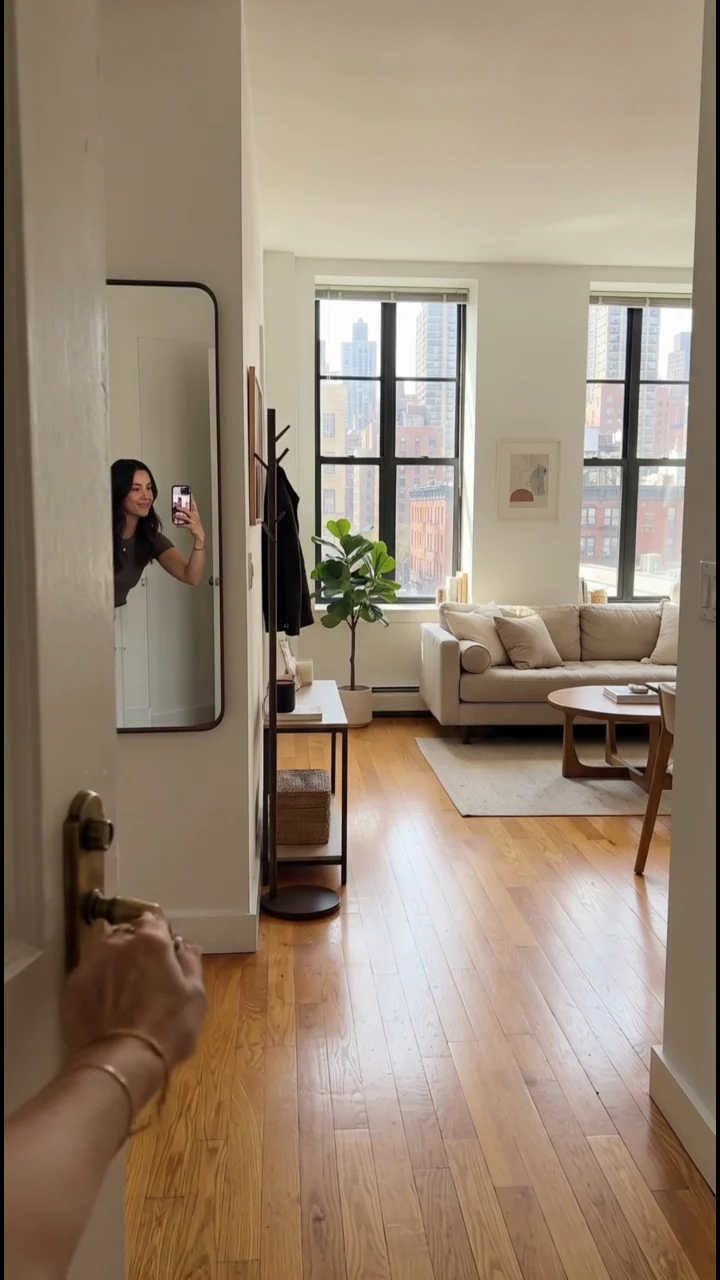
NYC Room Tour
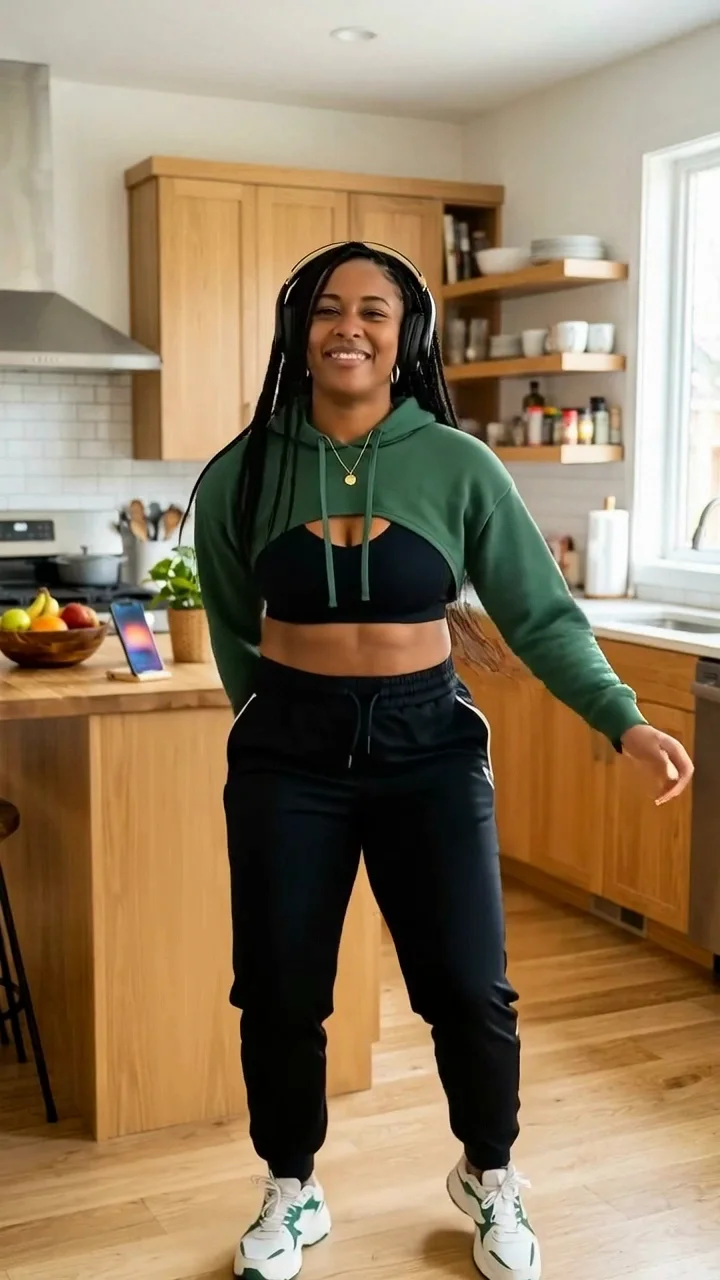
Imani in Motion
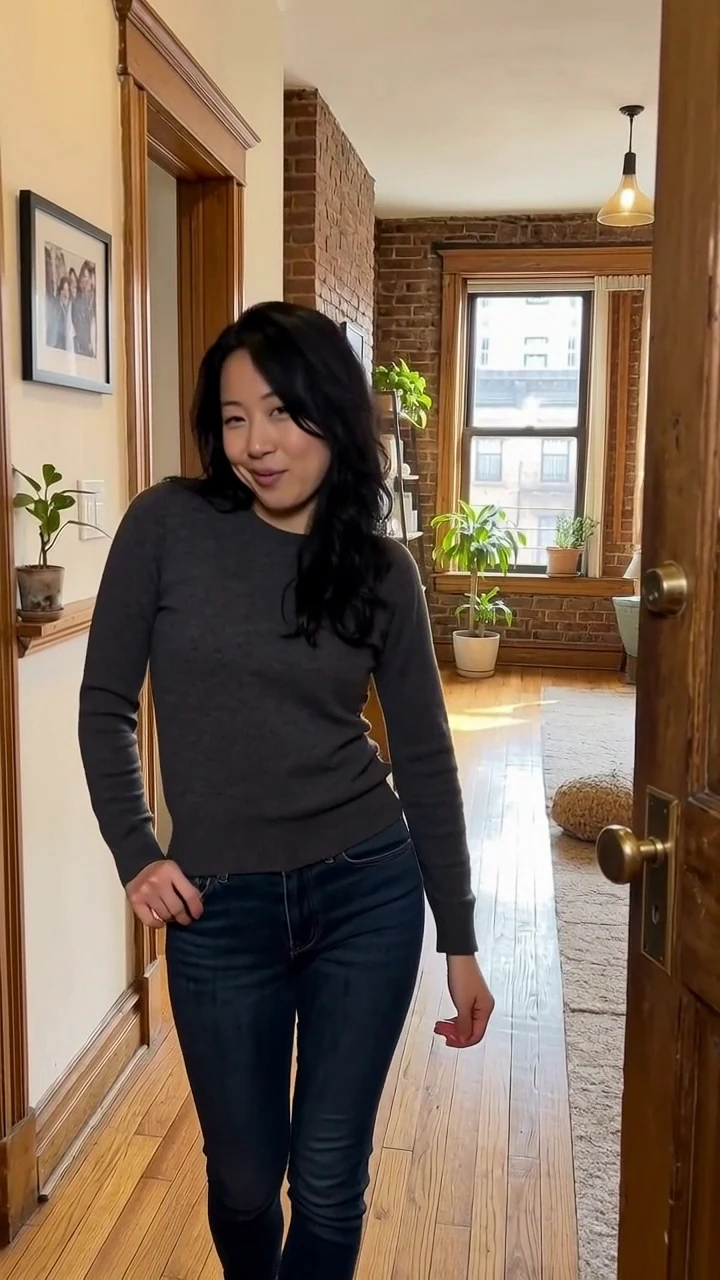
Maya in Motion
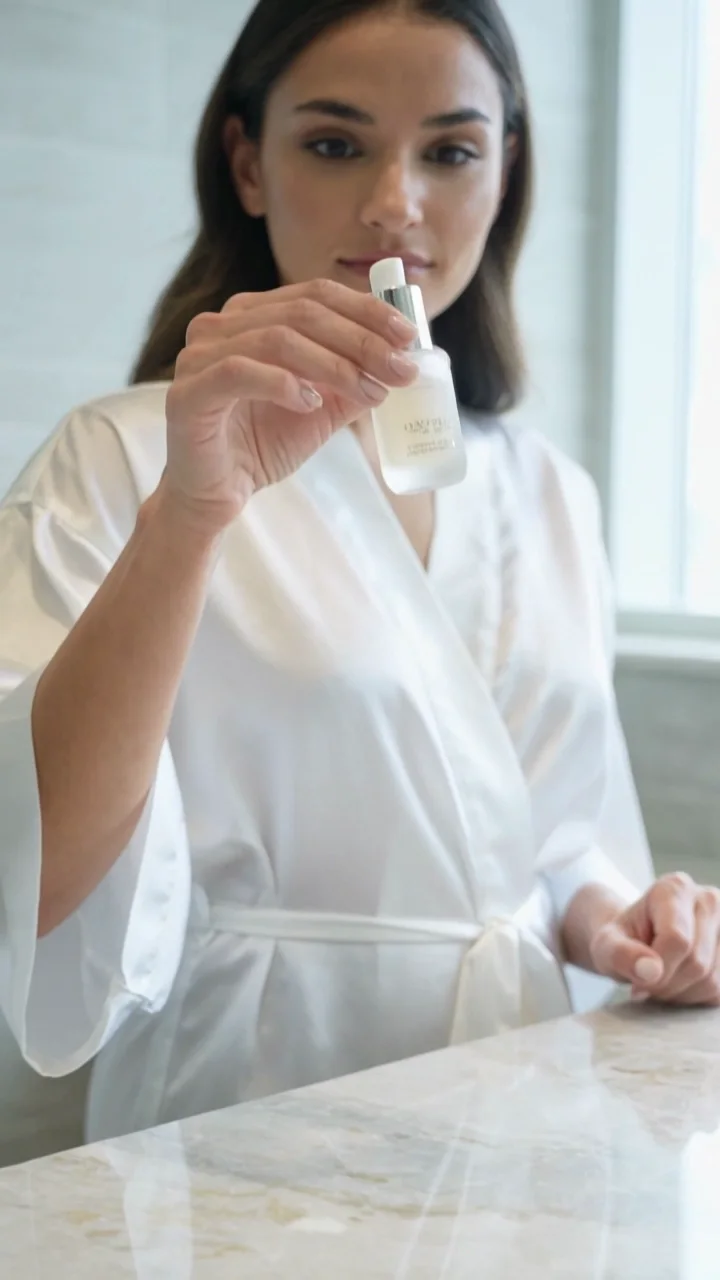
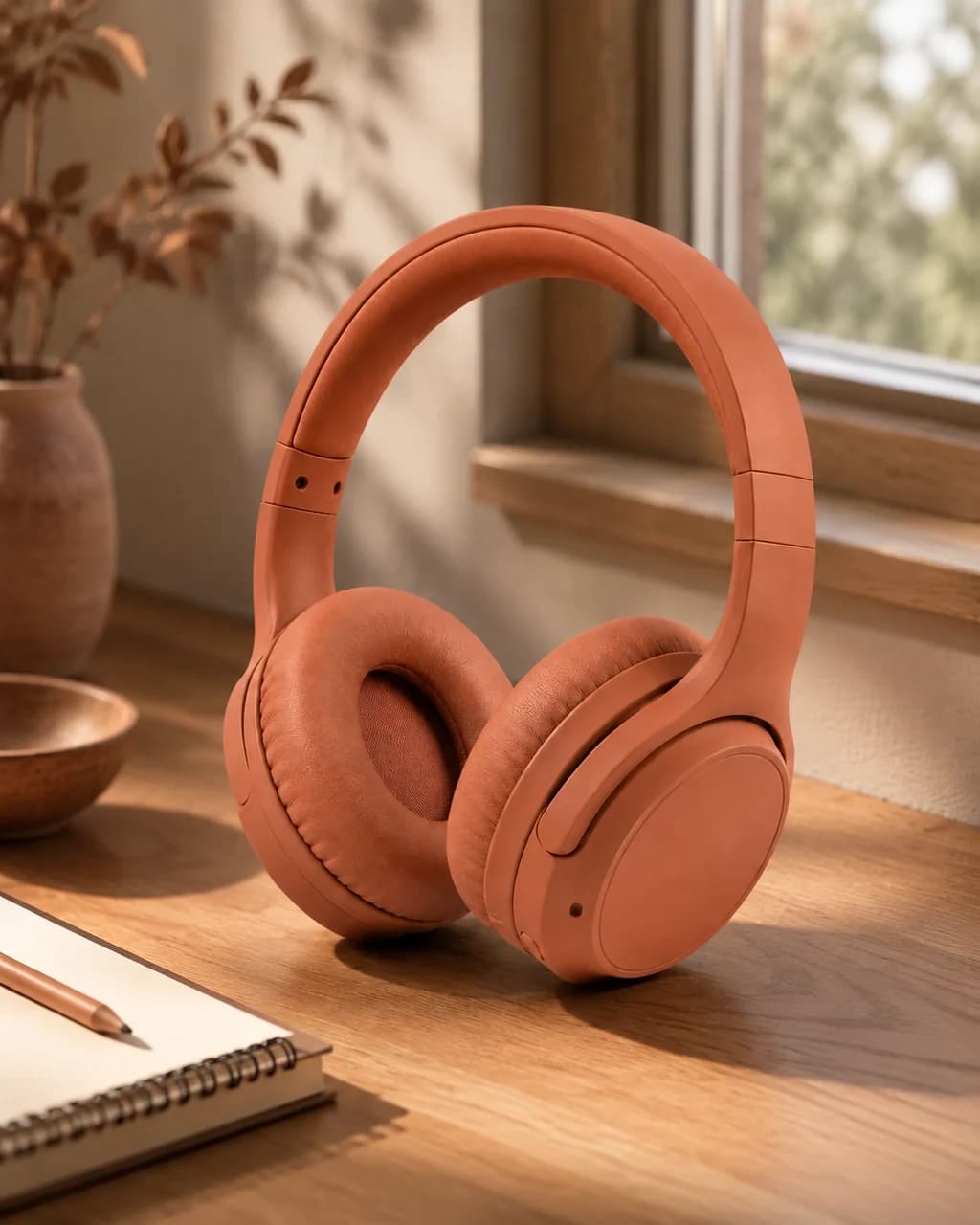
Product Moment
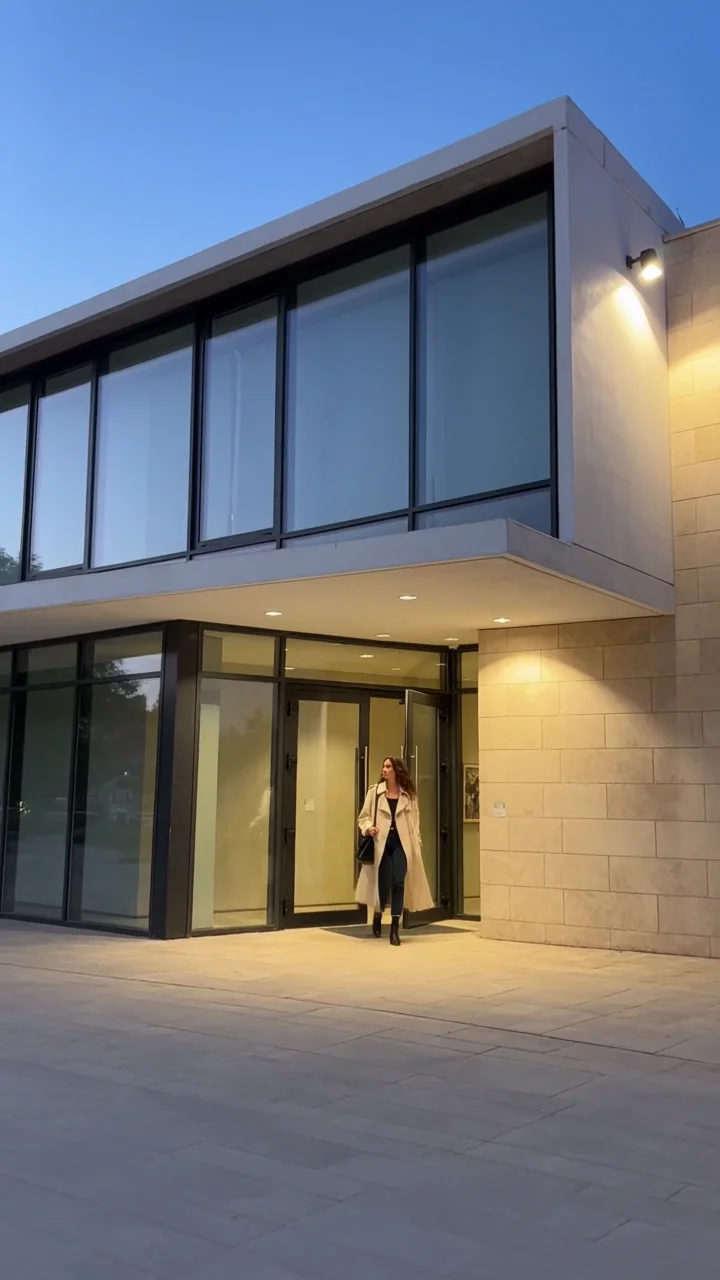
City Walk
Campus Diary
NYC Room Tour
Imani in Motion
Maya in Motion
Product Moment
City Walk
Campus Diary
NYC Room Tour
Imani in Motion
Maya in Motion
Product Moment
City Walk
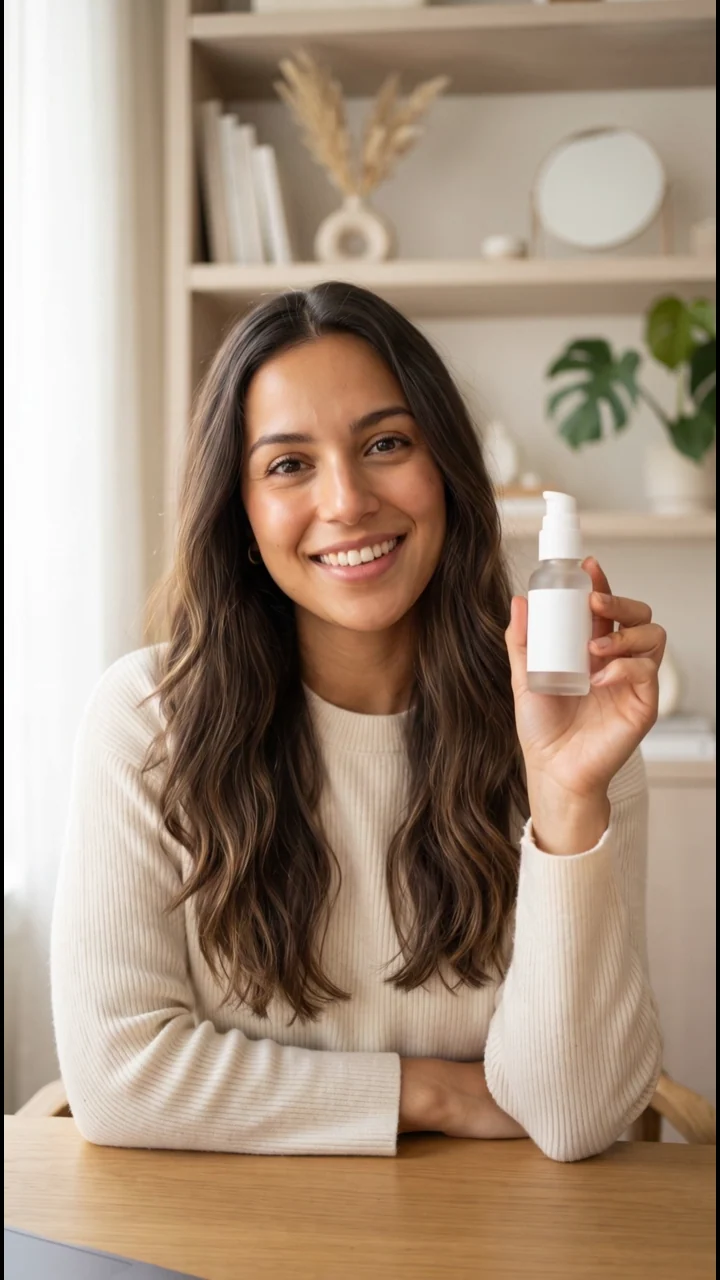
Live Commerce
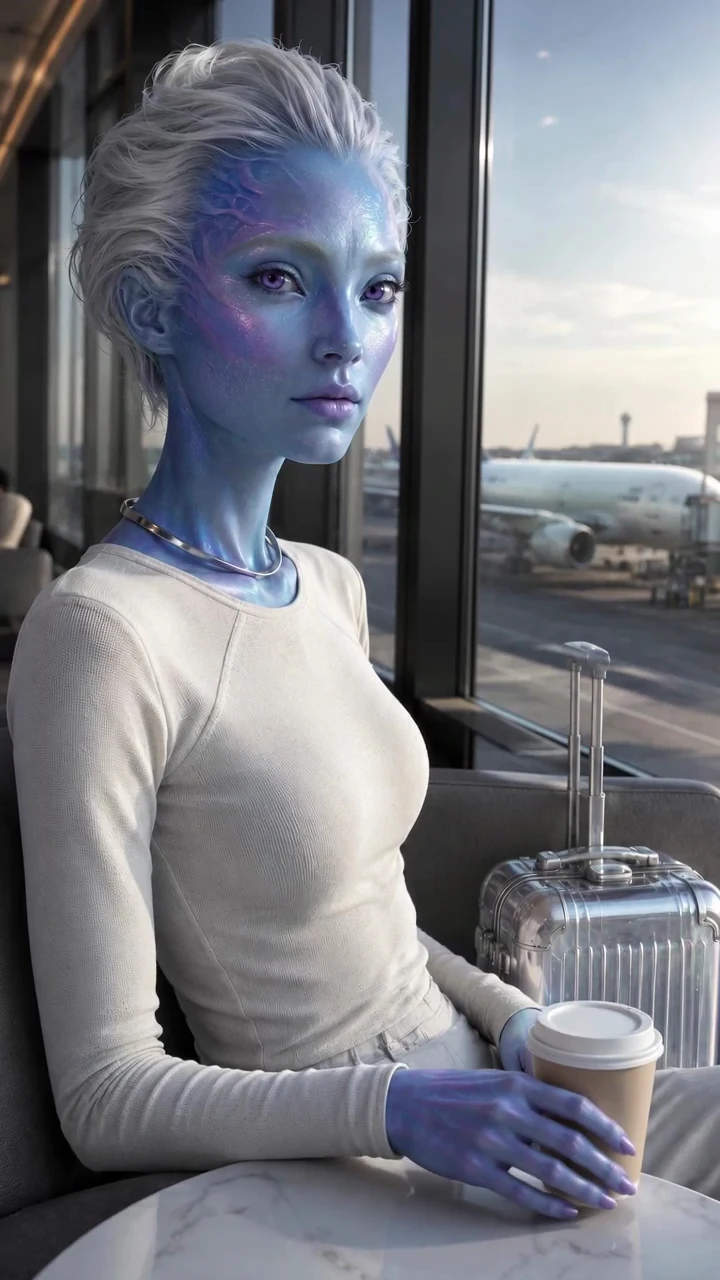
Alien Creator
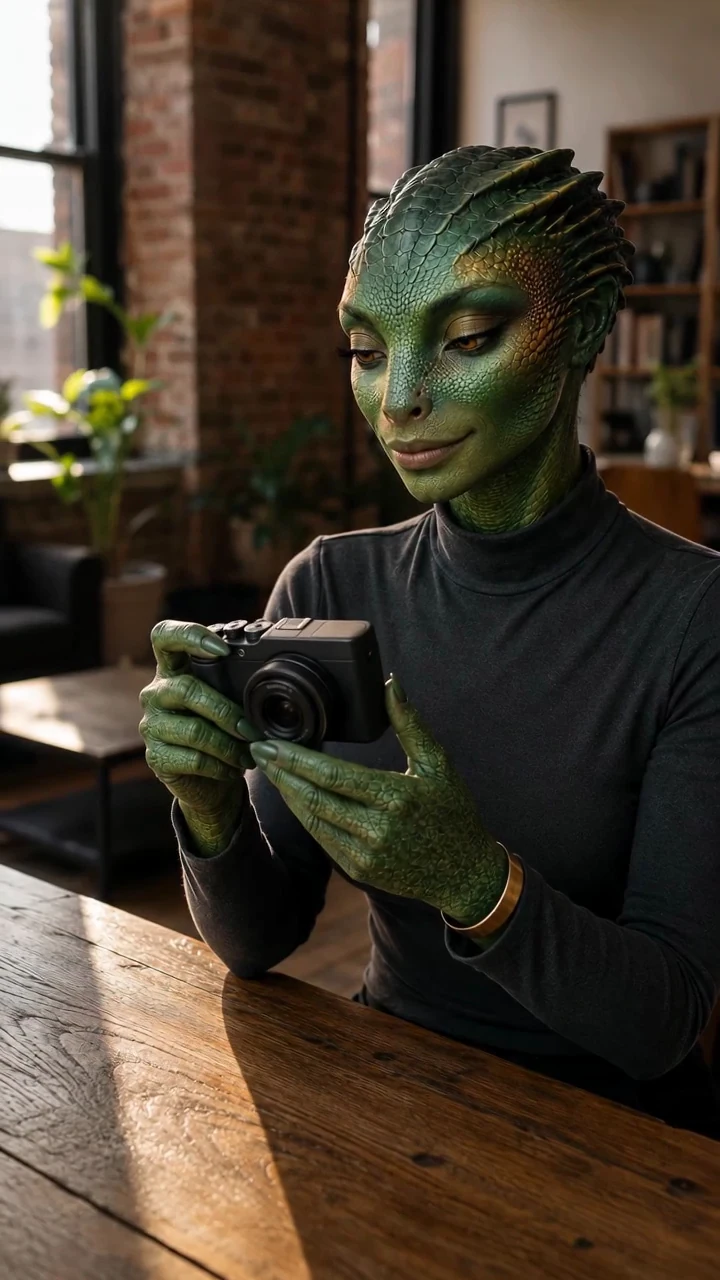
Reptilian UGC Creator
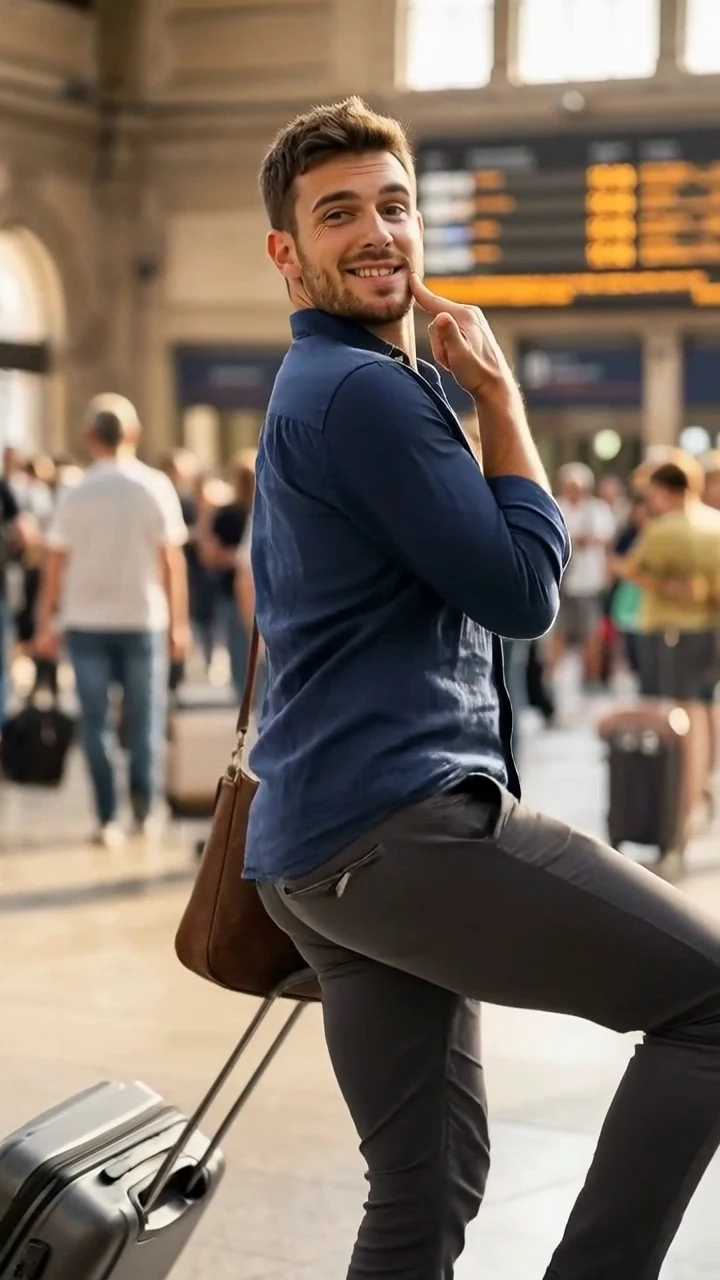
Luca in Motion
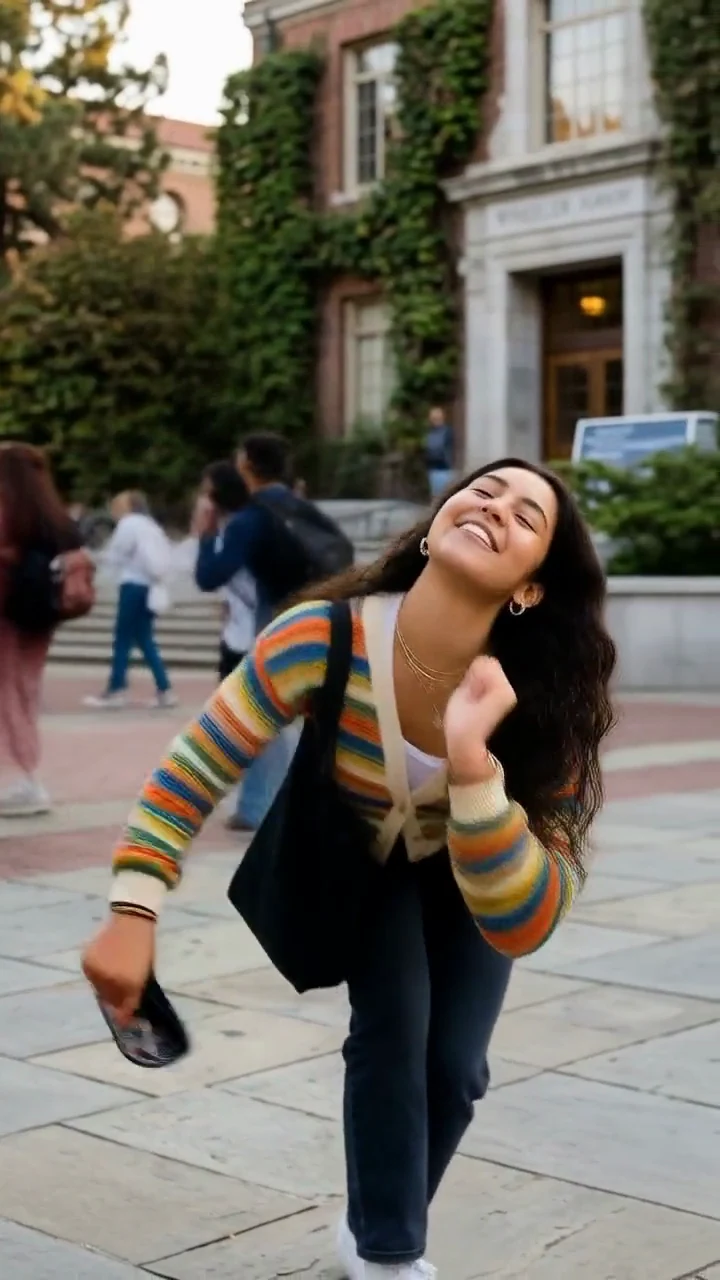
Sofia in Motion
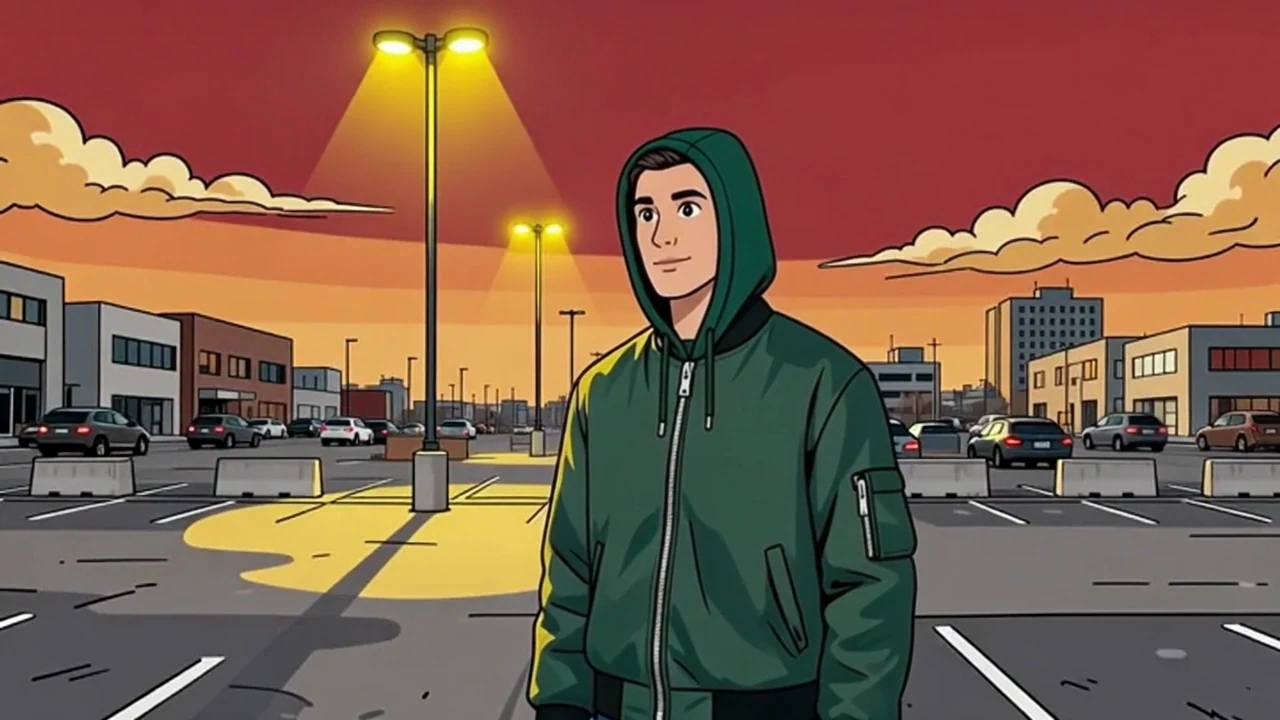
Character Courier
Live Commerce
Alien Creator
Reptilian UGC Creator
Luca in Motion
Sofia in Motion
Character Courier
Live Commerce
Alien Creator
Reptilian UGC Creator
Luca in Motion
Sofia in Motion
Character Courier
A polished image is only part of the story. Open a real example and inspect the character, prompt, model, generation mode, video duration, Credits used, actual generation time, and final output.
These examples come from the same generation workflows available in the product. See what a workflow produces before deciding whether it fits your idea.
Historical task data. Current costs depend on today’s model quote.
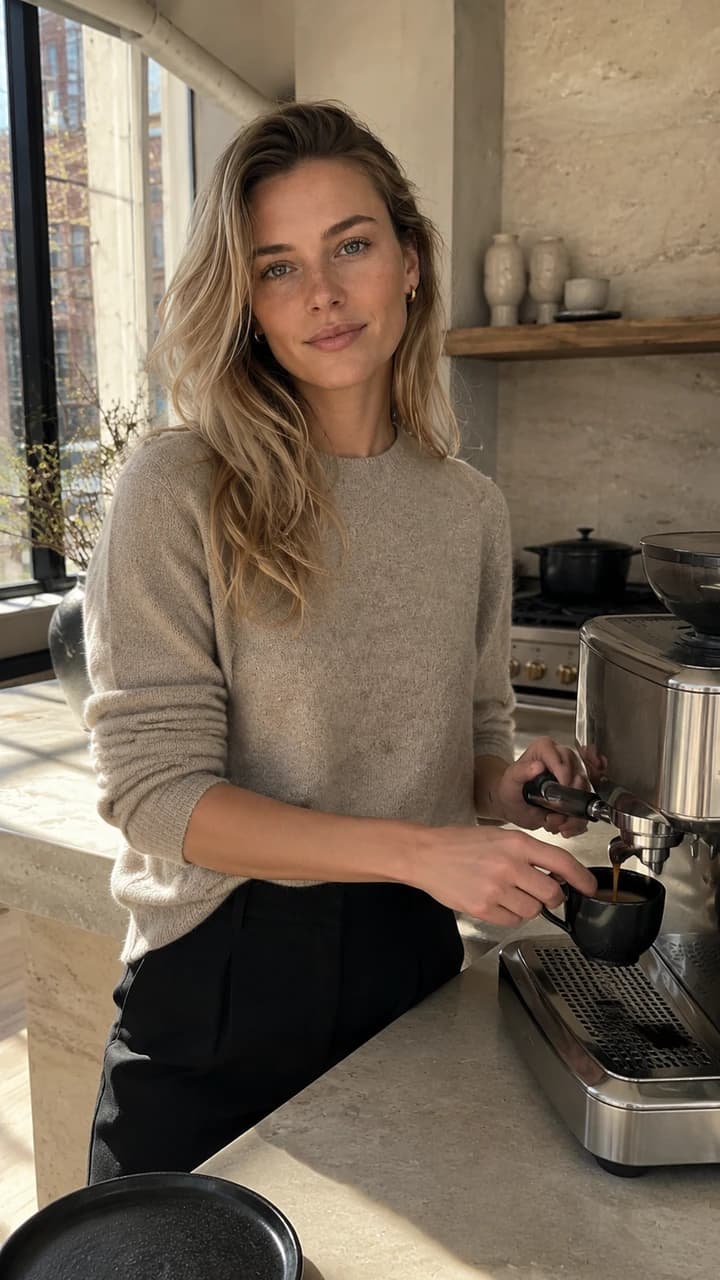
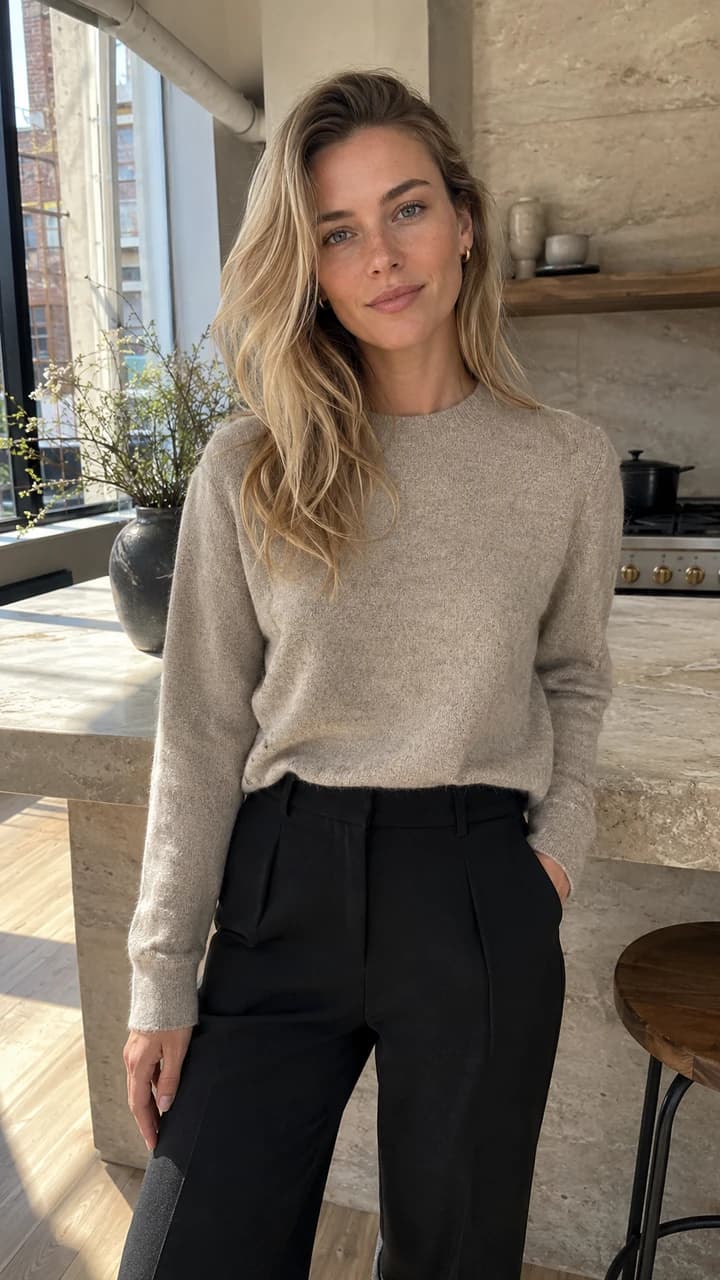
The same fictional blonde adult woman completes one natural action: she lifts the espresso cup from the counter and gives a small confident smile toward the phone. One slow handheld push-in only. Preserve her exact face, freckles, hair, natural skin texture, hands, outfit, apartment geometry, and morning light. No cuts, no extra people, no morphing, no text, no logo, no watermark, no audio.
You don’t have to start with a blank prompt.
Explore 50 fictional character starters and the video template library. Pick a look that fits your idea and start making photos, Reels, TikTok videos, UGC, and other social content. Prefer an original identity? Build one from scratch.
Start with a distinctive fictional creator. Explore Jean Phil-style Signature looks alongside lifestyle, fashion, and fantasy characters.
Explore Jean Phil AI influencer styles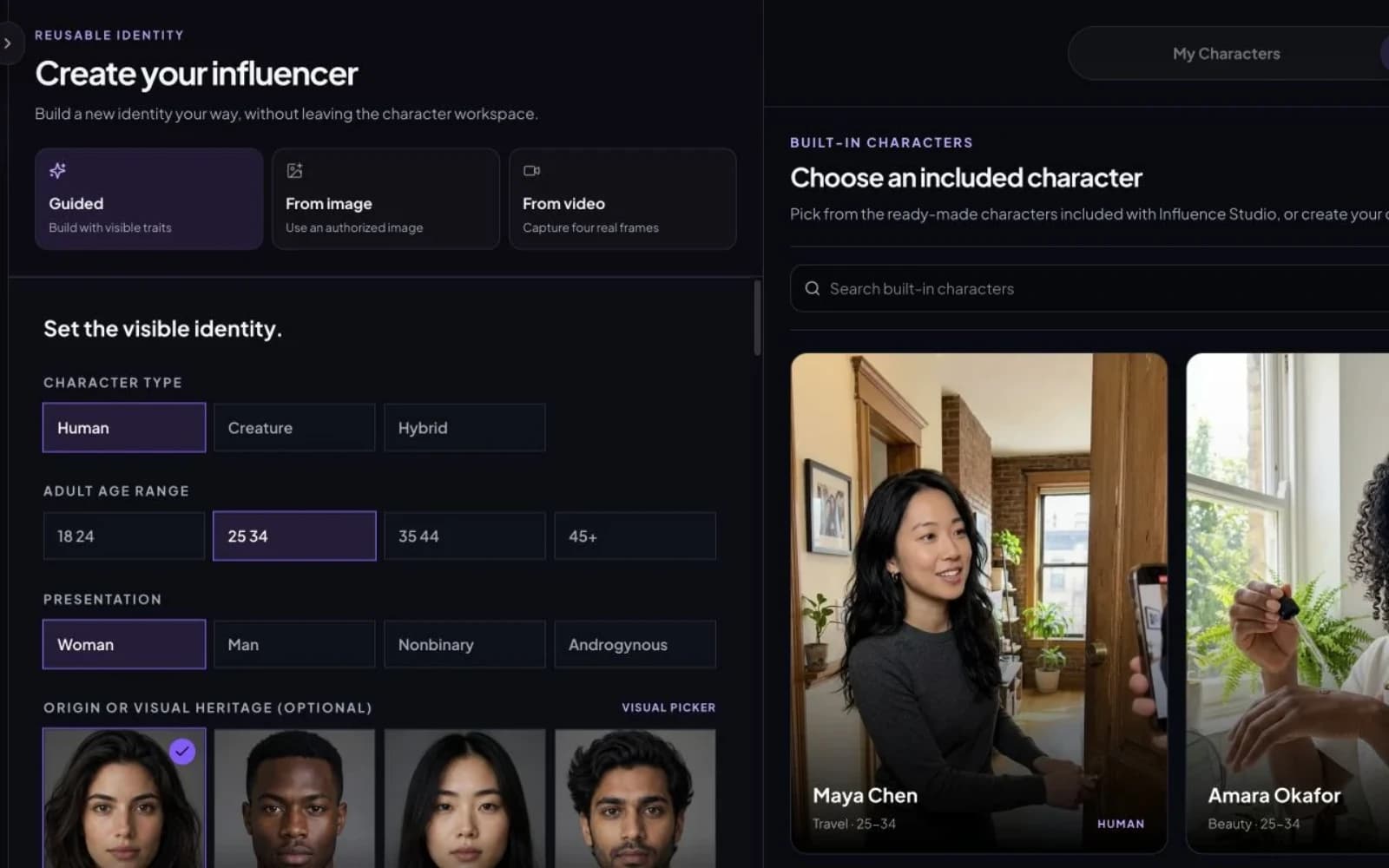
Browse characters with different looks, styles, and niches. Select a fictional identity to use as the starting point for your images and videos.
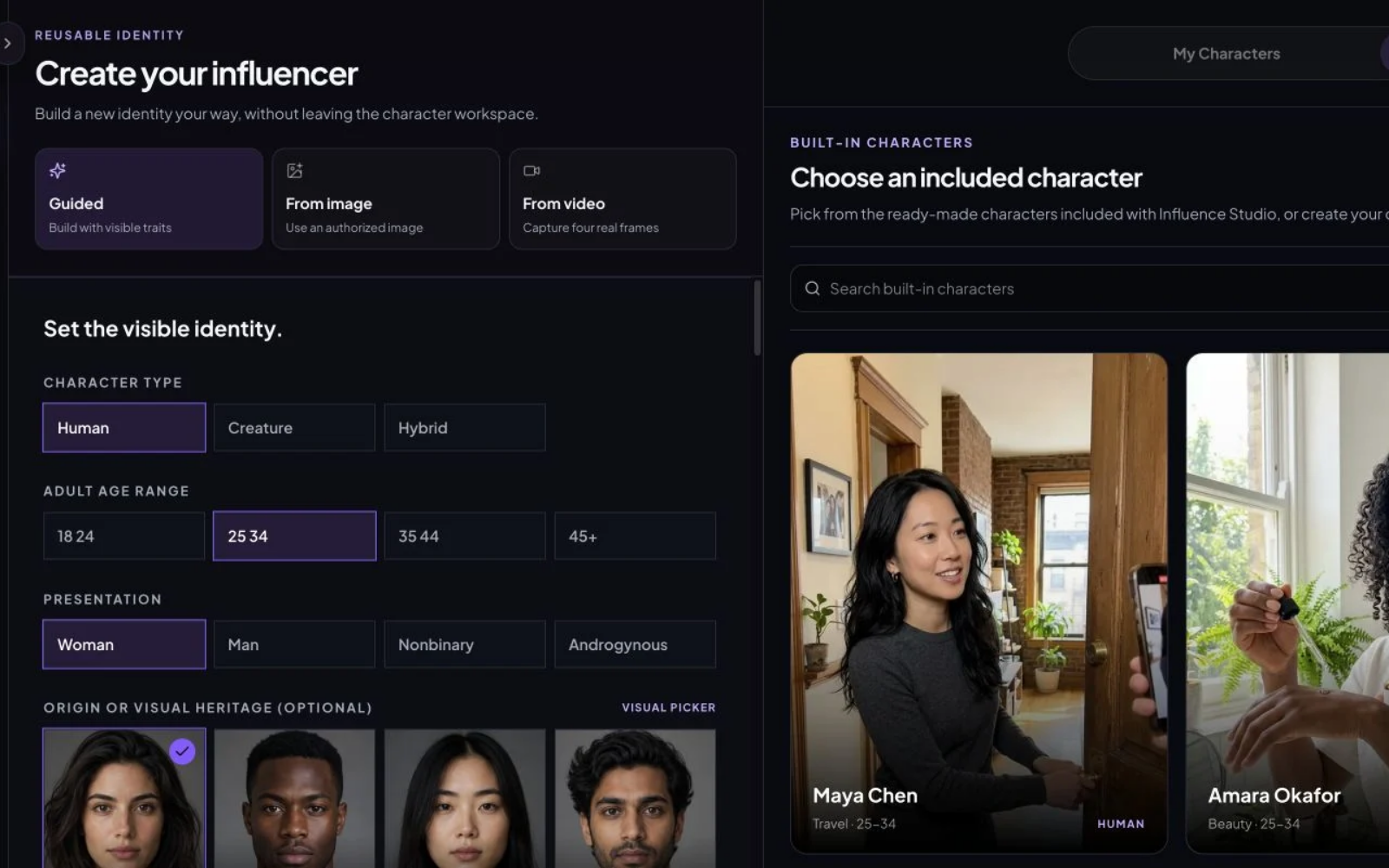
Define adult age and appearance, skin tone and texture, face shape and eyes, hair style and color, body features, and overall style. You can also build a Creature, Hybrid, or another imagined character.
Create a distinct identity rather than settling for a default avatar.
Already have a look in mind? Upload a photo you have permission to use and make it the reference for new scenes, outfits, and content.
Capture character references from a video you have the right to use. Save the identity as a starting point for future content.
Your approved character stays in your private character library. When it’s time for a new post, select that identity again instead of rebuilding it.
Found a template you like? Use your own influencer in compatible templates and make the concept your own.
A standalone AI image captures one idea. An AI influencer gives you a recognizable identity to build on over time.
Create the character once, then keep using them: save the identity, make photos, create videos, write the post copy, and develop the next piece of content.
New outfits, new places, new movement, and new stories—all guided by the same saved character.
Create an original virtual person, choose a character starter, or import a reference you have permission to use. Define their appearance and visual style, save the identity, and return to it in later content.
Use the saved identity as a reference to help preserve facial features, body proportions, and the overall look. Review the result for any unwanted changes.
Create my character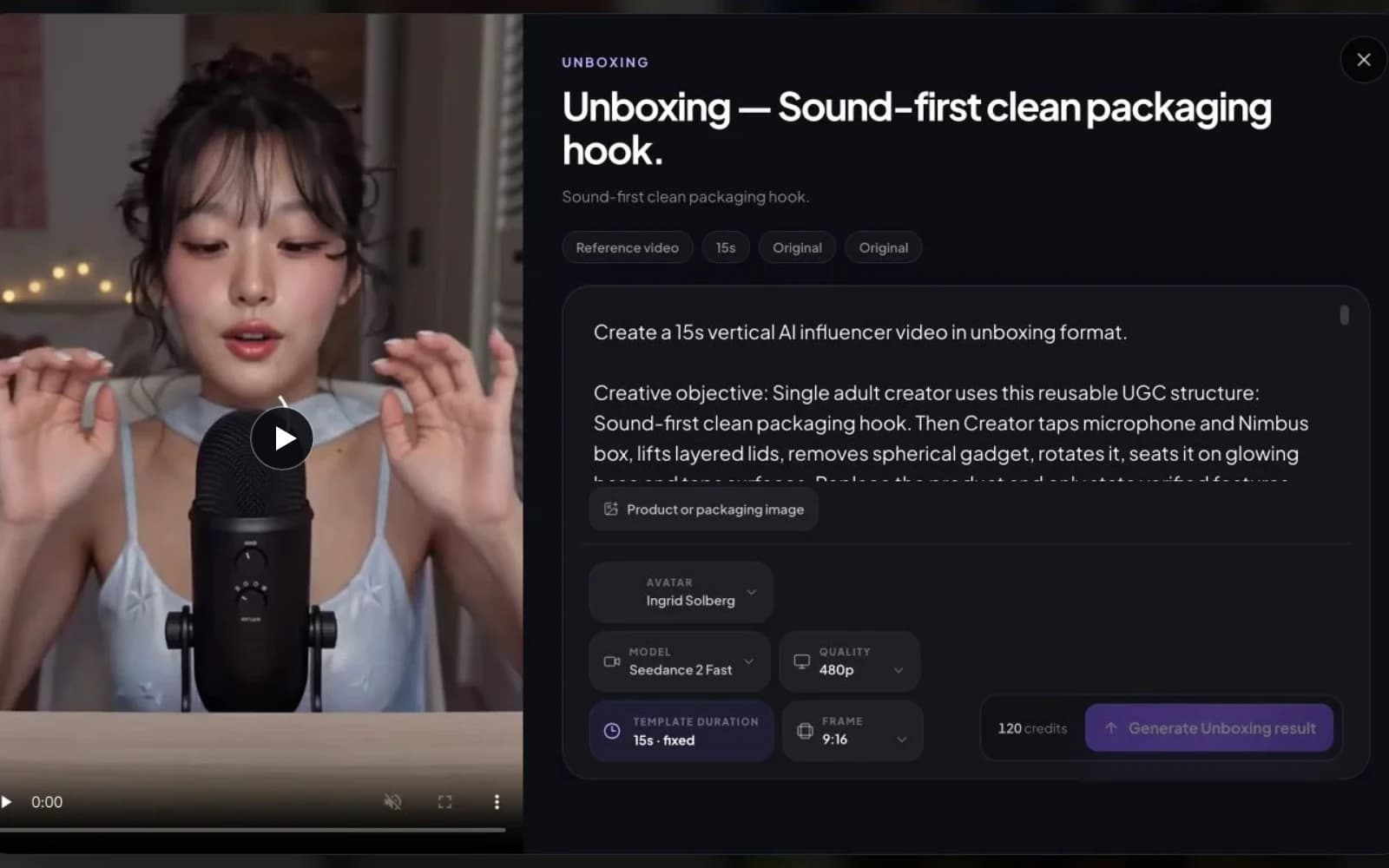
At a café today. At the gym tomorrow. On a beach for the next travel story. Change the outfit, hair, or pose, or bring the character into a video. Your audience should still recognize the same creator.
Use consistent-character workflows for Instagram photos, TikTok videos, Reels, lifestyle, fashion, travel, talking videos, UGC, and product content.
Create consistent character photosWant one photoshoot with different poses and angles? Explore the AI Carousel Generator.
Start with a template or an image or video you have permission to use. Select your influencer, then adapt the movement, pose, framing, or content structure to your own character and story.
Use a motion reference to guide your influencer’s actions and performance.
Describe or supply an authorized pose reference for a new character image.
Adapt the composition and camera direction to your scene.
Keep the useful format while changing the character, setting, product, and message.
A Jean Phil AI influencer takes inspiration from a recognizable signature look and deadpan performance. Create your own fictional identity, then use a motion reference to bring it to life. See the original footage beside our generated Remy Swirl example above.
Creating the character is the first step. Keeping the ideas coming is the next challenge. Use your niche, platform, and goals to plan content you can make with your influencer.
Example ideas for a fitness & lifestyle creator
Choose an idea, then take the brief into an image or video workflow with your saved character.
Plan ideas for my influencerA distinctive face is a starting point. A clear content direction gives you a reason to keep creating.
Use these choices to shape your content calendar and writing briefs. Keep the plan specific to the character you want to build.
Plan my influencer’s content directionSpend less time asking “What should I post today?” Build a 30-day plan for your AI influencer, then turn individual ideas into production briefs.
Example first week · an editorial plan, not generated account activity
Photo direction
Photo direction
Video direction
Photo direction
Video direction
Video direction
Photo direction
Each idea is a starting point for the next task: generate an image, create a video, or write a caption. Review the media and copy before you publish.
SOCIAL PUBLISHING
Create content with your AI influencer, connect your social accounts, and publish instantly or schedule posts for later. All from one workspace.
Schedule Your First Post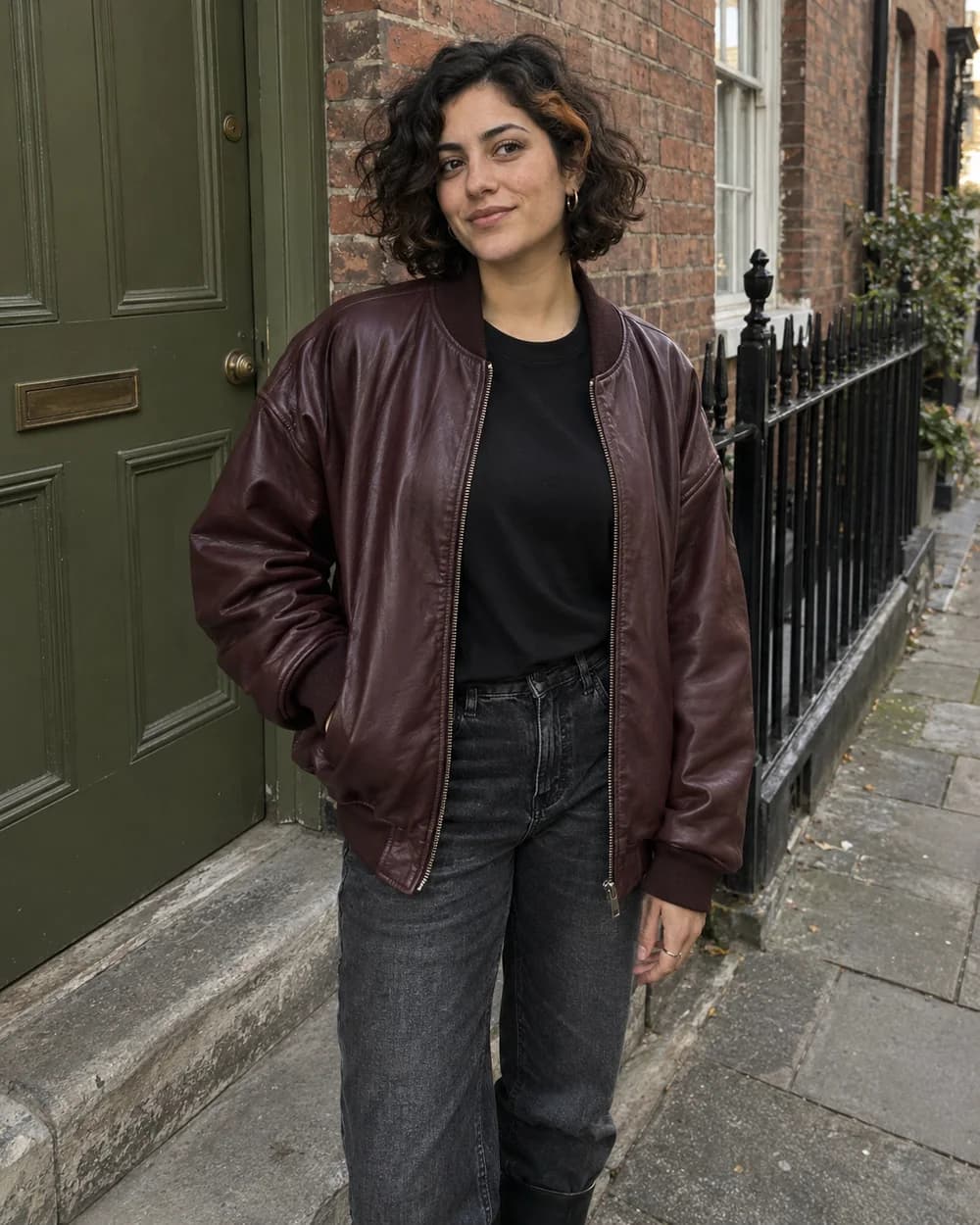
Example schedule · UTC
09:00Scheduled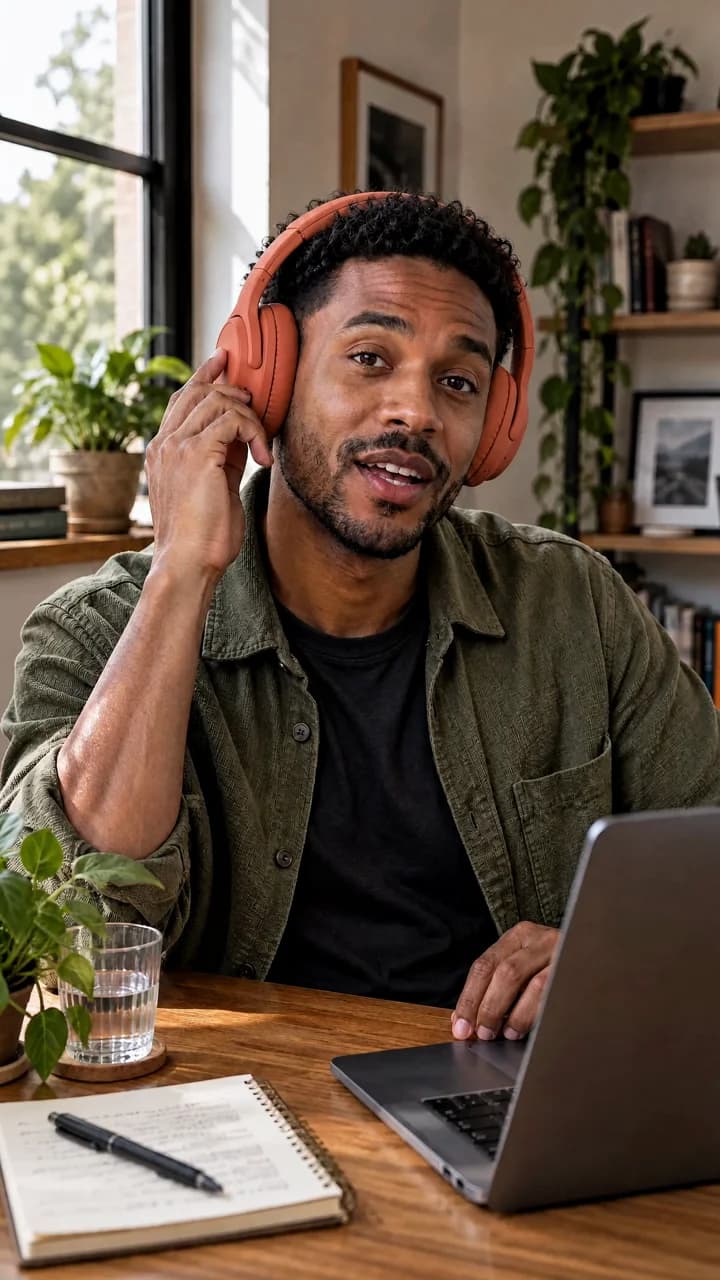 12:30Scheduled
 18:00Scheduled
Generate photos and videos with your AI influencer.
Connect your social accounts in one workspace.
Example schedule · UTC
09:00Scheduled12:30Scheduled18:00ScheduledPublish instantly or schedule posts using your content calendar.
Connecting channels and publishing require an active subscription. Instagram Business and Facebook Pages are supported; available post formats vary by platform.
Not sure how the video should unfold? Start with a topic and develop a short-video script. Include the hook, scene directions, main message, and ending in your writing brief.
What happens in the first few seconds?
Where is the character, and what are they doing?
How does the shot or action change?
How will you show the product or main idea?
How does the story finish, and what is the CTA?
Then create the images and clips with your influencer. Review and assemble the finished video in your preferred editing workflow.
Develop my short-video scriptBring your product into content featuring the character you’ve already created. Develop product-review concepts, unboxings, demonstrations, skincare routines, fashion try-ons, lifestyle placements, talking UGC, and short-video ads.
Choose the supported workflow for the job: provide your product image or written product brief, select the character or reference required, and check the settings before generating.
Make creator-led assets without arranging a new on-camera shoot for every concept. Product accuracy and believable interactions still need review; generated content is not evidence of a real product test or endorsement.
Your first photo or video is a starting point. Continue with tools for character creation, outfits, hair, backgrounds, motion, image quality, and social copy. Use the supported handoff or select your result as the next tool’s reference.
Move the divider to inspect the original photo and its skin texture edit, side by side.
Try skin textureExplore the tool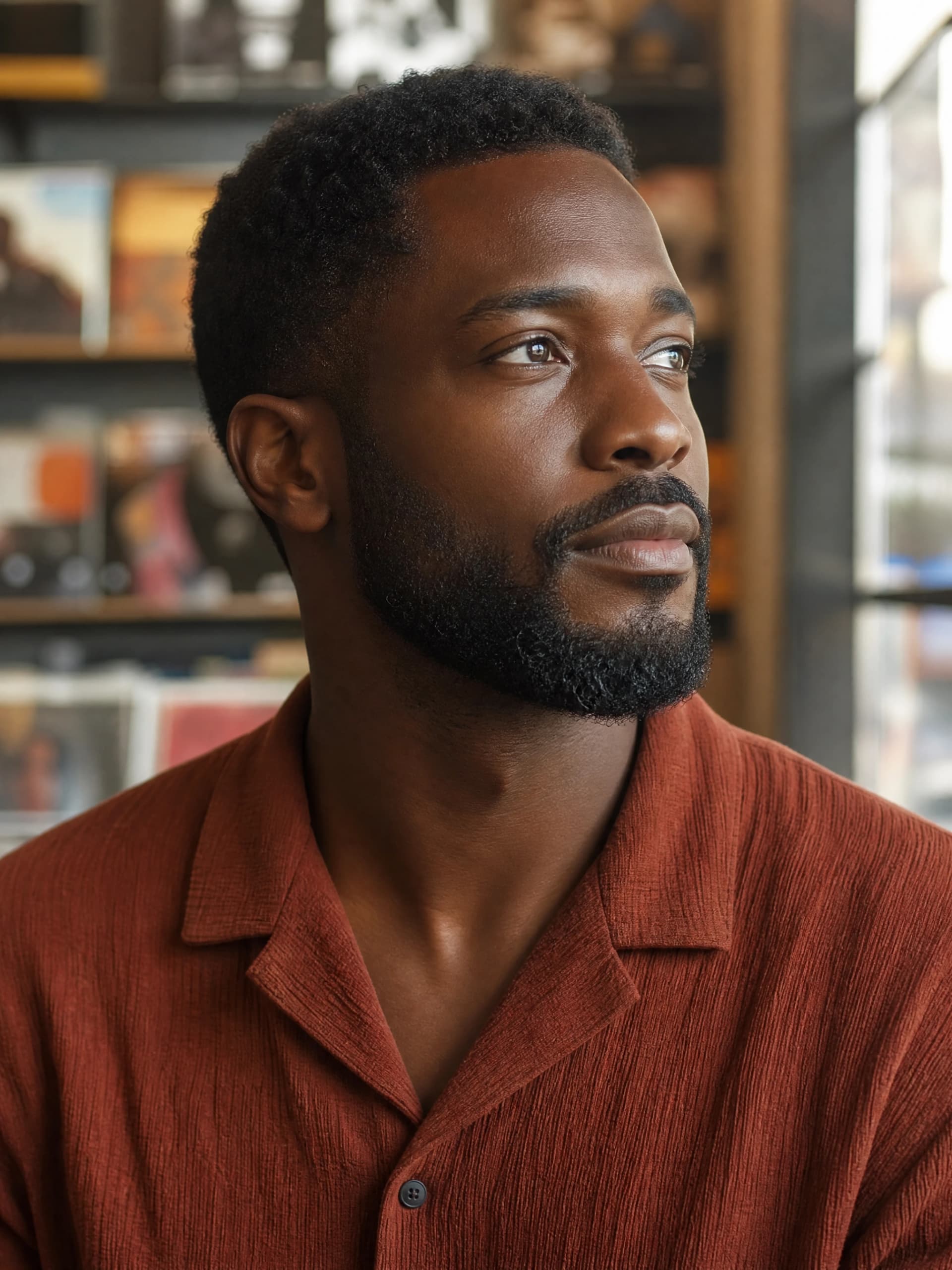
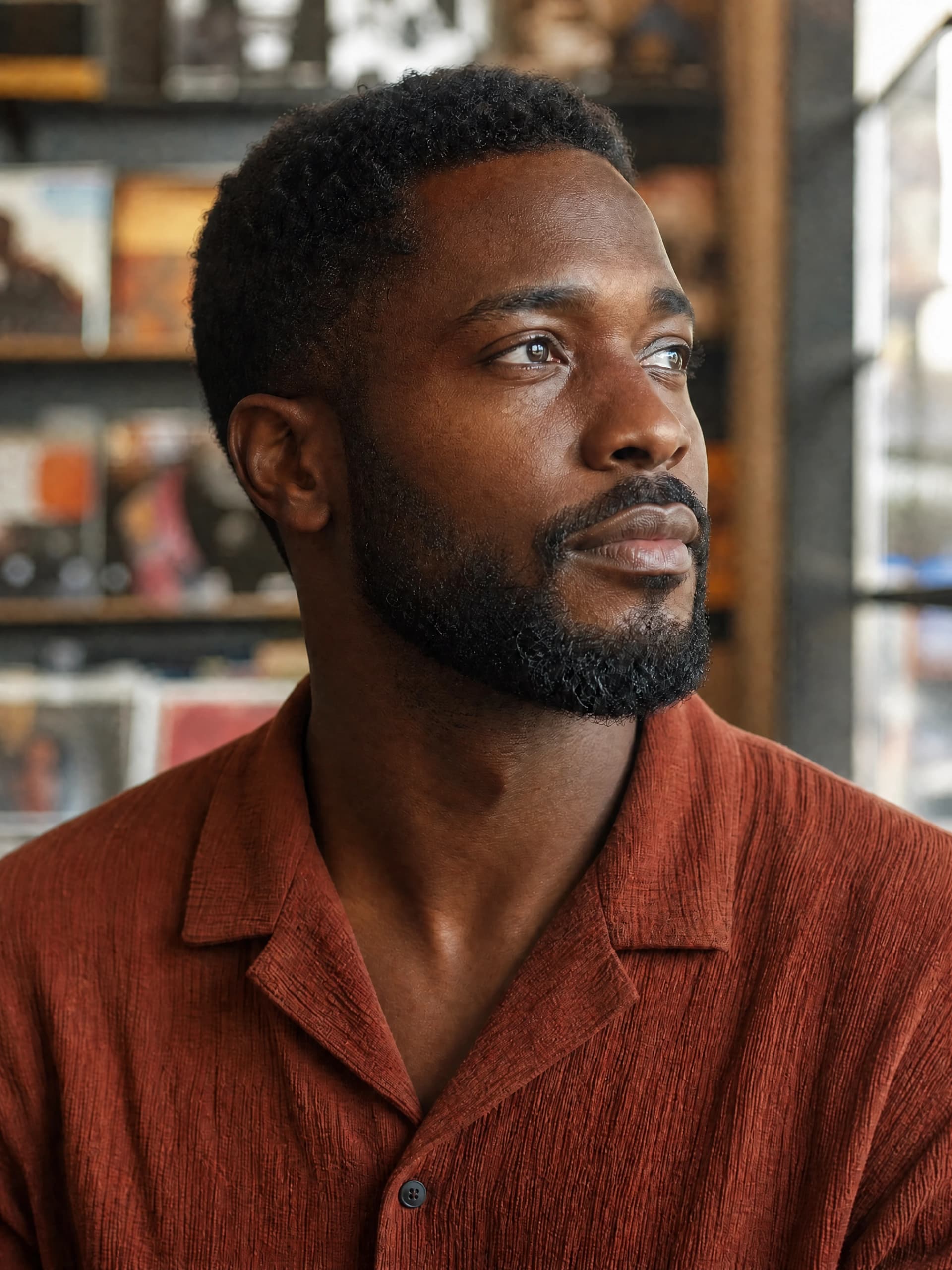
Create an influencer, a random face, a selfie, a headshot, or a product photo.
Try outfits, virtual try-on, and hairstyle directions.
Edit a result, refine skin texture, make image variations, remove a background, upscale, extend an image, change adult age, or create a group scene.
Create influencer video, animate an image, generate from text, explore character animation, dance, motion transfer, UGC, or ad concepts.
Explore lip sync, talking photos, talking avatars, and consistent character workflows.
Prepare Instagram and TikTok captions and bios, TikTok scripts, YouTube titles, and descriptions.
Some AI platforms may still rely on older models. We continually update our lineup with the latest image and video models, evaluating new releases for the workflows they support.
Choose the model that suits the task—character creation, photo editing, video, motion, or speech. Switch between supported models in one creator workspace, with settings that fit your creative goals and budget.
 Nano Banana 2.1Flexible image generation and editing across output sizes.Nano Banana ProHigher-fidelity identity, text, products, and complex scenes.
 GPT Image 2.5 SunburstOur default for Character Sheets, creator photos and reference-guided edits.
 Kling 3.0 OmniText or one start frame, optional native audio, and 720p, 1080p, or 4K output.Kling 3 TurboFast Kling generation for text or image input with 720p and 1080p output.
 Wan 2.6Text or image guided video with a production-quality 1080p option.Wan 2.6 FlashLowest-cost way to test a five-second motion draft.
 Seedance 2Production-focused fidelity with higher credit use.Kling AI Avatar StandardTurns a portrait and voice track into a talking video.Kling 3.0 Motion ControlTransfers a reference movement to the selected character.
 Volcengine Lip SyncKeeps the source video and replaces only the speech alignment.
Select your influencer and your next task, then choose from the models that workflow supports. Image, video, motion, and lip-sync inputs each have their own requirements.
Choose your workflow in StudioA model can create an impressive image or clip. Building a recurring creator also means keeping the identity, choosing the next scene, editing the result, and preparing the post.
AI Influencer Generator brings those steps into a workflow for ongoing creator content. This comparison describes working approaches; individual general-purpose tools may also support these features.
| Task | A general-purpose setup | AI Influencer Generator |
|---|---|---|
| Starting point | A standalone image or video brief | A saved influencer you can select again |
| Character setup | Describe or supply the character for each project | Reuse an identity from your character library |
| After generation | Continue in the editing tools your setup provides | Change outfits, hair, backgrounds, skin detail, and image quality with the available tools |
| Images and video | Move between the tools in your own setup | Create images, video, motion, and talking content from connected Studio workflows |
| Model choice | Compare models and configure your own inputs | Choose a supported model for the image or video task |
| Creative direction | Write a general-purpose prompt | Start with creator scenes, social formats, and available templates |
| Consistency | Keep track of references yourself | Reuse the saved identity and review results for consistency |
| Animating a photo | Prepare an image for a separate video workflow | Continue with an existing influencer image in Image to Video |
| Post copy | Use the writing tools in your own setup | Prepare captions, bios, scripts, titles, and descriptions in Content Studio |
| Primary focus | A broad range of creative tasks | Repeatable creator content for Instagram, TikTok, UGC, and campaigns |
Start with the guided tools. You don’t need to build a node-based AI workflow before making your first piece of content.
Build an original character, choose a starter, or import an authorized reference.
Keep the character in your account so you can select them again.
Pick a photo, video, UGC, motion, template, or reference workflow.
Create the new scene, outfit, pose, or performance. Check the result.
Prepare your caption, connect a supported social account, and publish now or schedule for later in Publish.
Start with 30 free Credits.
Create an account without paying first. Build your influencer, explore an image workflow, and review the results and cost. Try a video when your balance covers the selected settings.
Check character consistency and the actual Credits used. Decide whether to continue once you know how the workflow fits your content.
Create my AI influencer freeNo payment required to start. Some video modes cost more than 30 Credits.
Examples use current model settings. Resolution, duration, model, and other options can change the cost. The quote shown before you generate is the final guide.
Compare plans and CreditsCreate your private workspace with the Google sign-in screen. No payment is required to start building a character.
You can browse character starters and explore the tools before signing in. When you’re ready to save a character or generate content, continue with Google. New accounts receive a one-time 30-Credit welcome grant; check the quote for your chosen task before spending it.
For a first session, choose one character and one image idea. Keep the scope small enough to review the result before moving on to video—some video settings cost more than the welcome balance.
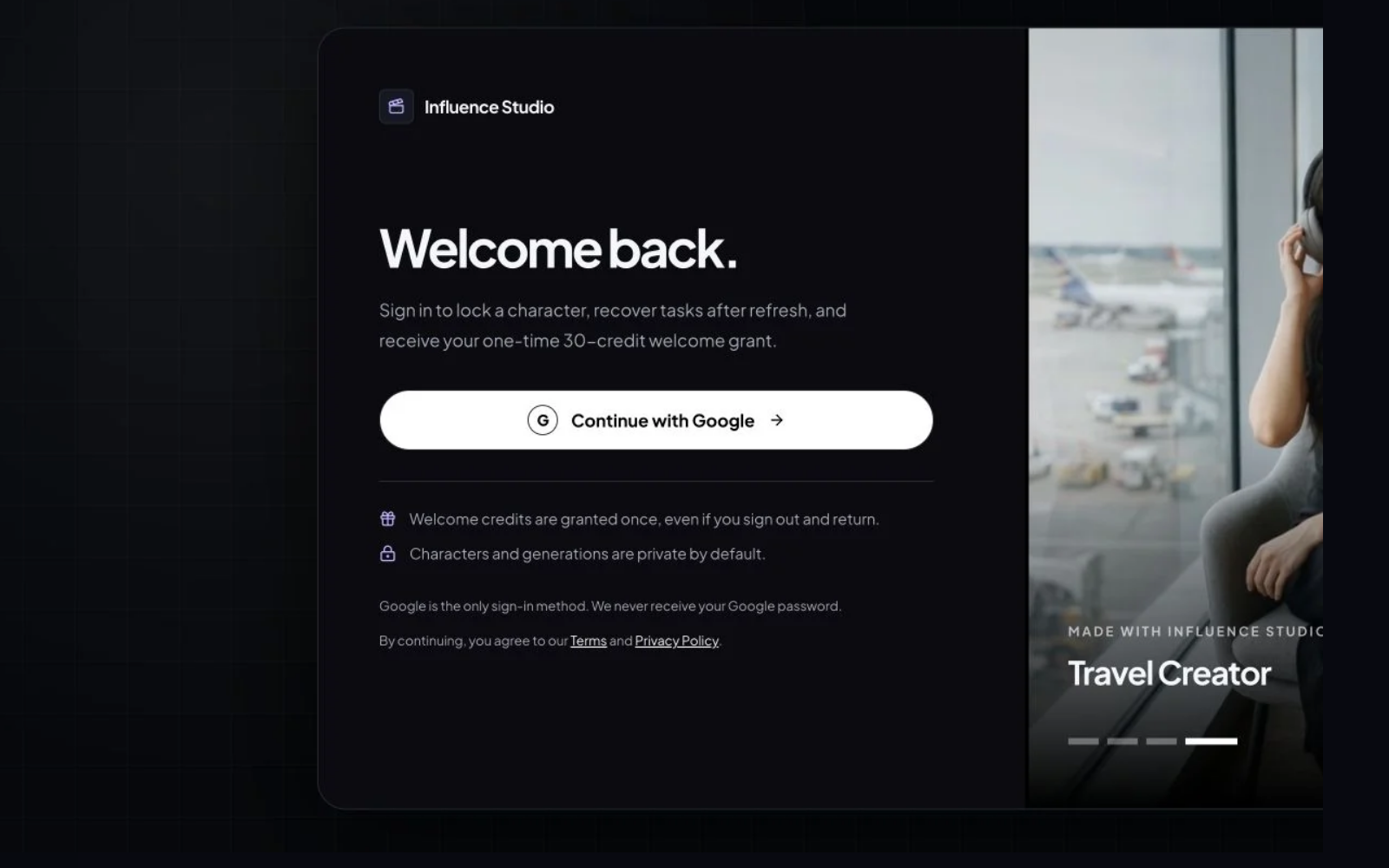
Use the guided builder, choose a fictional starter, or upload reference images you are authorized to use.
Open the character builder and start with Guided, From image, or From video. Set the appearance and style, or pick one of the 50 fictional starters. Review the face, hair, and distinguishing features before saving an identity you can select again for your next scene.
Try a city-lifestyle creator with a recognizable haircut and everyday wardrobe. Keep those identity details stable while changing the location and activity; an outfit change should not become a completely different person.
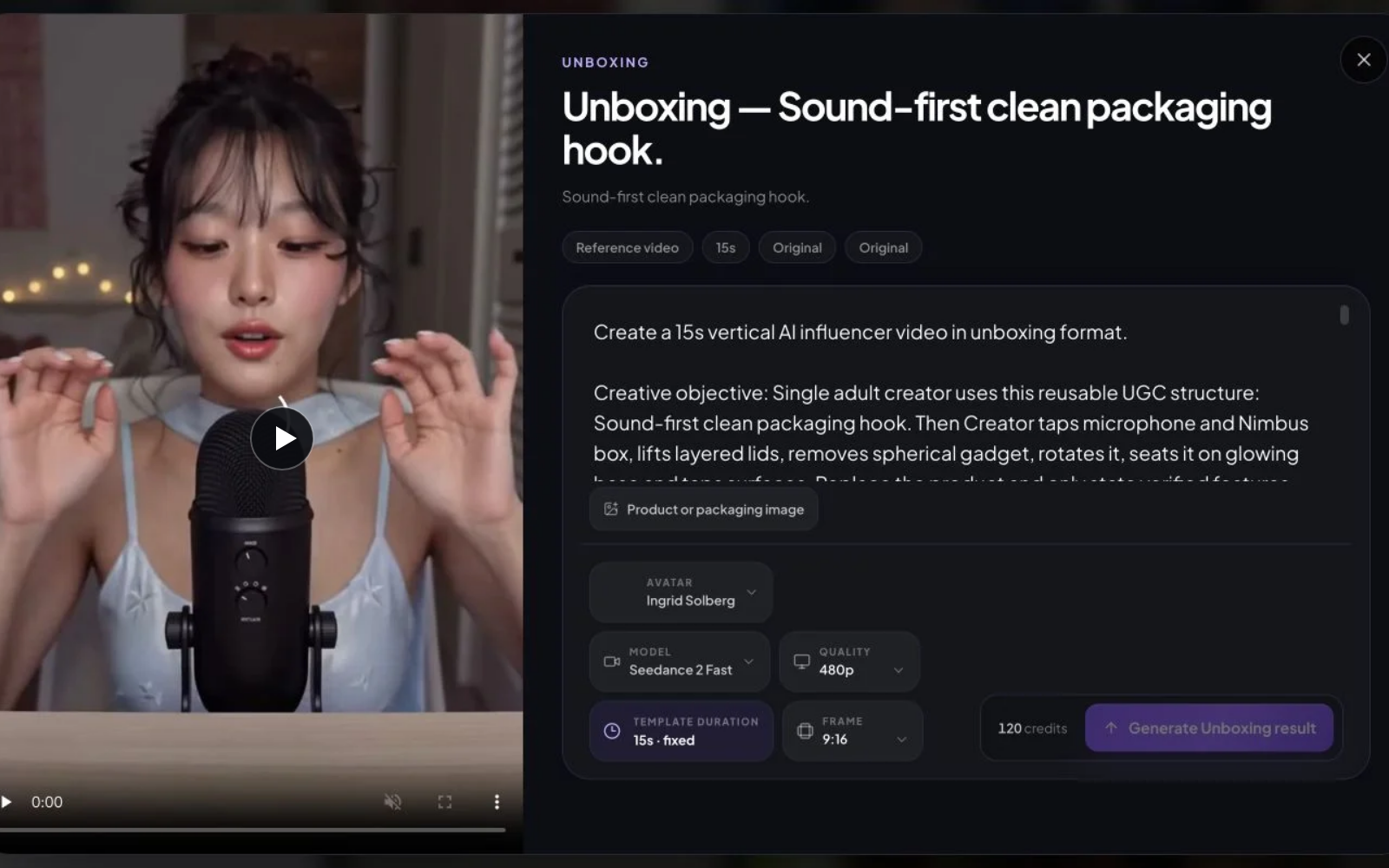
Open Studio, select a character and model, choose 9:16 or 16:9 when supported, then describe the content you want.
Start with an image to establish the scene, then use Image to Video when you want to animate it. Select a model supported by the task and review resolution, video duration, and the Credit quote. Describe one clear action, the setting, and the camera framing rather than asking for several unrelated moments.
Example brief: “My saved creator making coffee in a sunlit apartment, one hand holding the cup, a relaxed waist-up composition.” For the clip, give the creator one simple action, such as lifting the cup. Treat this as a suggested brief, not the recorded prompt of a published result.
Open History to review the completed task, then use Publish to post or schedule your approved content.
Check the face against your saved identity, then inspect hands, object contact, and the scene. For video, watch the whole clip for changes between frames. Prepare the caption in Content Studio, then connect your supported social accounts in Publish to post now or schedule for later. Downloads remain available.
Our published coffee-scene example follows one fictional adult creator from a saved portrait to an everyday scene and a short clip. Its example record includes the prompt, model, settings, historical Credits, and generation time—use those details to judge the workflow before creating your own version.
Inspect the published coffee-scene example ↗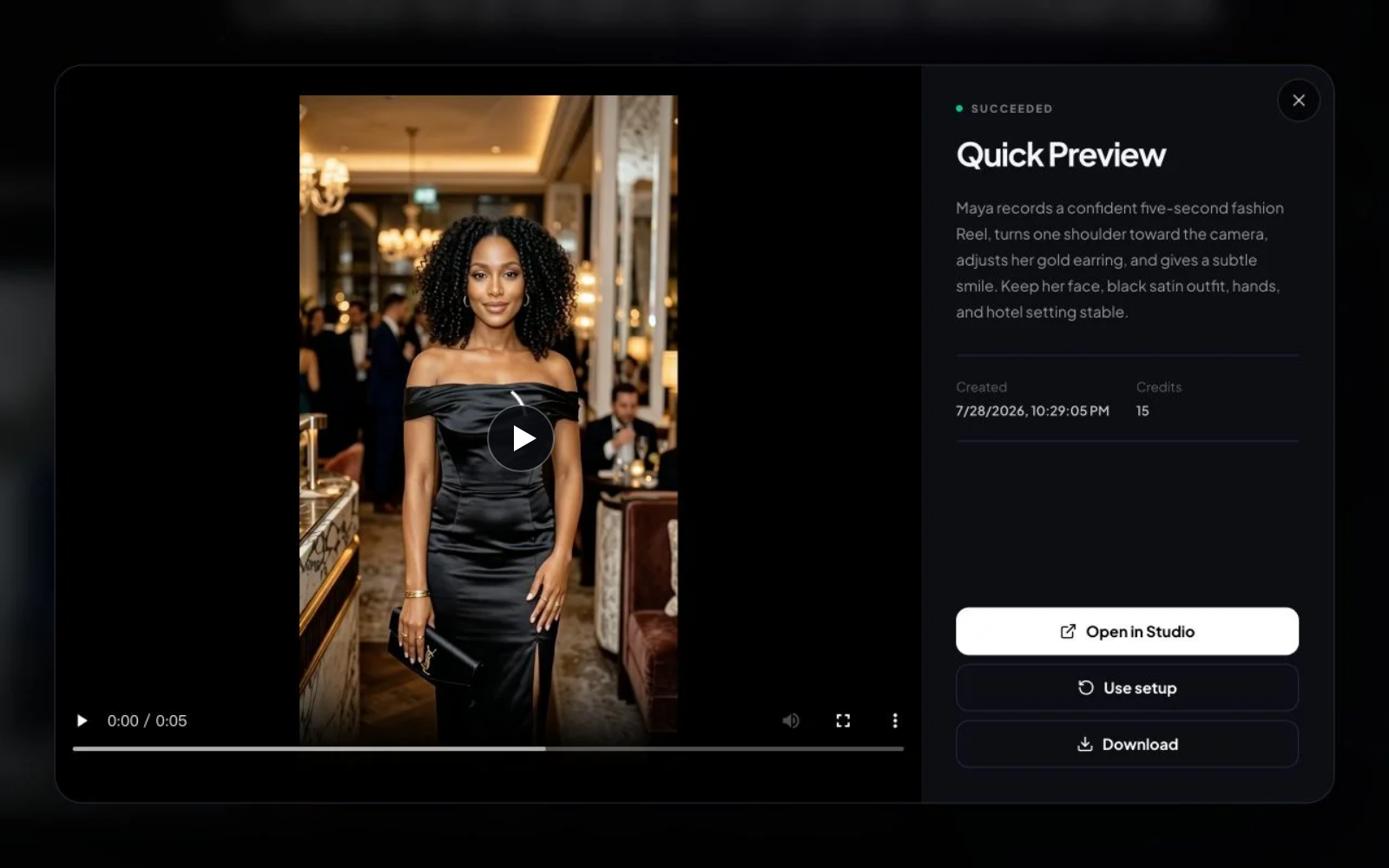
Compare published workflow, access, and pricing details. “Not publicly listed” means the cited public page did not provide enough information to verify the feature.
| Feature | AI Influencer Generator | Argil |
|---|---|---|
| Saved custom identity or avatar | Yes — reusable private character | Custom AI clone and AI Influencer |
| AI still-image generation | Yes | Not publicly listed on pricing |
| Image-to-video or avatar video | Yes — Fast and Quality modes | Avatar-led video |
| Talking avatar or lip sync | Yes — voice, lip sync, captions | AI avatar video |
| Motion-reference transfer | Yes — Motion mode | Not publicly listed |
| Free access or trial | 30 sign-up credits; cost shown before generation | 5-day trial |
| First paid plan explicitly including video | $19/month Starter | $39/month Classic |
| Cost shown before generation | Yes — exact credit estimate | Plan credits listed |
APOB annual pricing checked October 14, 2026; other comparisons checked July 30, 2026. Billing periods are shown explicitly. Confirm current details with each provider.
Capacity estimates use the same current model pricing shown across Studio. Your actual mix depends on model, duration, resolution, and retries.
300 credits monthly
≈ 60
balanced images
≈ 20
fast video drafts
≈ 9
quality videos
Estimated examples—not a fixed bundle or generation guarantee.
800 credits monthly
≈ 160
balanced images
≈ 53
fast video drafts
≈ 24
quality videos
Estimated examples—not a fixed bundle or generation guarantee.
2,000 credits monthly
≈ 400
balanced images
≈ 133
fast video drafts
≈ 60
quality videos
Estimated examples—not a fixed bundle or generation guarantee.
Save your character and select that identity again in supported image and video workflows. Your reference helps preserve the face, hair, proportions, and overall look. AI output can still vary, so check each result before publishing.
Choose a ready-made fictional character, build an original adult character with guided appearance and style choices, or start with photos or video you have permission to use. Save the identity you want to keep for future content.
Yes. An authorized adult photo can become the reference for character creation and later content. Use your own likeness or obtain permission from the person shown.
Yes. Supported motion-transfer workflows use a character image and an authorized reference video to guide the performance. You can also start from an available video template. Check the input requirements and credit quote for the workflow you choose.
Yes. Create product photos, creator-style video segments, product scenes, and advertising assets with the supported tools. Inputs vary by workflow: some use an image, others use video or a written brief. Review product accuracy and use only claims you can support.
No. Your characters and generations are private by default. You choose whether to download, share, or publish them.
Connect supported social accounts in Publish to post immediately or schedule for later with an active subscription. You can also download your finished media. Commercial use is subject to the current commercial-use terms; trial media is for evaluation. You need rights to your source photos, likenesses, products, audio, and other material, and must follow platform rules for AI and advertising disclosure.
New accounts start with 30 Credits. The cost of a photo or video depends on the model, resolution, duration, and other settings. Check the quote shown before you confirm. Some video workflows cost more than the free balance; free Credits do not include every video mode.
Build one character, lock the identity, and turn it into photos and short videos from one workspace.
Create My AI Influencer





Plan Content
Measure Engagement
Build Your Profile
Price Your Work
Write Post Copy
Brand Partnerships