
Hairstyle Generator
Trying a new haircut used to mean guessing from inspiration photos and hoping the result fit your face. A Hairstyle Generator gives you a faster, lower-risk way to test visual ideas online before you book a salon visit, update your profile image, or style a digital persona.
Try a hairstyle in StudioUpload in Studio. Review your credit quote before generating.
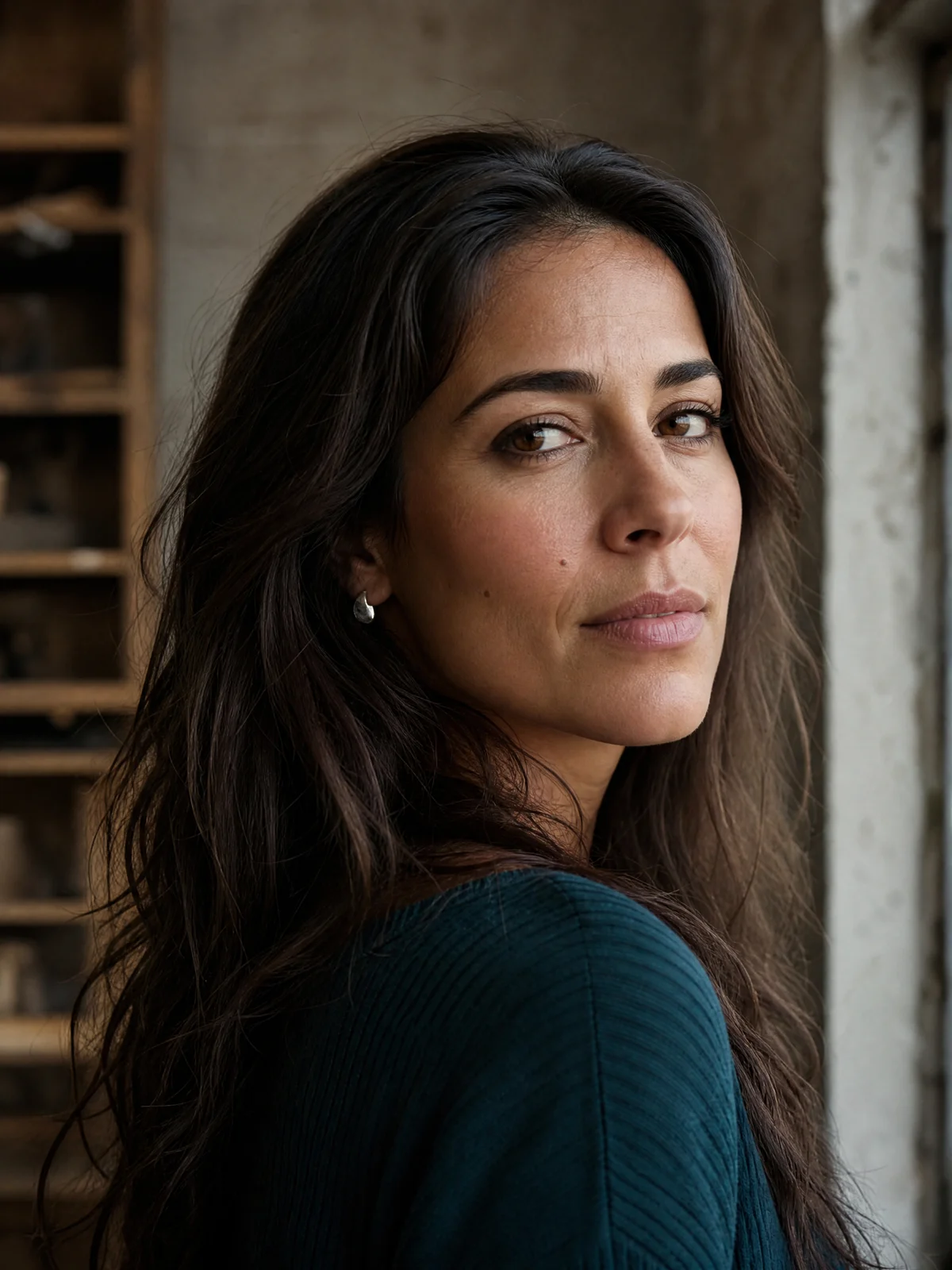
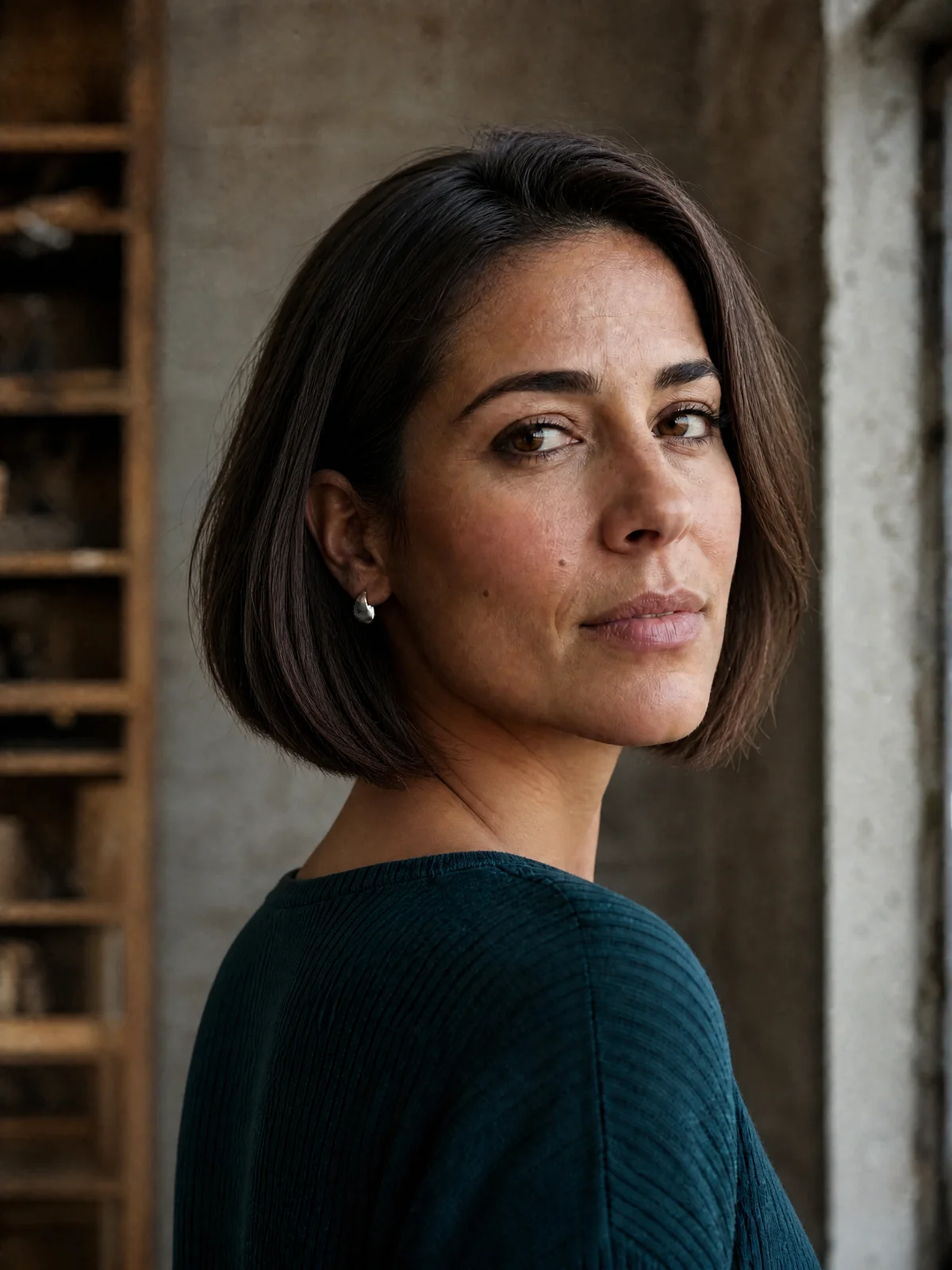
With an AI Hairstyle Generator, you can upload a photo, or create a portrait in the separate character workflow, preview different cuts and colors, and compare the generated looks. For creators, marketers, and AI influencer builders, these tools also make it easier to keep a character’s visual identity fresh without starting from scratch.
What can a Hairstyle Generator do for your next look?
A Hairstyle Generator helps you experiment with hair length, shape, color, texture, and overall styling using a photo-based or AI-generated preview. Instead of imagining whether bangs, a bob, curls, layers, a fade, or vivid color will work, you can use a hairstyle simulator to see a close visual approximation first. The best experience is practical: upload an image, choose a direction, generate variations, then save the looks you want to compare or share.
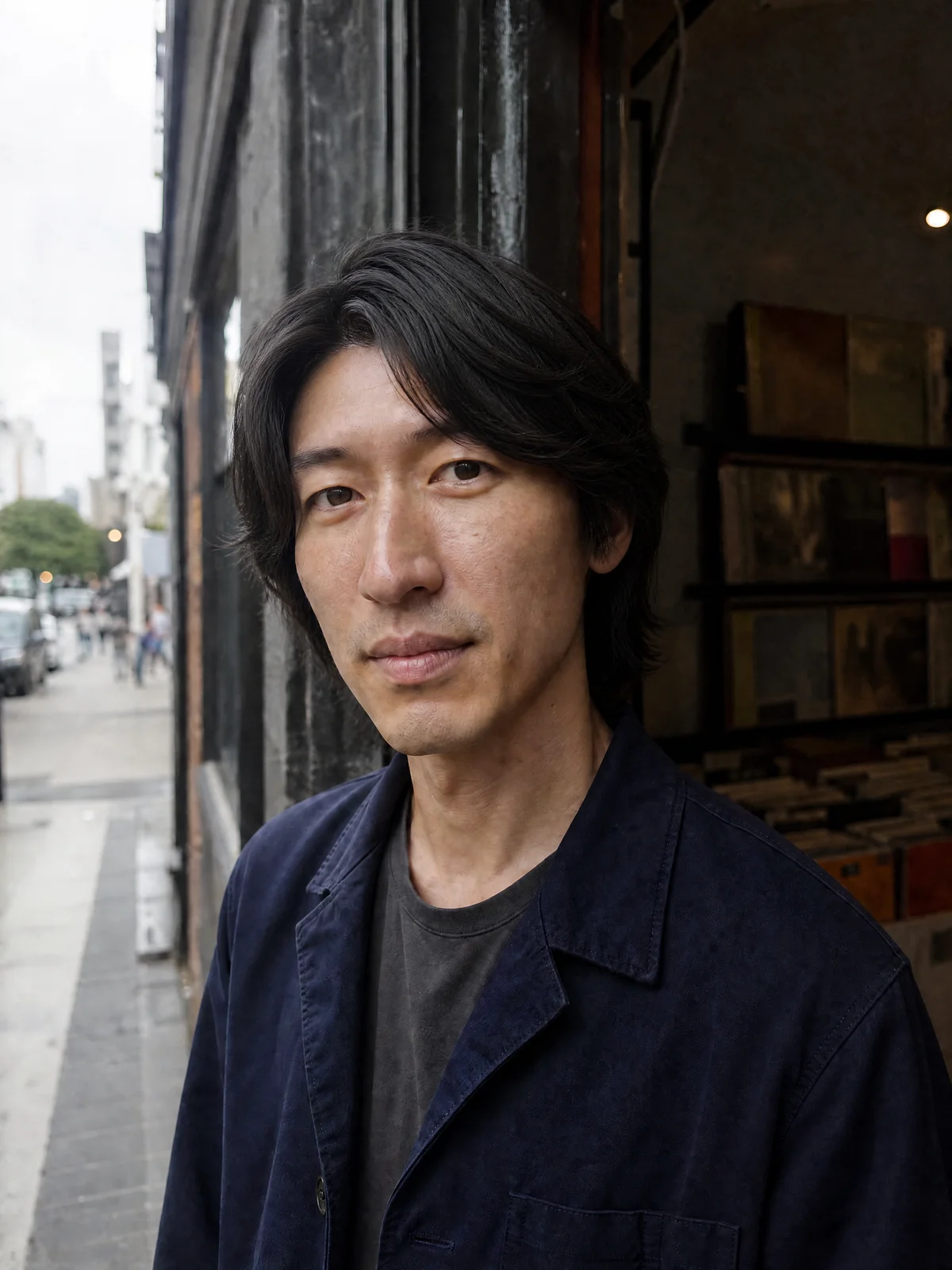
A focused edit
Bring a hairstyle direction into Studio
- 01
Your source
An authorized portrait
- 02
Your direction
A cut, length, or color
- 03
Your review
Hairline and face details
Style decisions become easier when you can preview them
Hair changes are emotional because they affect how a face, outfit, and overall personality read at first glance. A Hairstyle Generator makes that decision more visual and less abstract. You can test softer looks, sharper silhouettes, professional styles, editorial concepts, or playful colors without committing to scissors, dye, or a full photoshoot.
For personal users, that means more confidence before making a visible change. For content creators, it means faster styling decisions for thumbnails, avatars, campaign visuals, and AI influencers. A Random Hairstyle Generator is especially useful when you do not know what you want yet, because it can surface unexpected styles that feel more creative than a standard search board.
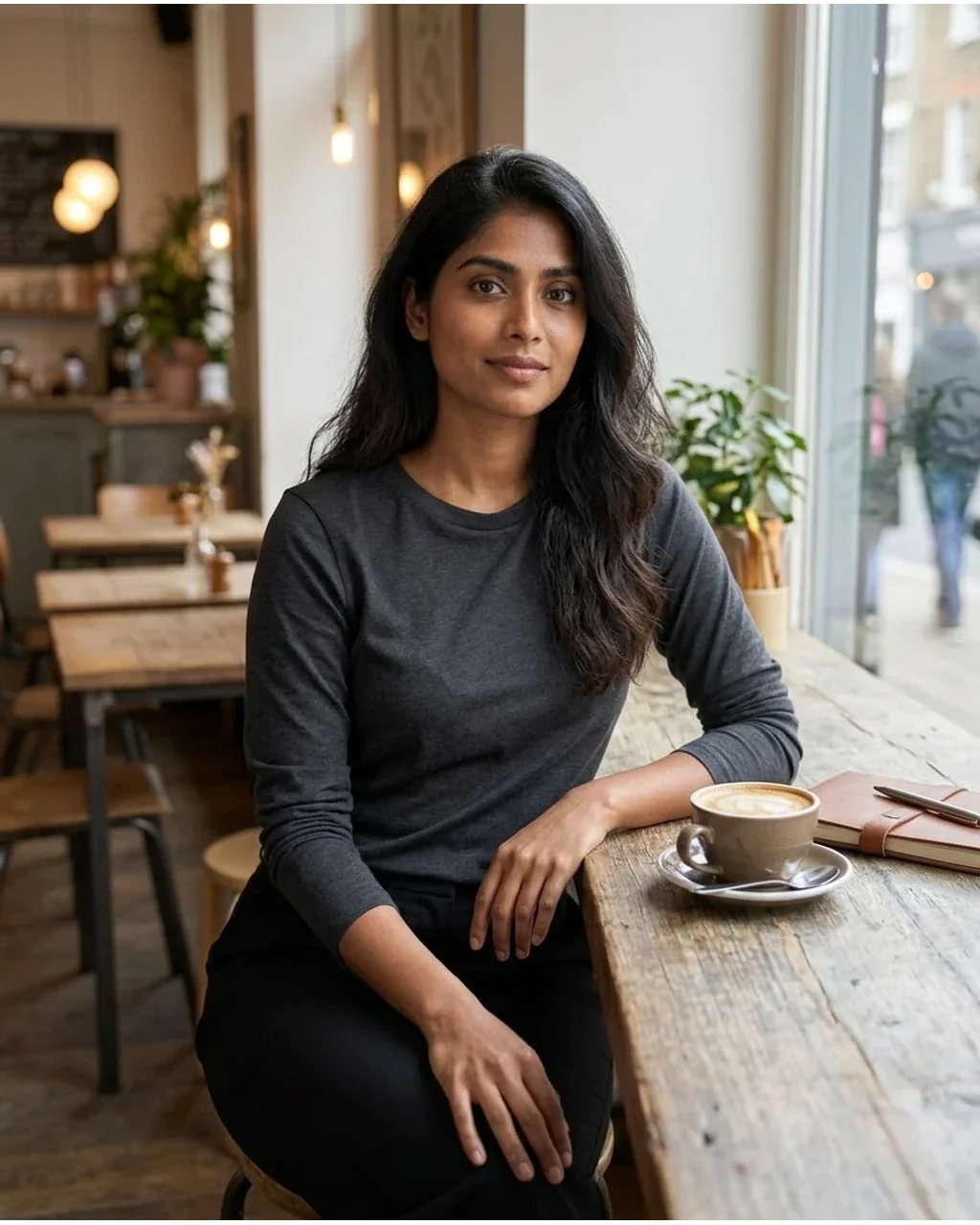
Original
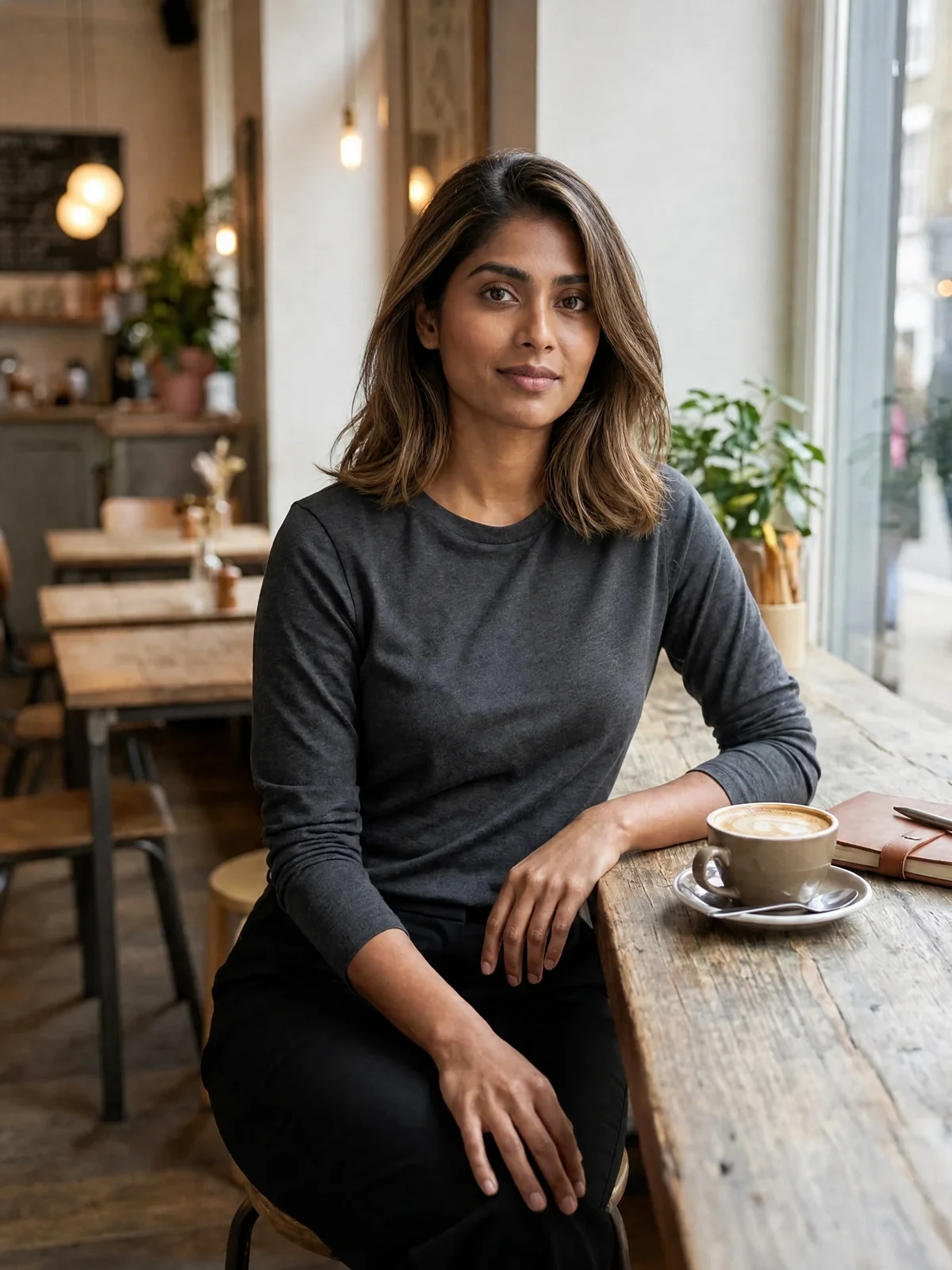
Hairstyle preview
Use it when you want to:
- Preview a haircut before visiting a stylist or barber.
- Compare hair colors against your face shape, skin tone, and wardrobe mood.
- Refresh profile photos, dating app images, or social media content.
- Create and review AI influencer looks for consistency for campaigns and posts.
- Generate visual references for stylists, photographers, or brand teams.
- Explore creative directions when you feel stuck between safe and bold choices.
Explore AI, simulator, and random hairstyle approaches
Not every tool works the same way. Some focus on realistic hairstyle simulation, while others generate more creative or stylized results. The right choice depends on whether you need a believable preview, fast inspiration, or a full visual concept for a character.
- Hairstyle simulator
- A classic hairstyle simulator is ideal when you already have a photo and want to see how different cuts might frame your face. It is best for practical comparisons, such as long versus shoulder-length hair, fringe versus no fringe, or natural color versus highlights. The goal is not fantasy; it is a usable preview that helps you narrow your decision.
- AI Hairstyle Generator
- An AI Hairstyle Generator gives you more flexibility. It can interpret prompts, follow a written style direction, and produce fresh variations that feel closer to a creative shoot or avatar design session. This is a strong choice for AI influencer styling because you can shape the look around a brand personality: luxury, fitness, gaming, beauty, travel, lifestyle, streetwear, or editorial fashion.
Here, these approaches come together in one photo-editing workflow: choose presets, write a direction, or use Surprise me for an idea. There is no automatic face-shape diagnosis.
Find a direction with a Random Hairstyle Generator
A Random Hairstyle Generator is the discovery tool. It is useful when you want ideas you would not have searched for yourself. You might start with a random hairstyle generator for surprise concepts, then refine the strongest results through an AI Hairstyle Generator until the look feels intentional.
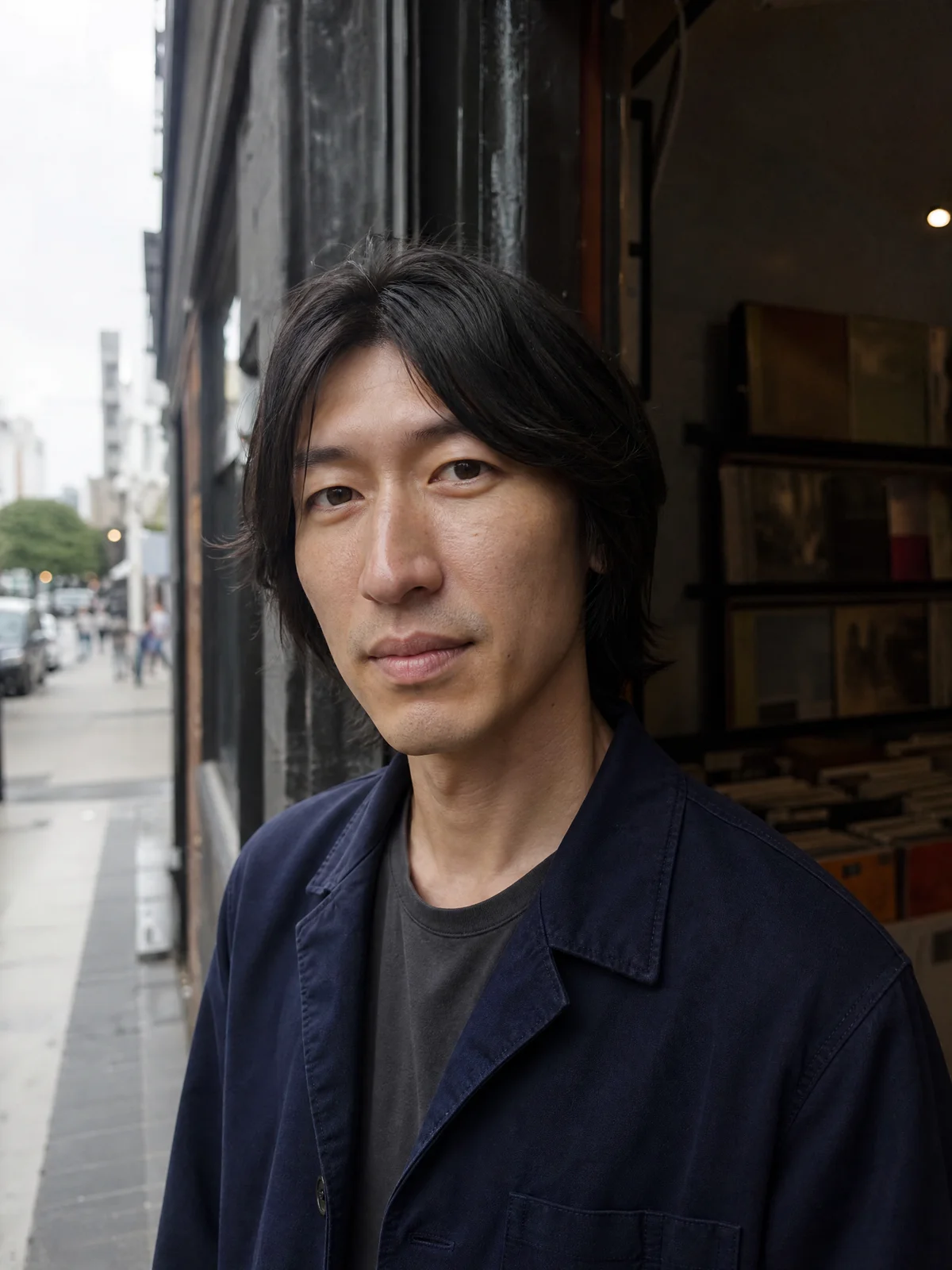
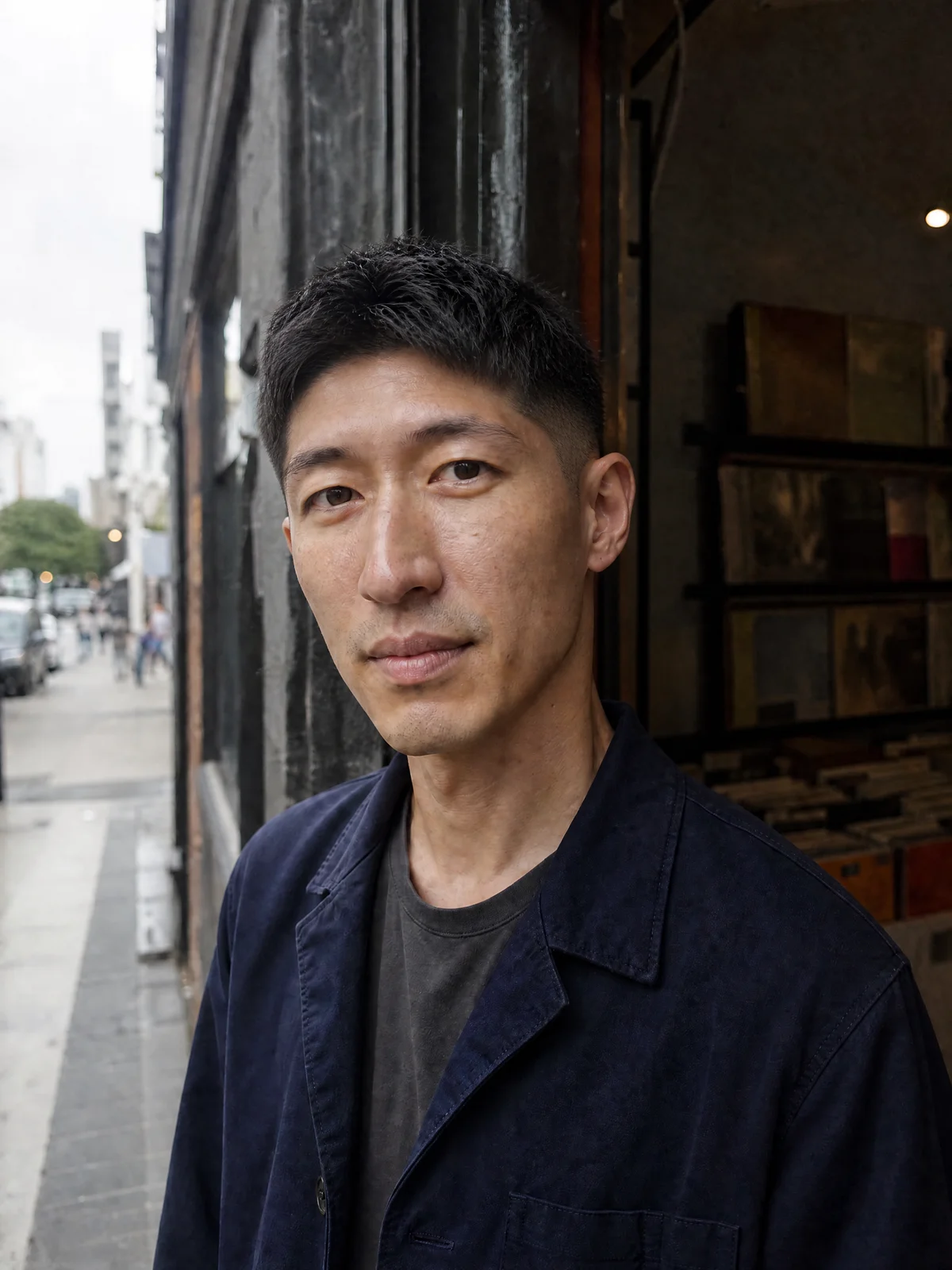
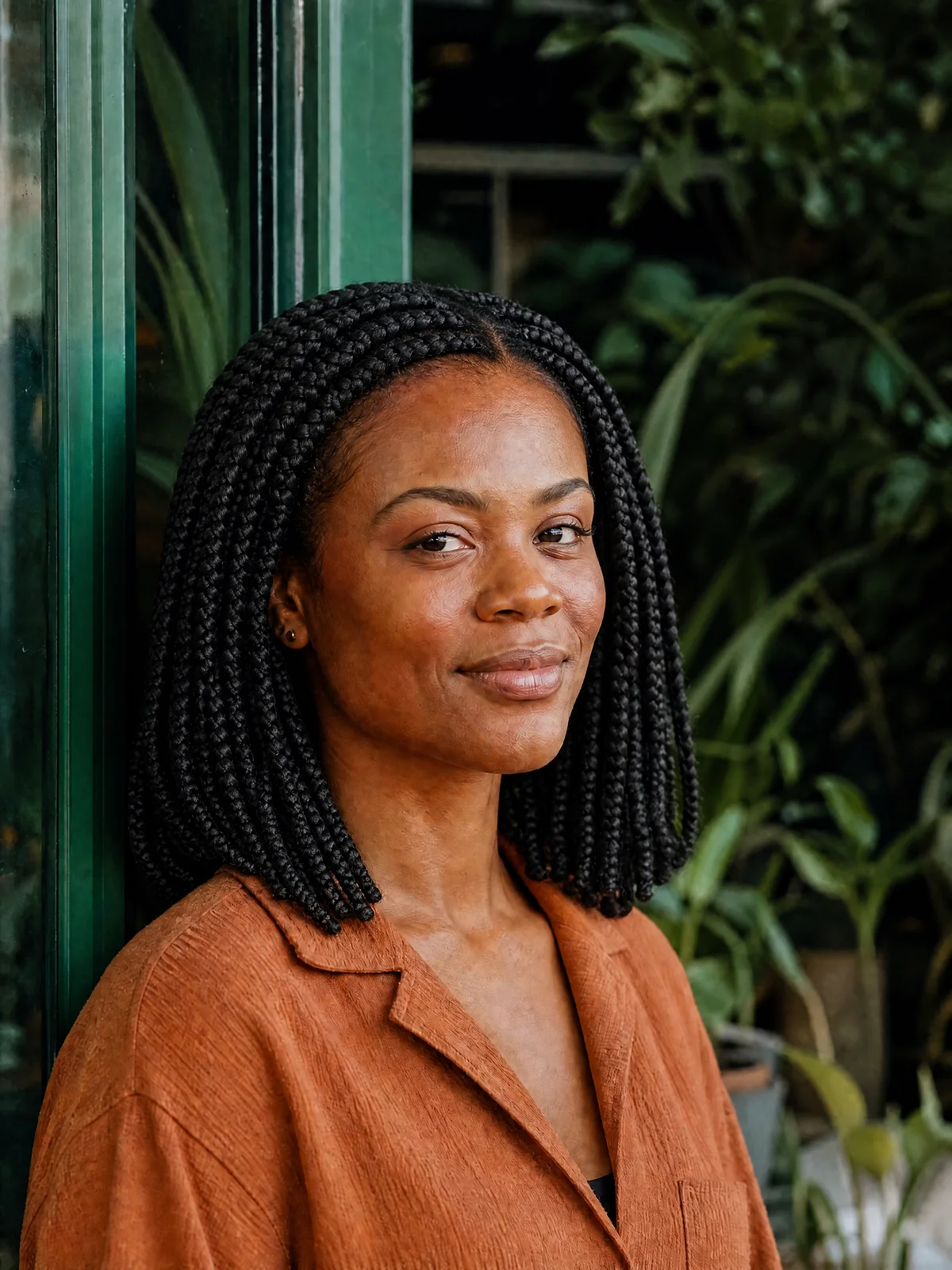
Surprise me changes the idea, not your photo. These are separate, real edits of the same source portrait—not a promise of results from one click.
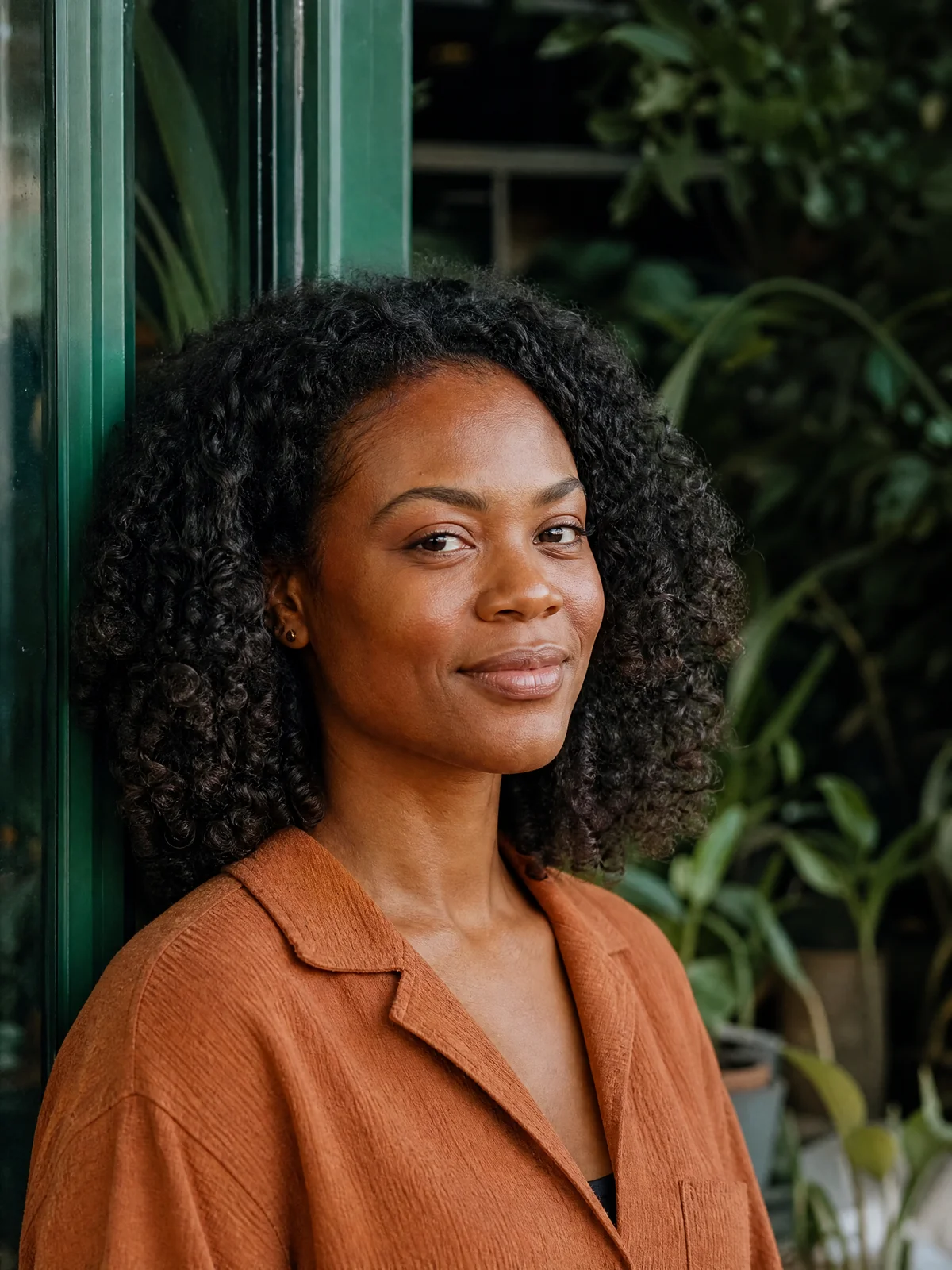
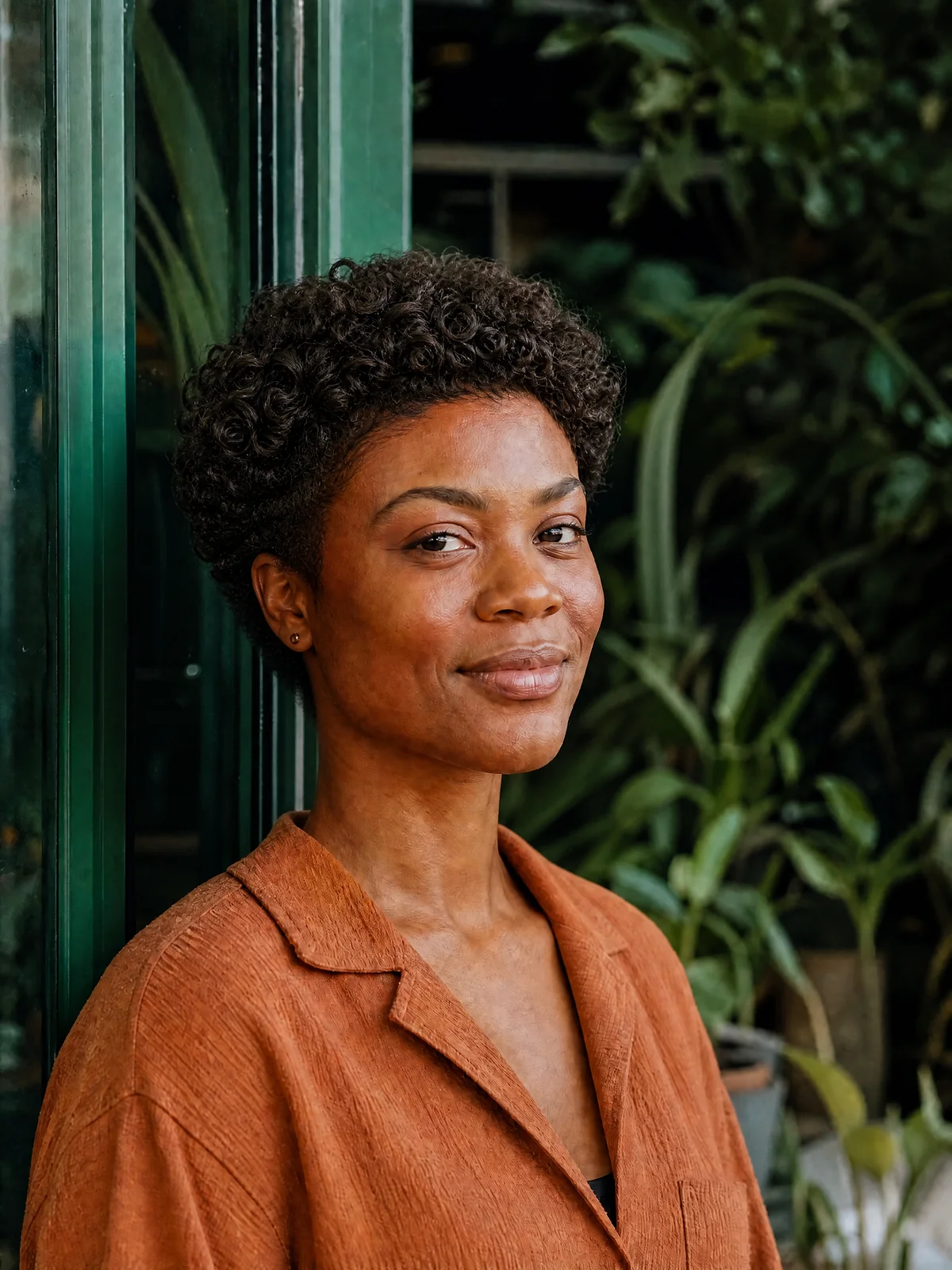
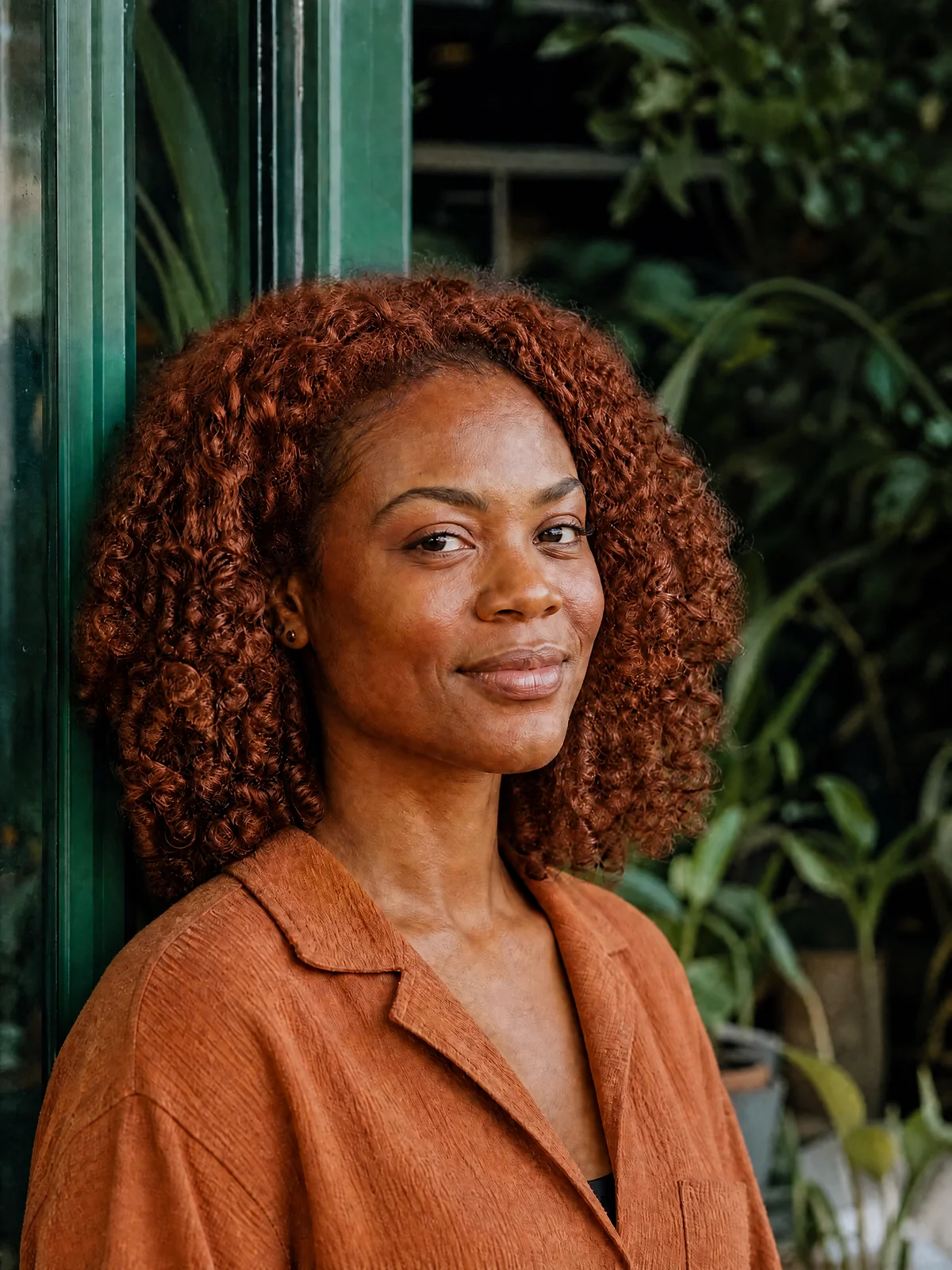
Original
Hairstyle preview
See a change before making one
The same logic works for real-life personal styling. If you are torn between a subtle trim and a major change, generate both. Seeing the difference on a visual preview makes the decision feel less like a leap.
A preview gives you a reference to discuss with a stylist. It cannot predict hair density, growth, daily styling or the final salon result.
Built for personal makeovers and AI influencer styling
A Hairstyle Generator works best when it fits into a broader visual workflow. One person might use it to decide whether to try curtain bangs. Another might use the same tool to plan a complete character refresh for an AI influencer before launching a new content series. In both cases, the value is the same: faster experimentation, clearer choices, and better visual consistency.
This is also why AI hairstyle tools are useful beyond personal makeovers. If you are building an AI influencer, hairstyle is part of the character system. A sleek black bob, warm blonde waves, neon cyberpunk cut, natural curls, or cropped minimalist style can each suggest a different niche, mood, and audience expectation. An AI Hairstyle Generator turns those style directions into repeatable creative options.
For AI influencer creators, hairstyle is not just decoration. It can become part of recognition. If the character changes hair constantly without a reason, the audience may lose the visual thread. But when changes are planned, such as seasonal color, campaign-specific styling, or a signature cut with small variations, the character can feel more polished and memorable.
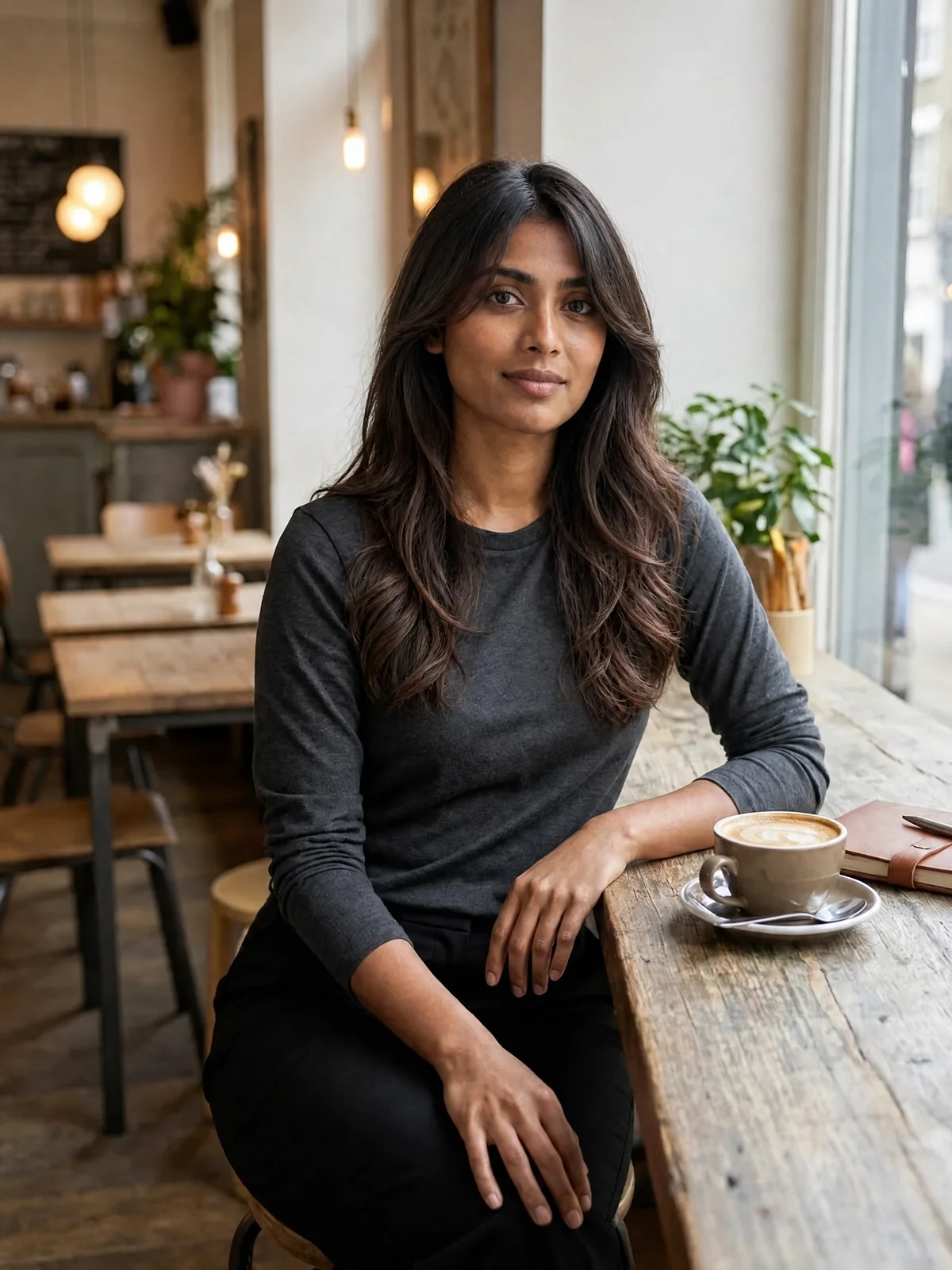
A practical AI influencer styling workflow can look like this:
This process keeps creativity fast without making every image feel random. It also helps teams align on a character’s look before investing time in larger batches of content.
Need a starting character? Use the Consistent Character Generator, then upload your approved portrait here.
- 1Define the character’s core aesthetic, such as elegant, sporty, futuristic, soft, bold, or casual.
- 2Use a Random Hairstyle Generator to explore unexpected silhouettes and color directions.
- 3Select a few strong looks and refine them with an AI Hairstyle Generator.
- 4Compare the results against outfits, backgrounds, and content themes.
- 5Download a small style library to guide visual consistency in future posts.
- 6Use the final hairstyle references when generating portraits, campaign assets, or social visuals.
A faster path from idea to polished visual
The old way of exploring hairstyles often involved scrolling through image searches, saving celebrity references, and trying to mentally map someone else’s haircut onto your own face. That can help, but it leaves a lot to interpretation. A hairstyle simulator brings the idea closer to your actual image, while an AI Hairstyle Generator can create custom variations that match the visual direction you have in mind.
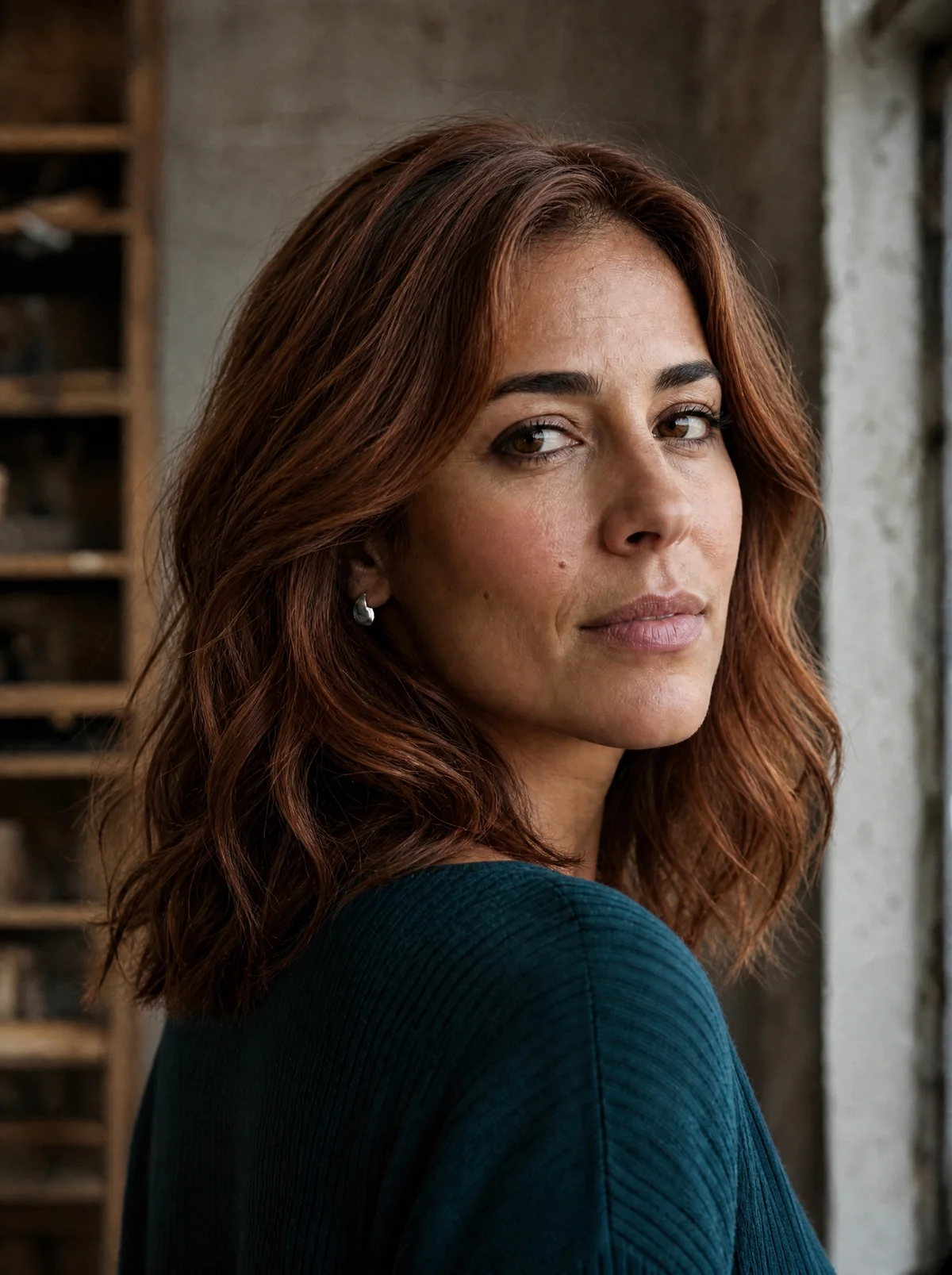
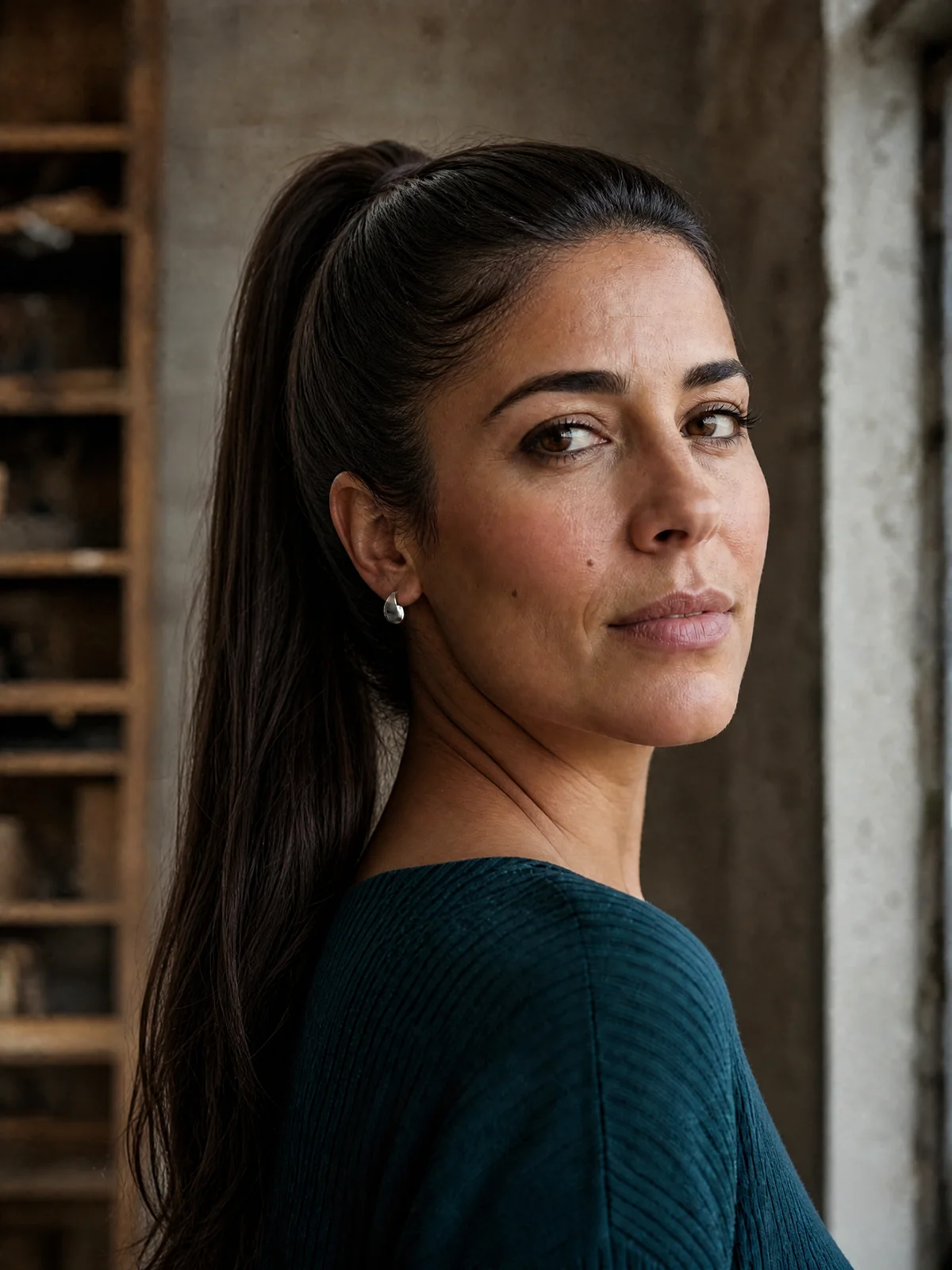
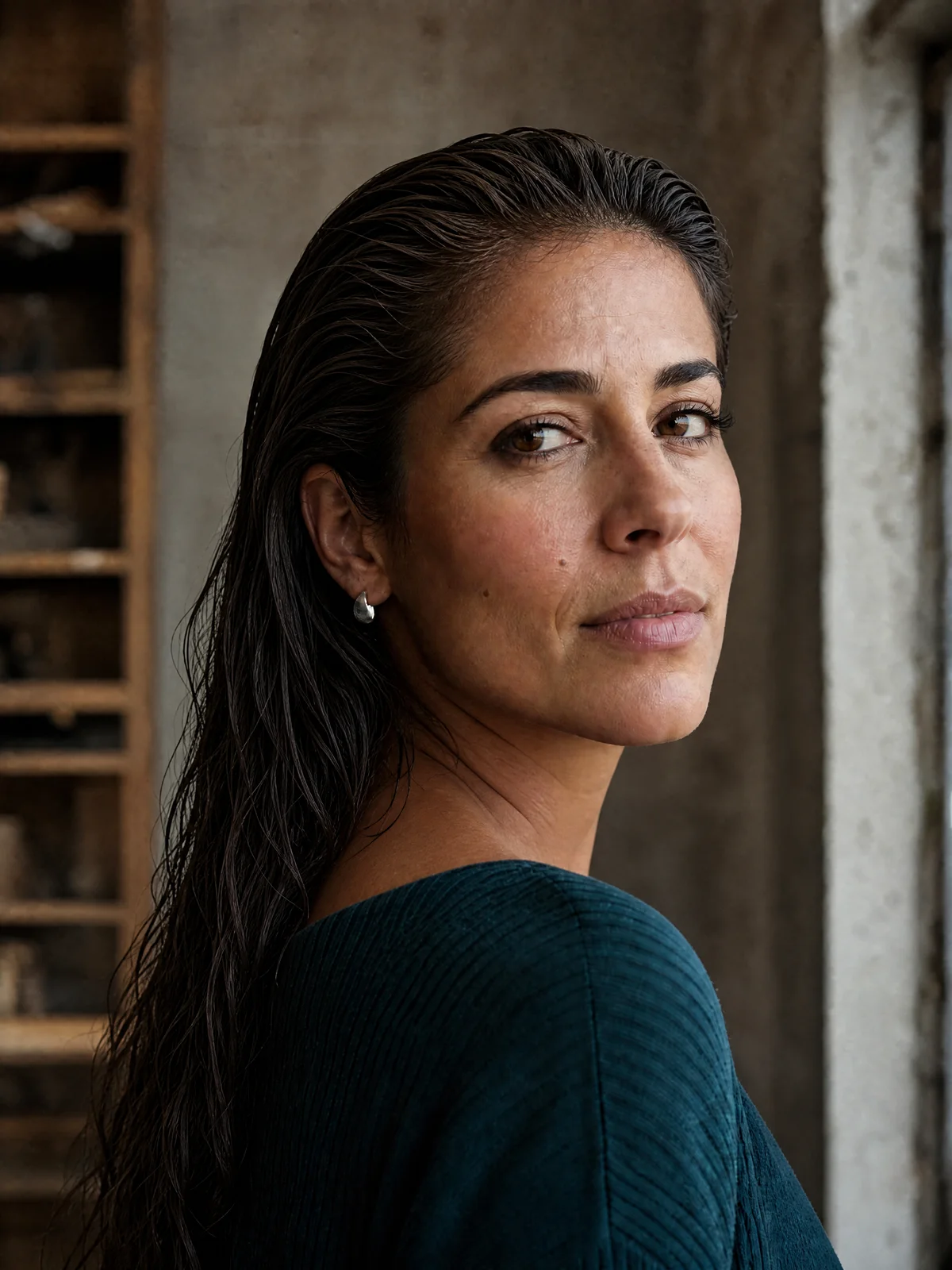
For example, imagine you are preparing a beauty campaign around a virtual lifestyle personality. The character currently has long brunette waves, but the campaign calls for a sharper, more confident look. Instead of rebuilding the entire character identity, you could generate a set of shoulder-length cuts, sleek ponytails, copper tones, and editorial wet-look styles. The team can compare options, choose the one that fits the campaign mood, and keep the character recognizable.
Illustrative fictional campaign. Three separate hairstyle edits from the opening portrait; no customer result or sponsorship is implied.
Features that make a hairstyle tool worth using
A strong Hairstyle Generator should feel easy at the start and useful after the first preview. It should not force you to know technical design terms before you can create something interesting. At the same time, it should give enough control to refine the output once you see what works.
These features matter because hairstyle generation is rarely a one-click decision. The first result often gives you direction. The best result usually comes after comparing, refining, and choosing the version that fits the purpose.
Look for practical features such as:
- Photo upload, or portrait generation in the separate character workflow so you can work from a face that matches your goal.
- Hairstyle presets and custom directions for short, medium, long, curly, straight, wavy, braided, formal, casual, and creative looks.
- Hair color presets and custom directions for natural shades, highlights, balayage effects, fashion colors, and dramatic transformations.
- Prompt-based editing for users who want to describe a specific style direction.
- One to four variations of the same direction per submission so you can compare instead of accepting a single result.
- Save or download options for sharing with a stylist, content team, or creative collaborator.
- A source image for each hairstyle edit, with a separate Consistent Character workflow for later visuals.
Create more confident looks in three simple steps
You do not need a complex process to start. The most effective way to use a Hairstyle Generator is to move from broad exploration to focused refinement. That keeps the experience creative without becoming overwhelming.
1. Start with your portrait
Start with a clear image or character direction. Use a well-lit portrait for personal previews, or define the face, aesthetic, and content niche if you are designing an AI influencer. The clearer the starting point, the easier it is to judge the results.
2. Explore a hair direction
Generate a wide range of styles. Try a hairstyle simulator for realistic options, then use a Random Hairstyle Generator when you want surprise ideas. Do not judge too early. The goal at this stage is to discover what shapes and colors feel possible.
3. Refine and save
Refine and save the strongest looks. Bring your best options into an AI Hairstyle Generator and adjust length, color, volume, texture, and mood. Save the final versions as references for a stylist, brand shoot, avatar update, or AI influencer content plan.
This simple workflow helps you avoid two common problems: choosing too quickly and generating endlessly without a decision. You get room to explore, then a clear path to action.
Try a hairstyle in Studio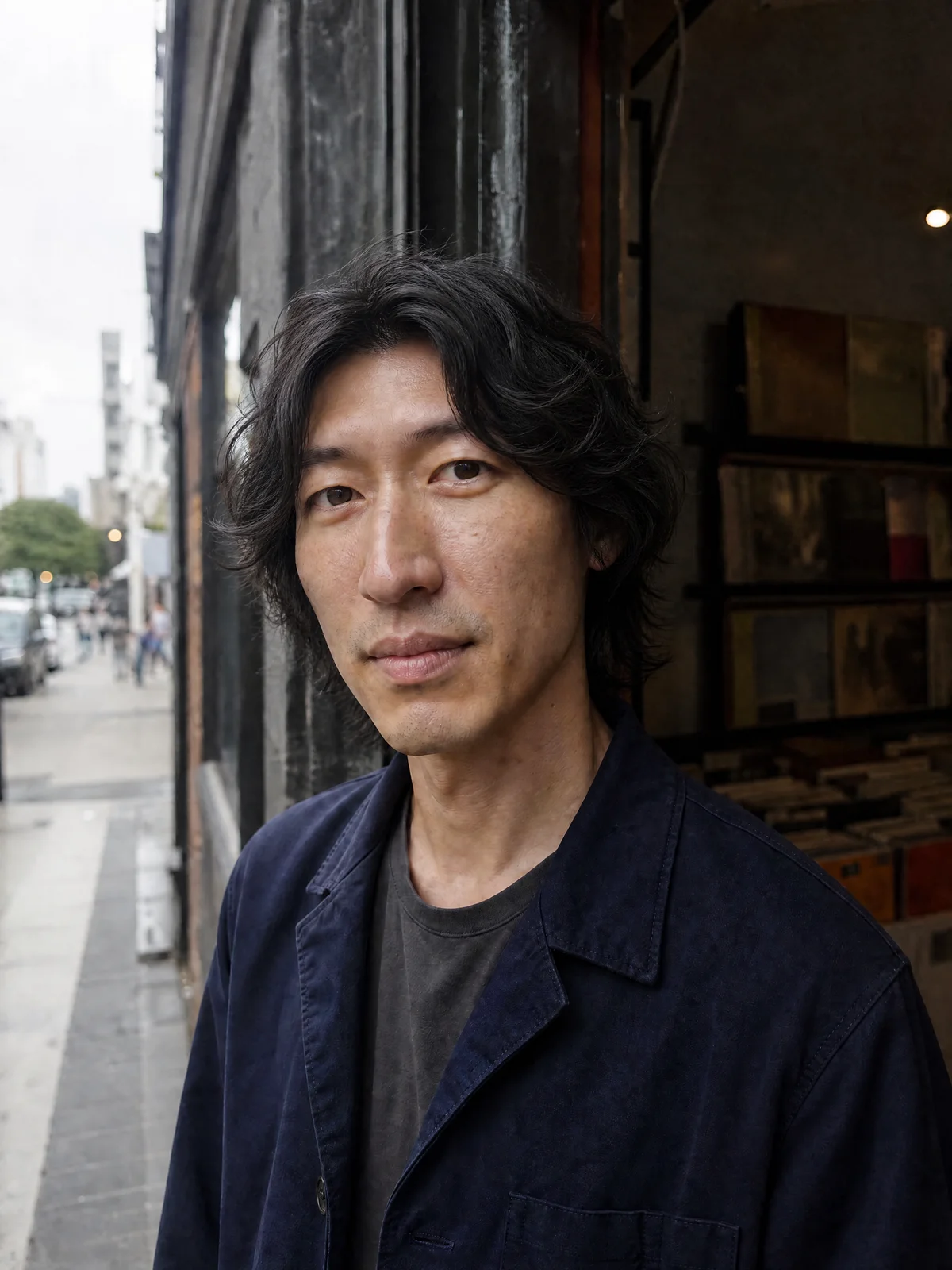
Make every hairstyle match the visual story
A hairstyle works best when it supports the whole image. A soft layered cut can make a portrait feel approachable. A blunt bob can feel modern and decisive. Loose waves can suggest lifestyle warmth, while a high-fashion color can make an AI influencer look more experimental and campaign-ready.
Before choosing a final style, consider the context. Will the look appear in professional headshots, casual selfies, product visuals, fashion posts, or avatar profiles? Is the goal to look natural, aspirational, playful, luxurious, futuristic, or editorial? A Hairstyle Generator gives you options, but the strongest choice is the one that supports the message behind the image.
For AI influencers, this connection is even more important. Hair should work with the character’s wardrobe, facial styling, niche, and posting environment. A Random Hairstyle Generator can spark ideas, but an intentional AI Hairstyle Generator workflow turns those ideas into a coherent identity.
Before you begin
Bring your direction into Studio
- An authorized portrait
- A cut, length, or color
- Hairline and face details
Hairstyle Generator FAQ
What photo should I upload to the Hairstyle Generator?
Use a clear, well-lit JPG, PNG or WebP portrait of an adult you are authorized to edit. Keep the face and whole hairstyle visible; avoid hats, heavy blur and hair hidden behind objects. Studio shows the current file limits.
Can I change hair color as well as the haircut?
Yes. Choose a haircut and color preset, use Custom to describe another direction, or keep the current cut or color. Apply the selections, then review the editable instruction before generating.
How does the Random Hairstyle Generator work?
Surprise me chooses a hairstyle and color idea and updates your direction. It does not analyze your face, generate an image or use credits. Review the idea and submit when you are ready.
Can I generate multiple hairstyles at once?
Studio supports one to four image variations per submission. Those images use the same direction. To compare different haircuts or colors, change the direction and submit another task; check the quote each time.
Is this hairstyle simulator an accurate prediction of my haircut?
It produces a visual approximation, not a prediction or professional recommendation. Hair density, growth, texture and styling affect the real result. Compare the face, hairline and ears against your original, and discuss a saved preview with your stylist.
Is the AI Hairstyle Generator free?
Generation uses your available eligible credits. Studio shows the current cost and balance before you submit. There is no separate unlimited free hairstyle allowance. Choosing presets or using Surprise me does not use generation credits.
Can I style an AI influencer with this tool?
Yes. Upload a fictional adult character portrait and use it as the source for each hairstyle edit. Create a new character in the separate character workflow if needed. Review identity consistency before using the result in later content.
Where can I find and download the result?
Successfully saved results appear in Studio image History. Open a result to inspect and download it. You can return to a saved task after refreshing; you do not need to submit it again.
Start experimenting with hairstyles online
The easiest way to find your next look is to stop guessing and start previewing. Use a Hairstyle Generator to compare realistic options, an AI Hairstyle Generator to create tailored visual concepts, and a Random Hairstyle Generator when you want fresh inspiration fast. Whether you are planning a personal makeover or styling an AI influencer, online hairstyle tools help you move from vague idea to clear visual direction.
Start with one photo, generate a few variations, and save the styles that feel right. Your next haircut, campaign concept, profile refresh, or AI influencer look can begin with a single preview.
Try a hairstyle in Studio
Plan Content
Measure Engagement
Build Your Profile
Price Your Work
Write Post Copy
Brand Partnerships