
AI Social Media Influencer
Create a consistent AI social media influencer for posts, short videos, product concepts, UGC-style ads, and campaign visuals without organizing a photoshoot every time you need fresh content.
Build a reusable fictional adult identity, then move through separate image and video workflows. Every result remains a draft until you review it.
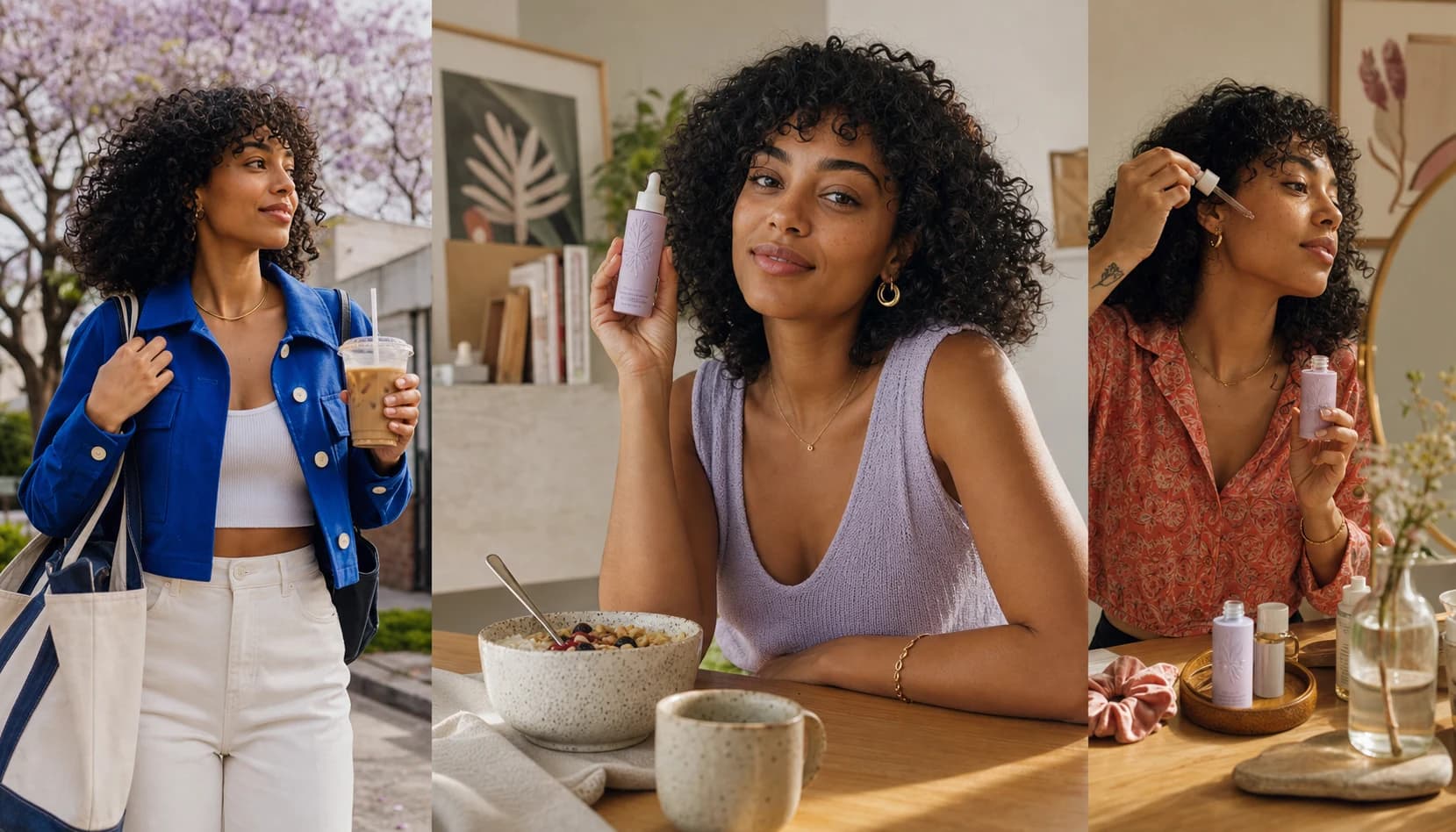
One creator identity. Many content jobs.
An AI social media influencer can become a reusable visual creator for brand storytelling, product posts, lifestyle content, short-form videos, and social experiments. Instead of starting from scratch for every post, you build a recognizable fictional identity, define the style, and generate content that fits your campaign direction.
AI Influencer Generator is designed around that repeatable workflow. You can create the influencer’s look, generate still images, build video concepts, animate approved visuals, and prepare UGC-style content for social channels. The goal is not one impressive image; it is an ongoing, reviewable content system.
- A fictional creator for Instagram, TikTok, Shorts, or paid-social concepts
- Product lifestyle visuals without coordinating a new shoot for every test
- Controlled variations in hooks, outfits, backgrounds, and formats
- Separate short-video drafts for testing a focused creative angle
Build the persona before the feed
The strongest AI influencer content starts with identity continuity. Save one approved fictional adult creator before expanding into images and video. Generation can still vary, so consistency is a working direction—not an absolute guarantee.
Once the identity is stable enough to reuse, prompting can focus on the product, environment, pose, action, and platform format rather than rewriting the person from scratch.
Explore the consistent character workflowAudience
Who should recognize this creator, and why?
Identity
Stable adult traits, energy, boundaries, and visual cues.
Content pillars
Product education, routines, lifestyle, or entertainment.
Platform fit
Feed, 9:16 story, short video, or paid-social concept.
Create images around real marketing scenarios
Once your AI social media influencer has a defined identity, you can create content around practical campaign situations rather than disconnected portraits.
A skincare brand might test bathroom-counter shots, morning-routine images, and direct-to-camera product messages. A fashion seller might create outfit concepts, try-on directions, and lifestyle posts featuring the same creator across different looks. The character provides continuity; the clothing, props, setting, and composition should still change with the story.
For image-led posts, the AI Influencer Image Generator gives the campaign a clear starting point. The broader AI Influencer Tools directory connects related image, motion, talking, and creator-led workflows without implying that one button produces every format automatically.
- Product-in-hand lifestyle posts for ecommerce launches and social ads.
- Outfit, beauty, travel, fitness, or creator-niche visuals built around one persona.
- UGC-style product scenes composed for short-form platforms.
- Seasonal variations with different backgrounds, styling, and mood.
- Visual tests for new offers before arranging a traditional shoot.
- Profile, campaign, and supporting images that share a recognizable direction.
Make creator-led content feel native to the format
Social platforms reward movement, pacing, and a clear visual hook. A static image can establish the look; a separate short-form workflow can then explore walking into frame, presenting a product, reacting to a scene, or delivering a creator-style message.
The preview beside this copy uses native HTML for the content label and caption. It does not imitate a real TikTok account or invent engagement.
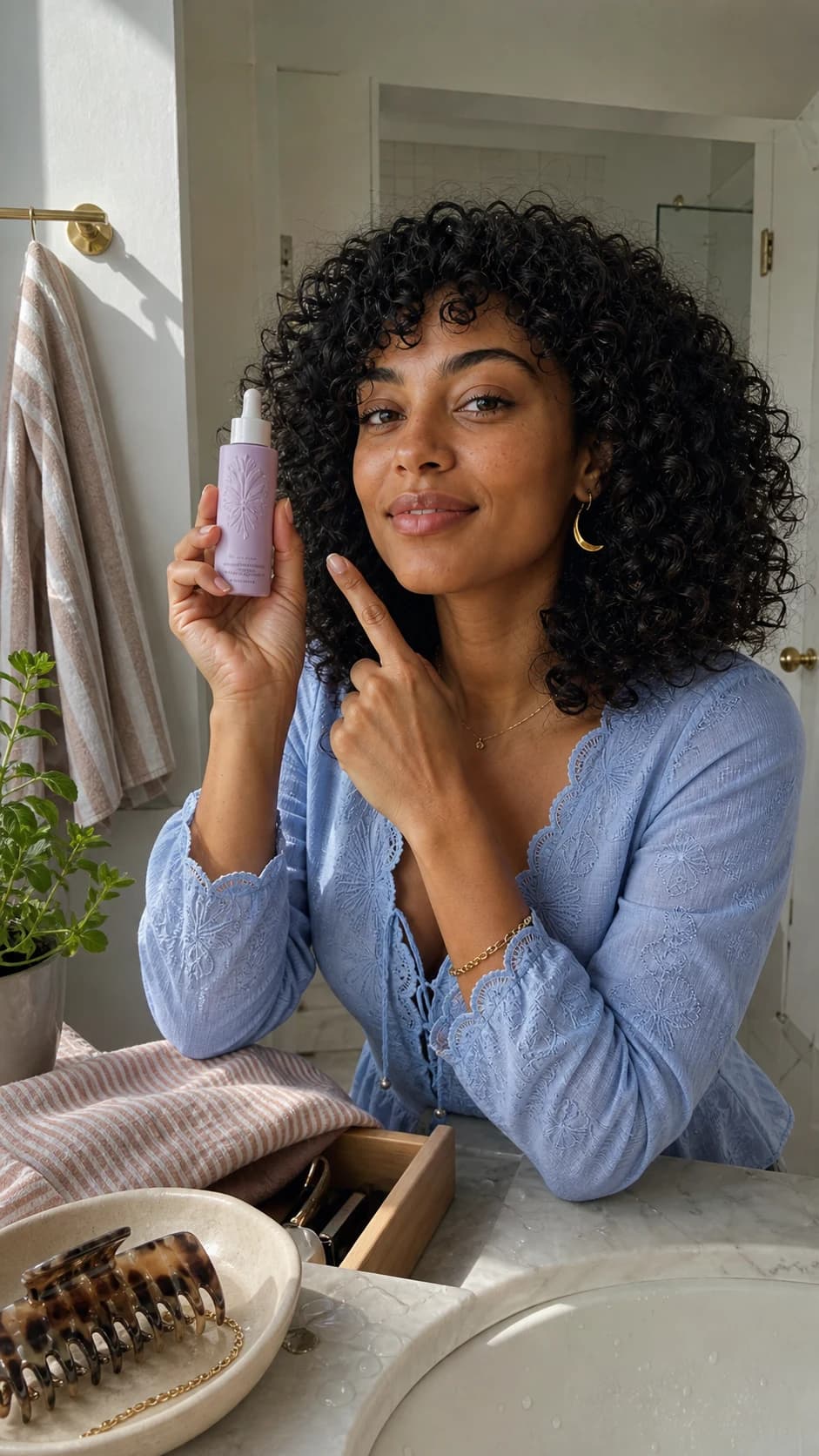
Show the product clearly. Keep the claim outside the image. Review before publishing.
Turn one campaign idea into a connected set
Once your AI social media influencer has a defined identity, create content around real marketing scenarios: product-in-hand posts, outfits, routines, seasonal scenes, and social-first video drafts. Keep the creator recognizable while the wardrobe and environment change with the story.
One launch idea can become a teaser image, a square product moment, a vertical story, a short video, and several caption directions. These are related drafts—not evidence that one asset automatically transforms into every format.
Show the product in a real moment
One visible action. Natural setting. No invented result.
Build a routine, not a claim
Open on one clear visual hook
Keep one testing hypothesis
Change the hook or scene—not the creator, product, message, and format all at once.
VARIABLE
Same fictional creator. Distinct format jobs. Human review before publishing.
Who benefits from this workflow?
AI Influencer Generator is useful for teams that need more creative options without making every idea dependent on a new shoot. It can support early-stage concepting, campaign testing, social content production, and niche-account development. The platform is especially useful when visual continuity matters across multiple posts.
- Ecommerce brands building lifestyle content around products.
- Social media managers who need frequent post and video variations.
- Performance marketers testing creative angles before scaling ads.
- Faceless-channel operators developing a fictional creator persona.
- Agencies preparing campaign concepts for client review.
- Fashion, beauty, wellness, travel, and digital-product brands exploring creator-led visuals.
One of the biggest advantages of building an AI social media influencer is the ability to expand a single campaign idea into multiple reviewable assets. A launch concept can become a teaser image, a product-in-hand shot, a short video, a talking-creator message, and several caption directions. Each step uses the workflow suited to that asset; none replaces human planning, review, publishing, or measurement.
For example, a brand promoting a new fitness accessory could create a reusable creator, generate gym lifestyle images, test a “what’s in my bag” short-video direction, and prepare a UGC-style product explanation. The assets can feel related because they share the same fictional influencer and campaign direction, even though each output still needs its own generation and review.
A repeatable six-step workflow
Random generations can produce interesting one-offs. A clear sequence gives the campaign a better chance to feel coherent.
- 01
Define the audience and offer
Choose the niche, campaign goal, and product context before styling the creator.
- 02
Create the fictional identity
Establish one reusable adult character you have the right to create and use.
- 03
Generate core images
Build profile, lifestyle, product, and campaign drafts in the relevant image workflow.
- 04
Add motion separately
Use supported video, image-to-video, talking, or UGC workflows for the next asset.
- 05
Review for brand fit
Check identity drift, hands, product accuracy, disclosure needs, and audience relevance.
- 06
Publish and learn externally
Upload through your chosen social platform, then use its real analytics to inform the next draft.
Human review stays in the loop
The practical value is speed with structure. Your strategy still decides what the influencer represents, what product story is being told, and how the content should be used.
- Does the creator still match the saved identity?
- Is the product, outfit, and setting believable and brand-safe?
- Does the asset match the intended platform format?
- Are product claims, rights, AI labels, and commercial disclosures accurate?
Review the FTC disclosure guidance and the destination platform’s current synthetic-media policy before publishing. The TikTok integrity and authenticity policy is one current primary source.
Questions about AI social media influencers
The useful boundary is simple: create reviewable fictional-creator media here; operate the real social account and campaign elsewhere.
What is an AI social media influencer?
It is a fictional digital creator identity used to make related social images, product concepts, and supported video drafts. A human operator still chooses the strategy, reviews every asset, publishes externally, and manages the audience relationship.
How do I keep an AI influencer consistent across social posts?
Save one approved fictional adult identity, document stable traits, and change scenes, outfits, products, or formats in controlled steps. Outputs can still vary, so review the face, hands, styling, product, and background before publishing.
Can AI Influencer Generator publish directly to social media?
No. It creates characters and supported image or video assets. Scheduling, publishing, captions, comments, DMs, analytics, and campaign optimization remain in the social platform or external workflow you choose.
Can I create TikToks, Reels, and Shorts with the same AI creator?
You can use an approved saved character across supported image, image-to-video, talking-video, lip-sync, and UGC-style workflows. These are separate creation steps, not an automatic social account or guaranteed identity match.
Can an AI social media influencer show products?
Yes, for product-in-hand scenes, routines, lifestyle concepts, and creator-led drafts. Review packaging, product shape, usage, claims, rights, and disclosures carefully; generated media must not invent a real experience or endorsement.
Should AI influencer content be disclosed?
Use clear AI and commercial disclosure when appropriate and follow current destination-platform and campaign rules. Do not present a fictional creator as a real customer, expert, or witness to an event that did not happen.
Start with one clear persona and one practical campaign idea.
Create the identity, build reviewable campaign visuals, and choose the separate workflow that matches the asset you need next.
Plan Content
Measure Engagement
Build Your Profile
Price Your Work
Write Post Copy
Brand Partnerships