
One creator, many posts
Give the person stable details first, then change the campaign layer around them.
Create a recognizable fictional creator, then carry the same visual direction into your next post, product frame, or short video.
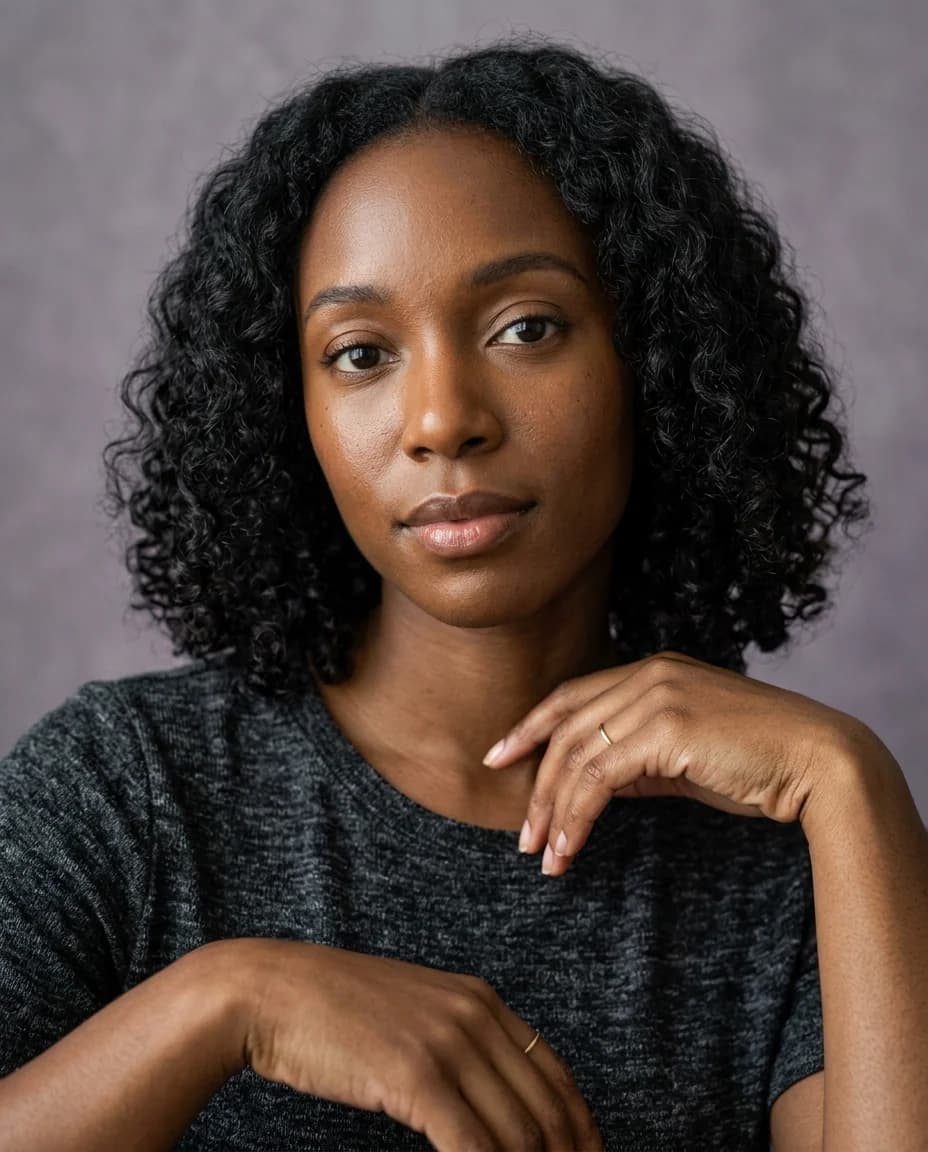

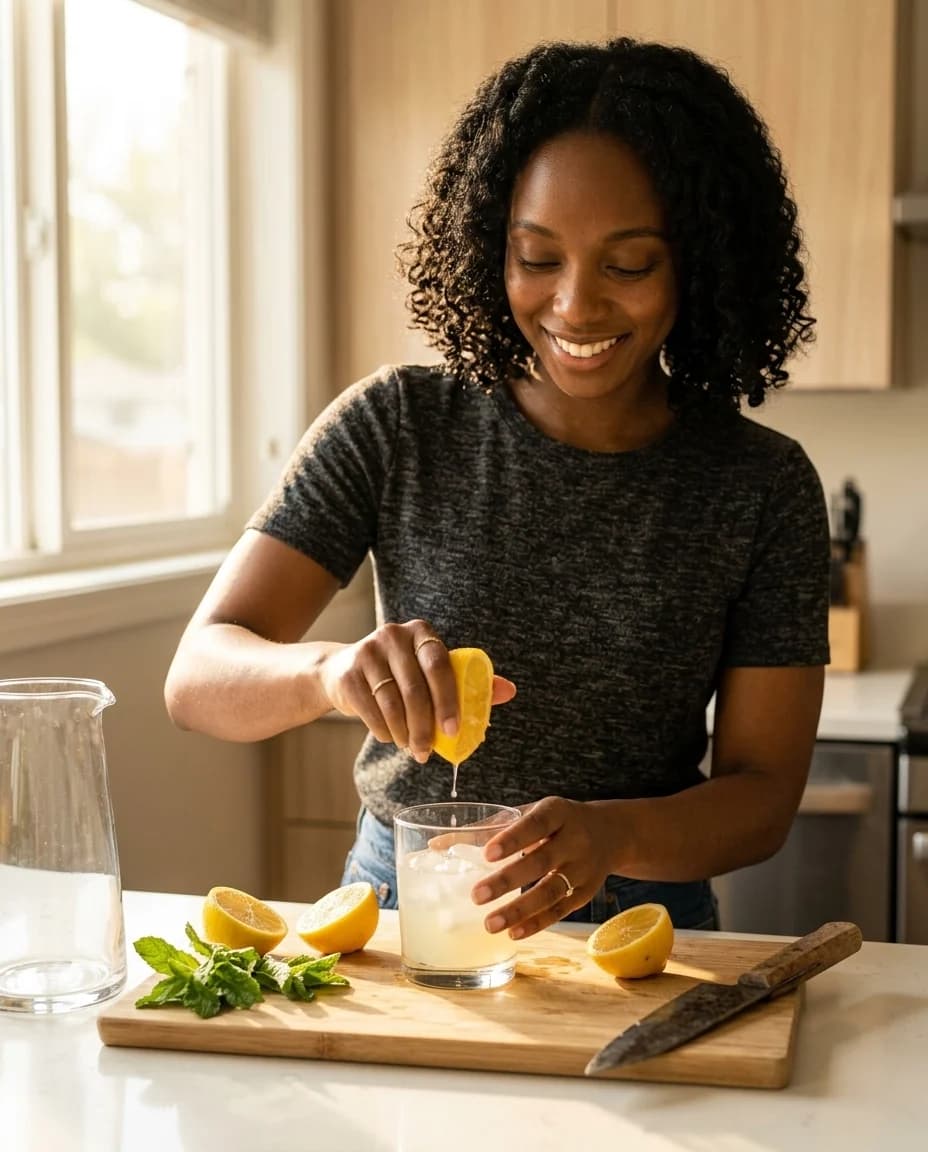

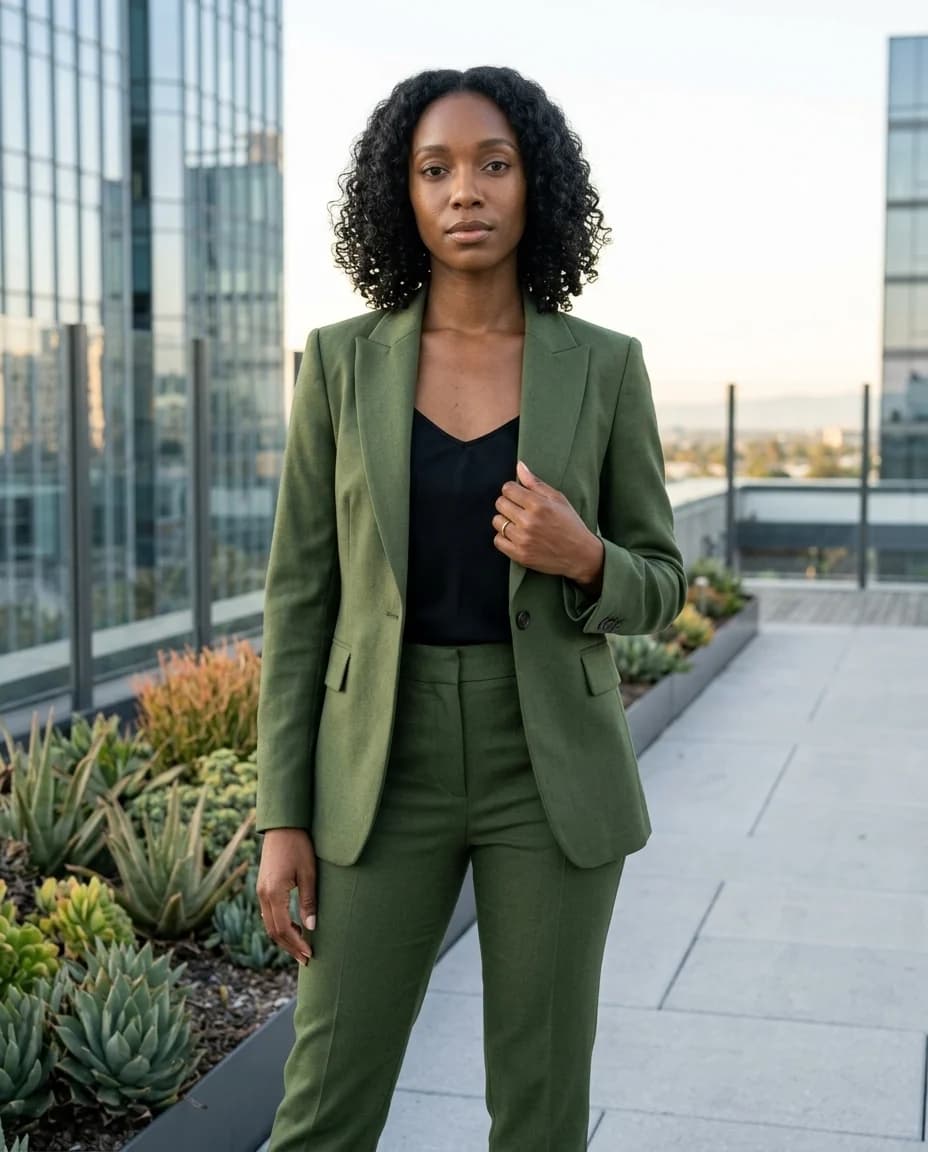
Nano Banana 2 helps you set the visual direction for a fictional creator before the rest of a campaign is made.
Use it to establish a recognizable face, then try new clothes, settings, products, and crops without losing the creative point of view.
Open this direction in StudioStart with one clear visual direction, then move the exact prompt into the part of Studio where it becomes a real task.
Give the person stable details first, then change the campaign layer around them.
Create a source image that can continue into an image-to-video brief later.
Show scale, grip, material, and light around an unbranded placeholder product.
Compare a few focused image directions before investing in a larger production.
These illustrative examples use fictional adults and unbranded products. They are directions to adapt, not customer work or promises about every result.
Anchor the details a viewer should recognize before changing pose, outfit, and setting.
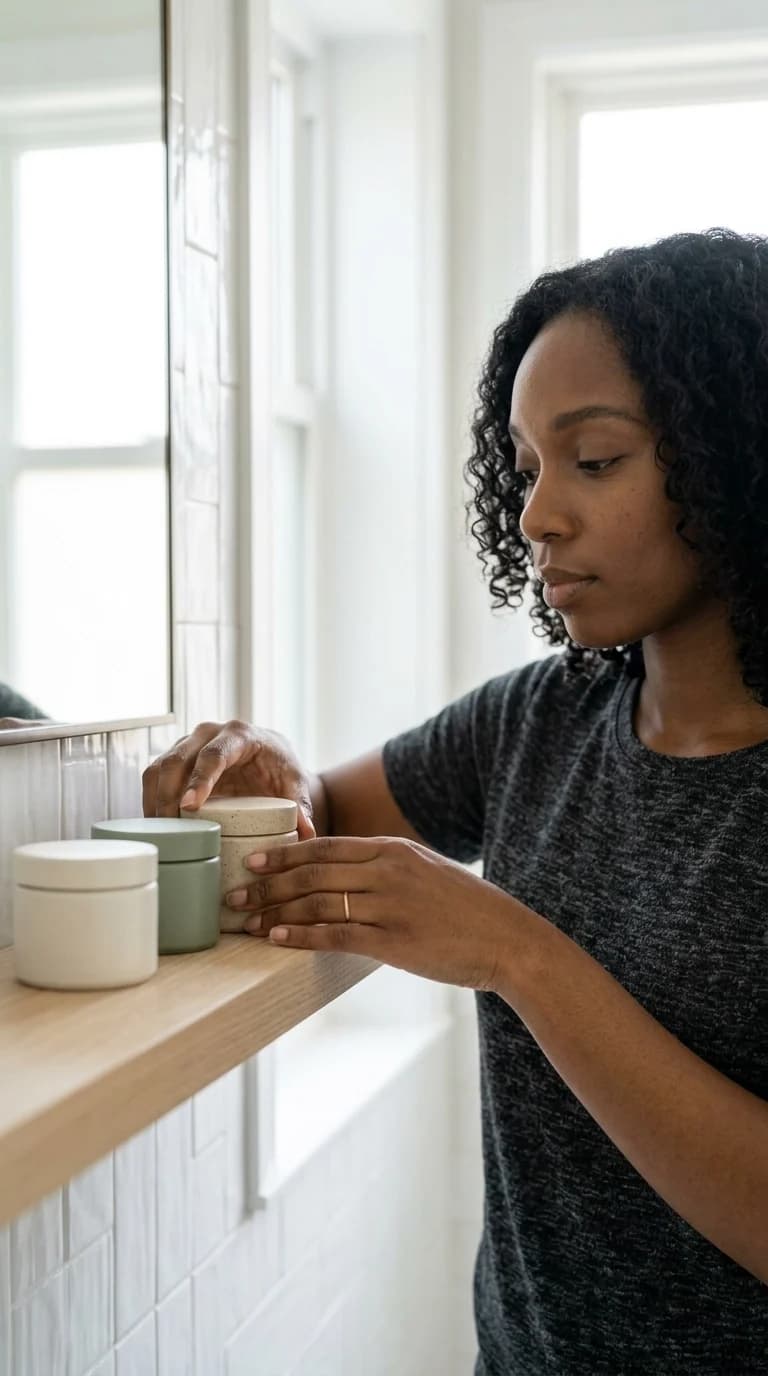
Carry the same creator into a social campaign frame with one clear product moment.

Test full-body styling, fabric, framing, and a campaign mood in one image direction.
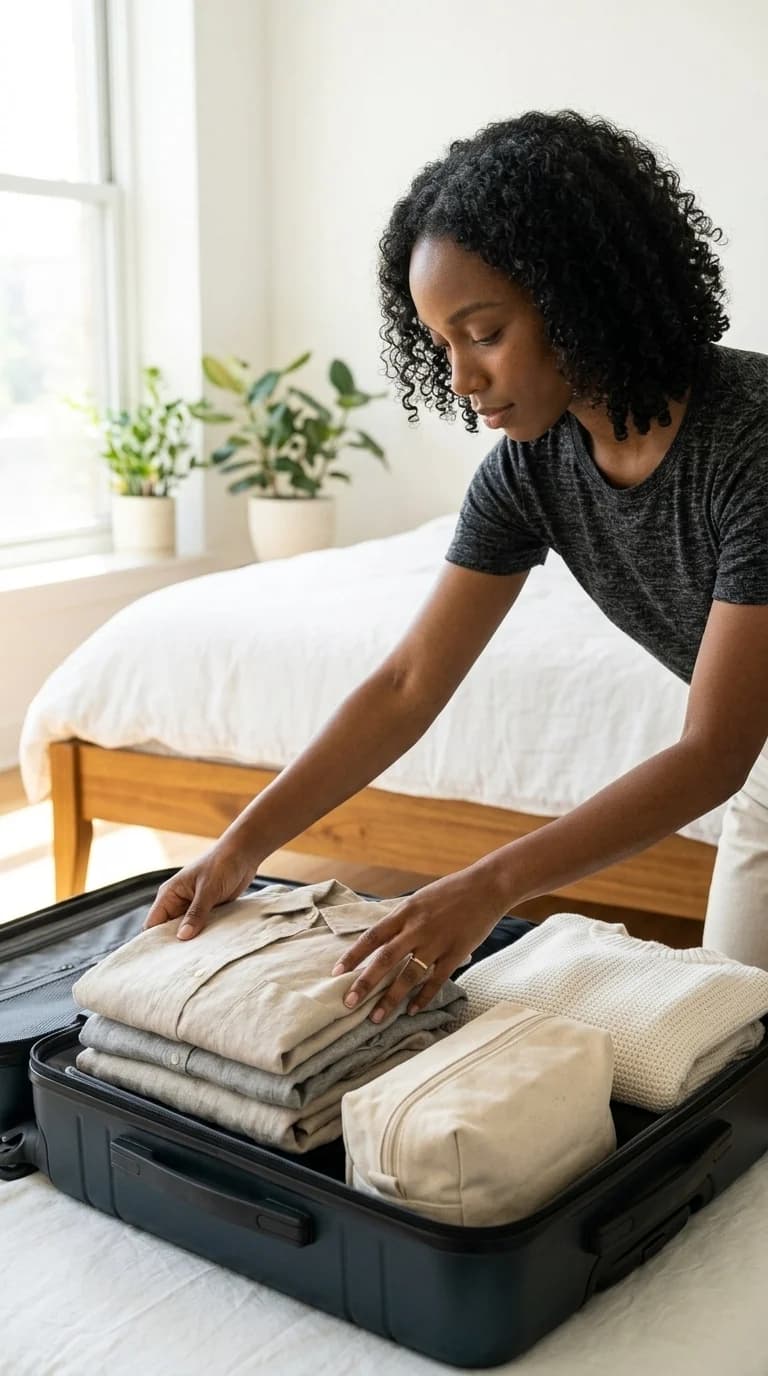
Map a coherent creator through a simple sequence of social-ready stills.
Choose the face, style, and visual details you want to keep recognizable.
Add the outfit, product, setting, and lighting for the post you want to make.
Review the image settings, make the result, and save the version you want to reuse.
Shape a personal visual direction before committing to a run of posts.
Explore one fictional persona across lifestyle, fashion, and product scenes.
Prepare a strong source image for a later short video or product brief.
Test visual territories with synthetic adults and unbranded products before production.
Start a reusable visual identity for a new channel or character.
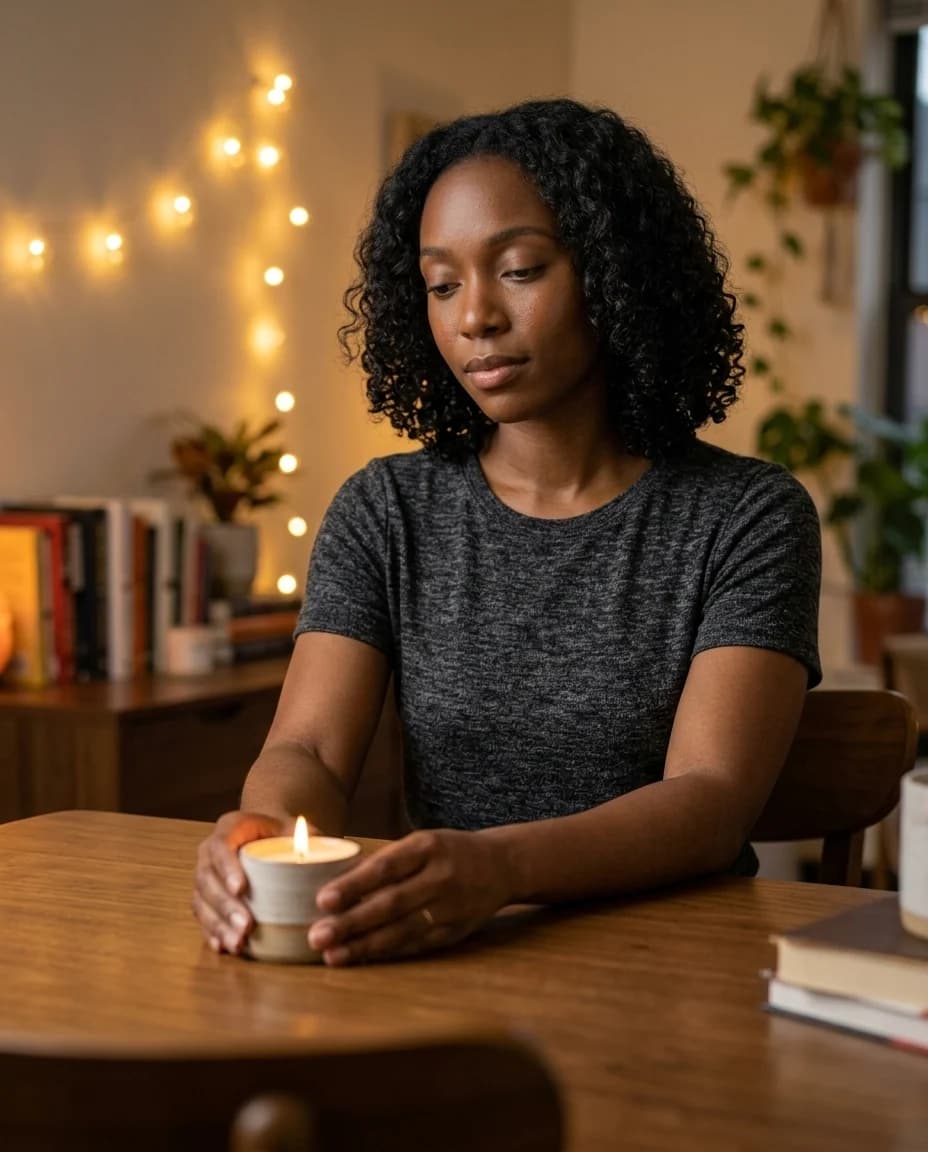
Make a high-contrast vertical frame with safe space for later copy.
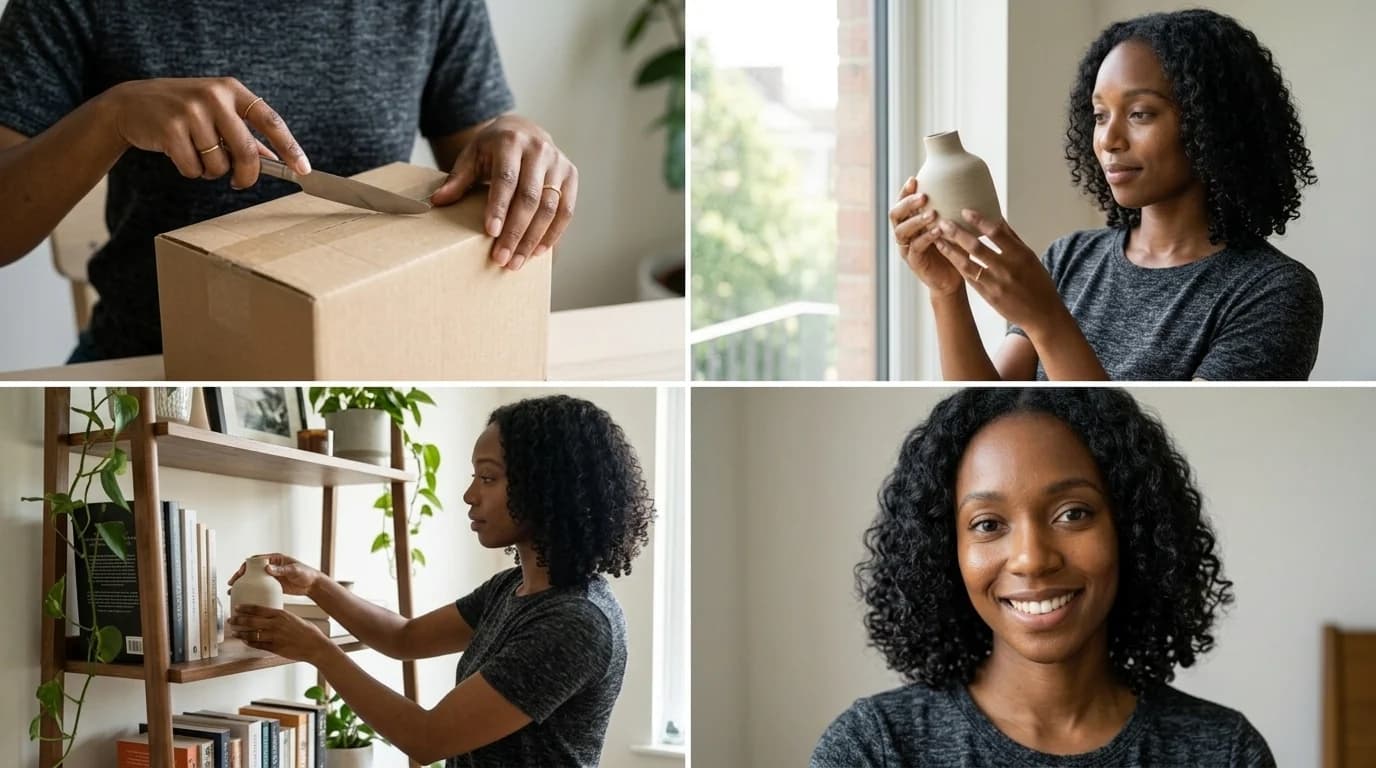
Keep the stable details first, then describe the scene, action, camera, and the small errors you want to avoid.
01
The traits that should stay recognizable.
Adult creator, dark curls, small beauty mark, warm brown skin.
02
The action and context around the person.
Morning routine at a tiled vanity, holding one frosted bottle.
03
Visible material and placement without a real brand claim.
Charcoal knit top; unbranded bottle at chest height.
04
The crop and lighting that make the image useful.
Waist-up vertical frame, soft side window light.
05
Observable errors to avoid.
No logo, watermark, duplicate product, or unreadable text.
Change the campaign layer, but keep the creator or source-frame details stable when you want a connected series.
A fictional adult lifestyle creator with warm brown skin, shoulder-length dark curls, a small beauty mark, natural skin texture, and a calm direct expression holds one unbranded frosted skincare bottle at a warm tiled vanity. Natural hands, premium product light, 9:16 social campaign, no logo, watermark, or text.
A fictional adult lifestyle creator with warm brown skin, shoulder-length dark curls, a small beauty mark, natural skin texture, and a calm direct expression in a tailored moss-green suit on a modern city rooftop at blue hour. Full-body editorial 4:5 lookbook, realistic fabric texture, no logo or watermark.
A fictional adult lifestyle creator with warm brown skin, shoulder-length dark curls, a small beauty mark, natural skin texture, and a calm direct expression pours a citrus drink at a bright kitchen table. Candid 1:1 social image, natural hands, warm morning shadows, no text, logo, or watermark.
A fictional adult lifestyle creator with warm brown skin, shoulder-length dark curls, a small beauty mark, natural skin texture, and a calm direct expression in a modern home office with neutral stationery. Clean waist-up editorial portrait, 4:5 composition, no text, logo, or watermark.
The comparison is about the current product workflow, not a universal benchmark.
| Model | Best fit | Choose it when |
|---|---|---|
| Nano Banana 2 | Everyday creator identity, image drafts, and campaign variations | Start here when speed and a flexible first image matter. |
| Nano Banana Pro | Dense product scenes, refined details, and highly specific art direction | Choose it when the brief has more details to hold together. |
| GPT Image 2.5 Sunburst | Prompt-focused scenes and edits | Choose it when a simple written direction is the main priority. |
| Seedream 5 Pro | High-detail image exploration | Choose it when the visual treatment calls for a different style of image finish. |
Use the prompt box to describe the creator, action, product, and visual outcome.
Check the person, product, composition, and text before turning the idea into a task.
Keep the approved image or video as the starting point for the next Studio workflow.
Do not imply that a real person endorses a product. Get permission for any likeness or source image.
Check visible words, product claims, labels, anatomy, and campaign disclosures before publishing.
Treat generated media as a creative draft and keep the recorded task inside your private workspace.
It is a strong fit for creating a fictional creator, new outfits, product scenes, and a consistent visual direction for social posts.
Yes. Use an image only when you have permission to use the person and source material.
Keep defining traits stable, save the versions you approve, and reuse them as the starting point for later scenes.
You can build a prompt here. Creating a result in Studio requires signing in and enough credits; unlimited free generations are not promised.
Adjust the prompt, simplify competing details, and review each result before you publish it.
Yes. Save an approved image, then use it as the visual starting point for a supported video workflow.
You are responsible for your source rights, product claims, required disclosures, and the final use of each result.
Create and approve a reusable identity before expanding the image set.
Open workflowOpen the broader AI influencer image workflow for more social directions.
Open workflowMove a finished still into an image-to-video task.
Open workflowChoose a plan for credits across image and video workflows. Studio always shows the current cost before a task starts.
Keep the creative direction, choose the output you need, and make a real private generation when you are ready.
First subscription only · Cancel renewal anytime
For trying a consistent creator workflow.
$15.20first month$19
Then $19/month
For creators producing every week.
$31.20first month$39
Then $39/month
For high-volume UGC and small brand teams.
$63.20first month$79
Then $79/month
Supported publishing platforms
See the credit cost before you create. Applicable taxes are shown at checkout.
Failed jobs return credits automatically. Subscription credits keep their original expiry; purchased credits never expire.
Plan Content
Measure Engagement
Build Your Profile
Price Your Work
Write Post Copy
Brand Partnerships