
AI Image Variation Generator
Create one reviewable variation from an authorized source image and a clear direction for the scene, crop, styling, or campaign mood.
Create an image variationOne submission creates one result. Submit separate directions when you want options to compare.
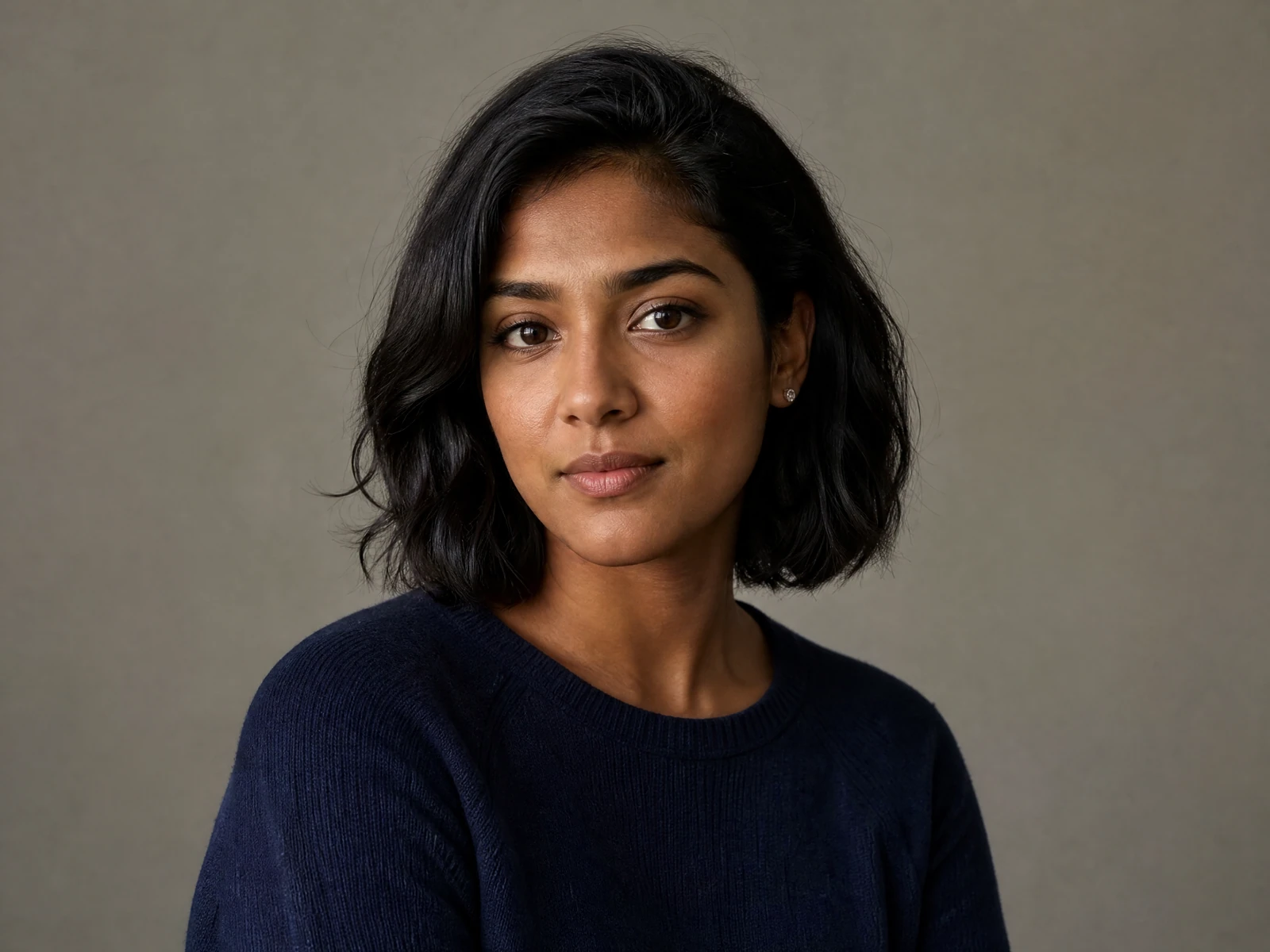
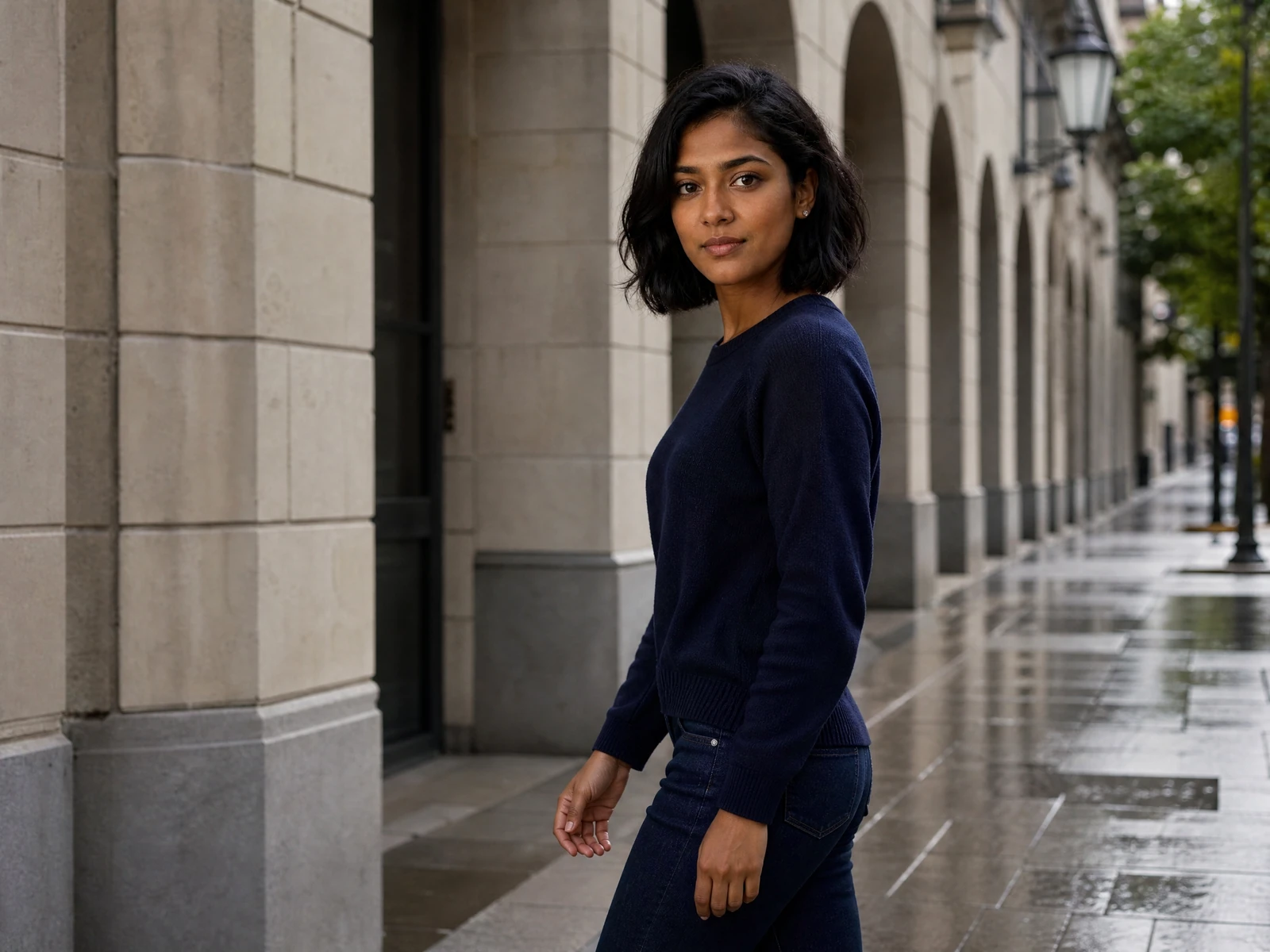
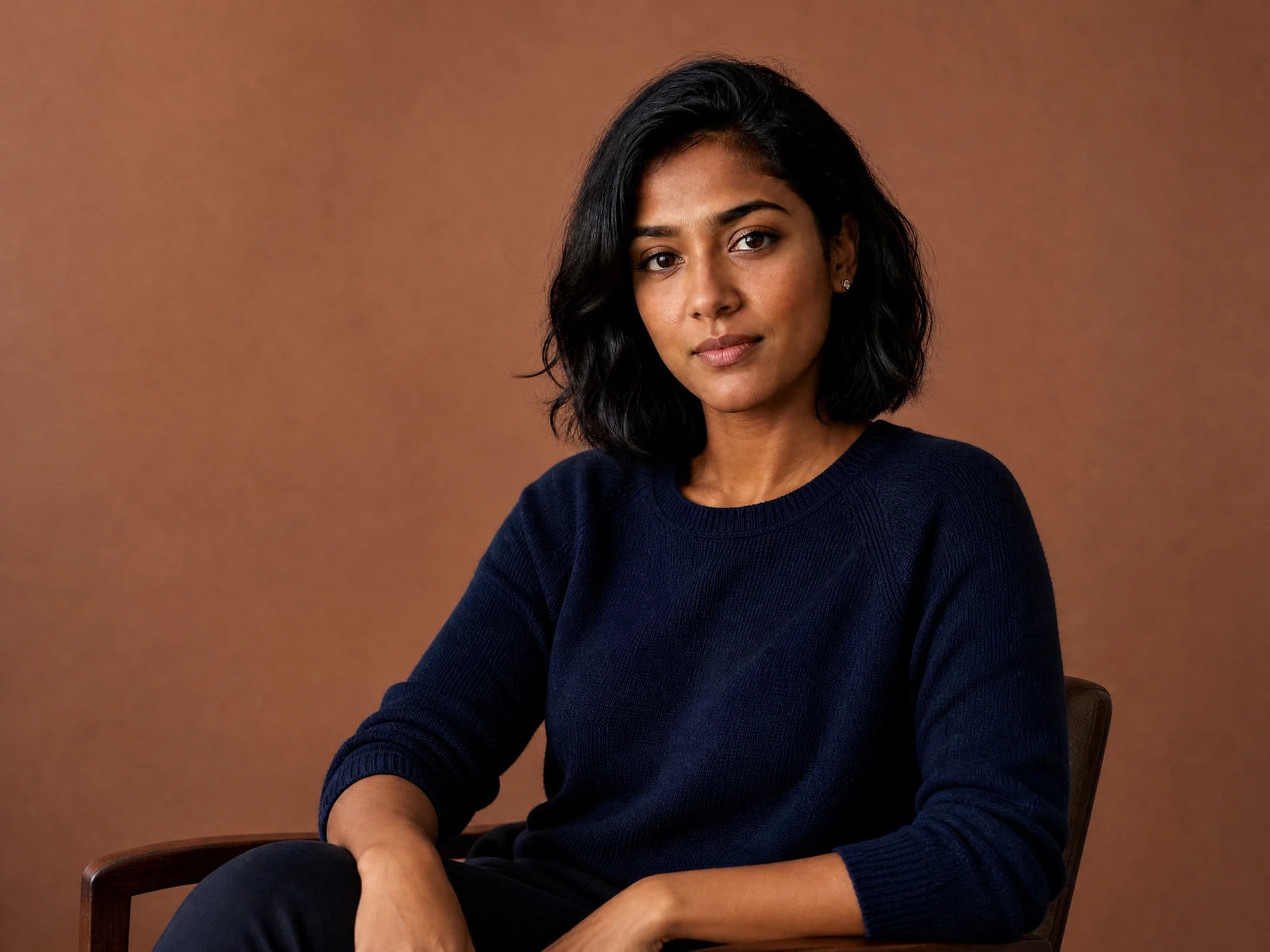
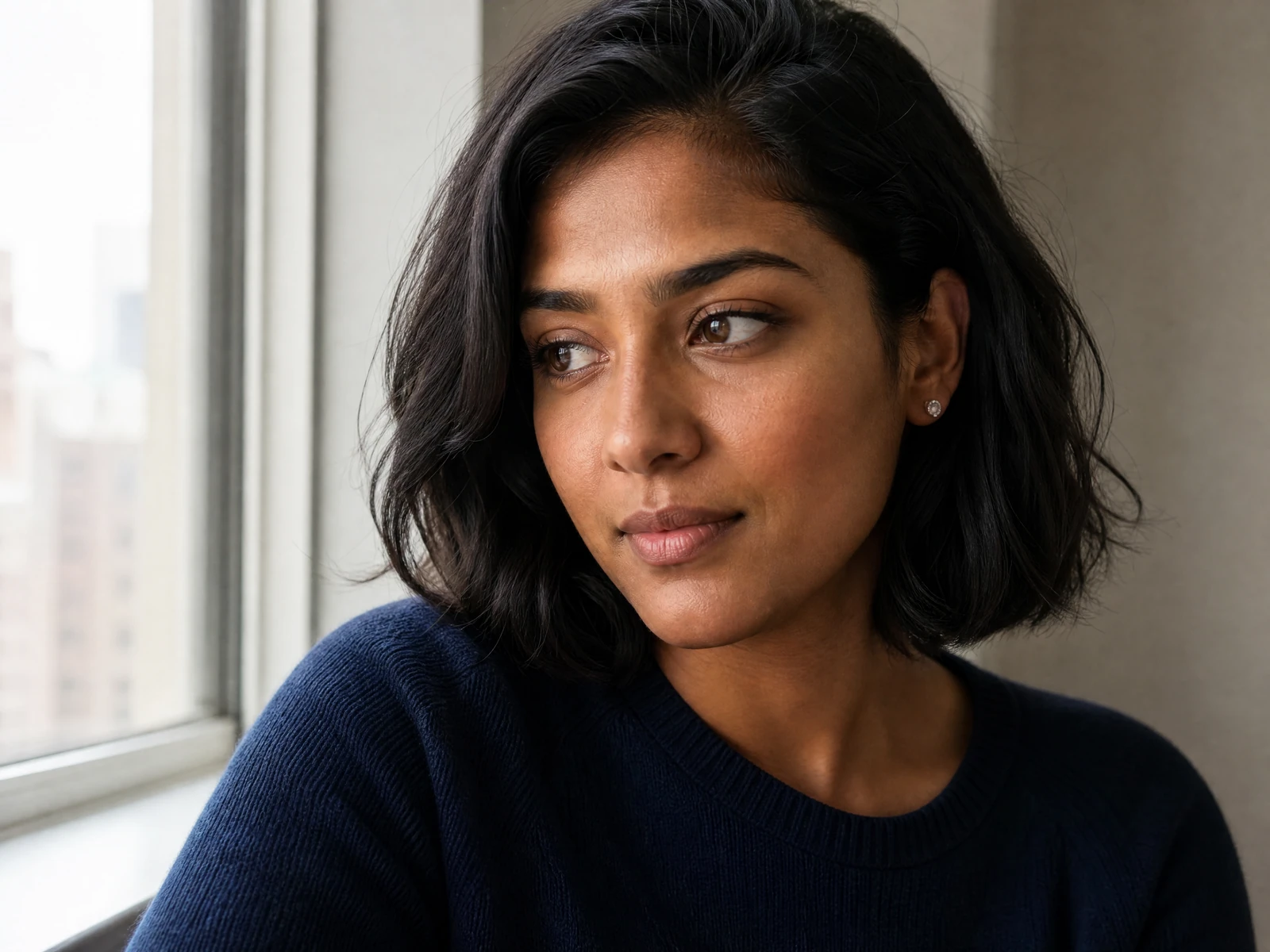
Turn one useful image into new creative directions
AIInfluencerGenerator.ai helps creators build steady visual worlds for digital people.
The AI image variation generator turns one authorized source image into a new, reviewable visual direction with each submitted task.
It uses the source as a visual anchor for the character, style, and familiar look that make an AI influencer feel recognizable, without guaranteeing an exact match.
Use it when you need more content directions from one strong image and do not want to start every post, campaign, or test from zero.
Submit separate tasks to create and review several versions from one source image.
You can test new poses, scenes, moods, outfits, crops, and ideas while asking the workflow to retain the character cues that matter.
Instead of treating each image as a one-off, the tool helps creators build a visual flow around a familiar face, look, and brand direction.
That continuity matters when your audience follows an AI influencer, a virtual brand ambassador, or a character-led plan.
One image may work for one post, but a full social feed needs range.
This tool gives you a simple way to turn one concept into a reusable, manually reviewed content set.
A focused edit
Change the scene without losing the reference
- 01
Your source
A source image
- 02
Your direction
The change you want
- 03
Your review
Identity and unchanged details
What should stay consistent—and what can change
This tool is part of the AIInfluencerGenerator.ai site.
It fits well in an ai image generator or ai image creator workflow when you already have an image you like and want more useful assets around it.
Start with a strong reference image that you own or are authorized to edit.
It can be an authorized adult portrait, a lifestyle shot, an owned product image, or an original social-ready visual.
From there, the generator helps you explore new options for posts and campaigns while using the original as a visual reference.
Use it to make a variation without intentionally replacing the core subject.
Your AI influencer can move into new scenes or formats and may still feel connected to the person your audience knows after you review the result.
One problem in AI influencer work is balance.
Too much sameness feels dull.
Too much change breaks the character.
The generator helps bridge that gap by giving you controlled variety from one visual base and one clear edit direction at a time.
It is especially useful when one image gets the face, style, or mood just right.
Instead of leaving that result behind, you can build on it.
Think of it as a way to make visual branches from one approved source image through separate generation tasks.
The main subject can stay familiar, while the content shifts for format, mood, and publishing needs.
Ask to retain
Subject cues, product shape, camera logic, palette, or other details that matter.
Describe the change
Name one scene, crop, lighting, styling, or mood direction clearly.
Review the result
Consistency is a review goal, not an automatic guarantee.
Create variations for different content needs
A polished portrait can lead to lifestyle versions.
A clean studio image can inspire campaign concepts for review.
A social image can become the base for a larger, manually selected set.
This balance matters when you want your AI influencer to feel planned, not random.
Consistent visual cues can support recognition and a stronger brand look, but every output still needs review.
AI influencers need more than one nice image.
They need a visual system that supports repeat use without making every post feel copied.
The tool helps turn one character into content directions that feel broader and easier to plan.
Common use cases include:
Add more looks to a character launch set or make alternate images for different audience groups.
Test which visual direction fits the persona best or refresh a feed around familiar character cues.
Support brand work with reviewed AI influencer images.
If you are a visual content creator, this can reduce the time spent restarting concepts.
You can use one strong image to develop posts, stories, ads, and campaign ideas for review.
The character stays linked to the source image as a visual direction, but the feed does not have to repeat the same shot.
Social platforms reward regular posting, but regular posting can drain a visual plan fast.
The tool helps by turning one source asset into separately generated options for posts, stories, Reels covers, carousels, ads, and profile visuals.
Instead of asking what to make next, you can start with an image that already works and make fresh directions from it.
Use variations for:
Prepare Instagram posts, story visuals, TikTok or Reels covers, and carousel slides with one clear character direction.
Explore scenes, crops, styling, and campaign moods
A wider environmental scene around the same fictional adult creator.
Each option shown here came from a separate submitted task and was reviewed independently.
How to write a controlled variation prompt
Use one sentence for the change and one for the details that should remain visually connected to the source.
- 1SubjectName the creator, product, or main visual element.
- 2ChangeDescribe one new scene, crop, pose, lighting setup, or styling direction.
- 3RetainList the source details that should remain recognizable.
- 4FormatSpecify portrait, square, landscape, full-body, close-up, or environmental framing.
- 5ExcludeCall out unwanted text, logos, duplicate subjects, or misleading product changes.
Compare one source across several reviewed directions
Compare creative directions for hooks, captions, or themes.
Build profile updates and content calendars around one character after reviewing each result.
The practical gain is momentum from one reviewed direction to the next, not guaranteed audience or campaign performance.
You can move faster from idea to draft, then from draft to choice, and then to final visuals.
A visual content creator often needs choices before picking the final direction.
The first version may be close, but not right for the crop, channel, or audience.
With image variations, you can test options while asking the workflow to retain the useful qualities of the source.
This also helps with review.
Teams can compare different directions around the same core character or subject.
That is easier than debating a brand-new idea every time.
It keeps feedback focused on the best reviewed version, not on a total restart.
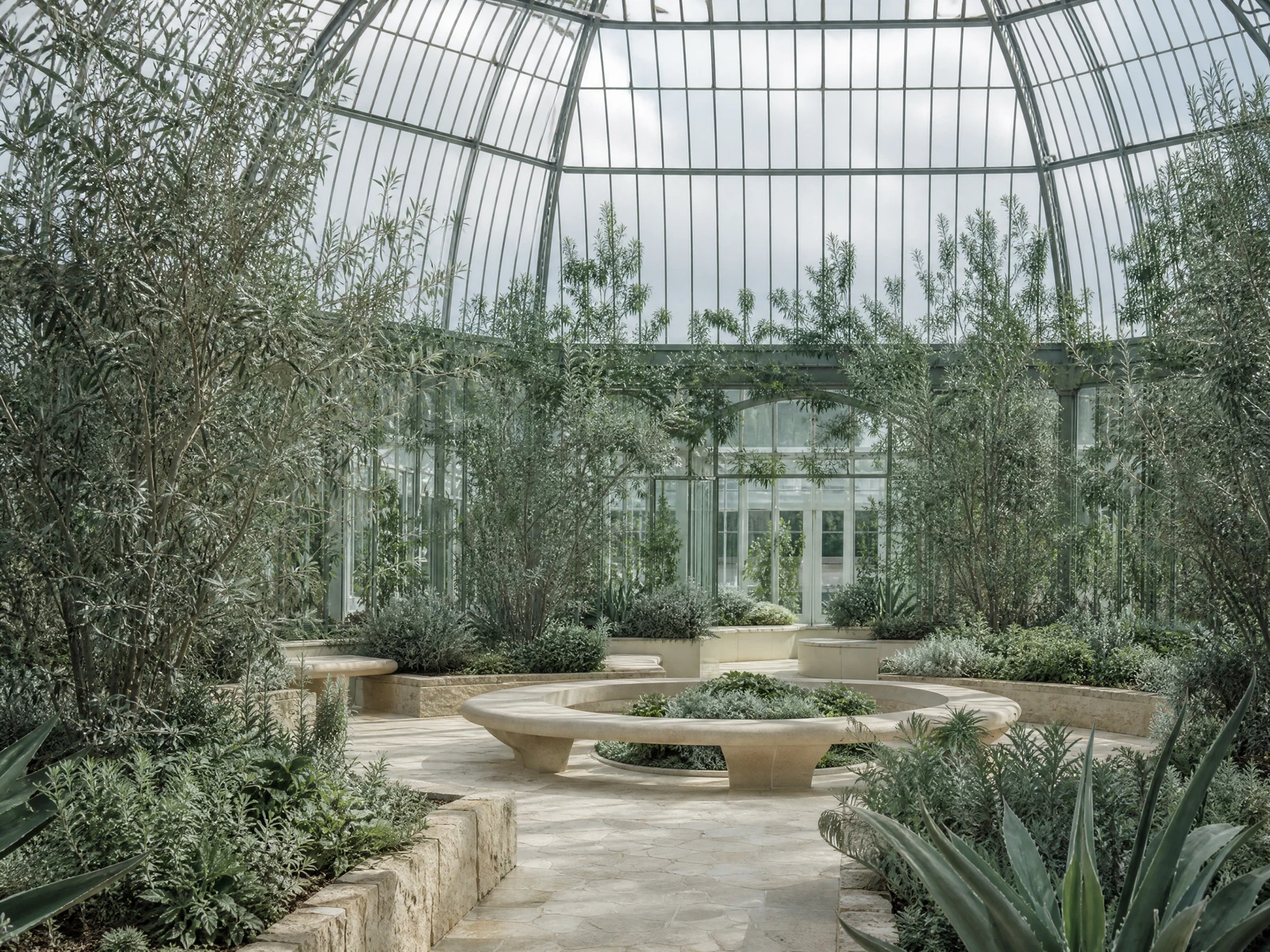
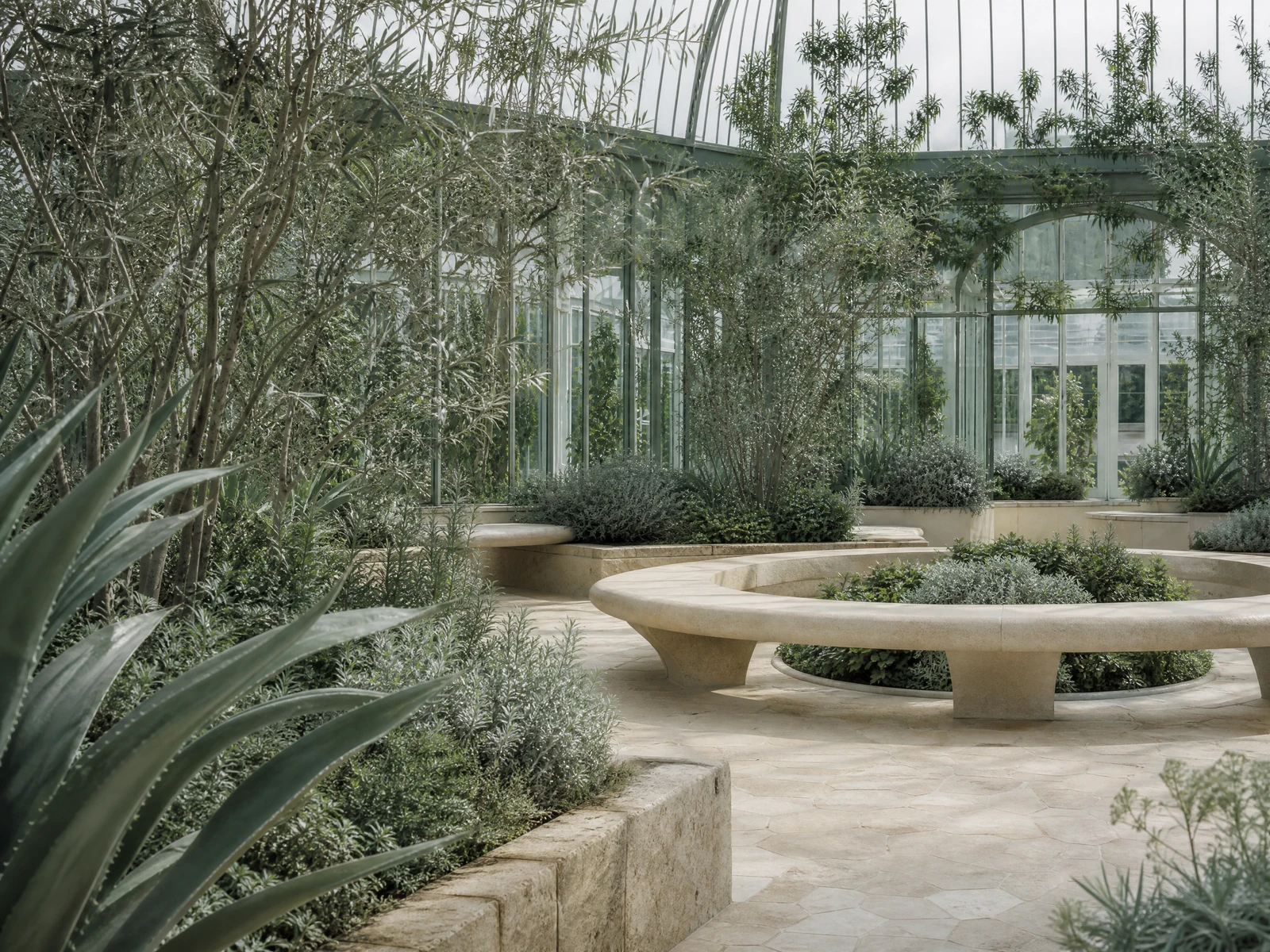
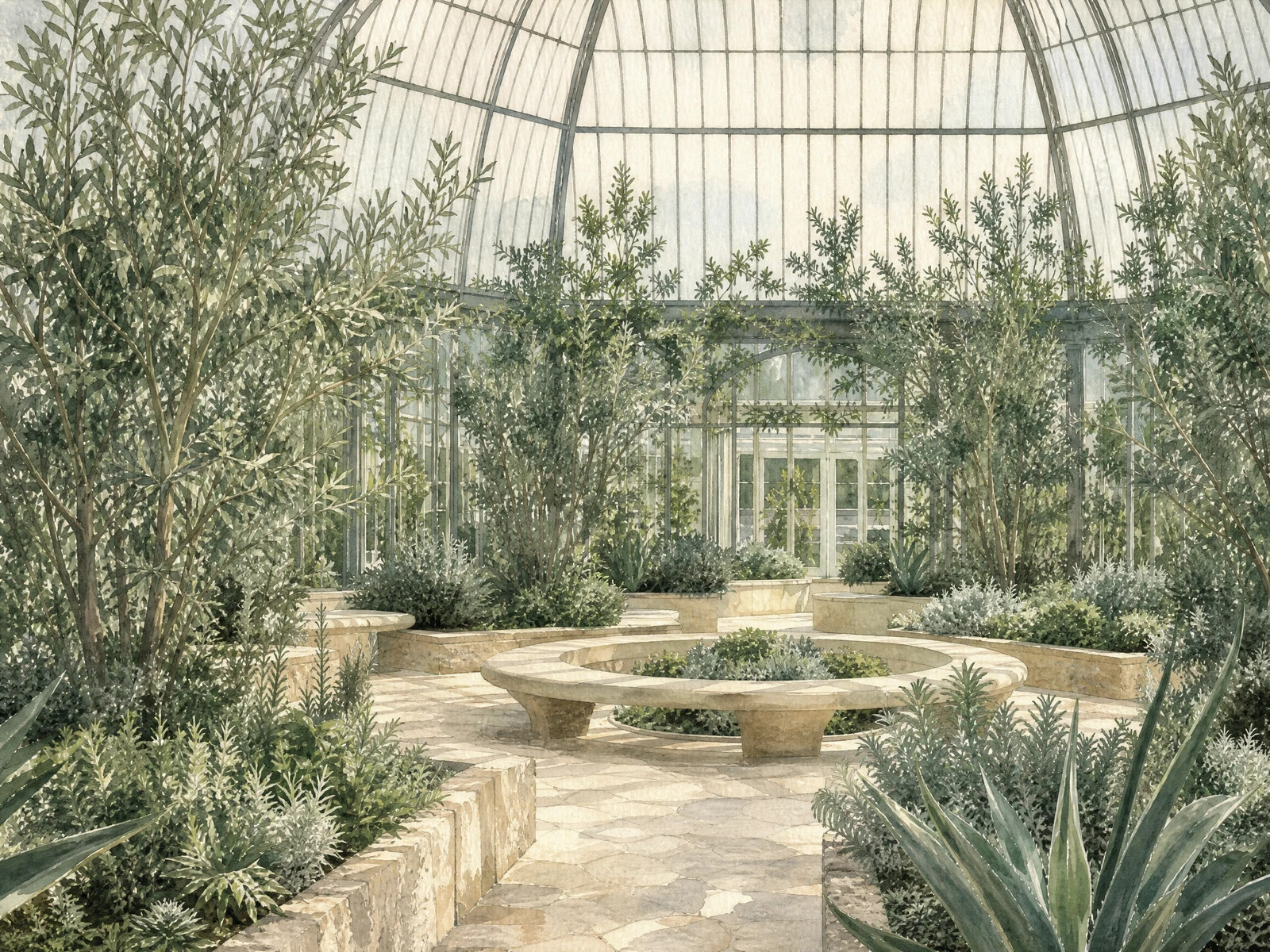
One product, three reviewed settings
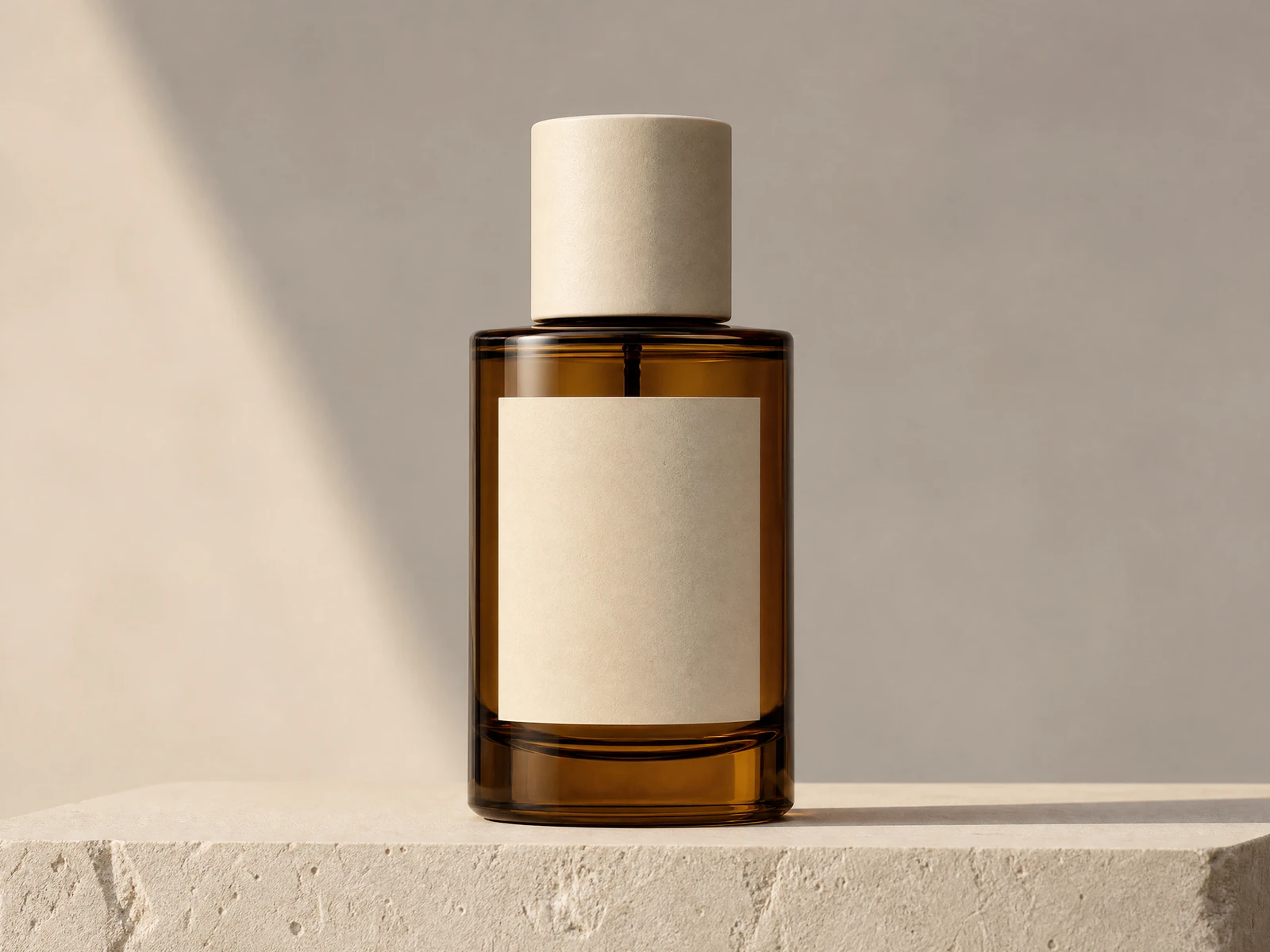
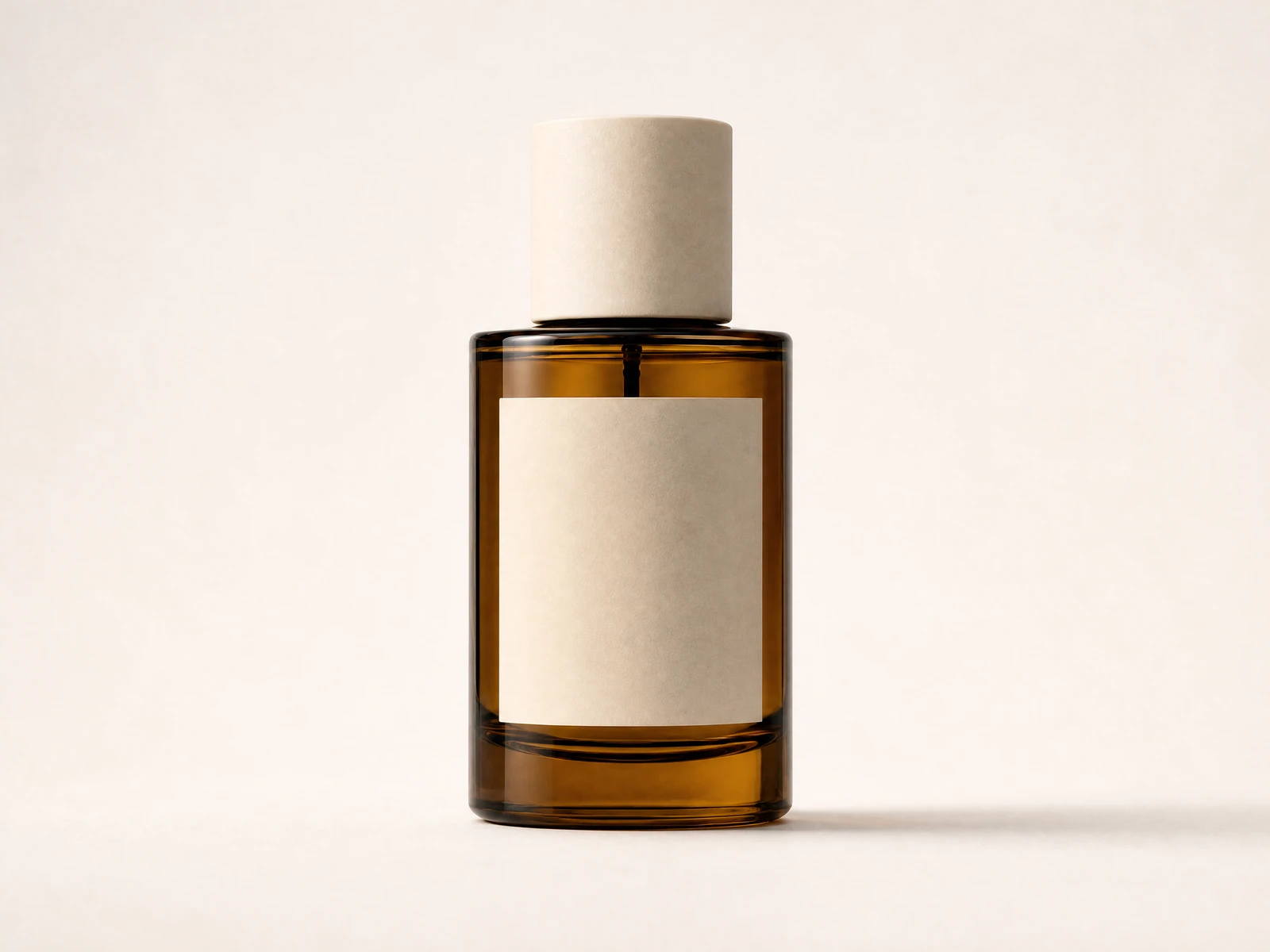
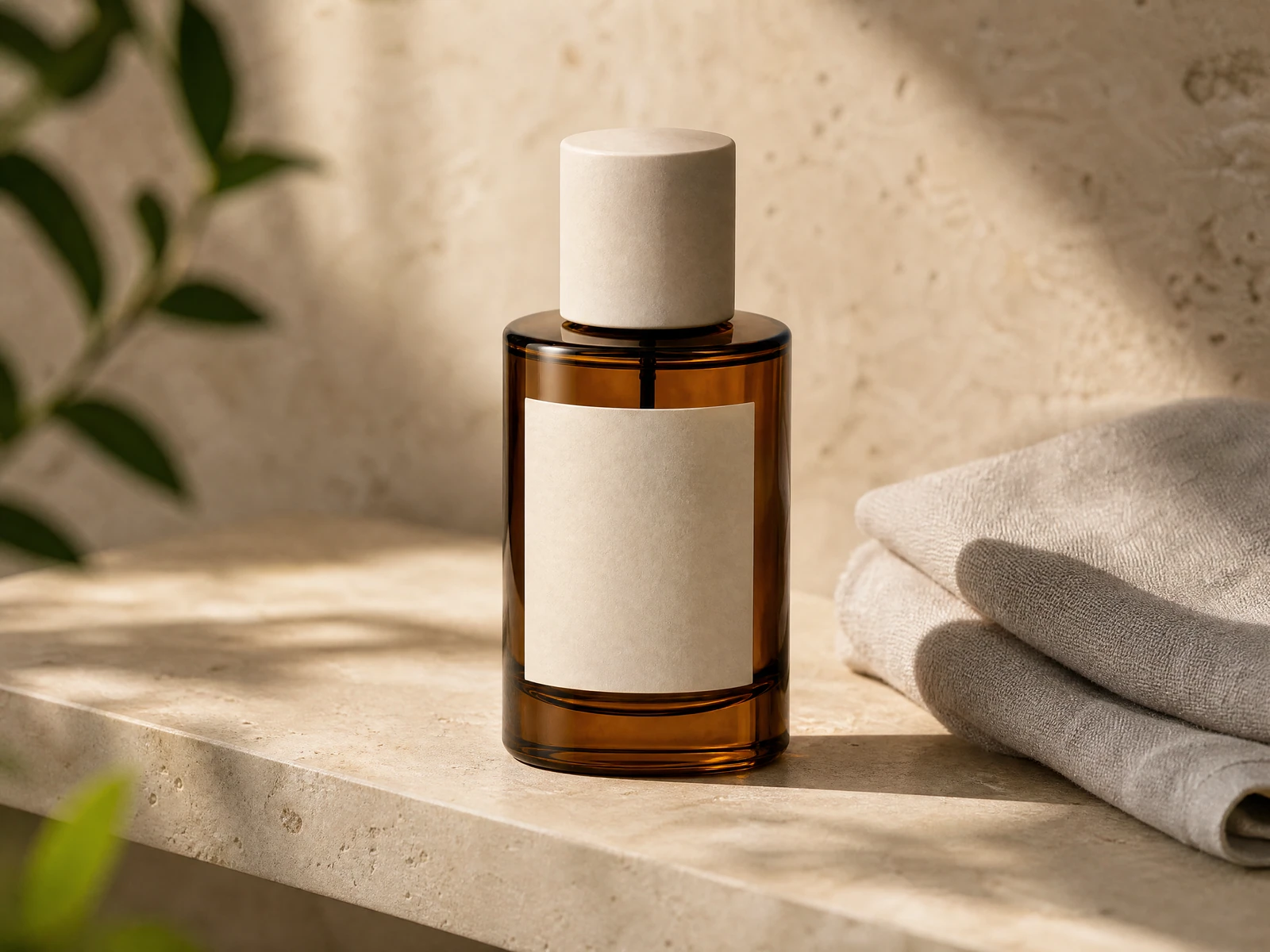
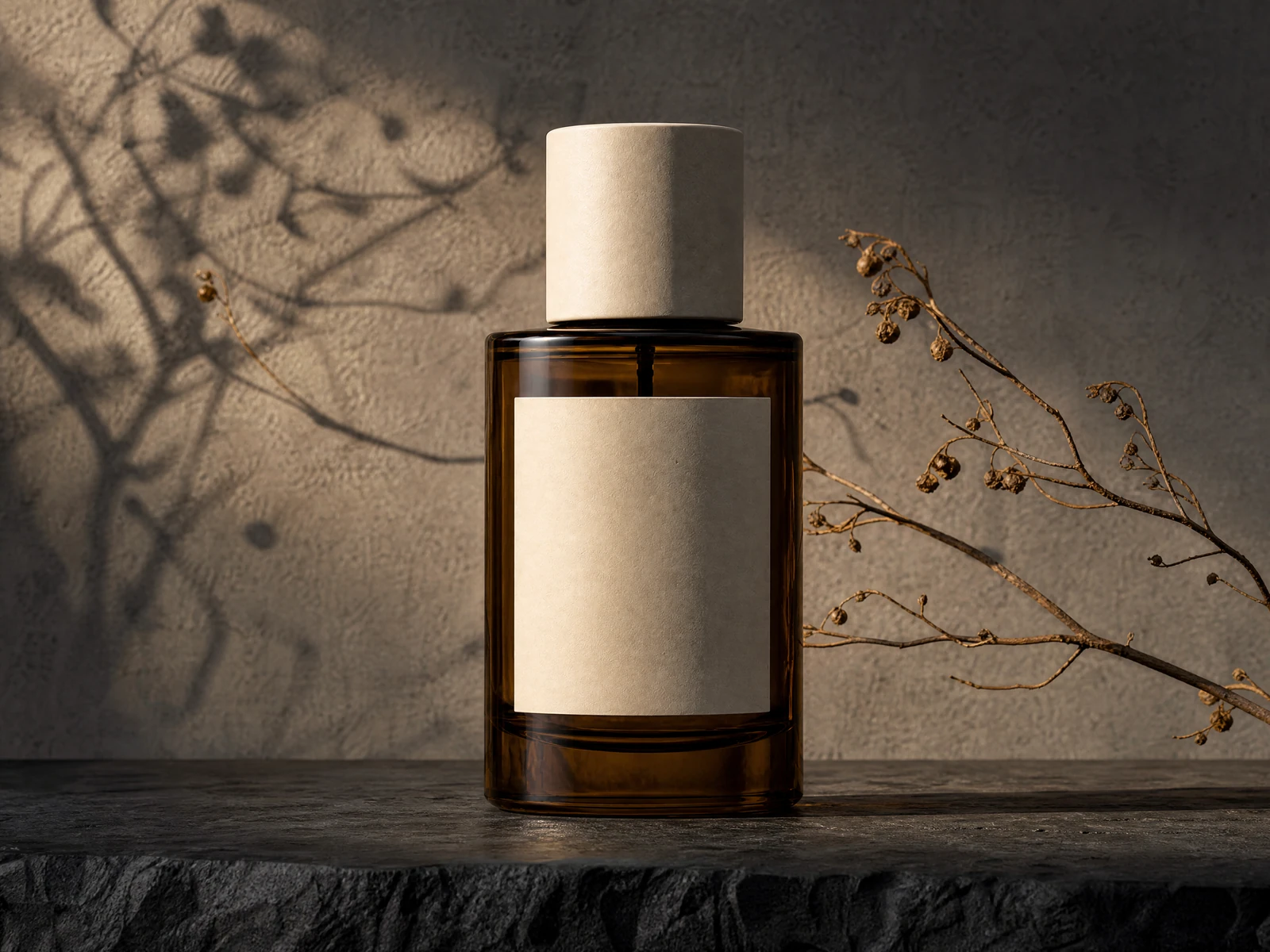
One original visual, three controlled changes

How the real Studio workflow works
Add one source image
Upload an image you own or are authorized to edit.
Describe one variation
State the requested change and the details to retain.
Choose the output shape
Match the framing to the intended review or publishing context.
Review the live quote
Pricing comes from the current Studio configuration.
Submit one task
One submission creates one reviewable result.
Check History and the result
Review subject details, anatomy, packaging, text, and context before use.
Use image variations in a repeatable content system
The tool can help with alternate layouts, mood tests, campaign sets, idea boards, and future post backups.
It gives you room to test while staying organized around one source image.
You do not need a complex system to use the tool well.
A simple flow is often best.
Choose one strong input image.
Pick a visual that clearly shows the authorized adult creator, product, subject, or style you want to retain.
Describe and generate one variation.
Submit a separate task for each new option you want to compare.
Check identity, subject details, and style.
Keep only the versions that hold the familiar look and overall feel after review.
Match each image to a use.
Assign reviewed images to posts, covers, stories, ads, profile assets, or campaign ideas.
Save the best results.
Build a small library so future planning gets easier.
This keeps the work focused.
You are not just making more images.
You are building a stronger set of reviewed assets around one subject your audience can recognize.
If you already have one strong AI influencer image, you already have a start for more content directions.
The AIInfluencerGenerator.ai tool helps you turn that image into useful visual directions while using character identity and style as references rather than guarantees.
Use the tool to grow your options, build a better content library, and keep your AI influencer presence aligned across social platforms and campaigns after human review.
Start with one authorized image, make one reviewed variation at a time, and build a more coherent visual world for your digital persona.
Review identity, products, text, and visual details
Check faces, hands, anatomy, clothing, product shape, packaging, and source details.
Remove accidental text, logos, duplicate subjects, or misleading contexts.
Confirm that every source image and visible likeness is authorized.
Use an AI disclosure when viewers could mistake generated content for a real event or claim.
Before you begin
Bring your direction into Studio
- A source image
- The change you want
- Identity and unchanged details
Credits, rights, privacy, and publishing questions
Build the next reviewed direction from one useful image
Create an image variationWhat do I need to create an image variation?
Upload one image you own or are authorized to edit, then write a clear direction describing what should change and which visual details should remain connected to the source.
Does one submission create several variations?
No. One submission creates one reviewable result. Submit separate tasks when you want to compare several directions.
Will a person or product stay exactly the same?
No exact match is guaranteed. Treat the source as a visual anchor and review identity, anatomy, product shape, packaging, text, and other important details in every result.
What kinds of source images can I use?
You can use an authorized adult creator image, an owned product image, an original lifestyle image, or another visual you have the right to edit.
Can I change only the crop or lighting?
Yes. Describe the specific crop, lighting, scene, styling, pose, or mood change and state which source details should remain visually connected.
Is the image variation generator free?
This page does not promise free generations or fixed credits. Review the current quote and account terms in Studio before submitting.
Are outputs private or watermark-free?
Do not assume fixed privacy, retention, or watermark behavior. Review the current product terms and the result before downloading or publishing.
Can I use an image variation commercially?
Commercial use depends on your rights to the source, your plan, the generated result, jurisdiction, and intended use. Review the Commercial Use and AI Disclosure guidance before publishing.
Choose the next workflow
Each route starts from a different input or solves a different production task.
AI Photo Editor
Make a broader instruction-led photo edit.
Consistent Character Generator
Build around a saved fictional adult character.
AI Background Remover
Remove a background before composing a new visual.
AI Image Upscaler
Enhance a selected final result.
AI Product Photo Generator
Create a product-led campaign still.
Commercial Use
Review source and output rights before publication.
AI Disclosure
Learn when generated media should be disclosed.
Plan Content
Measure Engagement
Build Your Profile
Price Your Work
Write Post Copy
Brand Partnerships