


Classic & elegant
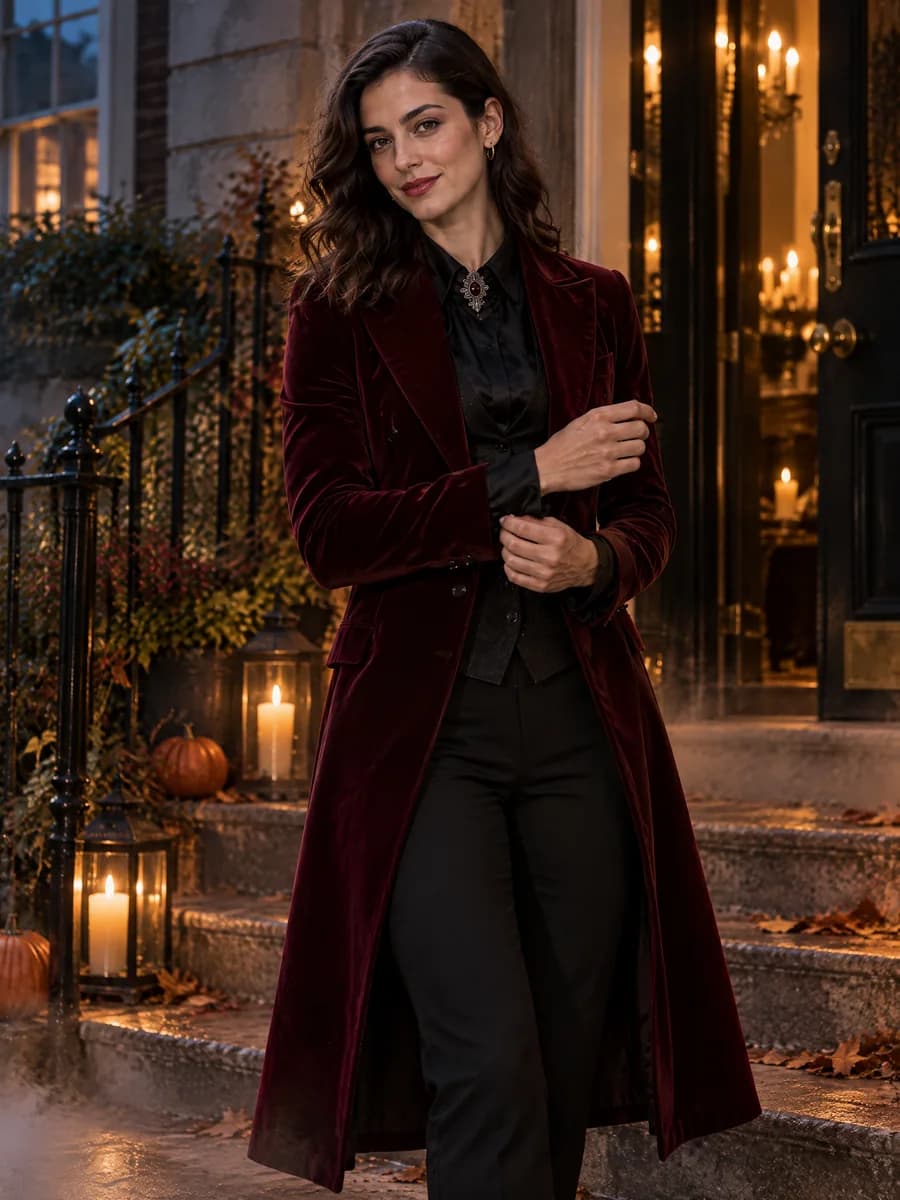
Start with velvet, a tailored coat or a wool cape. Keep makeup around the eyes and lips so the face stays visible; candlelight or an autumn street suits the look.
Try Halloween costumes on your photo or AI influencer. Explore new outfits, makeup and scenes with the same recognizable character.
Try It FreeUpload a photo or choose your AI Influencer. No prompt needed.
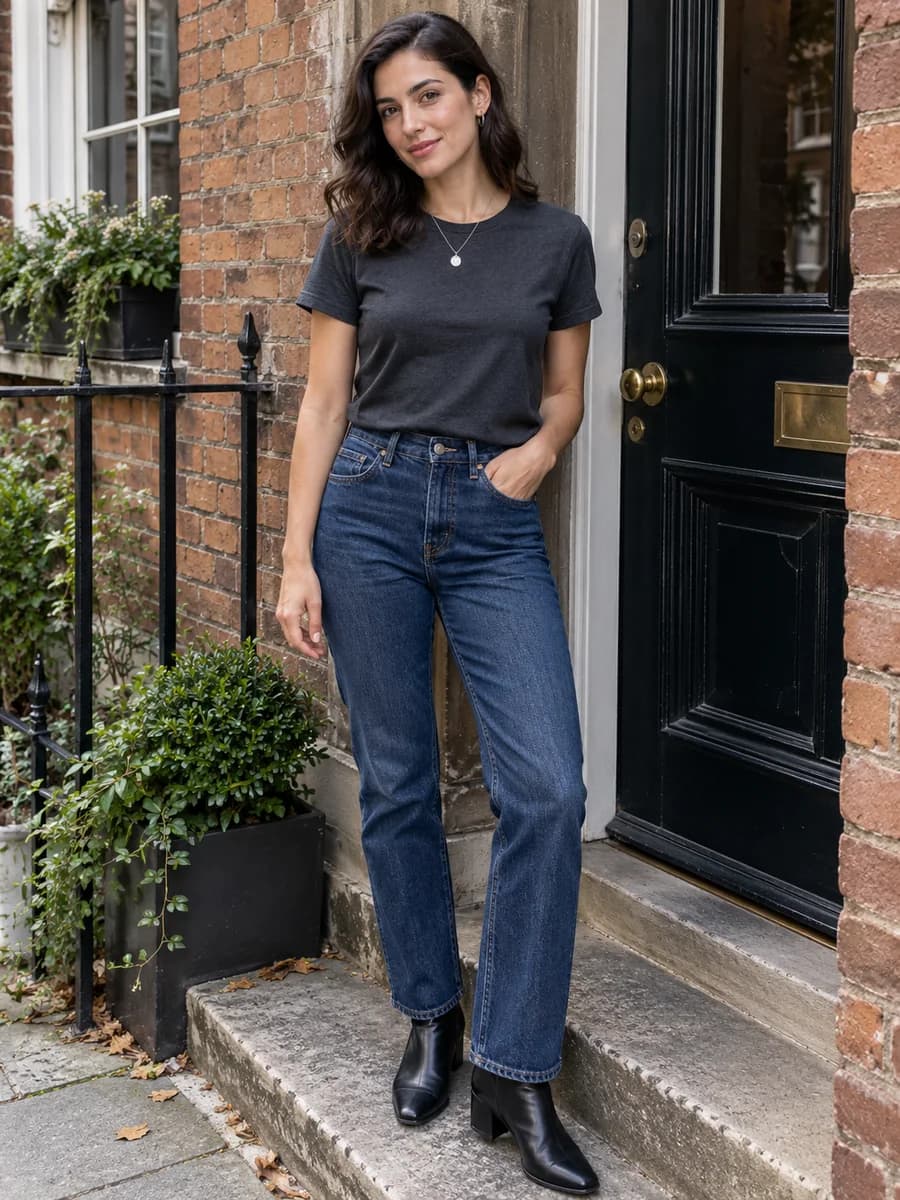
Match the outfit, makeup and setting to the kind of portrait you want.
Start with velvet, a tailored coat or a wool cape. Keep makeup around the eyes and lips so the face stays visible; candlelight or an autumn street suits the look.
Use orange knitwear, feline eyeliner or a weathered pirate coat for a costume that reads without a mask. Ask for direct flash and a decorated porch or party hallway.
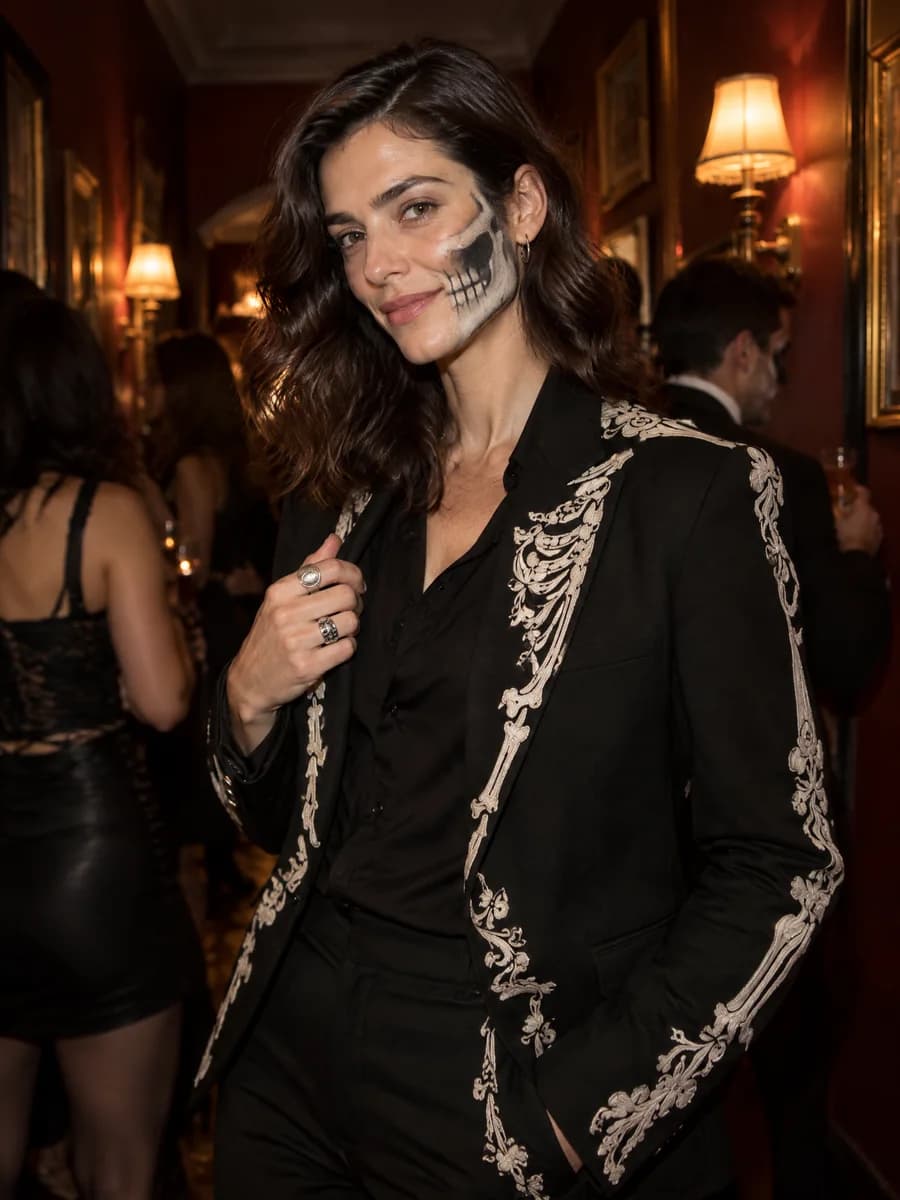
Choose pale layers, distressed clothes or painted bones. For a recognizable portrait, keep both eyes uncovered and ask for half-face makeup rather than a full face covering.
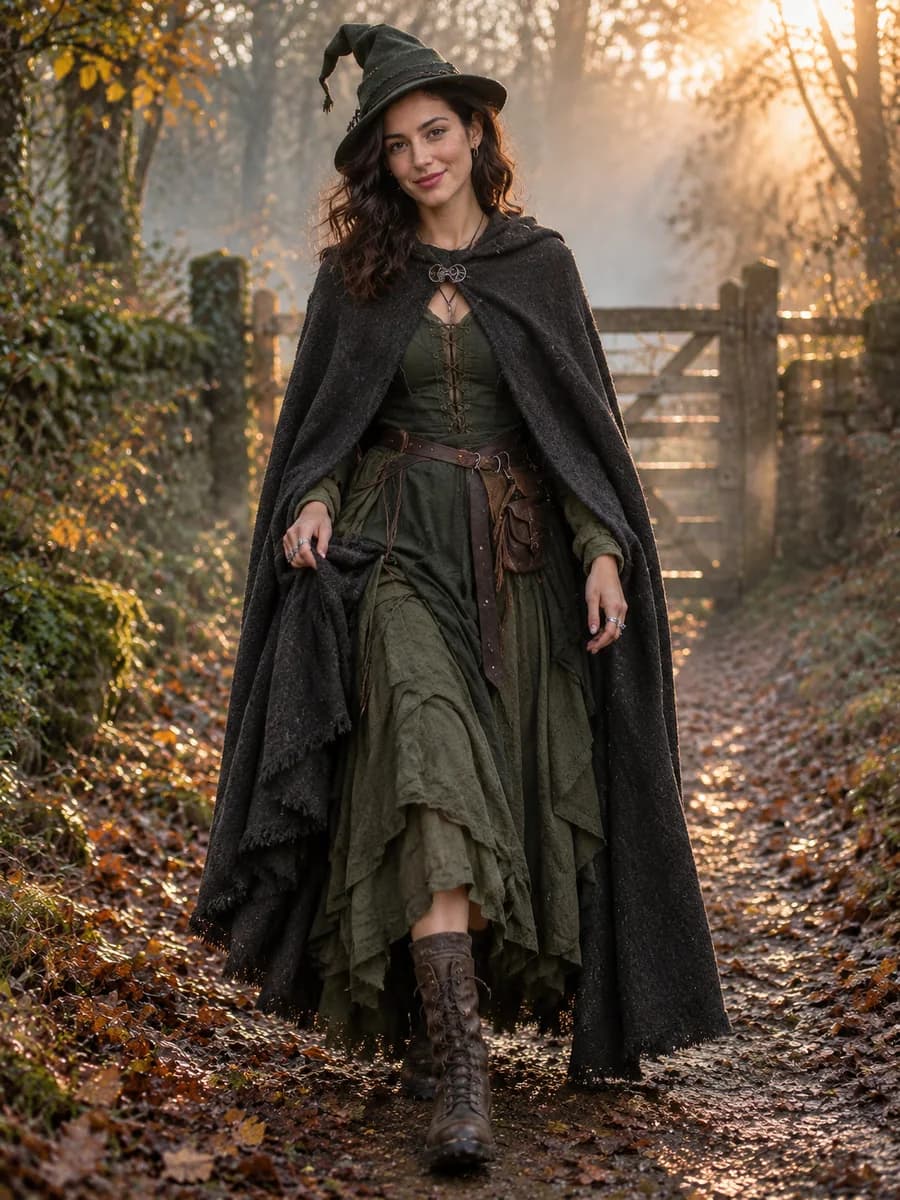
Wings and metallic layers work best with room around the body. Request a full-body frame, then match the scene to the costume: woodland dusk, stone steps or neon city lights.
Your photo guides the face and body proportions. The costume adds clothes, makeup and atmosphere.
AI-generated example using one original adult character. Results vary; check identity and details before sharing.
Try the Vampire lookVampire, Witch and Skeleton, generated from the same original photo.
Turn your costume ideas into a three-post series. Keep the same source photo or saved character selected for each generation.
Pair your original portrait with one Halloween result. Use the same crop for both images so the change in clothing and makeup is easy to see.
Generate Vampire, Witch and Skeleton from the same source. Place the three results in one carousel and ask readers to pick a look.
Keep your chosen costume and generate a second scene with a new note. Restate the fabric, color and makeup details, then download the images for separate posts.
Download the photos and arrange them in your social app. Leave room around the face for a vertical crop, and preview every slide before publishing.
Copy a complete prompt, or add a short note to adjust the outfit, makeup or background.
Keep the same adult person's face, skin tone, hair color and body proportions. Dress the source person in a tailored burgundy velvet coat, black satin shirt, antique silver collar pin and slim black trousers. Add wine-colored lips and subtle smoky eye makeup without changing their features or skin tone. Show them turning on a candlelit townhouse step, one hand adjusting the coat cuff. Use warm doorway light against cool blue dusk, weathered stone, a little autumn mist, and an intimate three-quarter fashion photograph. Keep the face clearly visible; no blood, mask or transformed facial anatomy.
Use a clear adult photo, or type @ to choose your saved AI Influencer.
Click a template to generate. Add a note for a specific color, makeup style or scene.
Review the image and save it. Keep the same source selected to try another look.
Upload a clear adult photo or type @ to choose a saved AI Influencer. Click a costume template to generate a new photo using your person, the costume reference and the built-in styling prompt. Add a note when you want a different color, makeup detail or setting.
No. Each of the 12 costumes includes a complete styling and photography direction. You can generate from a template alone, or add your own clothing, makeup, pose and background requirements.
Your photo or saved character anchors the person's face, skin tone and body proportions. The costume reference guides styling rather than identity. Results can still vary, especially with heavy makeup, so check the face, hands and proportions before sharing.
Yes. Keep the same photo or saved character selected and choose another costume. Each generation is a separate task. Download your favorites to assemble a seasonal Instagram carousel or other social content.
You can start with the account's available introductory credits. Generation uses the same credit system and free-plan limits as the other Studio image tools. Check the current model, credit estimate and any upgrade requirements before submitting.
Choose a clear, well-lit adult portrait with the face visible. A waist-up or full-body photo gives the model more information about clothing and body proportions. Avoid sunglasses, heavy face coverings and group photos.
Yes. Add a short direction such as “keep my current hair, use subtle eye makeup and move the scene to a flash-lit house party,” then generate again. Your additions take priority over the template's default styling and scene.
Yes. Successful results are available in Studio and History with a download action. Use only people and source photos you have permission to use, review the output, and follow the AI disclosure and commercial-use rules for your intended channel.
Plan Content
Measure Engagement
Build Your Profile
Price Your Work
Write Post Copy
Brand Partnerships