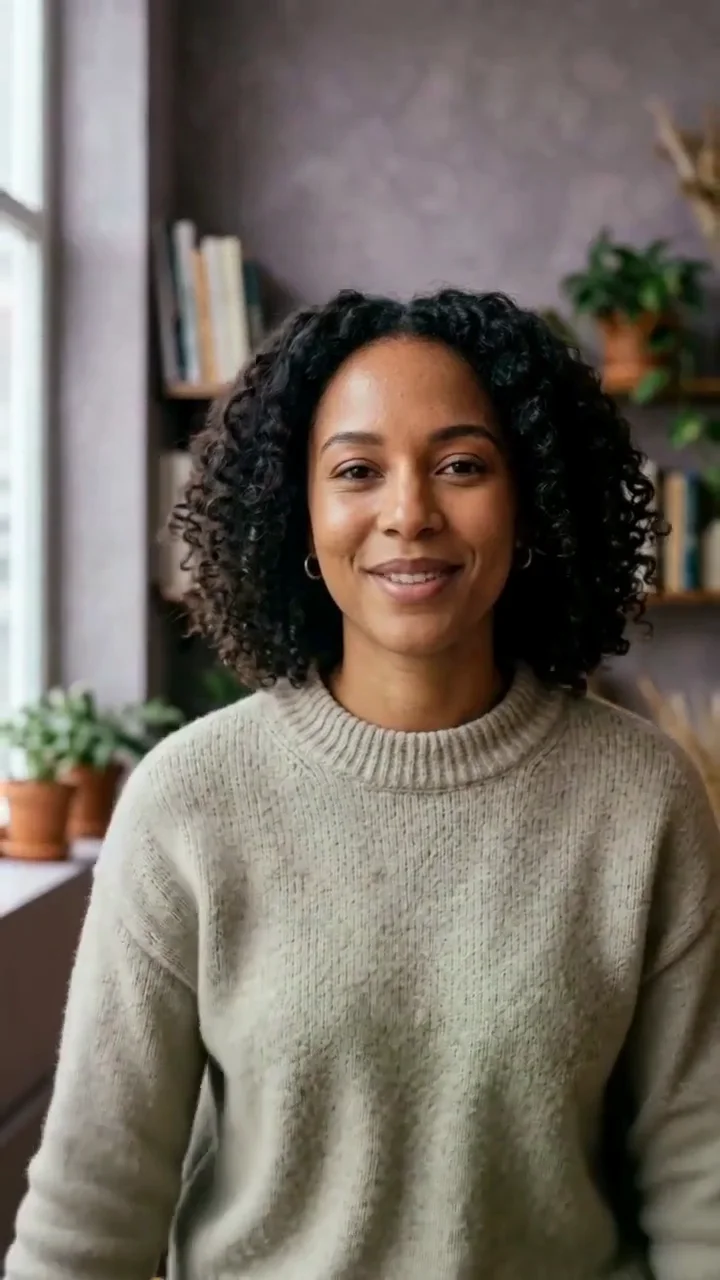
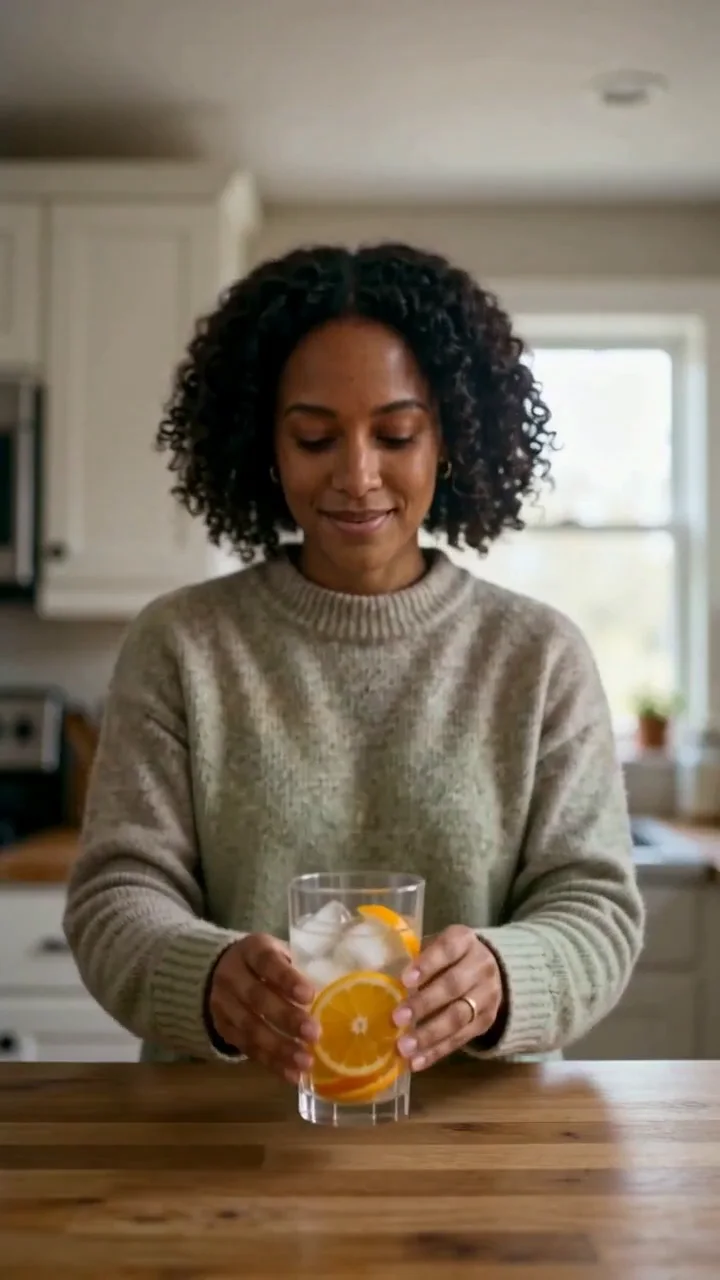
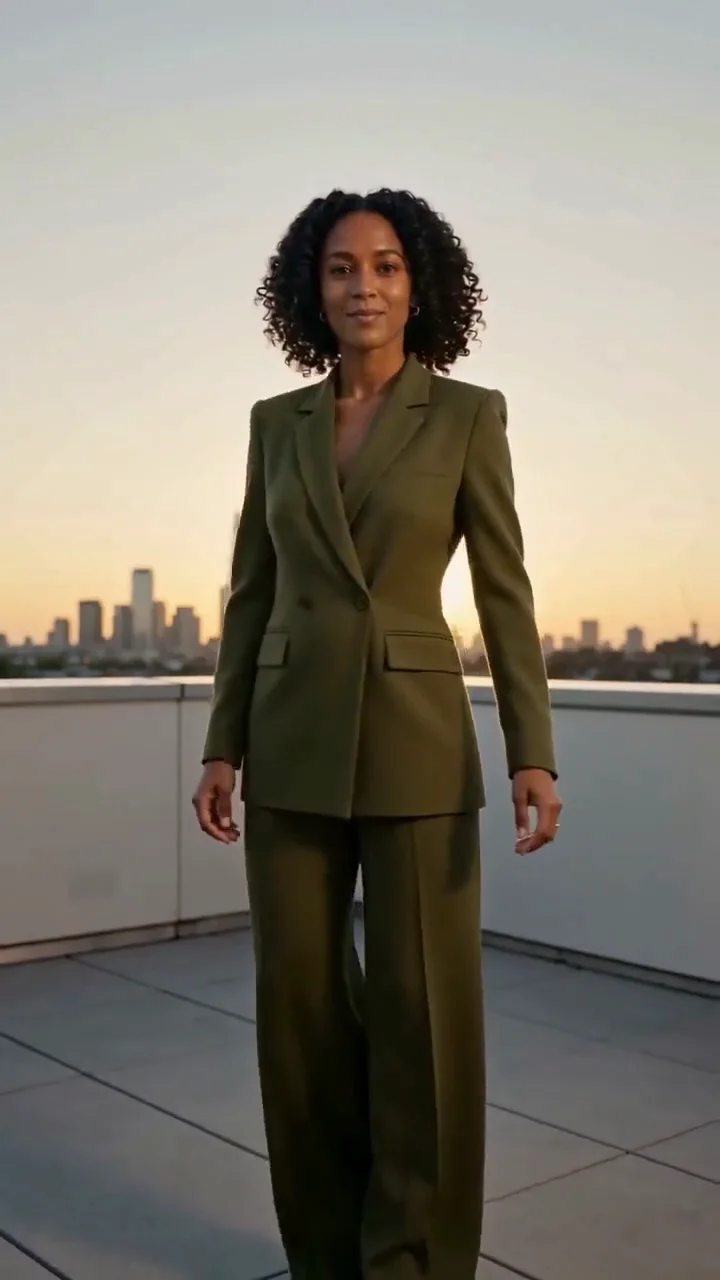
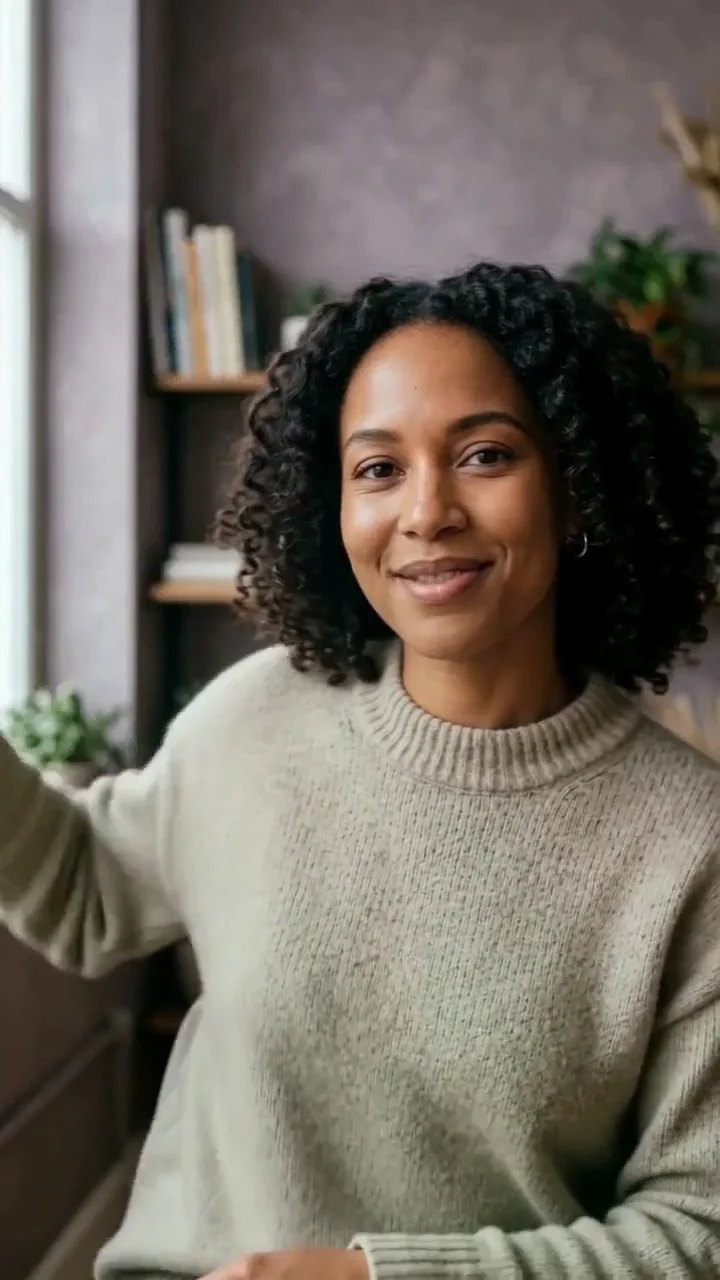
Localisation
Make a reviewed creator clip speak naturally for another audience.
Give an approved creator clip a new spoken line, then review the mouth movement, message, and final publication context in Studio.
Volcengine Lip Sync helps update the spoken performance in an existing creator clip while keeping the original on-camera moment.
It is a practical fit for a clean, front-facing video and a short, natural line. Bring the sentence into Studio, then add the authorised source video and final voice or audio.
Open this direction in StudioStart with one clear visual direction, then move the exact prompt into the part of Studio where it becomes a real task.
Make a reviewed creator clip speak naturally for another audience.
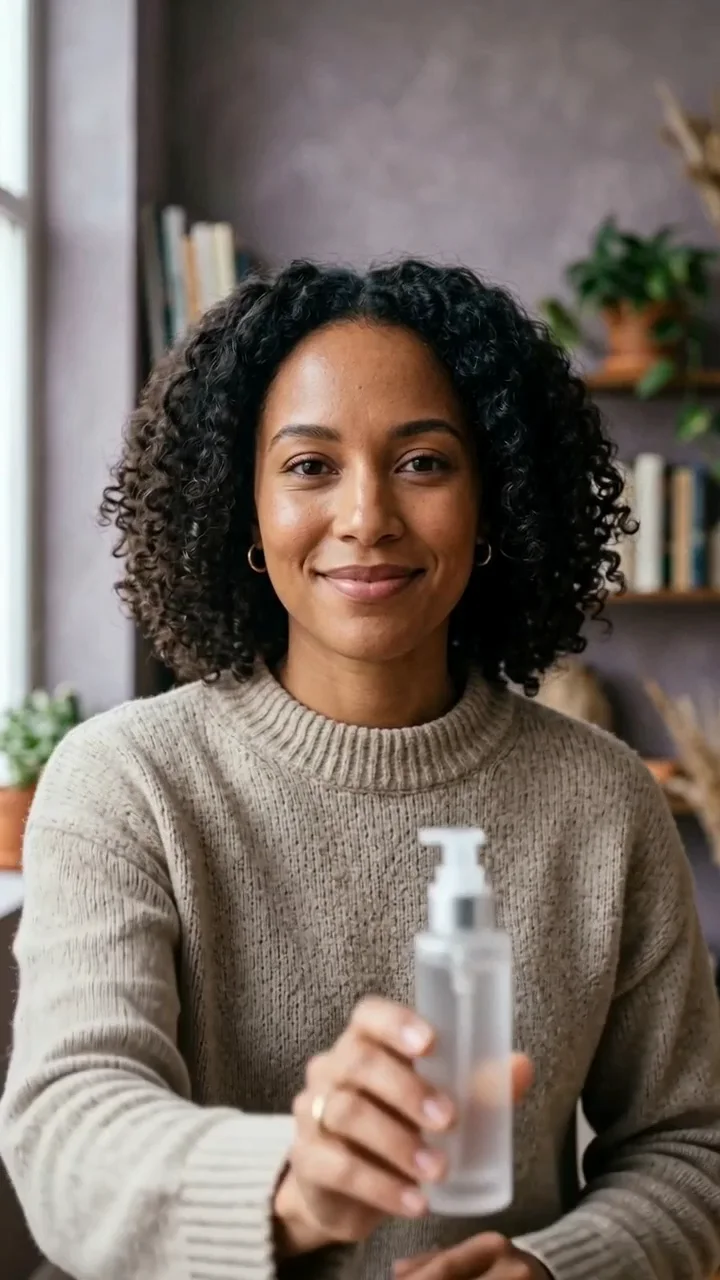
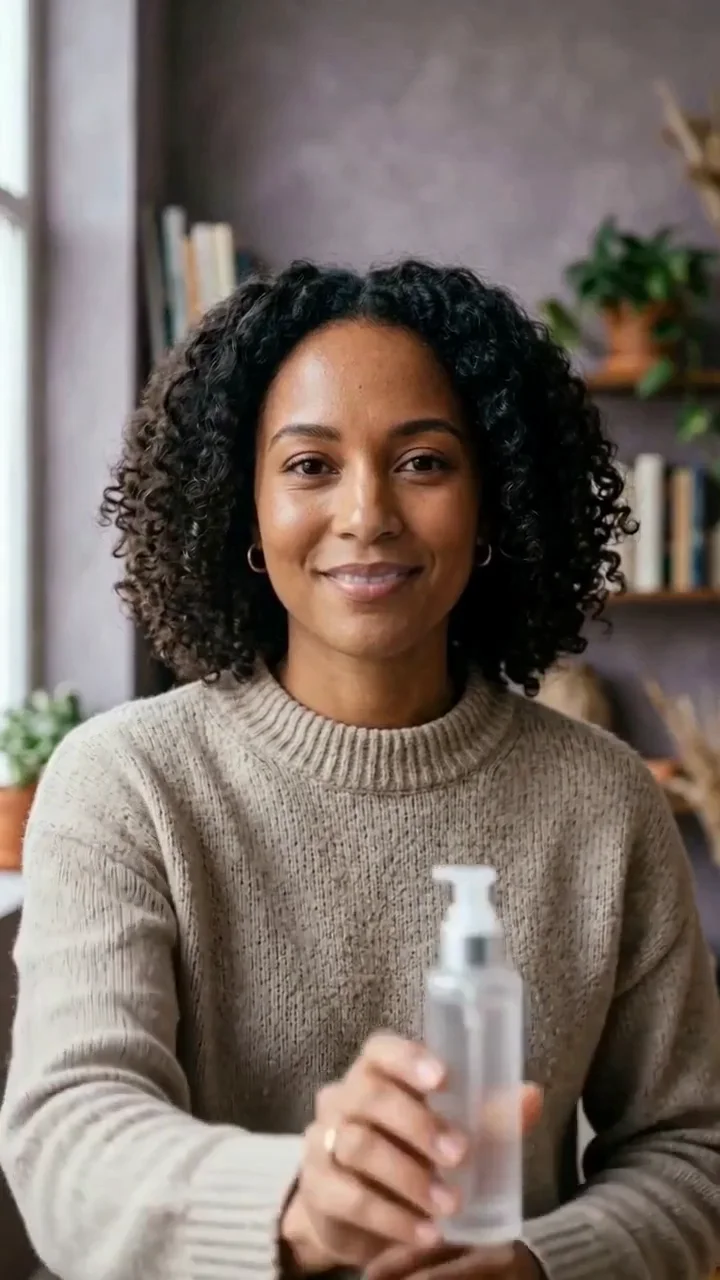
Refresh a product line without reshooting the whole visual.
Give an approved talking moment a new opening or closing line.
Keep the same footage while adapting the spoken message for the next post.
These illustrative examples use fictional adults and unbranded products. They are directions to adapt, not customer work or promises about every result.
Move a concise creator message into the existing on-camera moment.
Adapt a short introduction while keeping the familiar visual story.
Update a useful explanation without replacing the whole campaign scene.
Start with a clear creator clip where the intended speaker is visible and easy to review.
Keep the message concise and conversational, then choose a built-in voice or authorised audio in Studio.
Check mouth movement, identity, wording, product details, and final disclosures before you publish.
Prepare a revised spoken line for a previously approved creator performance.
Adapt a concise campaign introduction for a local audience and review it before use.
Keep a winning visual while testing a new hook, explanation, or call to action.
Refresh a factual message without implying a new product claim or replacing the source video.
Pair the original creator clip with a new language line for a reviewed regional version.
Test a clearer first sentence while preserving the familiar on-camera performance.
Compare the original creator footage with the new spoken performance before publishing.
Keep the visual product moment while changing only the wording you need to review.
Keep the stable details first, then describe the scene, action, camera, and the small errors you want to avoid.
01
Use a source clip where the intended speaker is easy to see.
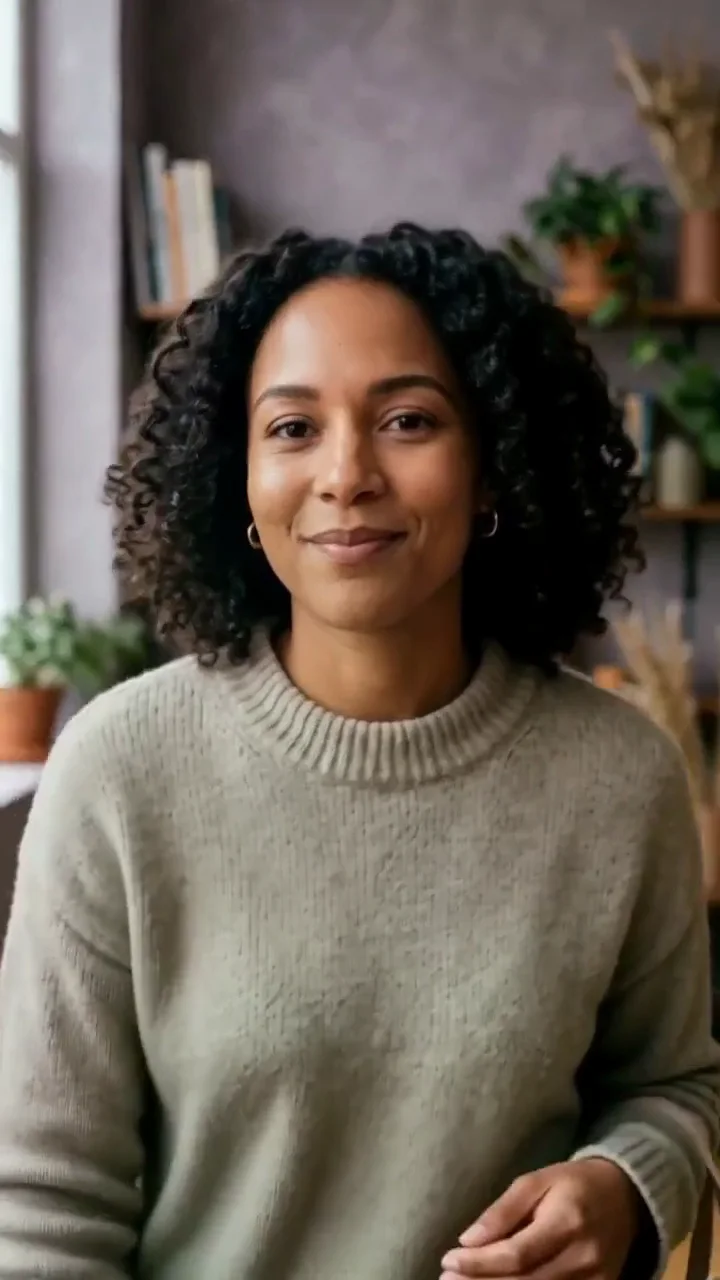
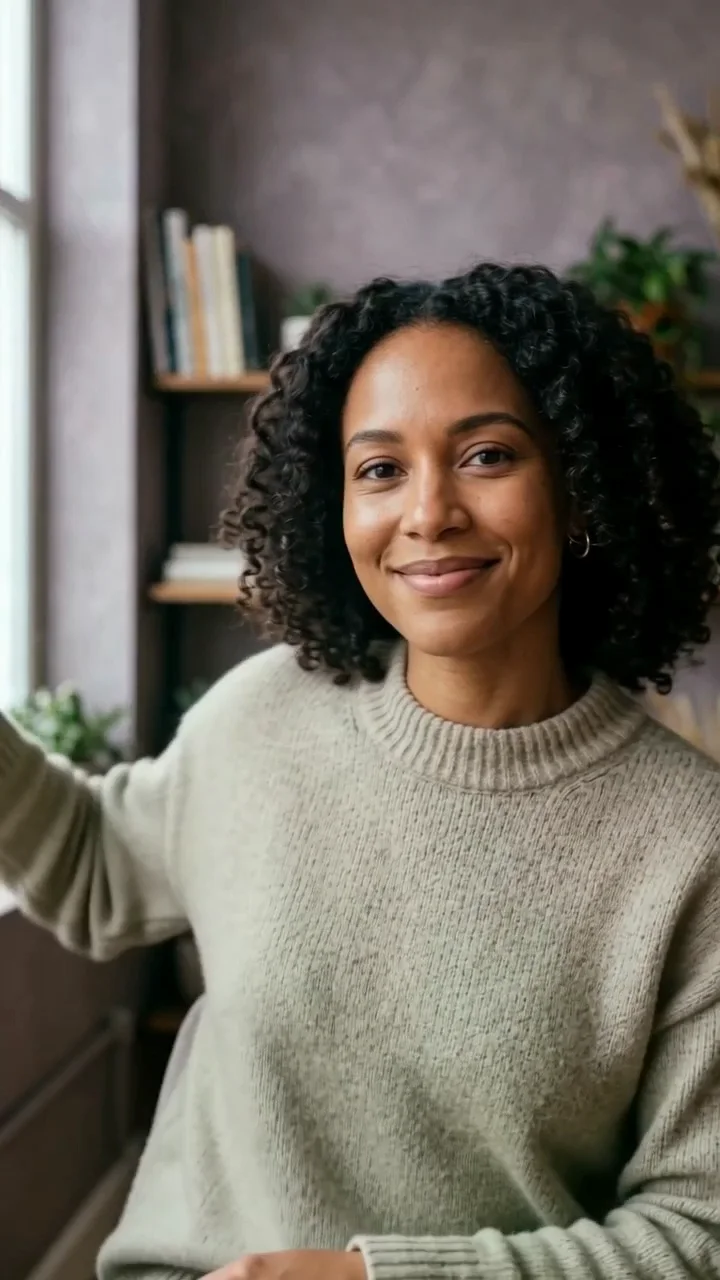
One creator faces camera with a clear mouth and a calm expression.
02
Write one concise sentence with natural phrasing and no crowded claims.
Here is the simple detail I want to share about today's routine.
03
Keep words close to how a person would say them on camera.
Short phrases, a comfortable pace, and an easy final sentence.
04
Name what needs checking before the final version is used.
Review mouth movement, identity, product details, wording, and required disclosures.
Change the campaign layer, but keep the creator or source-frame details stable when you want a connected series.
Hola, hoy te comparto una rutina corta para una piel fresca y cuidada.
I wanted to show the texture and the small detail that makes this product useful.
A quick idea can become a creator video that feels ready to share.
The comparison is about the current product workflow, not a universal benchmark.
| Model | Best fit | Choose it when |
|---|---|---|
| Volcengine Lip Sync | A new spoken performance for an existing creator video | Choose it when the visual clip is already approved and the message needs to change. |
| Talking Avatar | A new speaking performance from a saved identity or portrait | Choose it when there is no finished source video to preserve. |
| AI Influencer Video | A broader new creator video | Choose it when the visual scene and message both need to be newly made. |
| Seedance 2 | A new short creator-led scene | Choose it when the on-camera footage itself still needs to be created. |
Use the prompt box to describe the creator, action, product, and visual outcome.
Check the person, product, composition, and text before turning the idea into a task.
Keep the approved image or video as the starting point for the next Studio workflow.
Do not imply that a real person endorses a product. Get permission for any likeness or source image.
Check visible words, product claims, labels, anatomy, and campaign disclosures before publishing.
Treat generated media as a creative draft and keep the recorded task inside your private workspace.
It updates the spoken performance in an existing creator video while keeping the source visual clip as the starting point.
Use an authorised source video with a visible speaker and choose a built-in voice or authorised audio in Studio.
Yes. The page carries your line into Studio, where you add the source video and choose the final speaking input.
You can prepare a new line for another audience, then review the final speech, wording, and disclosure requirements before use.
Use a clear, front-facing creator clip with one easy-to-see speaker and natural, steady pacing.
No. Use a likeness, source video, and voice only when you have the required permission to use them.
Studio shows the current credit estimate before a task starts. Failed tasks follow the current credit-return rules.
Start with the broader Lip Sync Generator workflow.
Open workflowCreate a new scene before adding or changing spoken audio.
Open workflowUse Seedance 2 for the creator moment you want to build first.
Open workflowUse another speaking workflow when no finished source video exists.
Open workflowChoose a plan for credits across image and video workflows. Studio always shows the current cost before a task starts.
Add the authorised source clip, choose the voice or audio, and review the finished speaking performance before you publish it.