
Kling Motion Control AI Video
Keep your creator. Borrow the movement. Combine an authorized motion-reference video with a saved adult character to guide a new performance.
Open in Studio →Model selected for you. Review the credit quote before generating.
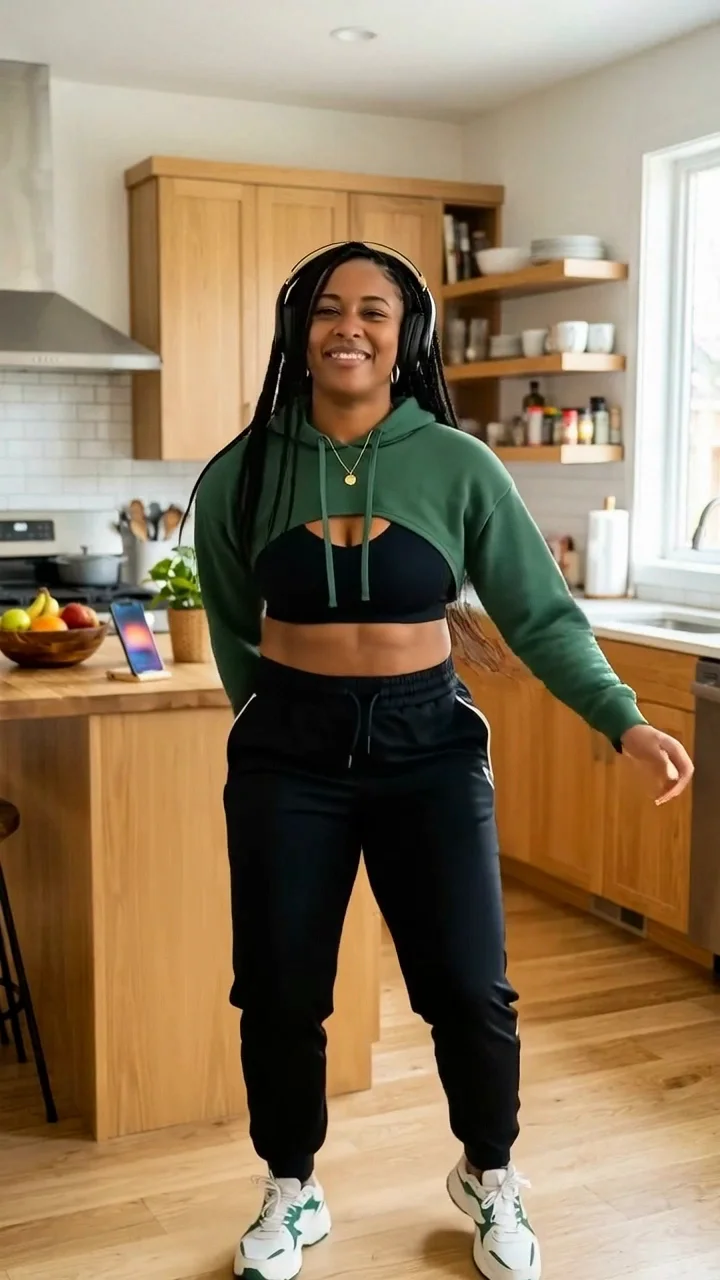
Reference-driven dance
Use movement as the reference
Supply a video with a clear subject and a readable action, rather than describing every pose in text.
Keep a saved identity
Choose an approved creator image with framing suited to the movement.
Control a focused performance
Match the motion brief to the source framing and review the entire generated sequence.
Settings at a glance
- Workflow
- Reference-driven movement
Supply a video with a clear subject and a readable action, rather than describing every pose in text.
- Inputs
- A creator image and an authorized movement-reference video
Example references are not attached automatically.
- Resolution
- 720p, 1080p
Review supported combinations in Studio.
- Duration
- 3, 4, 5, 6, 7, 8, 9, 10, 11, 12, 13, 14, 15, 16, 17, 18, 19, 20, 21, 22, 23, 24, 25, 26, 27, 28, 29, 30 seconds
The selected workflow controls the final output settings.
- Starting quote
- 23 Credits
Catalog minimum; selected settings determine the actual quote.
- Example provenance
- 1 recorded example
You need permission to use the source image and movement-reference video.
Make the idea your own
Adapt this example prompt in Studio. References are not attached automatically.
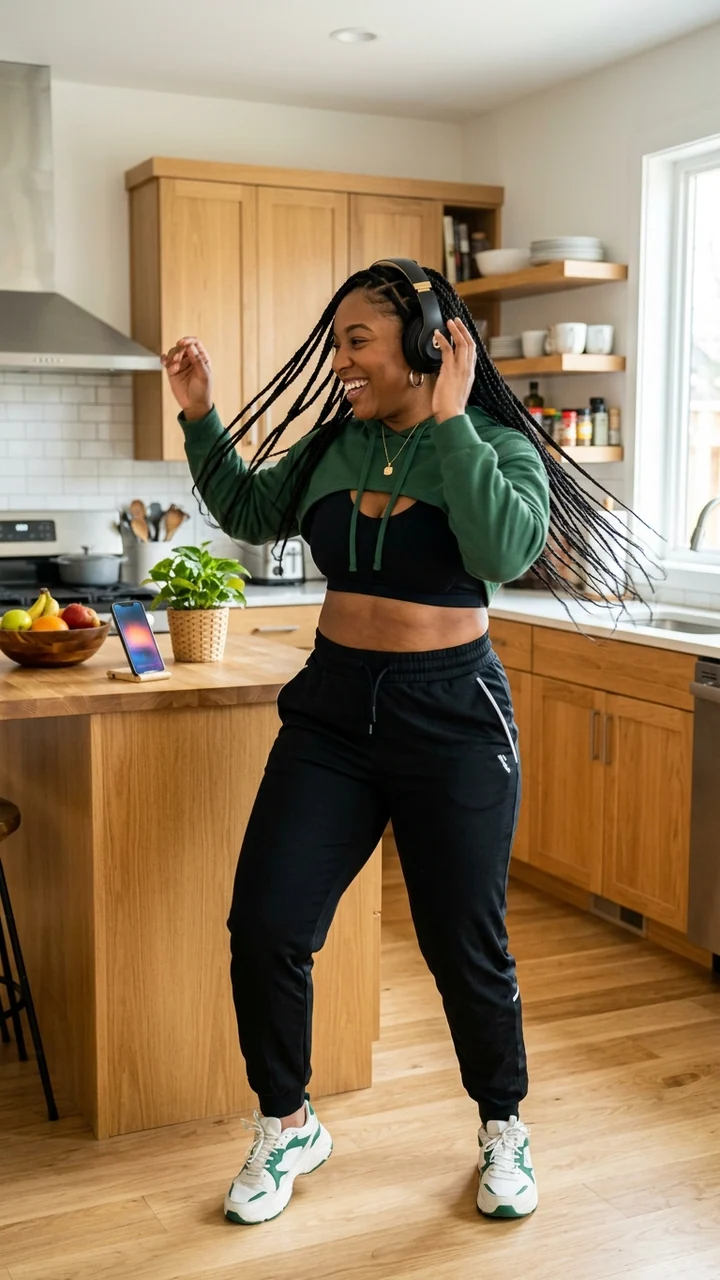
How to brief Kling 3.0 Motion Control
Starting identity
Use an approved starting image with a clearly visible subject.
Preserve the face, jacket and background from the starting image.
One action
Use the reference video to define movement and timing.
Follow the reference dance timing with the full body visible.
Camera
Choose stable framing or one modest camera movement.
One continuous full-body shot with a stable camera.
Continuity
State the details to retain and inspect the full result.
Keep the clothing, lighting and body proportions stable.
Where it fits
Dance drafts
Apply permitted choreography to a fictional adult creator.
Movement studies
Try one walk, turn or gesture around a saved identity.
Creator performances
Explore a repeatable movement direction for social video.
Before you generate
- You need permission to use the source image and movement-reference video.
- Fast movement, occlusion and mismatched framing can cause identity or anatomy errors.
- This page's recorded result used Kling 3.0 Motion Control. It is not evidence of a Kling 2.6 result.
Questions, answered
How is Motion Control different from image-to-video?
Image-to-video follows a text motion brief and a starting frame. Motion Control also uses a reference video to guide movement and timing.
Which Kling version made the example?
The displayed dance was generated through Kling 3.0 Motion Control. Studio may offer other motion models; their outputs should be evaluated separately.
What inputs does Kling 3.0 Motion Control need?
A creator image and an authorized movement-reference video. The example prompt does not attach its source images or audio automatically. Add your own permitted inputs in Studio.
Which outputs can I choose with Kling 3.0 Motion Control?
The current model catalog offers 720p, 1080p, with duration choices of 3, 4, 5, 6, 7, 8, 9, 10, 11, 12, 13, 14, 15, 16, 17, 18, 19, 20, 21, 22, 23, 24, 25, 26, 27, 28, 29, 30 seconds where supported. Available combinations depend on the workflow; check Studio before submitting.
Can Kling 3.0 Motion Control keep my creator consistent?
Use an approved source or saved identity, then review every result. You need permission to use the source image and movement-reference video.
Can I try Kling 3.0 Motion Control for free?
Browsing examples and preparing a prompt uses no generation credits. The catalog starts at 23 Credits for its lowest listed variant; the selected settings determine your actual quote. Generation requires an account and sufficient credits.
Where do I review a completed Kling 3.0 Motion Control task?
Return to the saved task in Studio History to inspect the result and download it. If the task is still running, check its status before submitting another generation.
Plan Content
Measure Engagement
Build Your Profile
Price Your Work
Write Post Copy
Brand Partnerships