
AI Influencer Image Generator
Turn a concrete social post into an image brief, then take it to Image Studio to choose the right creator, source material, and image workflow.
Choose a template, then continue in Studio
Each card is a clear social-image task rather than a decorative picture. Click any template to open Image Studio with its editable scene direction.
UGC & Product
Open Image Studio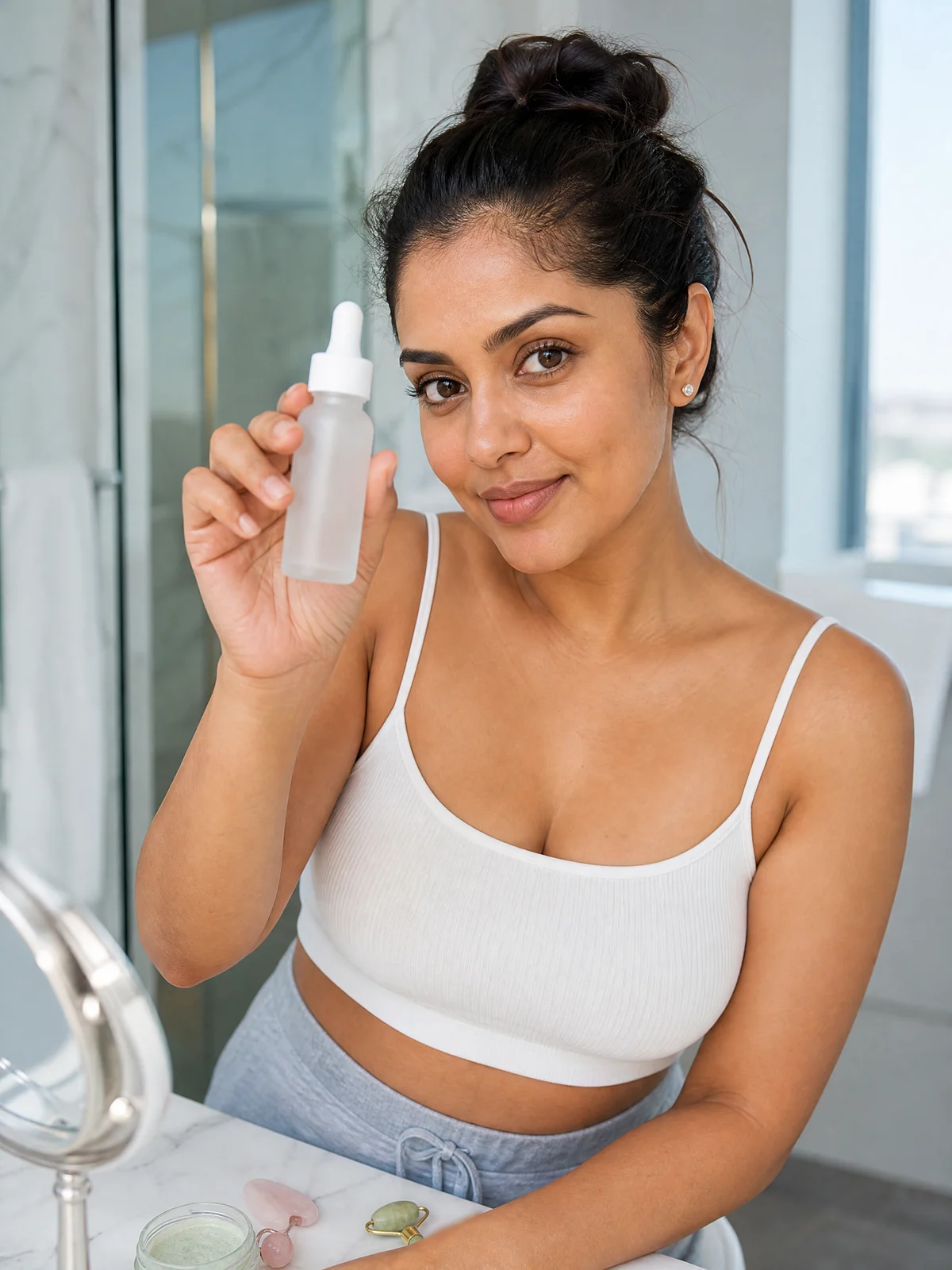
Product in hand
Show the product and the creator relationship in one clear image.
Use in Image Studio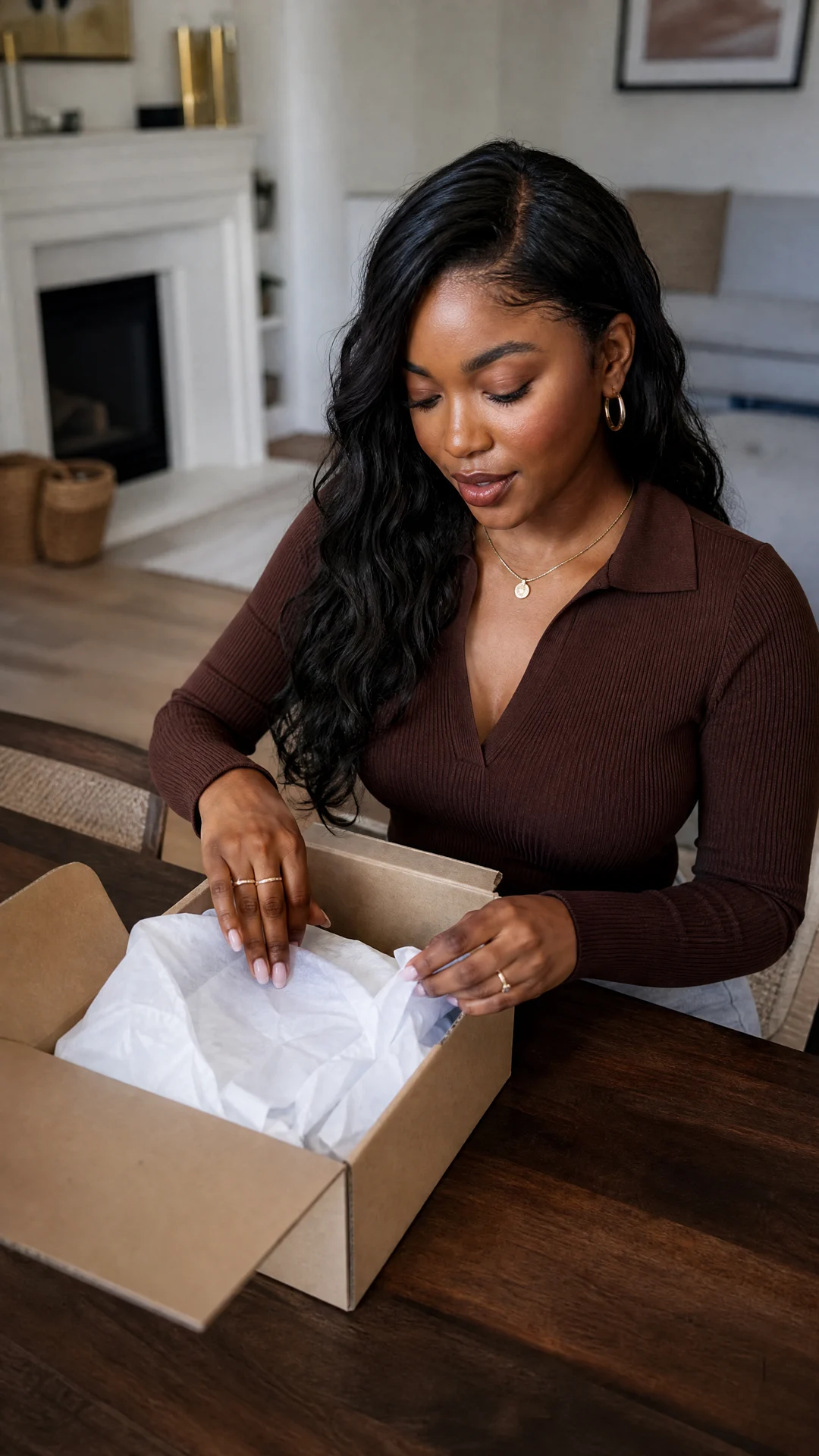
PR unboxing
Create a first-look package opening post.
Use in Image Studio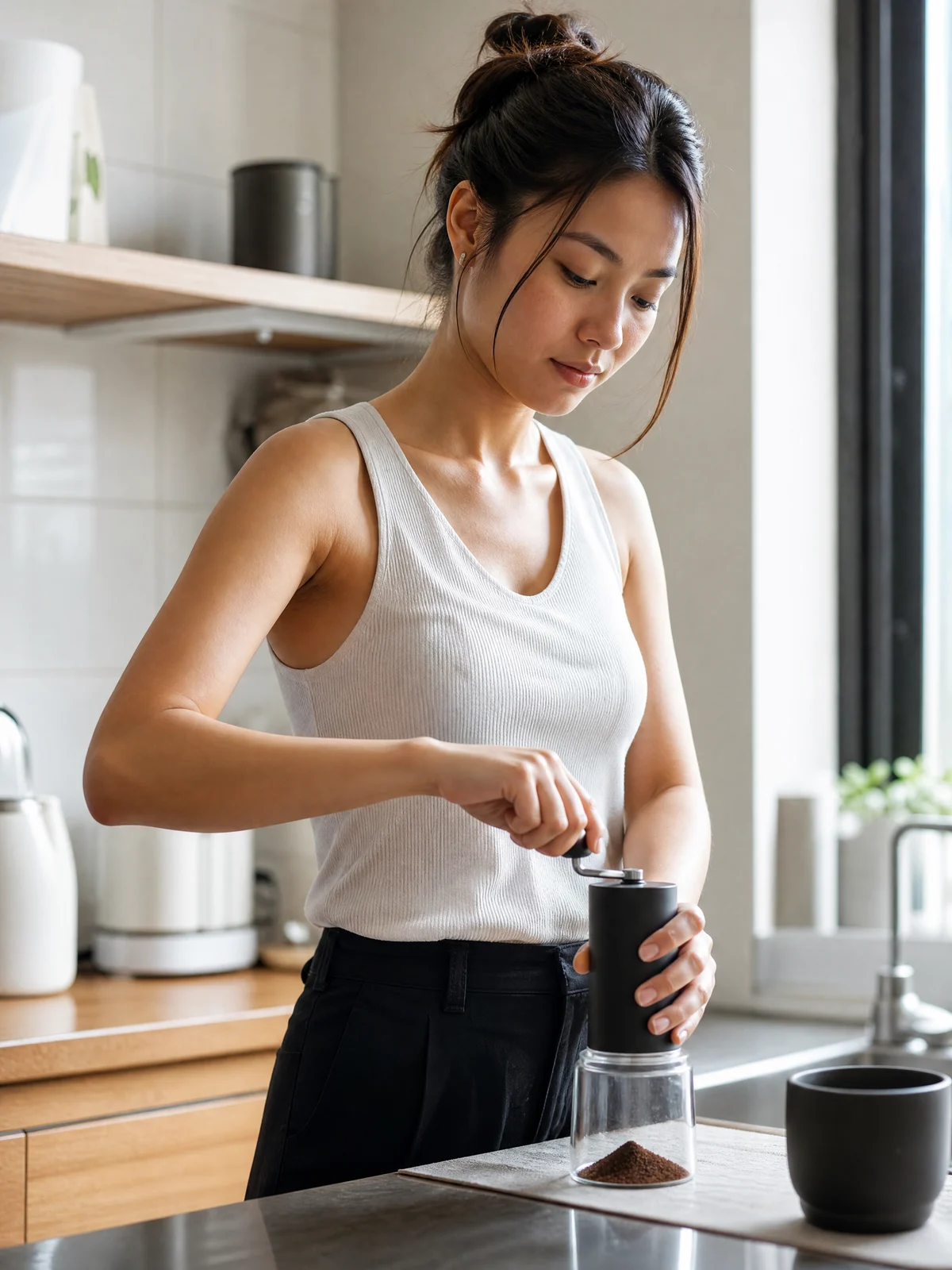
Product demo
Show one use action instead of a posed portrait.
Use in Image Studio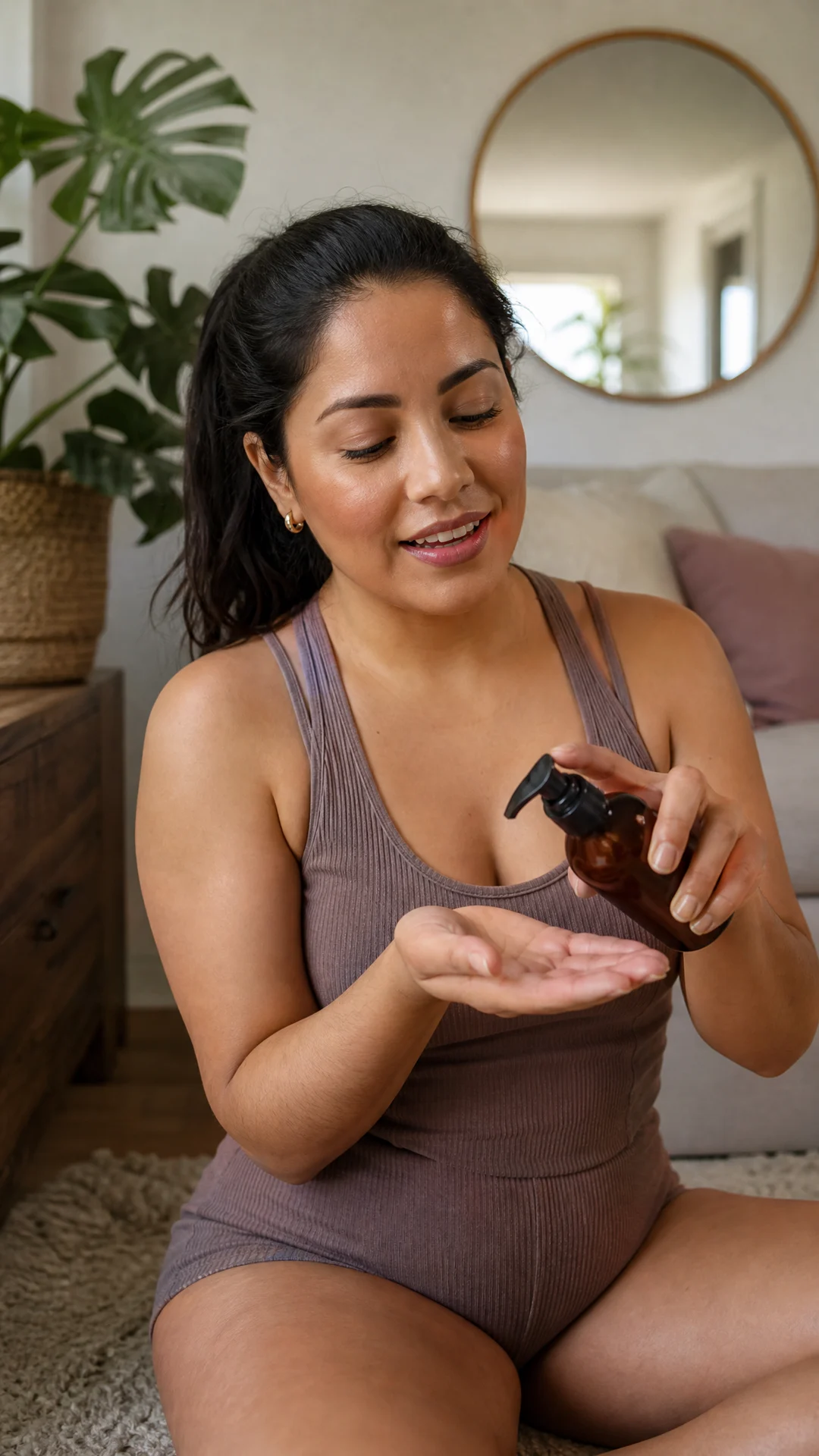
Review recommendation
Frame a believable creator recommendation.
Use in Image Studio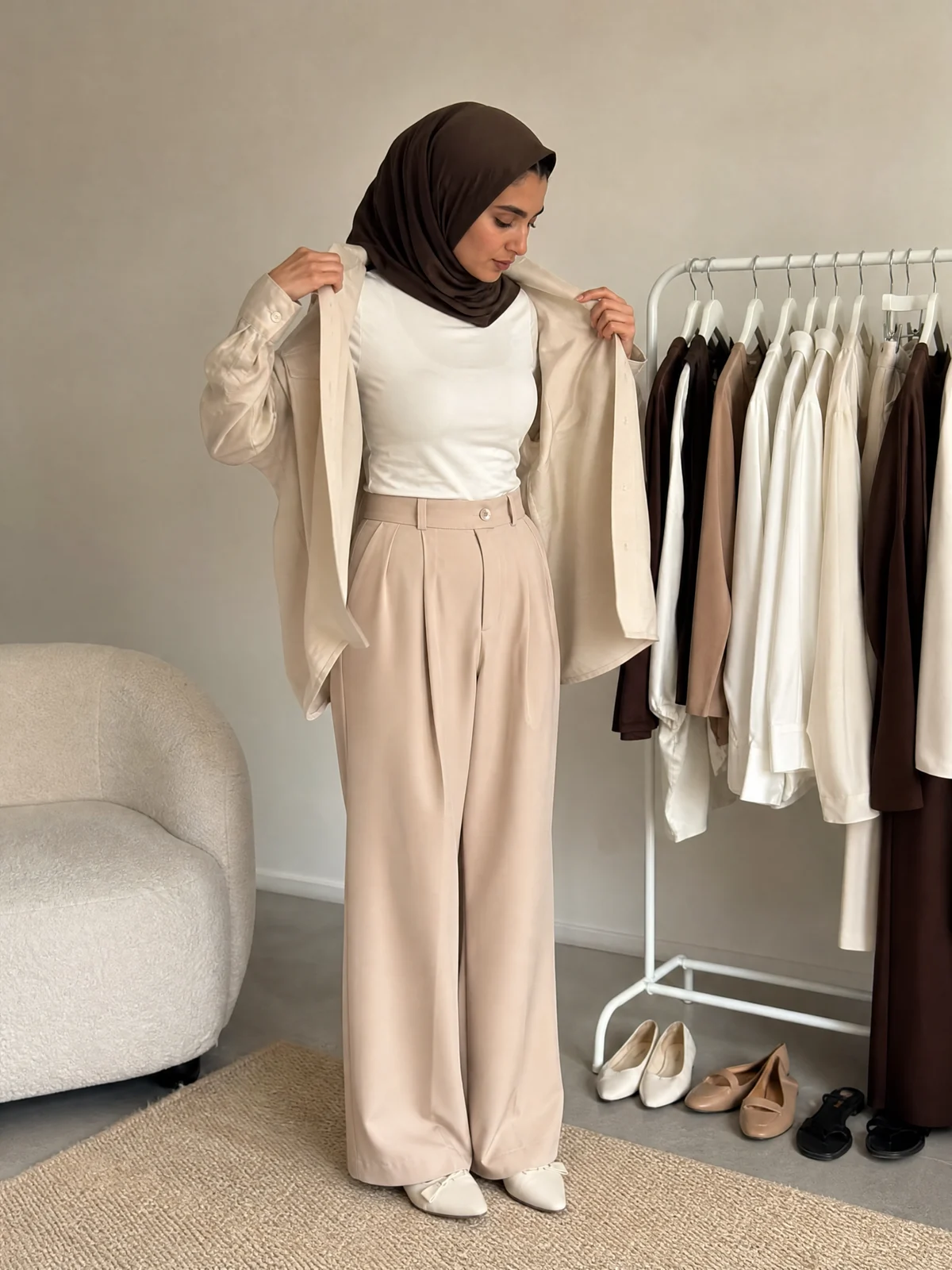
Style change
Show an outfit transformation without claiming product results.
Use in Image StudioBeauty & Fashion
Open Image Studio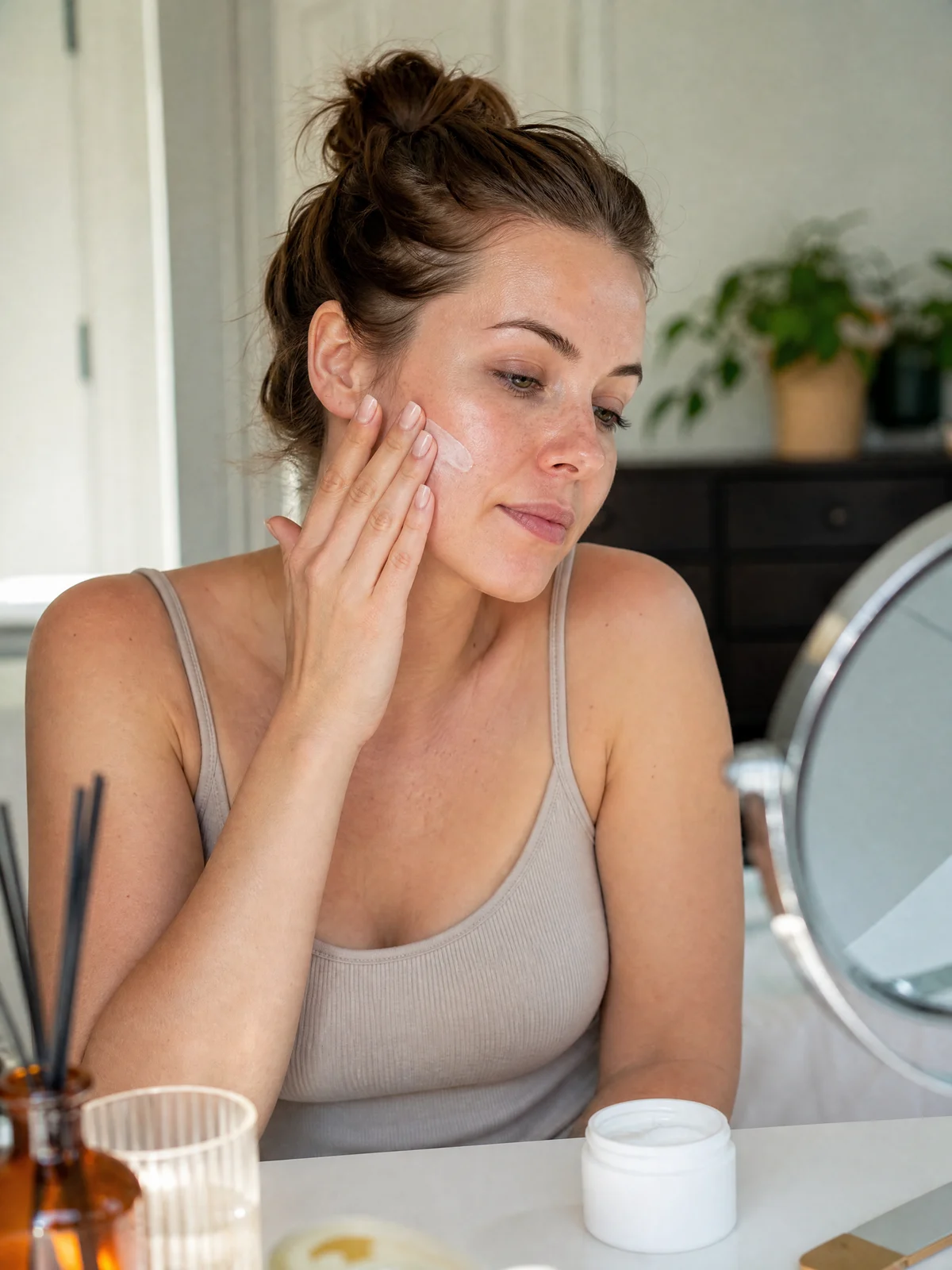
Skincare routine
Create an everyday beauty routine image.
Use in Image Studio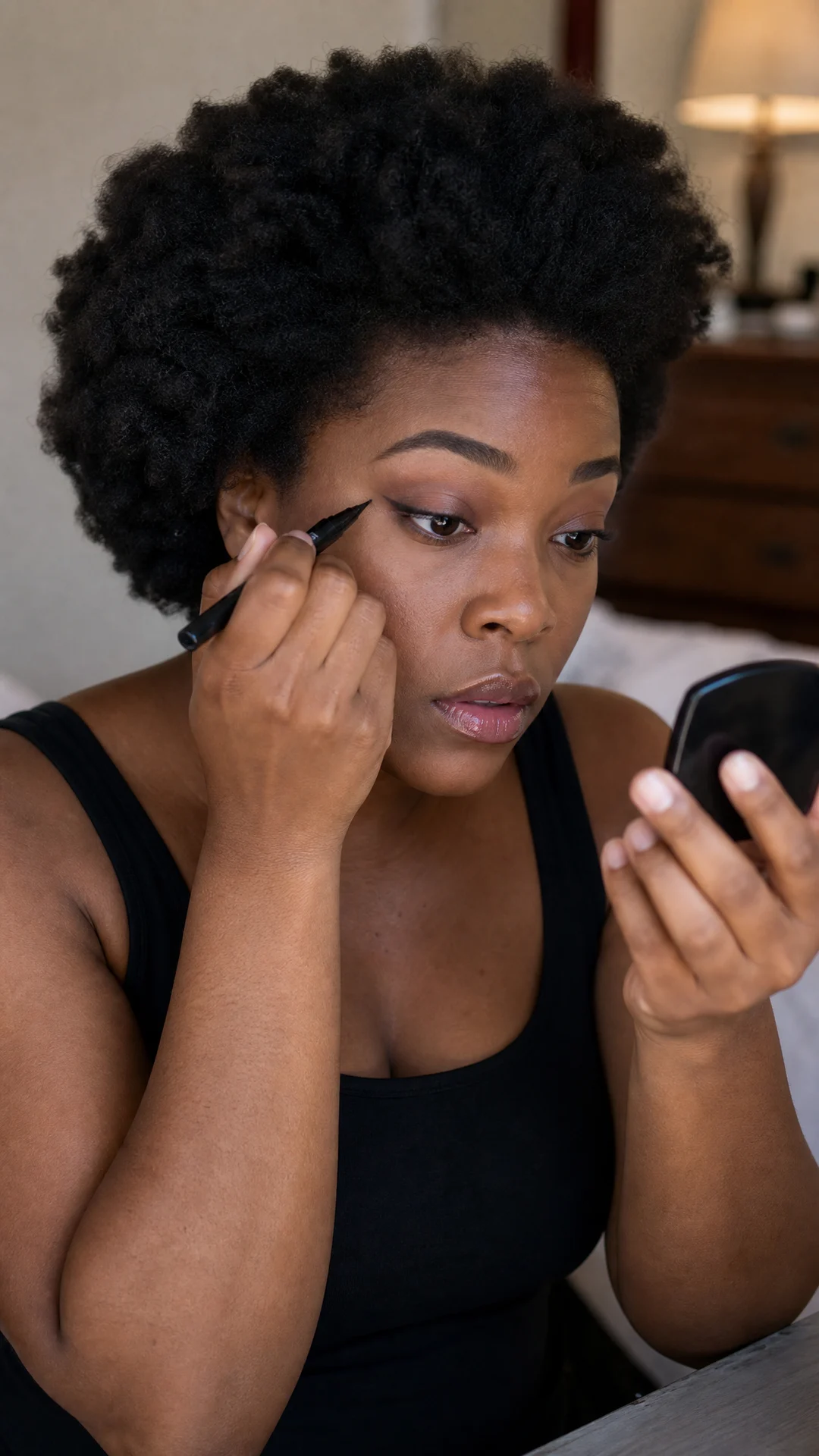
Makeup application
Show a precise beauty action.
Use in Image Studio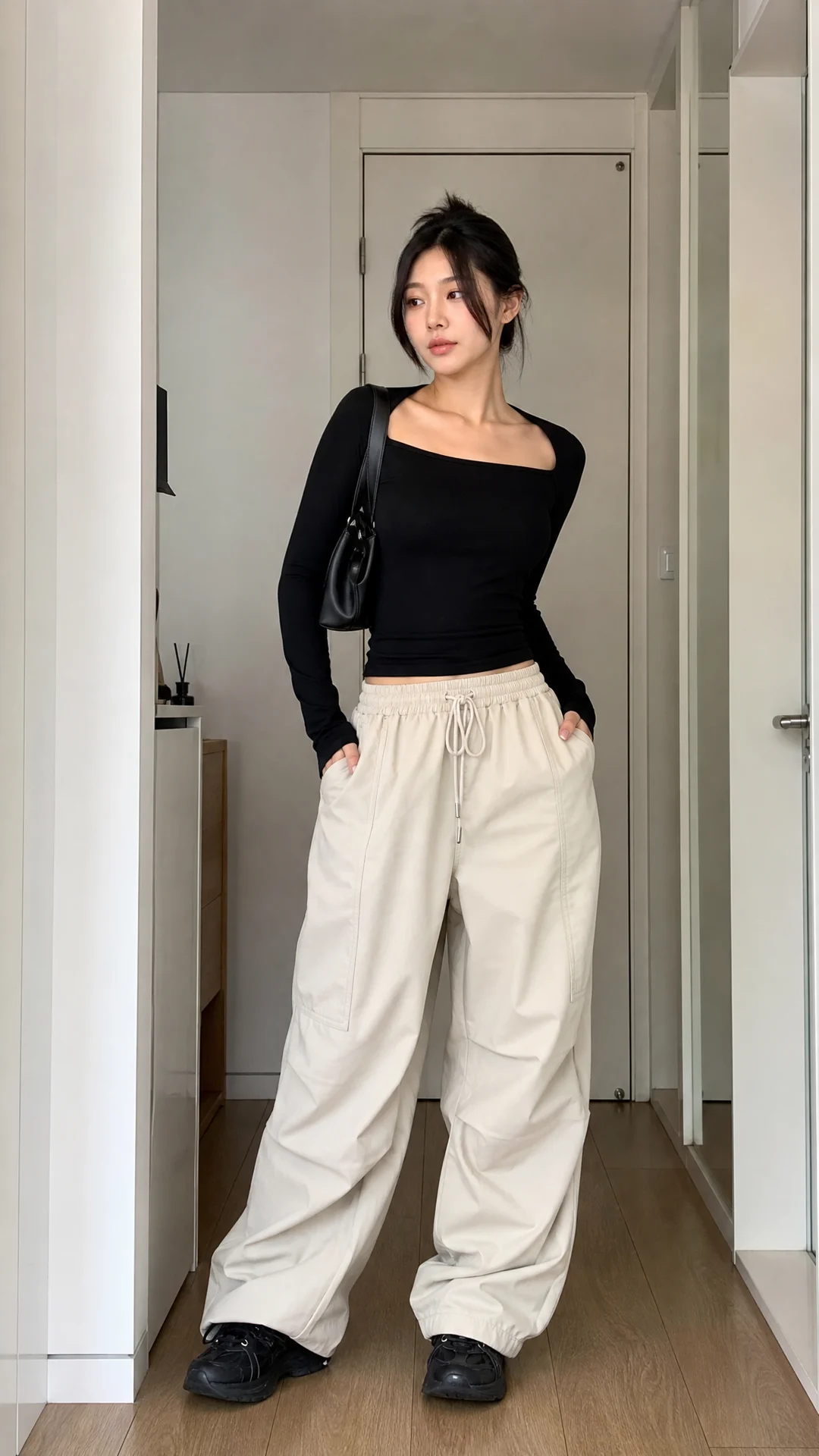
Outfit fit check
Create a full-body styling post.
Use in Image Studio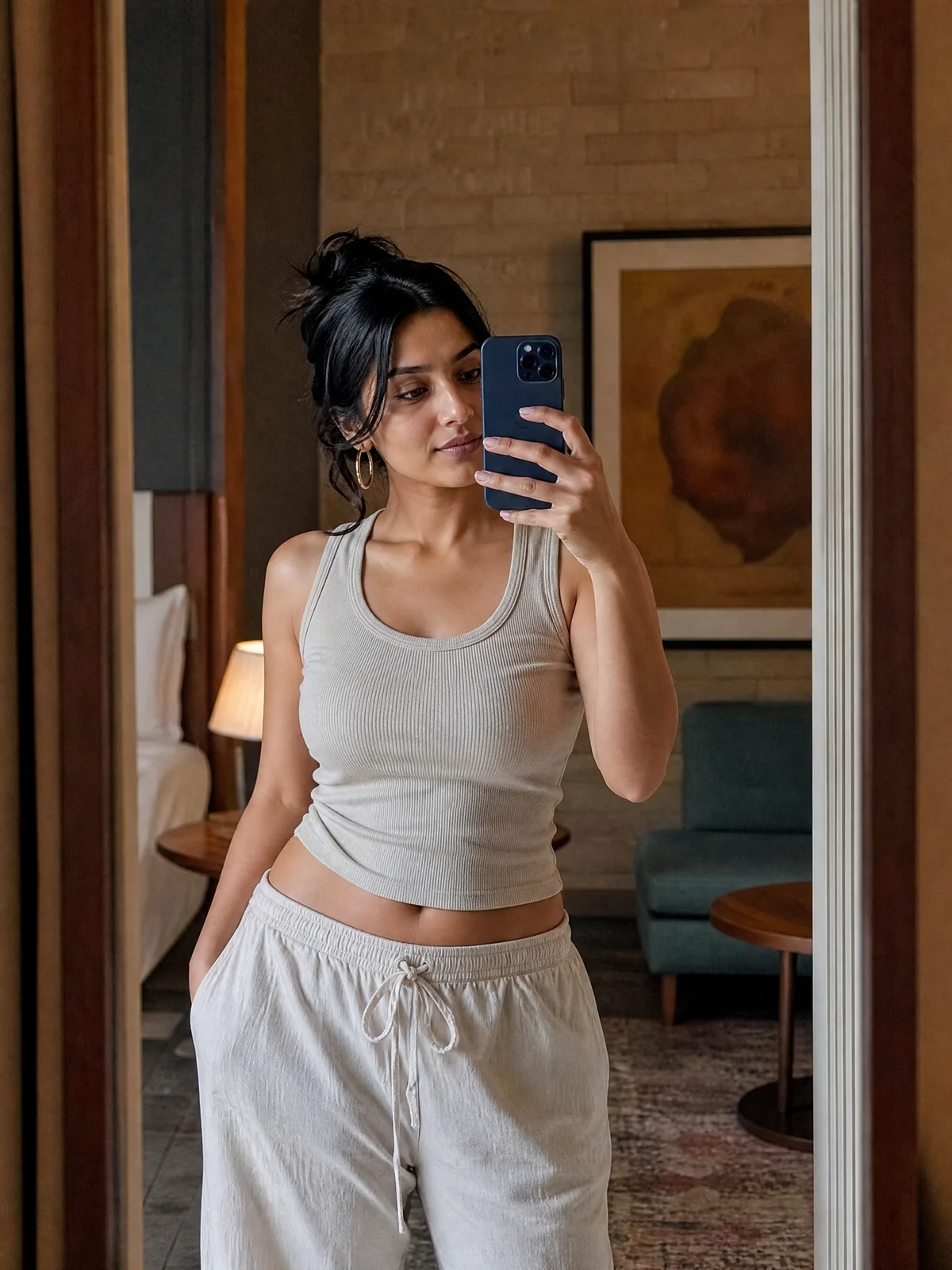
Mirror selfie
Create a casual but intentional social post.
Use in Image Studio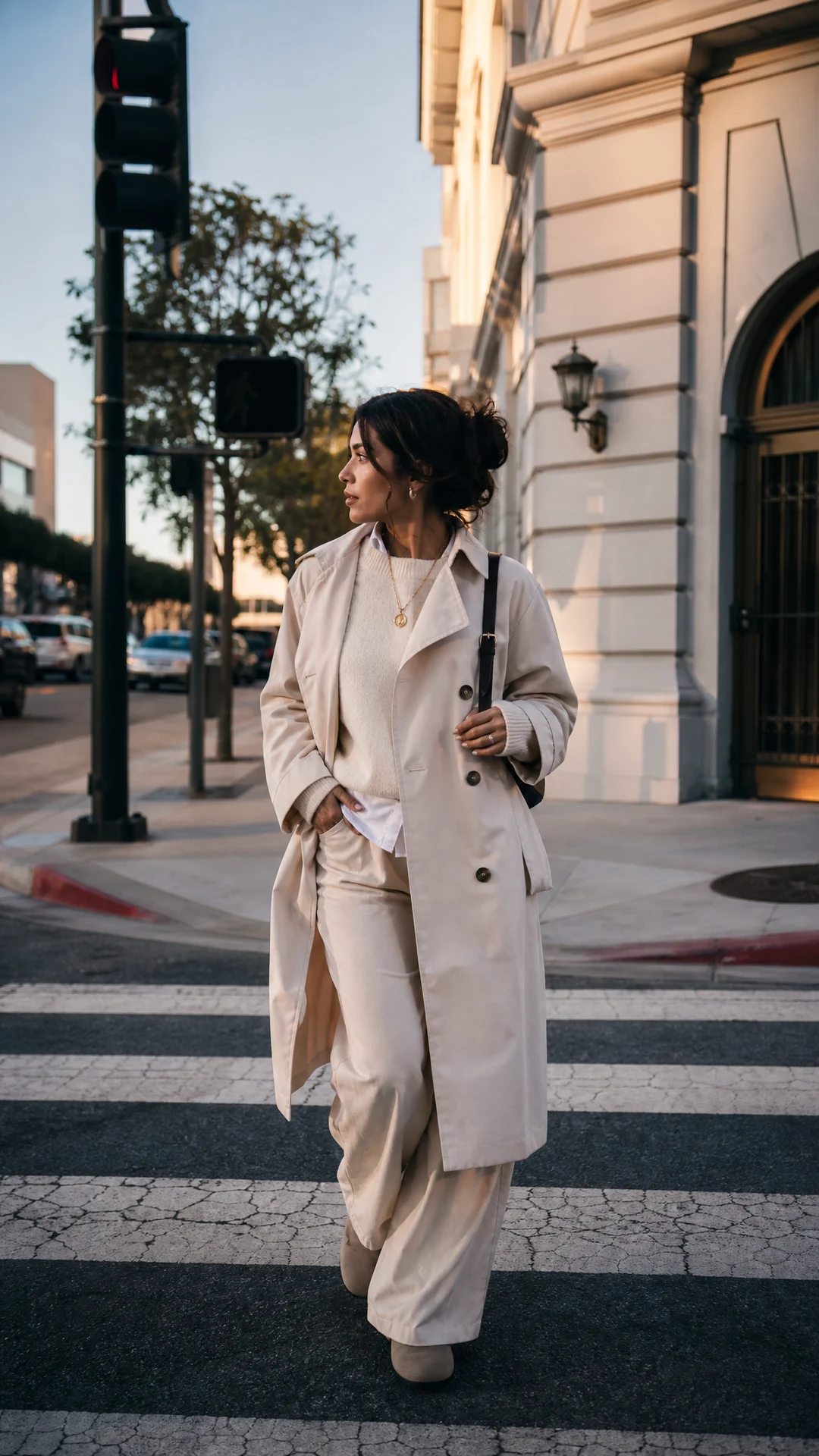
Street style
Place a creator in a usable fashion scene.
Use in Image StudioFitness & Wellness
Open Image Studio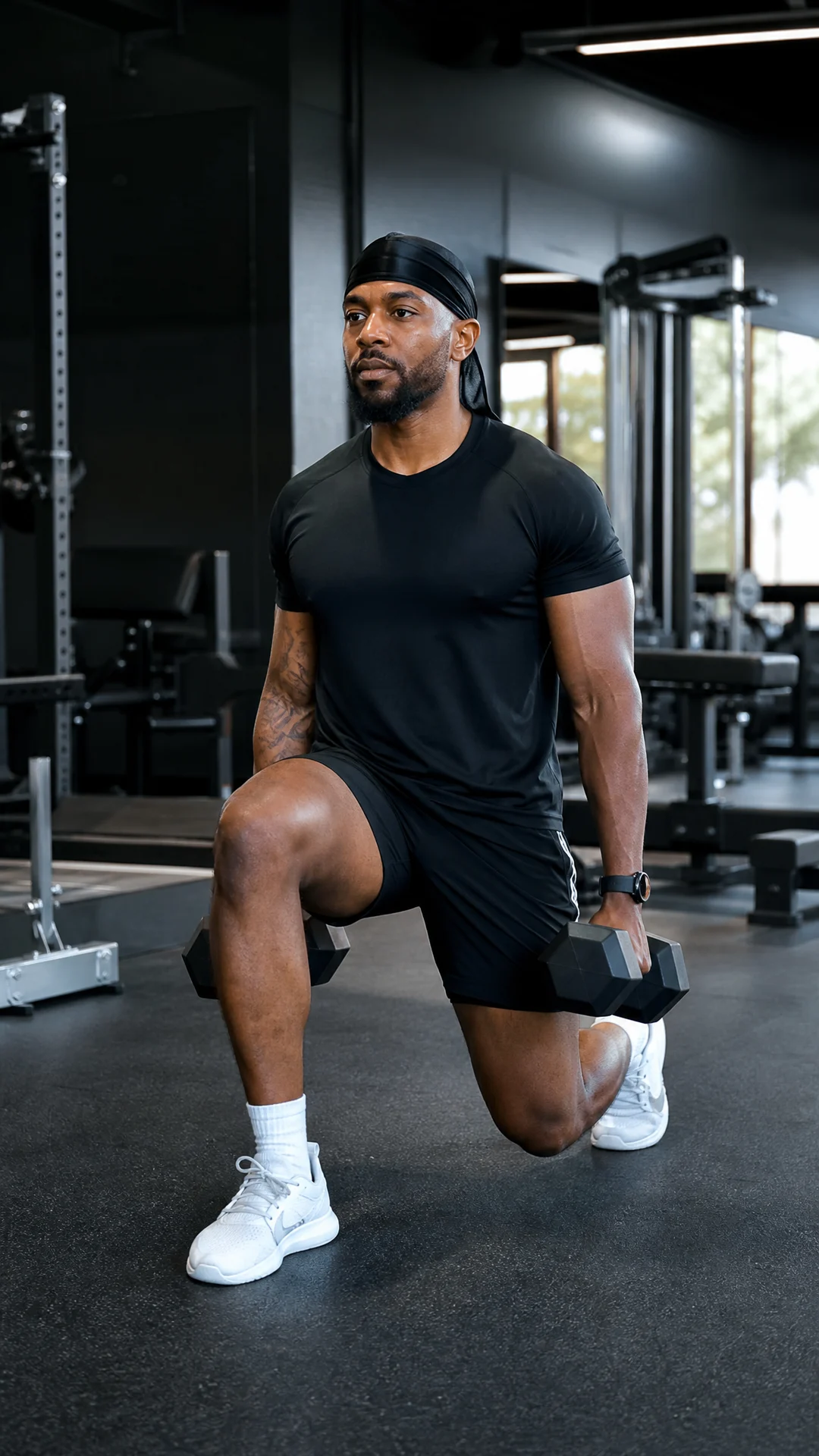
Gym workout
Show a real fitness action.
Use in Image Studio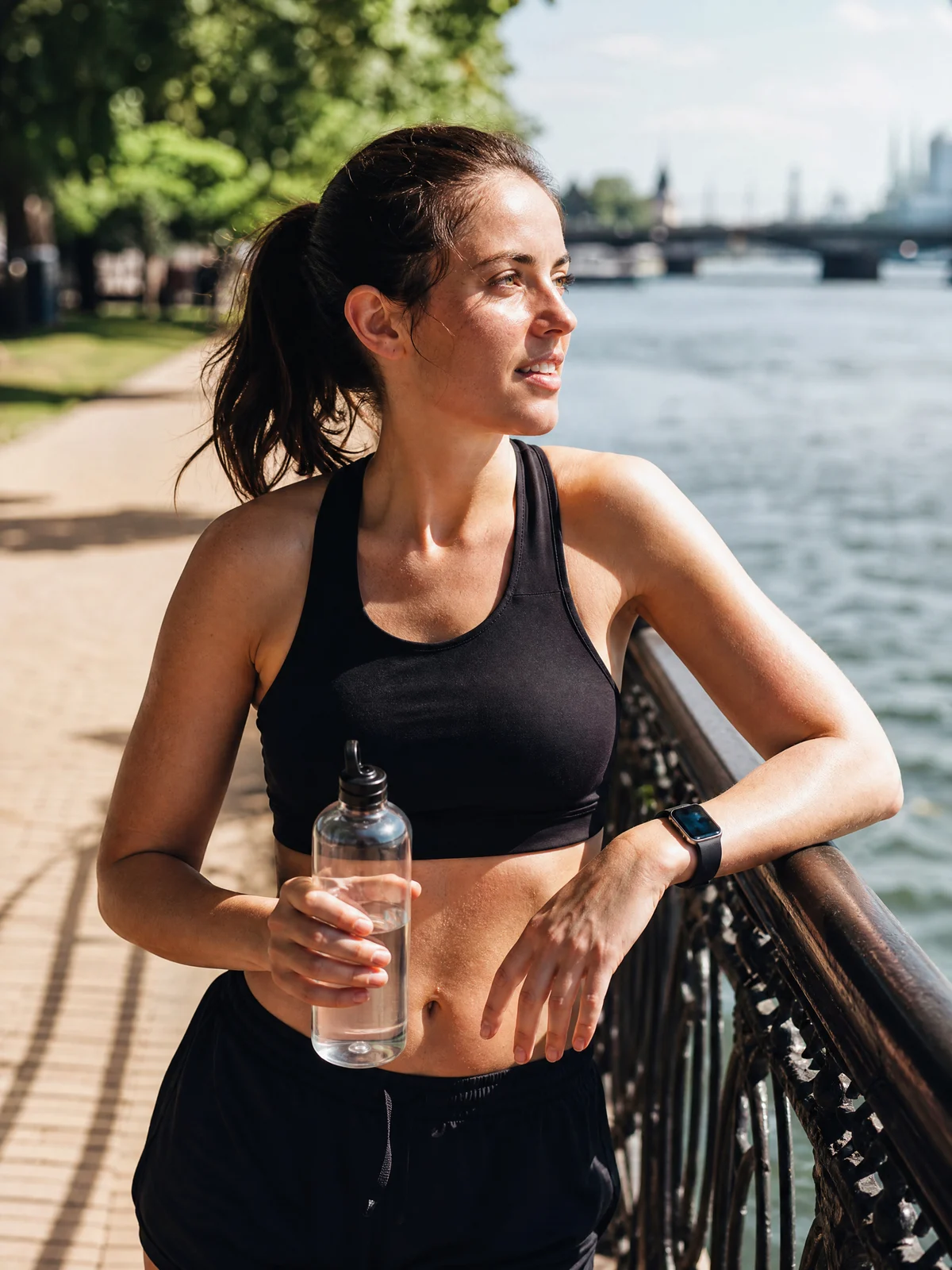
Outdoor run
Create an active outdoor update.
Use in Image Studio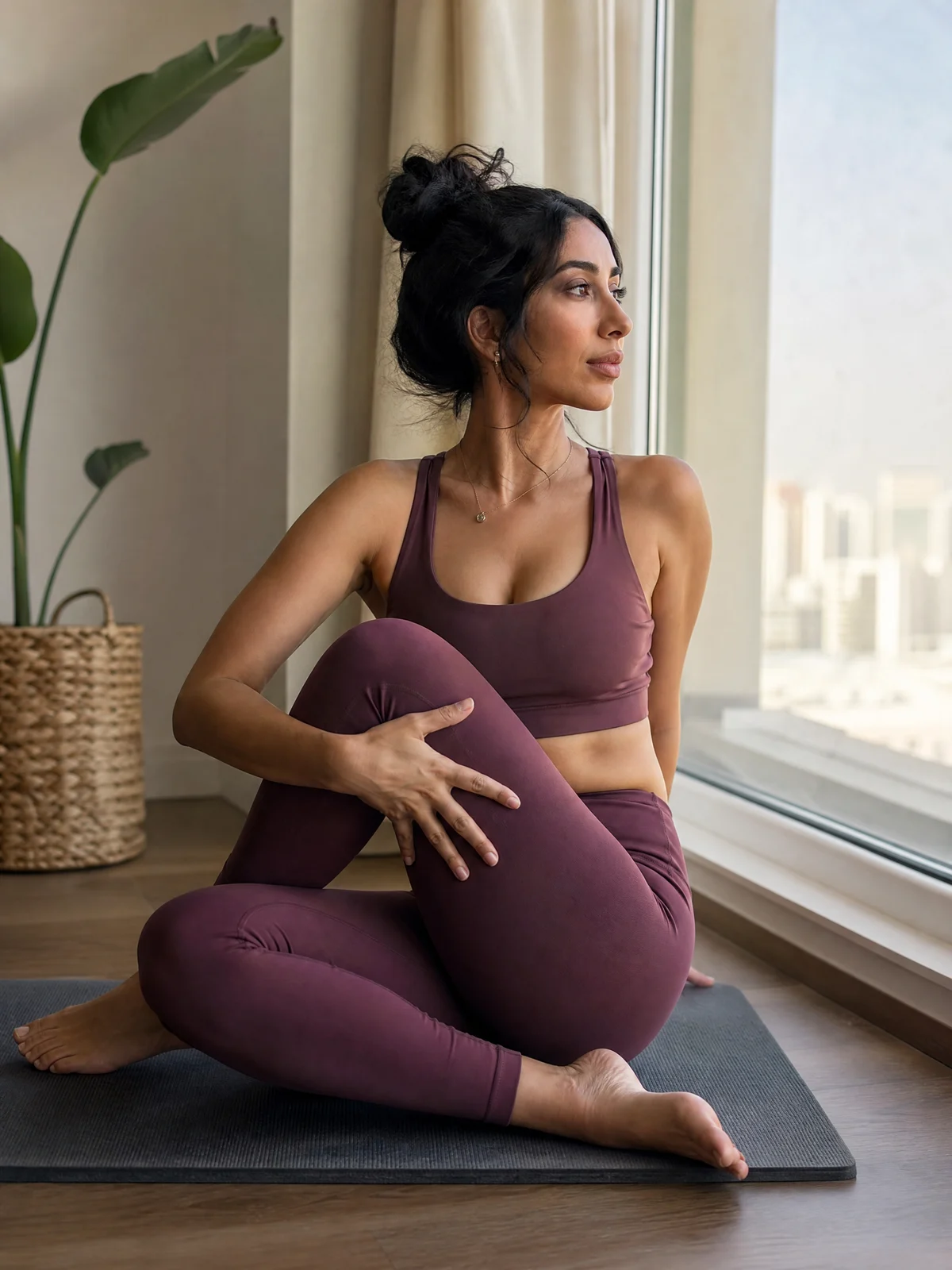
Yoga at home
Show a calm wellness setup.
Use in Image Studio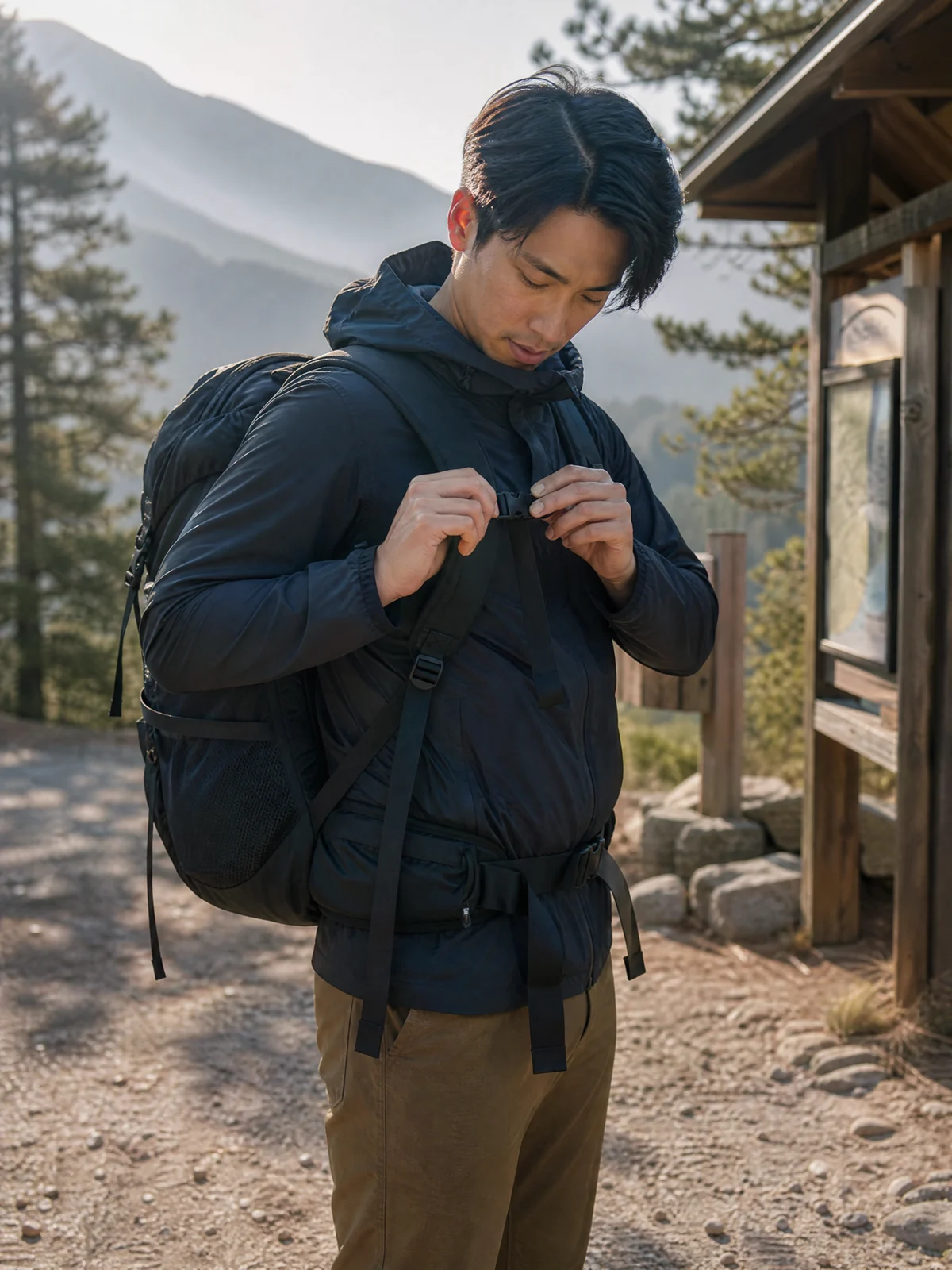
Gear check
Show an equipment-focused creator post.
Use in Image Studio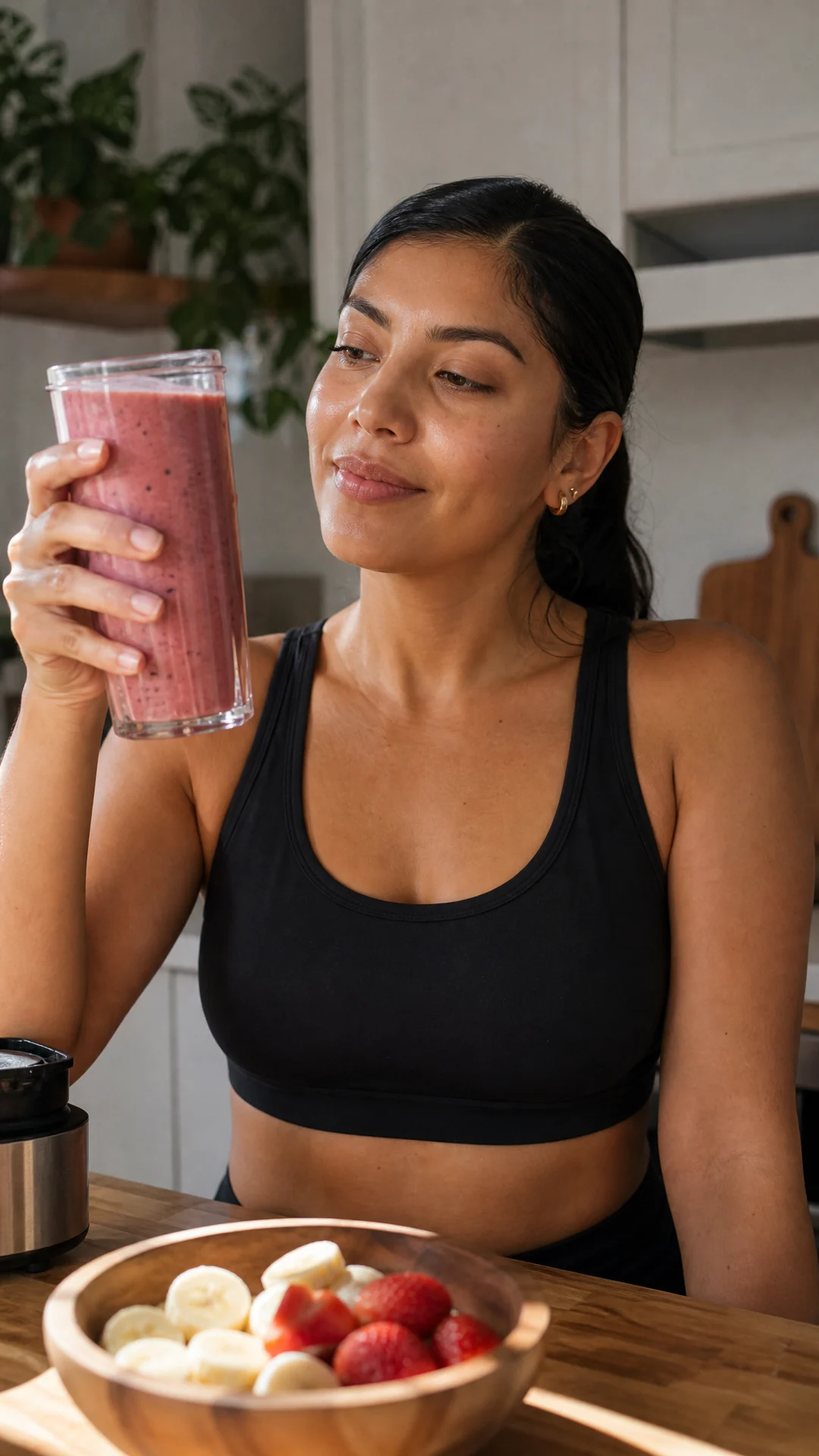
Wellness drink
Create a non-medical daily ritual post.
Use in Image StudioTravel & Food
Open Image Studio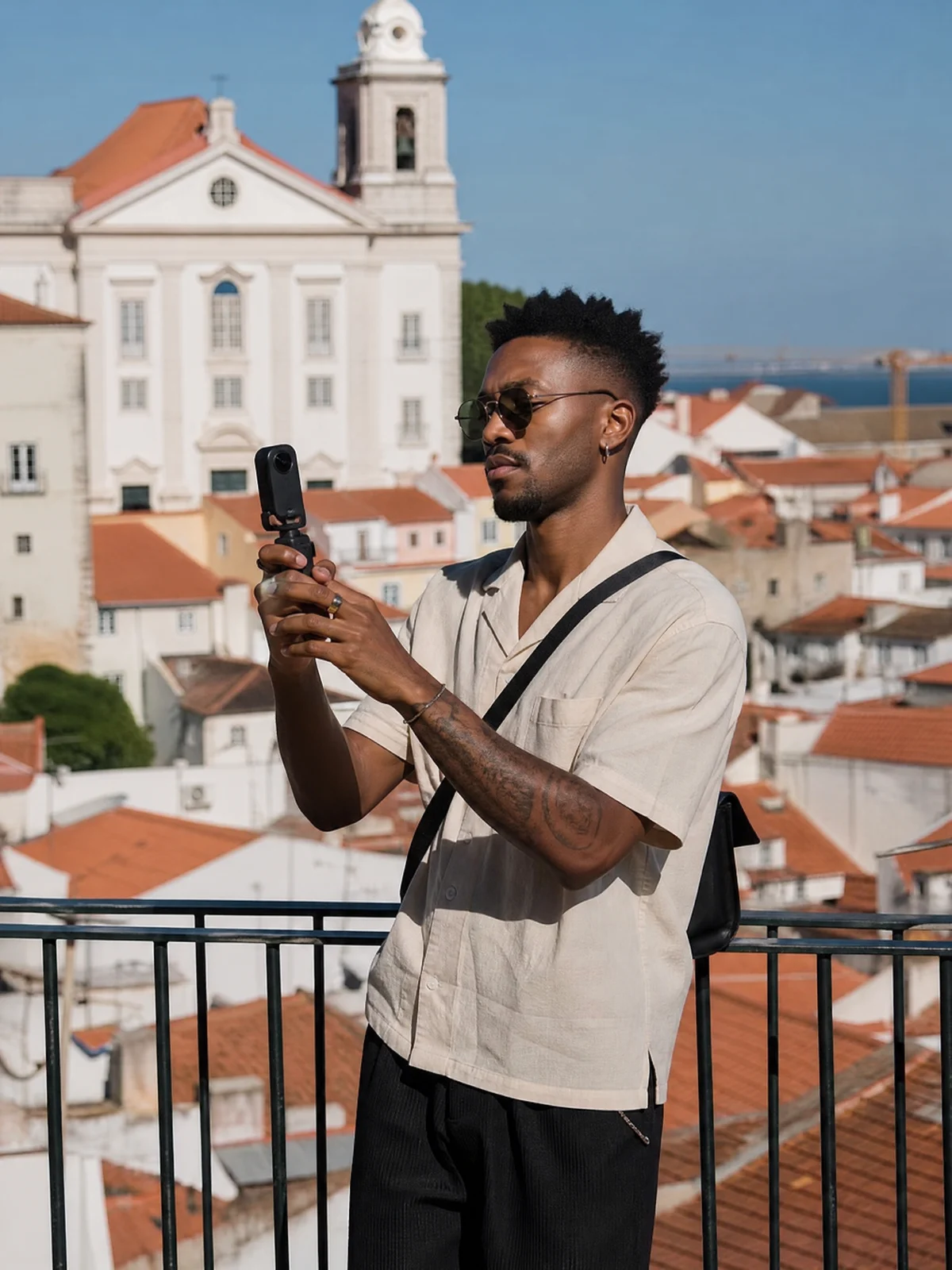
Landmark travel post
Put a creator in a recognizable travel moment.
Use in Image Studio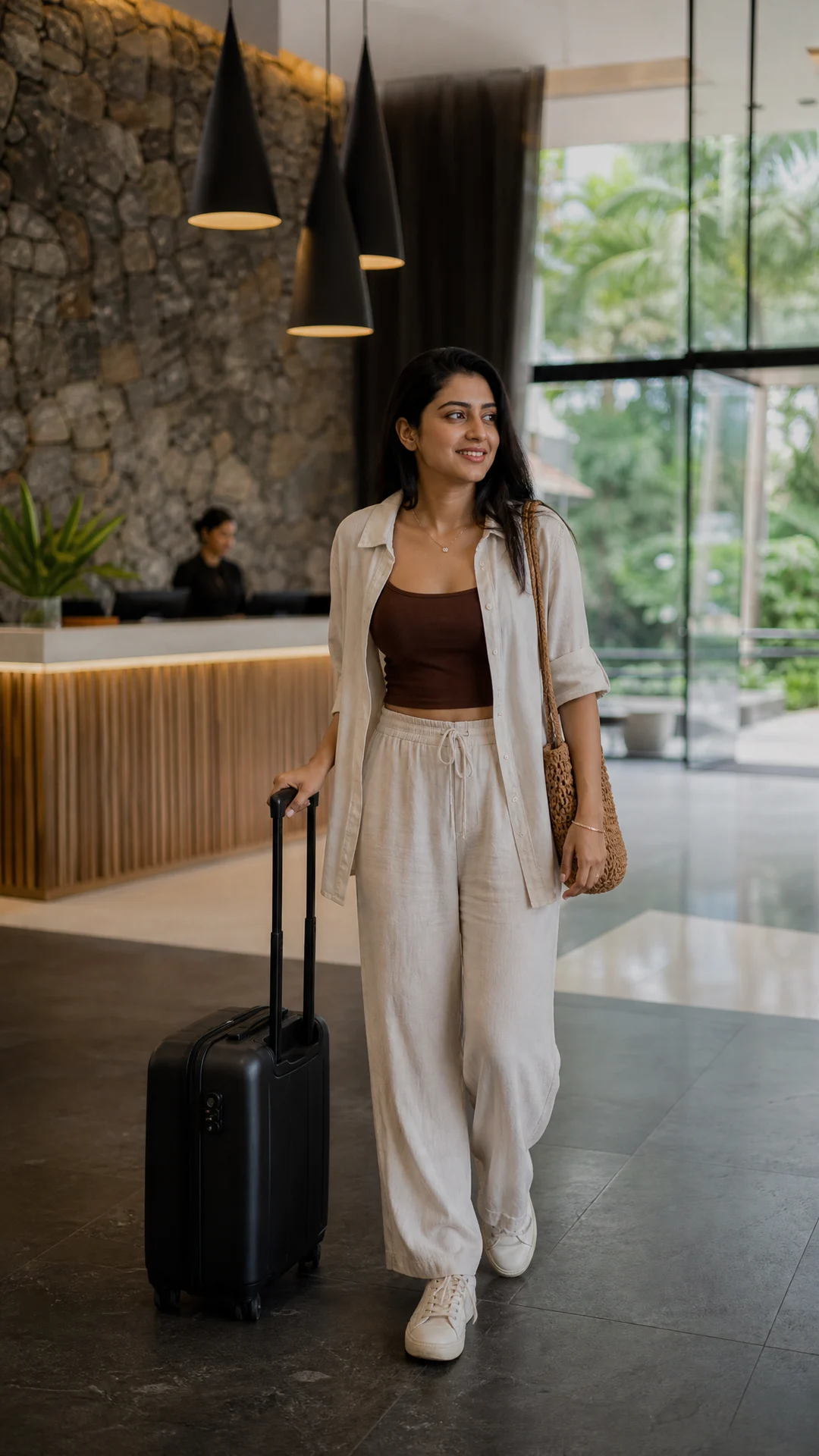
Hotel arrival
Create a hotel check-in story image.
Use in Image Studio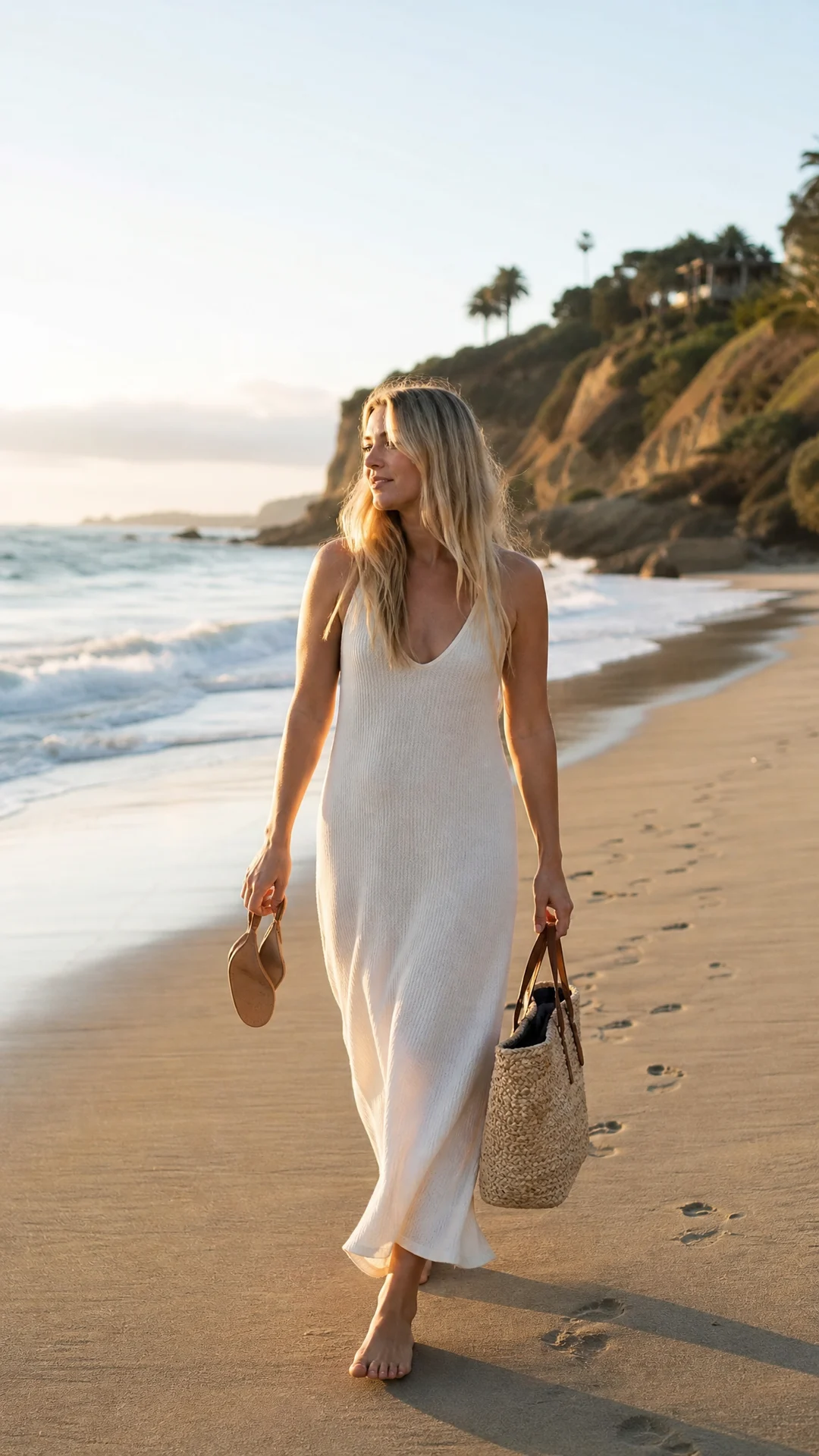
Beach day
Show a relaxed destination post.
Use in Image Studio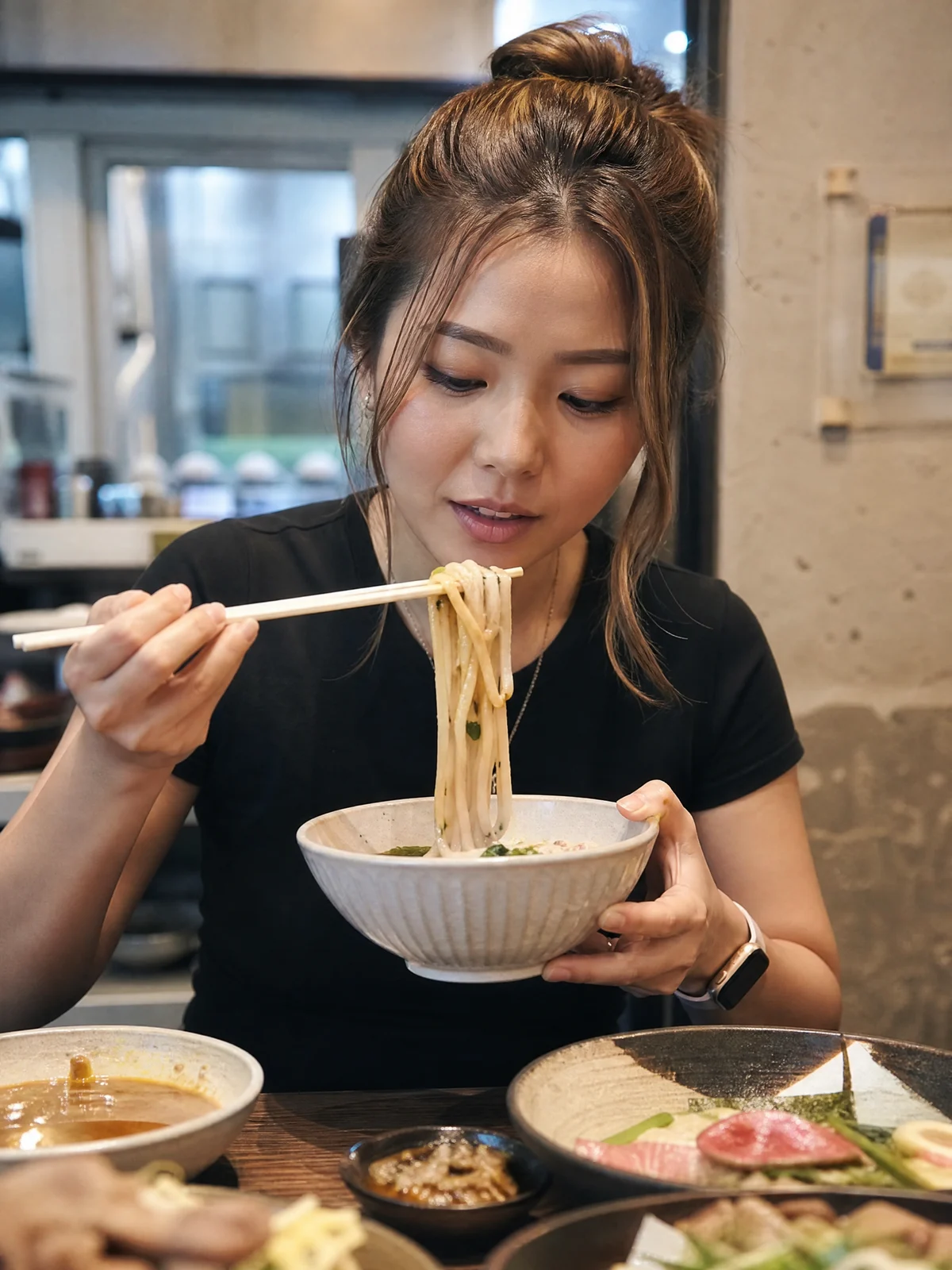
Restaurant review
Create a food discovery post without fake ratings.
Use in Image Studio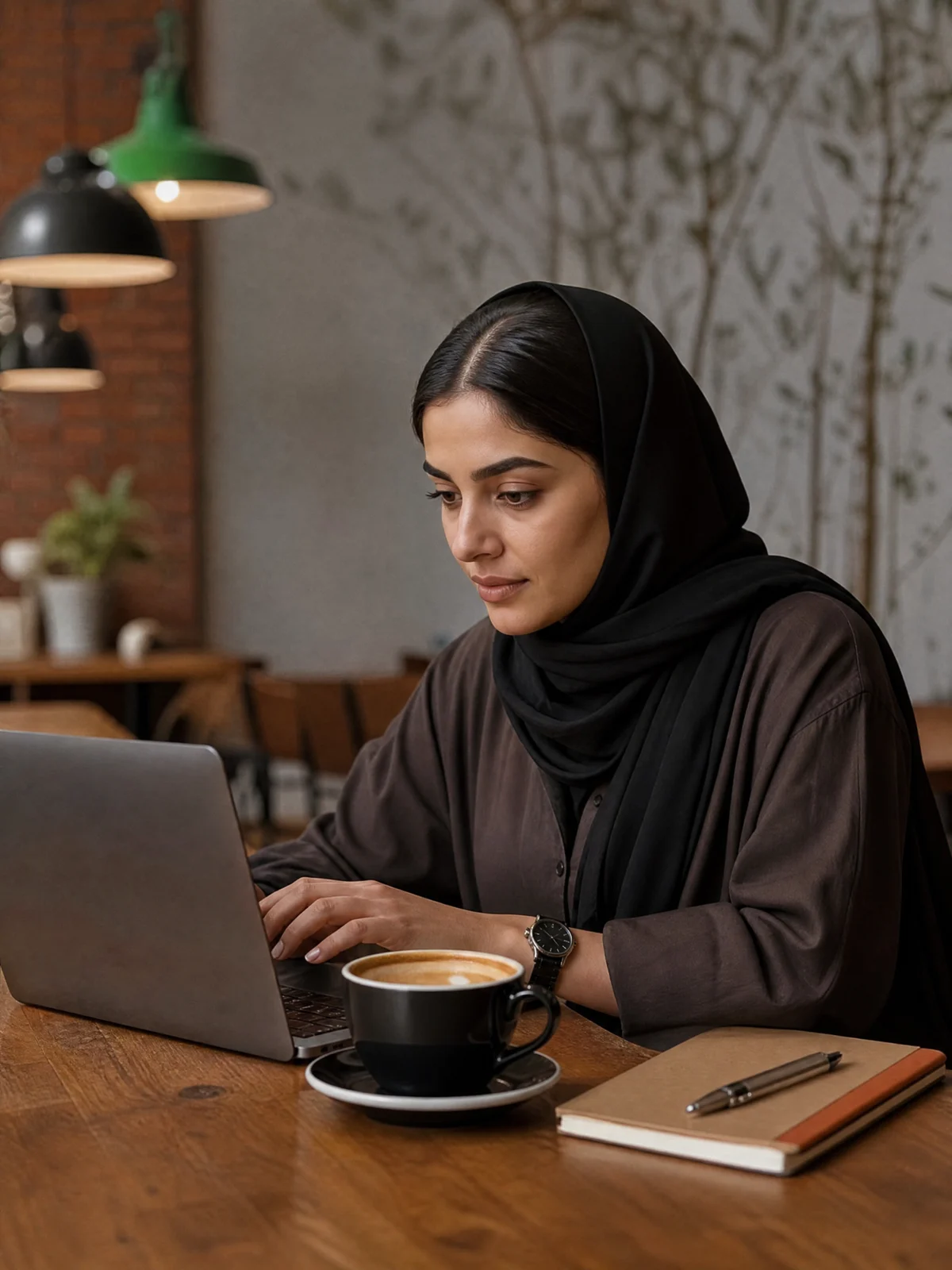
Cafe workday
Combine a cafe visit with a creator lifestyle moment.
Use in Image StudioWork & Home
Open Image Studio
Office desk update
Show a creator at work without generic headshots.
Use in Image Studio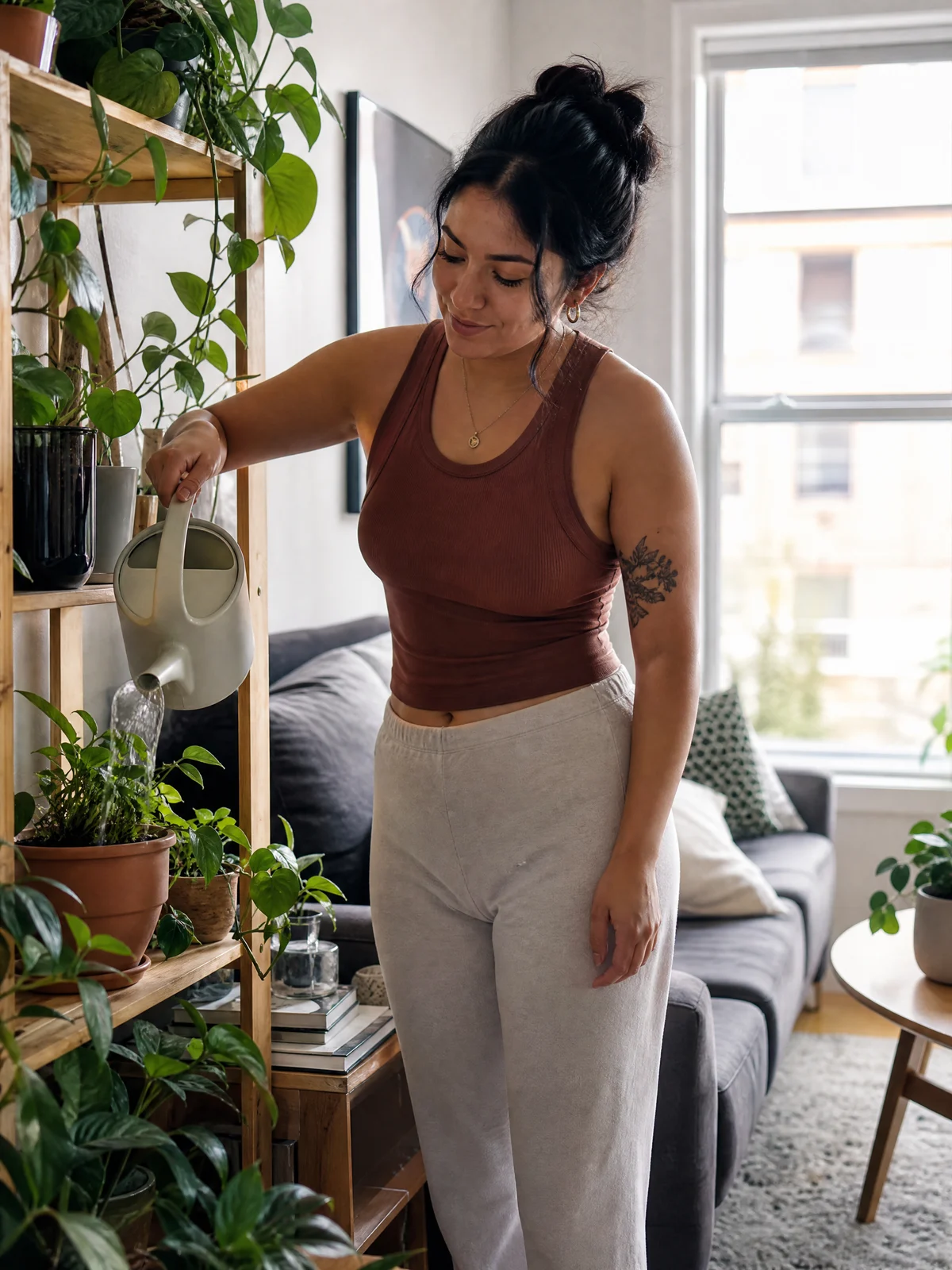
Home lifestyle
Create a believable daily-life post.
Use in Image Studio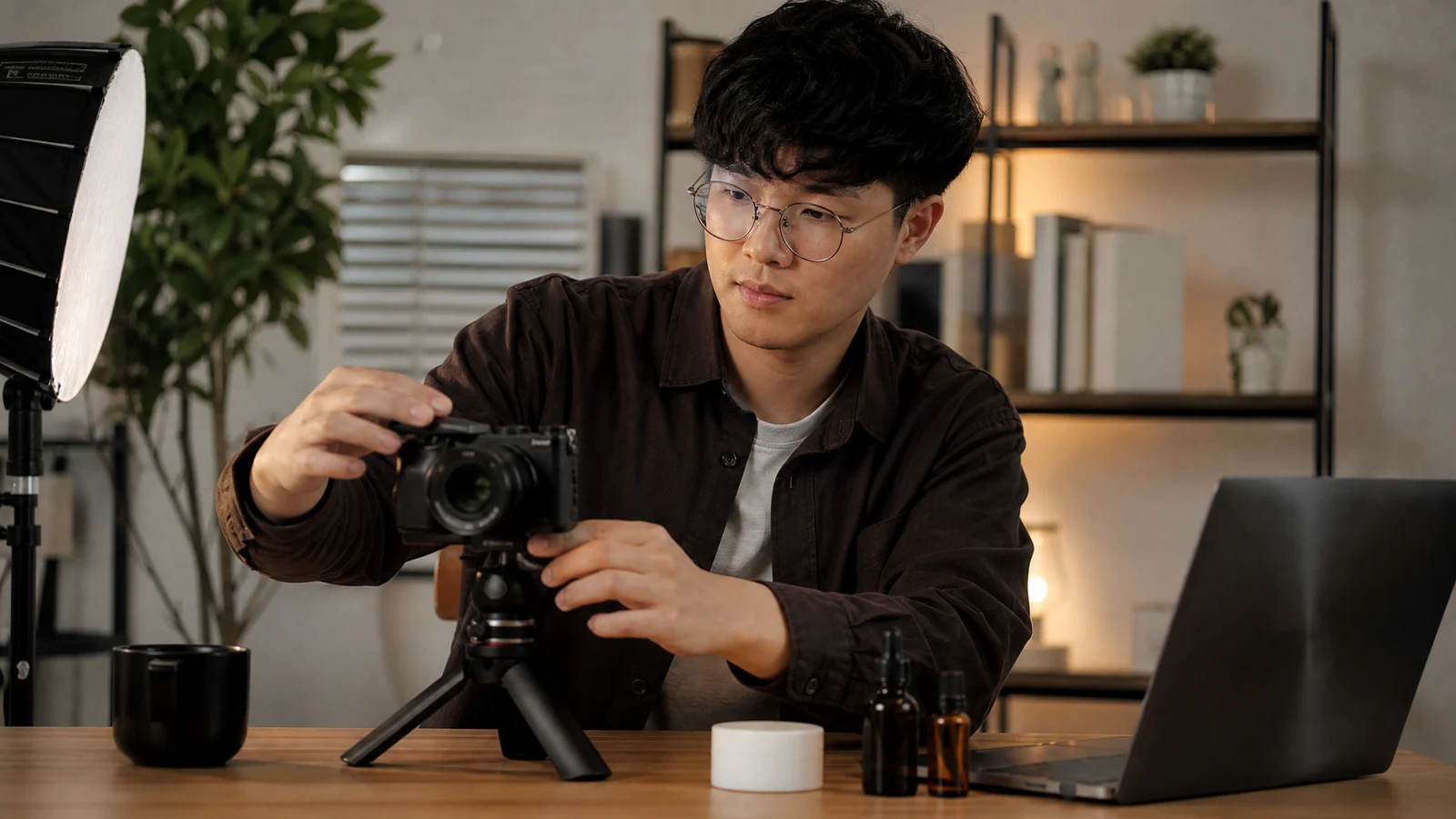
Creator workspace
Show the workflow behind content creation.
Use in Image Studio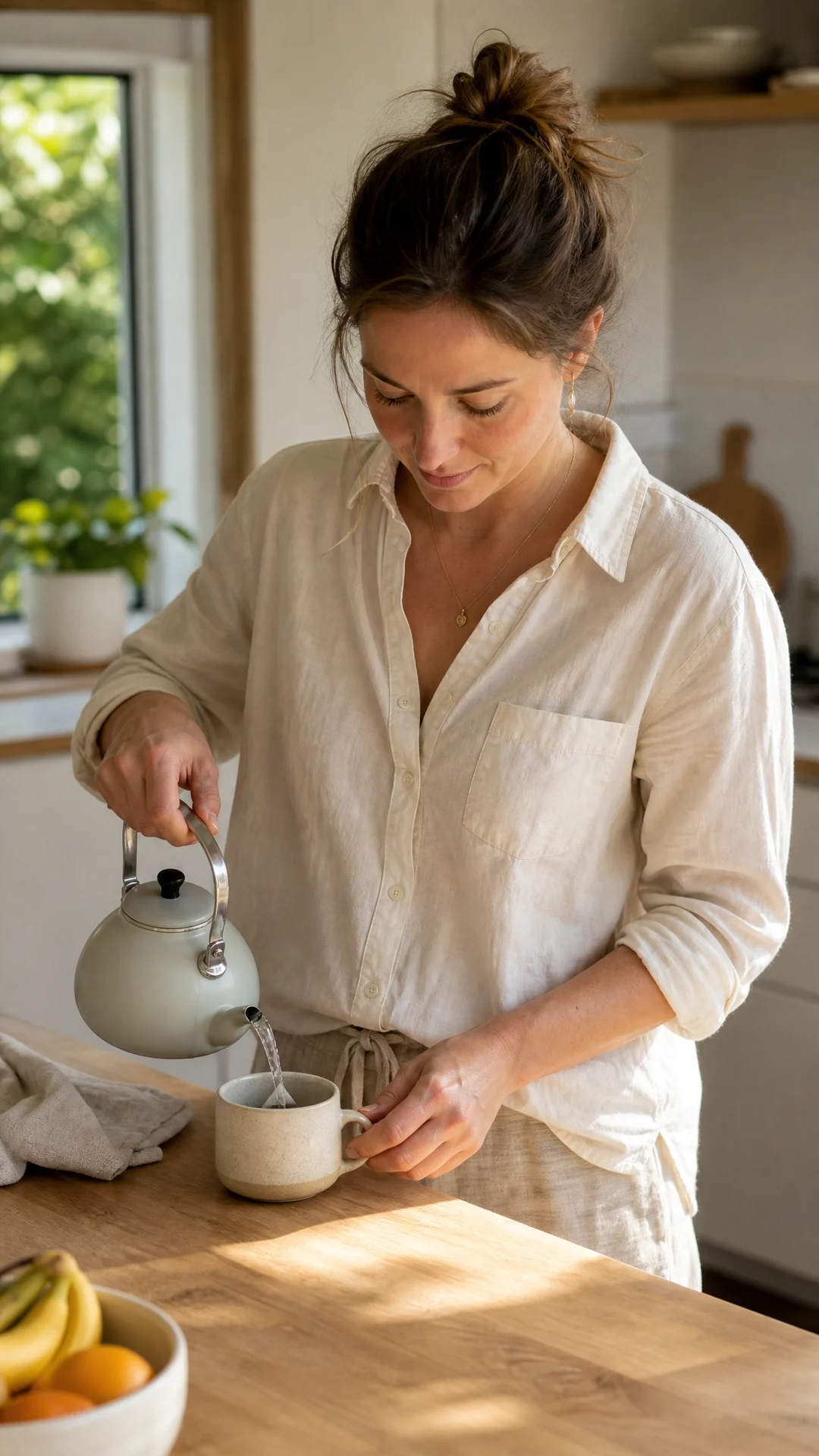
Morning routine
Create an everyday setup for a series.
Use in Image Studio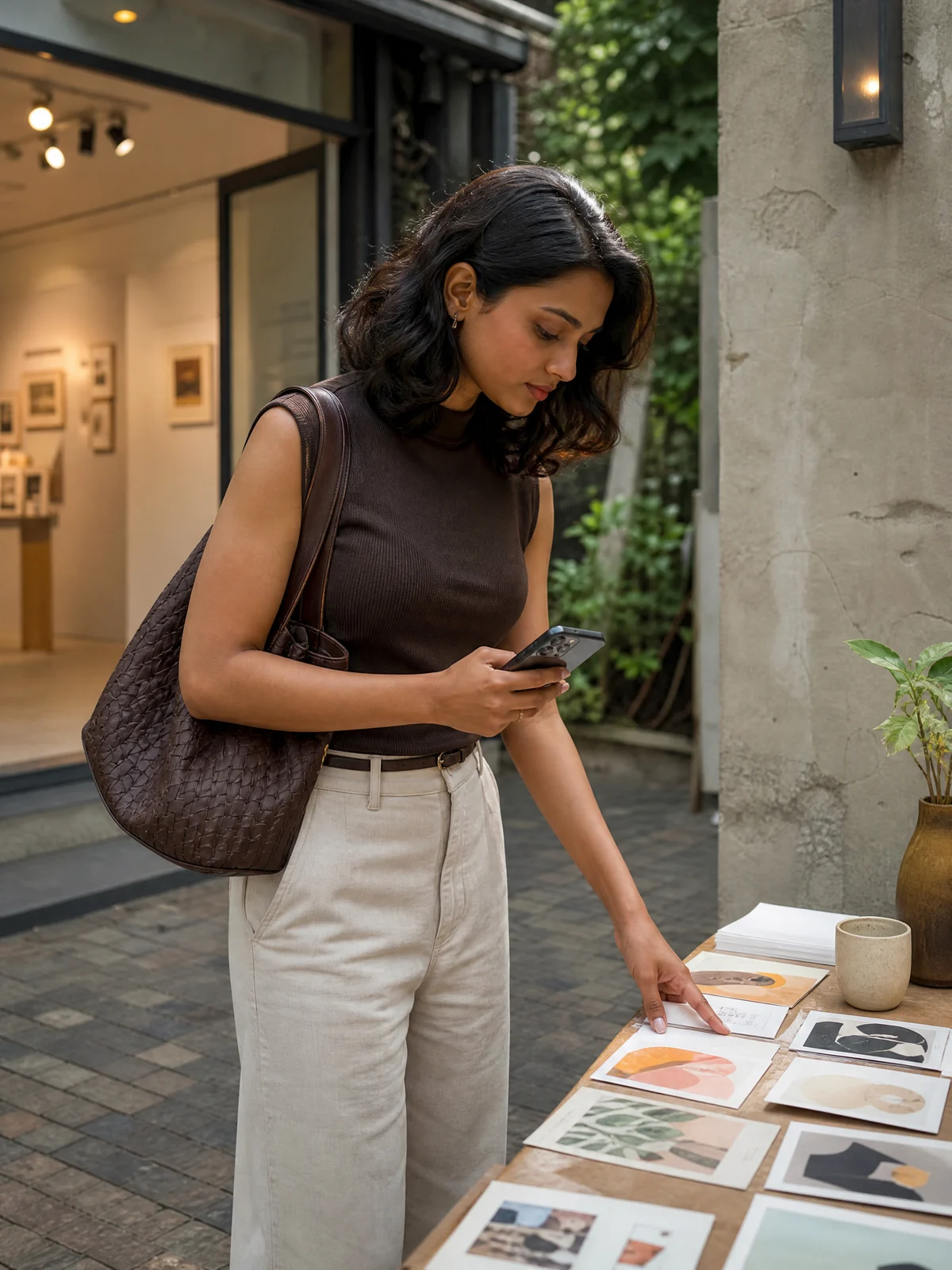
Event arrival
Show a real-world creator appearance.
Use in Image StudioWhat is an AI influencer image generator?
It is a workflow for planning a creator-led image around a specific post outcome: a product demonstration, fit check, opening shot, travel moment, desk setup, or direct-to-camera cover.
Use this page to choose the outcome. Use Image Studio to select the creator, authorized source material, and the image workflow that fits the job.
Open Image StudioFrom a social task to a reviewable image
The landing page keeps discovery simple; Image Studio handles the actual image settings and generation workflow.
Choose a post job
Start from a visible action such as product demo, outfit check, travel post, unboxing, or creator update.
Continue in StudioOpen the right Studio workflow
Select a saved character or authorized source material and adjust the scene direction.
Continue in StudioGenerate and review
Inspect identity, hands, product contact, text, and composition before publication.
Continue in StudioWho uses this workflow?
The same image workspace supports different jobs, so templates stay tied to an outcome rather than a generic portrait style.
Creators
Build a repeatable post series around one recognizable fictional identity.
Brands
Explore product scenes and campaign directions before committing to production.
Ecommerce teams
Plan product-in-hand, unboxing, demo, and review images.
Agencies
Turn a client brief into distinct scene directions for review.
Social teams
Prepare concept images for posts, covers, and content calendars.
Choose the tool by the next job
Use the inner page that matches the next output you need, then continue through its linked Studio workflow.
| Need | General image | Influencer image | Influencer video |
|---|---|---|---|
| A social-post outcome | Describe it from scratch | Choose a scene-led template and open Studio | Use when the output needs motion |
| Same creator | May rely on prompt wording | Choose an identity-aware image workflow in Studio | Use a saved character plus video settings |
| Product relationship | Easy to stage vaguely | Use product-in-hand, demo, or review templates | Use for spoken or moving product moments |
| Output | One still image | One social-image workflow | A short video task |
What to review before you publish
Generation is only the first pass. Review the visible image before treating it as a social asset.
- Does the selected identity look consistent across the image?
- Does the product contact look physically believable?
- Are hands, limbs, and reflections clean?
- Is any visible text accurate and readable?
- Does the crop leave room for the intended platform UI?
- Are disclosure and commercial-use requirements covered?
Explore related creator tools
Use these internal pages when the next step is character consistency, motion, or a video deliverable.
Current inputs, costs, and limits
Image Studio shows the live workflow, input requirements, selected model options, and credit cost before a task starts.
Commercial use and AI disclosure
Use only source images, likenesses, product references, and claims you are allowed to use. Generated examples are illustrative. Review the result, platform guidance, and your disclosure obligations before publication.
Questions before you generate
Open the workspace when you are ready to choose a creator, source material, and image workflow.
Need more than one image?
Continue in Image Studio
Choose a template here, then refine the brief and use the appropriate image workflow in Studio.
Social Formats
Open Image StudioTalking cover
Create a direct-to-camera cover image for a spoken post.
Use in Image StudioLive preview
Create a setup image for a live shopping session.
Use in Image StudioDance pose
Show a movement-ready social starting frame.
Use in Image StudioBrand collaboration
Create an illustrative sponsored-post concept without real brands.
Use in Image StudioShopping edit
Create a creator-led product discovery post.
Use in Image Studio