
Keep identity fixed
Face structure, age range, hair, skin details, and other defining traits should remain recognizable.
Create the identity once, decide which details must stay fixed, and reuse the saved character across new scenes, poses, outfits, motion clips, and talking videos.
Start with a fictional adult’s appearance. Review the portrait + character-sheet quote before creating. Add a niche later, then reuse your saved character for new photos and videos. Signup credits cover eligible image tasks; video requires a subscription or Professional access from a credit pack.
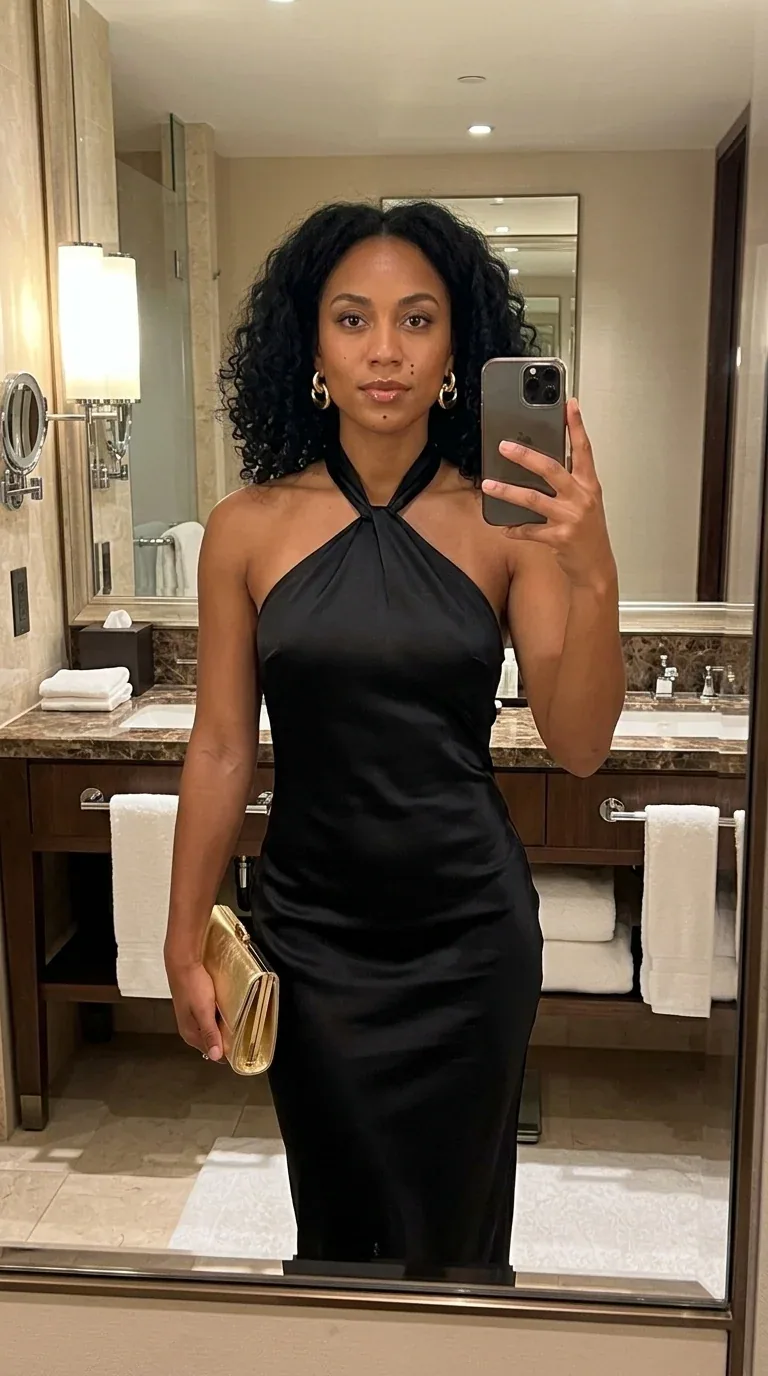
Identity reference
Face, hair, age, and overall look
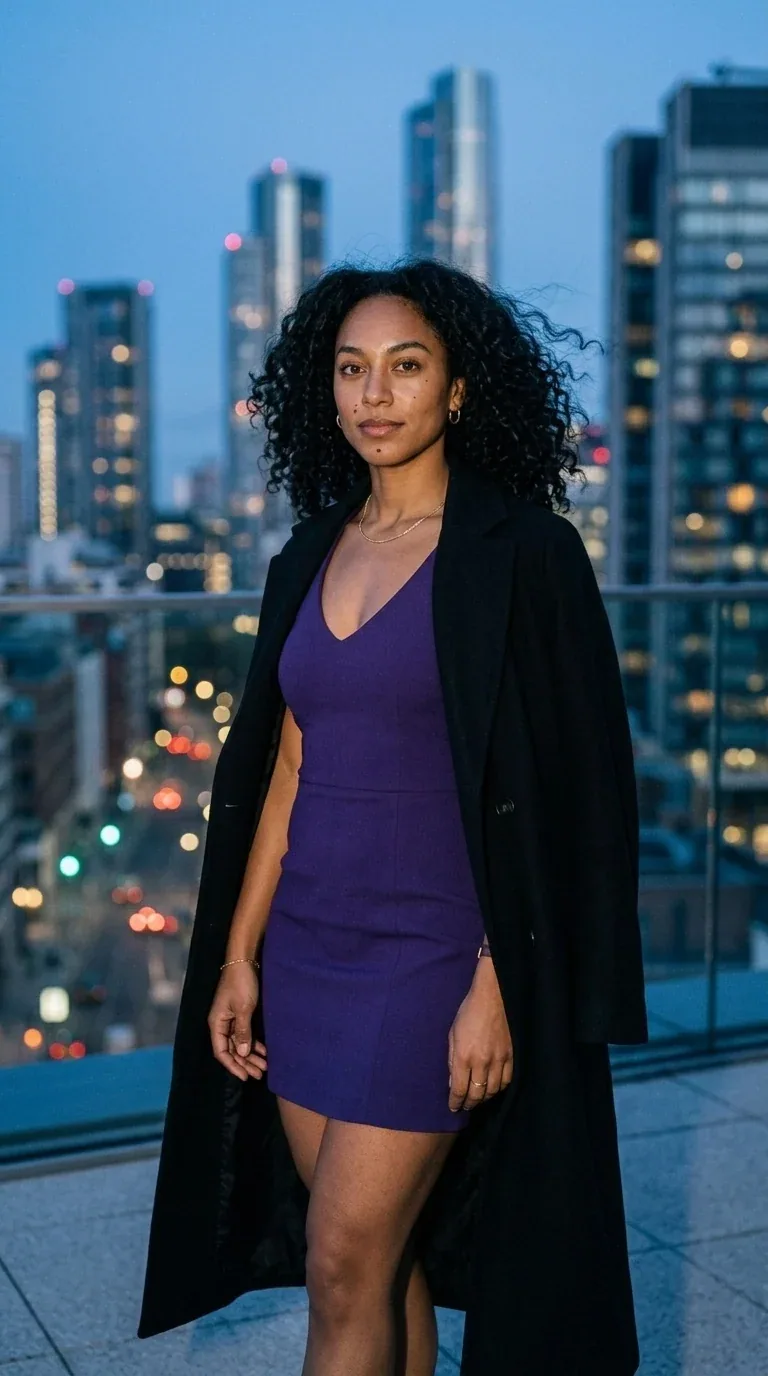
New scene
Same fictional character · different setting
Create once
Use the guided creator to define a reusable fictional adult identity rather than rebuilding a new face per prompt.
Save the character
The character becomes a reusable input for supported image and video workflows in Studio.
Review every output
Compare facial features, hair and signature details with your reference. Keep the outputs that match your character.
A consistent character generator separates identity from scene. Keep the defining appearance stable while changing location, clothing context, pose, product, and campaign idea.
Face structure, age range, hair, skin details, and other defining traits should remain recognizable.
Move the character from studio to street, rooftop, gym, home, product scene, or travel setting.
Reuse the same fictional creator across image sets, social posts, video concepts, and campaign angles.
Small changes can happen. Compare outputs against the saved reference before adding them to a series.
Start with identity decisions, save the character, then reuse it through the workflows that support character selection.
Choose the adult appearance, visual style, and identity details in the guided creator.
Keep the approved character as the reference point for future images and videos.
Create new scenes, compare them to the reference, and keep only outputs that preserve the identity.
The first four approved images are the same Aria identity across different scenes. Imani, Sofia, Valentina, and Camille are separate starter identities.
Identity
Hotel mirror · base reference
Rooftop
Blue-hour fashion scene
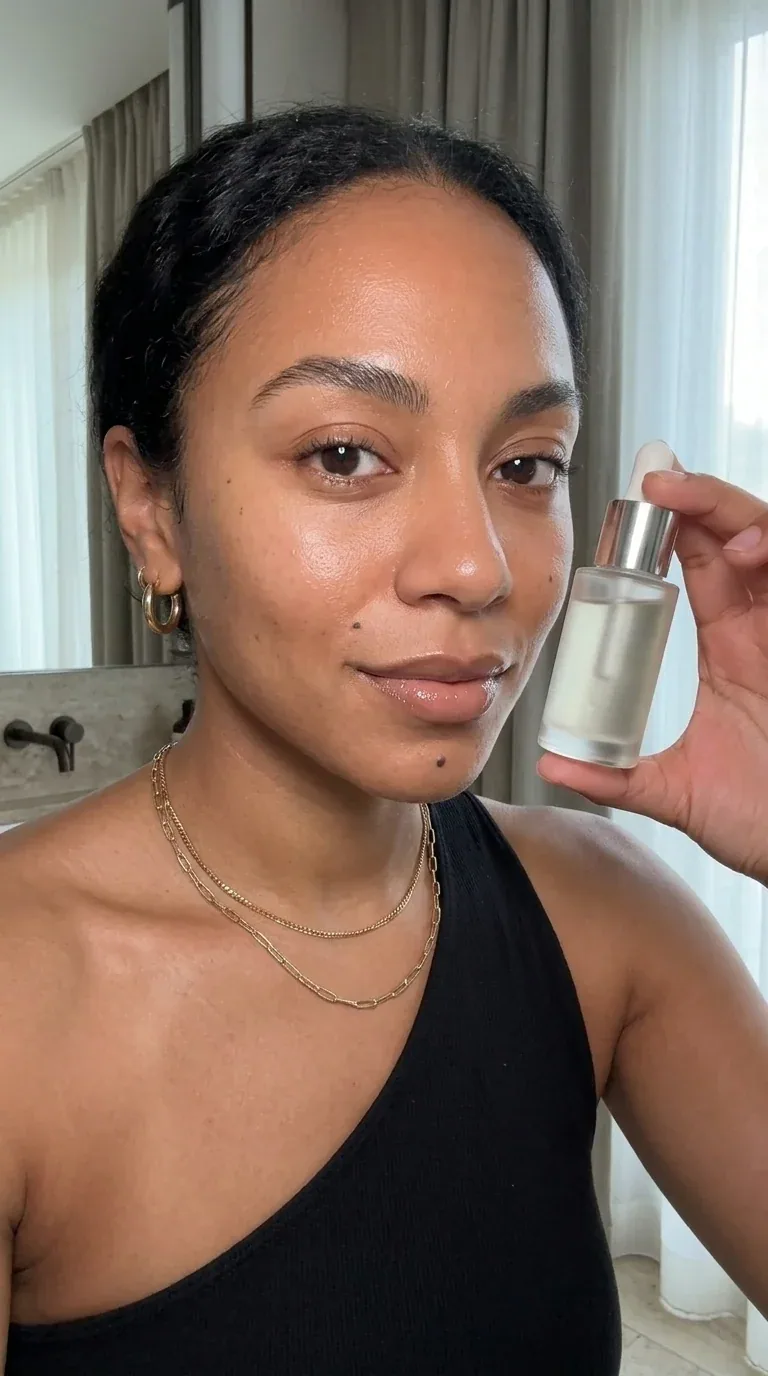
Beauty
Product-led creator frame
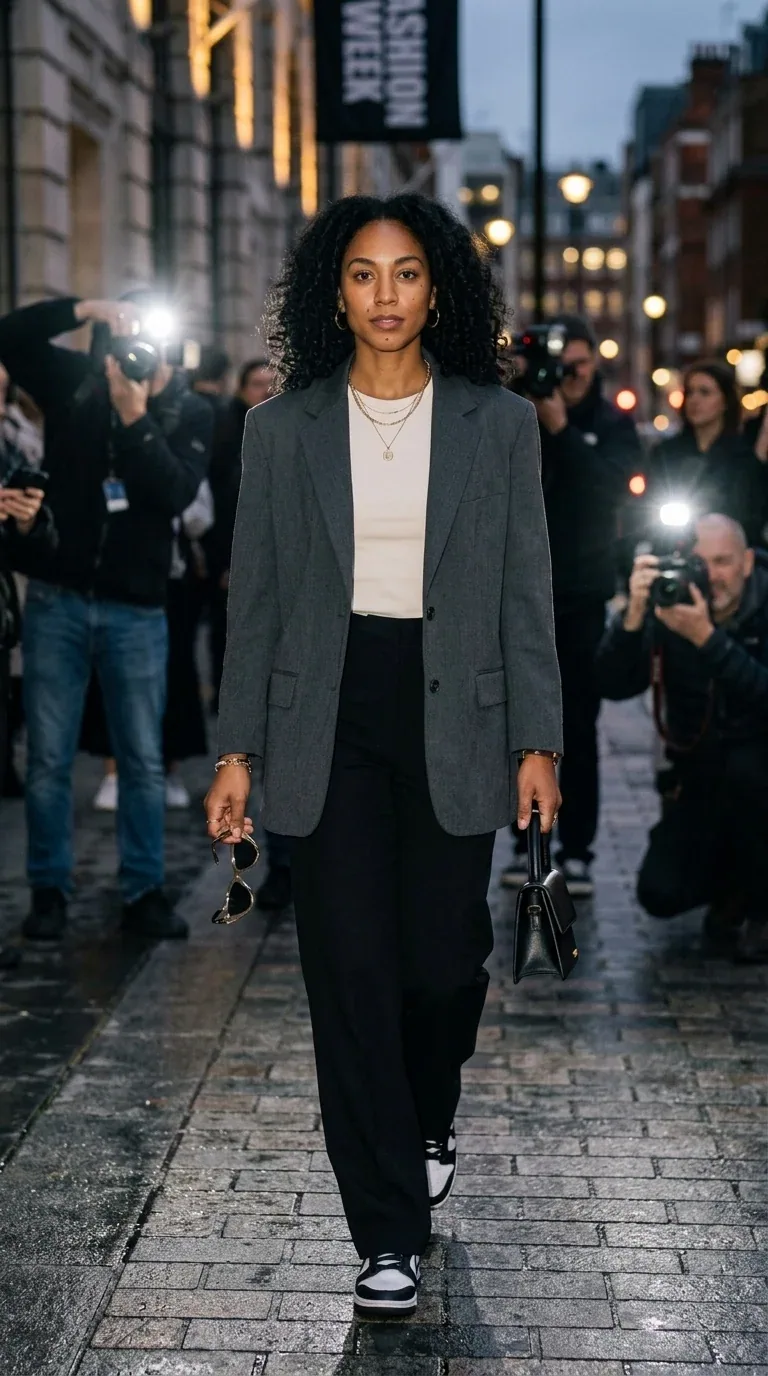
Street
Movement and direct flash
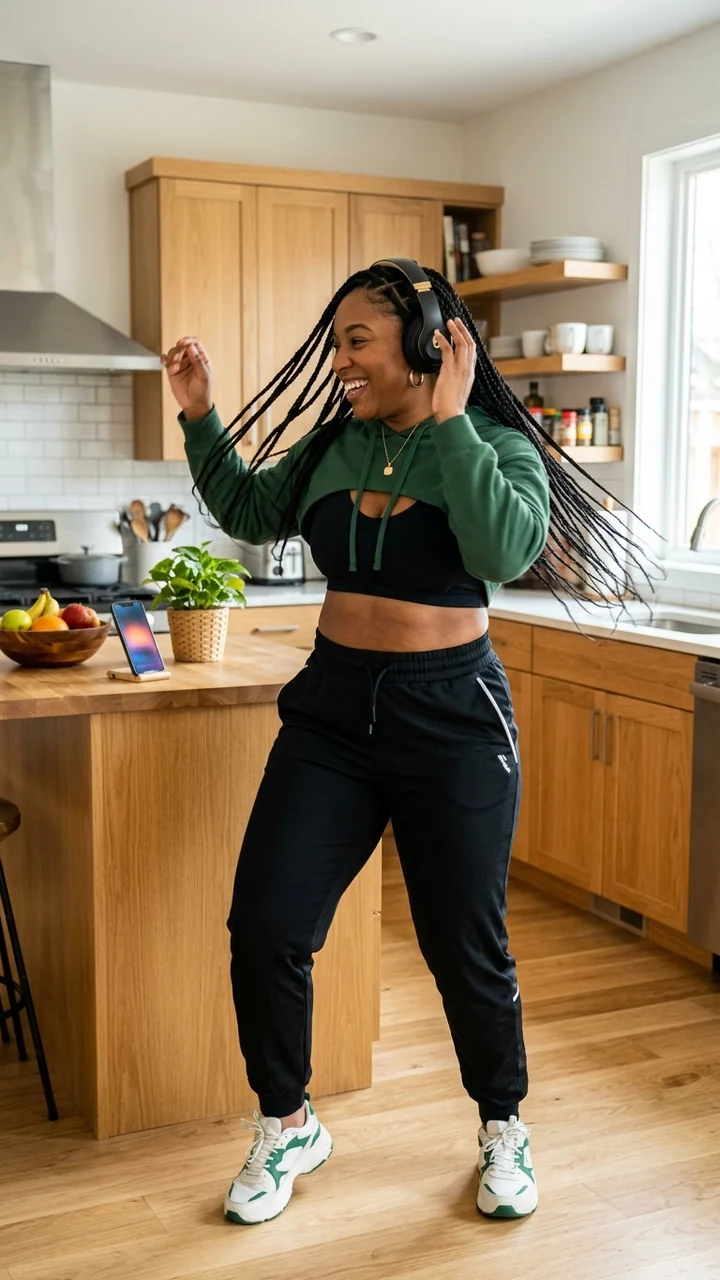
Starter identity
Imani Brooks · sport and wellness
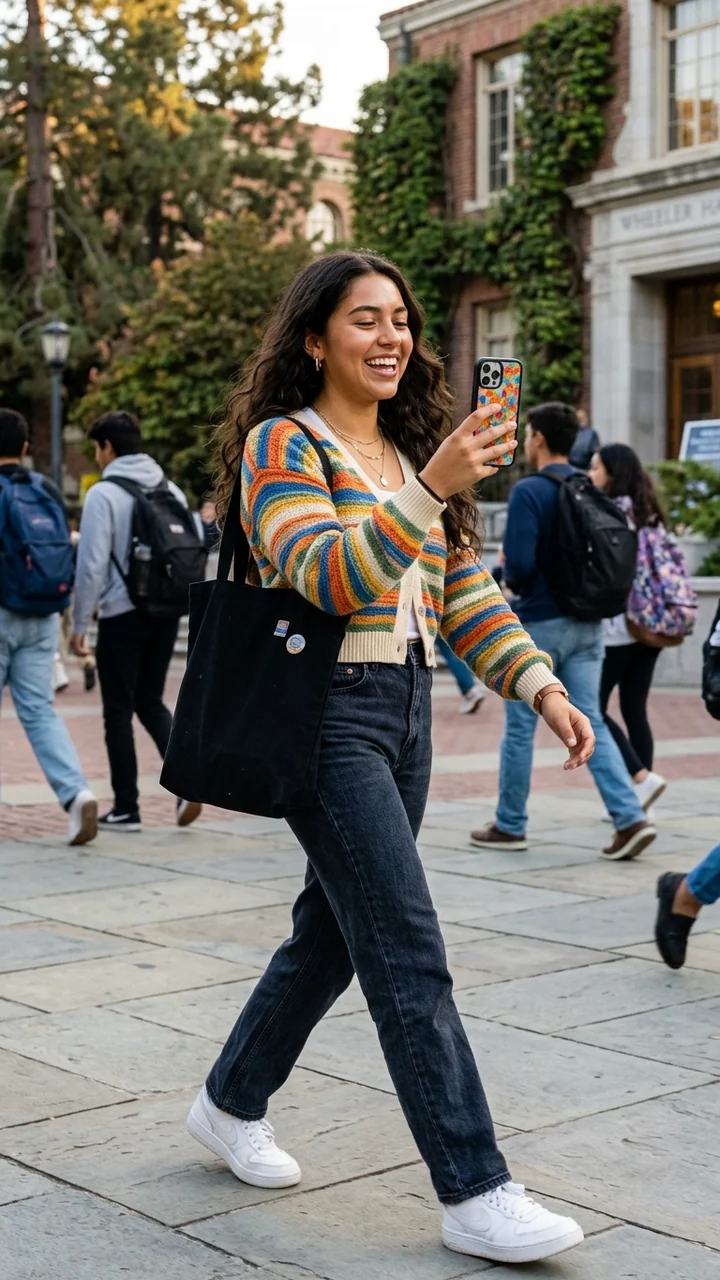
Starter identity
Sofia Alvarez · separate fictional adult
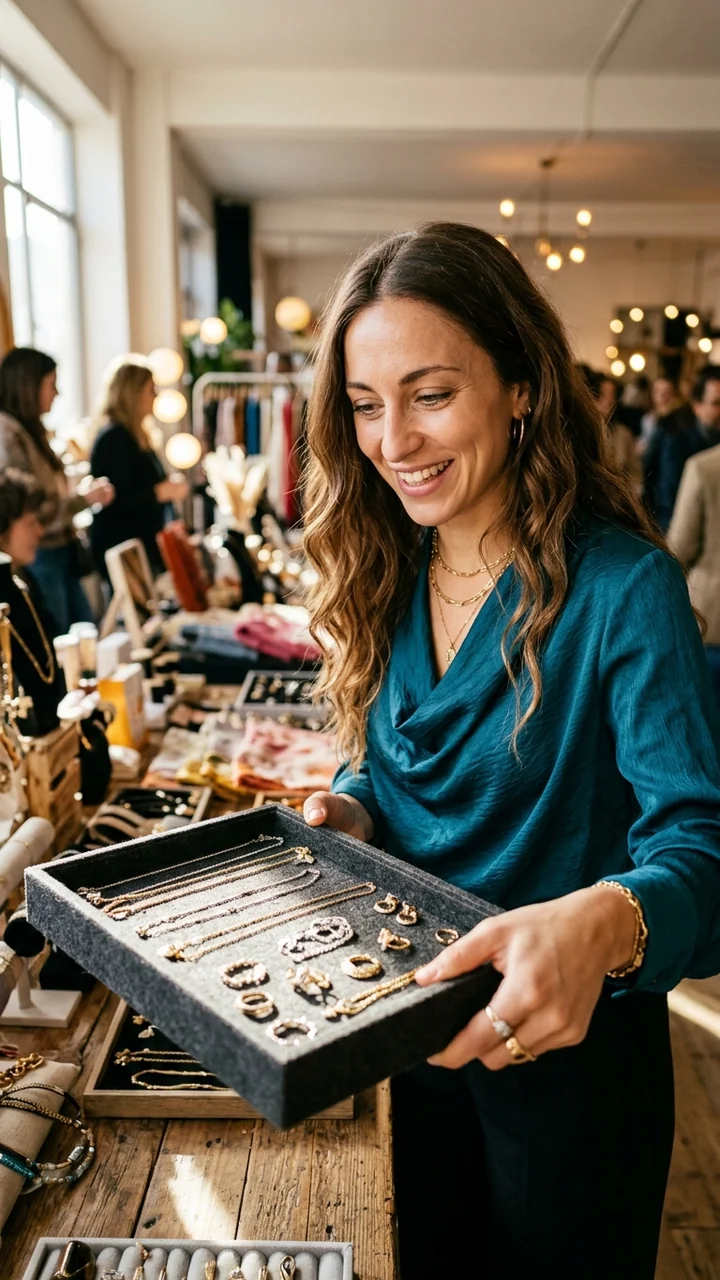
Starter identity
Valentina Rossi · separate fictional adult
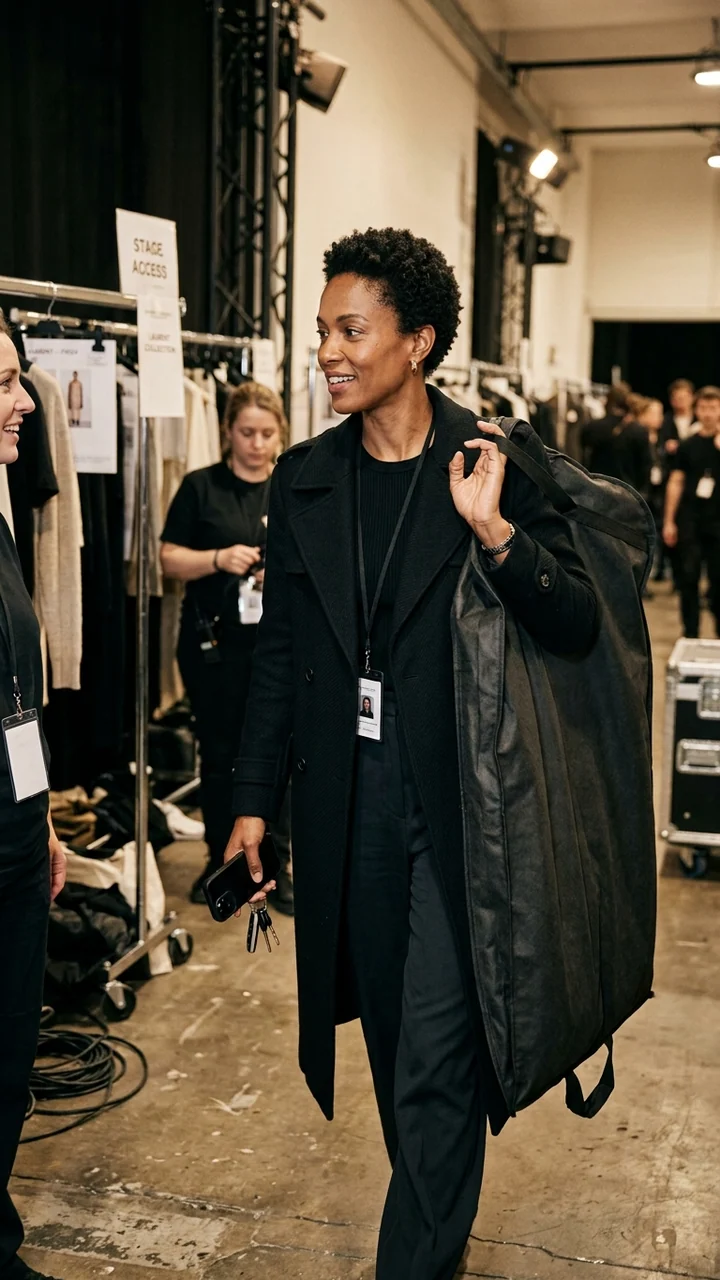
Starter identity
Camille Laurent · separate fictional adult
For a recurring virtual creator, AI Influencer Generator connects the saved identity with photo and video workflows, so each new scene starts from the same character.
Consistency improves when the character description stays stable and each new prompt changes only the parts required by the next scene.
A reusable character helps, but it does not remove creative or rights responsibility.
Do not create celebrity lookalikes or use a real person’s likeness without clear permission.
Pose, lighting, lens, expression, and scene complexity can introduce visible identity drift.
Save a small group of approved identity images and compare every new asset before campaign use.
Prioritize face structure, age presentation, skin tone, hair, body proportions, and the distinctive details that make the identity recognizable.
Yes. Separate fixed identity anchors from scene-specific details such as outfit, pose, environment, lighting, and camera angle.
No. Generative results vary. A clear identity reference, focused prompt, compatible composition, and human review reduce drift but do not eliminate it.
Only when you have permission to use and reproduce that person's likeness. A fictional adult identity is the safer default.
Each route starts from a different input or solves a different production task.
Start from a reviewed fictional adult template.
Review the character setup and identity workflow.
Use the saved identity across a video series.
Continue the saved identity with a written action.
Understand likeness and source responsibilities.
Create a cohesive set of photos from one AI influencer photoshoot.
Try twelve Halloween looks on the same AI influencer.
Create a fictional adult identity in the guided character workflow, save it, and use it as the anchor for future content.
Create a consistent characterChoosing an image model for the same saved identity? Read the Nano Banana vs GPT Image AI influencer field test, with five fixed briefs, all repeats and a visible consistency scorecard.
Plan Content
Measure Engagement
Build Your Profile
Price Your Work
Write Post Copy
Brand Partnerships