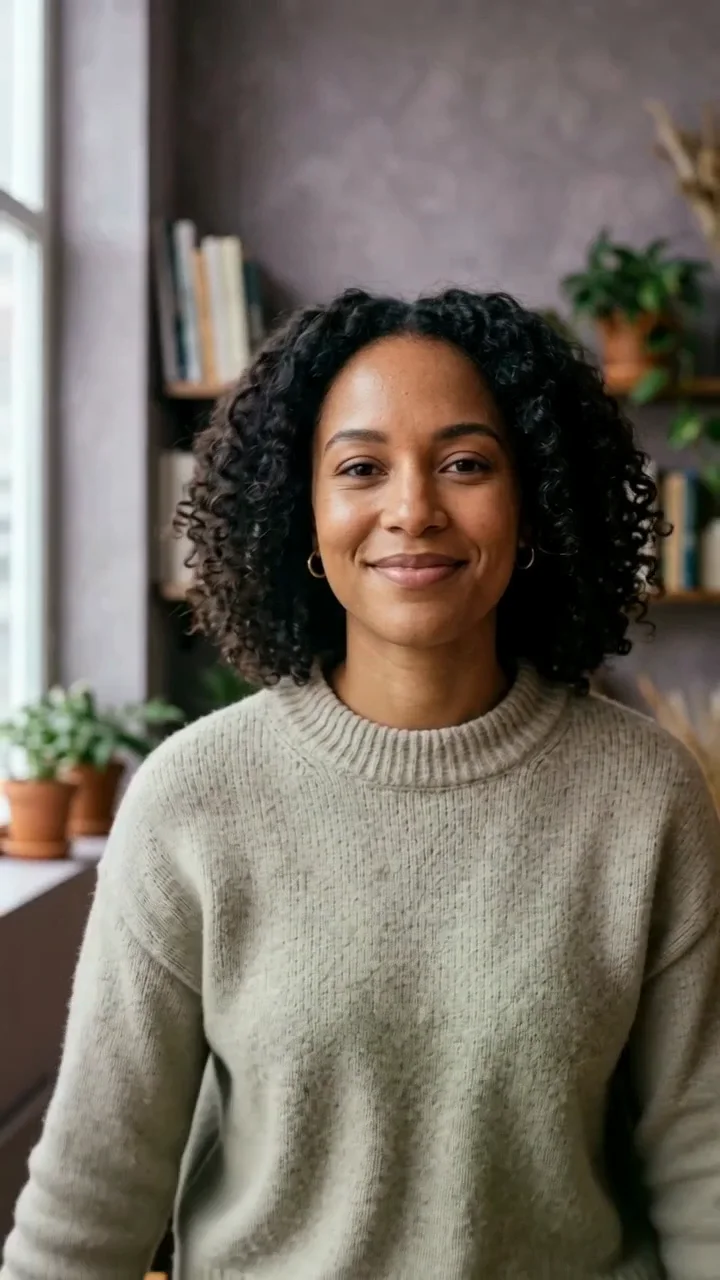
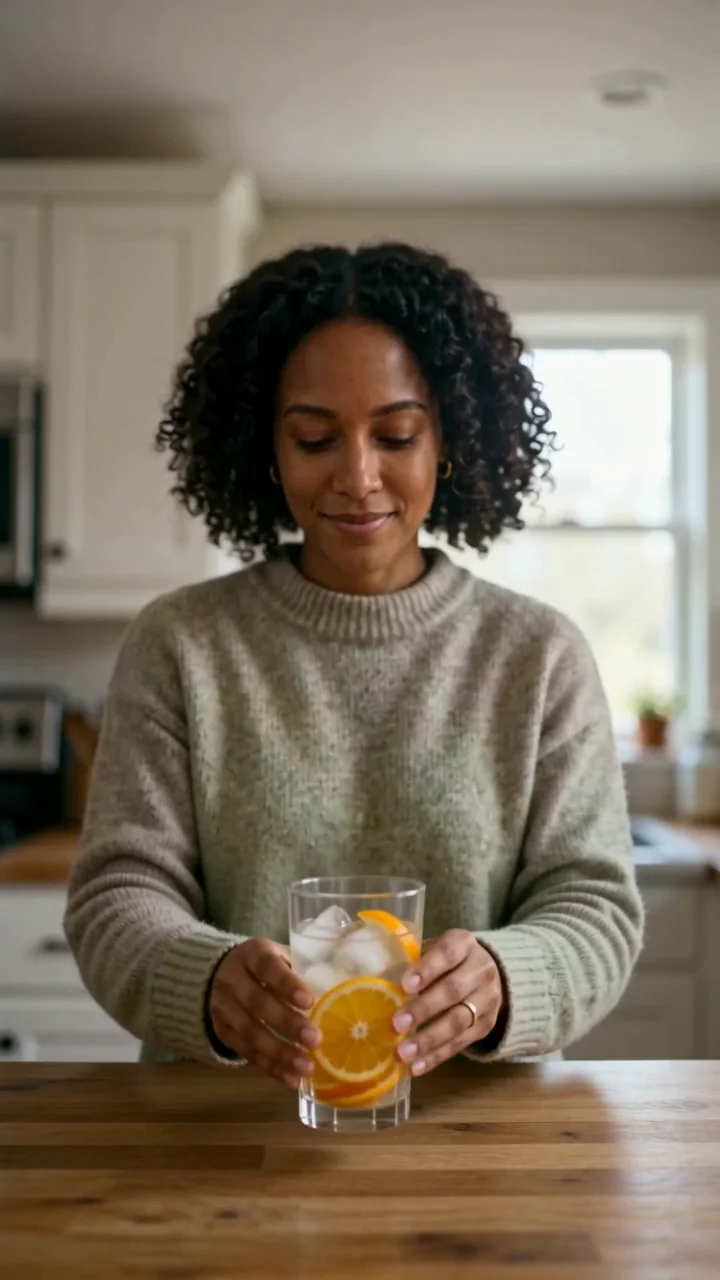
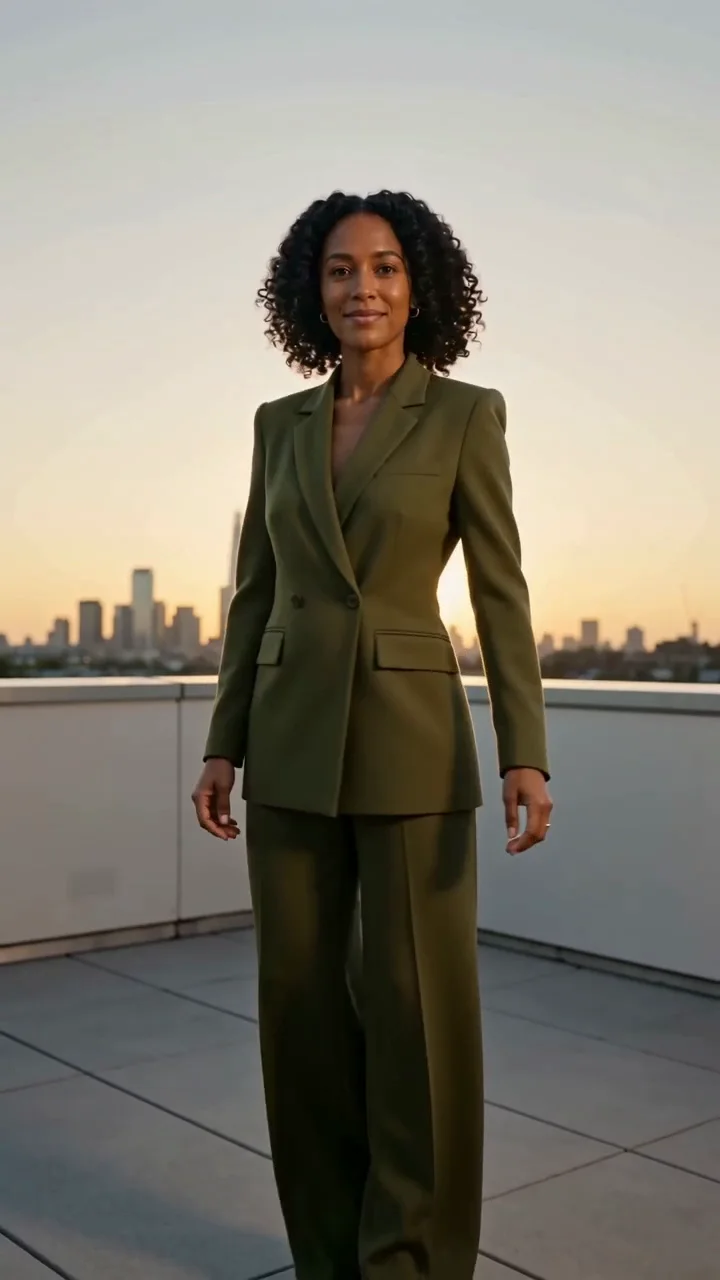
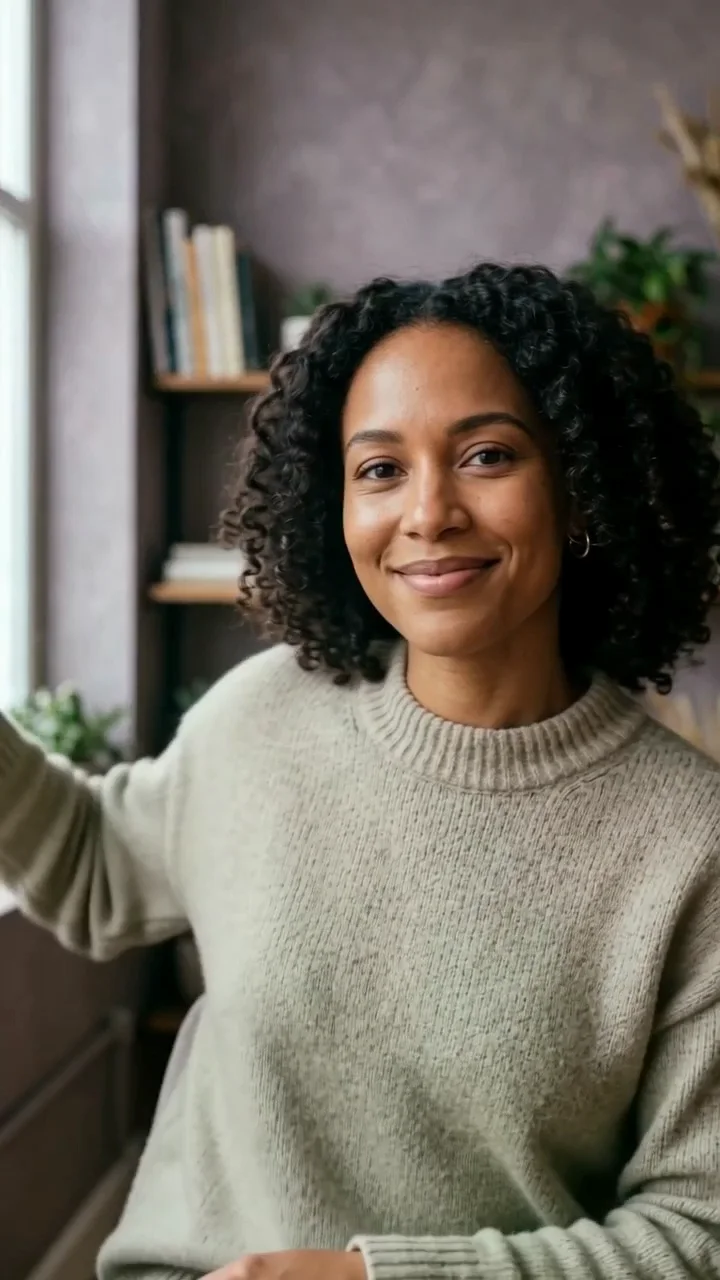
Opening hooks
Make the first seconds feel deliberate before the viewer scrolls away.
Turn one clear creator direction into the next short social video, then take the exact prompt into Studio when you are ready.
Seedance 2 helps turn a focused creator direction into a short, polished video for the next social post, product moment, or campaign draft.
It is strongest when the brief has one subject, one action, one place, and a clear camera feeling. Move the exact direction into Studio when you are ready to make it.
Open this direction in StudioStart with one clear visual direction, then move the exact prompt into the part of Studio where it becomes a real task.
Make the first seconds feel deliberate before the viewer scrolls away.
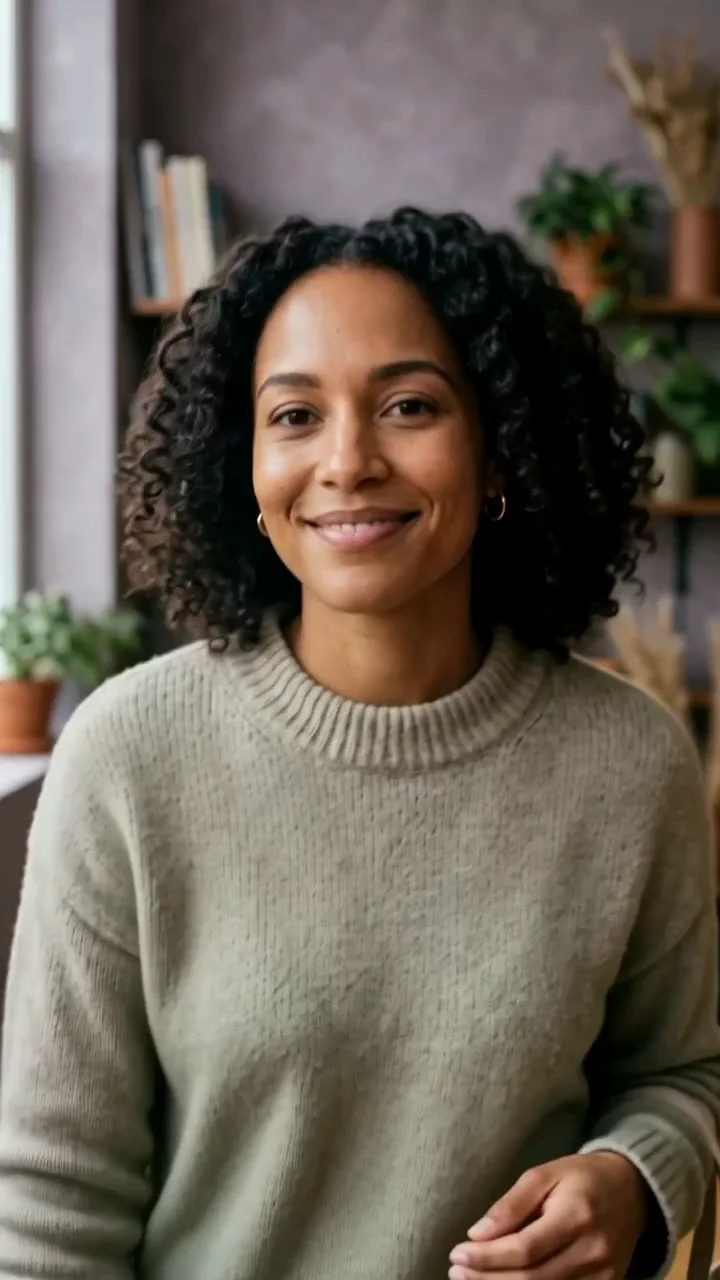
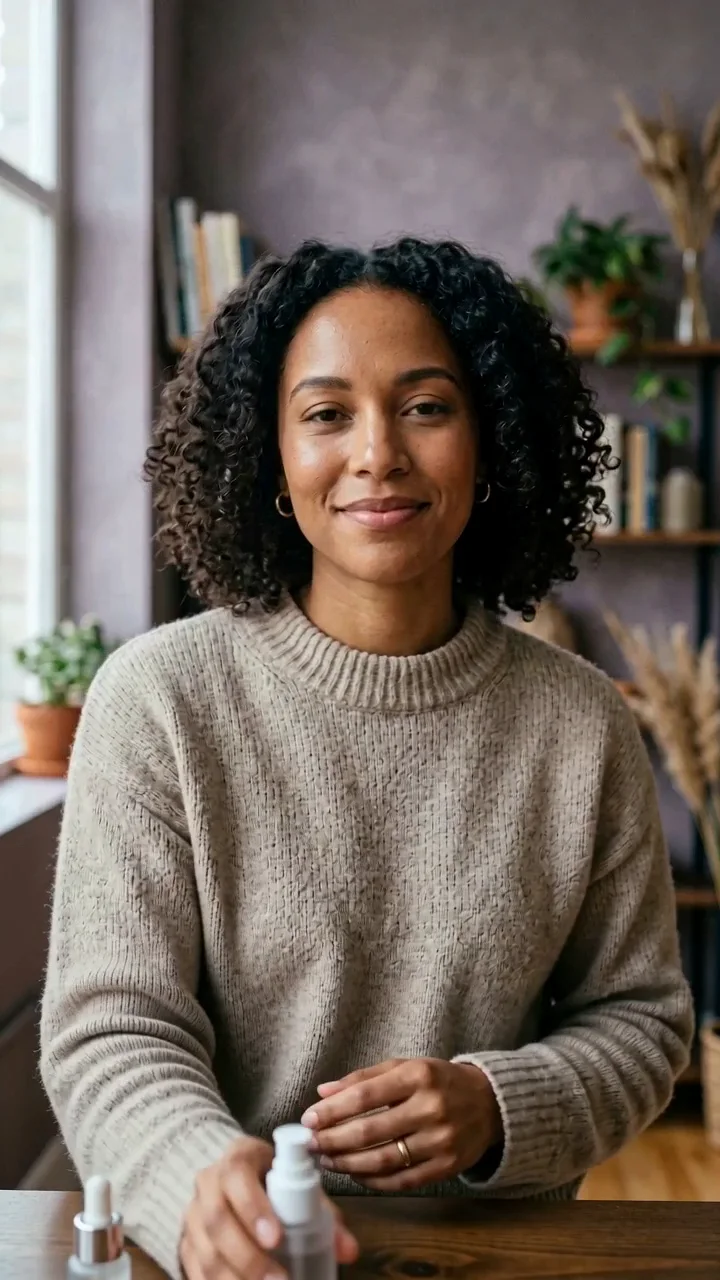
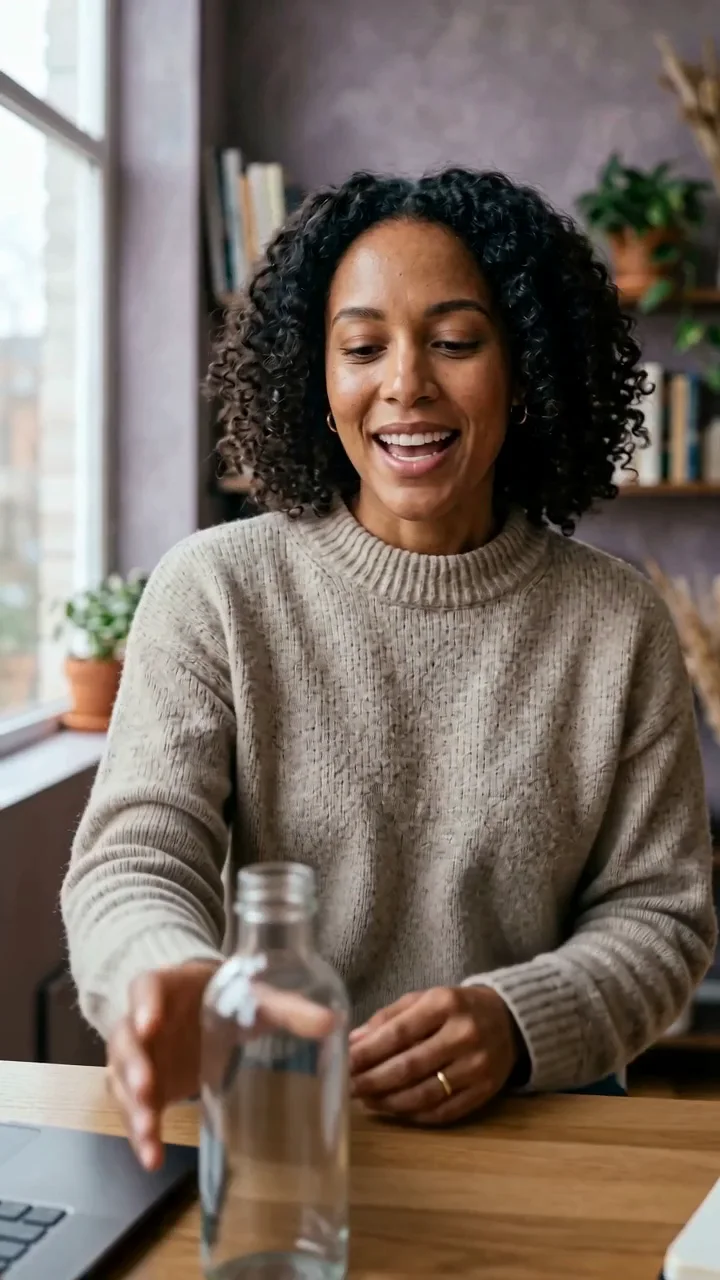
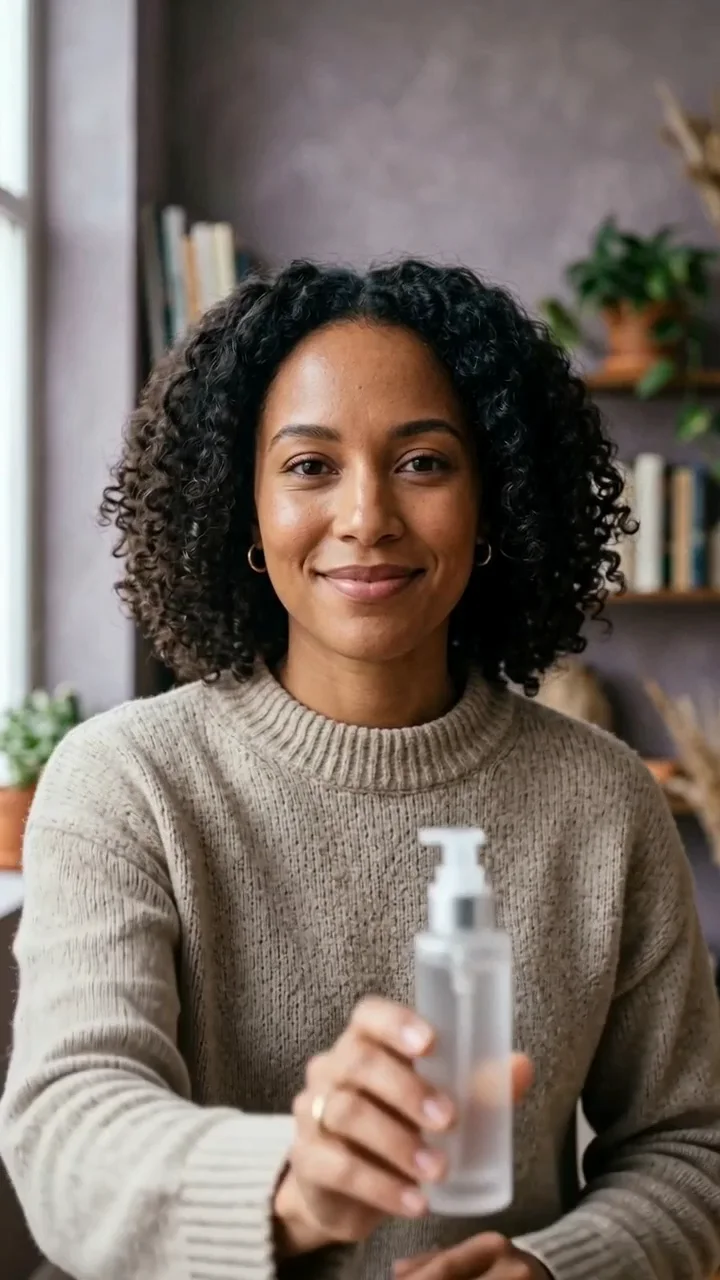
Show one useful object with natural hands and a clear creator reaction.
Build short scenes that feel specific to one creator instead of stock footage.
Explore several social directions before choosing what deserves a full edit.
These illustrative examples use fictional adults and unbranded products. They are directions to adapt, not customer work or promises about every result.
A small turn, lift, walk, or gesture gives the clip a readable center.
Keep the object and the creator in one simple visual job.
Use movement to make an outfit, setting, or daily ritual feel lived in.
Build one confident beat that can become a Reel, Short, or paid-social draft.
Start with an authorised adult identity or image whose visual direction is already close to the clip you want to make.
Describe one product moment, movement, or expression with one setting and one camera feeling.
Choose the available settings, review the cost, and inspect the completed video before use.
Try an opening line, product gesture, or lifestyle beat without planning a full shoot.
Give a repeated campaign format one clear visual direction at a time.
Review a creator-led concept before committing product copy or a larger edit.
Share a compact motion direction that stays easy to review and refine.
Start with a useful product gesture and leave clear space for final campaign copy.
Give a lookbook an easy motion beat without turning it into a crowded story.
Keep the camera close and the expression believable for a conversational feel.
Keep the stable details first, then describe the scene, action, camera, and the small errors you want to avoid.
01
Name the creator and the one object or action that matters most.
The same fictional adult creator holds an unbranded bottle beside her face.
02
Ask for one natural movement that can finish in a few seconds.
She raises the bottle, pauses, then lowers it with a relaxed smile.
03
Choose one place and light source that support the message.
Soft morning light in a tiled bathroom with a calm, uncluttered background.
04
State the framing and feeling so the result has one visual job.
Close vertical creator framing with a gentle handheld social-video feeling.
Change the campaign layer, but keep the creator or source-frame details stable when you want a connected series.
A fictional adult lifestyle creator with warm brown skin, shoulder-length dark curls, a small beauty mark, natural skin texture, and a calm direct expression lifts one unbranded beauty bottle toward camera, pauses with a small smile, then lowers it naturally. Soft daylight, close vertical framing, stable identity, no text or logos.
A fictional adult lifestyle creator with warm brown skin, shoulder-length dark curls, a small beauty mark, natural skin texture, and a calm direct expression walks two relaxed steps beside a bright city cafe, turns toward camera, and gives a natural confident expression. Realistic hair and coat motion, one continuous vertical social shot.
A fictional adult lifestyle creator with warm brown skin, shoulder-length dark curls, a small beauty mark, natural skin texture, and a calm direct expression packs a small carry-on, holds one neutral travel pouch toward camera for a beat, then continues packing. Bright bedroom, practical creator pacing, natural hands, no text.
The comparison is about the current product workflow, not a universal benchmark.
| Model | Best fit | Choose it when |
|---|---|---|
| Seedance 2 | Short creator-led video concepts from a clear visual direction | Choose it when a written action and a starting identity should guide the next social clip. |
| Wan 2.6 | Simple image-to-video movement | Choose it when you already have the exact first frame and only need a focused motion beat. |
| Kling 3.0 | Reference-led movement control | Choose it when an authorised movement reference should define the action. |
| AI Influencer Video | Broader character-led production | Choose it when the work begins with a saved creator and a wider content plan. |
Use the prompt box to describe the creator, action, product, and visual outcome.
Check the person, product, composition, and text before turning the idea into a task.
Keep the approved image or video as the starting point for the next Studio workflow.
Do not imply that a real person endorses a product. Get permission for any likeness or source image.
Check visible words, product claims, labels, anatomy, and campaign disclosures before publishing.
Treat generated media as a creative draft and keep the recorded task inside your private workspace.
It is used here for short creator-led video directions such as product moments, hooks, lifestyle scenes, and simple social clips.
Yes. In Studio, choose an authorised creator or source image that has the identity and framing you want to carry into the video.
Describe one creator, one action, one setting, and a clear camera feeling. Keep the action natural and focused.
This page is for short creator clips. Build longer stories from reviewed scenes instead of asking one short generation to handle every beat.
Start from an approved identity or source image, keep defining traits stable, and avoid competing changes to face, wardrobe, scene, and action.
Only after you review source rights, likeness permission, product claims, required disclosures, and the final platform rules.
Studio shows the active settings and credit estimate before a task starts. Failed tasks follow the current credit-return rules.
Move into the wider character-led Studio workflow for a larger content job.
Open workflowUse a focused image-to-video route when the opening frame is already approved.
Open workflowUse a movement-focused model page when the reference action matters most.
Open workflowUse a simple image-to-video path for a compact motion brief.
Open workflowContinue with Volcengine Lip Sync when an existing clip needs a new spoken track.
Open workflowChoose a plan for credits across image and video workflows. Studio always shows the current cost before a task starts.
Choose a creator or source image, keep the action focused, and make the next short video when you are ready.