
Creators
Explore visual themes, character looks, content formats, and promotional posts around a clear niche.
Choose a real template, an optional product reference, and a saved virtual influencer when the creative needs one. Then review the result in Studio before it goes anywhere else.
Choose an ad video template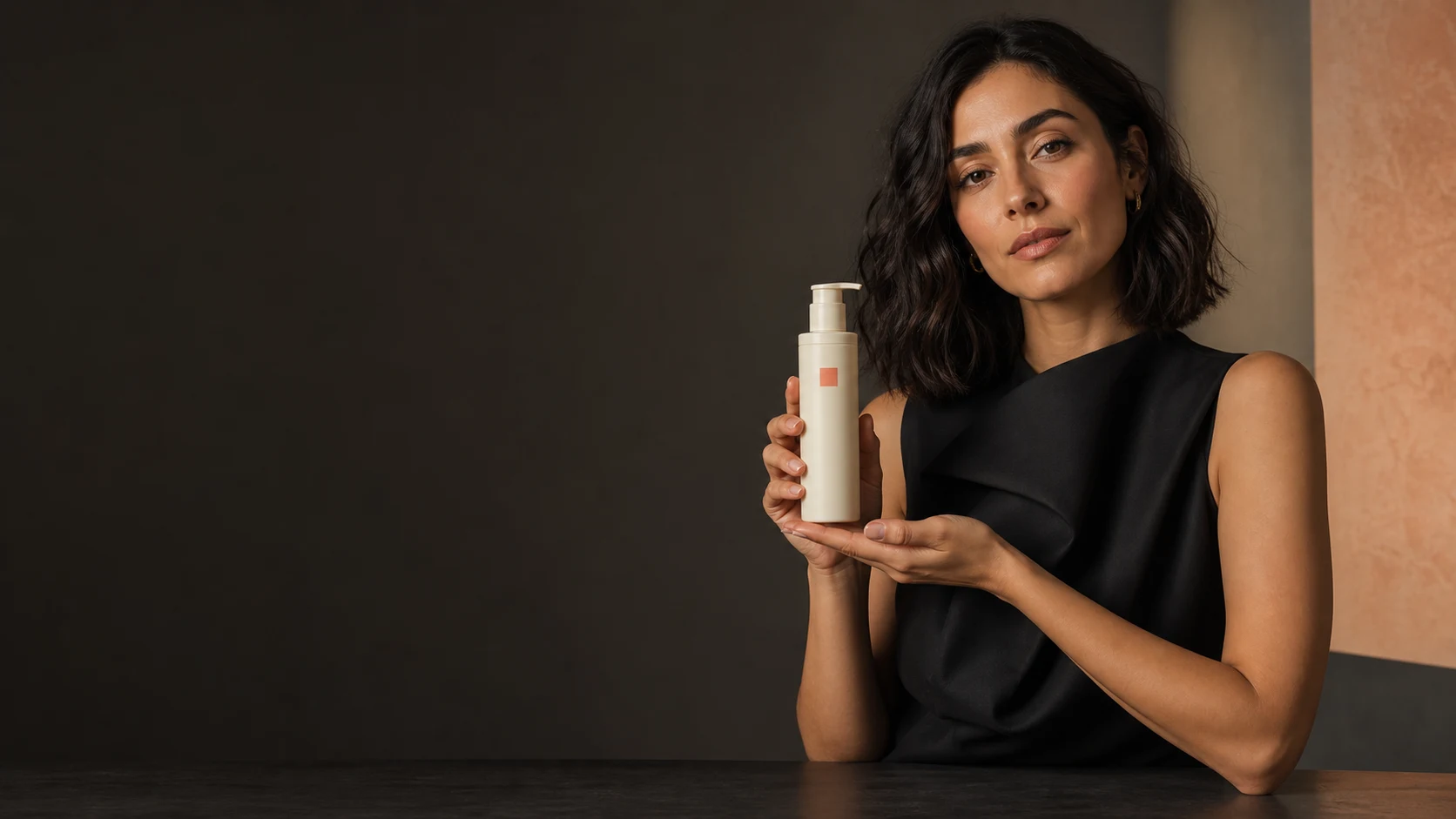
AI Influencer Generator helps teams create reviewable visual content without starting every ad from a blank canvas. It is an AI content creation platform focused on building consistent virtual influencers and generating AI photos, short-form videos, UGC ads, product content, and social media creatives. Designed for creators, marketers, ecommerce brands, and agencies, it gives you a practical way to turn ideas, products, and brand concepts into reviewable ad assets for social channels, launches, and ongoing content calendars.
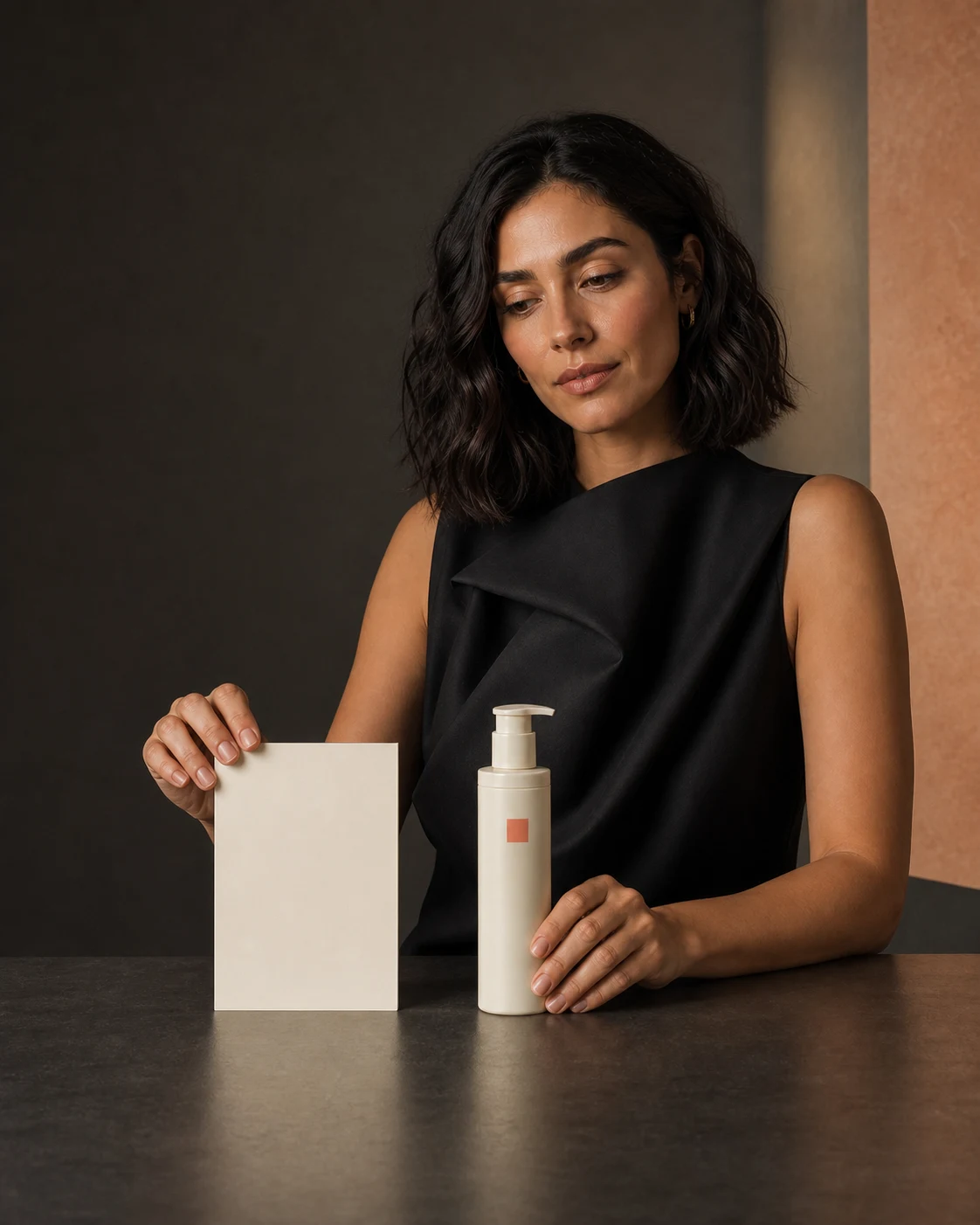
An ai video ad generator helps you produce ad concepts, visual scenes, creator-style clips, and product-focused videos without coordinating every shoot from scratch. You can create a consistent virtual influencer, generate visuals around a product or message, and review creative assets for different audiences, offers, and platforms. For teams that need more ad variations and social content, an AI-powered ad workflow makes early creative exploration more flexible and repeatable.
That matters because modern campaigns rarely depend on one perfect video. A product launch might need a teaser, a synthetic UGC-style demonstration concept, a short offer-led clip, several paid social variations, and organic posts that match the same visual identity. AI Influencer Generator supports that kind of workflow by helping you reuse a recognizable character or visual style while producing different creative angles for different moments.
One of the biggest challenges in ad production is consistency. A campaign can lose impact when every visual looks unrelated, every creator asset feels disconnected, or every product post appears to come from a different brand world. With AI Influencer Generator, you can build consistent virtual influencers that act as recognizable visual anchors for campaigns and social content.
This is especially useful when you want the look and feel of creator-led marketing without rebuilding the creative foundation every time. A virtual influencer can appear in product images, short-form video concepts, lifestyle scenes, social posts, and UGC-style ad formats. Review each result because a saved character is an identity anchor, not a promise of identical output.
Define the creative job
A practical ad workflow starts with a clear situation, a visible product, and a reason to act. Use these formats to explore creative directions before a final production decision.
A practical example: an ecommerce skincare brand could create a saved virtual influencer for a new product line, then generate a morning routine concept, a product close-up, a before-the-event preparation scene, and an offer-focused paid ad. The creative changes, but the identity can remain familiar. That continuity can make campaign planning easier and help audiences recognize a visual style across touchpoints.
Marketing teams need creative volume, but volume can become expensive and time-consuming when every asset depends on a full shoot, manual editing cycle, or multiple rounds of external production. An ai ad video generator gives you another way to move from idea to asset: explore concepts before choosing what to publish, test different messages through human review, and refresh a campaign when the direction changes.
AI Influencer Generator is not just an ad video creator for one-off clips. It supports a broader visual marketing workflow, including AI photos, short-form videos, UGC ads, product content, and social media creatives. That makes it useful for both planned campaigns and daily content needs.
Use it to create:
The benefit is not only speed. It is creative range: generate more options early, then make stronger decisions before investing time in final edits, media spend, or campaign rollout.
AI Influencer Generator is designed for creators, marketers, ecommerce brands, and agencies that need reliable visual content without overcomplicating production. Each group can use the platform differently, but the central advantage is the same: more control over campaign visuals, more continuity across assets, and more ways to turn an idea into reviewable creative.
For creators, the platform can support personal brand concepts, virtual personas, social storytelling, and short-form content ideas. Instead of relying only on live production, creators can experiment with visual themes, character looks, content formats, and promotional posts that fit their niche.

Explore visual themes, character looks, content formats, and promotional posts around a clear niche.
Review variations around hooks, formats, and audience segments before selecting a creative direction.
Plan product-led visuals, UGC-style concepts, lifestyle scenes, and short clips around a launch or collection.
Present reviewable visual directions and campaign concepts for brands with different audiences and aesthetics.
Choose a real template when you have a direction worth testing. Each route opens a distinct Studio format, so your team can supply the product facts, choose the character, and review the output in context.

Start with a visible situation, then show the product and a reviewable next state.
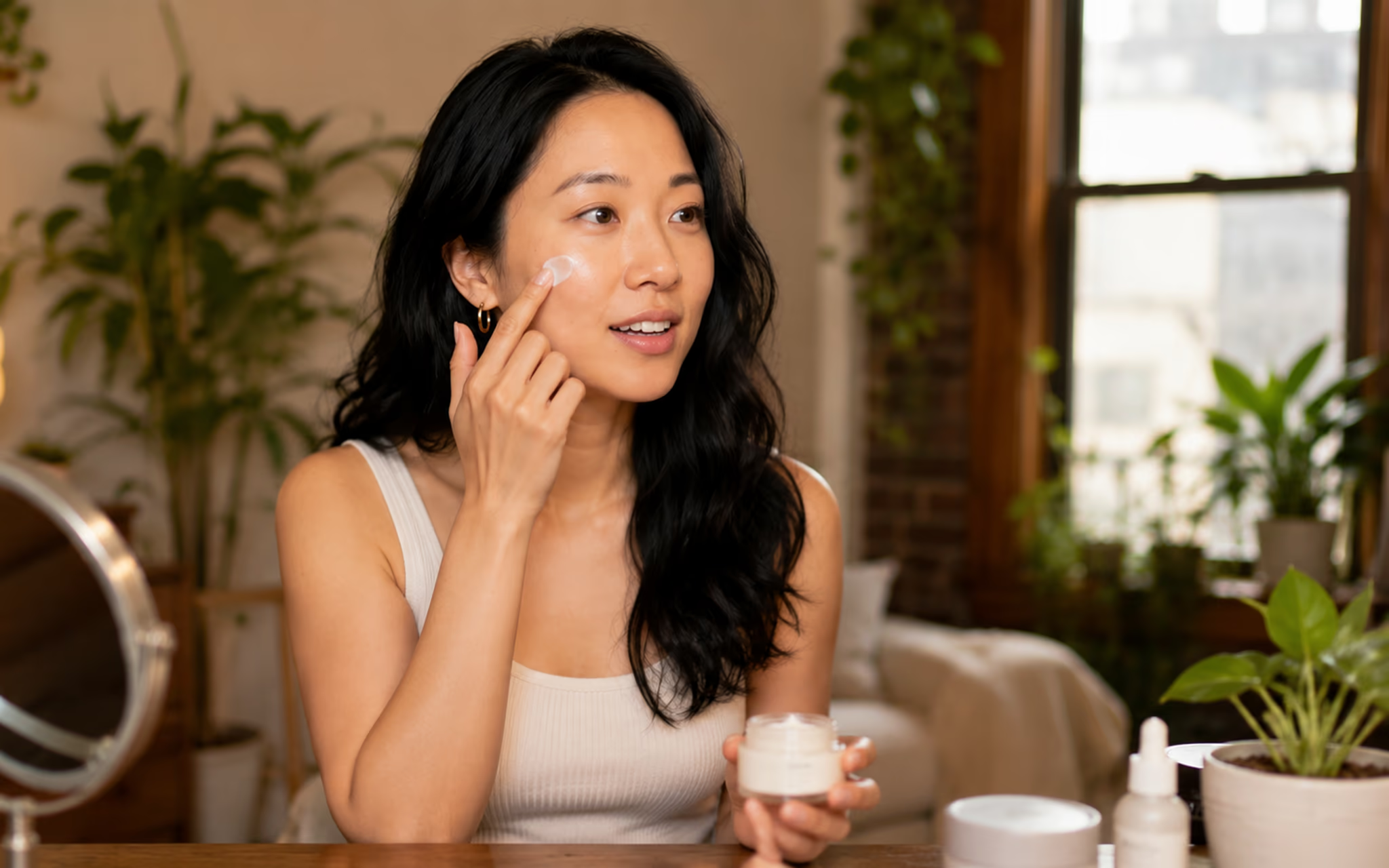
Keep the item visible and use only product facts your team can verify.

Explore a social-first creator direction around a real product moment.
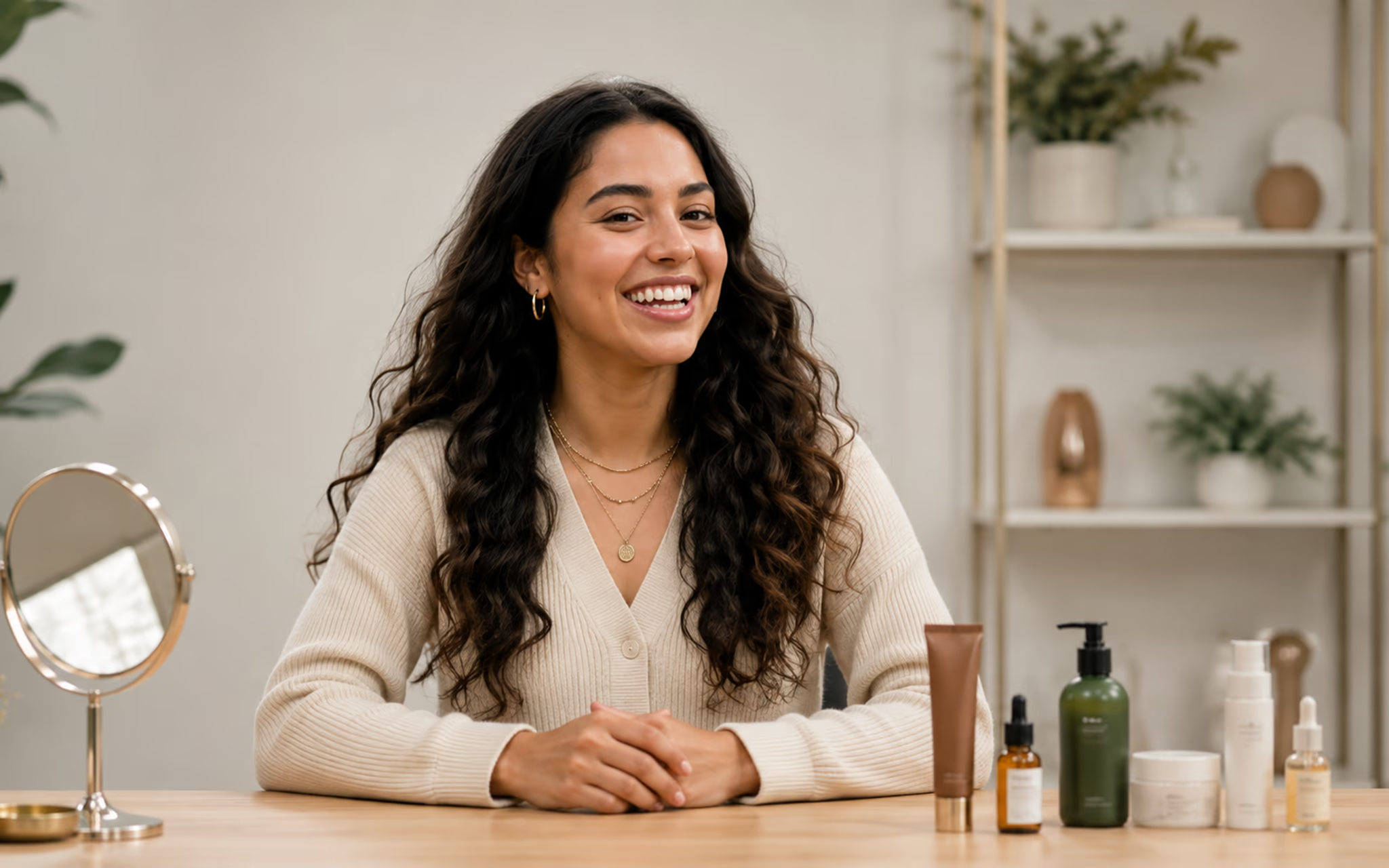
Use matching context and review every comparison for truthful presentation.

Put verified product facts into a direct, creator-led promotional concept.

A fictional demonstration, never a claim about a real customer experience.
Fictional adult AI-generated template demonstrations. Review product facts, disclosures, and final creative before publishing.
A strong ad usually begins with a simple creative idea: show the product clearly, connect it to a real customer situation, and give the viewer a reason to act. AI video ads can support that structure by combining product visuals, virtual influencer content, short-form pacing, and platform-ready messaging.
AI Influencer Generator helps teams create content around the moments that matter in a buyer journey. A viewer might first see a lifestyle clip that introduces the product, then a UGC-style ad that explains why it fits a specific need, then a promotional creative that points to an offer or product page. By using a consistent virtual influencer or visual style, you can make those touchpoints feel connected rather than scattered.

Introduce the product or lifestyle context with a visual hook that is clear before an offer is introduced.

Use a product-led scene to show the item, its observable details, and verified facts your team provides.
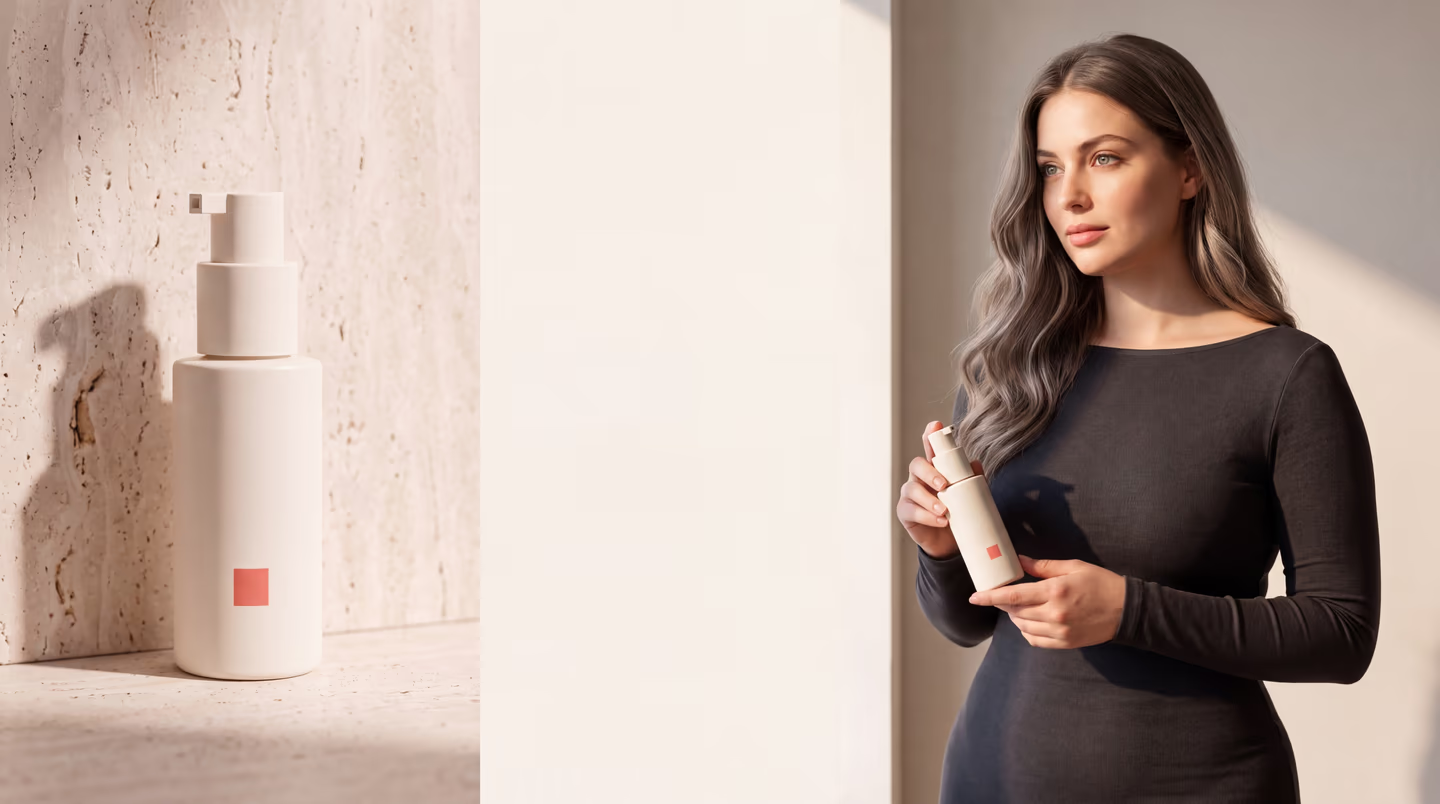
Turn verified product facts and an approved offer into a direct creator-led promotional concept.
This approach works particularly well when you need to refresh creative often. Instead of waiting for a full production cycle every time you need a new hook, you can generate new concepts around the same product, audience, or campaign theme. That makes creative planning more responsive to seasonality, inventory changes, and new positioning.
AI Influencer Generator gives you a focused environment for creating visual content that supports modern ad workflows. It is built around the real needs of people producing campaign assets: continuity, speed, variation, and usability across social and product marketing. Whether you are building a virtual face for a brand or generating an ai ad video generator workflow for paid campaigns, keep production organized around reviewed creative rather than unverified outcomes.
The platform is useful when you have a clear product or message but need more ways to express it visually. It can also help when a team has campaign ideas but lacks enough time, budget, or production resources to create every variation manually.
Choose a saved fictional adult character as an identity anchor for supported visual tasks.
Add an authorized product reference when a product should be visible in the creative.
Write the scene, hook, product facts, and boundaries that the team should review.
Open a format-specific Studio template rather than relying on a generic ad editor.
See the quote before submitting, then review task status and completed work in History.
Check every result for product truth, identity details, text, disclosures, and channel fit before publishing.
Traditional ad creation can involve disconnected tasks: write concepts, source talent, plan visuals, create mockups, edit assets, prepare placement variants, and repeat when the campaign needs new directions. A template-led workflow gives the team one place to review those choices.
A repeatable process might look like this:
Choose the ad format that matches the creative job: problem-solution, product demo, lifestyle or UGC, before-and-after, promotion, or synthetic testimonial.
Choose a saved fictional adult character when the template calls for an identity anchor.
Add an authorized product reference when the product needs to appear in the concept.
Describe the direction and use only facts, terms, and offer conditions your team can verify.
Review the Studio quote, then submit the selected template task.
Check task status and History, then review the result in its intended campaign context before using it.

Each template starts with a different content job. Select a format first, then choose the identity and product inputs that are relevant to that job.
Choose an ad video templateThis kind of workflow helps teams spend less time waiting for first drafts and more time choosing, refining, and publishing the creative that best fits the campaign.
AI Influencer Generator brings together consistent virtual influencers, AI photos, short-form videos, UGC ads, product content, and social media creatives. As an ad video creator, it helps you produce video concepts and assets that can support paid and organic campaigns. As a broader content platform, it gives creators, marketers, ecommerce brands, and agencies a way to build recognizable visual systems instead of isolated one-off posts.
If your team is trying to publish more often, test more creative angles, or give a product campaign a stronger visual identity, an ai video ad generator can become part of an everyday marketing workflow. You bring the product, offer, and audience insight. AI Influencer Generator helps turn those inputs into flexible creative assets that a team can adapt, refresh, and scale through review.
Use the same credit plans, billing options, and generation choices available across the rest of the site. Studio shows the applicable credit quote before you submit.
Before you begin
These answers describe the current Studio boundaries. They do not promise identical outputs, automatic publishing, or advertising results.
Choose a real Studio template, then add the saved fictional adult character, authorized product reference, and factual creative direction that the selected format requires.
No. This workflow does not automatically import product URLs. Add only product references and facts you are authorized to use and can verify.
Yes. A saved fictional adult character can be used as an identity anchor in supported workflows. Review every result because details can still vary.
It depends on the template and the creative direction. Add an authorized reference when a product needs to be visible, then review the result for accurate appearance and facts.
It is a fictional product demonstration. It must not be presented as a real customer review, rating, endorsement, or personal experience.
No. Studio helps create and review individual creative tasks. Your team controls publishing, targeting, reporting, and performance measurement elsewhere.
Confirm source rights, product facts, offer conditions, channel rules, and any AI disclosure needed before publishing. Review the Commercial Use and AI Disclosure guides for current guidance.
These routes solve distinct content jobs. Open the one that fits the asset you need to review next.
Plan Content
Measure Engagement
Build Your Profile
Price Your Work
Write Post Copy
Brand Partnerships