
Game and story concepts
Test an idle loop, greeting, reaction, item reveal, or story beat before committing to rigging and production animation.
Home/Tools/AI Character Animation Generator
Turn one character image into a short animated performance. The image defines who the character is; your prompt defines what the character does next.
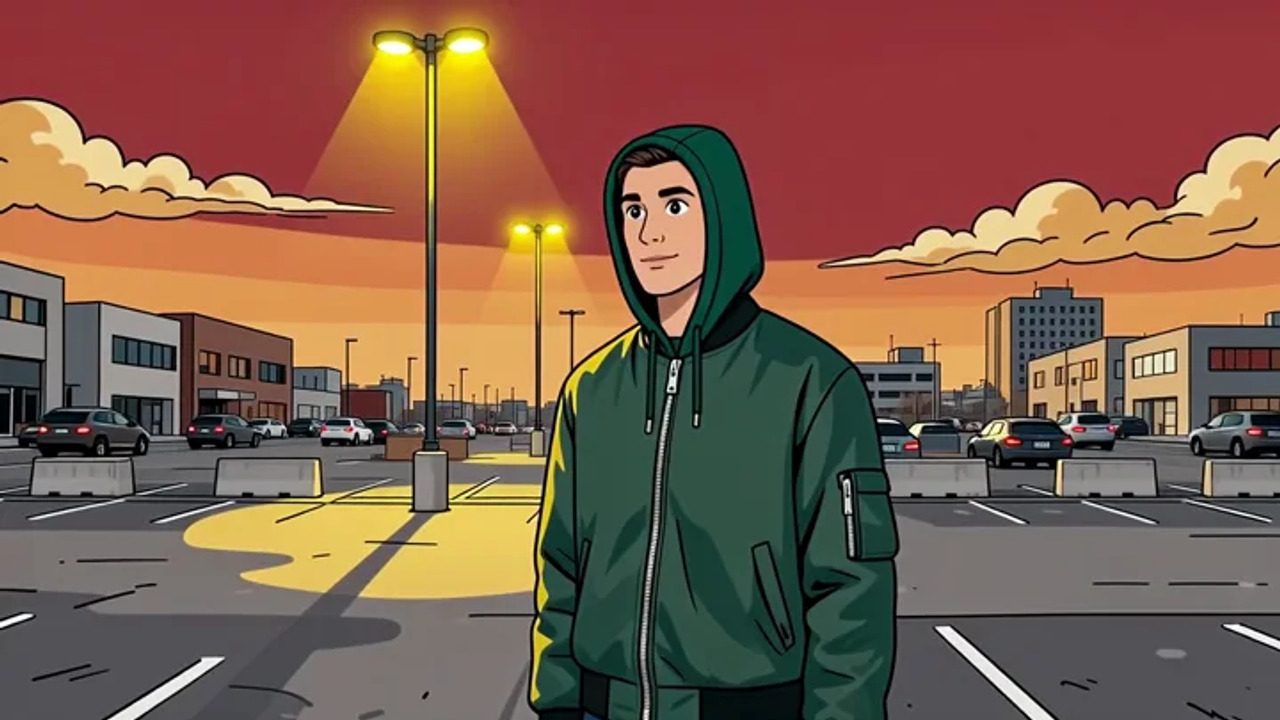
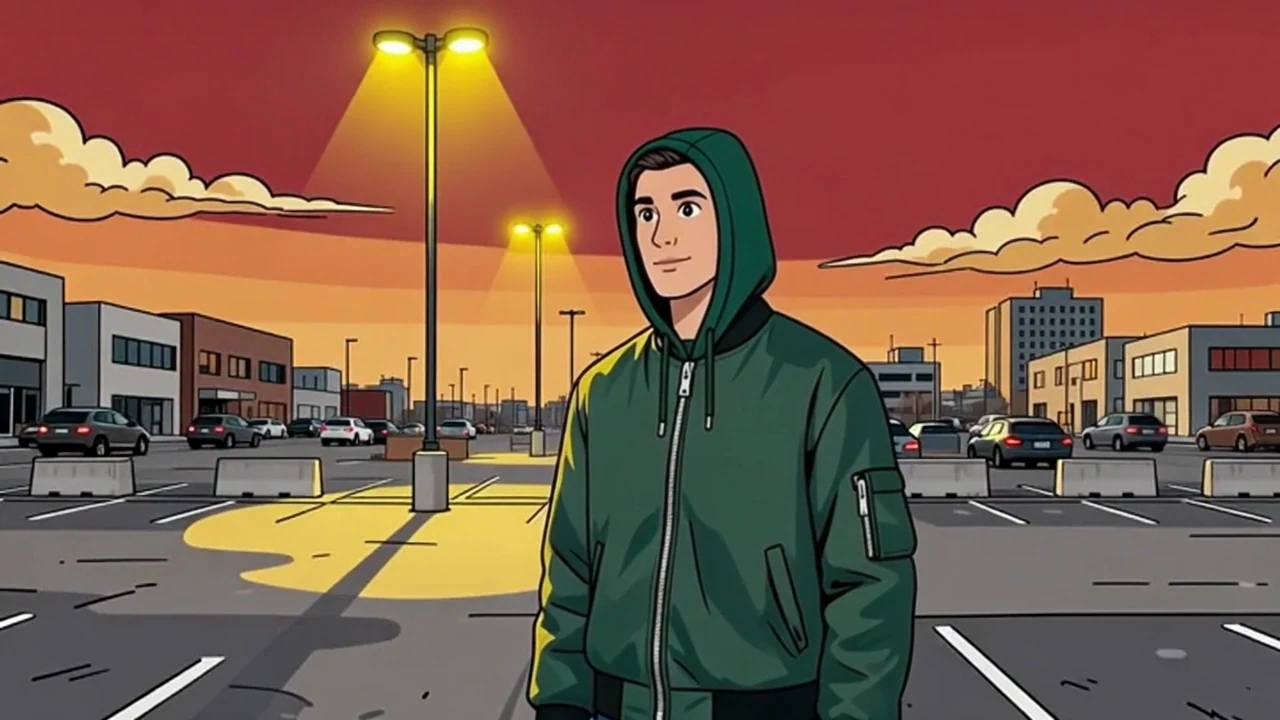
“Shift weight naturally, raise the right hand, give one brief friendly wave, then return to a relaxed idle pose. Preserve the exact character design, scene, framing, and cel-shaded style.”
An AI character animation generator starts from existing character art and predicts the movement that connects one pose to the next. It is useful for testing how a character could greet, react, idle, turn, walk, or present an object before a full production pipeline.
This workflow does not invent a new character from scratch and it does not ask for a reference performance. Bring the character image first. Use Consistent Character when you need new artwork, or Motion Transfer when an exact recorded movement should drive the result.
Select a saved character with a readable face, silhouette, and starting pose.
Describe one movement, expression, pace, and only the camera change you truly need.
Play the full result and check the face, hands, costume, silhouette, and background.
The strongest prompt gives the model a short performance while explicitly protecting the artwork that is already working.
Action: raises a lantern and looks toward the path. Pace: calm and deliberate. Camera: fixed medium shot. Protect: same face, costume, palette, proportions, and environment.
Test an idle loop, greeting, reaction, item reveal, or story beat before committing to rigging and production animation.
Create short intros, visual replies, recurring mascot moments, animated posts, and pitch-ready scene tests.
Use a clear character image with a readable face and silhouette.
Show the body parts needed for the requested action.
Keep important costume details away from the image edge.
Prefer a simple starting pose and avoid heavy foreground obstruction.
Short clips become less stable when one prompt combines several unrelated actions, a new costume, a new environment, and a complex camera move at once.
Treat the source image as a design sheet. Ask the animation to preserve face shape, hair silhouette, costume layers, color palette, body proportions, and rendering style. Change the performance first; change the design in a separate image workflow.
| Workflow | Start with | Movement comes from | Best for |
|---|---|---|---|
| Character Animation | Character image | Written action | New short performances |
| Motion Transfer | Character image + video | Reference performance | Matching exact body motion |
| Character Generator | Written description or references | Not an animation workflow | Creating the character artwork |
| 3D rigging | 3D model + skeleton | Animator controls | Editable production assets |
A clean poster is not proof of clean animation. Watch the fastest part of the movement and the transition back to rest. Check hands, face, clothing edges, floor contact, background stability, and whether the action actually matches the prompt.
The output is a video. It does not include editable bones, animation curves, layered artwork, a sprite sheet, or an engine-ready 3D model. Use it for concept testing, storytelling, and finished short-form video—not as a replacement for a full asset pipeline.
Use your own design or artwork you have permission to transform. Avoid protected characters and requests that imitate a living artist’s signature style. Review the current usage terms before commercial publication.
Choose a saved character image with a clear silhouette and readable body pose. The image defines the character design and starting scene.
Describe one visible action, the pace, expression, and any camera movement. Keep the request short enough to fit one continuous clip.
No. Character Animation creates movement from your written action. Motion Transfer uses a separate reference video when an exact performance should drive the character.
No. The result is a generated video, not an editable character asset for a game or animation project.
Apply a reference performance to a selected character appearance.
Use an authorized dance reference when choreography should lead the movement.
Animate a broader photo or scene when character identity is not the main constraint.
Create a reusable character identity for image-led workflows.
Create realistic creator-led video around a saved identity.
Choose the character image, write a short action, and review the complete animation in Studio.