
AI Dance Generator
Build a recognizable dancer character, choose an authorized movement reference, and create a dance video you can review for social and campaign use.
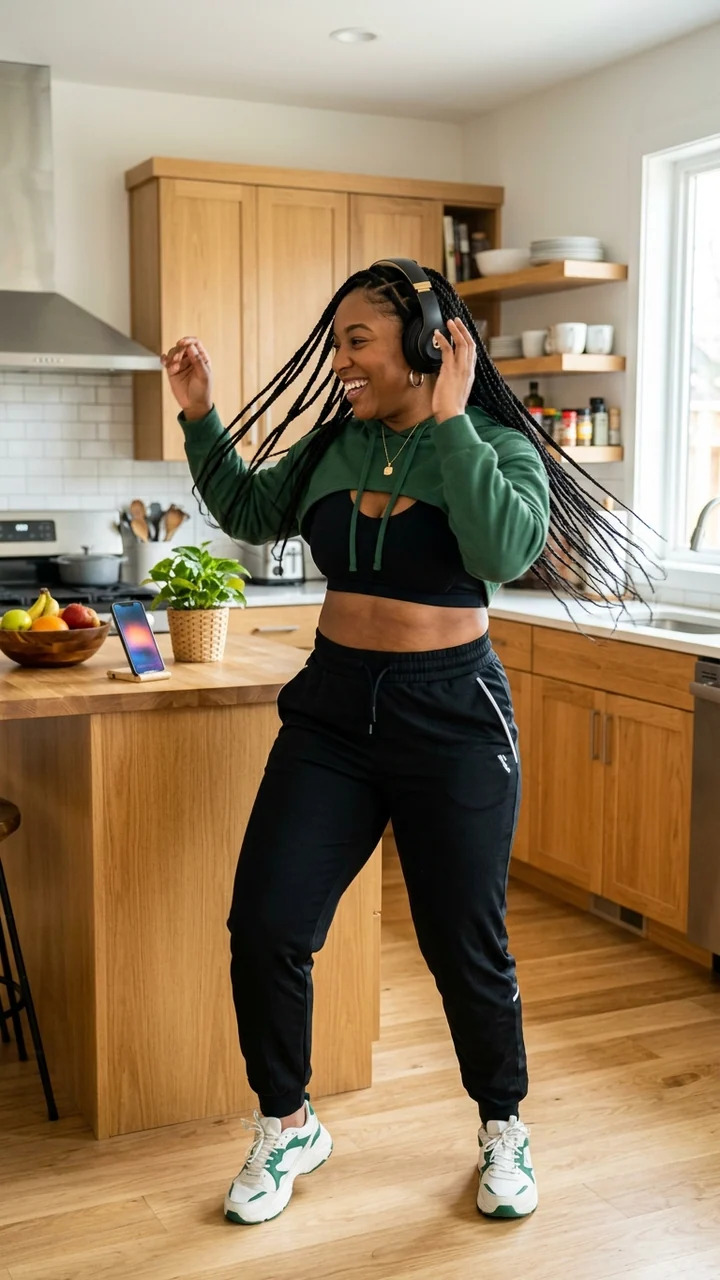
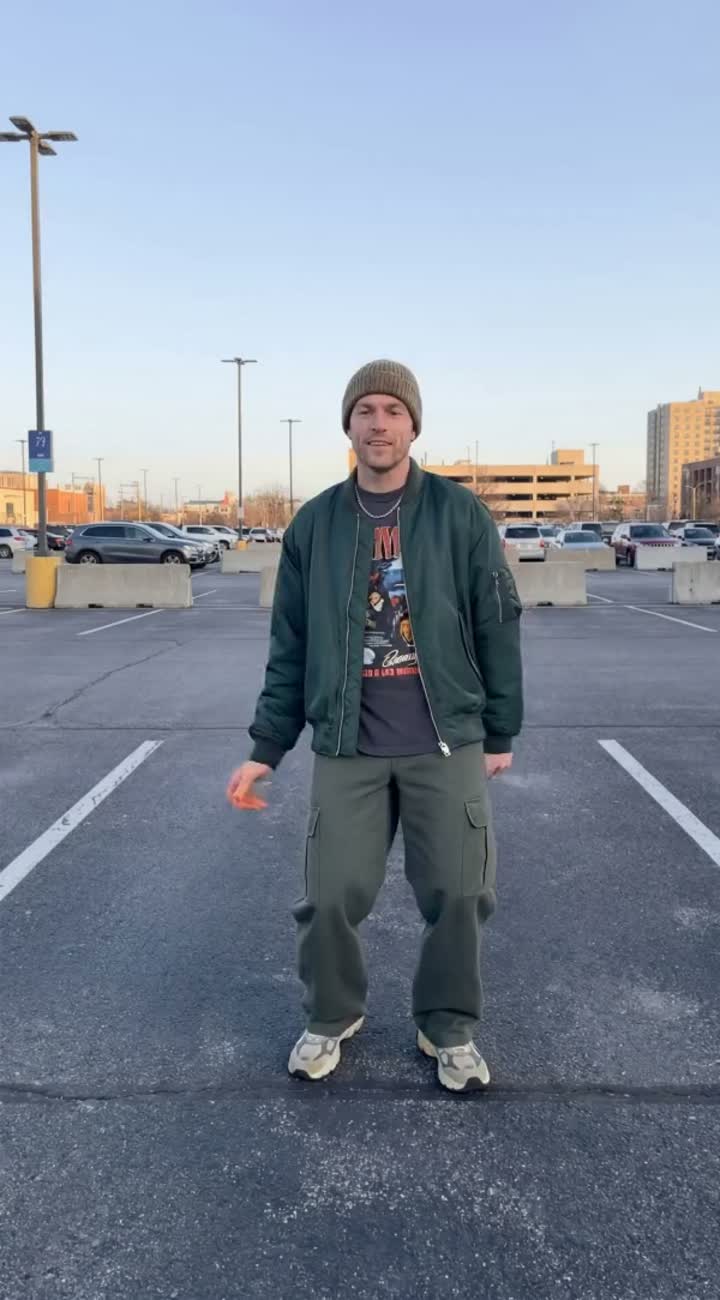
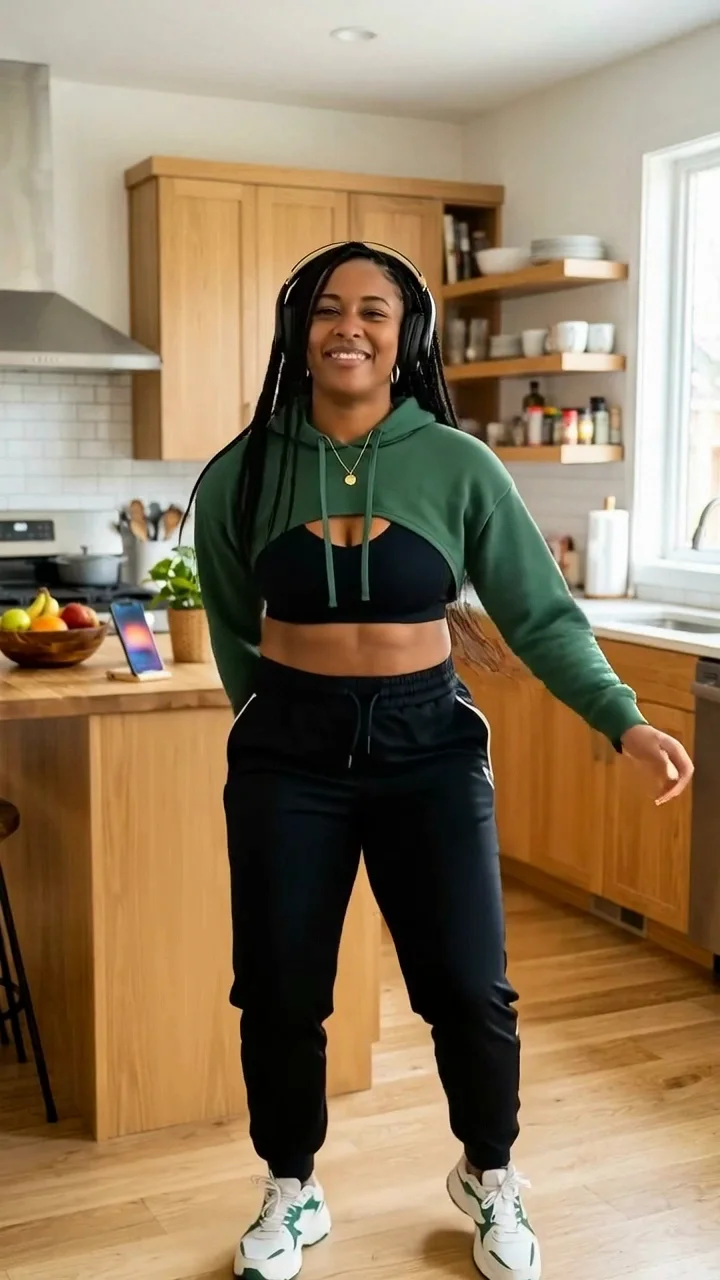
What an AI dance generator helps you create
Build an AI dancer persona that can appear across campaign photos, short-form videos, UGC-style posts, and social content without starting from scratch every time. Here, the dance workflow creates a reference-led video; adjacent workflows can help you make the related visual concepts.
An AI dancer generator helps you shape a reviewable virtual performer concept: the character’s look, movement style, visual tone, and content direction. Instead of treating each asset as a one-off image or clip, use a saved character as a visual anchor across separately reviewed work.
For marketers, creators, music teams, fashion brands, and entertainment concepts, a recognizable character can support a campaign arc. It can introduce a track, model a collection, demonstrate a move, react to fan content, or appear in connected social-first scenes.
Build a recognizable dancer identity
The future of the dance move generator is character continuity. A strong AI influencer has more than an outfit and a pose. A saved character can help anchor a dancer across different lighting, angles, formats, and content types, whether the asset is a polished promo image or a casual UGC-style concept.
A clear creative profile defines performance style, fashion direction, attitude, color palette, and campaign role.
A bold club-ready dancer needs matching photo, caption, and video directions; a playful or fitness-focused character needs another visual world.
Reuse is a planning method, not a guarantee of identical identity in every generated frame.
Plan the dancer’s creative profile
A practical AI Influencer Generator workflow can help keep these details aligned by turning scattered ideas into a repeatable character system. The result is a more usable social media asset, not an automatic campaign plan.
A dancer-focused AI influencer can support many campaign formats, from early ideation to reviewable creative. Plan assets around the platforms where they will be used instead of creating visuals first and forcing them to fit later.
Create campaign formats around one dancer
Use the generator to develop creative directions around a character. The following assets are planned and created in separate appropriate workflows, then reviewed individually.
- 01Character foundations
- Facial style, hair, wardrobe, body language, performance energy, and the dancer’s visual world.
- 02Campaign photos
- Hero images, lifestyle shots, backstage-style portraits, album or event teasers, and collaboration concepts.
- 03Short-form video concepts
- Dance challenges, transition clips, product moments, choreography previews, and social-first storylines.
- 04UGC-style content
- Casual selfies, rehearsal snippets, get-ready concepts, behind-the-scenes prompts, and creator-style reactions.
- 05Naming and movement ideas
- Use stage-name and movement prompts as planning methods—not as a claim that Studio generates either automatically.
This gives a team a stronger starting point before production, editing, or publishing. Each asset still needs a defined purpose and human review.
From source image to referenced choreography
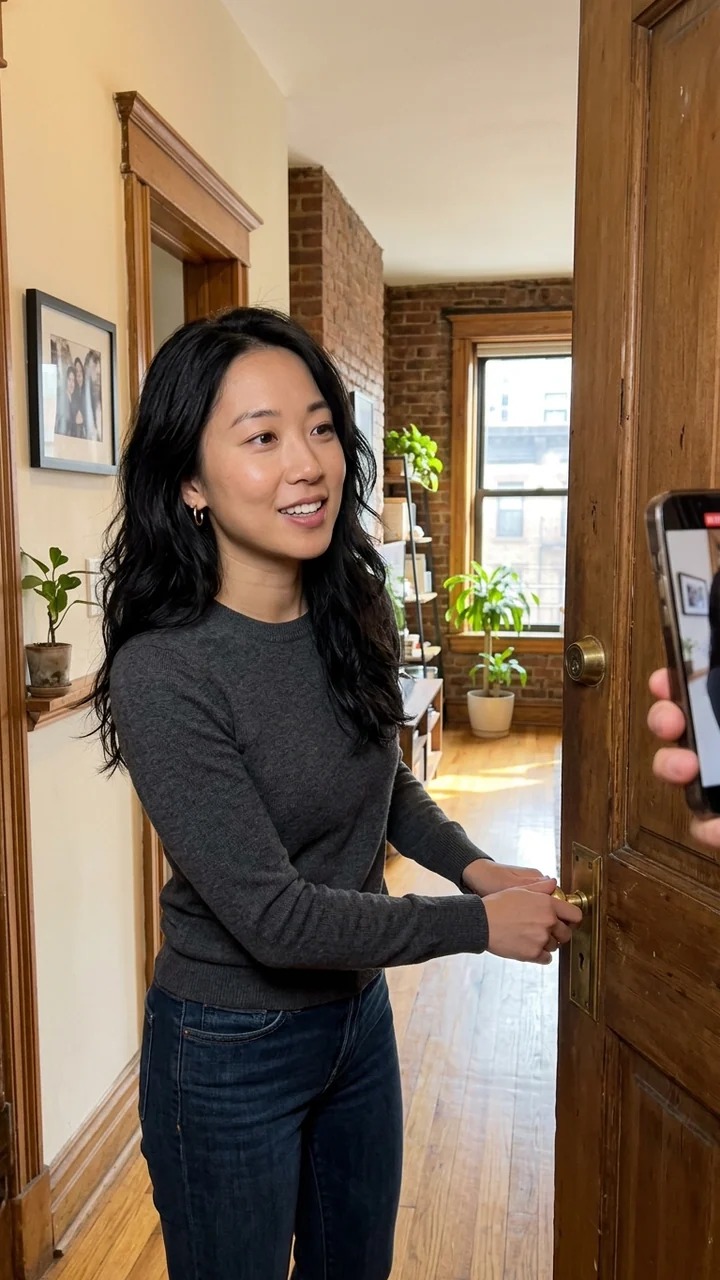
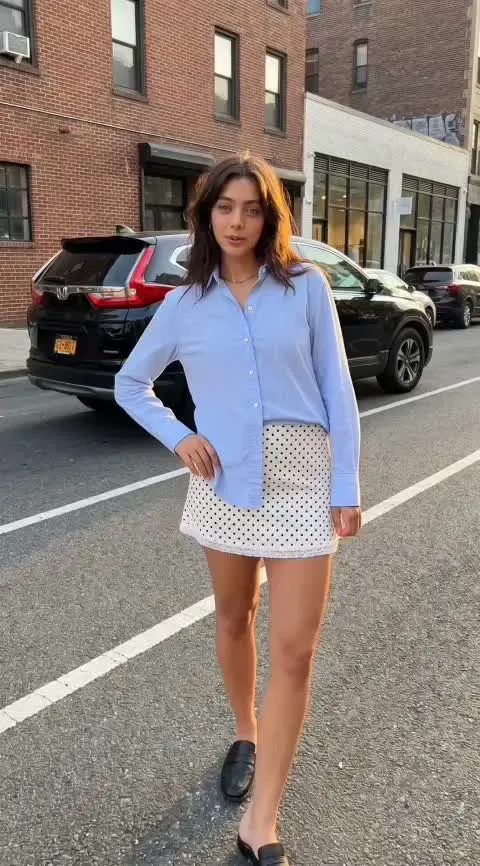
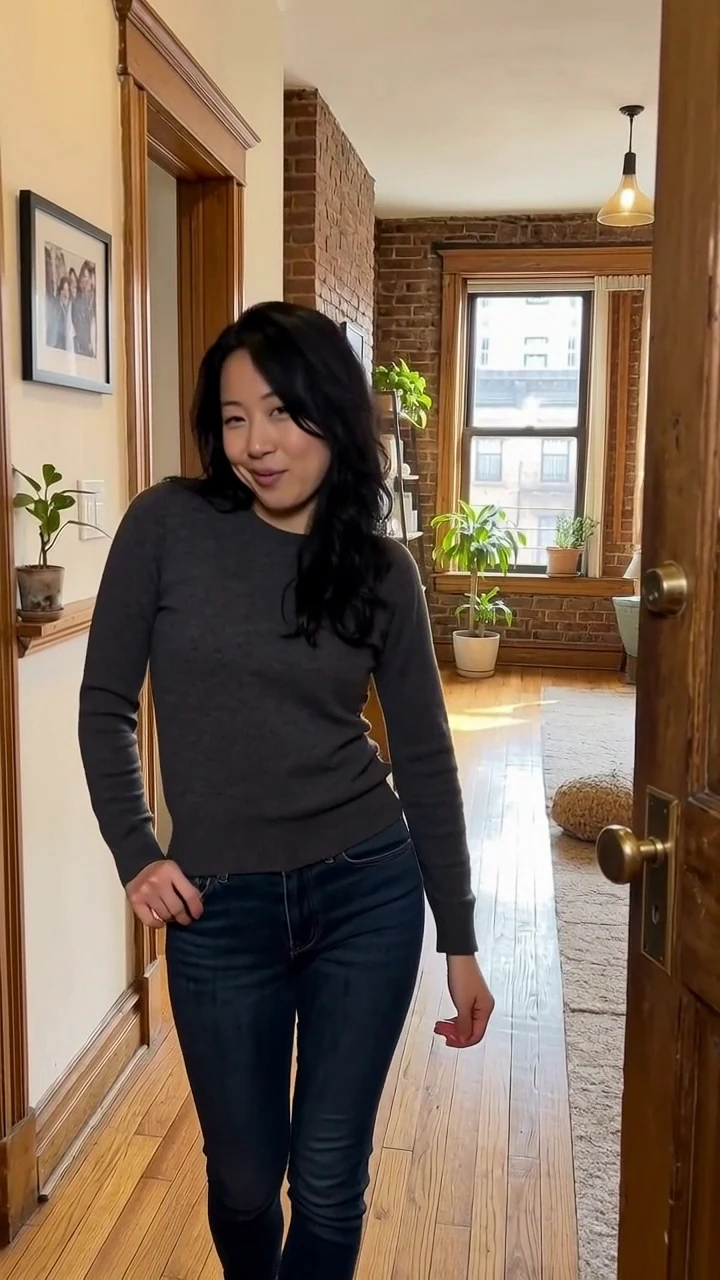
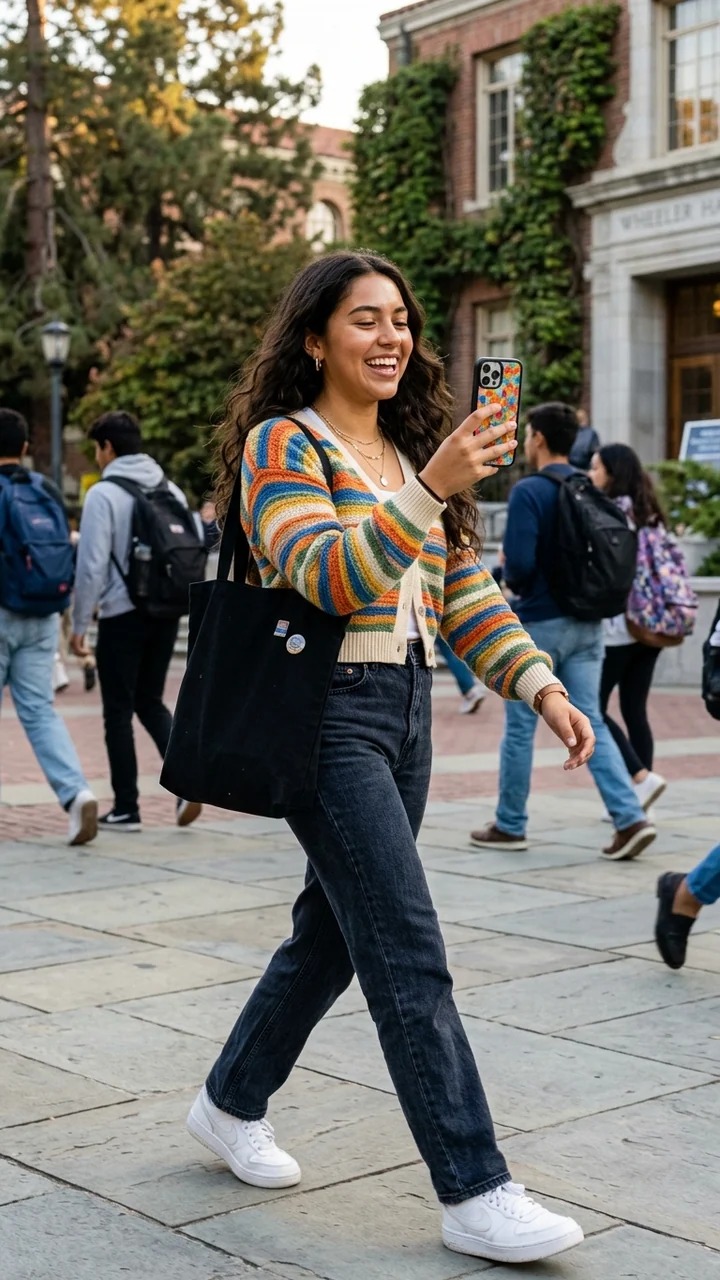
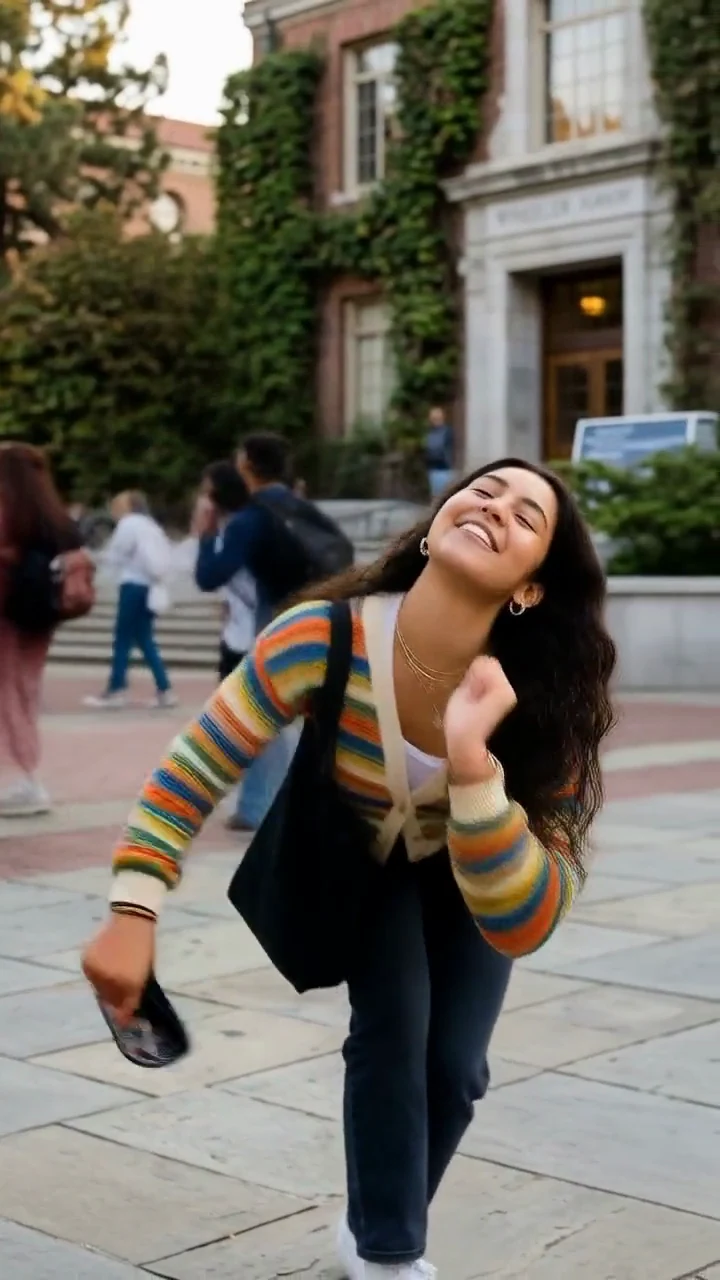
A source image establishes the character. An authorized performance reference establishes the dance. The result is a single video for review—not a claim of automatic choreography or permanent identity matching.
Keep photos and dance clips in one visual world
AI dancer campaigns work best when photos and videos point back to the same creative universe. That does not mean every asset should look identical; it means the dancer’s identity remains recognizable while the content format changes.
For photos, focus on repeatable cues: signature styling, preferred settings, recognizable color treatment, and poses that fit the dancer’s personality. For video, use the same cues to connect teaser poses, short dance challenges, rehearsal moments, and promotional posts.
Protect the parts that should stay fixed
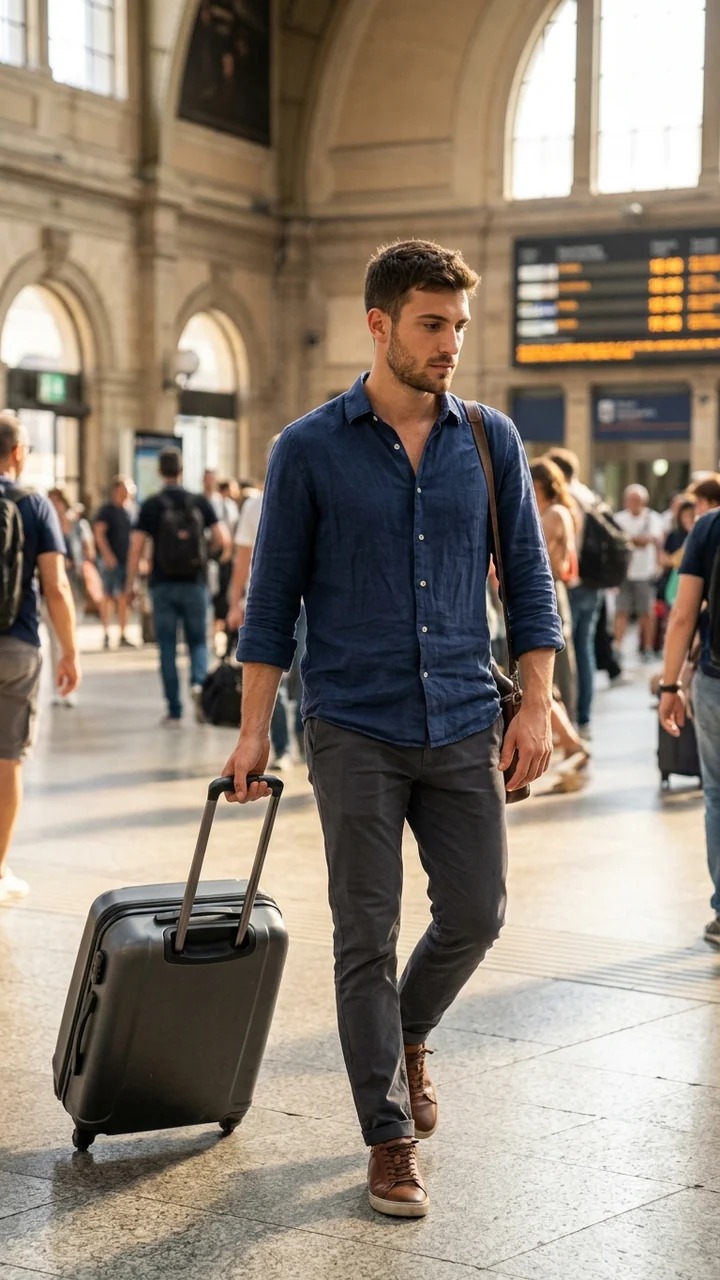
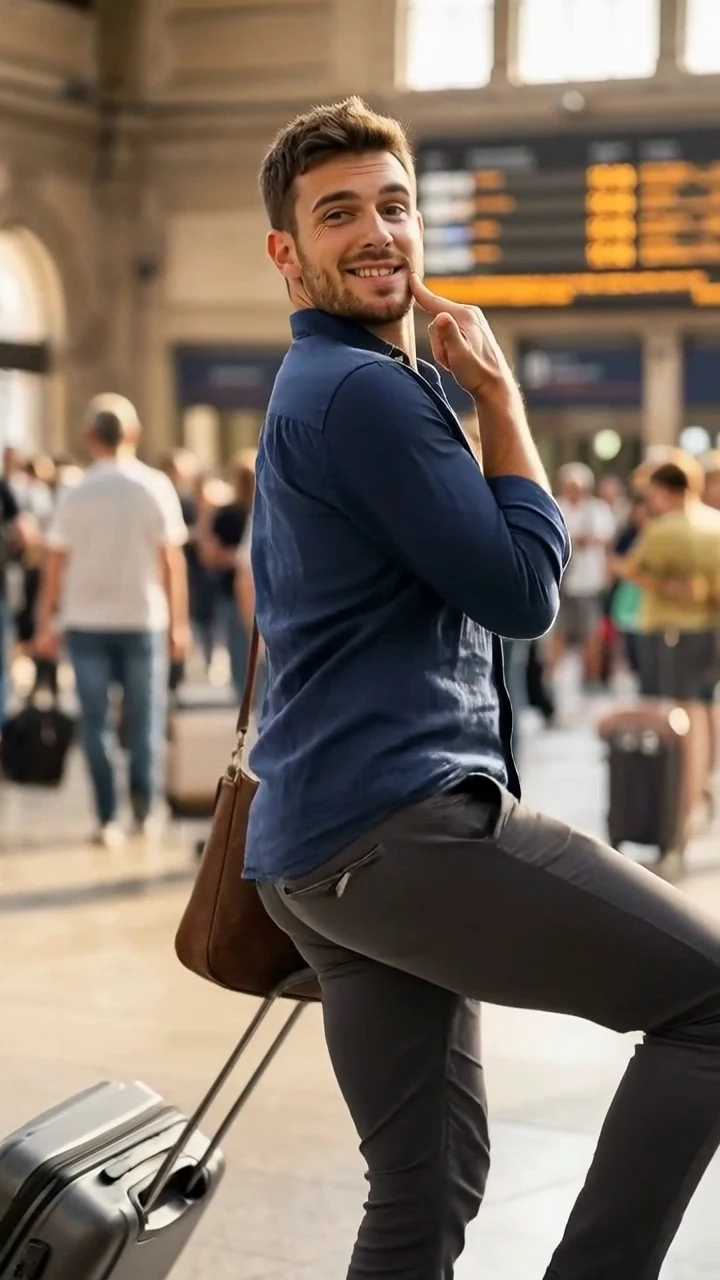
For videos, think in sequences. A campaign may begin with a teaser pose, move into a short dance challenge, show a practice moment, and close with a promotional post. A direction can describe details you want to protect while the selected reference guides movement.
“Keep the same face, hair, jacket, proportions, full-body framing, and setting. Follow the selected dance timing without adding new people, objects, cuts, or text.”
Choose a dance template or upload your own reference
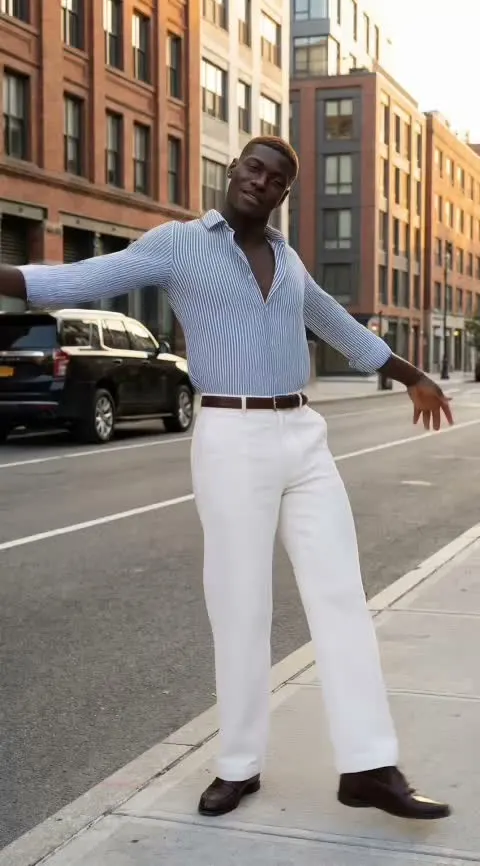
A template is a distinct performance input. Choose one whose timing and body movement fit the character, or upload a performance you have permission to use.
First-beat choreography
A quick opening phrase with a defined first count.
A six-step framework for planning dancer content
A campaign-ready dancers generator should support creativity and planning. The goal is not to replace strategy; it is to make persona and content-direction decisions easier to review.
- 01
Define the campaign goal
Decide whether the dancer is promoting a song, event, product, challenge, brand world, or creator concept.
- 02
Build the character profile
Choose the dancer’s style, stage identity, attitude, fashion direction, and audience fit.
- 03
Generate visual directions
Create separately reviewed photo concepts for hero images, lifestyle content, teaser posts, and UGC-style moments.
- 04
Plan movement-led content
Use dance-move ideas to explore choreography, transitions, challenges, and video hooks before selecting a reference.
- 05
Create platform-specific assets
Create and review individual reels, stories, short ads, thumbnails, profile visuals, and campaign posts.
- 06
Keep the persona connected
Reuse the character traits, styling rules, and campaign tone so every post can build recognition.
This process helps teams move from “we need content” to a character-led campaign system. It is especially useful when multiple people need a shared persona direction.
How the real Studio workflow works
Studio creates a dance video from a saved full-body character and a dance template or authorized reference. It does not plan a campaign, create choreography from text alone, add music, publish posts, or measure results.
- 1
Choose a saved full-body character
Use a fictional adult character or a person you are authorized to use.
- 2
Choose a template or upload a reference
The selected performance supplies dance timing and steps.
- 3
Add an optional protective direction
Keep identity, framing, expression, and scene details in view.
- 4
Review the quote and confirm rights
Current pricing is shown before submission; confirm the reference is authorized.
- 5
Submit one task
Each submission creates one video for review.
- 6
Review in task status and History
Check the completed result before download or publishing.
Use cases for music, fashion, and creator teams
| Team | Creative task | Review before use |
|---|---|---|
| Music team | Introduce a sound or test a challenge concept. | Reference rights, movement, audio rights, disclosure. |
| Fashion brand | Explore a dancer styling different looks. | Clothing detail, product facts, campaign approval. |
| Creator team | Test UGC-style content before a final shoot plan. | Identity, claims, platform fit, disclosure. |
It also helps when the idea is still forming. Compare separately generated directions, refine the campaign mood, and choose the character that feels most aligned with the audience. The value is creative control—not a promise of performance or conversion.
Create a flexible asset for storytelling
A strong AI dancer persona gives you a flexible asset for storytelling, campaign planning, and social publishing while keeping the character recognizable over time.
The next generation of dance generator tools is about more than isolated dance ideas. It is about connected visual directions: a memorable stage identity, a consistent look, photo-ready moments, video concepts, UGC-style posts, and a social campaign structure that feels intentional.
Review before publishing
The strongest results begin with one clear persona and a system that keeps each campaign moment connected. Review every result before it leaves Studio.
- Character identity and adult consent
- Face, hands, feet, anatomy, and movement
- Clothing, background, and readable details
- Reference-video rights and platform rules
- Music, product facts, and promotional conditions
- Commercial-use terms and AI disclosure
AI Dance Generator questions
These answers describe the real workflow and the boundaries to keep in mind.
View plan optionsChoose the next workflow
Ready to create your virtual dancer?
Start by defining the dancer your audience would remember. Build the visuals, movements, and campaign moments around that character, then choose an authorized dance reference and review the resulting video before you use it.