Your first 5-second Fast Video is free. Try it free

TheInfluencer Alternative for AI Influencers

Compare two creator-led workflows for consistent photos, short videos, UGC, lip sync, try-on and motion—then choose the path that fits your next deliverable.

Create a Character

Is AI Influencer Generator a good TheInfluencer alternative?

Yes, when you need a repeatable creator workflow with a dedicated Studio destination for the task that comes next. It is not a universal replacement: The Influencer AI can suit a team that prefers its compact all-in-one persona and content flow.

On this page, TheInfluencer refers to The Influencer AI. It is not a comparison of generic influencer-marketing or creator-discovery platforms.

The five things to decide first

Start with the work you need to approve, not a headline feature list.

  1. 1Will the same creator return in the next post?
  2. 2Do you need a photo, video, UGC, lip sync, try-on or motion result next?
  3. 3Which people, products and source materials are you authorized to use?
  4. 4How much review work will the finished output need?
  5. 5Which workflow fits the way your team publishes content?

AI Influencer Generator and The Influencer AI: a workflow comparison

This is a task-fit comparison, not a scorecard. Availability, plans and product details can change, so check the official pages before buying.

Workflow comparison reviewed August 11, 2026.
Decision areaAI Influencer GeneratorThe Influencer AI
Primary fitA recurring virtual creator and the task-specific content that creator needs to publish.A compact all-in-one persona and content workflow.
Persona startCreate a character, then continue into the next dedicated Studio workflow.Create a persona from traits or authorized selfies, then generate content around that persona.
Influencer photosDedicated creator-photo workflows for social, lifestyle and product-led directions.Officially presents photos and product shots from a consistent persona.
Short video and reelsA direct route from a creator brief to a vertical video workflow.Officially presents talking videos, reels and product-promotional video.
UGC and product momentsTask-specific UGC direction for an unbranded demo, first look or creator-led post.Officially presents UGC and product-promotion directions in its broader persona flow.
Lip sync, try-on and motionSeparate Studio workspaces keep the next task and its review needs explicit.Officially presents lip sync, virtual try-on and motion alongside its persona workflow.
How to decideChoose it when identity continuity and a repeatable task-by-task production path matter most.Consider it when a compact all-in-one persona workflow matches your exact deliverable.

The Influencer AI facts in this table are based on its official site and should be rechecked for current availability.

What The Influencer AI is positioned to do

The Influencer AI presents one consistent persona for photos, talking videos, reels, product promos, edits, try-on and motion. Its official flow starts with traits or authorized selfies, then keeps the persona at the center of creation.

That can be useful when one compact product flow maps neatly to your brief. Confirm the exact option, plan, rights and review process before committing to a production run.

Visit The Influencer AI

What AI Influencer Generator is built for

AI Influencer Generator is organized around a creator identity first, then around the task that comes next: photos, short videos, UGC, talking video, lip sync, virtual try-on or motion.

The aim is a clear handoff from a creator brief to a finished output, with the appropriate review checks visible for that format.

Who each workflow tends to suit

Choose the workflow that best matches your content system today.

Choose AI Influencer Generator when

  • One fictional creator needs to return across multiple assets.
  • Photos, UGC, vertical video, try-on or motion are recurring deliverables.
  • Your team benefits from a clear Studio workspace for the next task.
  • You need a repeatable review process for creator-led content.

Consider The Influencer AI when

  • You prefer a compact persona-first product flow.
  • Its current persona creation and content options fit your exact brief.
  • You have verified the current plan, rights and output requirements.
  • Your production process does not need separate task workspaces.

Start with the creator you want to reuse

A reusable creator needs a simple visual brief: age range, styling, expression, setting, wardrobe boundaries and the traits that should stay recognizable from post to post.

Create a Character

Treat consistency as an approval check

A saved creator gives each new asset a starting point, but every output still needs review. Check face, hairstyle, body proportions, wardrobe, hands, visible text and product details before approval.

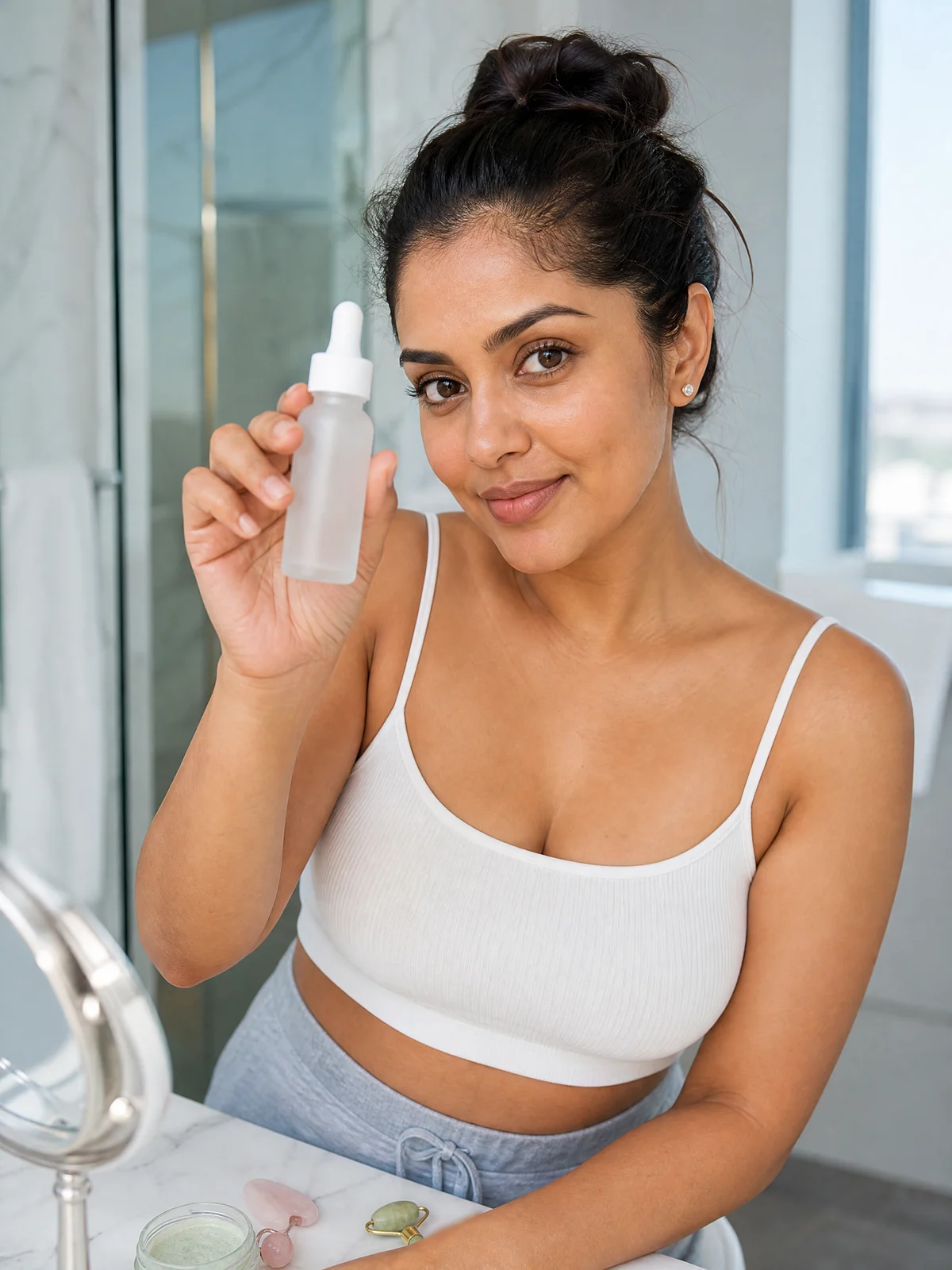
AI-generated example for home lifestyle.
Lifestyle social image

Make influencer photos with a clear social job

Use a product moment, lifestyle post or creator portrait when the image has a specific social purpose. Examples are illustrative content made with fictional adults and unbranded products, not customer work.

AI-generated example for product in hand.
Product-led social image
Generate Influencer Photos

Use short video when the creator needs to move

A short creator video works best when the action, product moment, framing and final beat are clear. Keep the prompt focused, then inspect identity, body mechanics, product handling and text before publishing.

Create an Influencer Video

Use UGC-style content for a product moment, not a fake review

UGC direction can make a demo or unboxing feel native to a social feed. Keep the person, product, claim and disclosure truthful. Do not present an illustrative generation as a real customer testimonial.

AI-generated example for unboxing.
Unboxing-style photo
Make a UGC Video

Choose talking video or lip sync based on the source you have

Talking video is useful for a new scripted message. Lip sync is useful when you have authorized creator footage and need a spoken line to align. In either case, inspect timing, pronunciation, expression and the final message.

Sync a Creator’s Lips

Use virtual try-on when the outfit is the creative direction

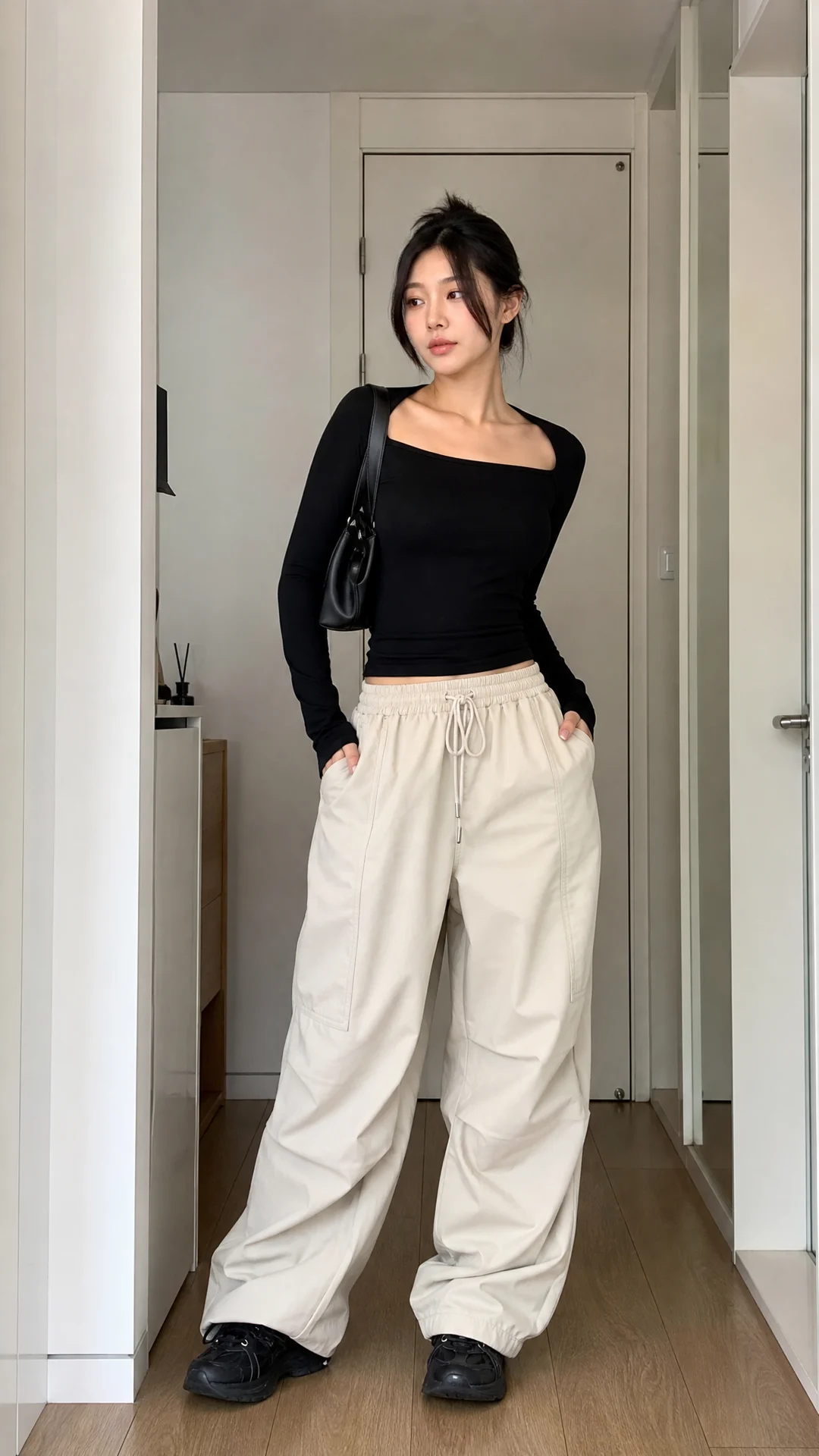
Keep the product, person and styling direction clear. Review garment fit, coverage, fabric behavior and the boundary between an illustrative image and a product claim before publishing.

AI-generated example for outfit fit check.
Outfit-focused creator photo
Try On an Outfit

Use motion transfer when movement is the creative direction

Describe only movement you are authorized to use, then inspect body mechanics, framing, wardrobe behavior and the visual identity of the creator after the transfer.

Transfer Motion

Organize work around the next approved deliverable

A recurring creator does not remove production decisions. Choose the next workspace by the result you need, then keep the source, direction and review checklist close to that result.

  • Start with the creator identity and the publishing goal.
  • Choose the photo, video, UGC, lip-sync, try-on or motion workspace.
  • Review the result at its real publishing size before it enters a campaign.

Move from one creator brief to a repeatable content series

A small production loop keeps the creative direction grounded instead of turning every post into a fresh experiment.

  1. 1

    Define

    Write down the creator traits, audience, product boundary and the single job for the next post.

  2. 2

    Create

    Choose the task workspace and make one focused photo or video direction.

  3. 3

    Review

    Check identity, claims, product detail and disclosure before the content is approved.

Create an Influencer Video

Match the workflow to your role

This is a starting point, not a universal recommendation.

RoleStart with AI Influencer Generator whenRecheck The Influencer AI when
CreatorOne recognizable character needs repeated photos and short-form content.Its current all-in-one flow fits the way you prefer to create.
BrandThe next approved output has a clear photo, UGC, video, try-on or motion job.Its current persona and product-content options map to your campaign.
Ecommerce teamProduct moments need task-specific review for the next SKU or campaign.Its current plan, rights and product workflow fit your production process.
AgencyDifferent deliverables benefit from separate workspaces and review paths.Its current account, usage and commercial terms meet your client requirements.
Create a Character

Run a fair trial before you compare a plan

Plans, credits and promotions move. Compare the same representative job instead of a headline price.

  1. 1Use the same brief, source permissions and final deliverable for both products.
  2. 2Record the current plan, credits or usage, output length and any revision work required.
  3. 3Compare identity continuity, review time, disclosure needs and whether the result fits the next production step.
View AI Influencer Generator pricing

What to verify before a production commitment

Generative results and product options can change. The practical comparison is the work you can approve now, not a permanent feature verdict.

  • Check facial identity, hands, body mechanics, product details and visible text in each result.
  • Confirm the current capability, plan and input requirements on the official product page.
  • Keep difficult source material, product claims and brand-sensitive visuals in a human approval loop.

Use creator content with permission and clear disclosure

Only use people, products, claims and source assets you are authorized to represent. Commercial use depends on the plan, the rights you hold and the destination platform.

Review commercial use, privacy and AI disclosure before publishing.

Questions about this comparison

This comparison is independent and reviewed against public information available on August 11, 2026. TheInfluencer and The Influencer AI are trademarks of their respective owner.

AI Influencer Generator pricing

Choose a plan for credits across image and video workflows, then compare the exact work you plan to create.

Compare every plan feature

Start with the creator and the next content task

Create a fictional character, then choose the photo or video workflow that fits the content you need to review.

Create a Character