
Garment on a person
Virtual Try-On
Pair an authorized adult identity or saved character with one owned garment reference.
Open workflowFashion production, re-directed
AI Influencer Generator helps fashion brands, creators, and ecommerce teams plan a fashion product shoot with AI-generated visuals before, during, or instead of parts of a physical production.
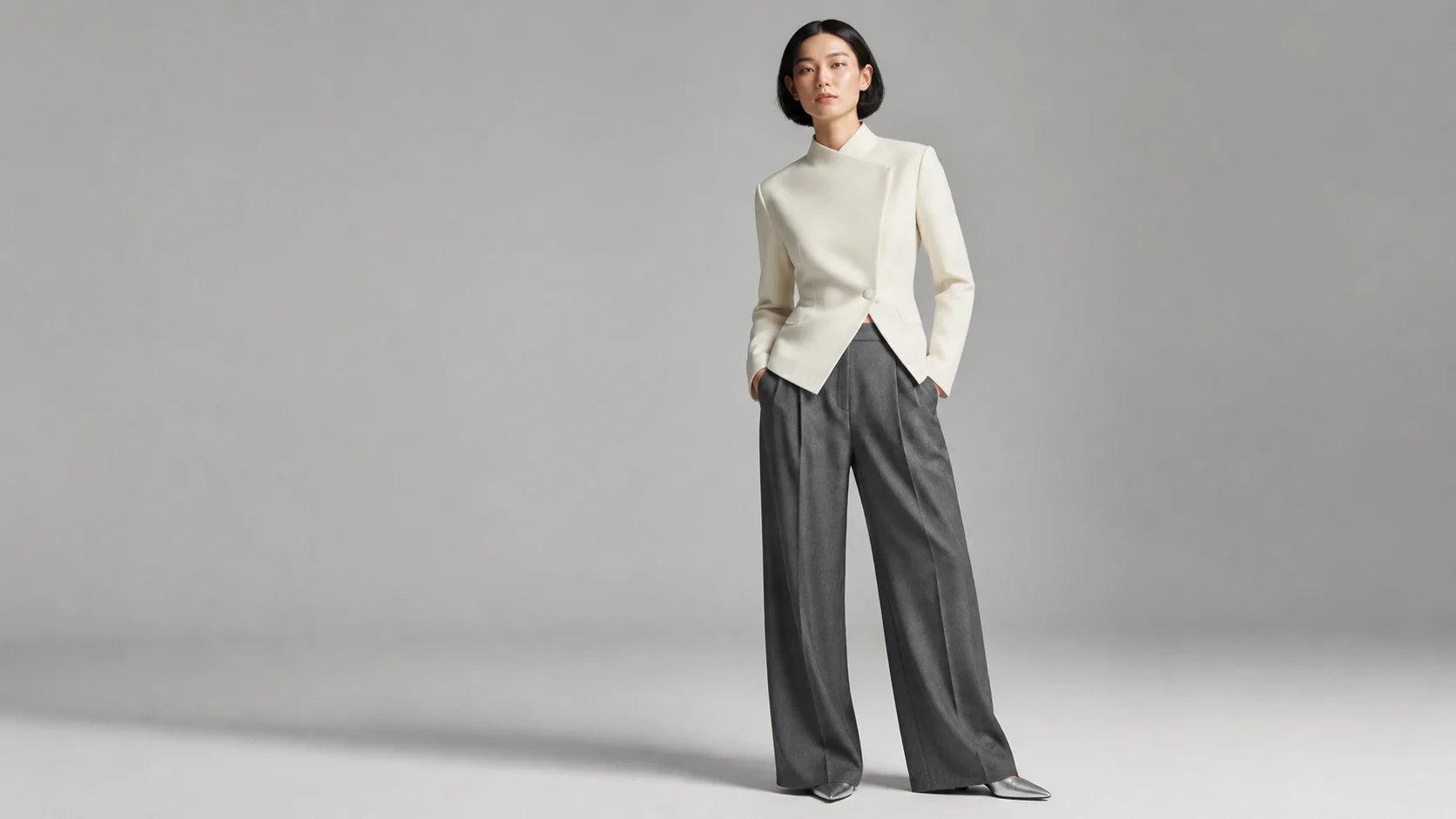
A traditional fashion product shoot often depends on location, lighting, models, styling, retouching, reshoots, and production calendars. AI Influencer Generator gives your team a more flexible way to create AI photos before, during, or instead of parts of a physical shoot. You can explore visual directions, test authorized outfits on consistent fictional characters, and build AI influencer content that keeps the same face, style, and brand energy across multiple posts.
This is especially useful when you need creative product shots for new drops, seasonal edits, paid ads, or daily social posts. Instead of waiting until every sample, model, and location is ready, you can generate visual concepts around the product story you want to tell. The result is more options up front, fewer dead-end concepts, and a clearer brief if you still decide to work with a professional studio.
Use AI Influencer Generator as your visual content base, then move into the workflow that matches a specific garment, accessory, product, mood, or campaign.
You can create AI photos that show fashion products in clean ecommerce scenes, editorial-style concepts, lifestyle moments, and influencer-led content. Consistent characters help a launch sequence or product collection feel planned instead of looking like a random set of unrelated visuals.
If you are comparing traditional options, including product photography studios in Los Angeles, use AI concepts to decide what should be photographed physically and what can stay in a digital campaign workflow. This page does not rank or recommend individual studios. For the narrower task of pairing one garment reference with one reusable fictional adult creator, see the product shots clothing workflow.
With the right prompts, authorized product references, and clear direction, the platform can support:
This makes the platform useful whether you are replacing a small shoot or preparing a sharper brief for a professional team. If your brand still works with photographers, you can arrive with stronger references, better fashion photography tips in practice, and a clearer idea of which creative product shots are worth producing physically.
Fashion teams often lose time deciding on the concept, finding the right model look, producing enough content variations, and keeping campaign visuals consistent. Instead of treating each image as a one-off asset, build around a repeatable visual identity.
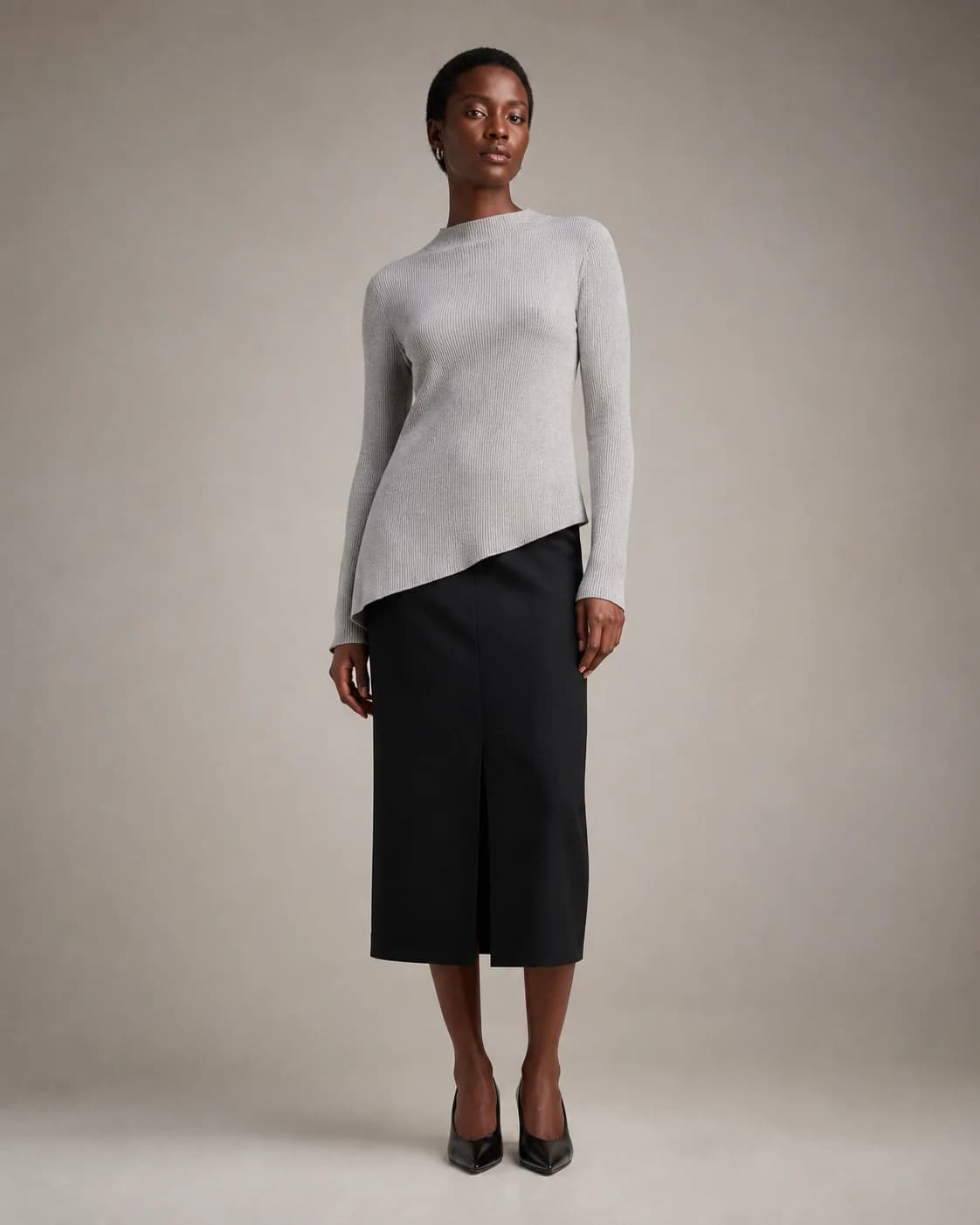
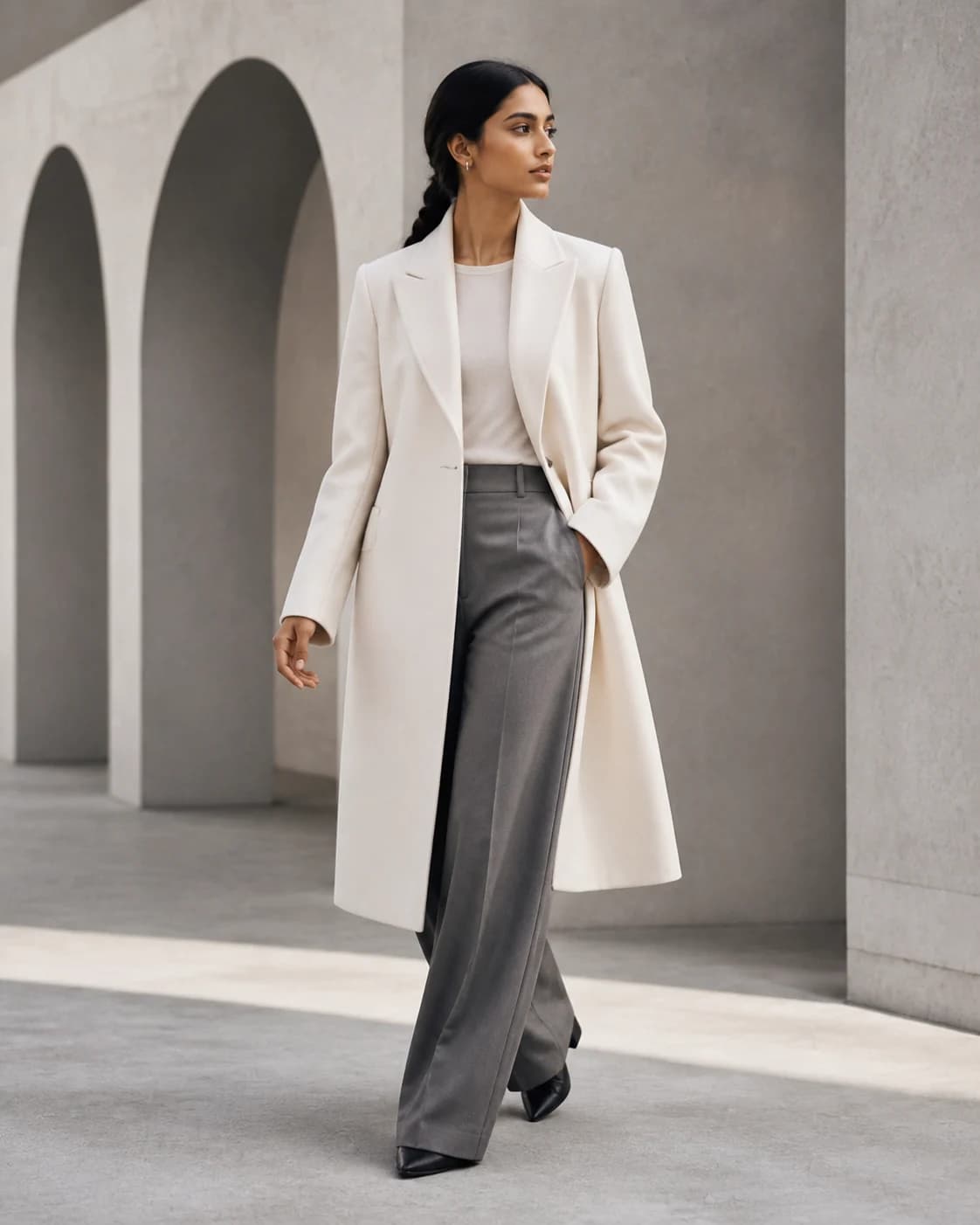
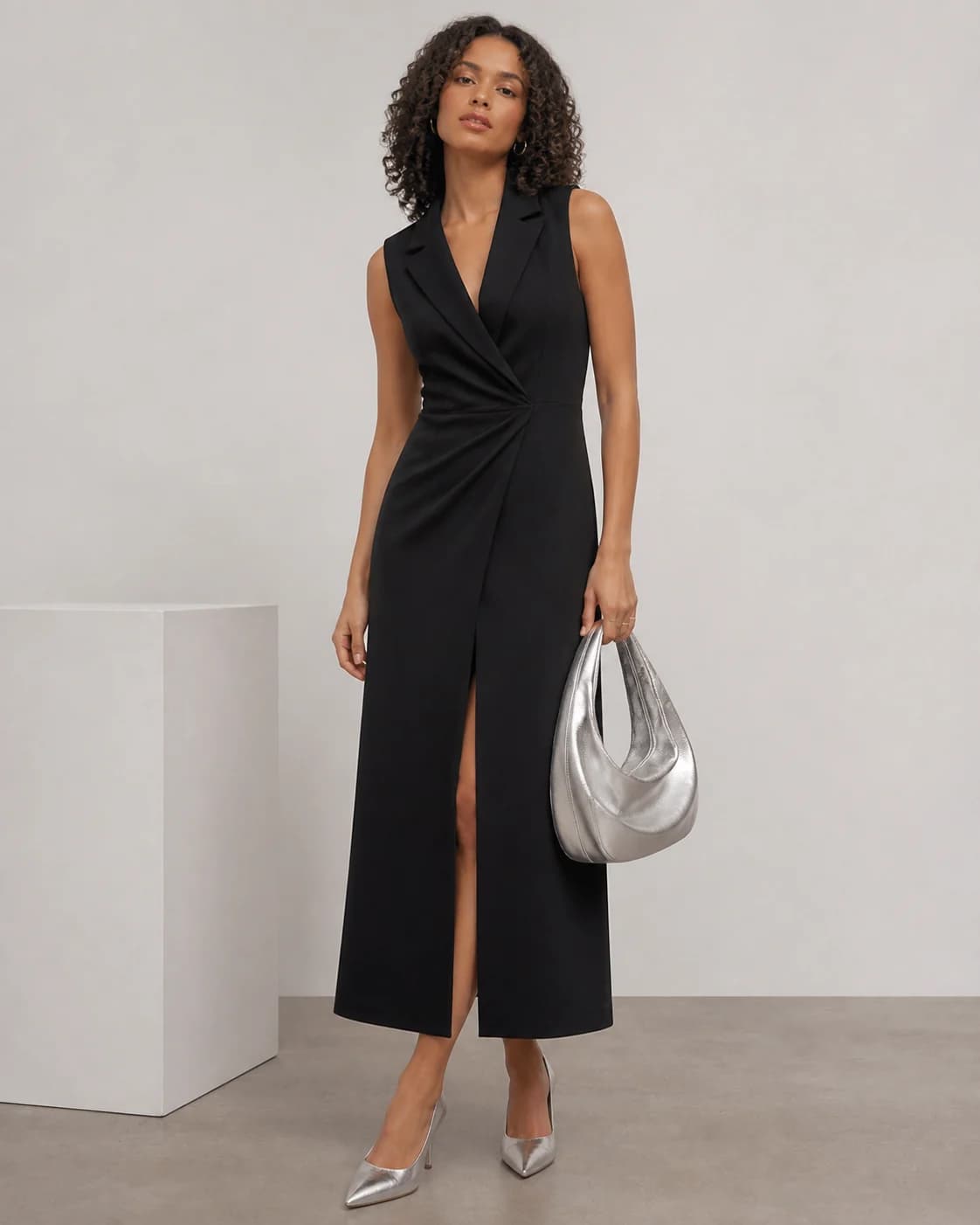
This workflow is not limited to one aesthetic. You can plan minimalist studio images, luxury editorial campaigns, playful creator-style posts, or highly styled creative product shots. The collection below stays inside an ivory, black, silver-gray, and muted-stone system while each fictional adult model, setting, crop, and product priority changes.
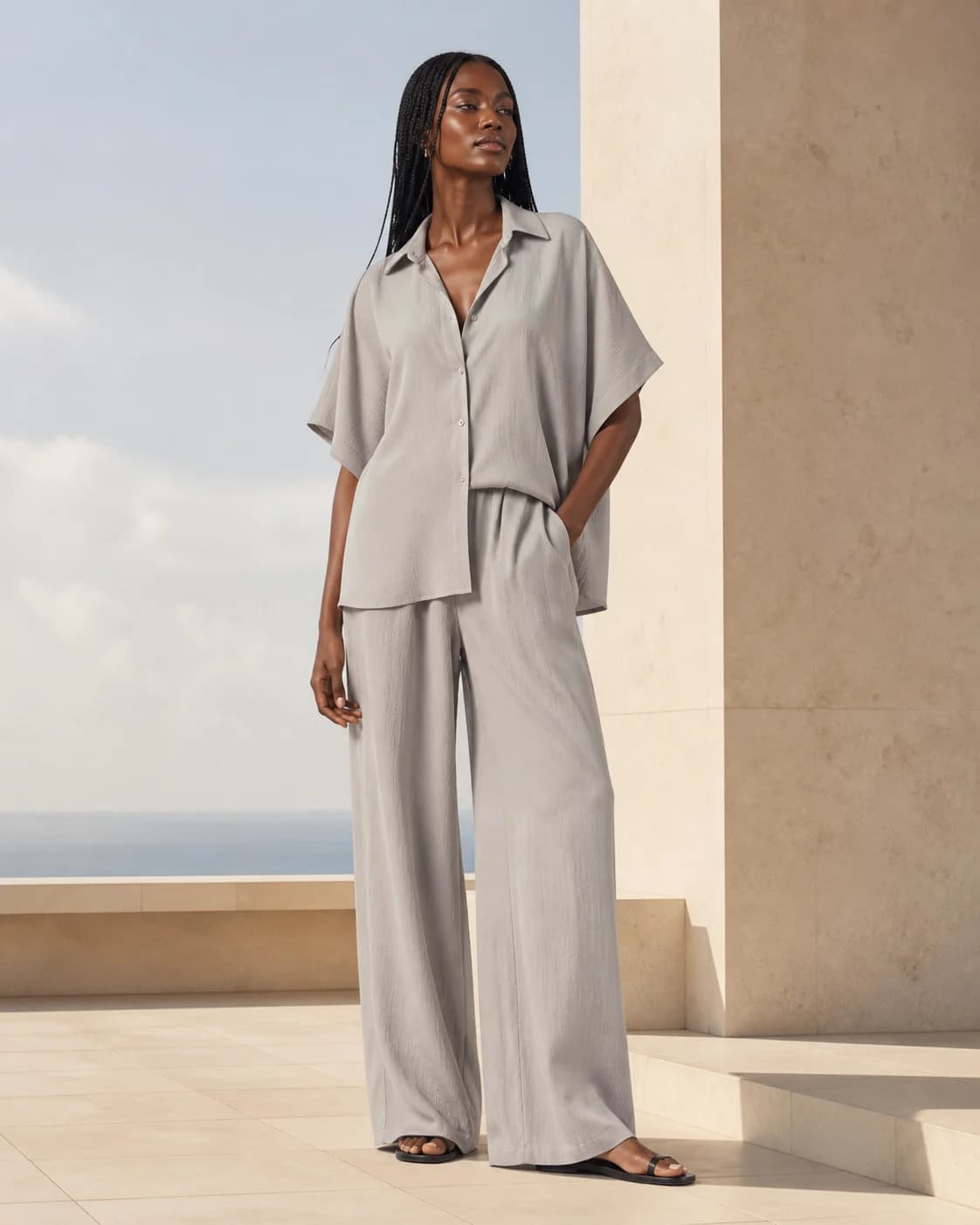
Fashion photography tips, translated into a workflow
A practical fashion product shoot starts with the product story, not an isolated pose. Keep the product visible, match the lighting to the brand mood, avoid busy backgrounds, and choose compositions that help people understand the garment or accessory.
Choose the product, audience, campaign goal, channel, collection palette, and the reason each image needs to exist.
Use Virtual Try-On for a separate garment reference, Creator + Product Photo for a held product, or AI Product Photo Generator for a product-only scene.
Upload a clear adult identity or saved fictional character and an owned garment or product reference. Keep shape, color, texture, and visible details easy to inspect.
Specify the setting, crop, pose, lighting, brand mood, product priority, and output channel instead of relying on vague style words.
Check garment details, anatomy, hands, labels, reflections, claims, and framing. AI outputs can vary and do not prove real-world fit or fabric behavior.
Reuse approved direction, character choices, colors, and prompts so later drops feel related without making every image identical.
This workflow is not limited to one aesthetic. You can plan minimalist studio images, luxury editorial campaigns, playful creator-style posts, or highly styled creative product shots. The key benefit is control: compare several directions, review the product, and keep the strongest option.
AI Influencer Generator is built around repeatable visual creation rather than one isolated image. Consistent characters and recurring brand cues can help a campaign series feel connected, although every output still needs human review and exact continuity is not guaranteed.
Verified workflow example
Virtual Try-On starts with an authorized adult identity or saved character and one owned garment reference. The output below is an existing AI-generated product result—not a customer photo, fit guarantee, or fabric-performance claim.
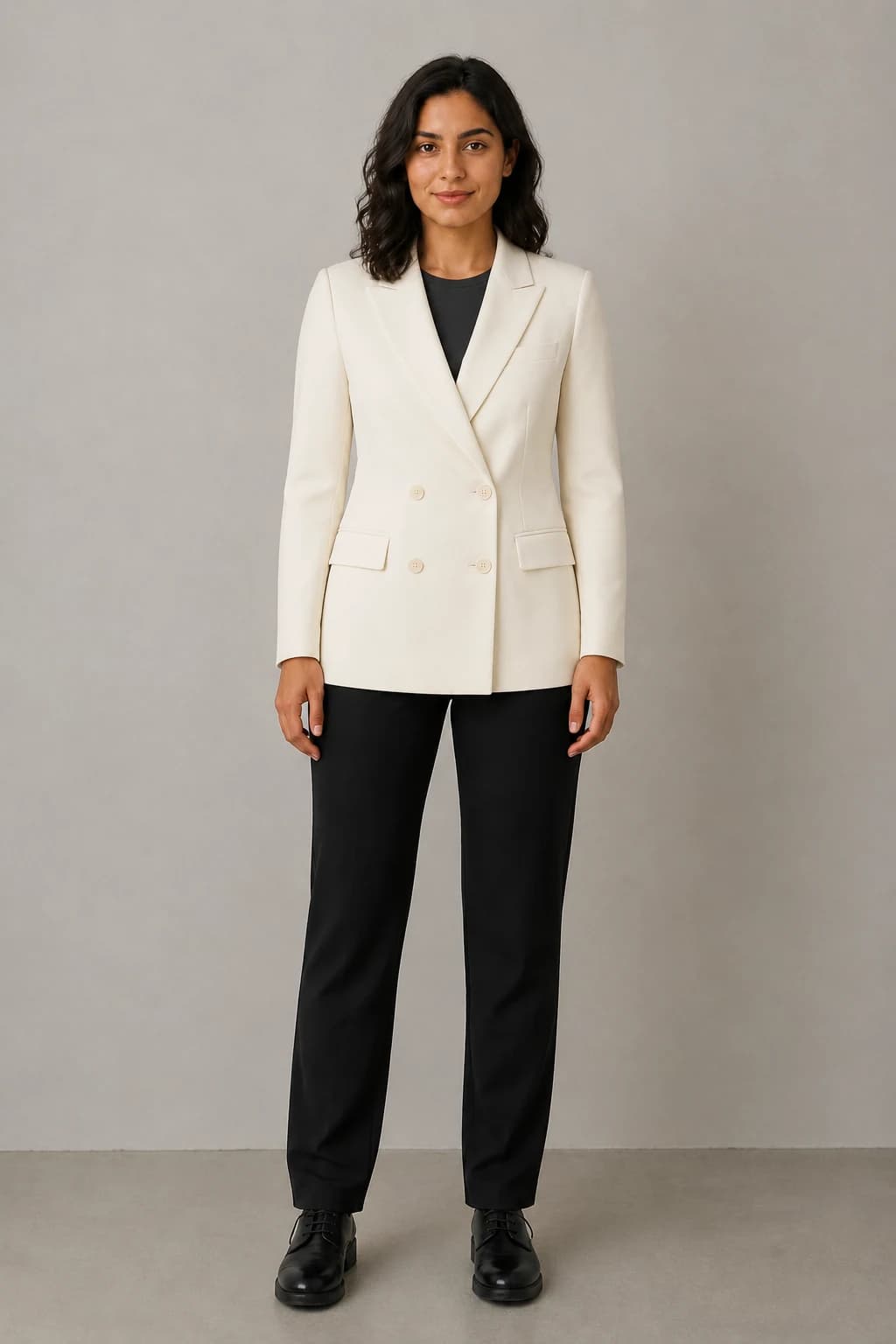
Fashion photography tips
Strong fashion prompts are specific enough to direct the image without burying the product. Describe what the audience must see, then add the character, setting, camera, and mood.
For example, a brand launching a vegan leather handbag could explore the same fictional AI influencer in a clean studio hero image, a café lifestyle scene, and a close-up creative product shot. The product remains central while the recurring character gives the campaign a recognizable thread. Verify the real material, construction, color, and labels before publishing.
AI Influencer Generator supports different levels of creative production. A solo creator can build a fashion persona, a small brand can explore launch visuals, and an agency or studio can develop moodboards and campaign directions before a client approves a physical shoot.
A garment, a handbag, and a product-only packshot do not need the same inputs. Keep the workflows separate so the output is reviewable.
Garment on a person
Pair an authorized adult identity or saved character with one owned garment reference.
Open workflowCreator with a product
Stage a handbag, accessory, or packaged product with a saved fictional creator.
Open workflowProduct-only scene
Turn one owned product reference into a clean listing or campaign composition.
Open workflowBuild a coherent visual direction before every sample, set, and physical location is ready.
Explore product-forward full-body, detail, and clean-background compositions for human review.
Test creative product shots, crops, settings, and model-led angles around one authorized reference.
Give photographers, stylists, and agencies clearer moodboards and shot priorities before production.
Accuracy and rights
Use authorized adult identities, saved fictional characters, and product references you own or can use. Check garment cut, color, texture, hands, anatomy, labels, reflections, and commercial claims before publishing.
For channel requirements, review Google Merchant Center image guidance. For influencer-style commercial content, review the FTC disclosure guidance.
Move from campaign planning into the exact tool, guide, or commercial decision that matches the next asset.
Fashion teams vary from one creator building a persona to a brand producing frequent product drops. The right plan depends on how often you need to create AI photos, which workflows you use, and how many campaign variations you expect to review. Check the current pricing page before choosing.
Think about your likely usage:
This keeps the purchase decision practical: align capacity with your campaign rhythm, then scale as the content calendar grows.
Choose the route based on the source material you have and the product evidence the final channel needs.
It is a visual production workflow that uses authorized product references and fictional adult characters or approved adult identity inputs to explore fashion campaign images. It can support concepts, lookbooks, ecommerce, ads, and social content, but every output still needs human review.
Virtual Try-On accepts an owned garment reference plus an authorized adult photo or saved character. It aims to preserve visible color, cut, texture, and details, but it does not guarantee exact sizing, fit, fabric behavior, or perfect reproduction.
Use Creator + Product Photo when a saved character should hold or use the product. Use AI Product Photo Generator when you need a product-only scene. These are separate from the garment-reference Virtual Try-On workflow.
AI can replace some concepting and small content tasks or prepare a stronger brief for physical production. It does not remove the value of photographers, models, stylists, retouchers, or studios when exact real-world product evidence is required.
Commercial use depends on your rights to every input, the accuracy of product claims, third-party assets, platform rules, and campaign requirements. Use only authorized materials, disclose AI use where appropriate, and complete a human review before publishing.
Create a reviewable fashion concept, then decide what should stay digital and what deserves a physical shoot.
Plan Content
Measure Engagement
Build Your Profile
Price Your Work
Write Post Copy
Brand Partnerships