
Clean serum listing
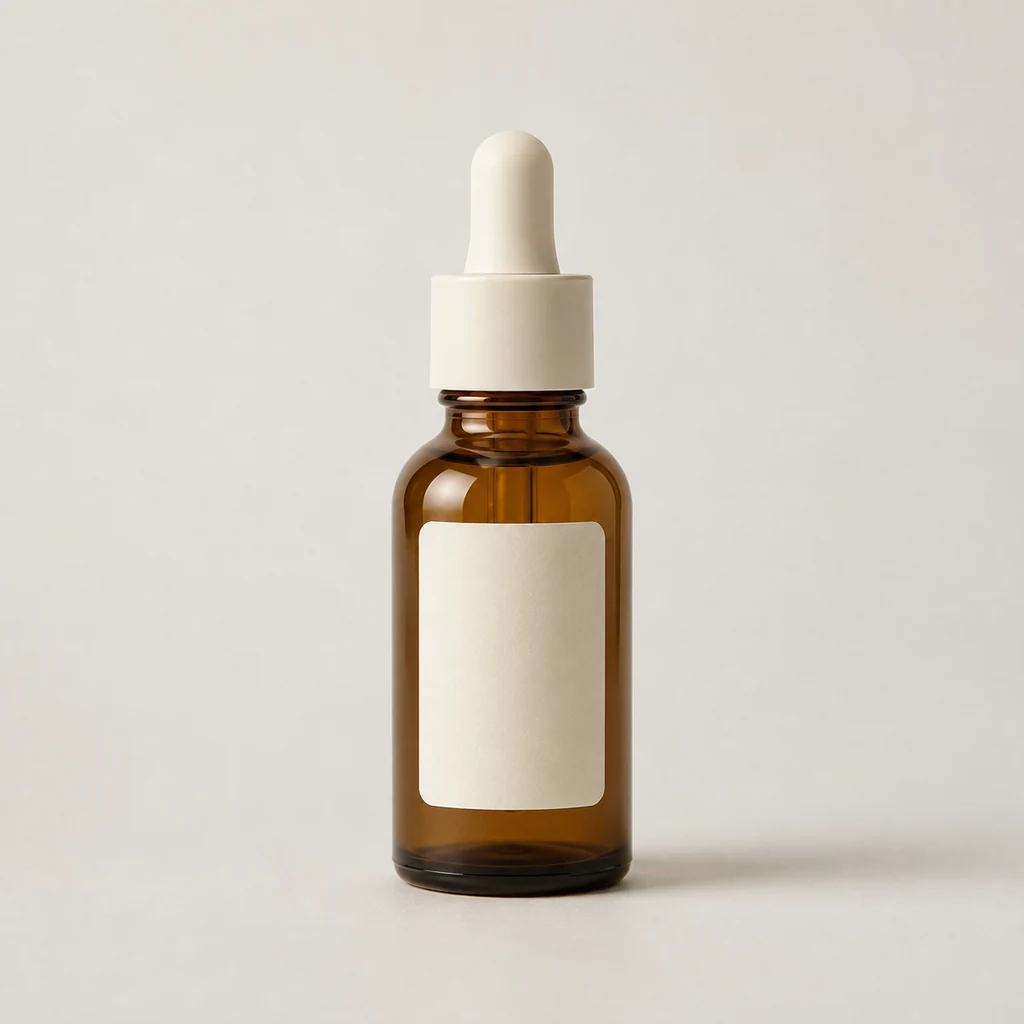
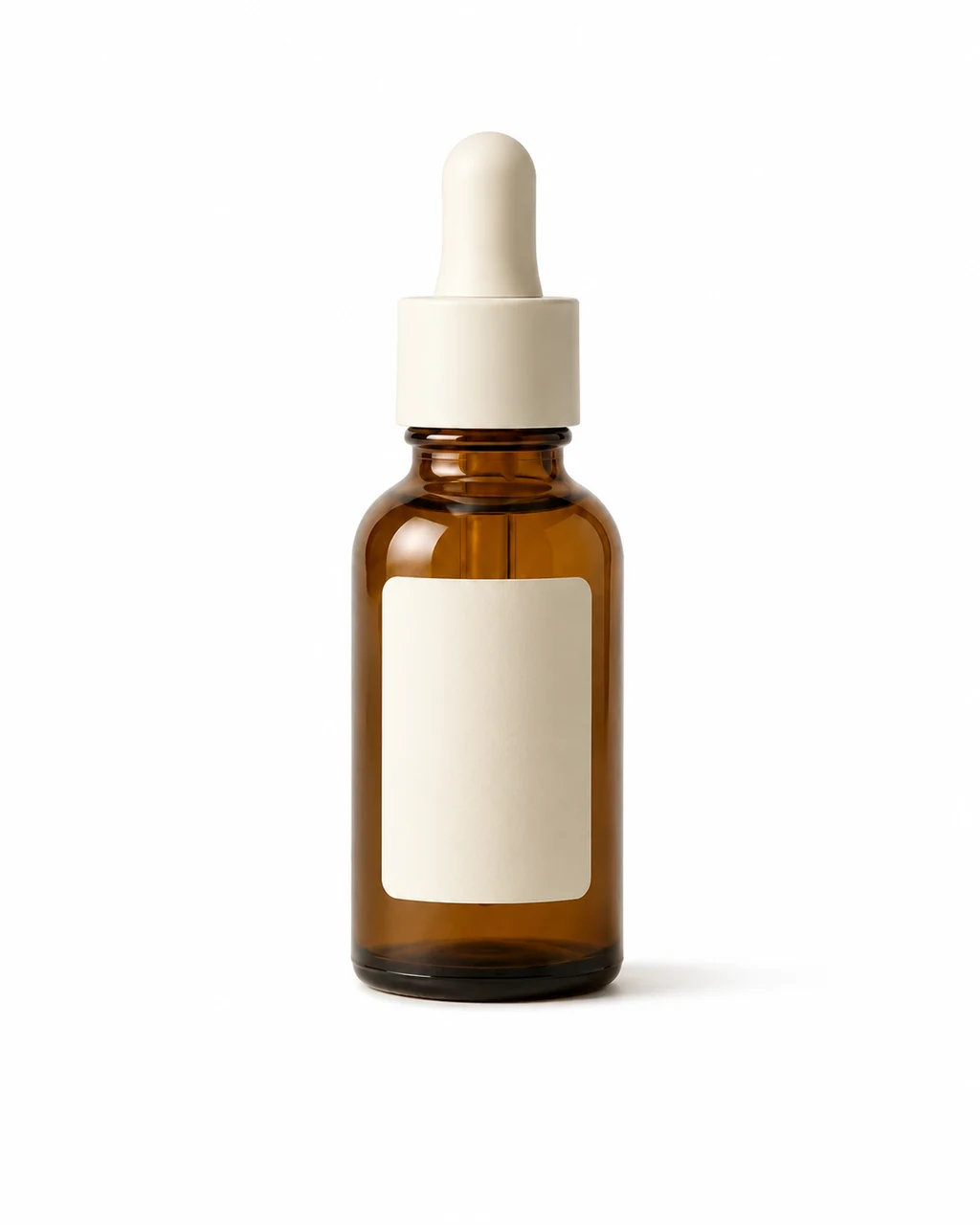
A simple source becomes a white-background product image for a detail page or catalog review.
Start with one owned product photo, describe the setting and composition, and create product-only images for listings, campaigns, and social channels.
Use one owned product photo and a clear visual direction for a listing, campaign, or social placement.
Create product photos in Studio
An AI product photo generator starts with one product image and creates a new product-only scene. It is for listing, advertising, campaign, and social assets where the product is the subject rather than a person holding it.
Upload an owned product image with the product, packaging, and key details visible. Then describe the background, lighting, composition, crop, and channel so the result has one clear job.
These fictional unbranded products are shown with their source image and a Studio result. They are illustrative production examples, not customer products, endorsements, or listing claims.
A simple source becomes a white-background product image for a detail page or catalog review.
The same product can move into a warm desk scene while remaining the visual subject.


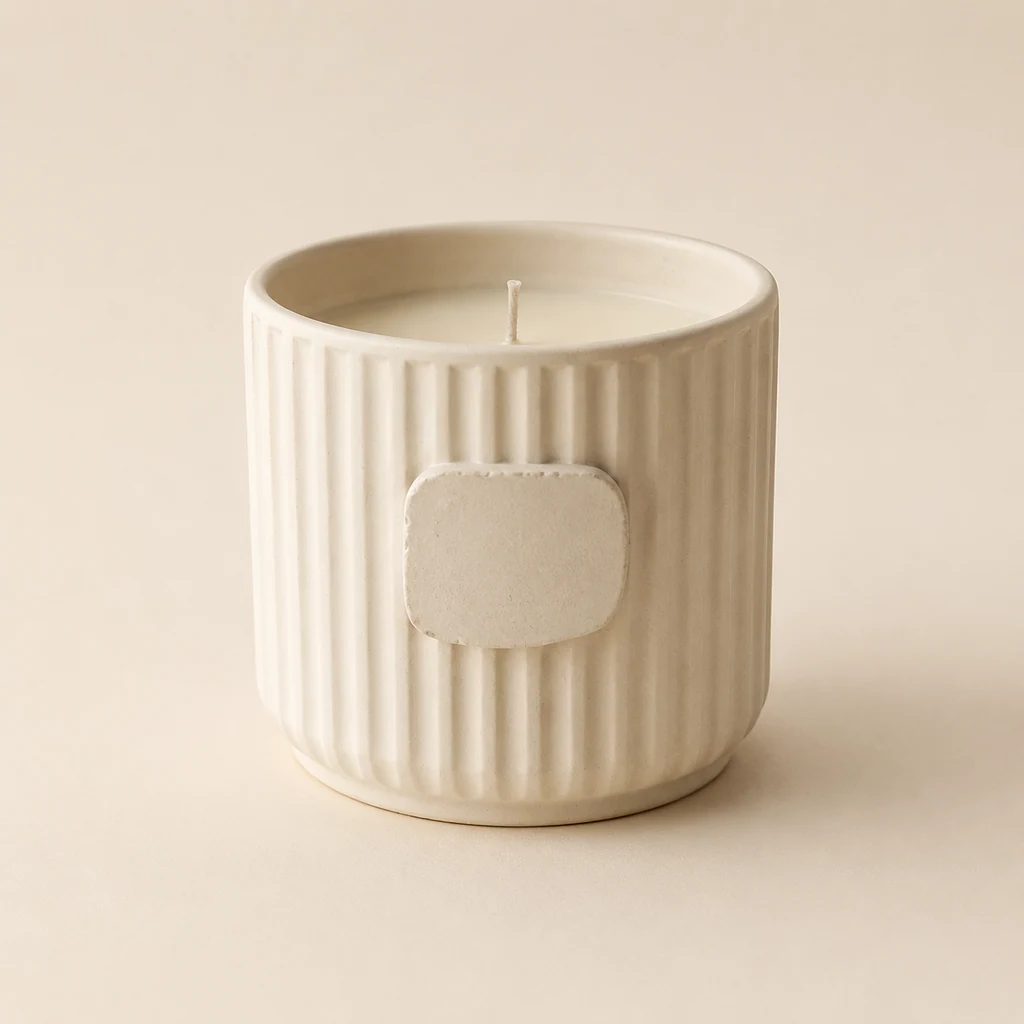
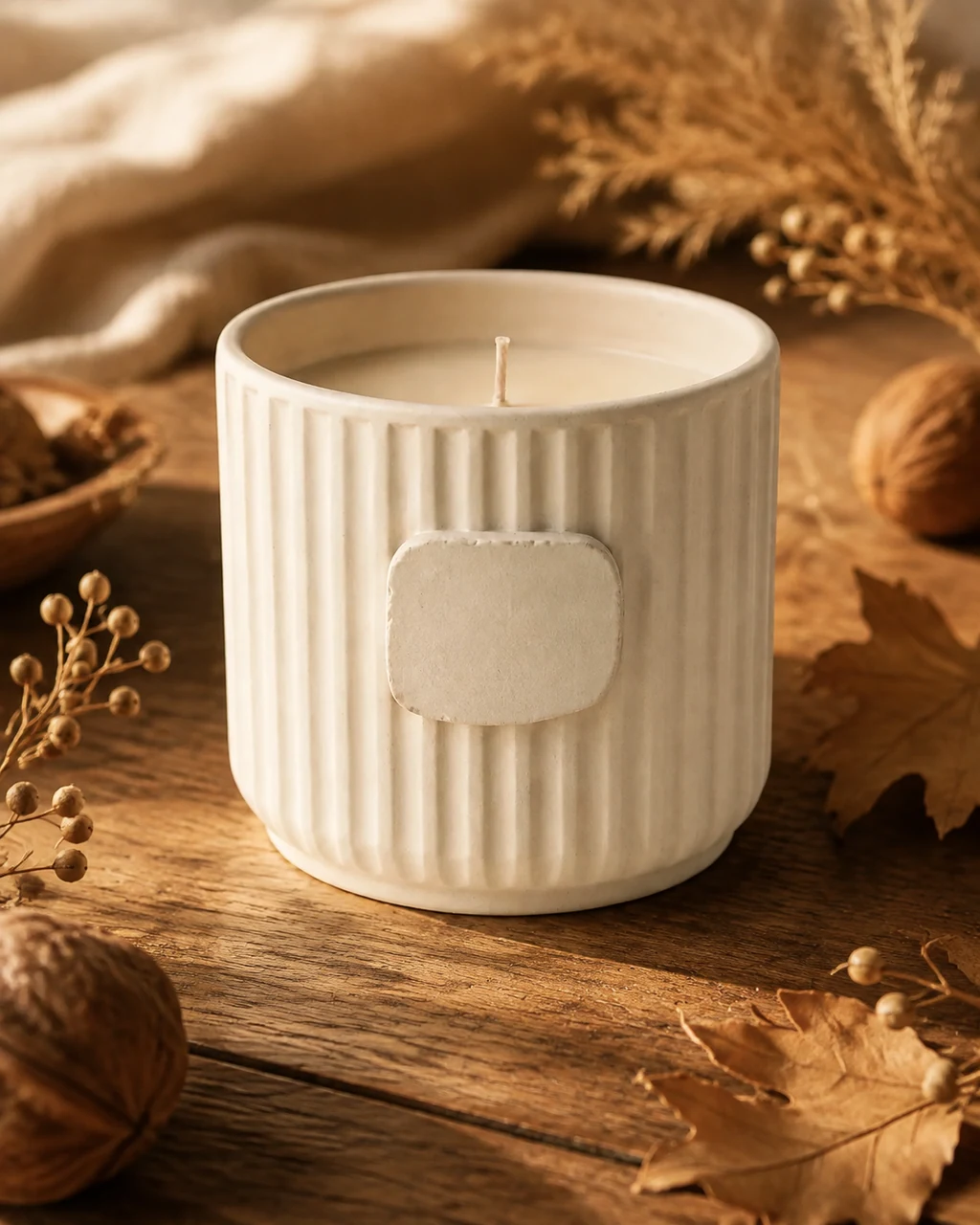
A product source can take on a seasonal surface and light direction for campaign planning.
Product-only imagery helps a team review or prepare one consistent product presentation before it moves into a listing, campaign, or social calendar.
Independent sellers
Prepare clean product variants for a smaller catalog or launch.
DTC teams
Plan listing, campaign, and seasonal directions around the same item.
Designers
Explore a visual brief before a more involved product shoot or layout.
Agencies
Share reviewable creative options with a client before final production work.
Start each variation with one destination in mind. A product page, paid ad, social post, and launch email usually need different crops, visual pacing, and empty space.
Product detail pages
Describe the placement so the product scene begins with the right crop and composition.
Advertising variations
Describe the placement so the product scene begins with the right crop and composition.
Social posts
Describe the placement so the product scene begins with the right crop and composition.
Campaign launches
Describe the placement so the product scene begins with the right crop and composition.
Use the background as part of the visual direction, not as a decorative afterthought. It should help the product remain legible and appropriate for the intended channel.
White background
For clean catalog review and product detail pages.
Soft studio
For controlled light and a polished campaign feel.
Lifestyle surface
For a real-world mood without adding a person.
Seasonal direction
For a campaign moment with intentional color and props.
Studio keeps your uploaded product, creative direction, and current credit quote together before a generation starts.
A straightforward source photo gives you a better review baseline. Keep the whole product visible and make the shape, packaging, color, label placement, and key accessories understandable.
Helpful
Plain background, even light, full product visibility, and an unobstructed view of the packaging.
Harder to review
Heavy glare, cropped edges, tiny unreadable labels, transparent surfaces, or several similar products in one photo.
State the background and composition first, then add light, surface, crop, and channel details. Avoid mixing several unrelated scenes into a single direction.
Catalog example
“Clean white background, soft even light, product centered with a short natural shadow, square crop for a product detail page.”
Campaign example
“Warm late-afternoon studio light, textured clay surface, product slightly left of center with open space for a vertical social campaign.”
White-background, studio, lifestyle, wide campaign, seasonal, and editorial scenes each answer a different creative question. Use one result only where its product details pass review.

You can direct the result for a wide banner, square catalog card, or vertical social placement. Include the intended crop and where you need visual breathing room in the prompt.
Wide
Useful for headers, ads, and email moments with room around the product.
Square
Useful for catalog cards, marketplace grids, and compact social placements.
Vertical
Useful for Stories, Reels covers, and mobile-first social placements.
A result is a creative image, not a substitute for product approval. Compare it against the source at the size a customer or reviewer will actually see.
These image tasks may look similar, but they start from different inputs and have different review boundaries.
Product Photo Generator
Starts with your product photo and creates a product-only scene.
Background replacement
Changes an existing image background without planning a fresh product composition.
Influencer Product Photo
Uses a saved character when a person should hold or use the product.
This workflow creates a visual product interpretation. It does not verify packaging copy, product specifications, price, performance, availability, marketplace eligibility, or advertising compliance. Use only product material you are allowed to use.
These answers cover a product-only workflow. Choose a different Studio path when the output needs a person, an exact original background, or a separate garment reference.
Keep product-only and creator-led work separate so the input and review step remain clear.
Use the same credit plans, billing options, and generation choices available across the rest of the site. Studio shows the applicable credit quote before you submit.