
Business
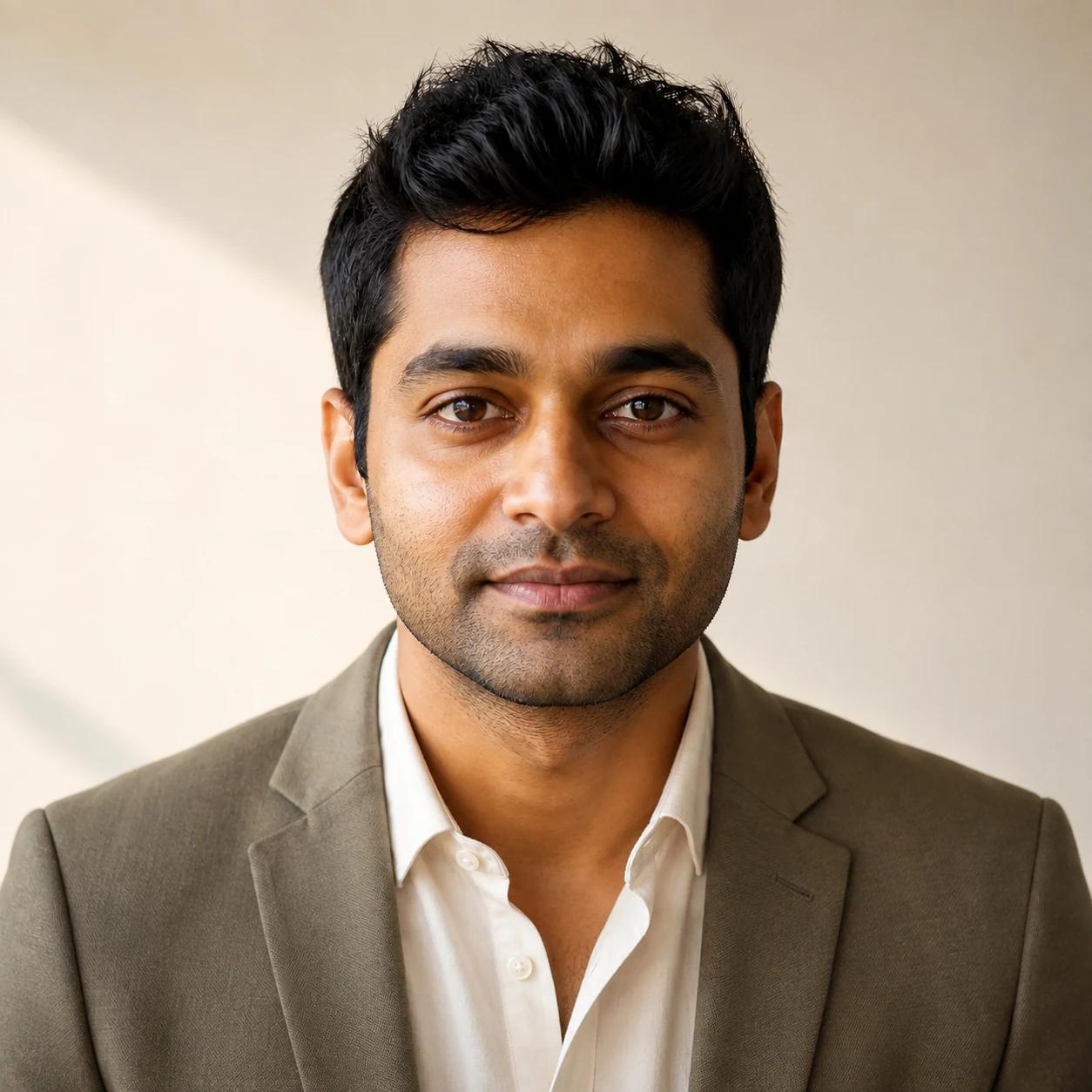
Tailored layers, neutral backdrop, balanced key light, direct but relaxed expression.
Create a professional profile image from an authorized portrait or a saved adult character. Direct the background, clothing, lighting, and crop in Studio.
For LinkedIn, resumes, company bios, portfolios, and speaker pages—not passport or identity-verification photos.
Create a professional headshot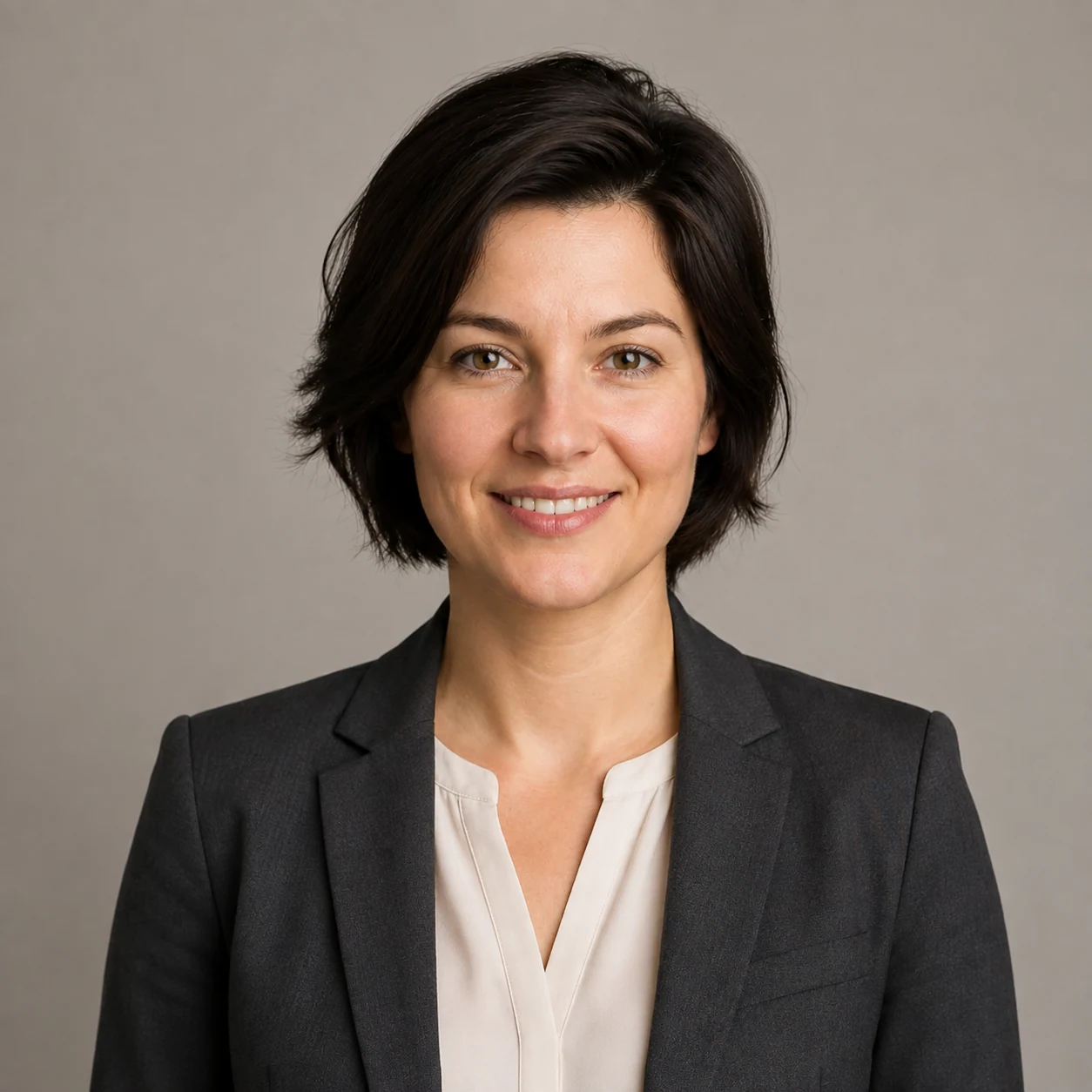
This workflow turns one chosen adult identity into a chest-up professional image. It is designed for a profile-photo job, where background, expression, wardrobe, lighting, and crop should be intentional.
It does not verify identity, recreate a legal document photo, or guarantee a perfect likeness. The final review matters because facial details, clothing edges, text, and framing can still drift.
The public page explains the choice. The actual upload, identity source, current model options, credit quote, generation state, History, and download all stay in Studio.
Studio deliberately makes the identity choice explicit so an uploaded portrait and a saved character cannot silently combine in one request.
Upload one authorized adult portrait or select one saved adult character.
Describe the professional setting, clothing, lighting, expression, and crop.
Check the likeness, visual details, rights, and intended placement before download.
These are real Kie product outputs from a separate fictional adult source. They are AI-generated examples, not client portraits, testimonials, or performance evidence.
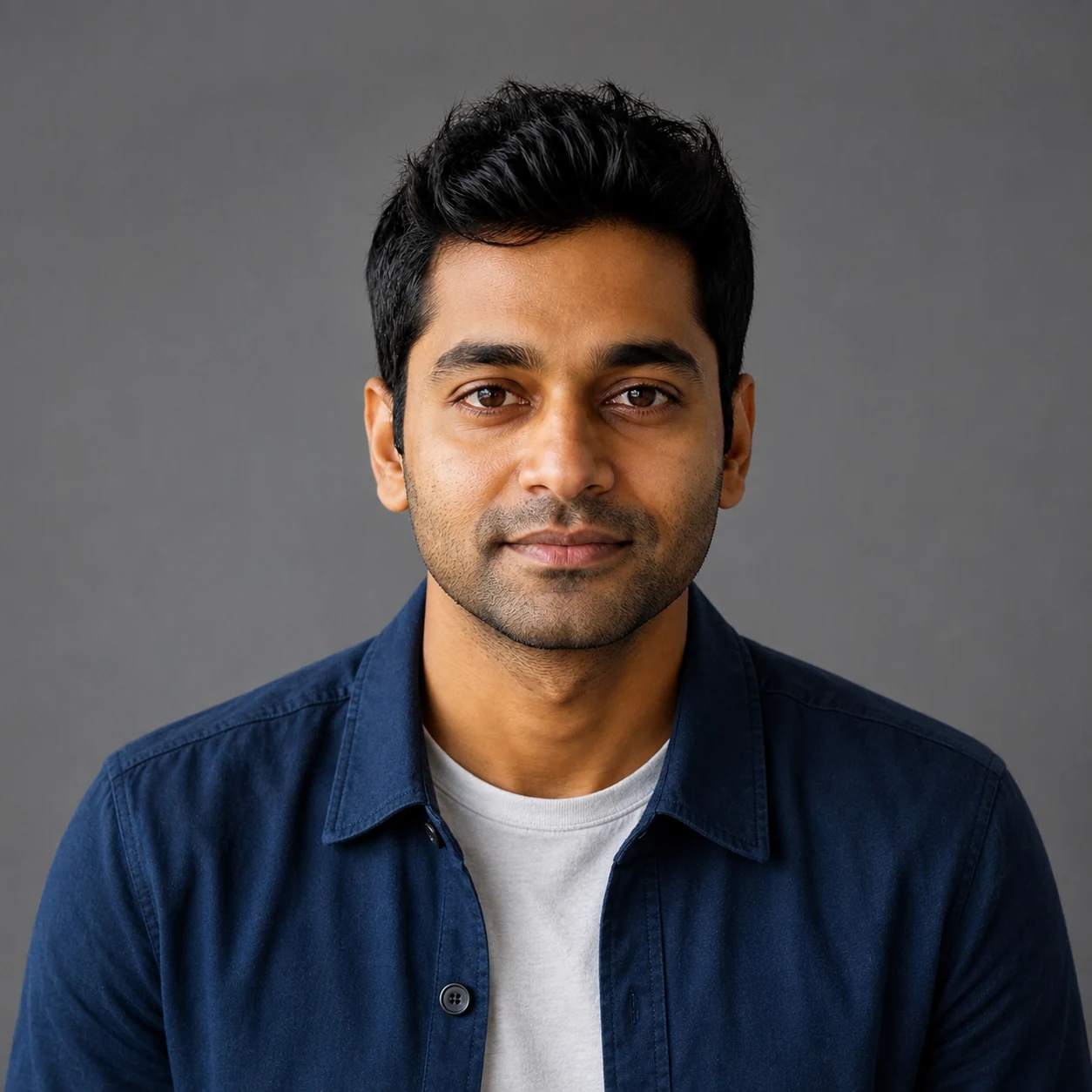
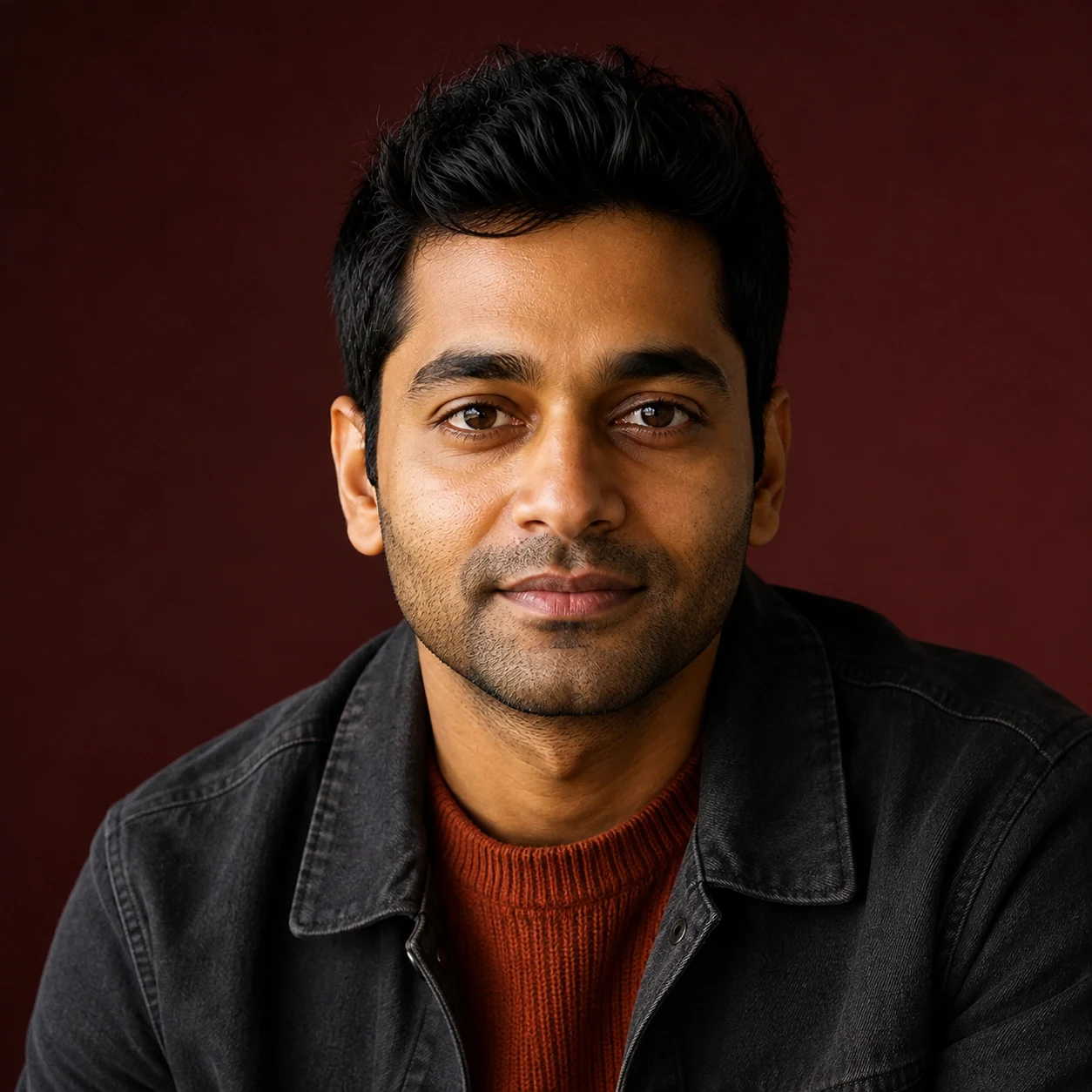
The same output can serve different profile contexts. The job is to prepare a reviewable image, not to invent a credential or public endorsement.
Start from the final placement. It gives the prompt an appropriate crop and keeps the output from becoming a generic portrait.
A concise prompt can set the role, wardrobe, background, lighting, expression, and crop. Each decision should support the intended profile context.
Tailored layers, neutral backdrop, balanced key light, direct but relaxed expression.
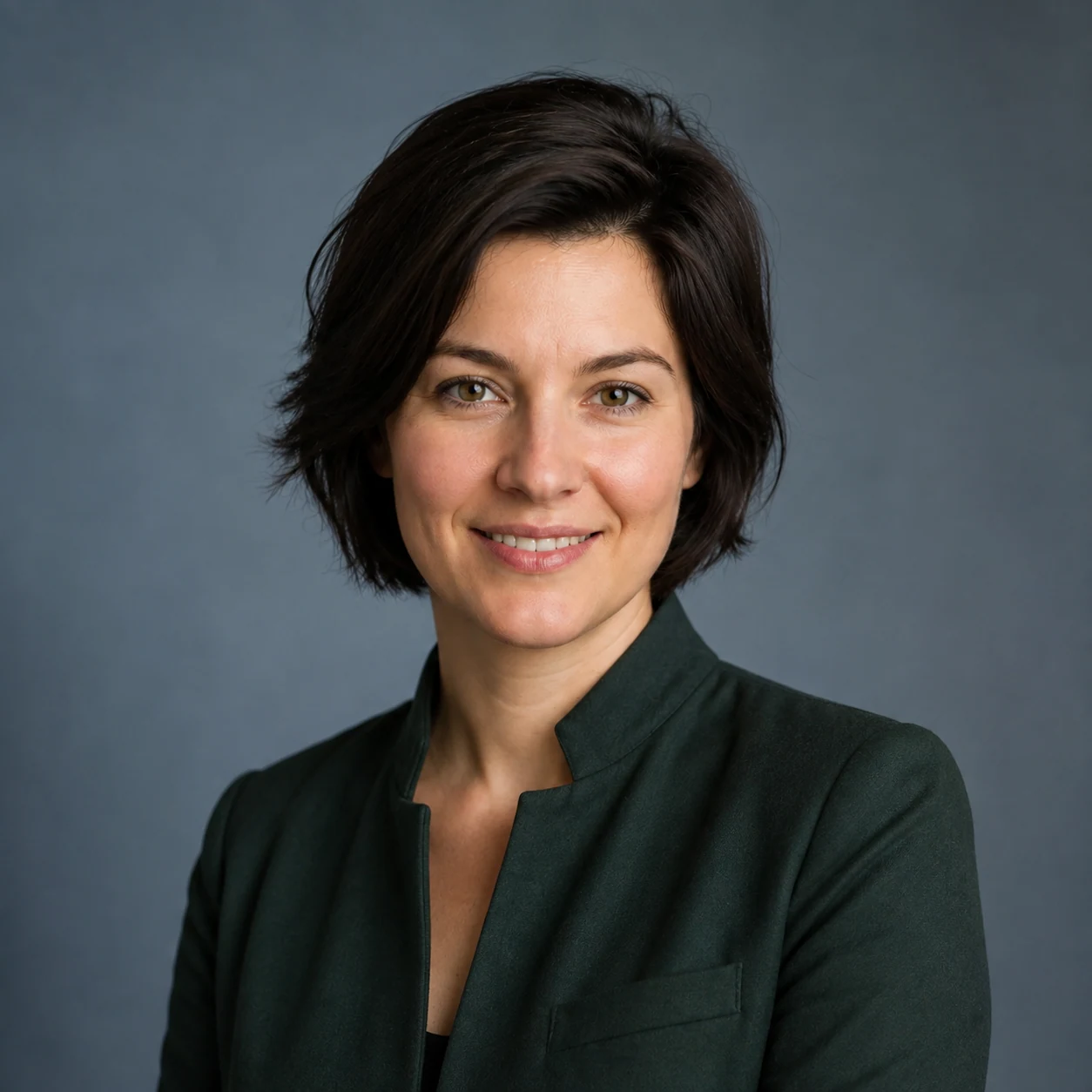
Editorial color restraint, richer material detail, and a portfolio-ready setting.
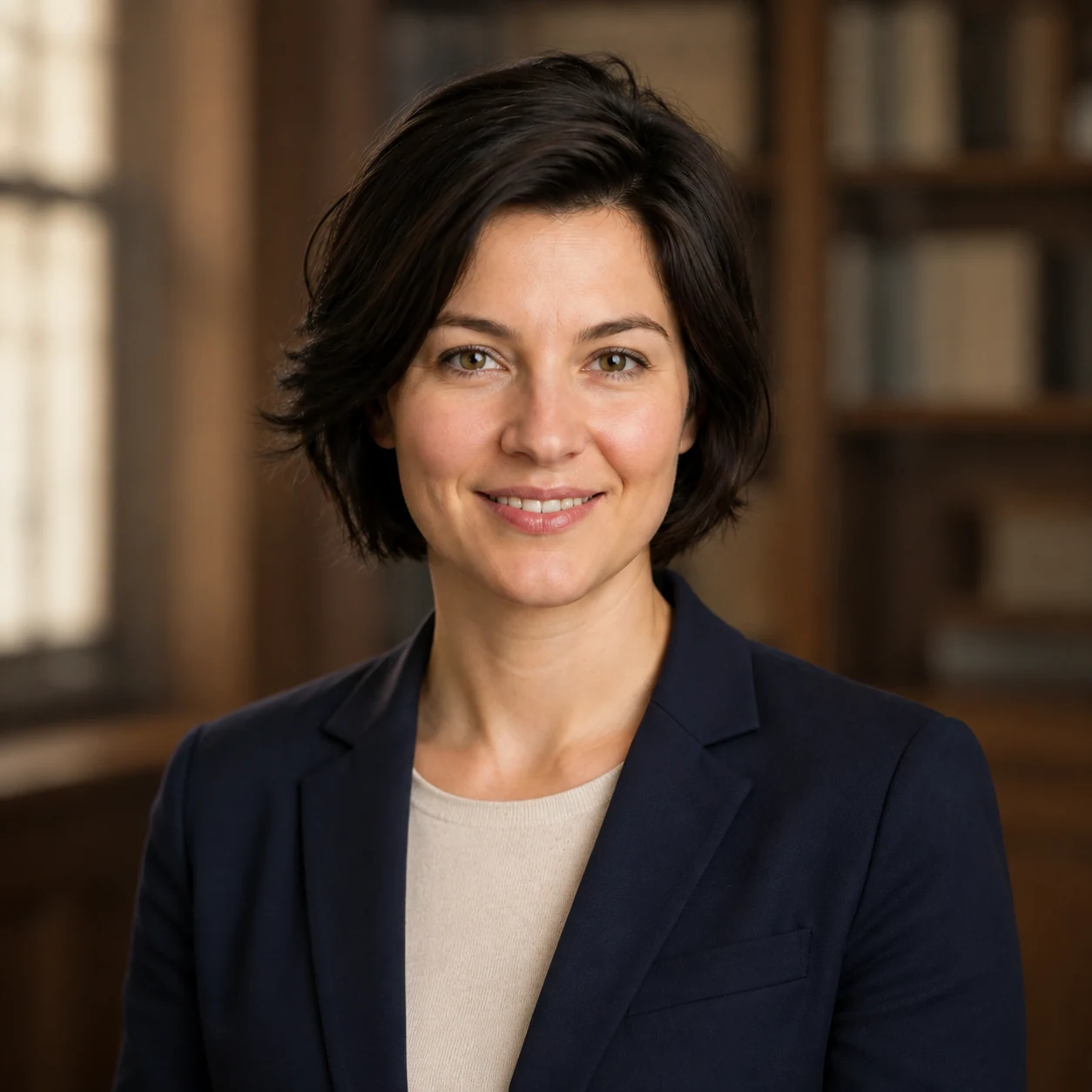
Attentive expression, credible wardrobe, calm background, and practical speaker crop.
Clean contrast, modern wardrobe, precise background, and a concise company-bio composition.
The public page does not contain a generator. These are the real steps after you continue to Studio.
Pick Upload photo or Saved character. The other source is cleared before submission.
Write the wardrobe, background, lighting, expression, and profile crop.
Review the currently compatible model, quality, output count, and credit quote.
Track the result, open History, and download only after checking its details and rights.
A clear adult portrait makes the resulting professional headshot easier to review. It does not eliminate variation.
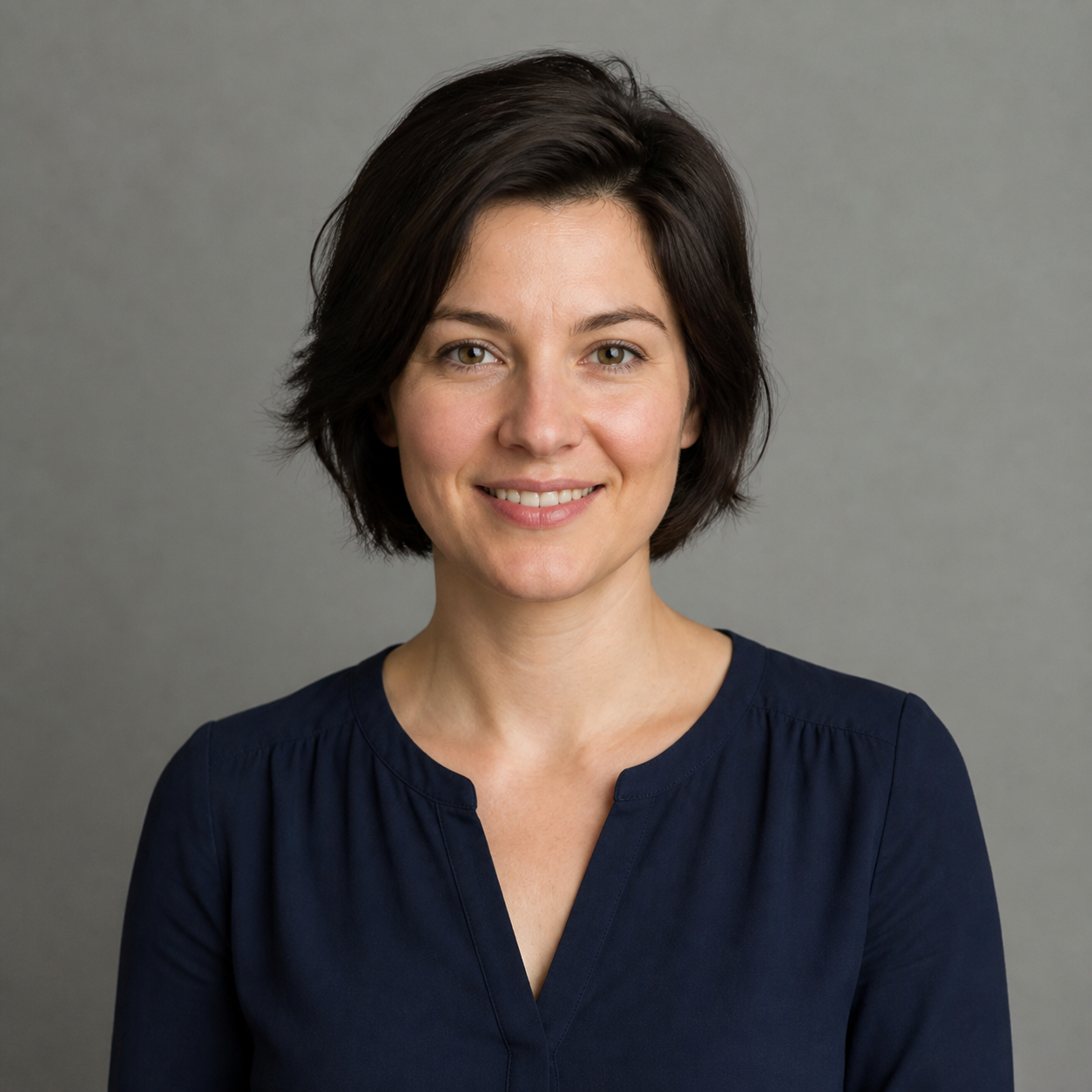
The two options are deliberately separate so the interface never suggests a combination that the workflow cannot fulfill.
Use one authorized adult portrait for a one-off professional profile image. Studio accepts PNG, JPG, and WebP, then sends only that portrait to the image model.
Use one existing adult identity when the headshot should belong to a larger character workflow. Studio sends only that saved identity reference.
Keep the identity instruction focused, then specify the role, wardrobe, backdrop, lighting, expression, and crop.
“Professional LinkedIn headshot, chest-up crop, charcoal blazer and ivory shirt, warm-gray studio background, soft front key light, relaxed direct eye contact, natural skin texture.”
“Creative director portfolio portrait, chest-up crop, deep green structured jacket, muted blue-gray paper backdrop, editorial side key light, calm half-smile, natural hair detail.”
“Academic speaker headshot, navy blazer and cream knit top, quiet neutral library-inspired background with no readable books, natural window light, attentive expression, square crop.”
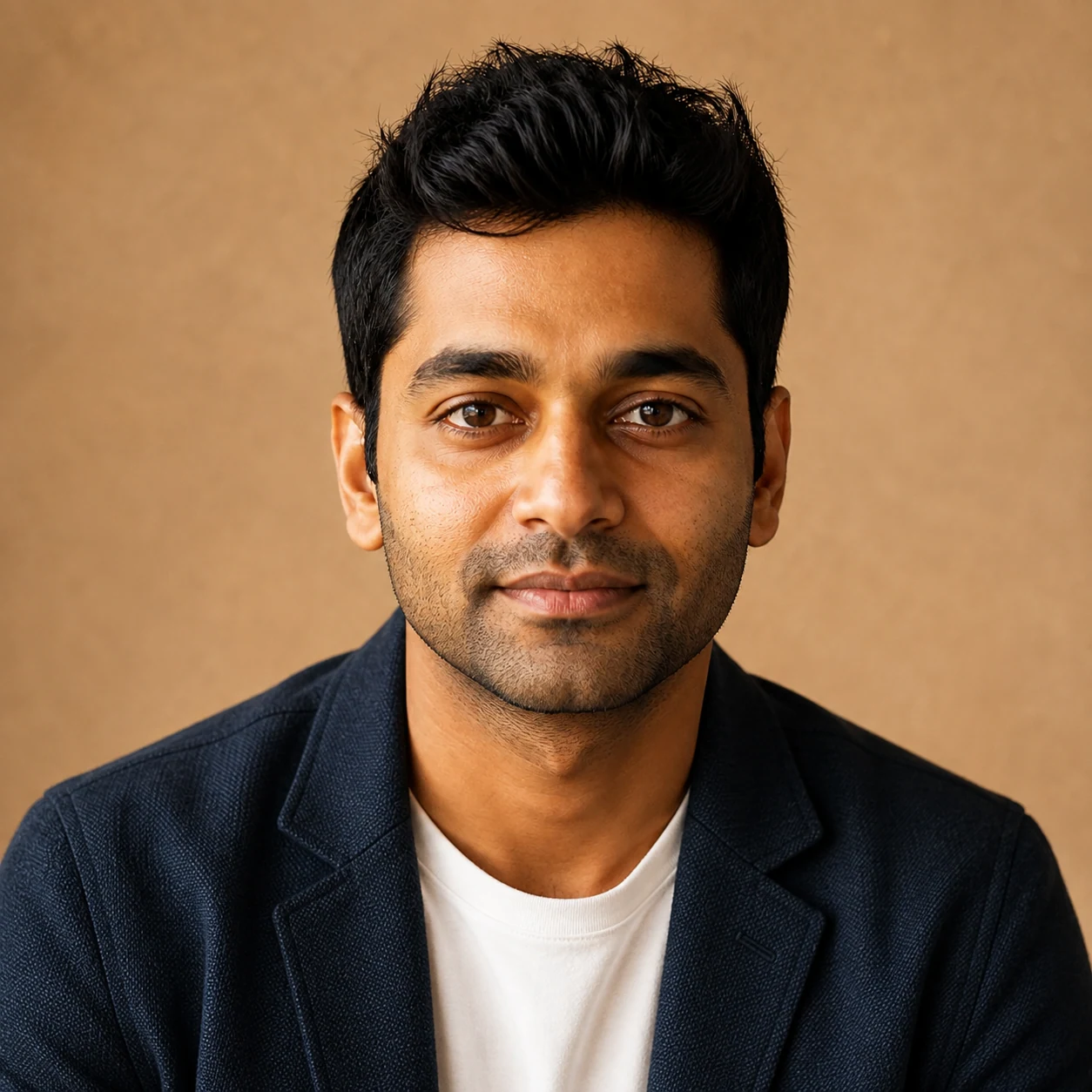
The image on the left is a second fictional source portrait. The image on the right is a real Kie Headshot Studio output from that source. Both require human review before use.
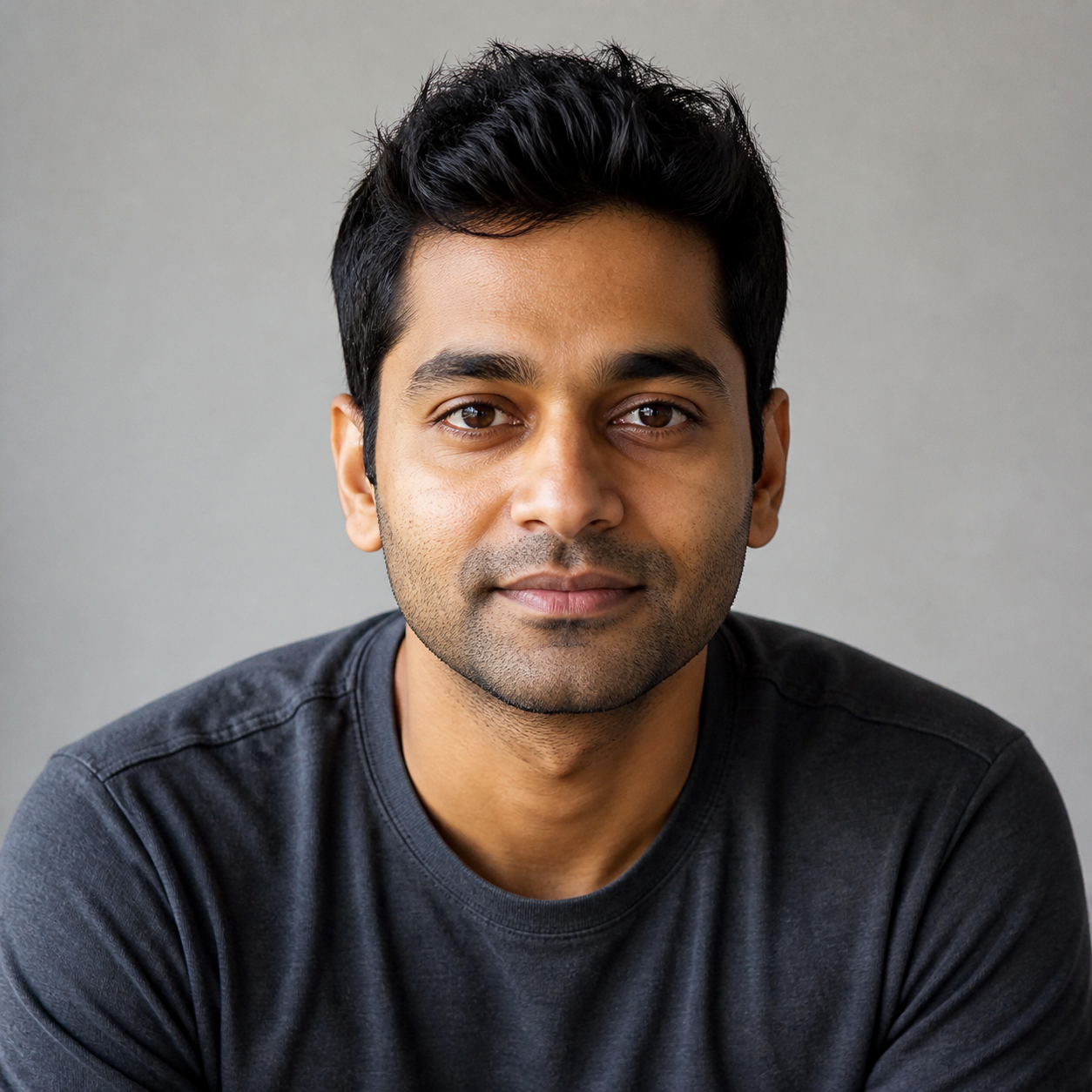
Square works well for many profile surfaces. Portrait crops can preserve more clothing and environment when a company bio or speaker page needs it.
LinkedIn-style profile use and compact directories.
Personal sites and biographies with more shoulder room.
Speaker profiles and social placements with a taller frame.
| Option | Best for | Important limit |
|---|---|---|
| AI Headshot Generator | A professional chest-up profile image from one explicit adult identity source. | Review likeness, detail, rights, and fit for the intended placement. |
| Traditional photographer | A directed real-world session with physical styling and verified likeness. | Requires scheduling, location, and production time. |
| General image generator | Broader editorial or campaign scenes where a profile-photo crop is not the primary job. | May not make source choice and professional review steps explicit. |
| Profile picture tool | Casual avatars and social PFP styling. | Often does not target a professional bio or resume context. |
A clean generated image can still have details that make it unsuitable for public use. Check at full size, then check the intended crop.
Generative images vary. A professional result is possible, but it is not a replacement for consent, source review, or an official photographic process.
Use a real adult likeness only with permission. Keep source-image, commercial-use, platform, and disclosure responsibilities in your final review.
Studio shows the compatible model, quality, output count, and current credit quote before a task begins.
The current workflow returns reserved credits for failed tasks and keeps completed downloads in History.
You remain responsible for likeness permission, claims, platform requirements, and AI disclosure where required.
Use only images you are authorized to upload, then review the finished result before publishing or sharing it.
Answers describe the current workflow and its limits. They do not promise a free task, perfect likeness, or official-document compliance.
A professional headshot is one image job. Use a separate route when the next step needs a reusable identity, a campaign image, full-body fashion, or motion.
Create broader social, UGC, product, and campaign images.
Create and save a reusable adult identity first.
Create full-body fashion and campaign imagery after the headshot is approved.
Animate an approved still image in a separate workflow.
Choose an authorized portrait or a saved adult character, set the professional direction, then review the finished Headshot Studio output before use.