
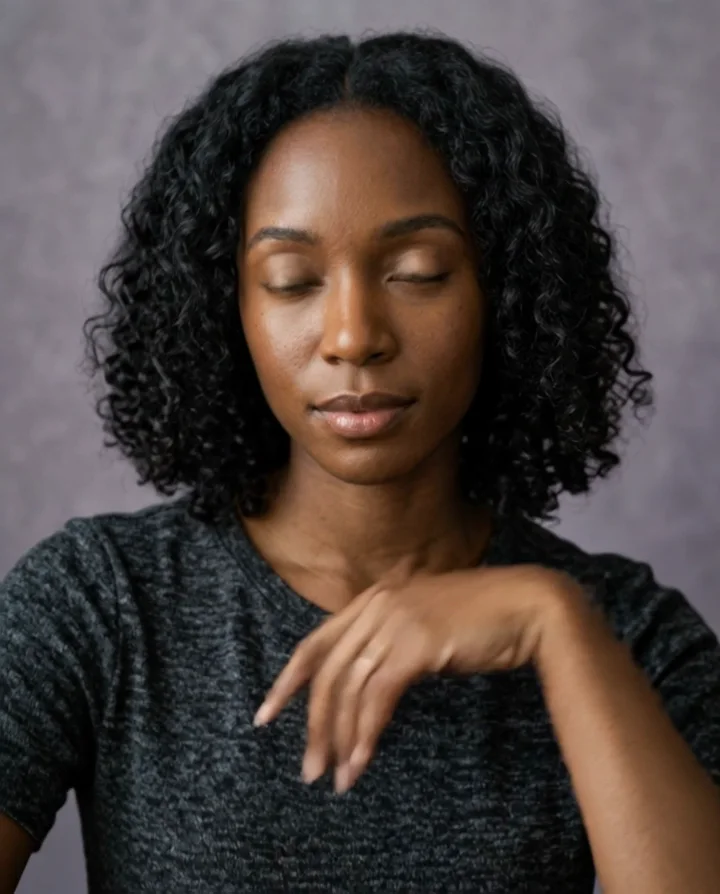
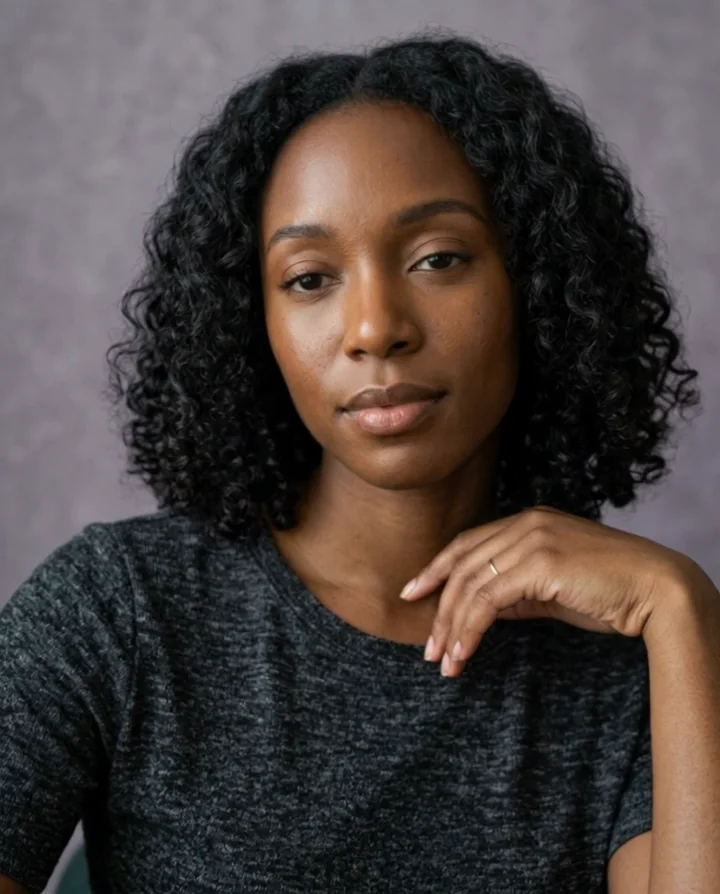
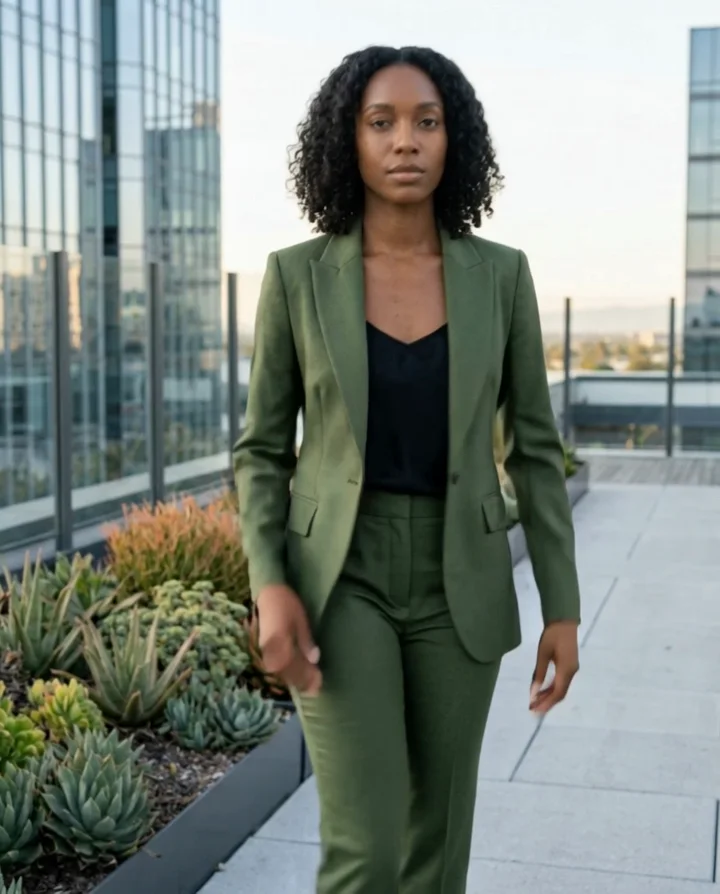
A still that needs life
Take one approved character image and turn it into a natural social movement.
New generations use Kling 3.0 Omni with text or one start frame and optional native audio. The examples below retain their original Kling 3.0 attribution.
New generations use Kling 3.0 Omni. The examples on this page were made with Kling 3.0 and retain their original attribution; they are not Omni test results.
Use text or one start frame, then describe one action, a simple camera behavior, and the details that should remain stable. With an image, the video follows its proportions. A separate end frame is not supported here.
Open this direction in StudioStart with one clear visual direction, then move the exact prompt into the part of Studio where it becomes a real task.
Take one approved character image and turn it into a natural social movement.
Focus on a turn, gesture, walk, glance, or product interaction that completes cleanly.
Use an unbranded product moment without rebuilding the person or setting.
Test the opening second of a Reel, Story, or vertical campaign before a bigger cut.
These illustrative examples use fictional adults and unbranded products. They are directions to adapt, not customer work or promises about every result.
Give a still creator a small, believable action that fits the composition.
Keep a single object visible while the creator presents it to the camera.
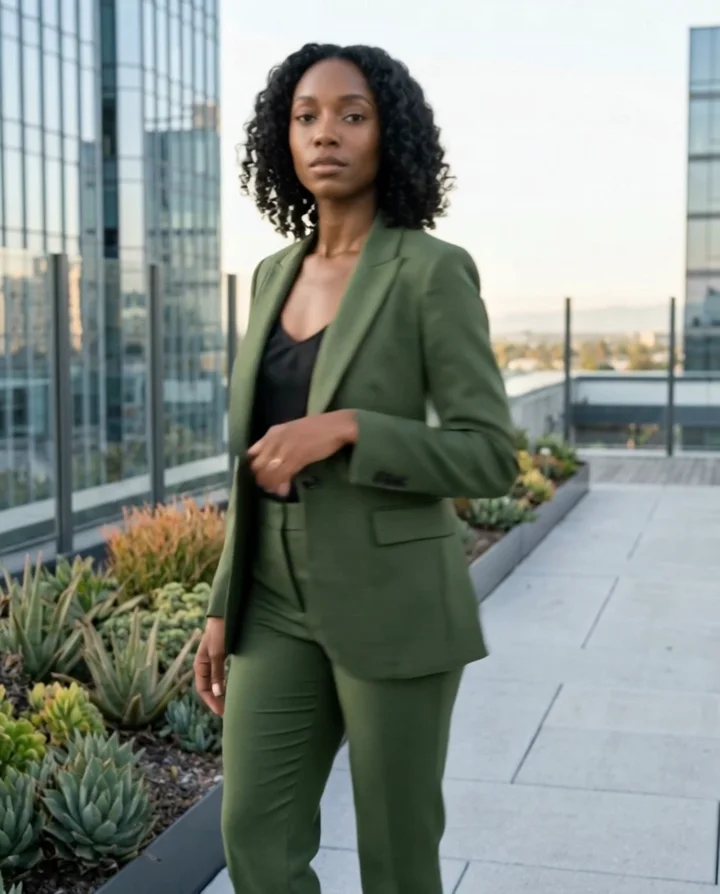
Make a full-body lookbook frame feel less static with a controlled turn or step.
Describe one simple camera relationship instead of asking for several competing shots.
Choose an approved image with the styling and framing you want to carry into the clip.
Describe a walk, turn, product moment, or expression instead of trying to fit a full story into one clip.
Choose the output settings, review the cost, and make the video when it is ready.
Find a scroll-stopping opening movement without reshooting a whole scene.
Give a recurring fictional character a natural motion vocabulary.
Test an uncluttered product gesture before writing the larger concept.
Build motion references around a campaign still before committing to final production.
Bring one unbranded product closer to the camera with a clean gesture.
Show silhouette and fabric through one controlled full-body movement.
Use a subtle glance, smile, or expression for a believable social hook.
Keep the stable details first, then describe the scene, action, camera, and the small errors you want to avoid.
01
Begin with the creator, product, and crop you want to keep.
Use a sharp approved image with the full intended subject visible.
02
Describe one short movement that can finish in the clip.
Lift the bottle, take two steps, then smile toward camera.
03
Choose a fixed frame or one small move.
Steady eye-level vertical camera, no cut or sudden zoom.
04
Add only motion that supports the action.
Natural curl, fabric, and hand movement.
05
Protect identity, product, outfit, and background.
Keep the same face, clothing, product, and setting throughout.
Change the campaign layer, but keep the creator or source-frame details stable when you want a connected series.
Keep the same fictional adult creator and unbranded frosted skincare bottle from the source image. She lifts the bottle toward camera, pauses, then smiles naturally. Stable face and hands, fixed vertical camera, no cut or text.
Keep the same fictional adult fashion creator from the source image. She takes two relaxed steps, makes one smooth half turn to show the suit, then faces camera. Gentle fabric motion, stable rooftop, no cut.
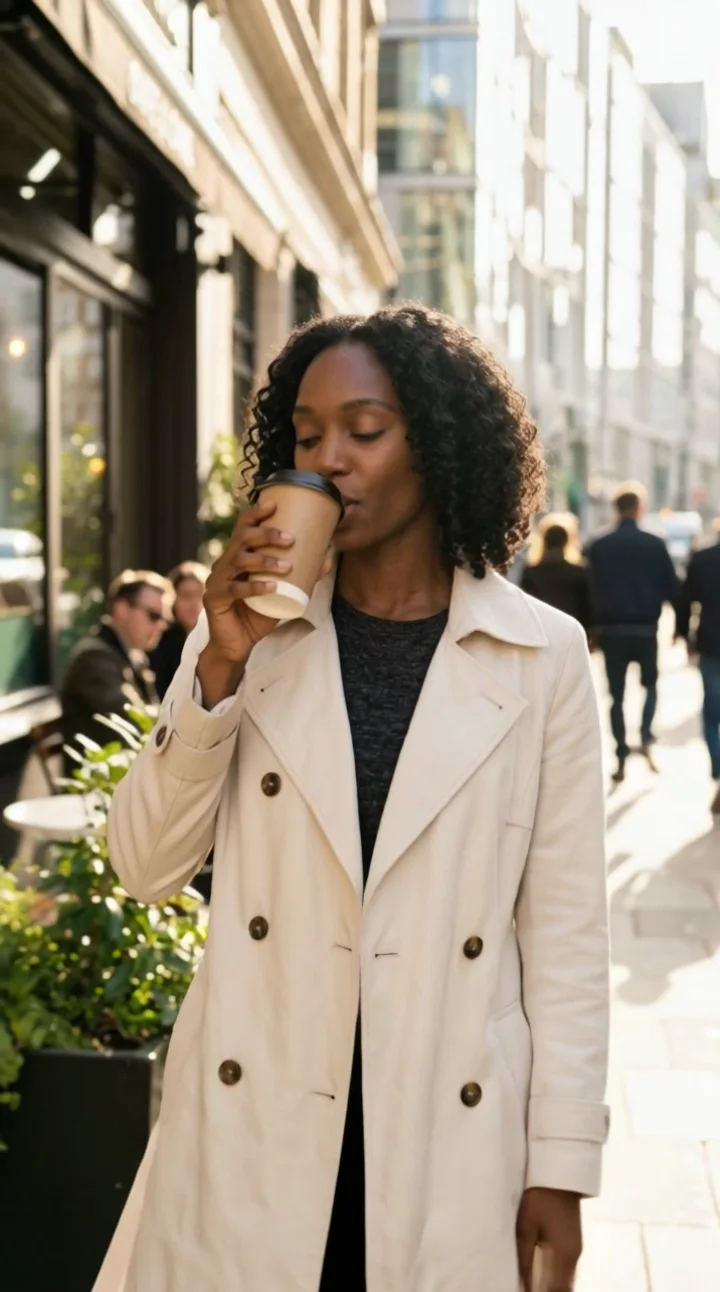
Keep the same fictional adult creator from the source image. She looks up from a café table, brushes one curl behind her ear, and gives a small smile. Natural micro-movements, steady close camera, no cut.
Keep the same fictional adult lifestyle creator from the source image. She walks one step into frame, looks directly at camera, and settles into a relaxed pose. Vertical social frame, stable identity, no scene change.
The comparison is about the current product workflow, not a universal benchmark.
| Model | Best fit | Choose it when |
|---|---|---|
| Kling 3.0 | Creator movement, product gestures, and image-led social clips | Choose it when movement is the main creative decision. |
| Wan 2.6 | Straightforward image-to-video drafts | Choose it when you want a simple five-second motion test from one image. |
| Motion Transfer | Following a separate movement reference | Choose it when an MP4 needs to define the performance. |
| AI Influencer Video | A broader character-led video workflow | Choose it when the job begins with a saved character rather than one finished frame. |
Use the prompt box to describe the creator, action, product, and visual outcome.
Check the person, product, composition, and text before turning the idea into a task.
Keep the approved image or video as the starting point for the next Studio workflow.
Do not imply that a real person endorses a product. Get permission for any likeness or source image.
Check visible words, product claims, labels, anatomy, and campaign disclosures before publishing.
Treat generated media as a creative draft and keep the recorded task inside your private workspace.
It is a strong fit for creator movement, product moments, walks, turns, expressions, and short social-video stories.
Kling 3.0 Omni supports text or one start frame. This page opens the image-led workflow; use Text to Video in Studio for text-only generation. With a start frame, the video follows that image's proportions.
Describe one main action, the camera feeling, and the mood. Focused prompts are easier to review and refine.
You can write a prompt here. Creating a result in Studio requires signing in and enough credits; unlimited free generations are not promised.
Shorten the action, use a clearer first frame, and avoid asking for several unrelated movements in one clip.
Only when you have permission to use that person's likeness and source material.
You are responsible for your source rights, product claims, required disclosures, and the final use of each result.
Open the focused image-to-video workflow with the same kind of source-first task.
Open workflowUse the wider character-led video workflow when a saved identity is the starting point.
Open workflowUse Motion Transfer when an authorized MP4 should lead the performance.
Open workflowChoose a plan for credits across image and video workflows. Studio always shows the current cost before a task starts.
Add the source frame, keep one action clear, and create a private short video when you are ready.
First subscription only · Cancel renewal anytime
For trying a consistent creator workflow.
$15.20first month$19
Then $19/month
For creators producing every week.
$31.20first month$39
Then $39/month
For high-volume UGC and small brand teams.
$63.20first month$79
Then $79/month
Supported publishing platforms
See the credit cost before you create. Applicable taxes are shown at checkout.
Failed jobs return credits automatically. Subscription credits keep their original expiry; purchased credits never expire.

Plan Content
Measure Engagement
Build Your Profile
Price Your Work
Write Post Copy
Brand Partnerships