
GPT Image 2 AI Image Generator
GPT Image 2 has been retired from new generation on this site. The examples here remain its original results. Continue in Studio with GPT Image 2.5 Sunburst at the same credit prices.
Open in Studio →Model selected for you. Review the credit quote before generating.
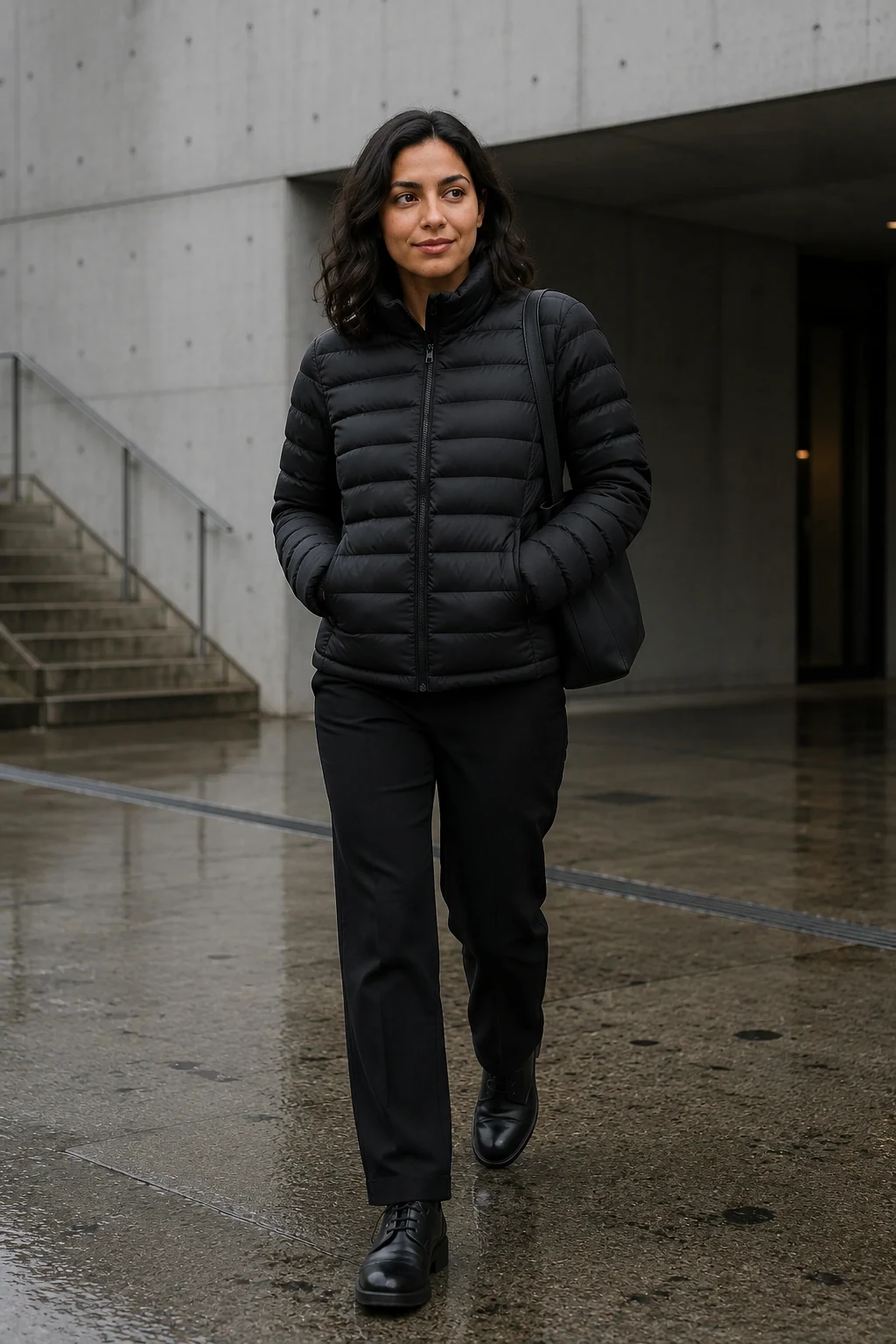
City outerwear
Create from a written brief
Describe the person, action, setting and light. Start with one coherent scene before adding more detail.
Edit around a reference
Use a permitted source image to guide the next scene. State which identity and clothing details should stay stable.
Choose the output size
Studio offers 1K, 2K and 4K options. Review the selected size and credit quote before generating.
Settings at a glance
- Workflow
- Image generation and editing
Describe the person, action, setting and light. Start with one coherent scene before adding more detail.
- Inputs
- A written scene brief, with optional authorized image references
Example references are not attached automatically.
- Resolution
- 1K, 2K, 4K
Review supported combinations in Studio.
- Result
- One image per selected variation
The selected workflow controls the final output settings.
- Starting quote
- 3 Credits
Catalog minimum; selected settings determine the actual quote.
- Example provenance
- 2 recorded examples
Identity, hands and fine details can change between results. Review the image before publishing.
Make the idea your own
Adapt this example prompt in Studio. References are not attached automatically.
How to brief GPT Image 2.5 Sunburst
Subject
Identify one adult creator and the identity details to retain.
Keep the adult creator identity from my reference.
Action and environment
Give the subject a natural action in a specific place.
One relaxed step along a city street at blue hour.
Light and framing
Specify camera distance and light that fit the scene.
Full-body framing, overcast daylight and realistic fabric folds.
Edit boundary
Name what changes and what stays, rather than asking for several unrelated edits.
Change the location; keep the face, jacket and body proportions.
Where it fits
Creator portraits
Build an original adult identity for a channel or campaign.
Fashion scenes
Explore a garment across locations and lighting directions.
Focused edits
Change a background, style or visible detail in an existing image.
Before you generate
- Identity, hands and fine details can change between results. Review the image before publishing.
- The examples above used image references. Their prompt ideas do not automatically attach those references.
- Aspect-ratio choices vary with output size; Studio shows the supported combinations.
For current Sunburst results, read our Nano Banana vs GPT Image for AI influencers field test: five tasks, retained repeats, visible failures and measured supplier cost per usable image. The archived examples on this model page remain GPT Image 2 outputs.
Questions, answered
Can I still generate with GPT Image 2?
New generation uses GPT Image 2.5 Sunburst or Flare. Your existing images and task history remain available; the examples on this page retain their original GPT Image 2 attribution.
Does GPT Image 2.5 cost more?
No. The current site prices remain 3 credits for 1K, 5 for 2K and 8 for 4K. Review the selected model and quote before generating.
What inputs does GPT Image 2.5 Sunburst need?
A written scene brief, with optional authorized image references. The example prompt does not attach its source images or audio automatically. Add your own permitted inputs in Studio.
Which outputs can I choose with GPT Image 2.5 Sunburst?
The current model catalog offers 1K, 2K, 4K. Available combinations depend on the workflow; check Studio before submitting.
Can GPT Image 2.5 Sunburst keep my creator consistent?
Use an approved source or saved identity, then review every result. Identity, hands and fine details can change between results. Review the image before publishing.
Can I try GPT Image 2.5 Sunburst for free?
Browsing examples and preparing a prompt uses no generation credits. The catalog starts at 3 Credits for its lowest listed variant; the selected settings determine your actual quote. Generation requires an account and sufficient credits.
Where do I review a completed GPT Image 2.5 Sunburst task?
Return to the saved task in Studio History to inspect the result and download it. If the task is still running, check its status before submitting another generation.
Plan Content
Measure Engagement
Build Your Profile
Price Your Work
Write Post Copy
Brand Partnerships