
AI Mascot Generator
Build a fictional creature or hybrid character your team can save, review, and reuse across supported visual workflows.
Opens the guided Character workflow. Start with a creature or hybrid identity, then decide whether to save the result.
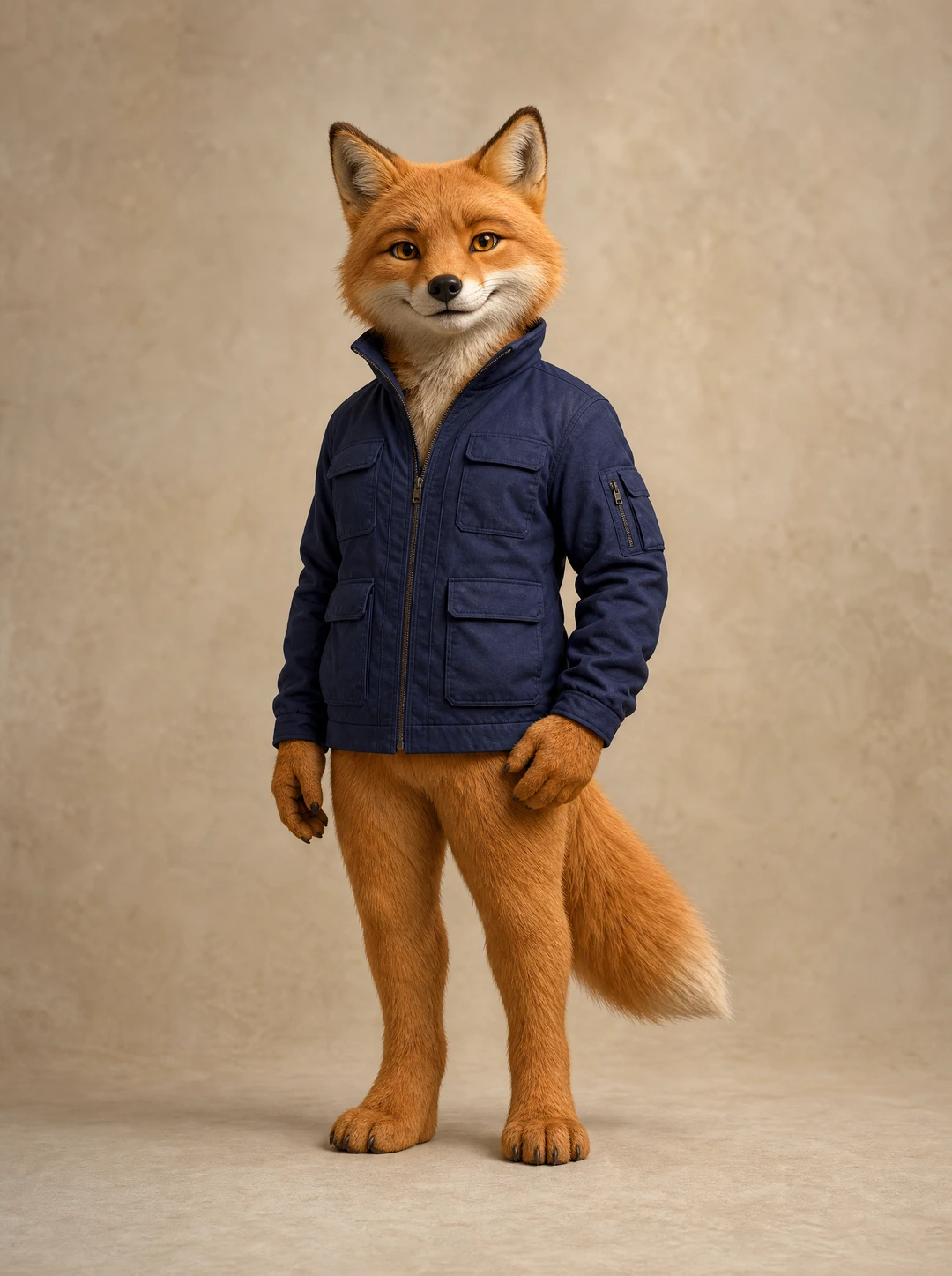
A brand character should read at a glance
Your brand deserves a character people can recognize, remember, and reuse across campaigns. An AI mascot generator can turn a focused character idea into a visual identity for social posts, ads, product launches, and campaign concepts.
A useful mascot is more than a visual companion. It needs a point of view, a consistent mood, and a visual language that a team can recognize when it appears again.
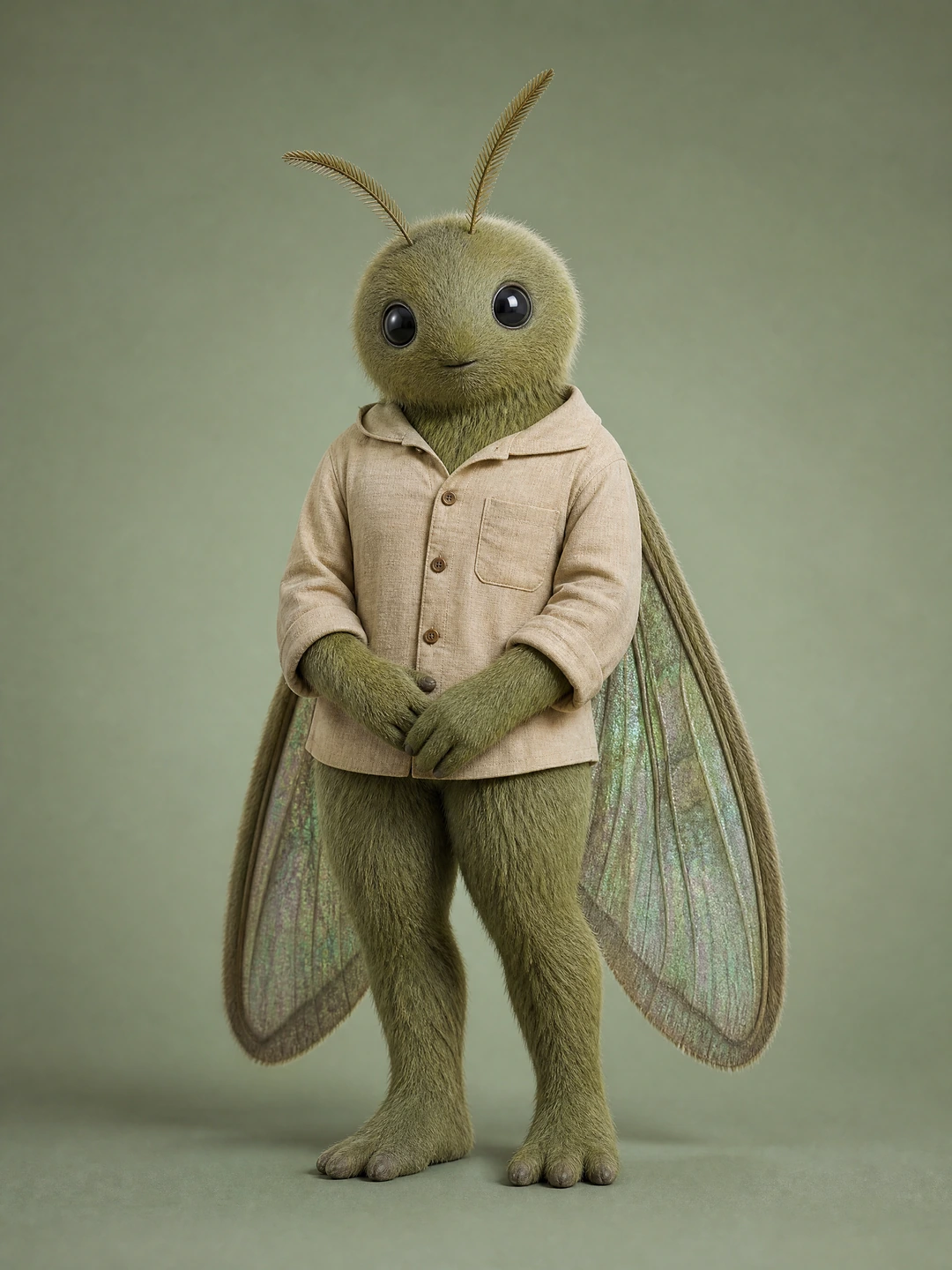
Find your direction
Give the mascot a recognizable role
Define the personality before you generate
Start in plain language: bold and energetic, calm and trustworthy, premium and minimal, or quirky and humorous. Then connect that personality to a creature or hybrid identity, expression, pose, scene direction, and the campaign context you want to review.
The more specific you are, the more useful the concept becomes. Describe what the character should communicate before you ask for a visual direction.
A useful direction includes
Creature or hybrid identity
Personality and point of view
Pose, expression, and scene
Campaign context and review criteria
Use the guided Character workflow
The strongest results come from a repeatable creative workflow, not a one-click shortcut. Choose an identity direction, generate a candidate, review the result against your brief, and save the version that earns a place in your system.
- 01
Choose a type
Start from the supported creature or hybrid path in the guided Character creator.
- 02
Set the identity
Use guided choices and a written direction to establish the personality and visual anchors.
- 03
Describe the first context
Add a pose, expression, and campaign context that makes the character useful to review.
- 04
Generate a candidate
Create one fictional adult identity reference and inspect the result carefully.
- 05
Save the approved identity
Keep the version that best matches the brief as a reusable character.
- 06
Continue in a supported workflow
Use that saved character for new images or motion concepts, then review again.
Turn one character into a useful campaign context
A saved identity gives a team a starting point for a new campaign angle without starting the character conversation from zero. Keep the result reviewable: compare the core features against the saved reference and retain only the versions that remain on brief.
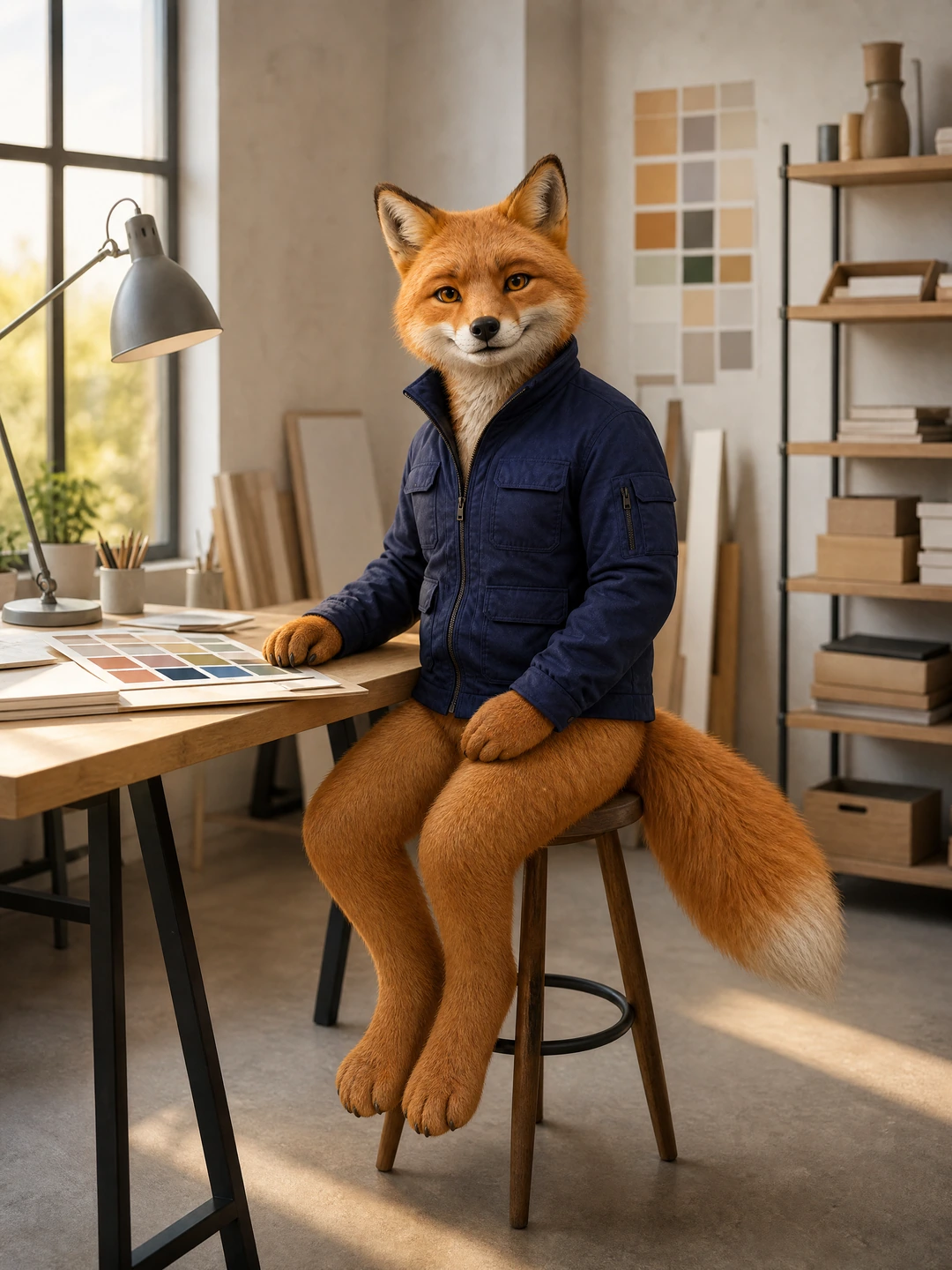
A creative-workspace direction after the character identity is set.

A calm community or learning context for the same review process.
Build a usable character system
A brand character can help when a business needs a stronger visual hook but does not yet have a full character design process in place. It can also help established teams explore campaign concepts before committing to a final production plan.
01
Launch direction
Give an early campaign a distinct, character-led visual reference the team can discuss.
02
Content planning
Keep a saved identity at the center of new scenes, still images, and short-form concepts.
03
Community storytelling
Develop a fictional guide or host that supports a clear, reviewable brand voice.
04
Creative routes
Compare focused campaign directions before committing to a final production plan.
Keep controlled change in the workflow
Consistency comes from controlled change. Keep the defining character details steady while you change one or two things at a time, such as a scene, pose, camera framing, or campaign theme.
A saved character is a useful reference, not a guarantee. Review every new output for identity drift before it becomes part of a campaign series.
Use the character as a foundation for supported image workflows, then compare every new scene against the approved identity.
Explore consistent charactersTake an approved character into motion separately
A saved character can be the starting point for supported motion workflows. This page creates and saves the character identity; animation and image-to-video are separate workflows with their own inputs, review steps, and results.
That separation keeps a team honest about what was made in each step and gives reviewers a clear point to check identity, movement, and context.
When the still image is approved, continue to the dedicated animation workflow for a motion concept.
Explore character animationWrite a direction your team can review
Prompt quality shapes the result. A vague request leaves too much to chance, while a focused direction gives reviewers practical criteria for what should stay and what should change.
Use brand colors only as a written direction to review in the output. The workflow does not extract or preserve a brand kit automatically.
Prompt framework
A fictional adult [creature or hybrid] brand character, [personality], [distinctive physical details], [expression and pose], in [campaign setting], with [color direction], photorealistic editorial reference, clear silhouette, no text or watermark
Change one part at a time, document what worked, and keep the strongest identity description with the approved character.
Review before you publish
For campaign and social use, be specific about the use case, then check the final image in its real context. Do not use a fictional character to imply a real person’s endorsement or experience.
Before public use, confirm the character is fictional and adult, inspect the output for visual errors, review the intended rights, and add disclosure where an audience could mistake the character for a real person.
The character is fictional, adult, and original.
The core identity still matches the saved reference.
Hands, facial details, and the background are reviewed.
The context does not imply a real endorsement.
Rights and disclosure needs are checked before publishing.
Before you begin
Bring your direction into Studio
- Character shape
- Brand cues
- A scene
Questions before you create
These answers describe the current guided workflow and its limits. They do not promise identical outputs or automatic publishing.
What can this AI mascot generator create?
It creates a reviewable, photorealistic fictional adult creature or hybrid character that you can save as a reusable identity in Studio.
Is this for drawn characters or brand marks?
No. This workflow focuses on photorealistic creature or hybrid identities, not illustrated characters or emblem-style brand assets.
Can I reuse the same character?
Yes. Save an approved character and select it in supported image and motion workflows. Review each output because identity details can drift.
What input do I need?
Start with guided creature or hybrid choices and a clear written direction for personality, appearance, pose, and campaign context.
Will every image look exactly the same?
No. A saved identity is a useful reference, not a promise of sameness. Compare each output against the approved character before using it.
Can I use a character commercially?
Review the source rights, the intended use, and any disclosure needed for your channel before publishing. See the Commercial Use and AI Disclosure guides for current guidance.
Create a clearer character workflow
Start with one role, one identity direction, and one campaign context. Save the character your team wants to reuse, then build carefully from that reference rather than treating every new image as a new mascot.
Create a fictional creature or hybrid brand character in the guided Studio workflow.
Create a brand character in StudioContinue with the next verified workflow
Each route starts from a different input or solves a different production task.
Consistent Character Generator
Save and reuse a fictional adult identity across supported visual workflows.
AI Influencer Image Generator
Create reviewable image concepts with a saved character and a written scene direction.
AI Character Animation Generator
Continue an approved character image into a separate animation workflow.
Commercial Use
Review source, likeness, and publishing considerations before public use.
AI Disclosure
Plan transparent communication when an audience could mistake an AI character for a real one.
Plan Content
Measure Engagement
Build Your Profile
Price Your Work
Write Post Copy
Brand Partnerships