
Original adult character art
AI Anime Boyfriend Generator
Create a romantic anime-style character concept that feels expressive, personal, and visually grounded in the choices you make.
Text direction in. One reviewable character image out. No source photo required.
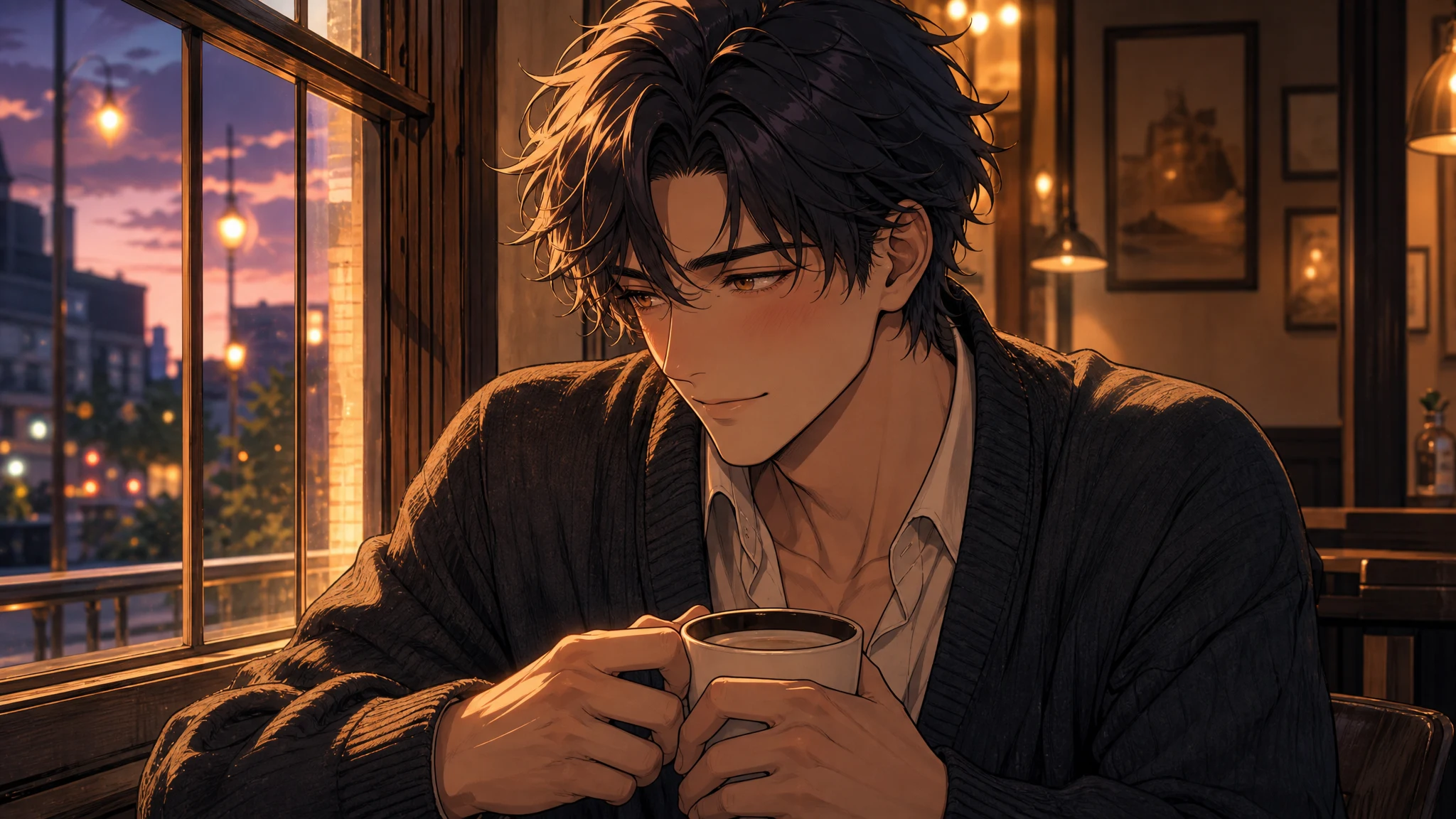
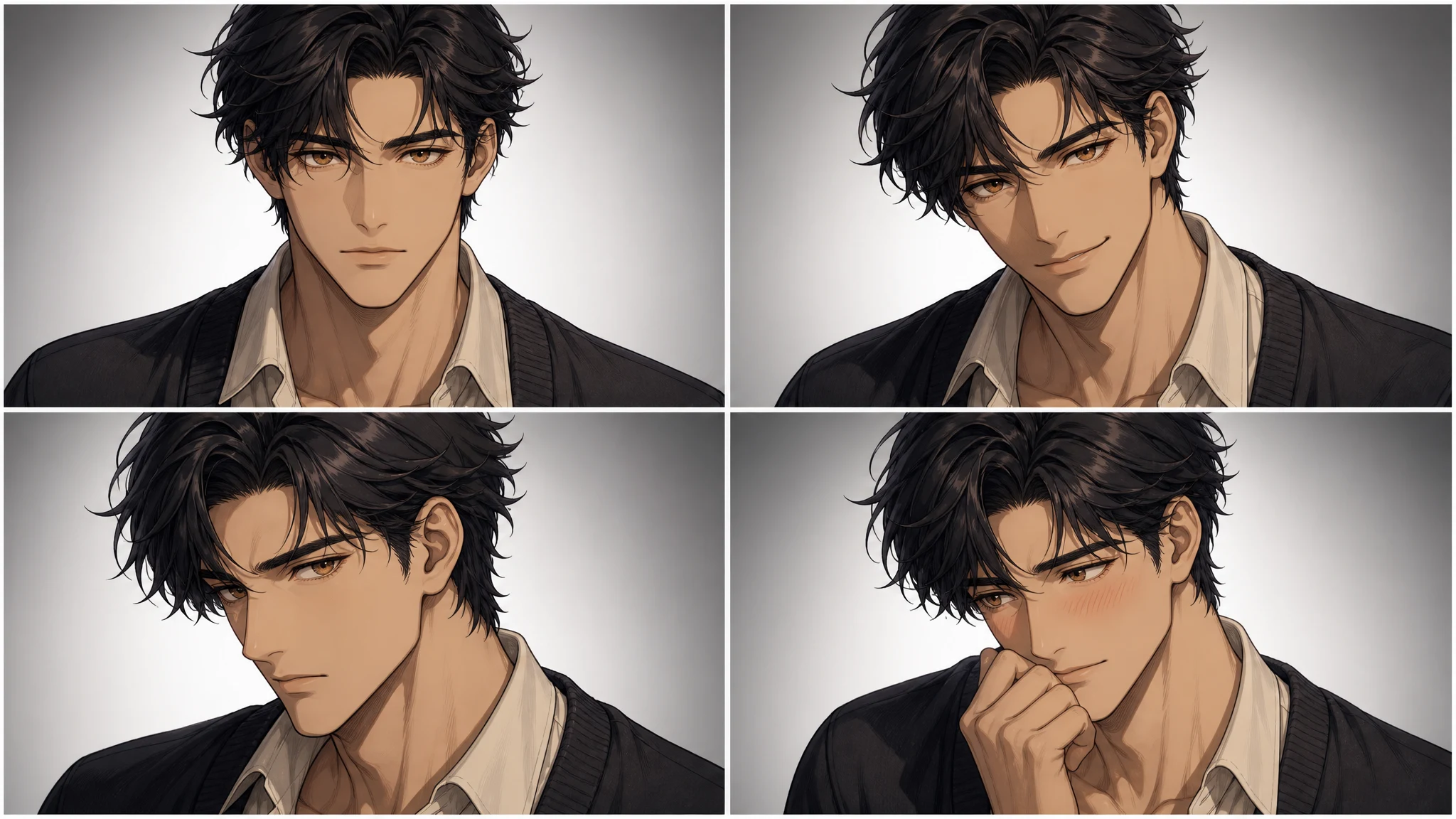
Shy cafe direction: the blush, averted gaze, cardigan, coffee cup, and dusk light all make the feeling visible.
What this tool creates
A visual direction, not a simulated relationship.
An ai anime boyfriend generator helps you design a fictional anime-style male character by defining his look, vibe, personality cues, and creative purpose.
Use it for stories, social profiles, roleplay concepts, visual branding, mood boards, or creative inspiration. The result is an image task you can inspect, download, and edit in Studio.
Find your direction
Turn the adult anime character into a scene
Character directions
The strongest concepts start with contrast.
A character can look refined but carry a playful energy, or seem distant while showing quiet loyalty. These tensions give the image a specific point of view.
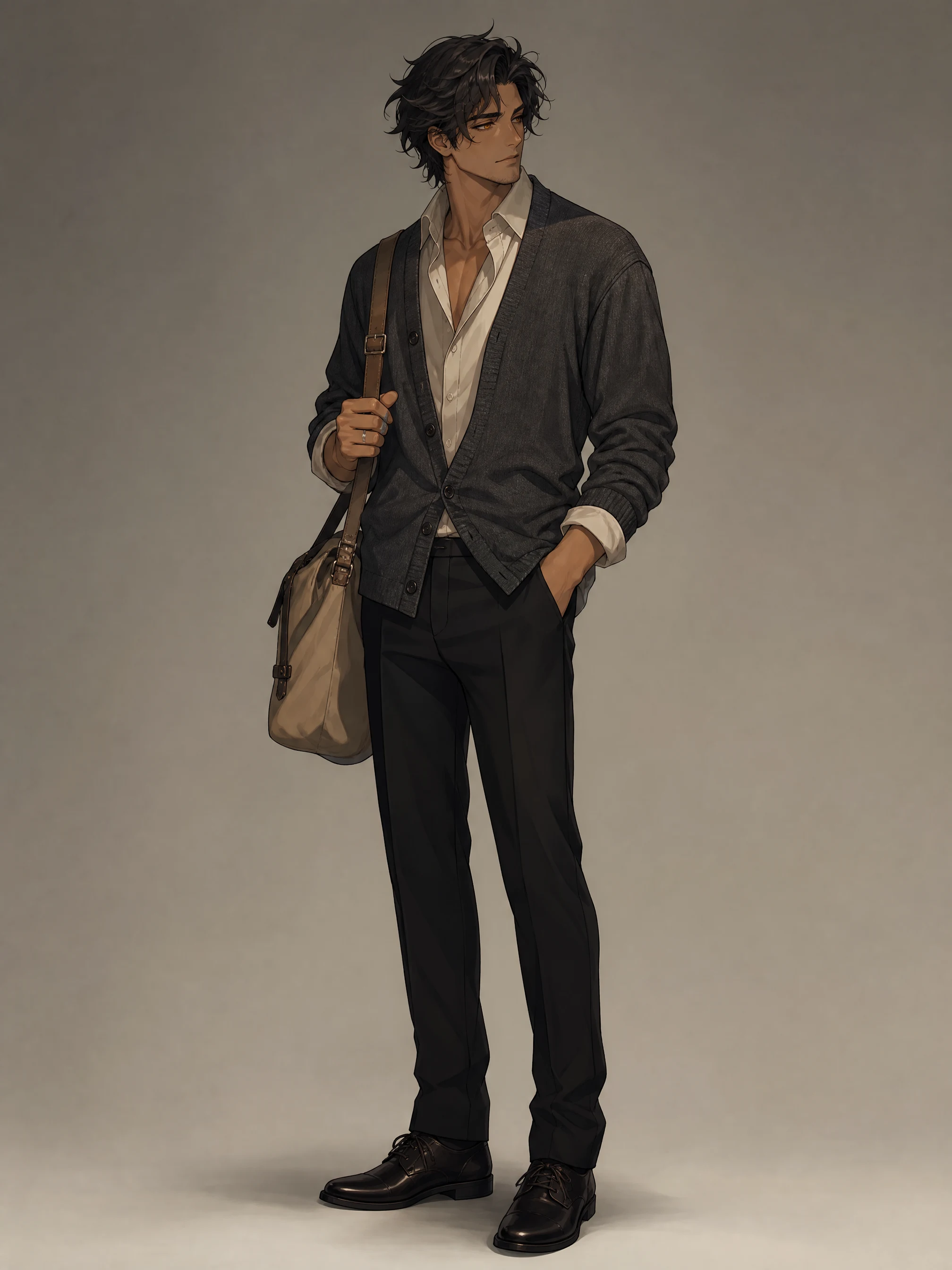
Prompt anatomy
Turn personality into visible choices.
A character can feel gentle, teasing, loyal, introverted, ambitious, mysterious, artistic, protective, or calm. Translate that cue into something the image can show.
Example direction
“A handsome fictional adult anime man with dark wavy hair and amber eyes, wearing a charcoal cardigan in a warm cafe at dusk; averted gaze, softened smile, subtle blush, detailed linework.”
- Archetype
- A quiet romantic who looks composed but warms up when noticed.
- Visual anchors
- Dark wavy hair, amber eyes, charcoal cardigan, silver ring.
- Moment
- Warm cafe at dusk, hands around a coffee cup, soft window light.
- Expression
- Averted gaze, softened smile, subtle warm blush.
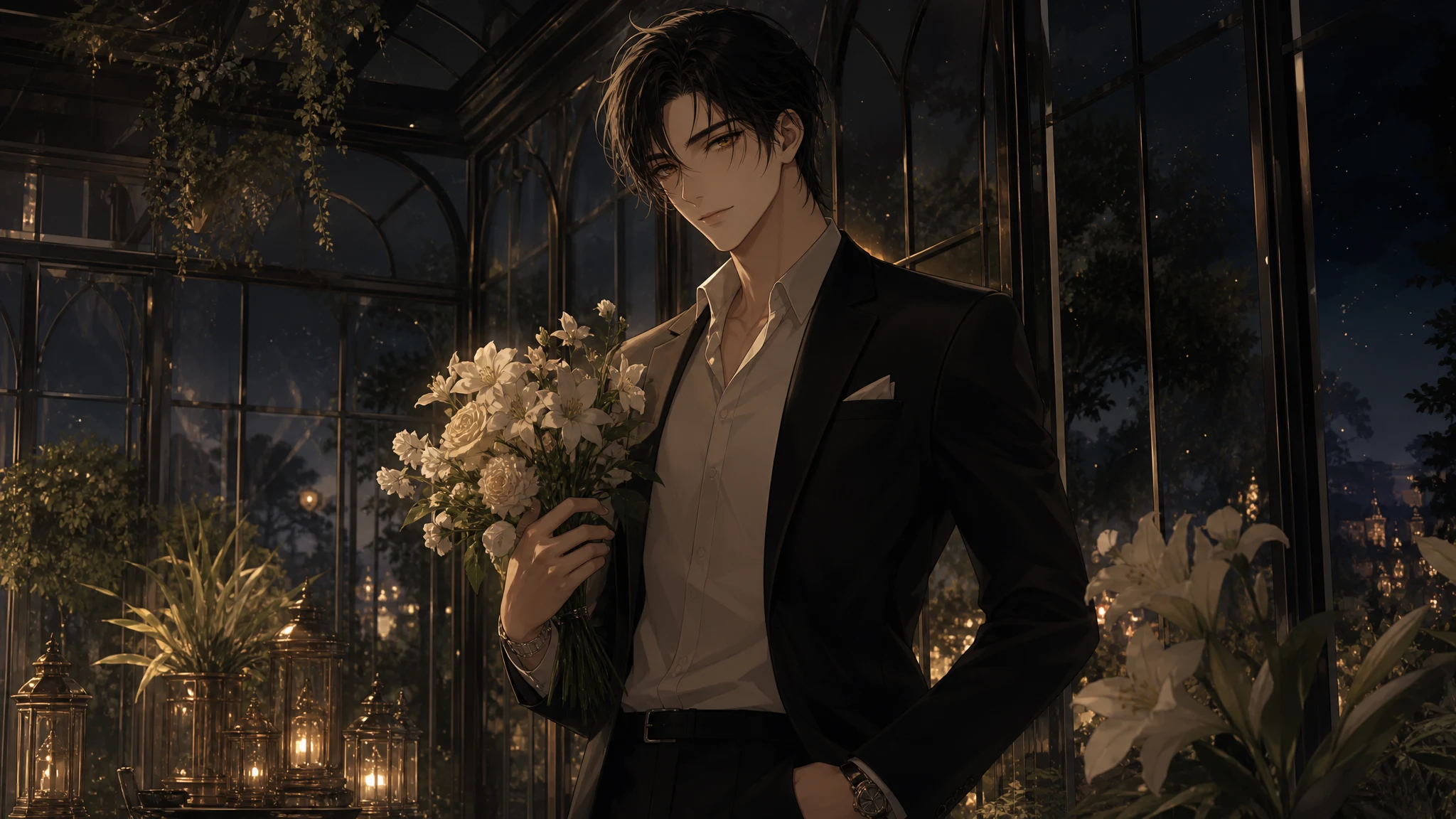
Prompt to output
Make one emotional scene clear.
An elegant evening does not need a long backstory. The suit, flowers, conservatory, gentle smile, and gold light give the image a concrete direction to follow.
Use specific adjectives for mood, then support them with setting, posture, wardrobe, lighting, and facial expression.
Expression study
Let the face do real narrative work.
For shy and blushing directions, ask for an averted gaze, a softened mouth, warm cheeks, a hand gesture, and enough quiet space around the subject.
From idea to variation
A six-step direction you can actually use.
- 01
Start with an archetype
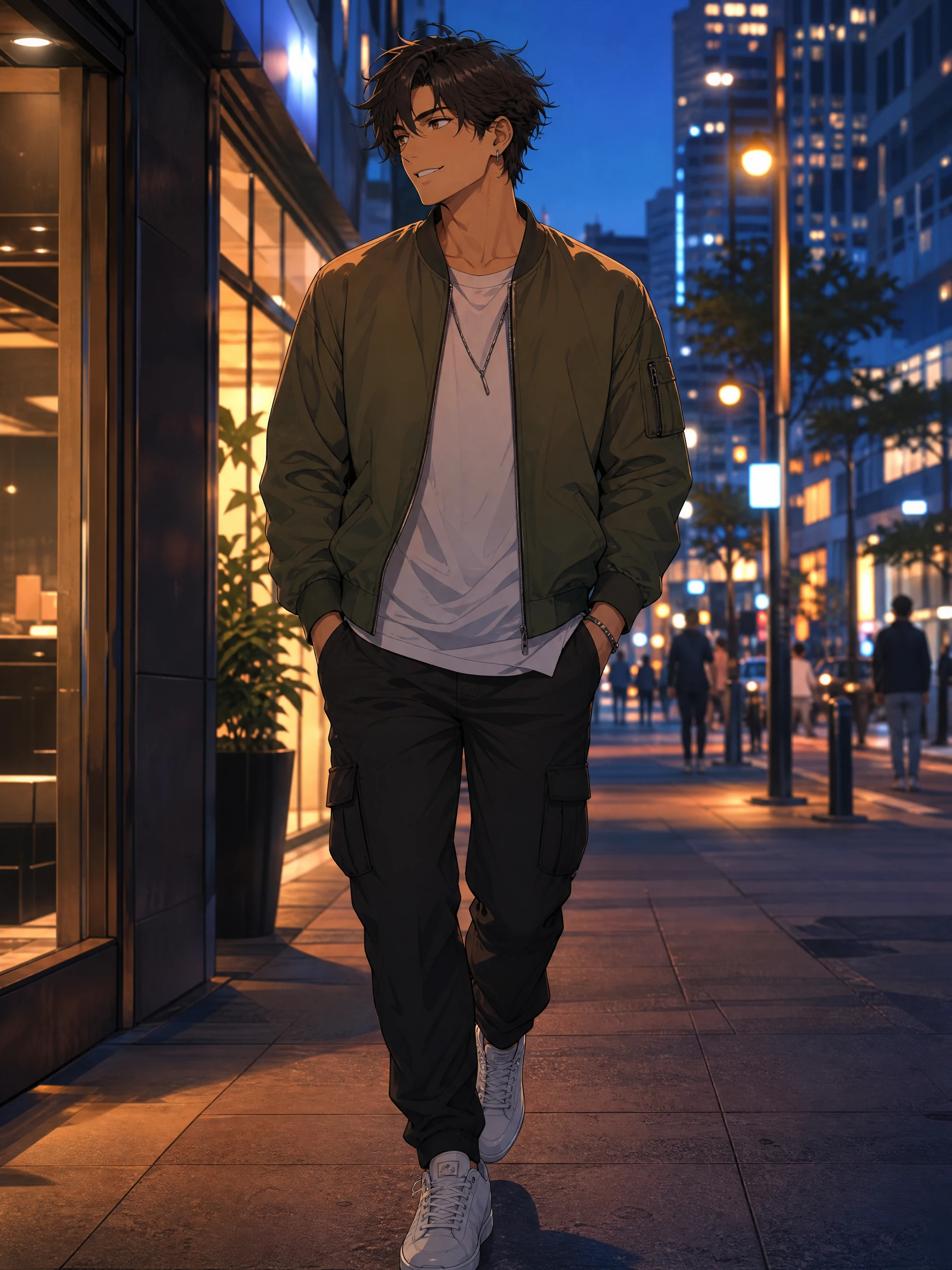
Choose a clear contrast: sweet and shy, mysterious and elegant, sporty and upbeat, protective and calm, or dramatic and fantasy-inspired.
- 02
Choose a setting
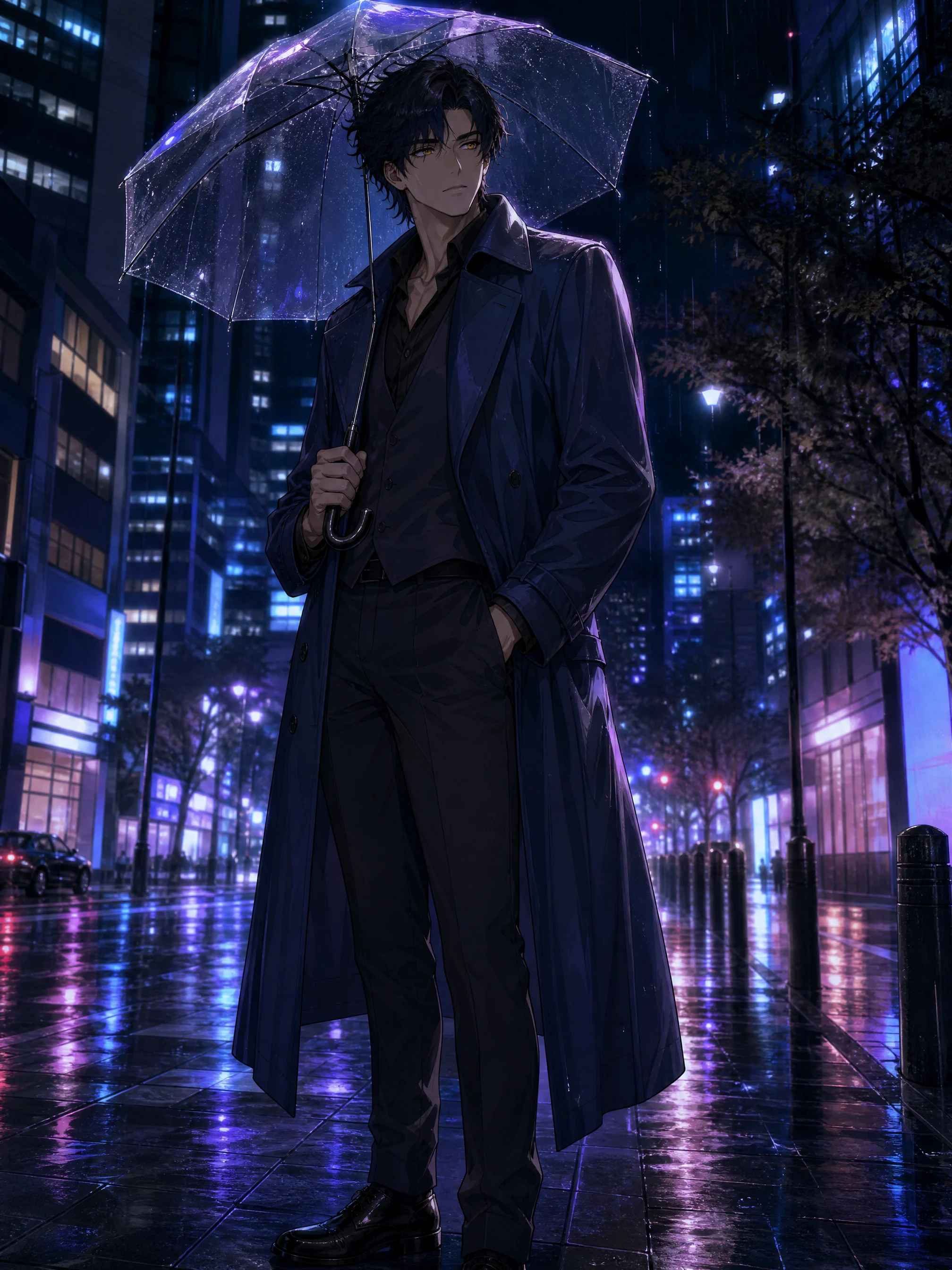
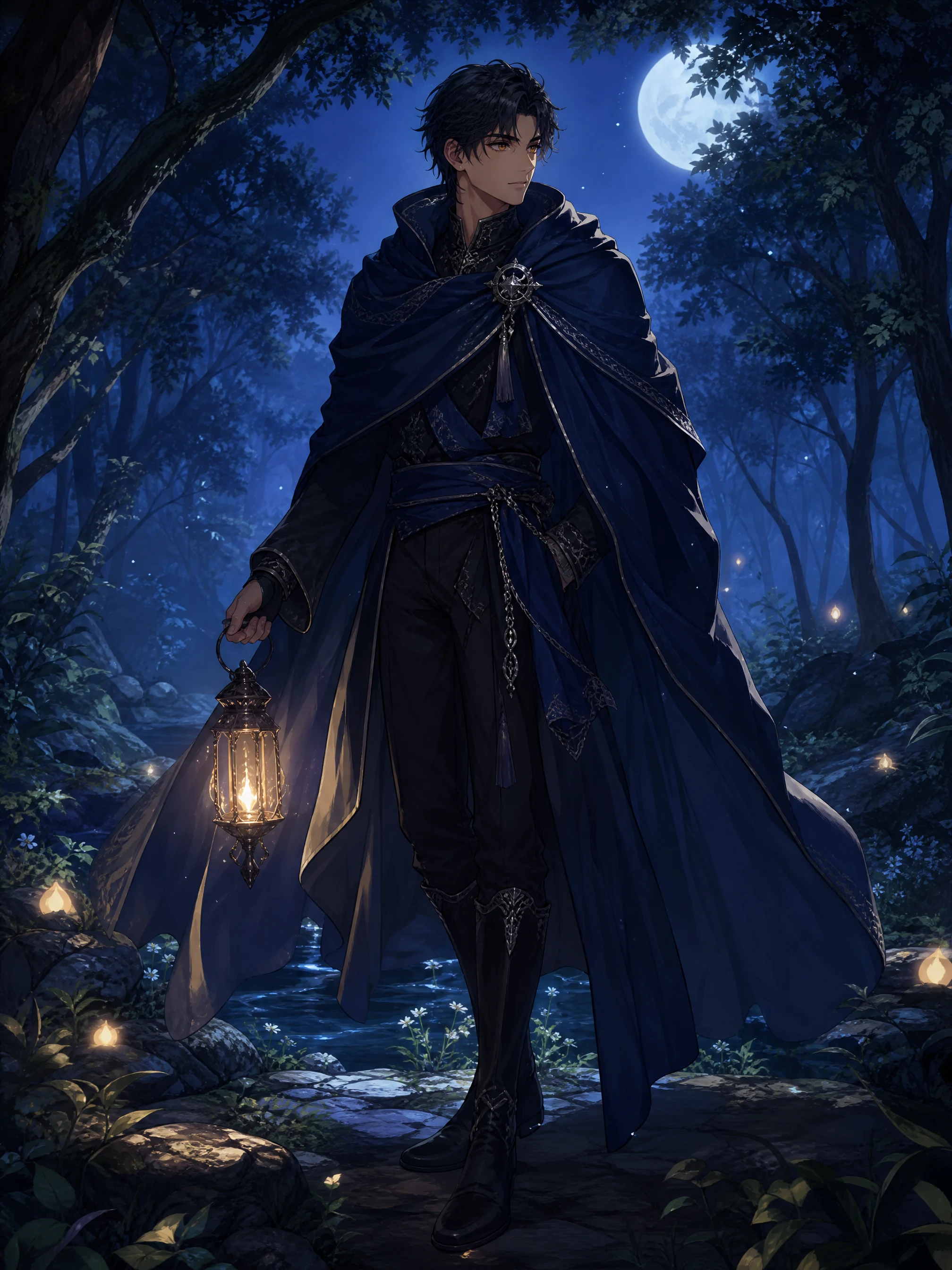
Place him in a setting that supports the mood, such as a quiet cafe, rainy city, school-life scene, moonlit forest, or cozy slice-of-life moment.
- 03
Add visual anchors
Select a color palette, hairstyle, clothing style, accessories, posture, and facial expression.
- 04
Clarify personality cues
Give him traits that affect posture, expression, and styling, rather than relying on a written biography alone.
- 05
Refine the prompt
Replace vague words with concrete visual details: scene, light, camera distance, fabric, gesture, and expression.
- 06
Create variations
Explore alternate outfits, seasons, moods, and poses while repeating the visual anchors that matter most to you.
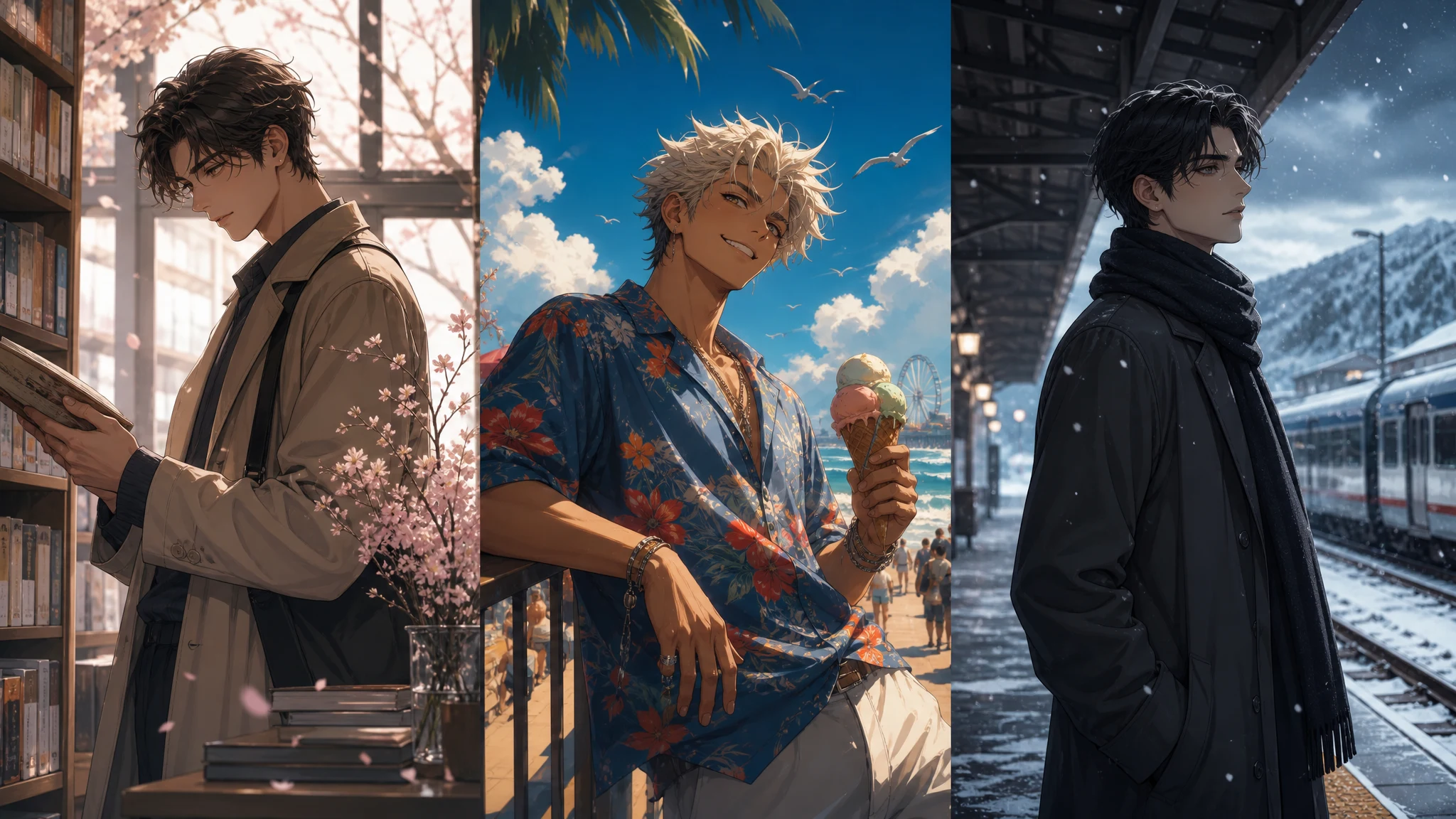
Outfits, settings, moods
Keep the anchors. Change the moment.
Try a new outfit, season, pose, or setting in a new task. Repeating the hair, eye color, signature accessory, silhouette, and color palette can make the directions feel more related, but generated images can still vary.
Creative uses
More than a generic portrait prompt.
- Create a romantic anime-style character for a story or personal universe.
- Build a male anime persona for social content, mood boards, or themed posts.
- Explore character aesthetics before commissioning artwork or writing a profile.
- Generate inspiration for outfits, expressions, settings, and emotional scenes.
- Create a polished concept that can evolve across multiple prompts or images.
- Use a finished image as a starting point for compatible editing in Studio.
Prompt readiness
Check the direction before you generate.
Studio flow
Generate, then review without losing the thread.
Studio confirms the submitted task, keeps its status in My Images, and shows the completed result in the result workspace. Download or open compatible editing tools from the finished image. If a task fails, restore the safe setup and submit again when you are ready.
What to expect
Studio shows the current credit estimate before submission. It does not promise a fixed wait time, a queue position, or a guaranteed identical variation.
Before you begin
Bring your direction into Studio
- An adult character
- An art direction
- A story moment
FAQ
AI anime boyfriend questions
What is an AI anime boyfriend generator?
It creates an original image of a fictional adult anime-style male character from a written visual direction. It is an image-generation tool, not a chat, memory, voice, or relationship simulation service.
What should I include in an anime boyfriend prompt?
Start with one character archetype, then add hairstyle, eye expression, clothing, color palette, posture, setting, lighting, and the emotion you want the image to communicate.
Can I make a shy or blushing anime boyfriend?
Yes. Describe the facial expression and the physical cues that make it visible, such as an averted gaze, softened smile, warm cheeks, hand position, and quiet setting.
Can I create different outfits and scenes?
Yes. Create separate image tasks for alternate outfits, seasons, moods, poses, and settings. Keep the most important visual anchors in each prompt when you want related directions.
Will the same anime boyfriend stay identical across every image?
No. A written prompt can repeat the same visual anchors, but separate generated images can vary. Use Consistent Character Generator when you need a saved identity for a planned series.
Are the anime men on this page real people?
No. The examples are original fictional adult character artwork created for this page. They are not real people, endorsements, or customer proof.
Can I generate an anime boyfriend for free?
Studio shows the current credit estimate before you submit. This page does not promise free generation.
Can I use the image commercially?
Review each output, its intended use, likeness and rights considerations, and any required AI disclosure before publication.
Give the character a scene worth remembering.
Start with one adult fictional character, one mood, and the visual anchors that make him recognisable.
Plan Content
Measure Engagement
Build Your Profile
Price Your Work
Write Post Copy
Brand Partnerships