
Use a clear portrait
Front-facing or gently angled portraits with an unobstructed mouth are easier to review.
Choose a saved creator, then provide the spoken words as text or owned audio. Studio can create speech when needed before animating the portrait.
Opens Talking Avatar in Studio. Choose a saved character, then provide a script or an audio track you are authorized to use.
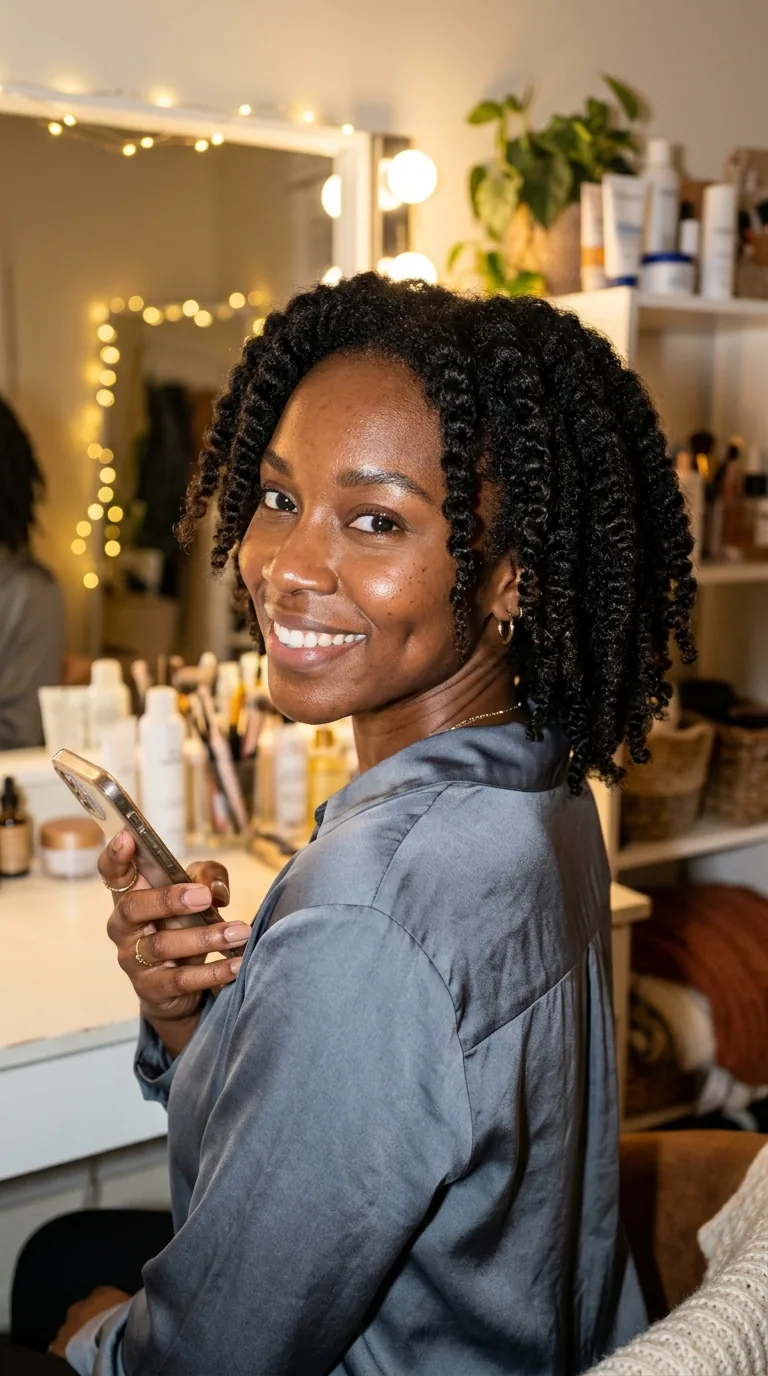
Saved portrait
Approved fictional adult identity
Talking result
Reviewed 9:16 output
Saved character
Choose the fictional adult identity that should deliver the new speaking performance.
Script or owned audio
Use written speech or a clean authorized recording, depending on the Studio option you choose.
New talking video
The workflow creates a speaking result rather than modifying an already-finished source video.
An AI talking avatar generator creates a new direct-to-camera performance. The character supplies the face; your script or authorized audio supplies what the avatar says.
Front-facing or gently angled portraits with an unobstructed mouth are easier to review.
Use short sentences, natural punctuation, and one message rather than a dense article paragraph.
Keep words to be spoken distinct from notes about warmth, pace, emphasis, and gesture.
Check mouth motion, blinking, expression, head movement, audio clarity, and the final frame.
A saved character
A speaking direction
Face and speech delivery
The page shows a real project output. Studio handles character choice, speech input, generation, and review.
Select a saved fictional adult character with a clear portrait and suitable visual context.
Write the spoken line or upload an audio file you own or have permission to use.
Inspect lip movement, expression, audio timing, and whether the delivery matches the intended message.
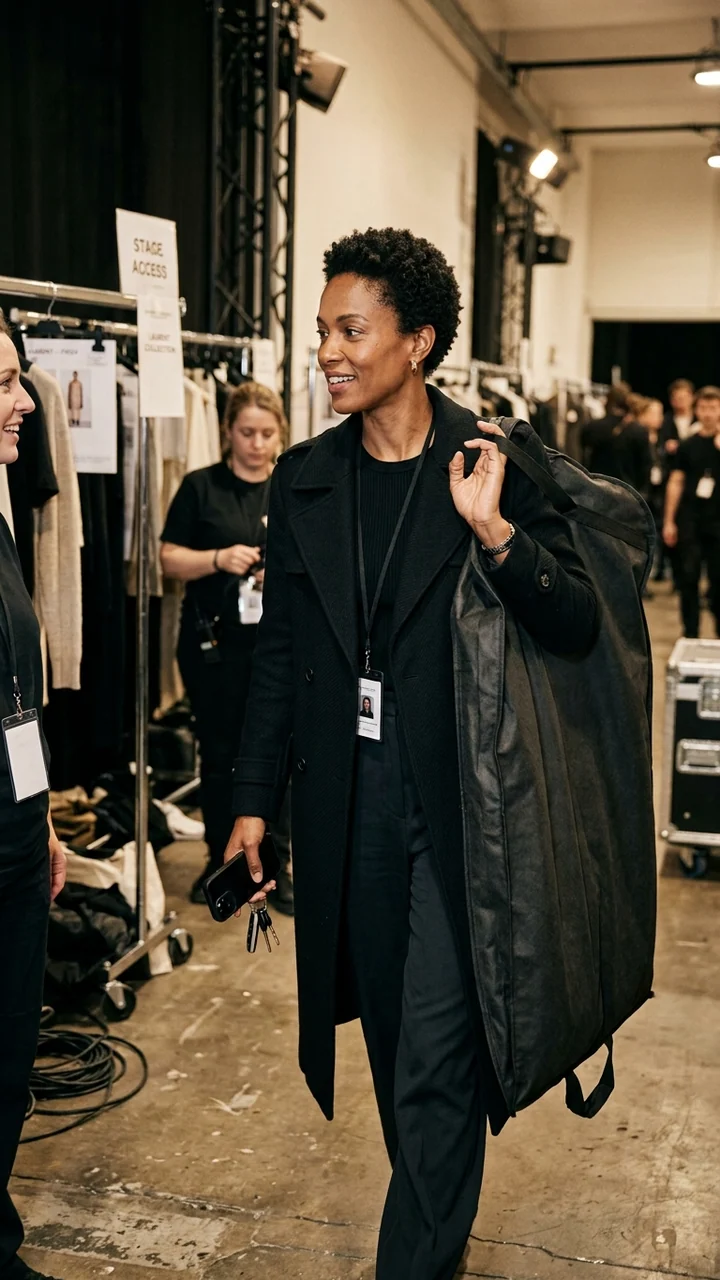
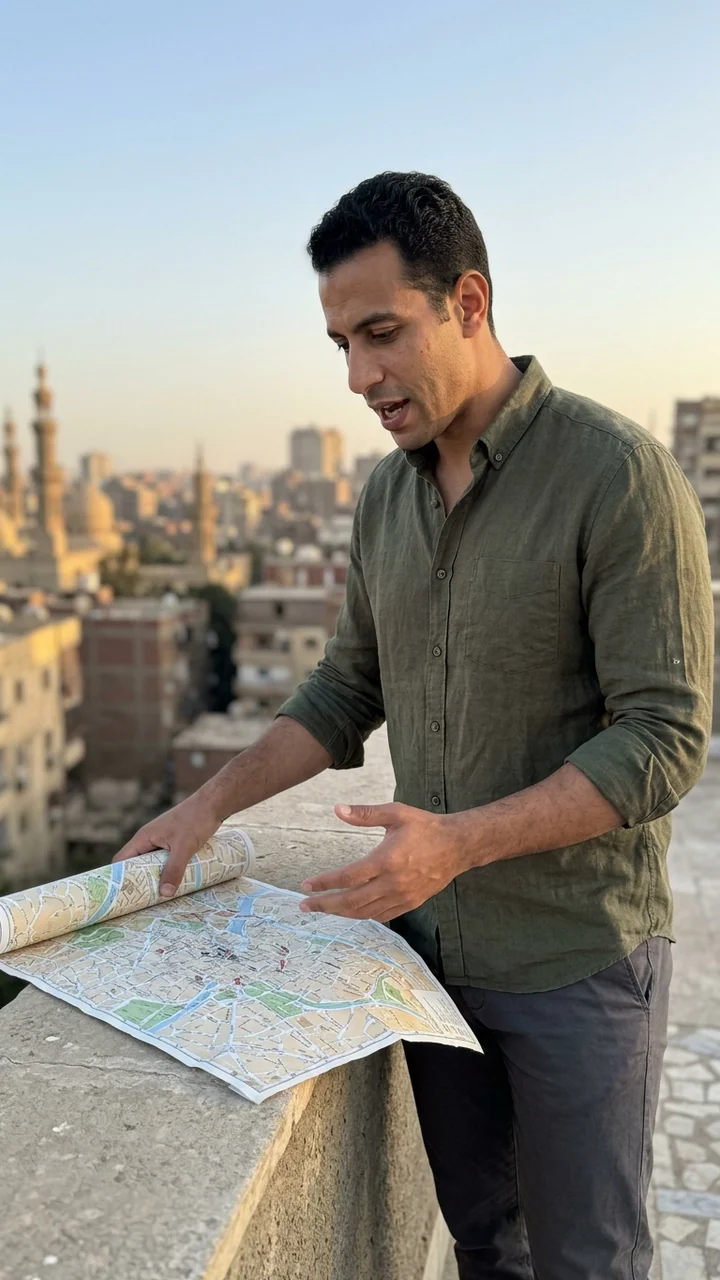
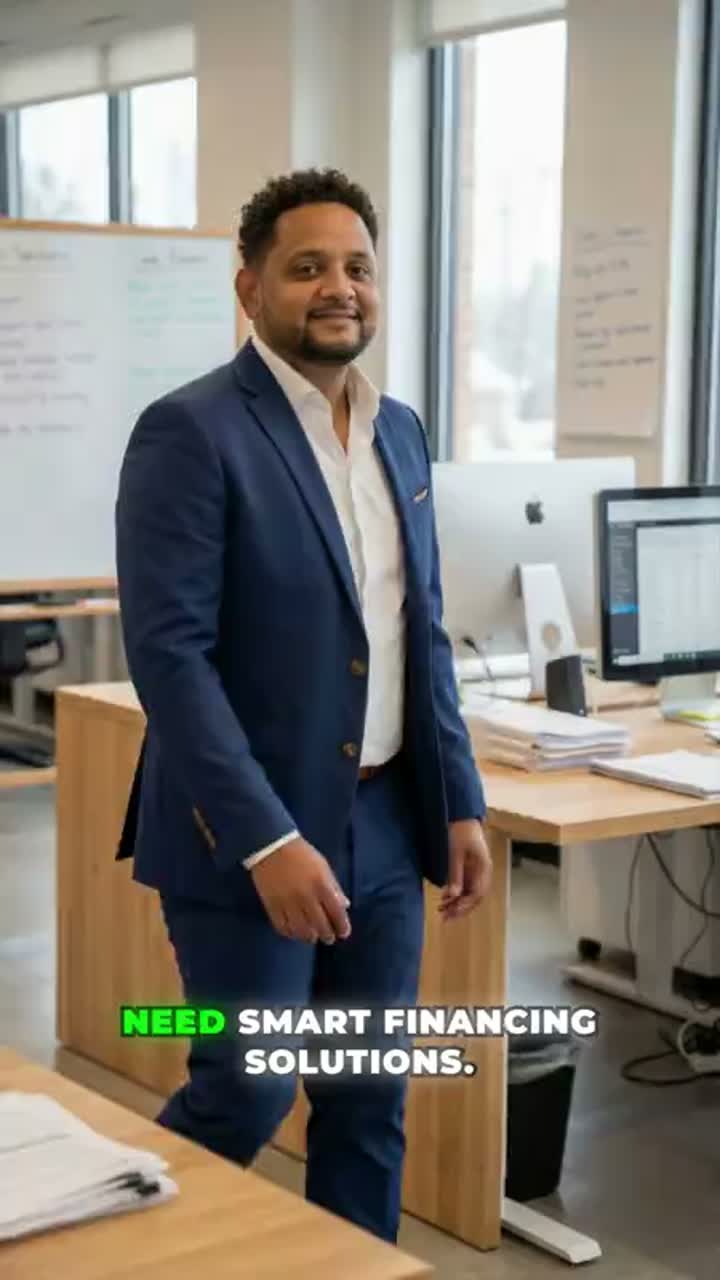
Nia’s portrait and video are the verified input-output pair. Priya, Camille, and Omar show different fictional adults available in the 50-character starter library; the final video is a labeled format reference.
Portrait reference
Clear face and mouth area
Scripted delivery
Short direct-to-camera message
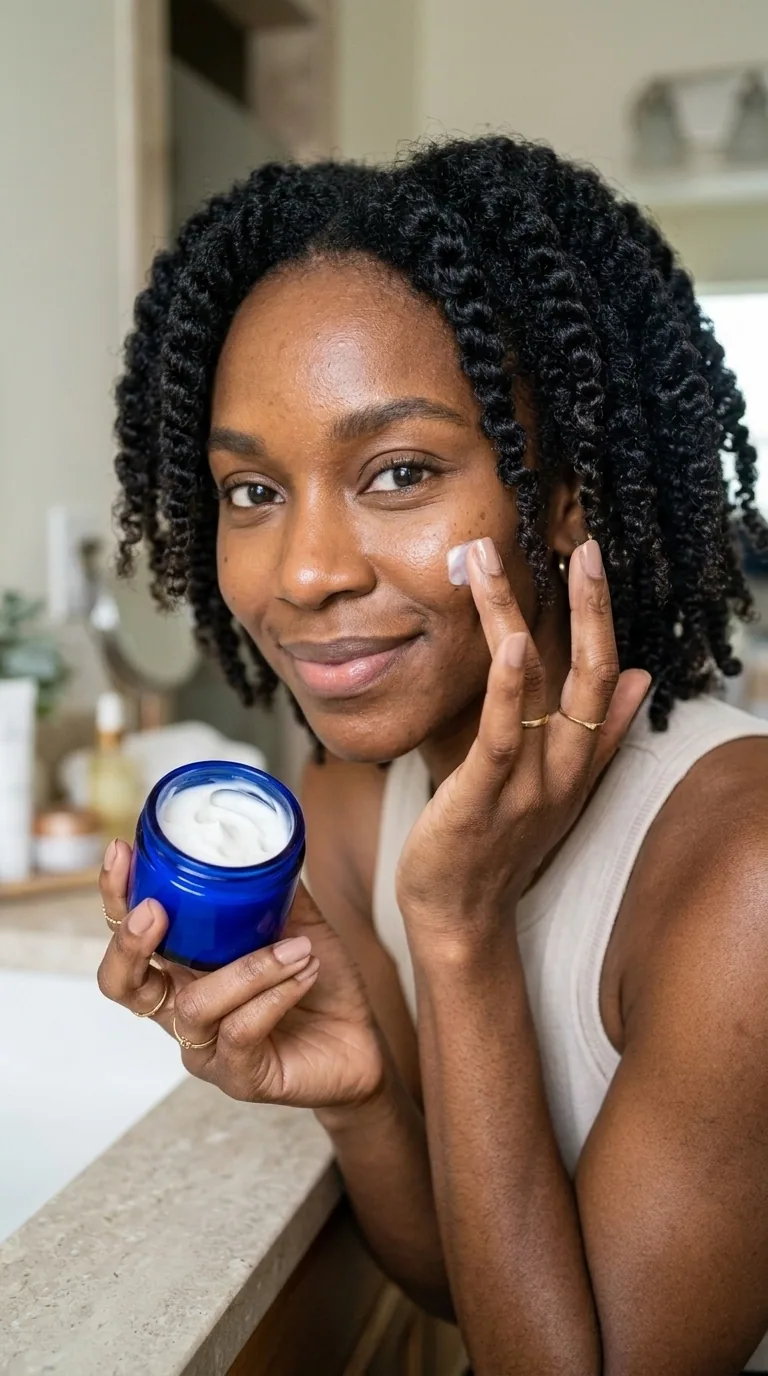
Product context
Same fictional creator · new scene
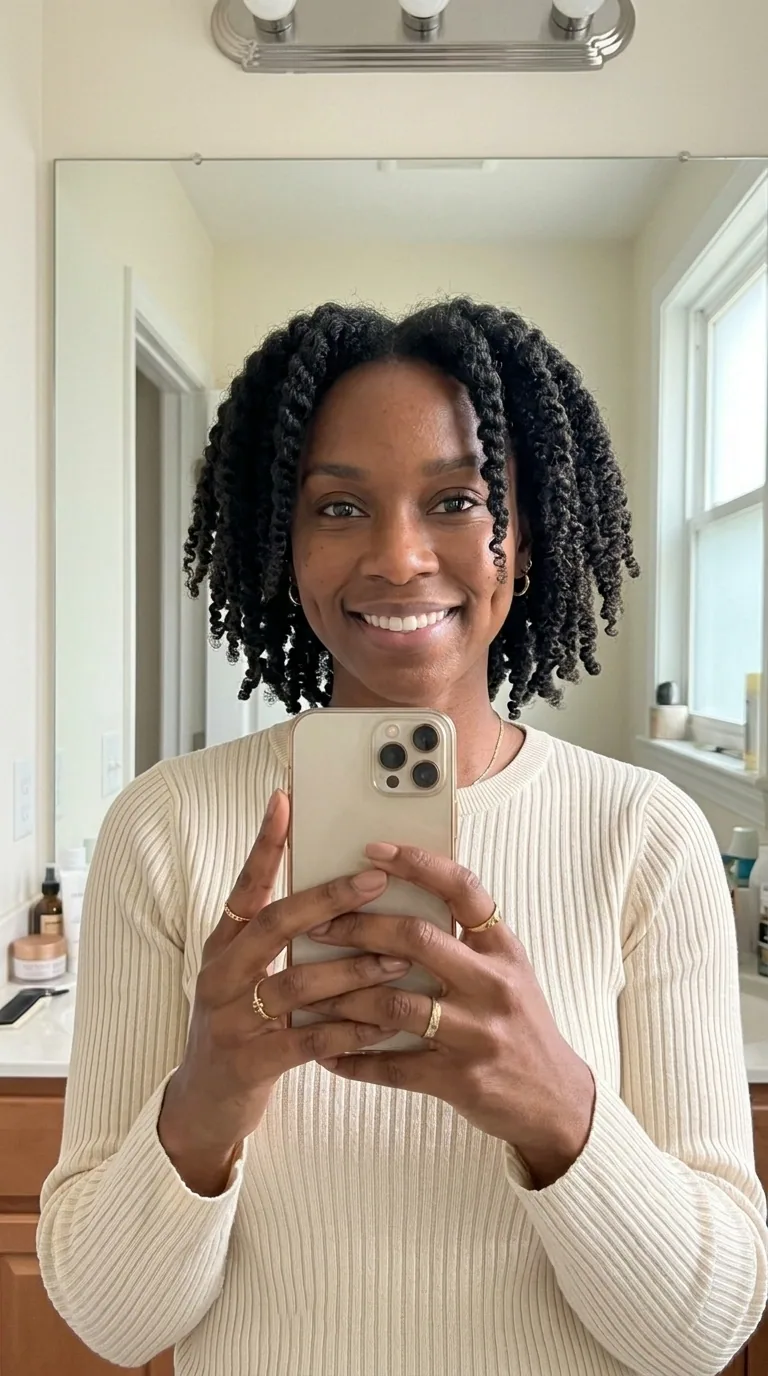
Social context
Same fictional creator · casual frame
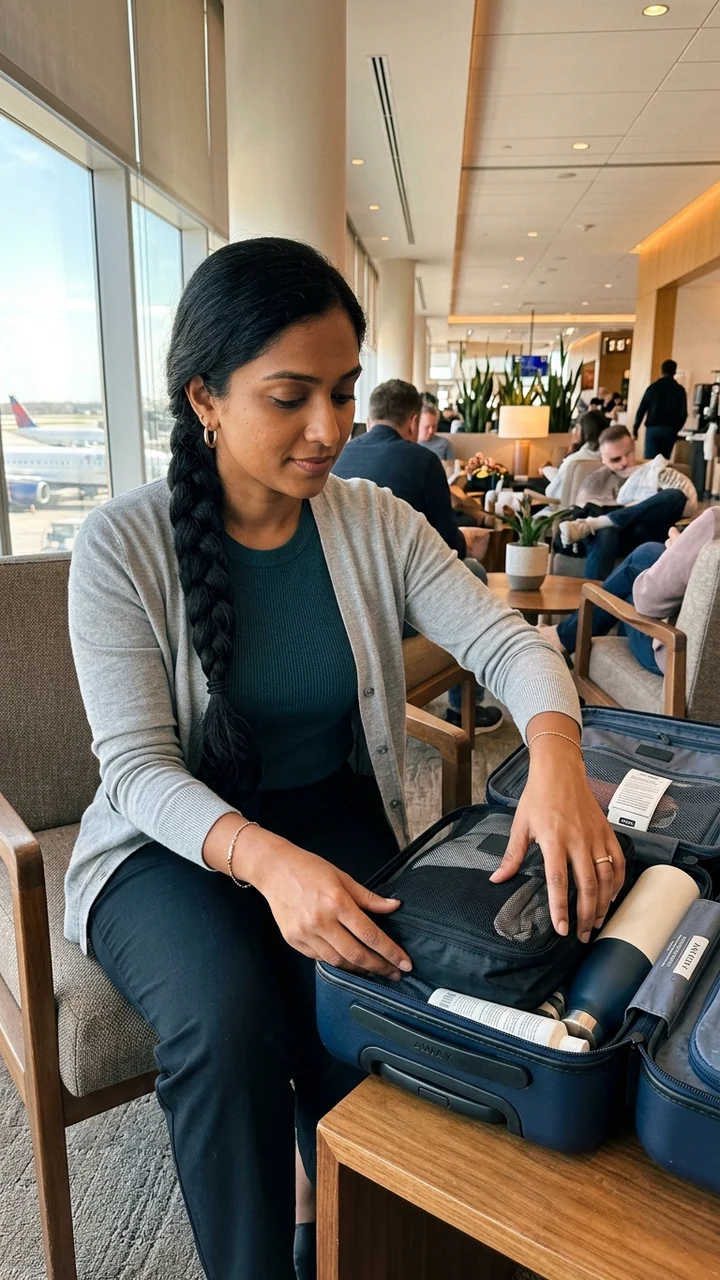
Starter character
Priya Nair · fictional adult
Starter character
Camille Laurent · fictional adult
Starter character
Omar El-Sayed · fictional adult
Template reference
Explainer delivery · format inspiration
Talking-avatar copy needs breathing room. Read it aloud once before generating and remove anything that sounds like a page headline or instruction label.
Both produce speech, but they start from different visual inputs.
Saved portrait + script or owned audio → a new talking performance.
Existing video + audio → the original video is preserved while speech timing changes.
Saved character + action prompt → a new creator-led scene without a speech-first workflow.
Yes. The Avatar workflow can create speech from text before animating the portrait, or it can use an owned audio track when provided.
Talking Avatar creates a new talking performance from a portrait. Lip Sync starts from an existing video whose framing and motion you want to keep.
Choose one saved adult character with a clear face and mouth, even lighting, and enough space around the head and shoulders.
You remain responsible for every claim. Do not fabricate experience, results, endorsements, or customer testimony.
Each route starts from a different input or solves a different production task.
Bring a short script or authorized audio into Studio and create a speaking draft you can review before publishing.
Create a talking avatar
Plan Content
Measure Engagement
Build Your Profile
Price Your Work
Write Post Copy
Brand Partnerships