
Creators
Test a Reel, Short, or story moment before filming.
Describe the scene you want to see. Turn a subject, action, setting, camera move, and mood into a short generated video without starting from an existing image or recording.
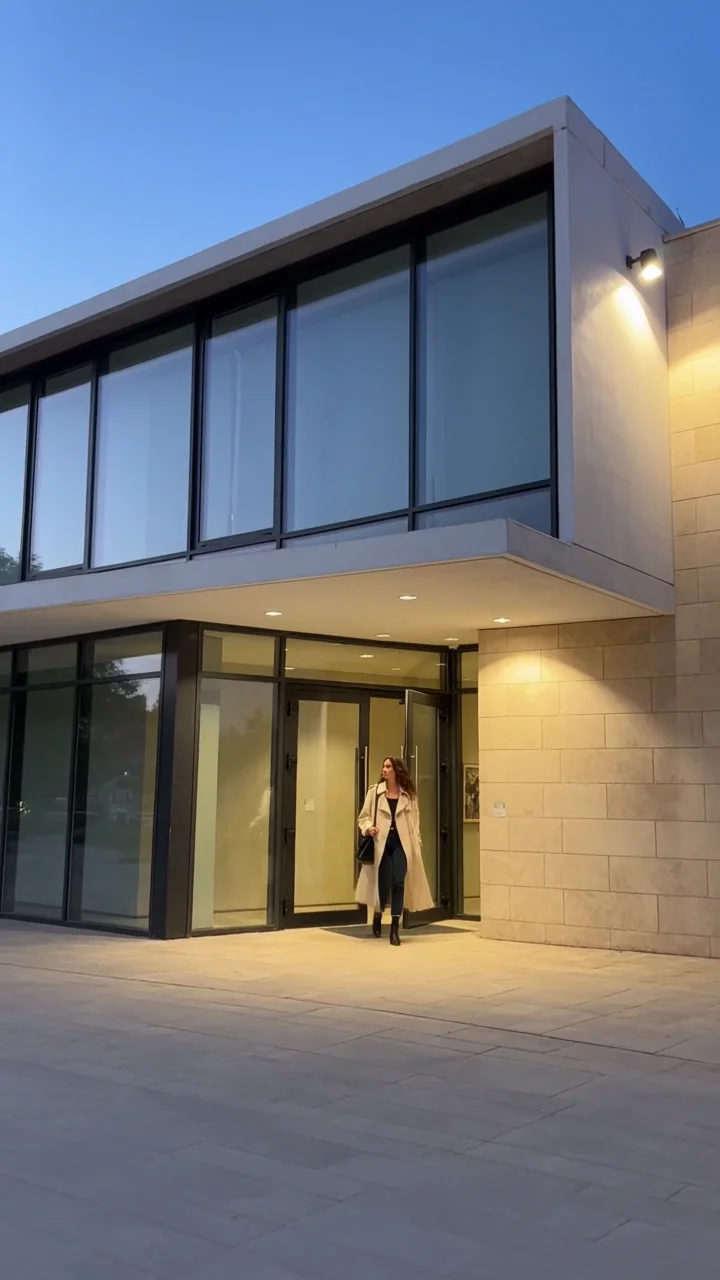
“A creator leaves a contemporary art gallery at blue hour, pauses beneath warm lights, looks to camera, then continues one relaxed step.”
It creates a new video directly from a written visual direction. Unlike script-to-avatar tools, this workflow is for generating the scene itself: what appears, what moves, where it happens, and how the camera observes it.
Idea visual prompt generated clip
People who need to make a visual idea concrete before a full production exists.
Test a Reel, Short, or story moment before filming.
Draft campaign scenes around a launch, season, or product story.
Share a moving concept instead of explaining the shot in a paragraph.
Explore atmosphere, action, framing, and pacing for an early scene.
Strong short clips usually center one subject, one action, and one setting.
Open with an arrival, reveal, gesture, or reaction that gives viewers a clear reason to continue.
Show one unbranded object in use with a readable action and uncluttered setting.
Sketch a discovery, transition, location, or emotional beat for a larger sequence.
These generated clips use the same practical formula but make different visual decisions.
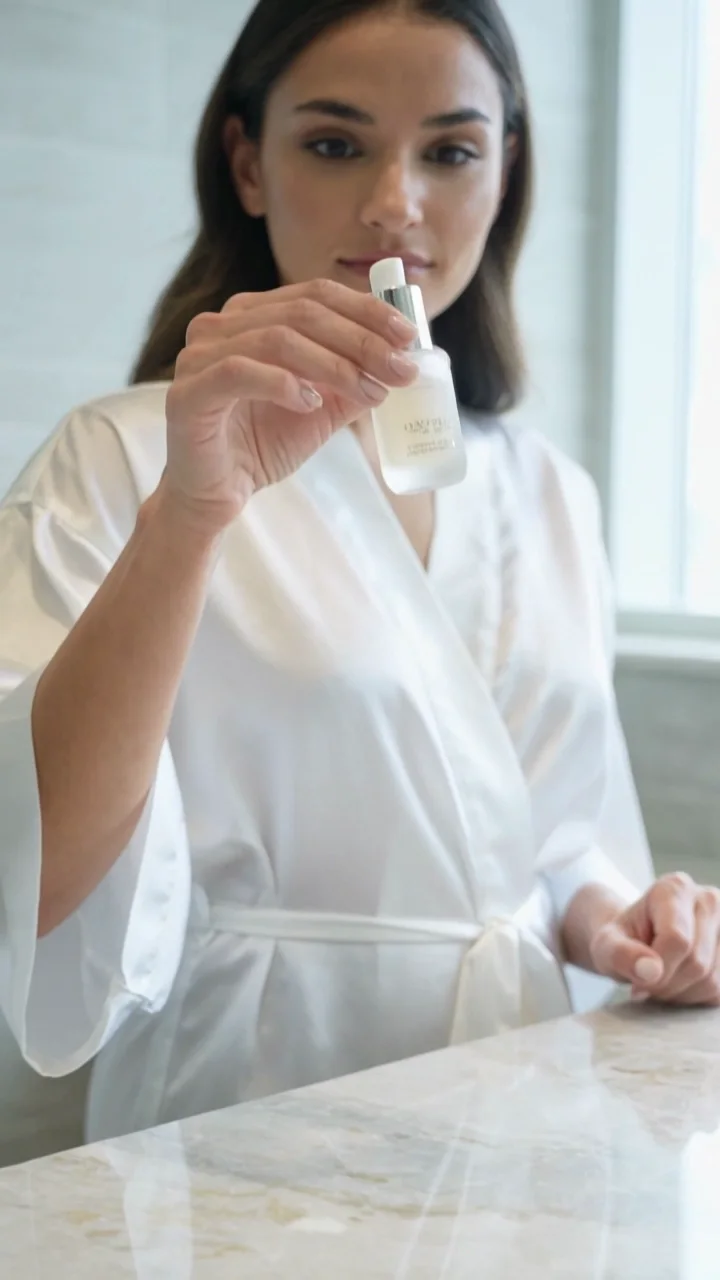
“A skincare creator lifts an unbranded frosted bottle into soft window light, smiles naturally, then sets it on a clean counter.”
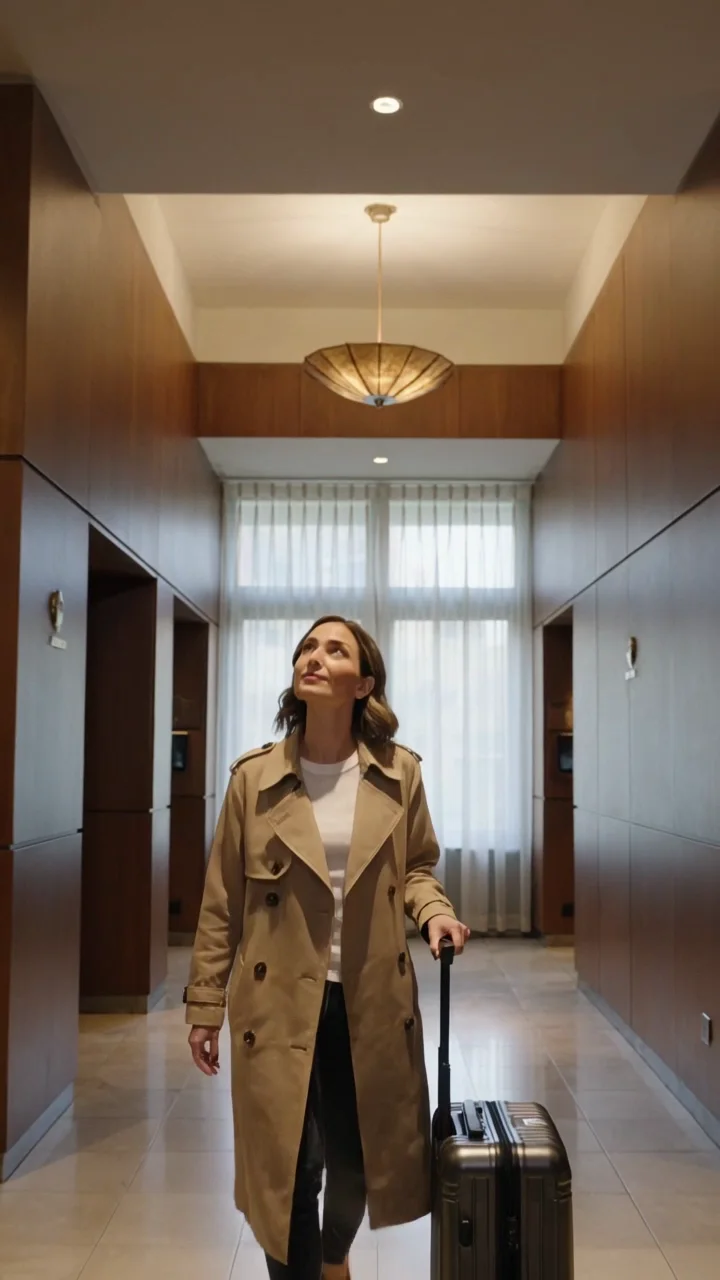
“A traveler arrives in a quiet boutique-hotel lobby, looks up at the architecture, adjusts her carry-on, and gives a calm smile to camera.”
Write what the camera could actually capture. Start concrete, then add atmosphere.
Who or what appears?
What changes over time?
Where does it happen?
How is it framed or moving?
What should the light and pace feel like?
Loose idea
“A cinematic travel video.”
Production-ready direction
“A solo traveler enters a quiet mountain lodge at dawn, brushes snow from her coat, and looks toward the fire. Slow handheld push, warm interior light, one continuous shot.”
Aspect ratio and camera behavior change how much action a short clip can carry.
9:16 Social
1:1 Feed
16:9 Story
Then direct one camera behavior
Locked shot, slow push, gentle follow, close orbit, or restrained handheld movement.
Describe a subject, visible action, setting, camera, and mood.
Select the duration, quality, and aspect ratio that match the destination.
Play the complete clip, check continuity, then refine one problem at a time.
Choose this when the composition is still open and you want the model to invent the subject, location, lighting, and first frame.
Choose this when an approved character, product, outfit, or composition already needs to stay visually recognizable.
Text-to-video explores a new scene from scratch. AI Influencer Video starts with a saved identity when the same creator must appear across multiple assets.
Generated video can vary in anatomy, object consistency, readable text, exact product details, and continuity during complex motion. Use one clear action, reduce crowded details, and revise the prompt around the specific failure you see.
Remove extra people, scene changes, small written elements, and competing camera moves.
Check hands, face, object contact, background stability, and the transition into the final pose.
Avoid misleading claims or impersonation.
Use authorized brands, people, and protected material.
Review current plan terms before commercial use.
No. Text to Video starts with a written scene. Use Image to Video when an approved source image should guide the result.
Start with one adult subject, one visible action, one setting, and one camera feeling. Add only the details that change what viewers should see.
No. Review the full clip before you publish it, especially people, hands, objects, background details, and any claim implied by the scene.
Use Character Animation or AI Influencer Video when a saved character needs to remain recognizable across a sequence of new clips.
Write one visible moment, choose the frame, and generate a short clip in Studio.
See current pricing