Your first 5-second Fast Video is free. Try it free

APOB AI Alternative for Reusable Virtual Creators

Save a fictional adult creator, then make the exact photo, short video, talking scene, movement, or outfit visualization your next social post needs.
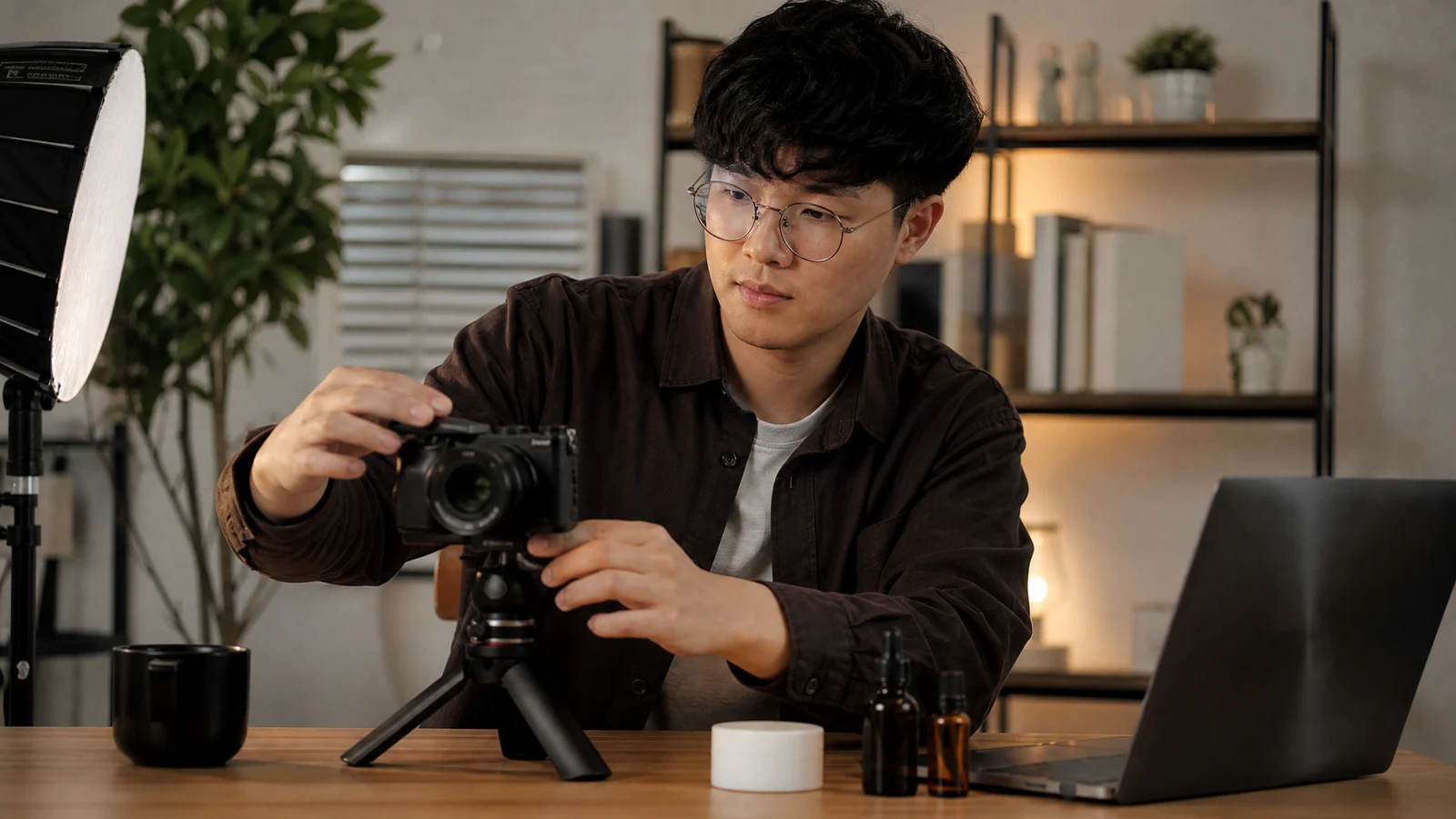
Fictional creator working at a desk with a camera setup
A creator-led social direction made in Studio

The quick answer

Choose AI Influencer Generator when you want a reusable fictional adult creator and a direct Studio path for the next social deliverable. Consider APOB AI when you prefer a broad creative workspace that also includes face swap, subtitles, video extension, and editing. Neither is the universal winner. The useful distinction is a task-first creator workflow versus a wider all-in-one workspace.

What APOB AI users are replacing

This comparison is about APOB AI, sometimes written APOB.AI. Its public product pages cover creator images, video, talking content, face changes, captions, video extension, and editing. People looking for an APOB AI alternative are often not replacing every one of those jobs. They are deciding whether their day-to-day work is really about building a recognizable creator for social content.

Why people look for an APOB AI alternative

Most people are not searching for another long feature list. They want less friction between a campaign idea and one useful post.

A clearer first step

You know whether you need a photo, short video, voice-led scene, movement, or outfit—not a blank general workspace.

A returning face

You want one fictional creator to appear across several posts instead of starting from a new person each time.

A product moment

You need an illustrated product-led scene, not a claim that a real customer used or endorsed the product.

A fair budget check

You want to see the price of a specific task before you submit it, rather than guessing from a monthly headline.

A reviewable asset

You want to download, check, and publish the result yourself in the channel where it belongs.

What this alternative replaces—and what it does not

AI Influencer Generator is designed for creator-content tasks. It is not an honest substitute for every editing feature in a broad workspace.

A direct fit for

  • Saved fictional adult creators
  • Influencer photos and short social video
  • Talking Avatar, Talking Photo, and Lip Sync
  • Movement and outfit-reference tasks

Not a replacement for

  • A full face-swap workspace
  • Subtitle creation or editing
  • Video extension
  • A general video editor

APOB AI and AI Influencer Generator at a glance

Compare the workflow you will actually use, then confirm current offers on each product before choosing.
Workflow comparison reviewed August 17, 2026.
NeedAI Influencer GeneratorAPOB AI
Reusable creatorSave a fictional adult character, then select it for a task.Public creator and influencer workspace.
Photos and short videoSeparate Studio paths for photo and creator-video work.Public image and video creation tools.
Talking contentChoose Talking Avatar, Talking Photo, or Lip Sync by source.Public talking and lip-sync tools.
Movement and outfitsDedicated motion-reference and garment-reference tasks.Broader creator workspace; check current tools.
Editing rangeFocused creator-content tasks, not a general editor.Public pages include face swap, subtitles, extension, and editing.
Price signalA task quote appears before submission.Public pages describe daily points; check the current pricing surface.
Best fitA defined next social deliverable.A wider workspace and editing range.

Start with the asset you already have

Pick the route based on the source material in front of you, not on which tool sounds most general.

An existing video

Synchronize an owned video with new authorized audio.

Sync Lip Movement

A movement reference

Use a physical action reference for a creator clip.

Transfer Motion

A garment image

Visualize an owned garment on a fictional adult creator.

Try On an Outfit

Recreate the creator, not the APOB account

An APOB account, points balance, or internal character does not move directly into AI Influencer Generator. Start a new saved character from a guided direction or images you have the right to use. That keeps the switch focused on a creator you can reuse for the next campaign rather than on a promise of account migration that does not exist.
Create a Character

Build recognizable photo posts

Start a launch with a person holding the product, a lifestyle frame, a wardrobe moment, or a simple social visual. The useful outcome is a reviewable campaign asset—not a fabricated customer testimonial.

For a small brand, a familiar fictional creator can make a collection of still posts feel less disconnected. Keep product claims, packaging, and the final caption under your own review before publishing.

Generate Influencer Photos

Fictional creator holding a candle in warm natural light
A warm product-led social direction

Move the creator into a short social video

A short creator scene can open a product launch, introduce a lifestyle idea, or give a Reels, TikTok, or Shorts draft a recognizable person. It is an asset to review and publish yourself, not an automatic post or a performance promise.
A real short creator-video result

Begin with a simple product moment and a vertical social context. If the scene needs speech, a different starting path is clearer than treating every video as the same job.

Create an Influencer Video

Choose the talking path by your source

Talking content starts with what you already own. Selecting the right source keeps a simple announcement from becoming a needlessly complicated production task.

Saved character

Use Talking Avatar for a returning creator with a script or authorized audio.

Create a Talking Avatar

Existing video

Use Lip Sync when the visual is already recorded and the audio changes.

Sync Lip Movement
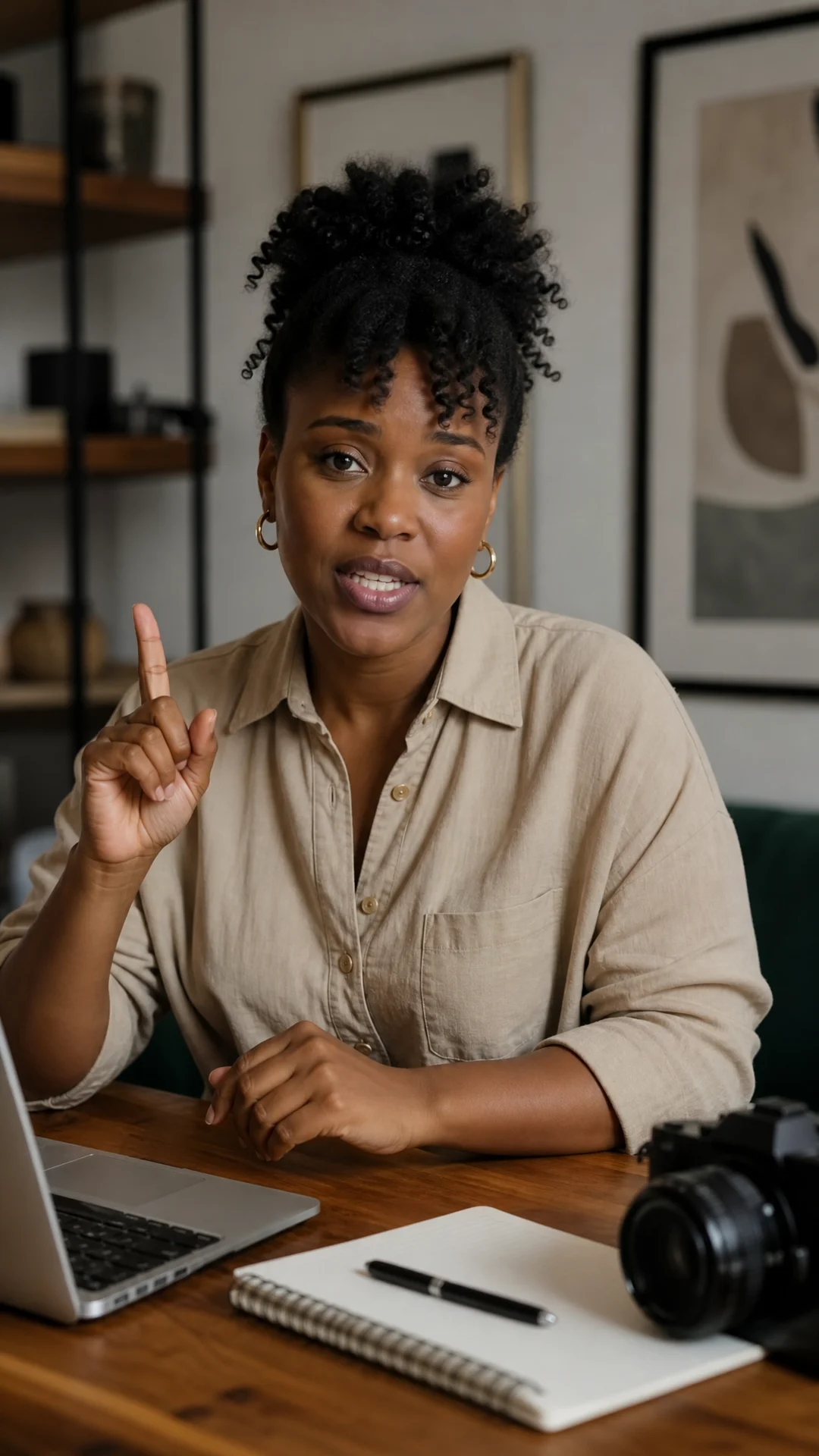

Fictional creator speaking in a home office
A speaking-creator direction

Use references for movement and clothing

When a pose or a garment matters, show the task the reference instead of asking a generic creator scene to guess it.
Fictional dancer moving outdoors in bright daylight
A movement-led creator direction
Transfer Motion
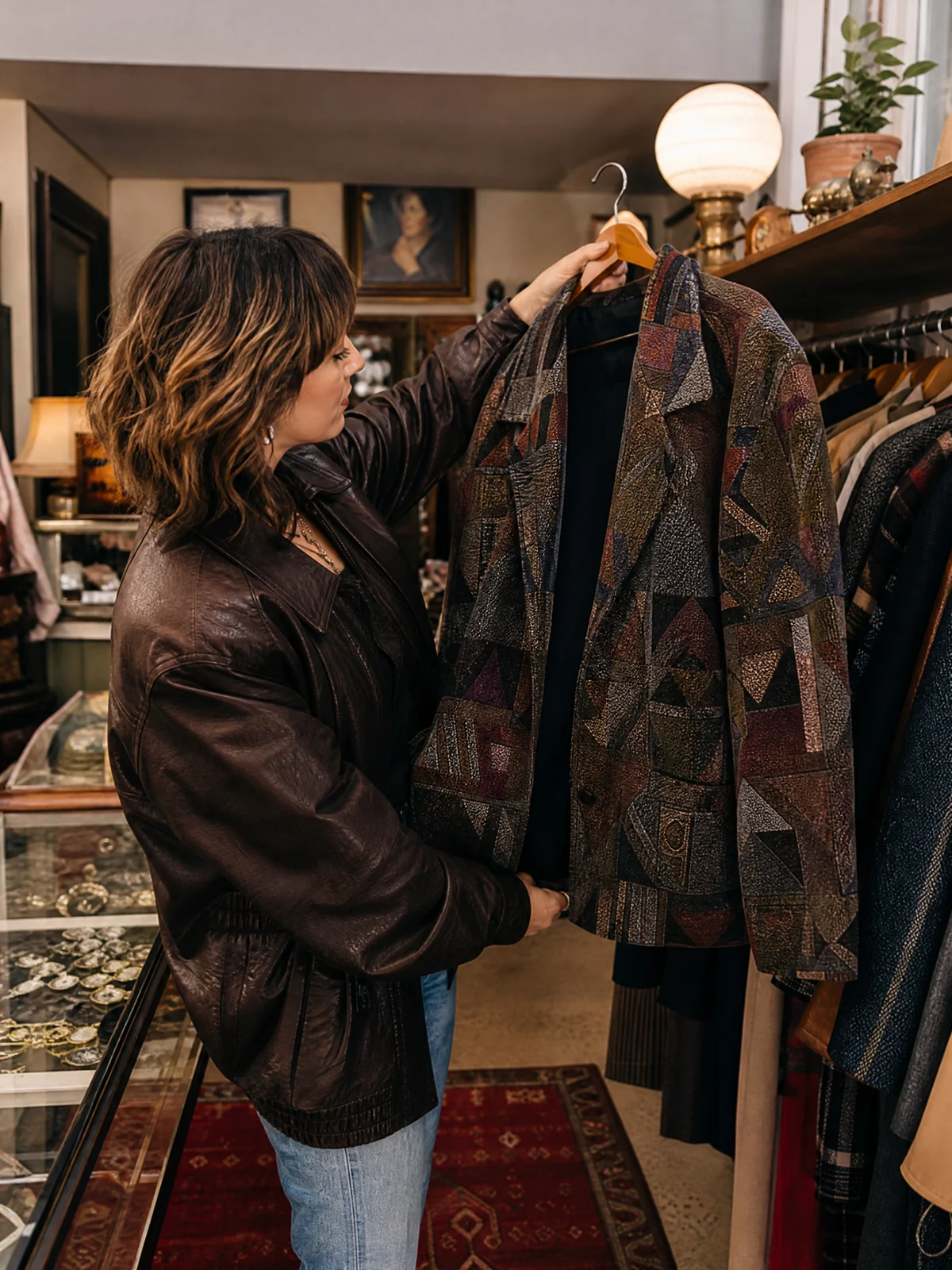
Fictional fashion creator in a vintage clothing store
An outfit-led social direction
Try On an Outfit

For a faceless creator channel

If you do not want to be on camera every week, a fictional adult creator can give a product or lifestyle channel a person to build around. Use it as an alternative creative direction, not as a claim that a real person used the product or gave a review.
Fictional fashion creator walking through a city street
A creator-led lifestyle direction

This is useful when the obstacle is not having ideas—it is repeatedly arranging hair, lighting, a camera, and a person for every small post. You still decide the claims, edit, timing, and publishing channel.

For a small product brand

A single product concept can lead to a social photo, a short creator moment, and a talking announcement. Working from the same creator direction can make those drafts easier to compare before you invest in a larger shoot. It does not guarantee sales, replace brand review, or publish for you.

For an agency testing directions

Use a fictional adult creator to make several campaign directions visible before a client commits to a larger production. Compare setting, product role, wardrobe, and opening idea. Then select the direction worth developing. Keep approval, disclosure, and any real customer claims in the normal client process.

When APOB AI may be the better fit

APOB AI may fit better when a broad workspace is the point of the purchase: full face changes, subtitle work, video extension, general editing, and a wider creation menu belong in the same place. Its public pages also describe daily points. Check APOB AI and its current pricing surface directly if those jobs matter more than a task-first creator workflow.

Daily points versus a task quote

Do not force APOB points and AI Influencer Generator credits into a made-up exchange rate. APOB's public pages describe daily points. AI Influencer Generator shows a quote for the task before you submit it. The meaningful comparison is the same input, the same intended output, the usable result, and what you paid after the revisions you actually needed.

Compare one real job, not the cheapest plan

A low starting price tells you very little if one test is a still image and the other is a talking video.
A practical method for comparing one creator-content job.
RecordWhy it matters
Creator directionKeeps both tests pointed at the same audience.
Input and outputSeparates a still, short scene, and talking asset.
Usable resultPrevents a polished sample from standing in for a publishable draft.
Revision effortCaptures the work after the first output.
Final spendMakes the current plan, points, or task quote comparable.

Run a fair side-by-side test

A small authorized test is more useful than guessing from a feature comparison.
  1. 1Define one fictional adult creator and one campaign audience.
  2. 2Make one product or lifestyle image with the same creative boundary.
  3. 3Make one short creator video.
  4. 4Add one talking, movement, or outfit task only when it matches the campaign.
  5. 5Record usable results, revision effort, final cost, and publishing fit.

Honest limits and rights

Faces, hands, clothing, text, and product interaction may need another attempt. Creator assets are drafts to check before publishing, not guaranteed first-pass finished work. You need the rights to every portrait, audio, video, motion, product, and clothing reference you use. The Studio does not publish automatically or promise revenue, reach, or conversion.

How this comparison was checked

This page matches public APOB AI product information with the real Studio workflows available here on August 17, 2026. Sources include APOB AI, the APOB AI pricing surface, and AI Influencer Generator pricing. It does not use private competitor data, claim access to an APOB account, or make a price equivalence that either product does not publish.

APOB AI alternative FAQ

Answers for people comparing creator-content workflows before they change their process.

Continue with the workflow that matches your next post

Choose the route that starts from the asset and social task you already understand.

Choose a plan for the creator work you want to make

Compare current plans, then start with the Studio task that matches your first useful social deliverable.