Start with 30 credits. See the cost before you generate. Try it free

HeyGen Alternative for AI Influencers

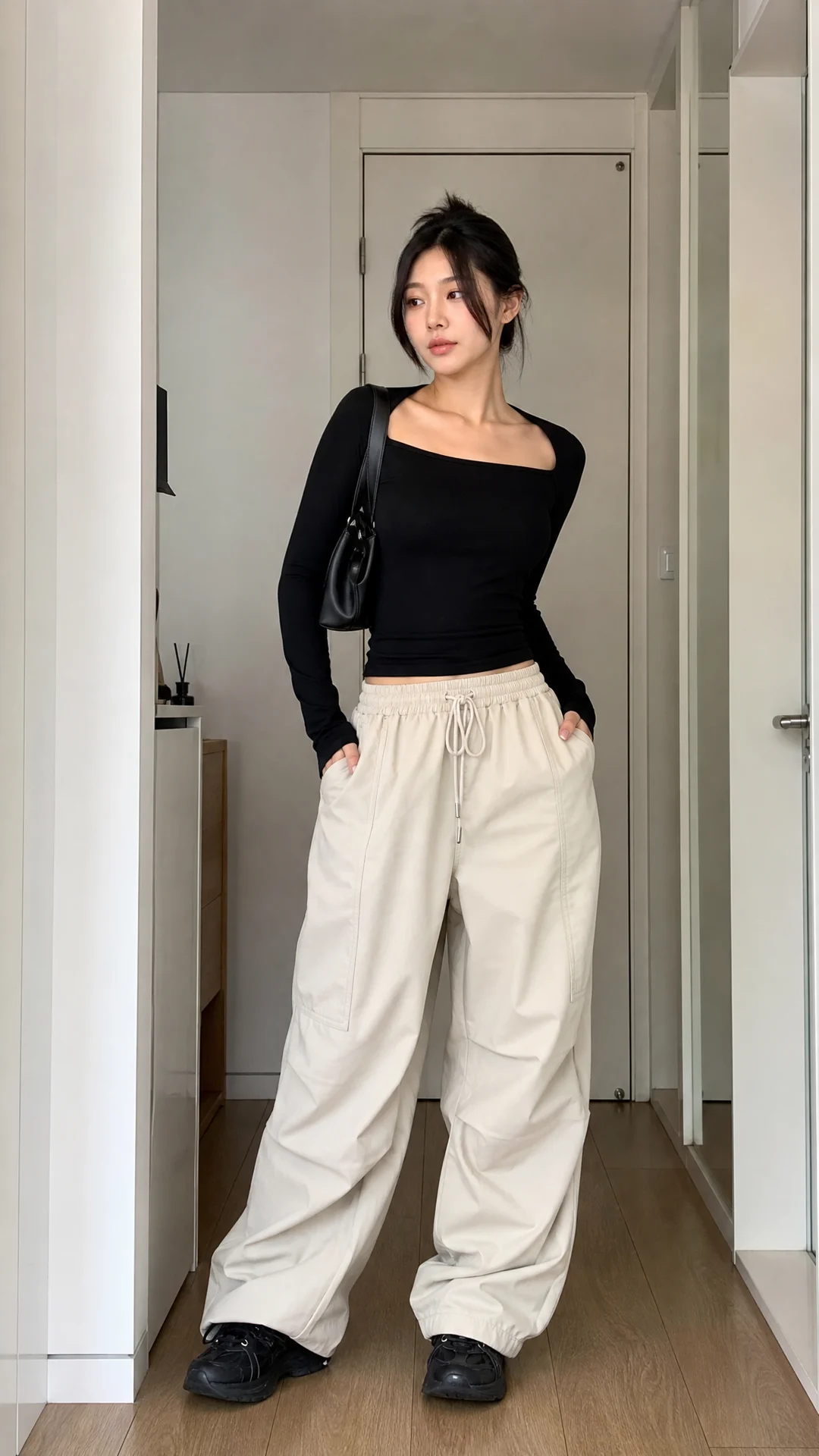
Create a reusable fictional creator for influencer photos, short social videos, product moments, motion and talking content.

The direct answer

Choose AI Influencer Generator when your work starts with a virtual creator and ends in social-first content: a product photo, a fit check, a short vertical scene, a talking introduction or a motion-led post. It helps a creator, brand or small team take the same fictional adult into focused campaign formats. Choose HeyGen when the main job is a script-led presenter video, localization, interactive video or enterprise collaboration. The useful choice depends on the next content job, not a universal winner.

Why creators look beyond a presenter workflow

The hard part is often not writing one script. It is making social content without a camera-ready person, a predictable shoot schedule or a new creator for every post.

No camera day

You want a creator-led social scene without personally filming, lighting and re-recording it.

No reliable creator calendar

A small brand needs content around a launch even when a collaborator cannot deliver a new shoot.

No blank-page brief

You know you need a Reel or product post, but you need a tangible social format to start from.

No changing brand face

A campaign works better when its fictional creator remains familiar from a lifestyle post to a product moment.

No wrong tool

A saved creator, one portrait, an existing video, a script and a movement reference should not all lead to the same workflow.

Choose by the job you need done

This is a task fit, not a claim that one product is better in every situation.

Choose AI Influencer Generator if you need

  • A recurring fictional creator for creator-led social content.
  • Influencer photos, UGC-style product scenes or short vertical videos.
  • A clear next step when you start with a saved creator, photo, video, script or motion reference.
  • A practical social-content workflow for a solo creator, small brand or agency concept.

Choose HeyGen if you need

  • A presenter-led video built around a longer script.
  • Localization and translation work across languages.
  • Interactive video or larger collaboration and review workflows.
  • The current enterprise-focused options described on HeyGen's official site.

At-a-glance workflow comparison

Use this table to match the content job, not to declare an overall winner. HeyGen information is summarized from its official public pages checked on August 17, 2026.
Workflow comparison reviewed August 17, 2026.
Content jobAI Influencer GeneratorHeyGen
Core useReusable virtual creators for social-first photos, short videos and creator scenes.Script-led avatar and presenter videos for business, communication and broader video needs.
Recurring creator identityStart with a saved fictional adult character, then continue into the matching creator workflow.Avatar-led video workflow; confirm current avatar options directly with HeyGen.
Social campaign photosInfluencer photo workflow for product, lifestyle and outfit-led content directions.Not the focus of this comparison.
Short creator videoVertical creator scenes for Reels, TikTok, Shorts and campaign concepts.Video creation can fit a presenter or avatar-led social message.
UGC-style product momentsFocused workflow for creator-led product scenes and concepts.Evaluate HeyGen directly when its current video tools fit the creative brief.
Talking contentTalking Avatar, Talking Photo and Lip Sync paths based on the source material you have.A core script-to-avatar video strength.
Motion and outfit directionDedicated motion transfer and virtual try-on paths for eligible creator work.Not the focus of this comparison.
Localization and enterprise workUse current Studio workflows for the focused creator task.A stronger fit for localization, interactive video and team collaboration.
How to compare priceCompare a real job against the current credits and plan you need.Compare the same job against HeyGen's current plan and usage terms.

Start with what you already have

The fastest path is determined by the material in your hands. Pick the next task by source, not by a generic avatar label.

A saved fictional creator

Make a new photo, social scene or creator-led video without redefining the campaign person.

Create an Influencer Video

One suitable portrait

Turn a single authorized portrait into one talking video when the goal is a message from that picture.

Make a Talking Photo

An existing video

Keep the video and synchronize it with authorized new audio when lip movement is the actual task.

Sync Lips

A script or owned audio

Use a saved creator for a spoken message when you need a continuing host rather than a one-off photo.

Create a Talking Avatar

A movement reference

Use the motion path when a specific physical action matters more than a generic creator scene.

Transfer Motion

Give a campaign one creator viewers can recognize

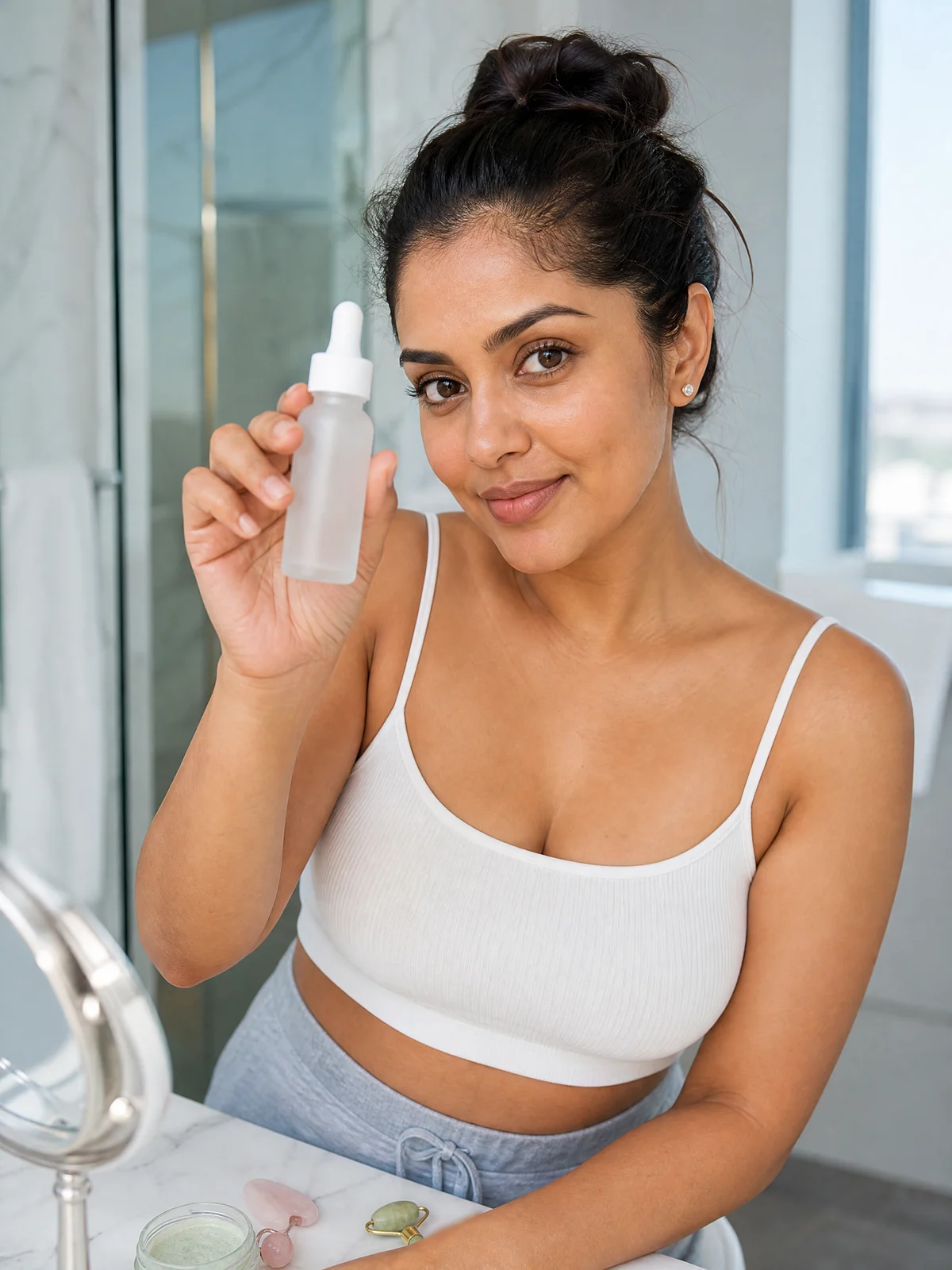
A recurring fictional adult can make social content feel coherent. A skincare brand can keep one creator in product photos and a short launch scene. A course account can return to the same host for a welcome message. A lifestyle campaign can vary setting, outfit and action while preserving the person viewers recognize.
Create a Character
AI-generated example for product in hand.
Product-led social image
AI-generated example for unboxing.
Unboxing-style photo
AI-generated example for outfit fit check.
Outfit-focused creator photo
AI-generated example for home lifestyle.
Lifestyle social image

Use influencer photos for the post that needs a person

Some campaigns need a product in hand, an outfit check, an unboxing moment or a lifestyle image that can introduce a launch before the first video exists. Start with a social job, a setting and a product boundary. Treat the output as a publishing asset to review—not automatic endorsement or customer proof.
Generate Influencer Photos

Make a short creator scene for social, not a corporate presentation

A short creator video can open a product moment, show an outfit, begin a tutorial, introduce a campaign update or give a quick reaction. For a focused social brief, name one action, one setting and one product or outfit boundary. That keeps the direction closer to a usable Reel, TikTok or Short concept.
Create an Influencer Video

Make the creator speak with the source you have

Talking content is not one generic task. These three paths keep the choice legible before you spend time preparing a scene.

Talking Avatar

You have a saved fictional creator and want a script or owned audio to become a spoken creator video.

Create a Talking Avatar

Talking Photo

You have one authorized portrait and want that photo to deliver a short message.

Make a Talking Photo

Lip Sync

You have an existing video and need authorized audio synchronized to the person already in frame.

Sync a Creator’s Lips

Use motion, outfits and product moments when the scene carries the idea

If the point of the post is a dance, fit check, full-body movement or outfit change, a presenter-style message is usually not the best starting point. Choose the workflow that matches the visible action. Motion Transfer is for an authorized movement reference; Virtual Try-On is for an outfit-led direction; influencer video is for a broader product or lifestyle moment.

Who this creator-led approach fits

A solo creator can skip a repeated filming setup for a campaign concept. A small ecommerce team can prepare product-adjacent visuals without a regular creator shoot. An agency can show creator-led directions before deciding what deserves a full production. The outcome is a reviewable asset—not automatic posting, sales or a replacement for every live creator relationship.

When HeyGen is the better fit

HeyGen may be a better choice when the next deliverable is primarily a longer script-led presenter video, a multi-language localization program, an interactive video experience or a team process that depends on enterprise collaboration. That is a valid use case, not a weakness in this page's focus. Verify the current details on HeyGen's official alternatives and pricing pages before you buy or migrate a workflow.

Compare cost by one real job

A low starting price does not tell you what one useful post costs. Use the same representative brief on both sides: one source, one desired length, one creator, one revision allowance and one final channel. Then record whether the output is actually ready to publish after the review your team normally performs.
A practical cost comparison method for a representative creator content job.
RecordWhy it matters
Source and briefKeeps the task comparable instead of comparing unrelated outputs.
Output length and formatA five-second social scene and a longer presenter message are different jobs.
Credits, plan or usageShows the current cost of the job you actually need.
Revision allowanceAccounts for the work required before a result is usable.
Final publishing fitMakes quality, rights and channel readiness part of the decision.

Check the current AI Influencer Generator pricing and the current HeyGen pricing before deciding.

Run a practical switch test before changing your process

A small, authorized test tells you more than a feature list.
  1. 1Define one fictional adult creator and the content audience you want that person to reach.
  2. 2Create one product or lifestyle photo that makes the person and brand direction clear.
  3. 3Create one short social scene and one talking message only if those are actual campaign jobs.
  4. 4Review the assets with the same rights, quality and publishing standards your team already uses.

Honest expectations before you create

Creator-led outputs are reviewable drafts and assets, not a guarantee that every hand, face, outfit or product interaction will be correct on the first try. The ordinary influencer-video route does not replace a dedicated talking path. You must have the rights to the source material and any person, product, script, audio or movement you represent. Review the final result and make any required disclosure before publishing.

How this comparison was checked

This independent comparison matches current public HeyGen information with the real creator workflows available in AI Influencer Generator. It does not claim access to HeyGen accounts, private roadmap details, benchmark scores or a universal winner.

Sources checked August 17, 2026: HeyGen alternatives, HeyGen pricing, and AI Influencer Generator pricing. HeyGen is a trademark of its respective owner. This page is not affiliated with or endorsed by HeyGen.

Continue with the workflow that matches your next post

Use the focused page or Studio route that starts from the source material and social job you actually have.

Frequently asked questions

Short answers for people deciding whether a creator-led social workflow is the right HeyGen alternative for their next task.

AI Influencer Generator Pricing for Images and Videos

Choose a plan only after the workflow fits the content job you need to deliver. Compare the real asset, review effort and final channel—not just a headline price.