Lean fashion teams
Build first-round visual directions while a collection launch is still moving.
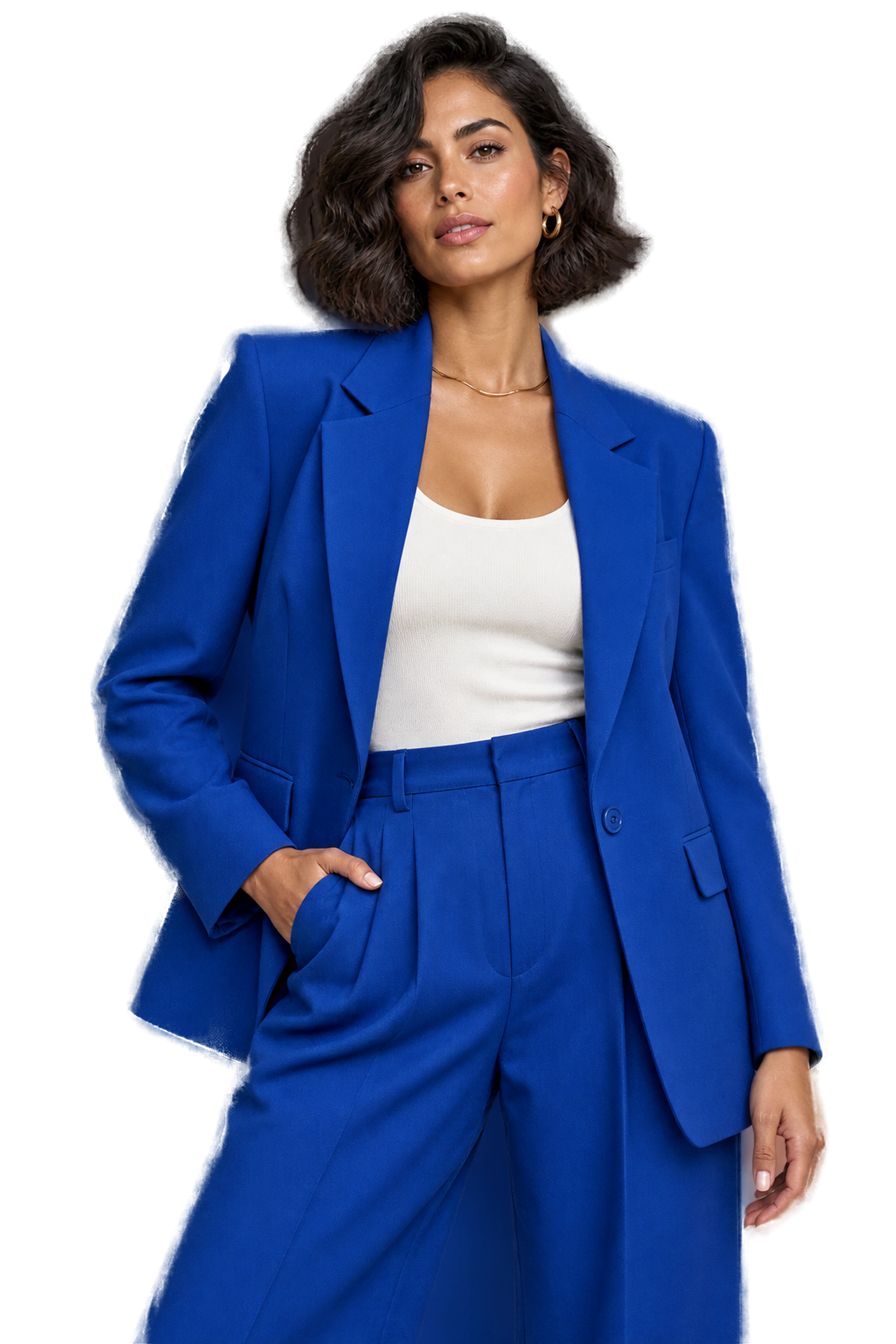
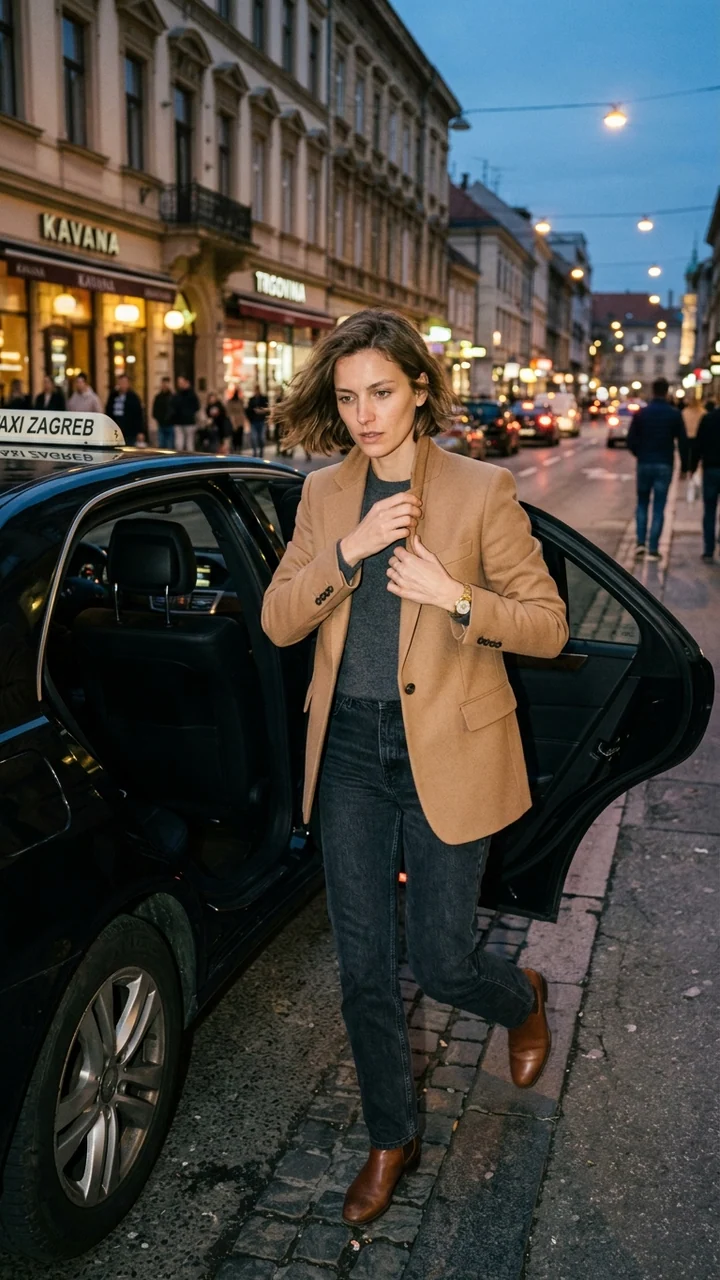
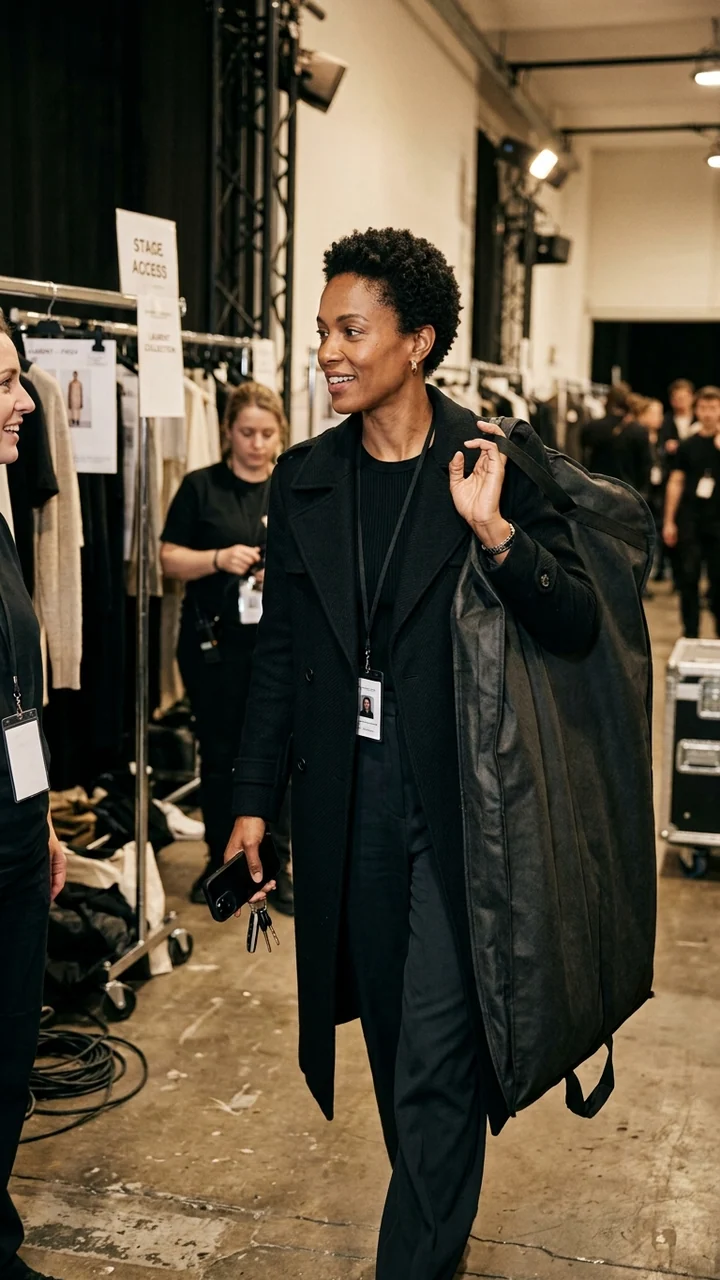
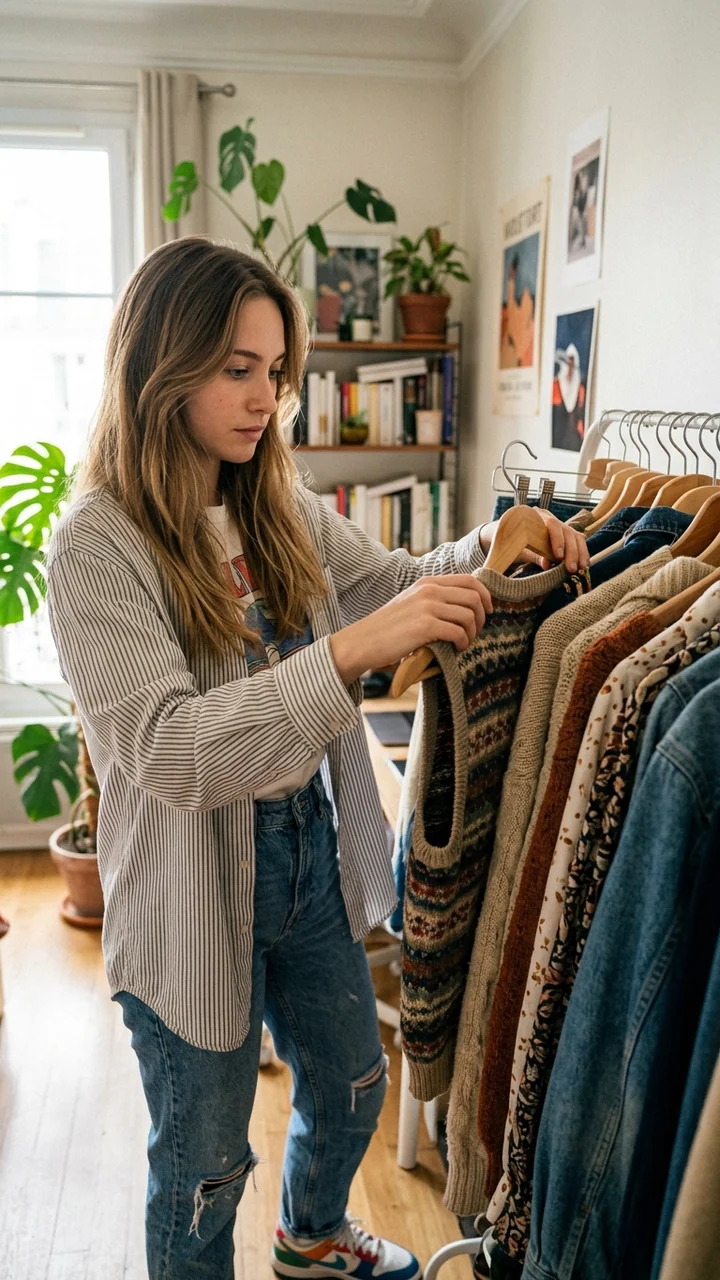
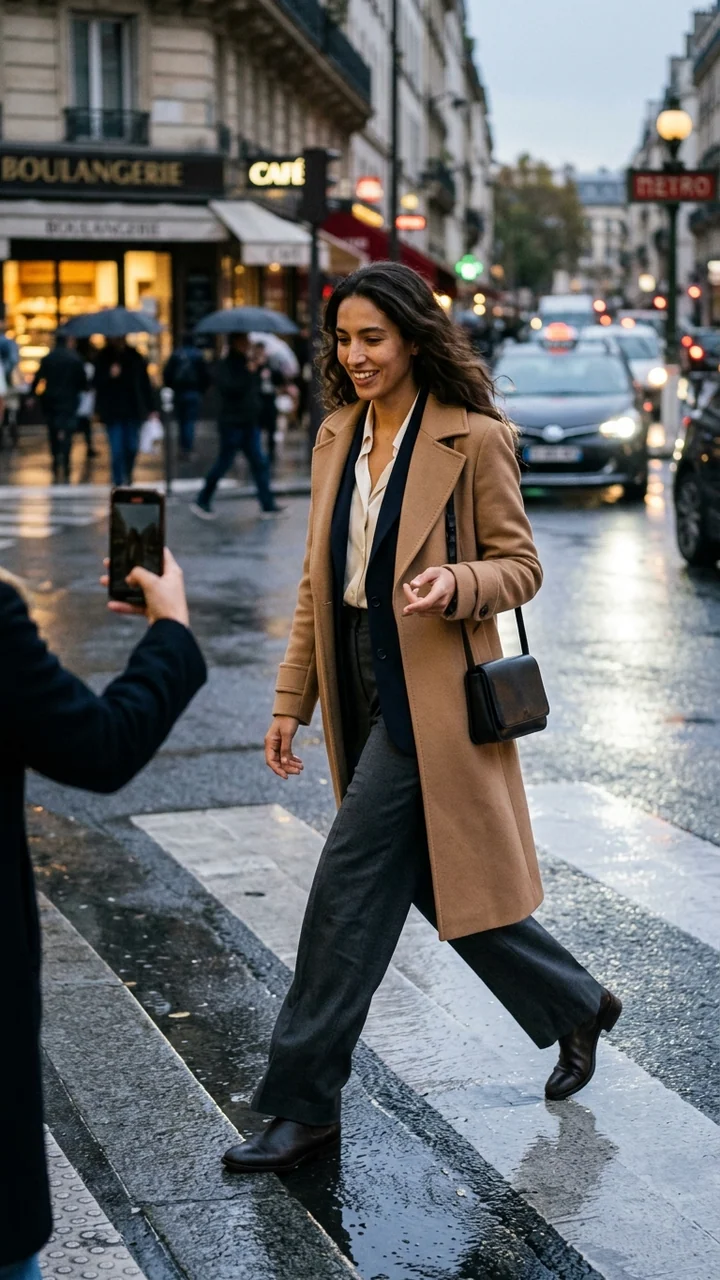
Turn clothing photos into polished on-model visuals without organizing a full photoshoot every time you launch, test, or refresh a collection. An AI Fashion Model Generator helps fashion teams create realistic AI clothing models for product pages, ads, lookbooks, social content, and campaign concepts from a saved adult character, an optional garment reference, and a clear scene direction.
Use it to move faster, explore more creative directions, and present apparel in a way shoppers can understand at a glance. If you are searching for an ai clothing model generator, the value is creative flexibility: review model presentations, poses, backgrounds, outfit pairings, and campaign styles while keeping the apparel direction central.
A dress on a hanger gives basic information, but a dress on a model communicates styling and mood. With an AI Fashion Model Generator, you can turn straightforward apparel images into model-based visuals for digital merchandising and campaign planning.
The live workflow starts from a saved adult character. Add a clear image of an owned clothing item when its visible direction matters, then describe the model presentation and scene. The output can support product discovery, paid creative testing, email campaigns, marketplace listings, and internal collection reviews.
AI-generated content does not replace every professional shoot, but it can help teams explore ideas, fill visual gaps, or create first-pass assets for a launch.
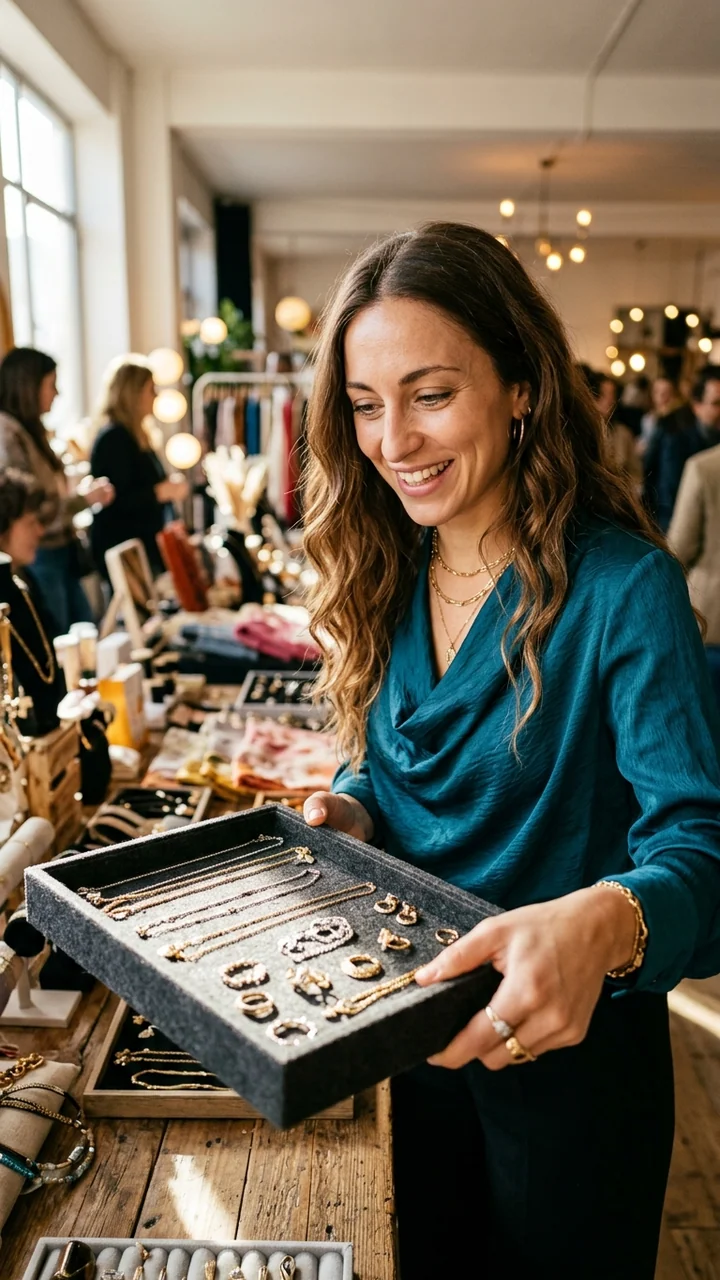
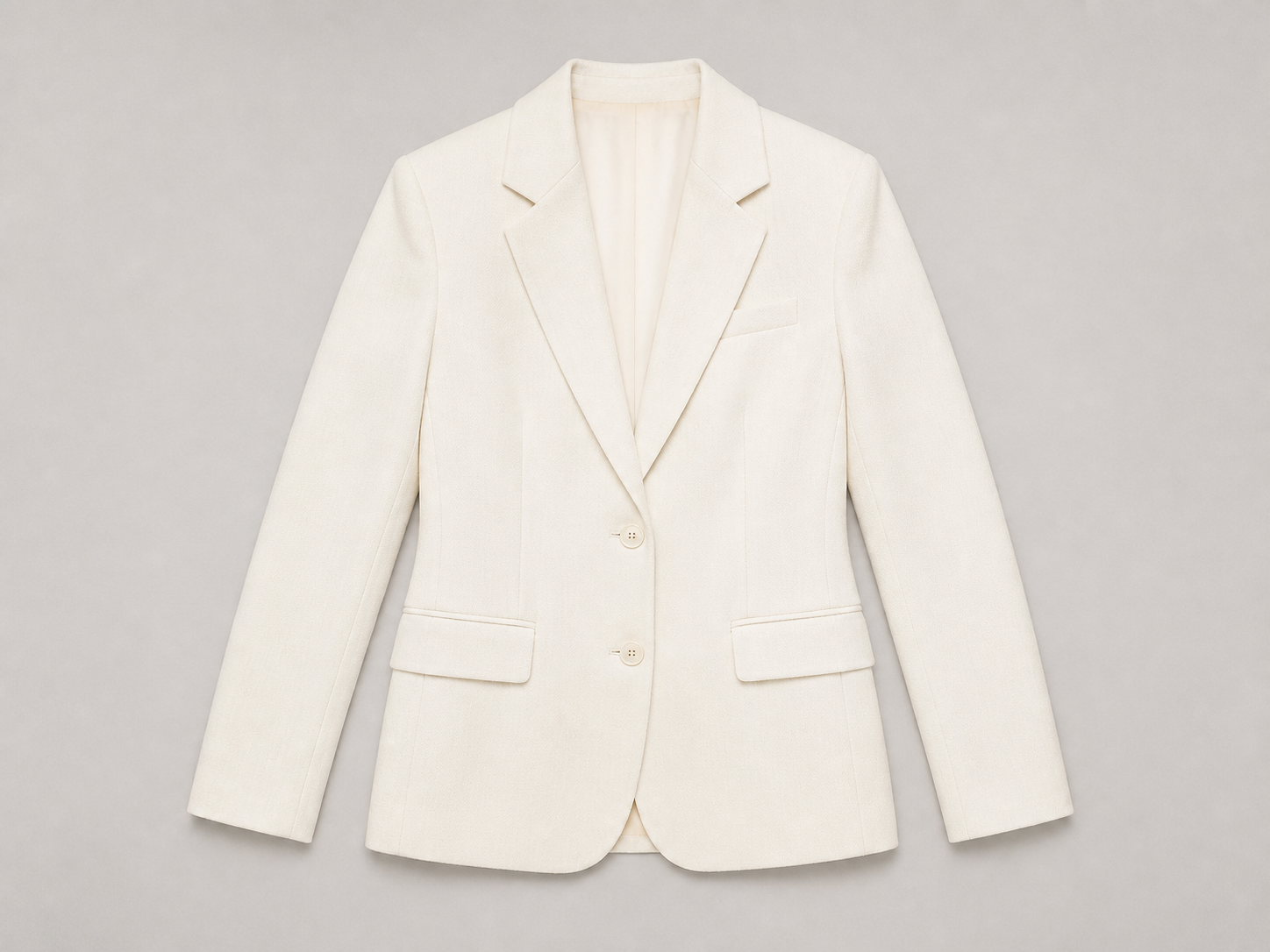
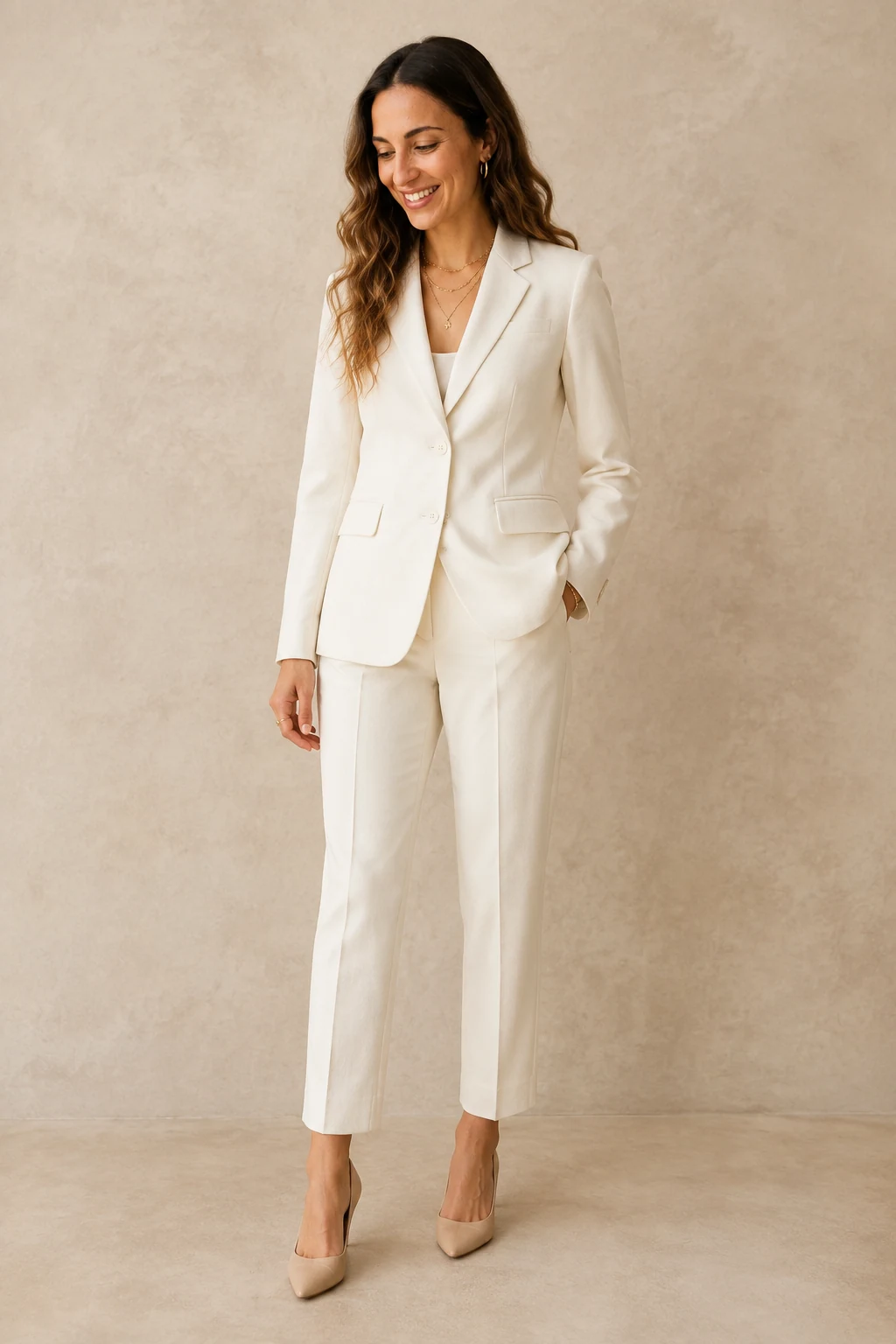
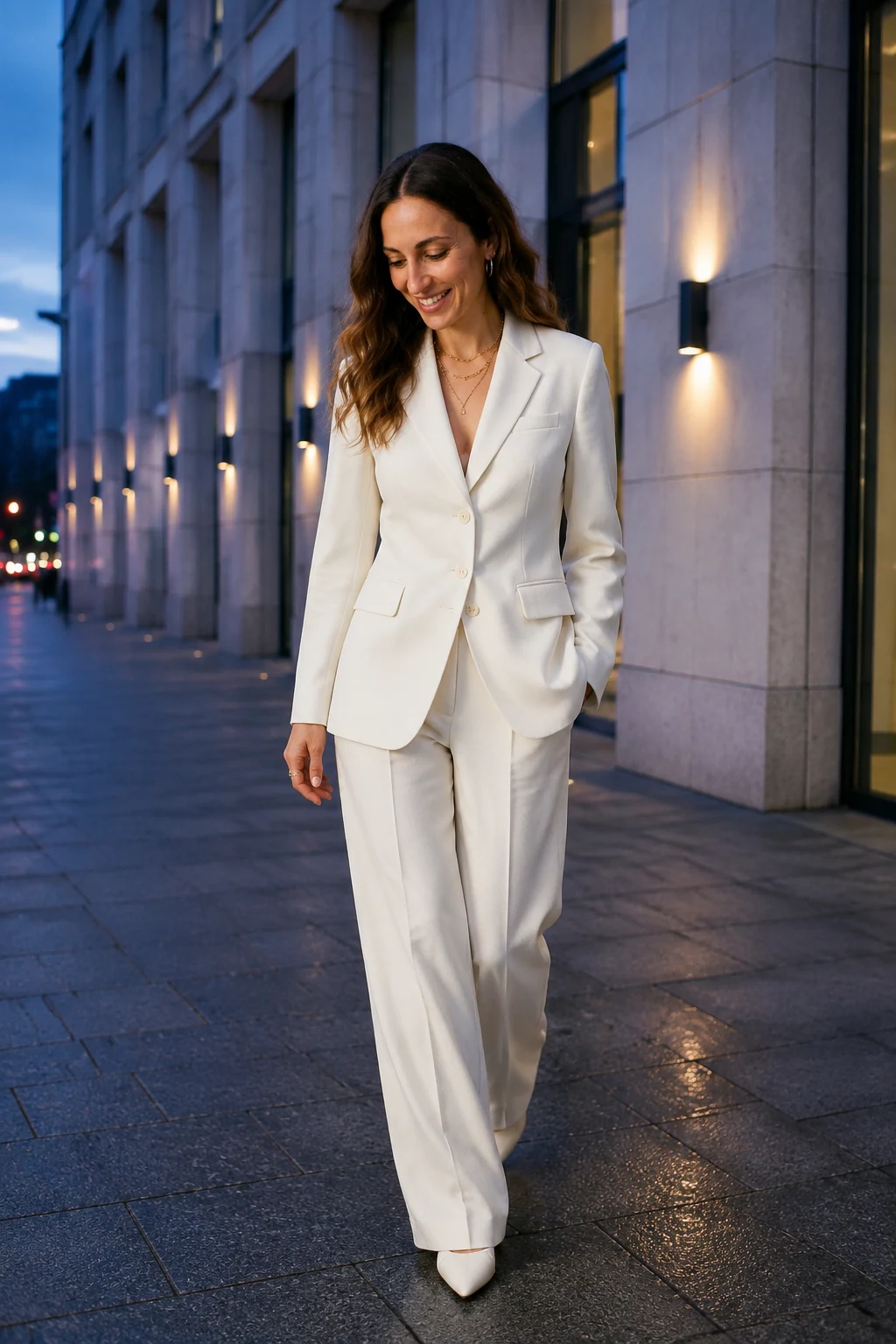
One garment direction can be reviewed in different contexts before a team selects a final creative route.
Modern apparel marketing demands a lot of visuals. A single product may need a clean ecommerce image, a lifestyle version, a cropped social post, a banner creative, and a seasonal campaign variation. Creating each version manually can slow the release cycle.
An ai clothing models workflow gives your team a practical way to expand content coverage without starting from zero every time. Create multiple directions from the same garment reference and choose the versions that best support the channel, audience, and creative brief.
Use the generator to support the parts of a collection launch where teams need a clear visual direction, then review the output before it enters any customer-facing work.
The result is a more flexible visual pipeline. Your team can spend less time waiting for assets and more time deciding which creative direction supports the collection.
Product pages that need on-model images to complement flat lays and detail shots.
Ad creative where different model styles, compositions, and backgrounds can be reviewed.
Social media content for reel covers, carousel posts, launch teasers, and seasonal styling.
Lookbook planning before booking a shoot or finalizing a visual campaign.
Marketplace listings where a clearer apparel presentation can make browsing easier.
Design validation when a concept needs to be seen in a styled, body-based context.
Small-batch drops where a full shoot may not be practical for every product.
Customers do not all look the same, and your visuals should not feel limited to one narrow presentation. Choose the saved adult character that fits the brief, then vary styling mood and campaign aesthetics while keeping the apparel direction visible and central.
You may want a clean studio model for a product page, a more editorial look for a campaign concept, or a casual lifestyle setting for social content. With a focused prompt and source images, the same garment can be shown in several contexts before you choose what to publish or send into final production.
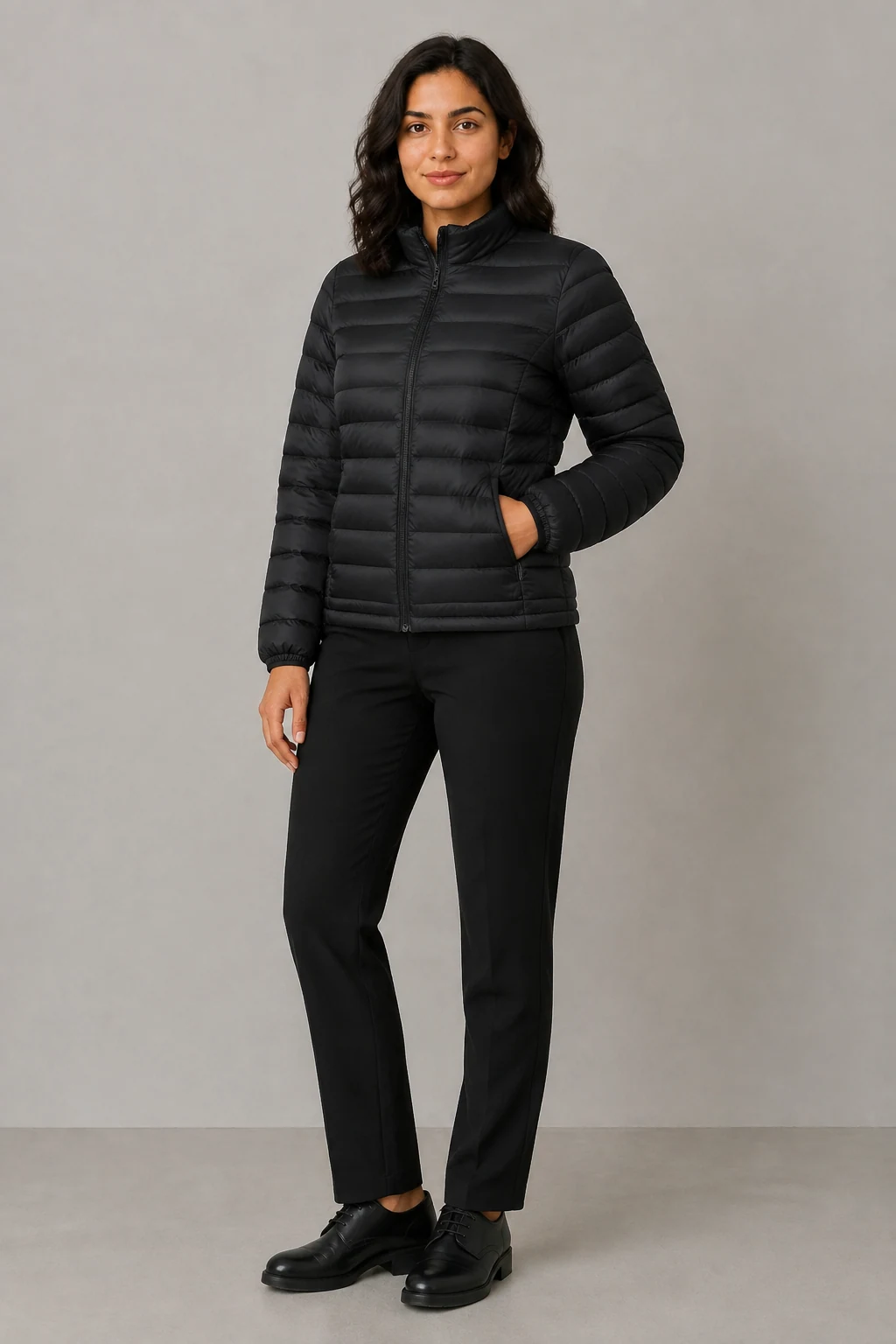
Clear garment visibility for an ecommerce review.
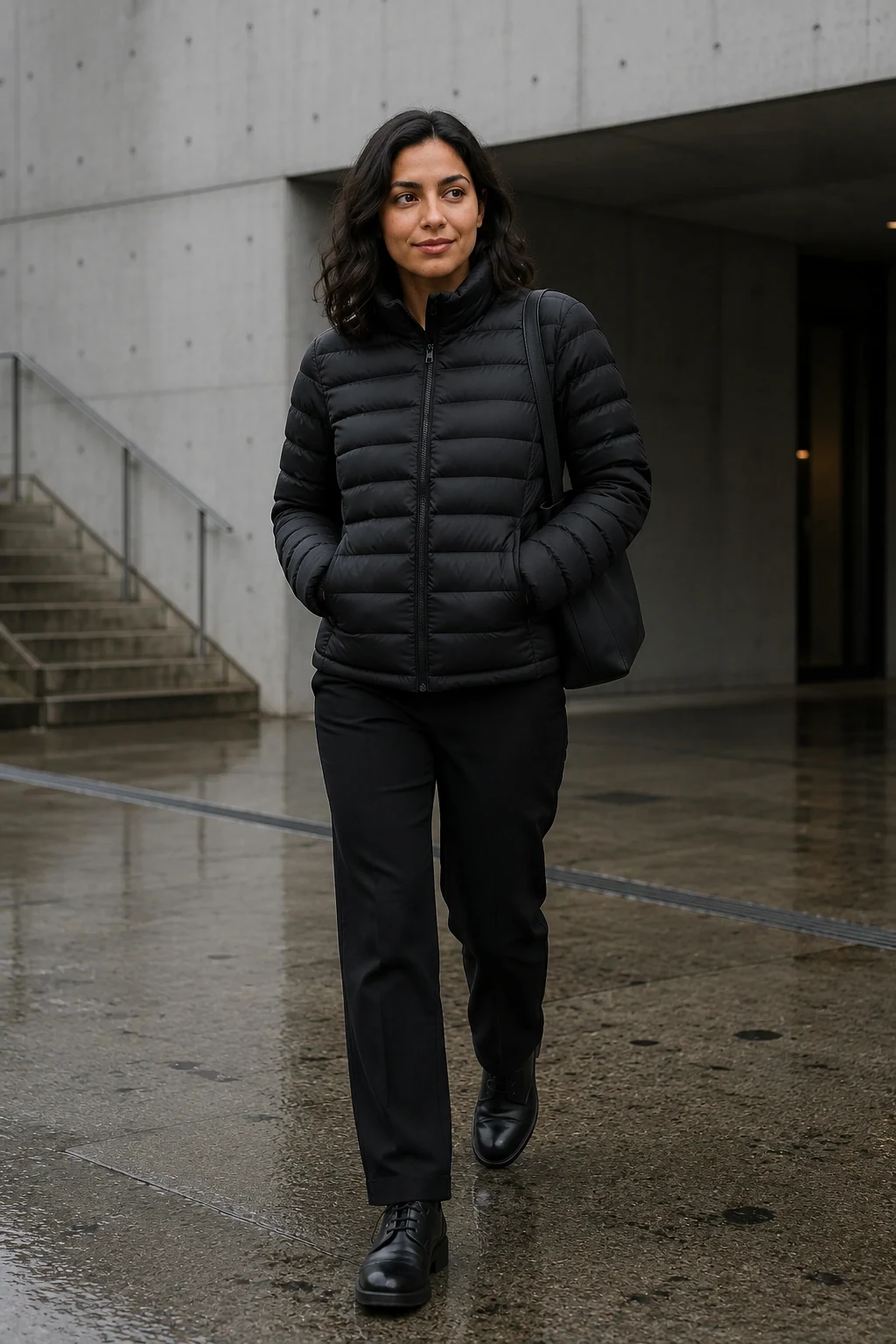
A contextual campaign frame for a channel-specific review.
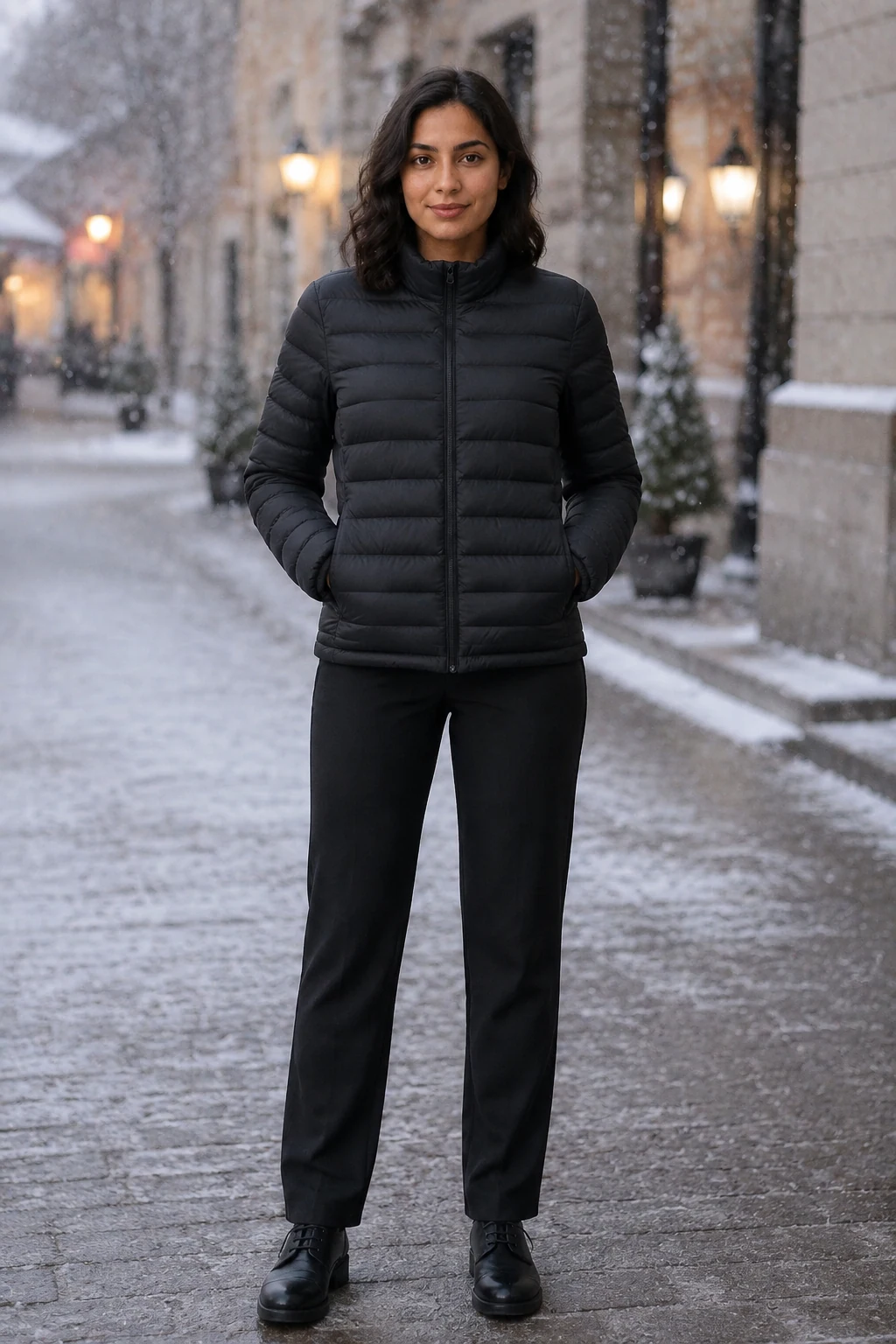
A mood-led visual route with the same garment direction.
Minimal studio ecommerce images with a neutral background.
Streetwear-inspired visuals for casual and urban collections.
Soft lifestyle scenes for resort, lounge, or everyday apparel.
Editorial-style images for campaign mood boards and promotional banners.
Seasonal looks with warmer, cooler, brighter, or more muted styling.
Different saved adult characters when a new audience presentation is required.
A good AI fashion image workflow should feel straightforward. You should not need a production team just to create first-round apparel visuals. The process helps you go from a clear reference set to usable creative with fewer handoffs and less waiting.
Choose a saved fictional adult character.
Add a clear owned garment image when visible details should guide the result.
Describe the look, pose, styling mood, body presentation, and setting.
Generate a small set of visual options for comparison.
Review neckline, sleeves, print, color, texture, silhouette, identity, and anatomy.
Select the reviewed asset for its intended channel, then refine the direction if needed.
Fashion content is no longer limited to static product photography. If you are looking for an ai fashion model video generator free option, you may be exploring ways to test motion concepts before investing in a larger video production.
This route creates a still image only. After you review an approved fashion frame, continue to a separate image-to-video workflow for motion. The still can help with storyboards, campaign frames, and model-led visual directions; it does not make this page a video generator or promise free generation.
Open Image to VideoAn AI clothing model generator is useful for teams that need better clothing visuals without turning every content need into a full production project. It can serve lean fashion startups, established ecommerce teams, dropshippers, marketplace sellers, creative agencies, and independent designers.
Build first-round visual directions while a collection launch is still moving.
Prepare product, collection, and channel-specific creative assets for review.
See styling and presentation directions before committing to final production.
Make a clear visual brief around a reusable fictional adult character.
Create focused visual options when production capacity is limited.
A boutique preparing a new outerwear drop may have basic product shots but no time for a full model shoot before launch. Use a reviewed on-model concept, test a few lifestyle directions, and reserve professional production for the hero campaign.
This example is not a customer claim or a measured outcome. It shows the planning job: compare an owned garment reference with different reviewed visual directions before deciding what belongs in the launch.
AI can speed up fashion content creation, but the best results still come from thoughtful preparation. A clear garment image, accurate product color, visible fabric texture, and a focused prompt all help the generator understand what matters.
Treat the tool like a creative production assistant: the more specific your direction, the more useful the output becomes. This review step keeps the process fast while helping your team protect product clarity and brand trust.
Use adult likenesses, garment references, product claims, and images only when you have permission. Review commercial use and AI disclosure before publishing.
The right AI fashion workflow gives you more ways to present clothing, more creative options for campaigns, and a faster route from product image to a reviewable asset. Whether you are evaluating an ai fashion model generator free search result or building an ongoing ecommerce process, the goal is the same: show apparel in context, reduce production friction, and help shoppers understand what you sell.
Start with one garment, generate a few model-led variations, and compare how each image changes the presentation. When you are ready, build a repeatable workflow for your next drop, campaign, or content calendar.
Create your first AI fashion model visual now and turn your clothing images into a reviewable campaign concept.
Create a fashion model imageThe answers describe the live Studio workflow and separate it from adjacent fashion-image tasks.
Compare fictional adult characters by the content you want to make. Choose one to carry its identity into Studio.
Each route starts from a different input or solves a different production task.
Start with a saved fictional adult character for a new fashion direction.
Create the reusable fictional adult identity first.
Use the narrower garment-reference workflow when a specific try-on task fits better.
Animate an approved fashion still in a separate video workflow.
Review rights, claims, and disclosure responsibilities.
Decide how to label synthetic fashion imagery before publication.