
Random face
Explore one-off directions
Use this workflow to discover a face quickly. A new click can create a different identity even when the filters stay the same.
One click · optional controls · real download
Create original fictional faces for AI influencers, virtual creators, profile characters, and social media content. Explore a random look, guide the details when useful, and download the result from Studio.
Generate a random face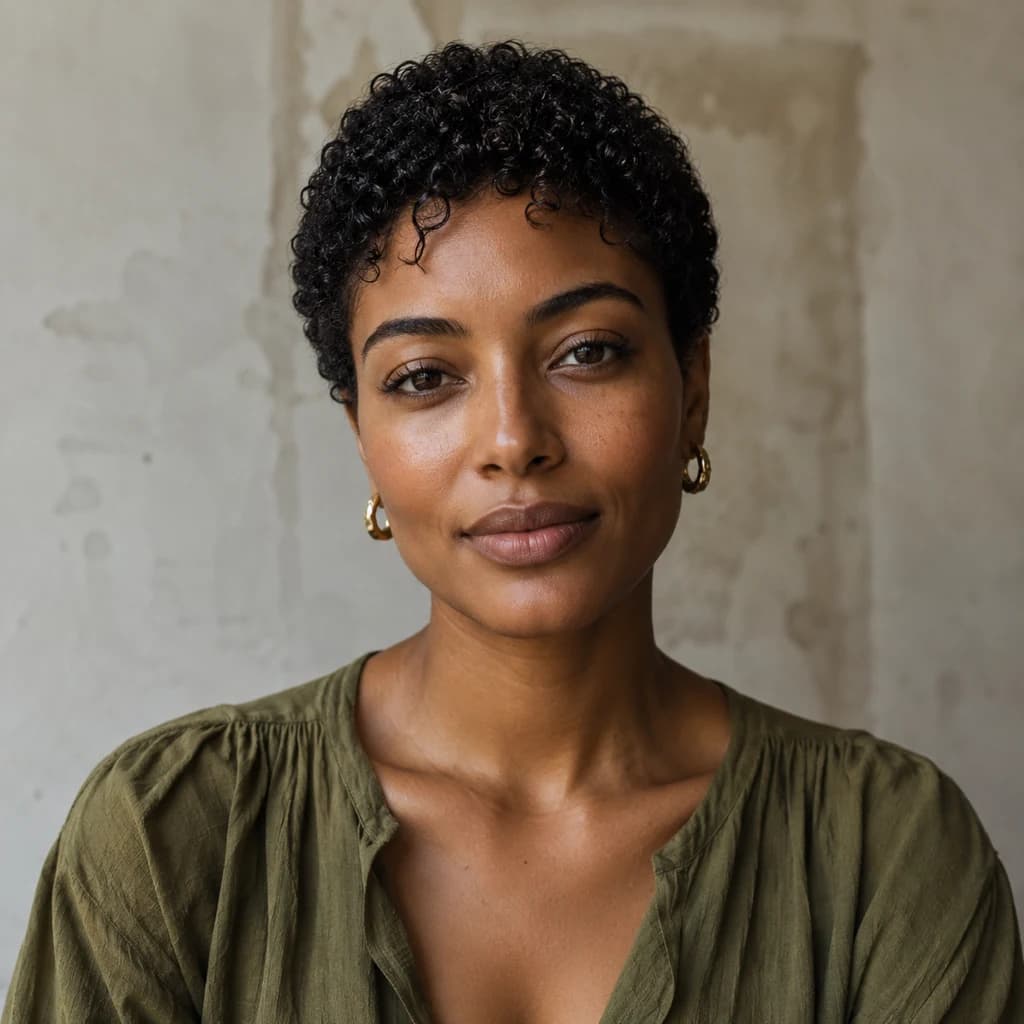

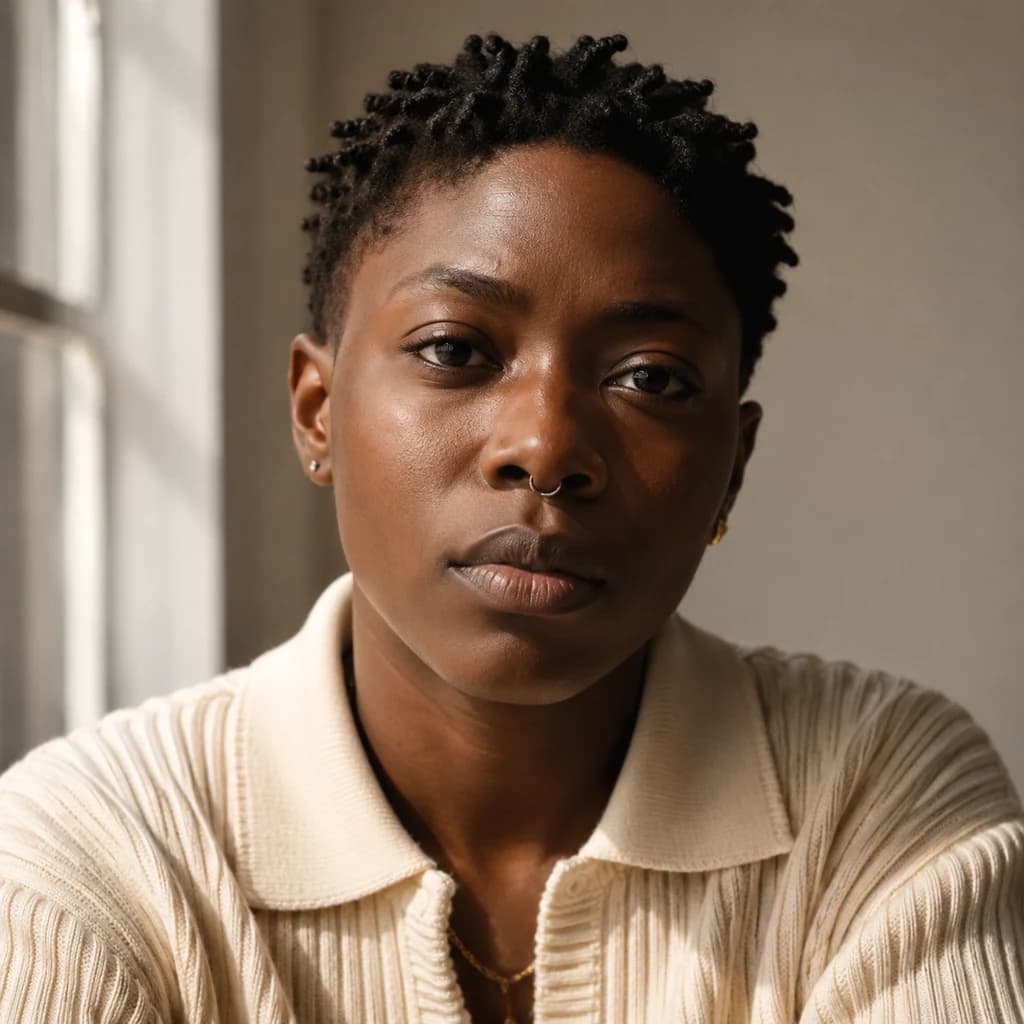

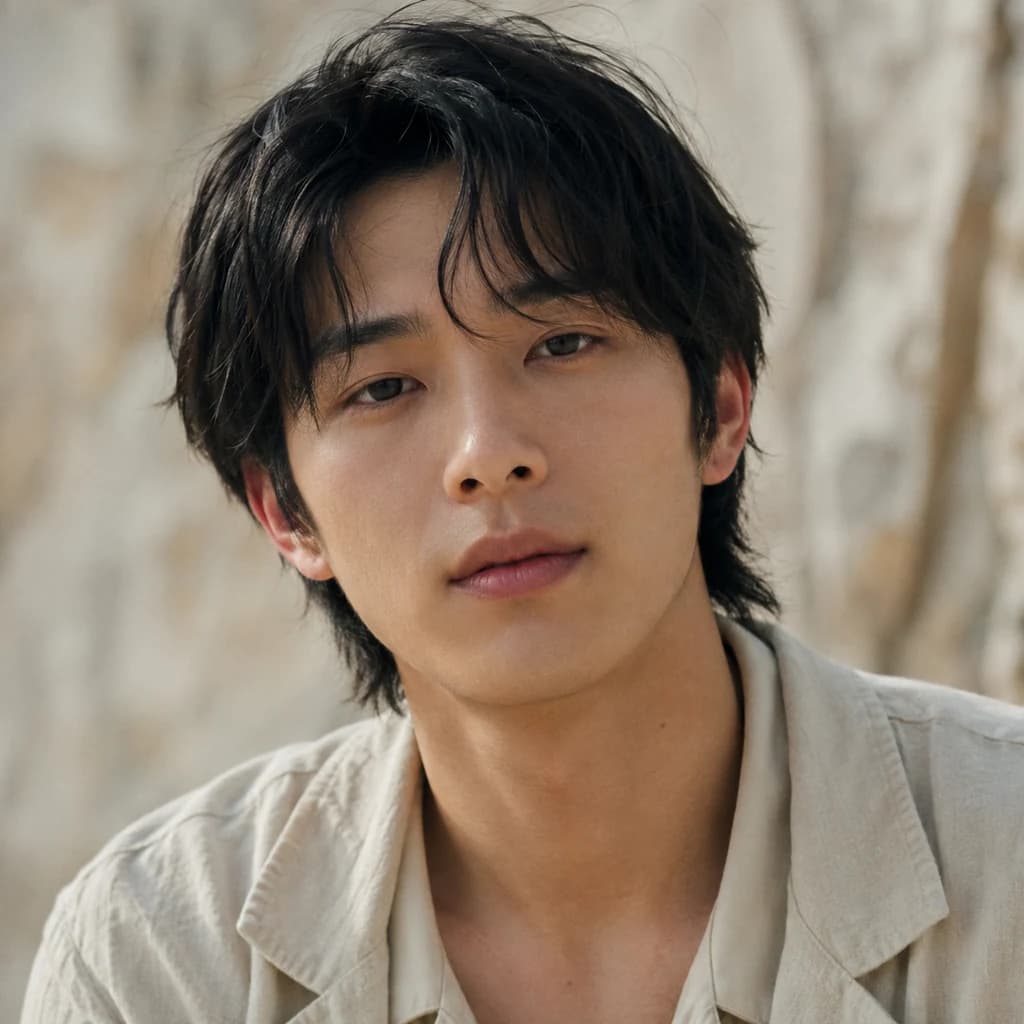

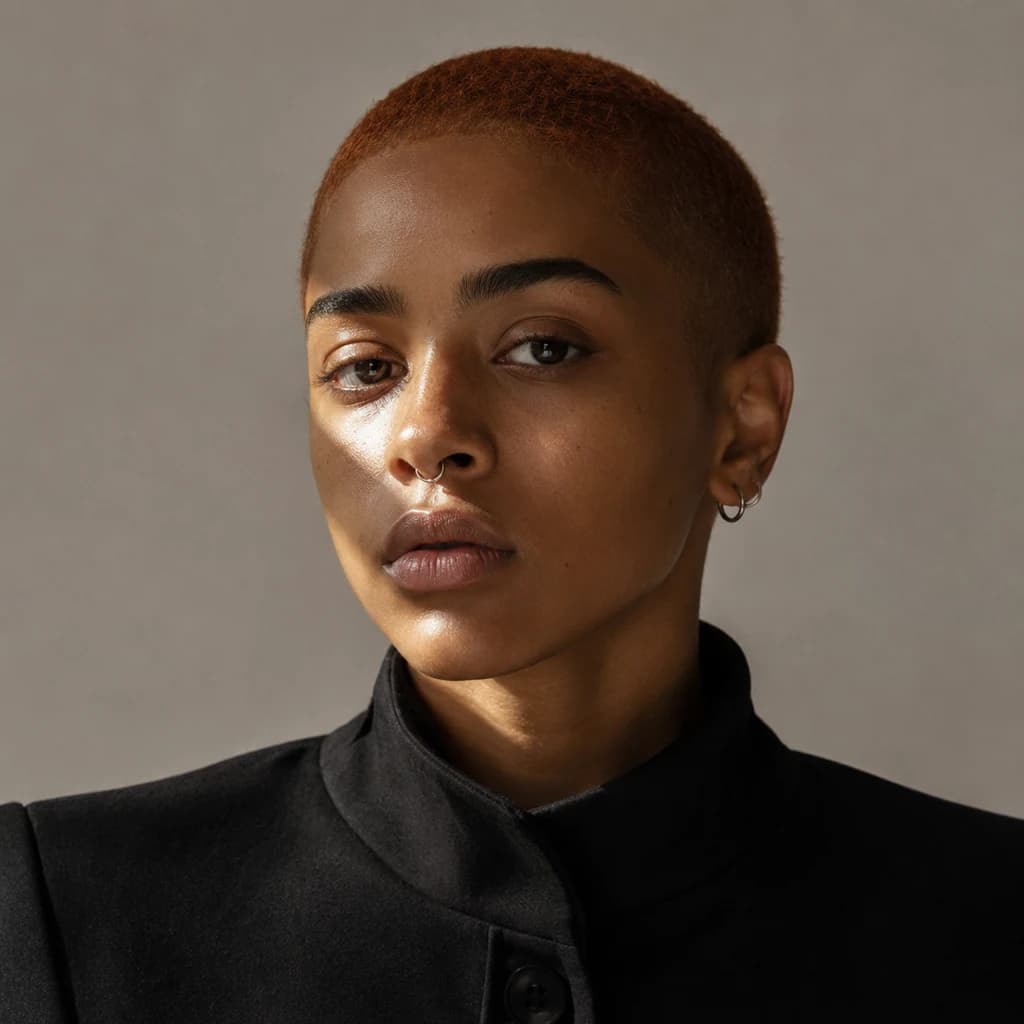

Start with no upload and no required prompt. Studio creates one fictional adult portrait from a safe internal direction. Leave the filters open for a surprise or guide adult age, presentation, and portrait style.
The result is a starting point for a character: someone with a look, mood, and possible content direction. Review the image, download it, or create another variation.
Find your direction
A random face generator uses AI to synthesize a face from learned visual patterns and selected creative direction rather than copying one existing person. In practice, the system combines adult age range, presentation, expression, hair, camera angle, lighting, and aesthetic direction into a fictional profile-ready image.
The value is not only the first image. Generate several options, compare them, and choose the face that best supports the story you want to tell.
Real Studio path
Input
All filters are optional. The generation remains restricted to original fictional adults.

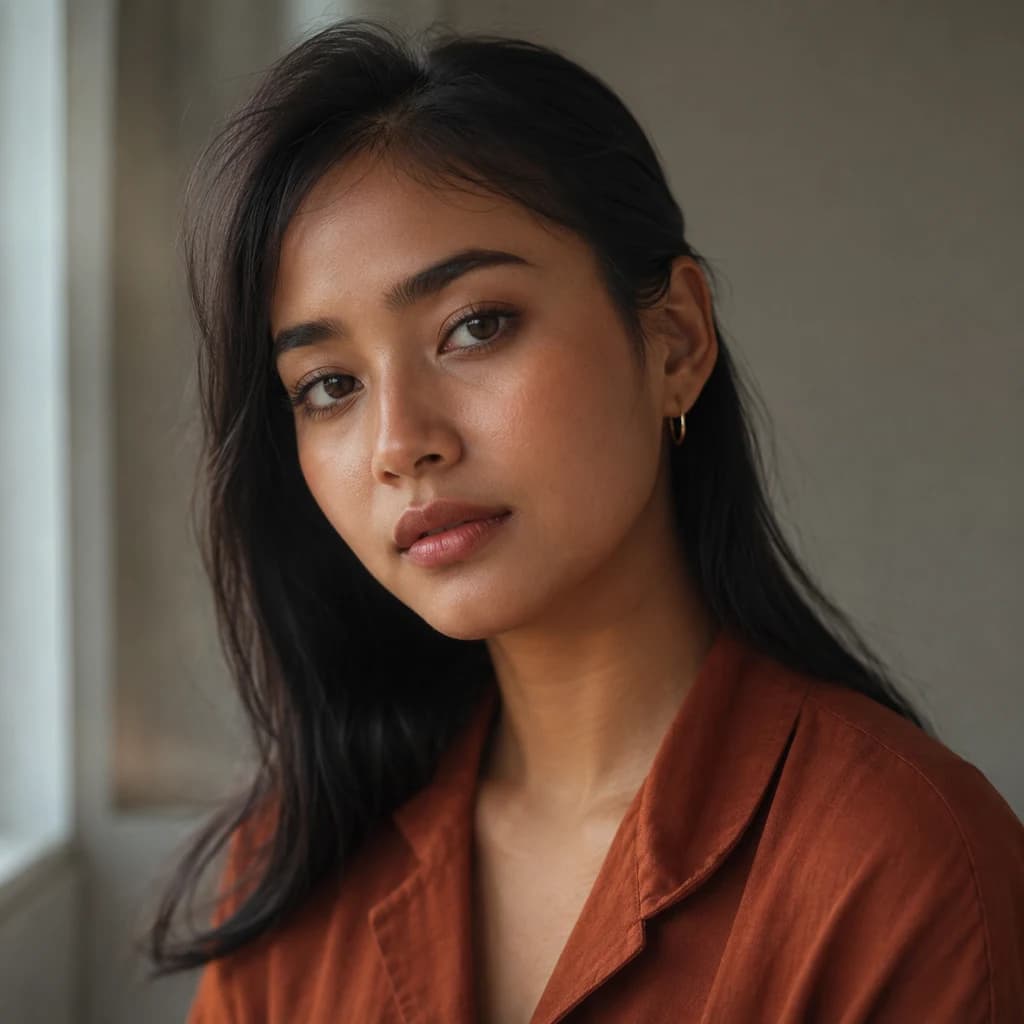
Do not stop at the first attractive result. Look for a fictional face that feels distinctive, expressive, and aligned with the content style you want to publish. A calm wellness creator needs a different presence from a bold fashion or gaming persona.
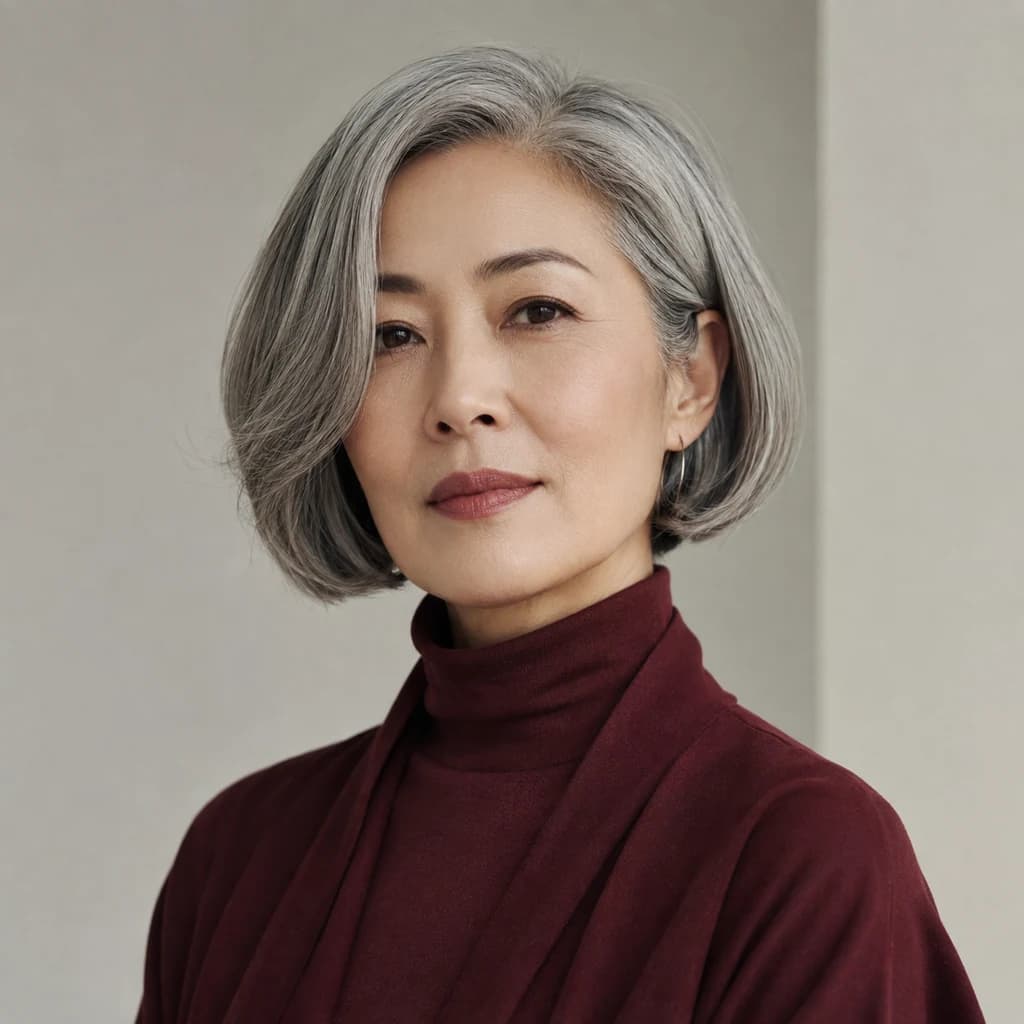
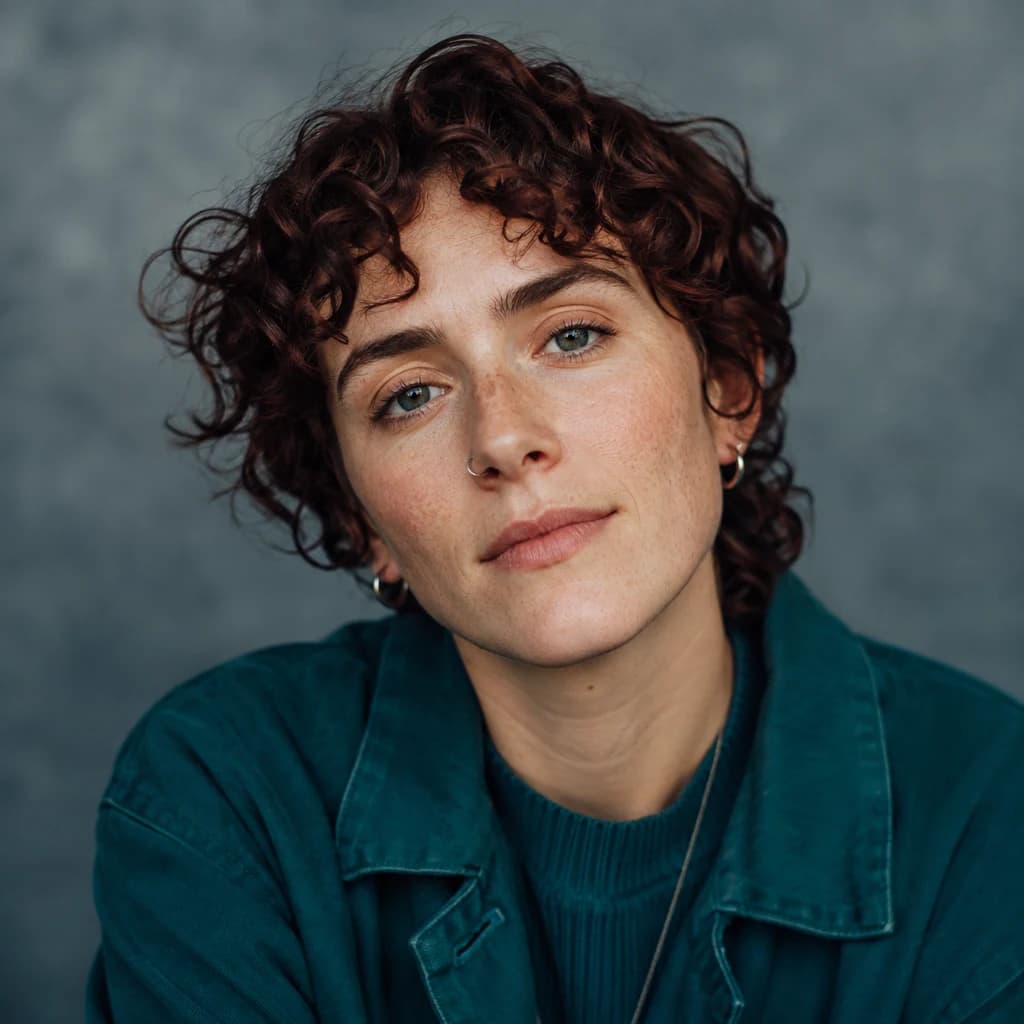
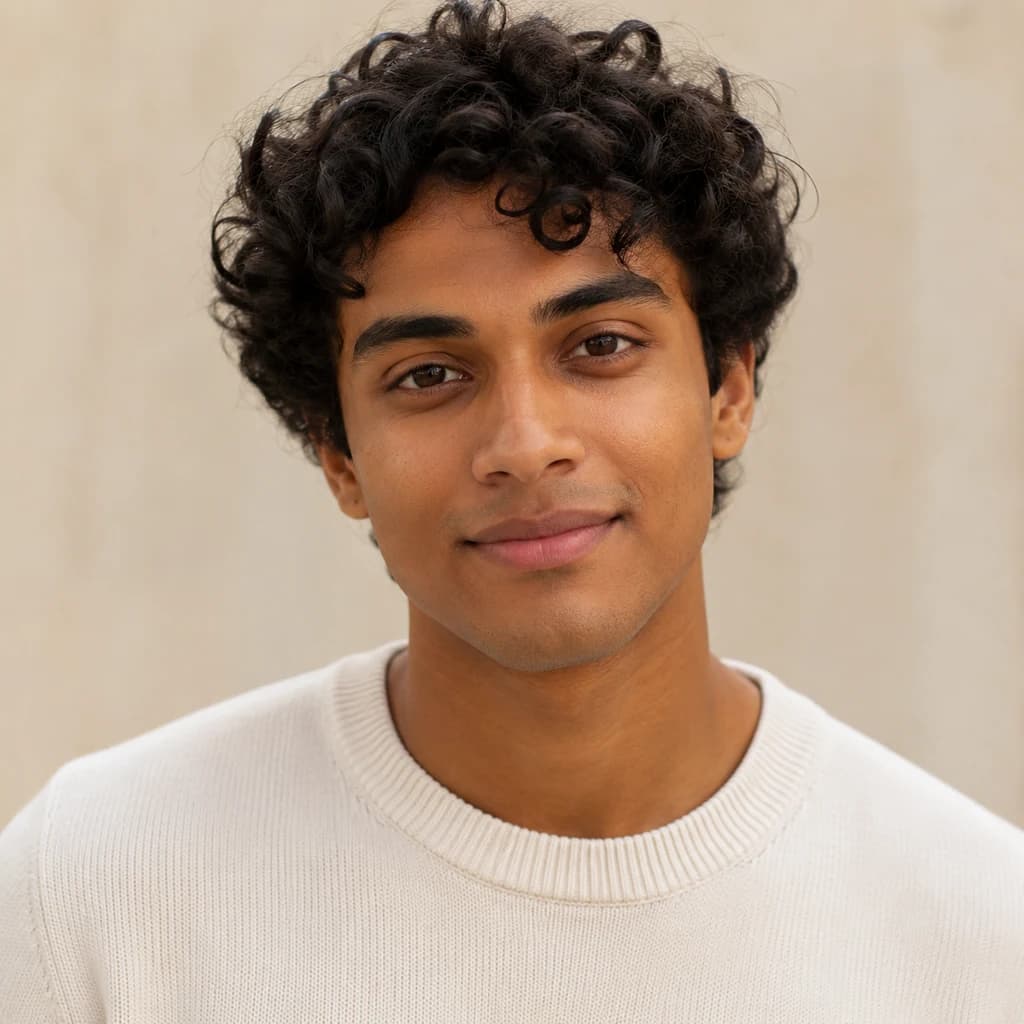
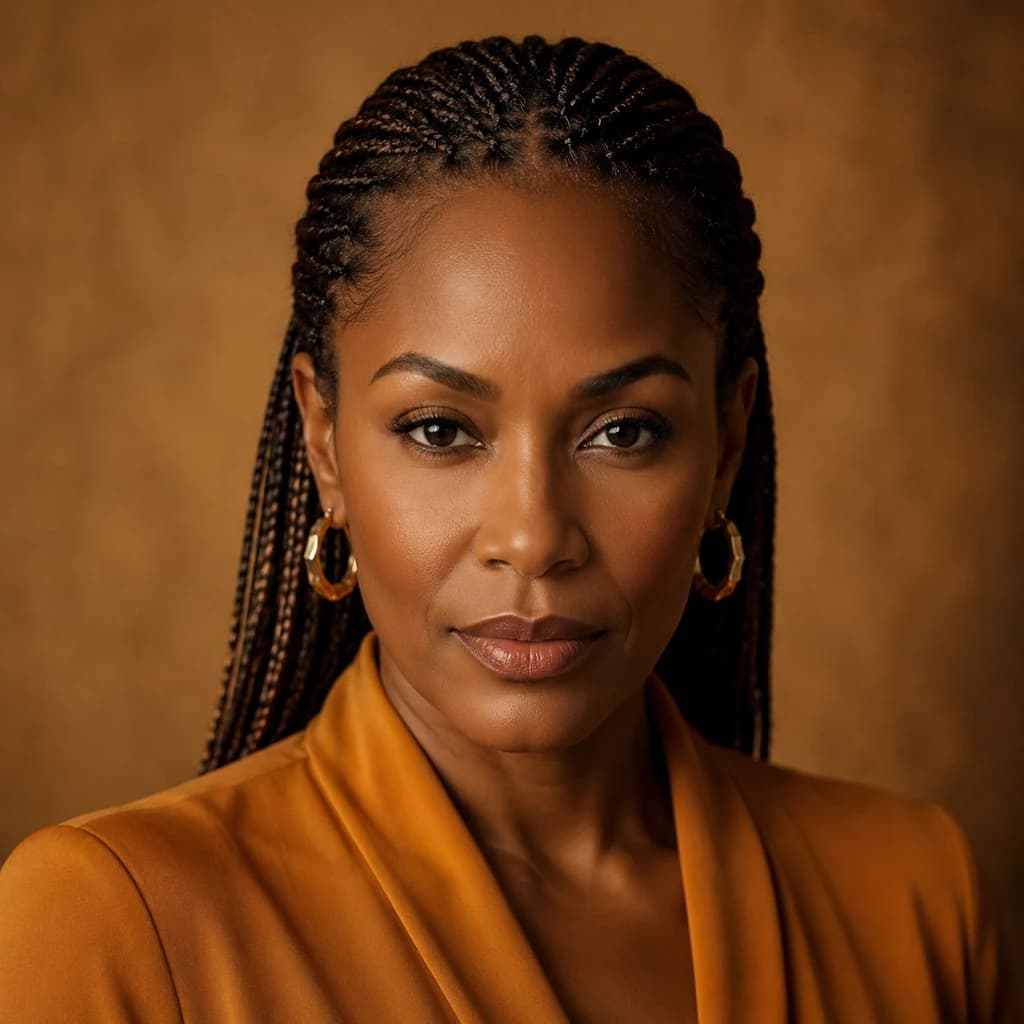
The strongest result supports a concrete purpose, not just an attractive portrait.
Generate a face, define the creator’s niche, then build a consistent visual direction for posts and profile assets.
Try fictional faces for fashion, travel, tech, fitness, gaming, or lifestyle content before choosing one direction.
Build fictional avatars for communities, apps, newsletters, podcasts, or creator-led projects.
Explore creative angles, audience segments, or storyboards without needing a live shoot.
Create a human-style character that can make a brand feel approachable while remaining clearly fictional.
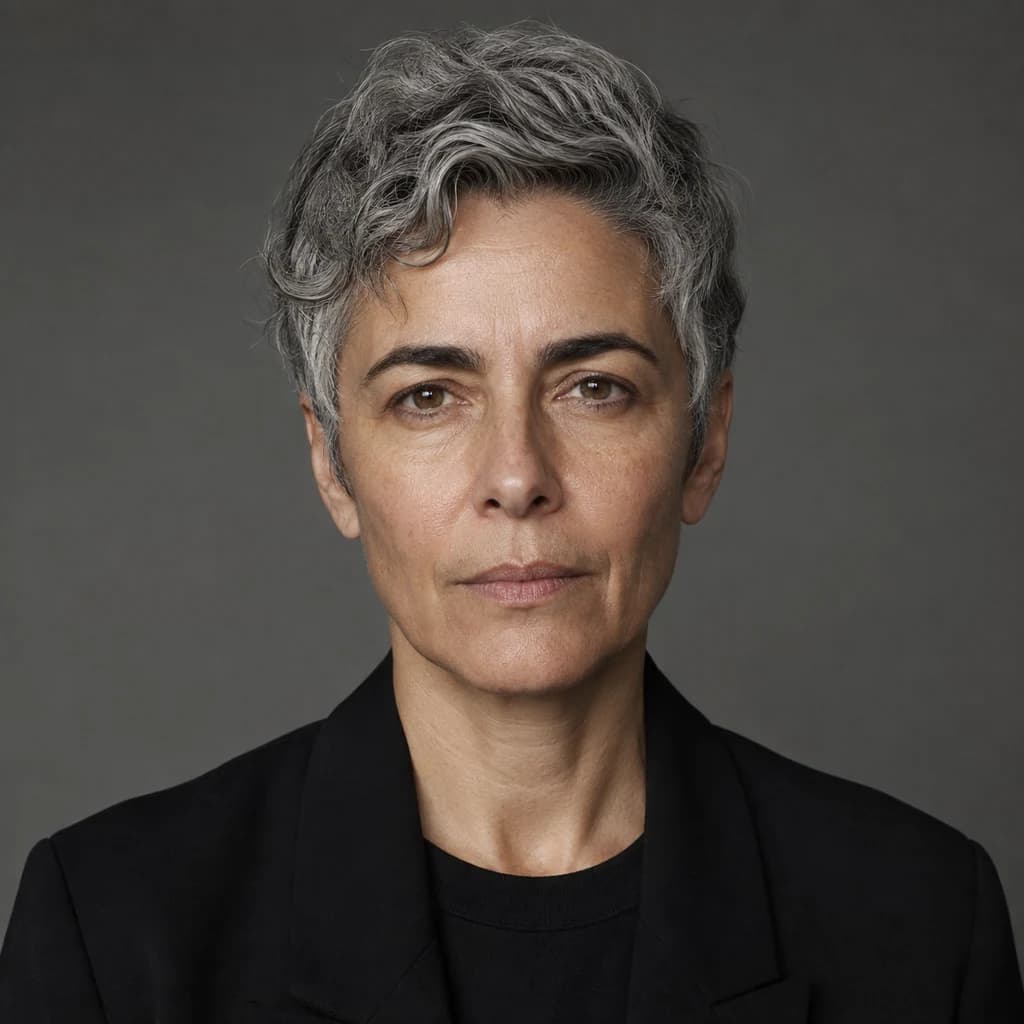
Pay attention to expression, adult age range, styling, camera angle, and overall mood. The face should support the persona rather than force the persona to work around it.
Use AI Influencer Generator as a structured workspace: generate, choose, refine, document, and repeat. A selected face can anchor a more consistent concept, but each later generation still needs review.
Decide what the creator is for and who the audience is before exploring faces.
Do not stop at the first attractive result. Look for a distinctive face that fits the intended content style.
Compare expression, adult age range, styling, camera angle, and overall mood.
Keep useful details such as hair, wardrobe, light, and background direction without changing every core trait.
Document the chosen look, niche, voice, colors, and recurring visual cues before making more content.
The controls stay intentionally small. They narrow the random direction without turning the task into a full character editor.
Random face
Use this workflow to discover a face quickly. A new click can create a different identity even when the filters stay the same.
Saved character
After choosing a direction, save the character and use the separate consistent-character workflow. Identity can still vary, so review every output.
Generated faces are intended for clearly fictional projects. Do not use them to impersonate a person, fabricate a review, imply an endorsement, or misrepresent who is behind an account.
Before you begin
Answers for the current one-result Studio workflow and responsible fictional-person use.
It creates one original fictional adult portrait from a safe internal direction. You can leave every optional filter open or guide adult age, presentation, and portrait style.
They are intended to be fictional adults, but any generated image can accidentally resemble a real person. Review the result and do not use it to impersonate someone.
Yes. After the Studio task succeeds, use the Download action on the real generated result.
Studio shows the current credit estimate before you submit. This page does not promise free generation.
A random portrait is a starting point, not an identity guarantee. Choose a strong direction, save an approved character, then use the separate consistent-character workflow for later images.
Check accidental resemblance, adult appearance, anatomy, text, clothing, background details, usage rights, platform rules, and any required AI disclosure.
Create a fictional adult from a more deliberate written character direction.
Continue an approved character direction across more images.
Place a chosen creator into social and campaign scenes.
Create a controlled professional portrait direction.
Review disclosure considerations for public AI-generated imagery.
Review rights and publication checks before commercial use.
Start with optional controls, review the real result in Studio, and download only the face you want to keep.
Plan Content
Measure Engagement
Build Your Profile
Price Your Work
Write Post Copy
Brand Partnerships