
AI Influencer Video Generator
Turn a recognizable AI character into videos. Reuse an identity, start with a template, or transfer reference motion to make your next social post.
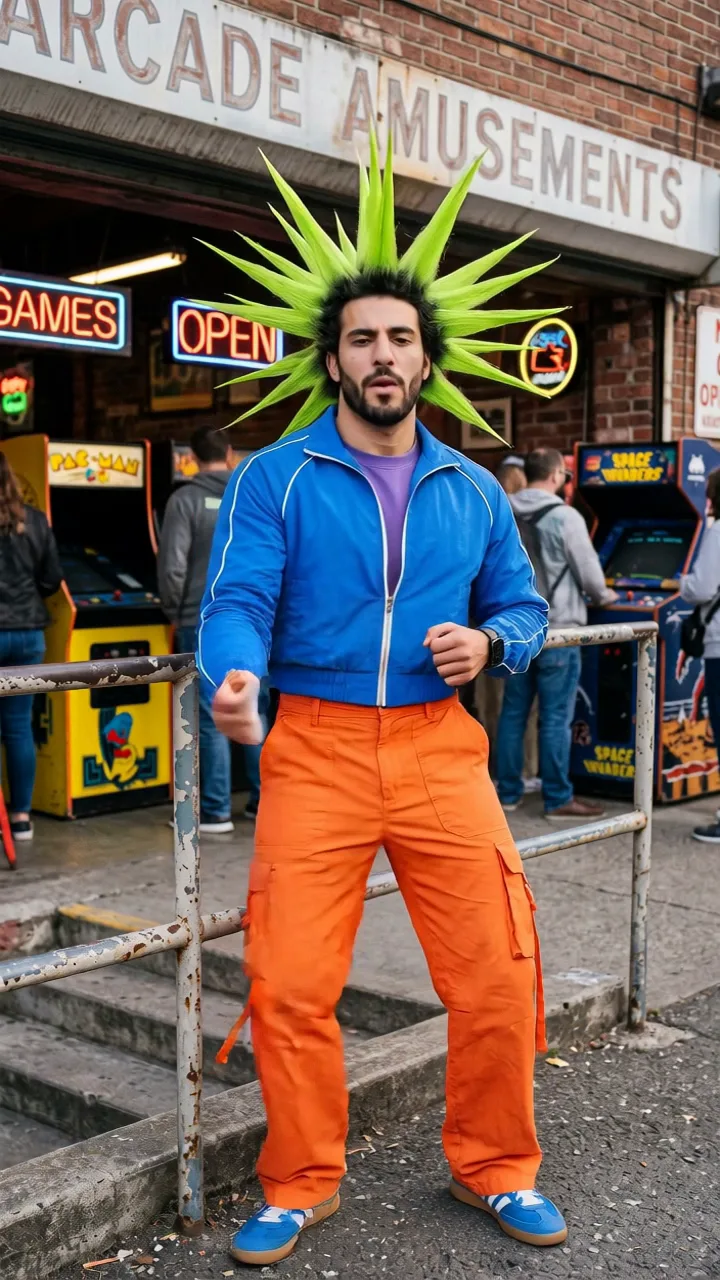
One character. More than one scene.
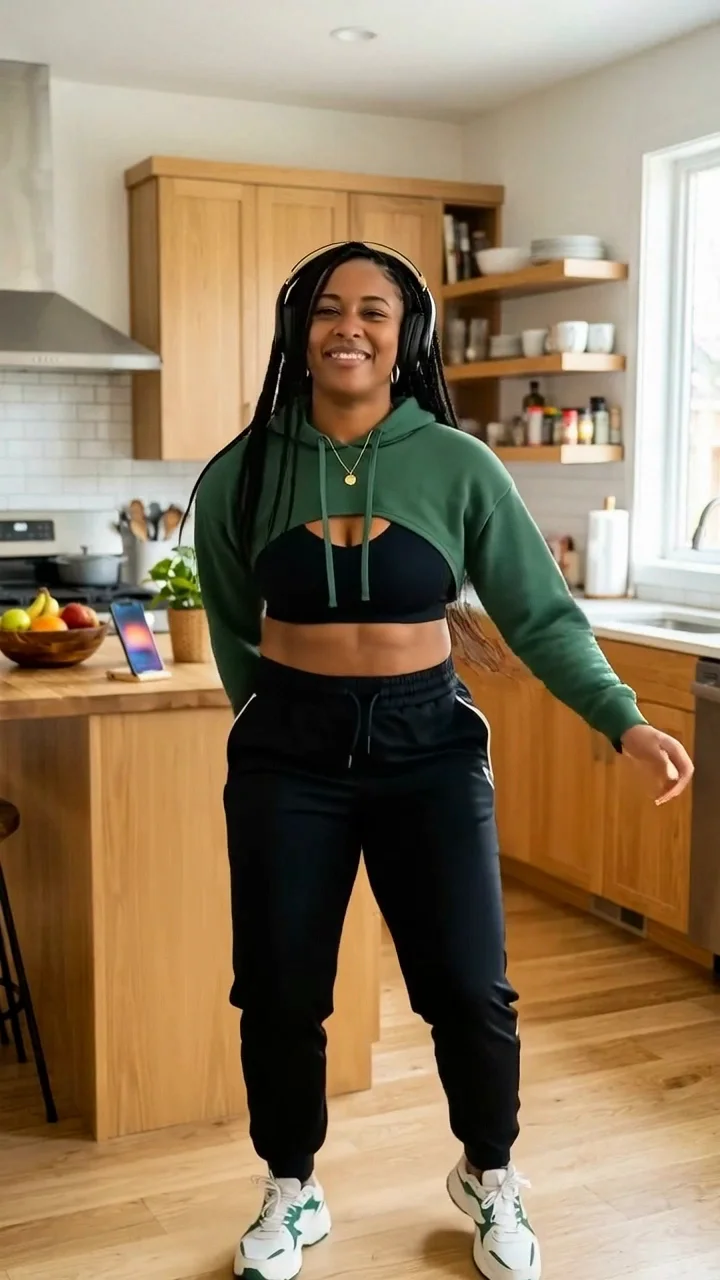
A recognizable character gives every new clip a starting point. Watch Remy move from an art studio to the street, then see Imani follow a different dance reference.
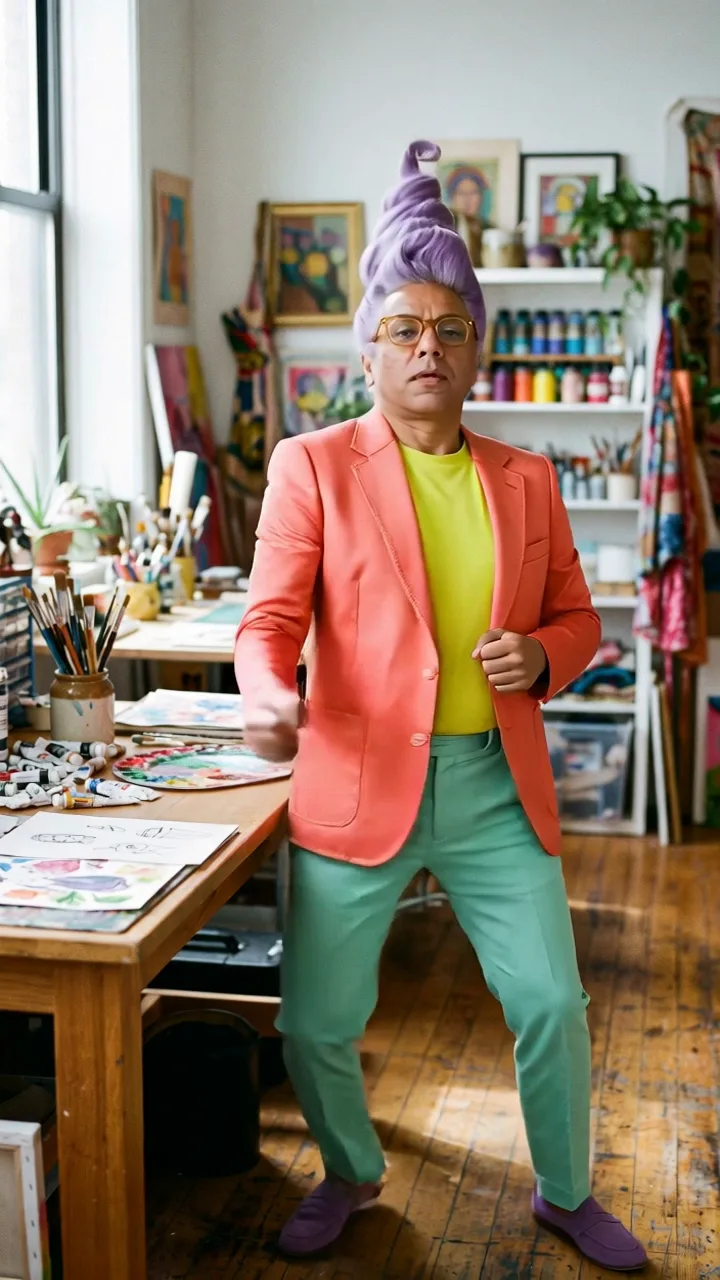
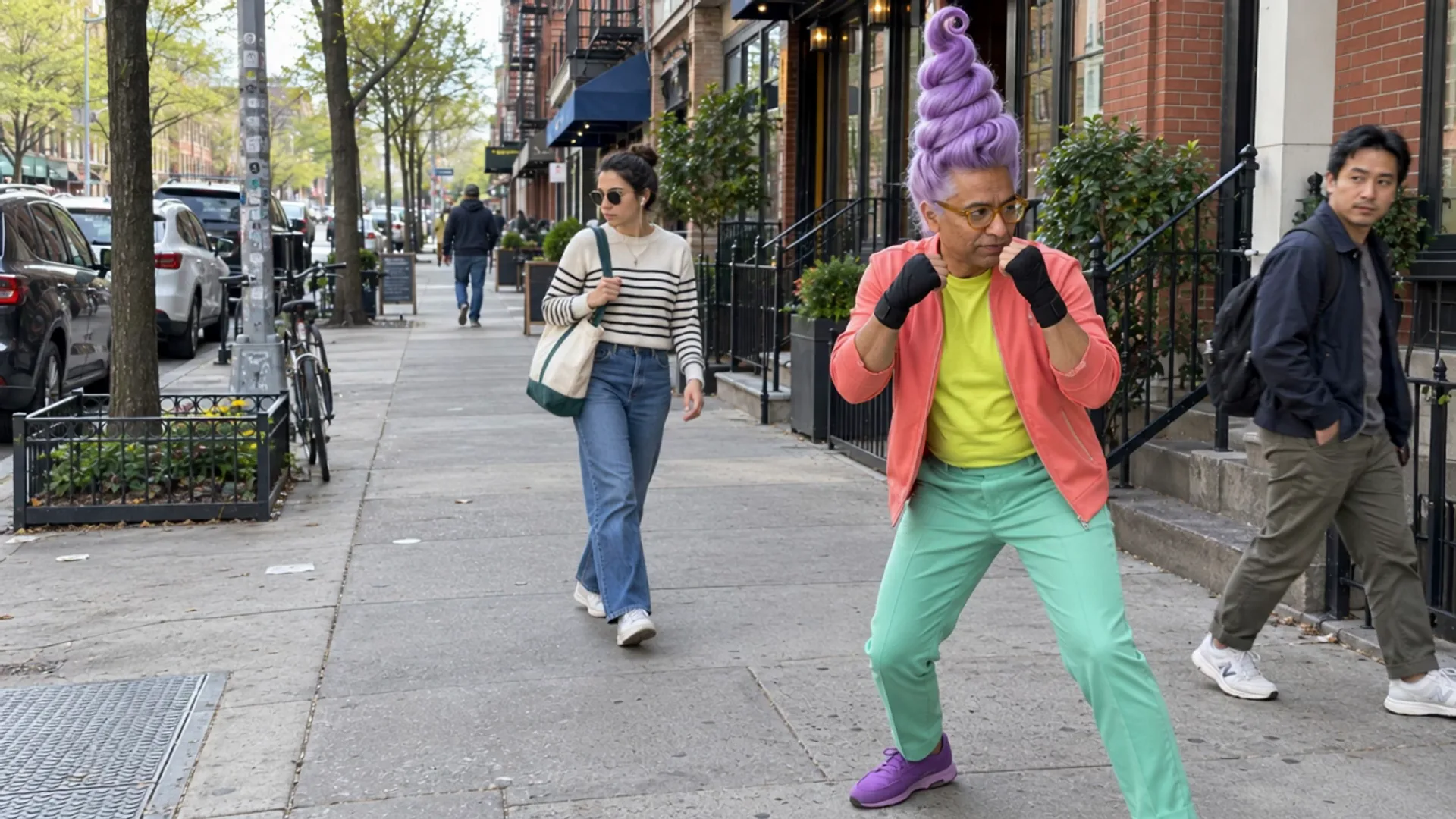
Remy’s lavender hair and glasses carry across both scenes. The studio clip follows a reference performance; the street clip starts from an image and a written motion prompt. The outfit and camera framing change with the scene.
Give your character a different move
For a dance or a specific gesture, a motion reference can guide the performance. Imani starts from a character image and follows an authorized dance clip. Choose a full-body image with space around the subject when the action needs room.
How to make an AI influencer video
Start with a character, choose the movement, and review the clip before it becomes your next post.
- 01
Choose your character
Create an original AI influencer and save the identity for future clips, select a character you already saved, or upload a reference image you are authorized to use. Keep the face, hair, and any signature details easy to see.
- 02
Set the scene and movement
Start with a video template or describe one action, setting, and camera direction. Choose an available model and settings. For choreography or a specific gesture, use an authorized reference in Motion Transfer.
- 03
Generate, review, and download
Check the credit estimate in Studio before submitting. Review the face, hands, clothing, and movement throughout the result, then download the clip for editing or sharing. Reuse your saved character when you are ready for another idea.
Choose the move that fits your idea
A short, focused direction gives your character a clear moment to perform.
“A sharp-haired creator steps into a corner shop, gives a quick two-beat shoulder move, and looks into the phone camera. One continuous vertical shot.”
Try one action and one camera direction first. Add a distinctive accessory or hairstyle to the character reference, rather than relying on the motion prompt to recreate it.
- A character to come back to
- Save a fictional creator and select that identity for later projects. Changing the location or outfit can change details, so compare each clip with the original reference.
- Templates for a head start
- Explore video templates for a starting action or social format, then adapt the direction to your character. A template gives you a concrete idea to build on.
- Motion from a reference
- Use a reference you have permission to use when timing or choreography matters. Keep the character visible and choose framing that leaves room for the intended movement.
- Models and settings
- Choose from the models available in Studio. Duration, framing, audio, access, and credit cost depend on the selection. The current estimate appears before generation.
Learn from signature creators
Distinctive design, repeated behavior, and a clear point of view can make a character recognizable before a word is spoken. Explore these independent creators in our Trends research.
AI influencer video questions
Do I need an AI influencer before making a video?
No. You can use an image you are authorized to use as a reference, or create and save an original character for future videos. A clear image with one visible subject gives the model a useful starting point.
Can I reuse the same character in different videos?
Yes. Save a character and select it again for another scene, action, or template. This gives each video the same starting identity while you explore different ideas.
How do I keep my AI influencer recognizable?
Start with a clear reference, keep distinctive facial features and hair visible, and use a simple action. Consistency can vary with the model, movement, camera angle, and clothing, so review the result before sharing.
Can I use a video template or transfer a dance?
Yes. Start from an available video template, or use Motion Transfer with an authorized reference video to guide a movement. A full-body image with room around the character helps when the action uses the whole body.
Which video models and durations can I choose?
Studio offers multiple video models. Available durations, aspect ratios, quality settings, and credit estimates depend on the model and workflow you select; check the current options before generating.
Can my AI influencer speak?
Audio options depend on the selected model and plan. For a speaking performance, you can also use a supported talking or lip-sync workflow with the required source image or video and audio you are authorized to use.
How much does an AI influencer video cost?
Video generation requires an eligible paid subscription or credit pack; signup credits alone do not unlock it. The credit quote depends on the model and settings and is shown in Studio before you submit.
Can I download videos for Reels, TikTok, or Shorts?
Download a completed clip after reviewing it, then edit or publish it through the workflow that fits your account. Check the aspect ratio, captions, audio rights, and any platform disclosure requirements before sharing.
Give your character their next scene
Start with an identity you want people to recognize, then make a video worth following.
Explore plans and credits, or add a speaking layer with Lip Sync when your clip is ready.
Plan Content
Measure Engagement
Build Your Profile
Price Your Work
Write Post Copy
Brand Partnerships