
Ivory tailoring
A restrained tailored direction with a pale blazer, soft shirt, and clean editorial light.
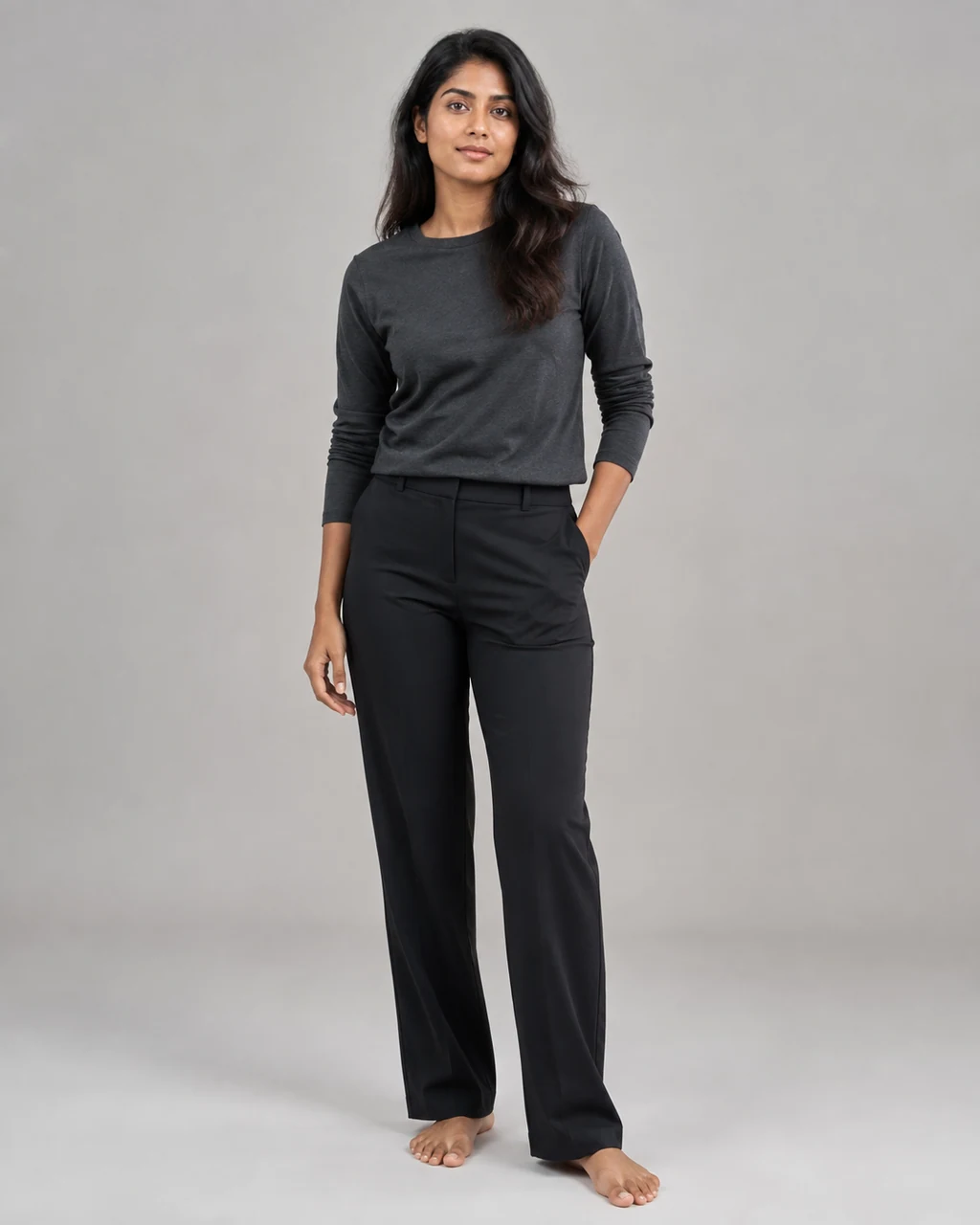
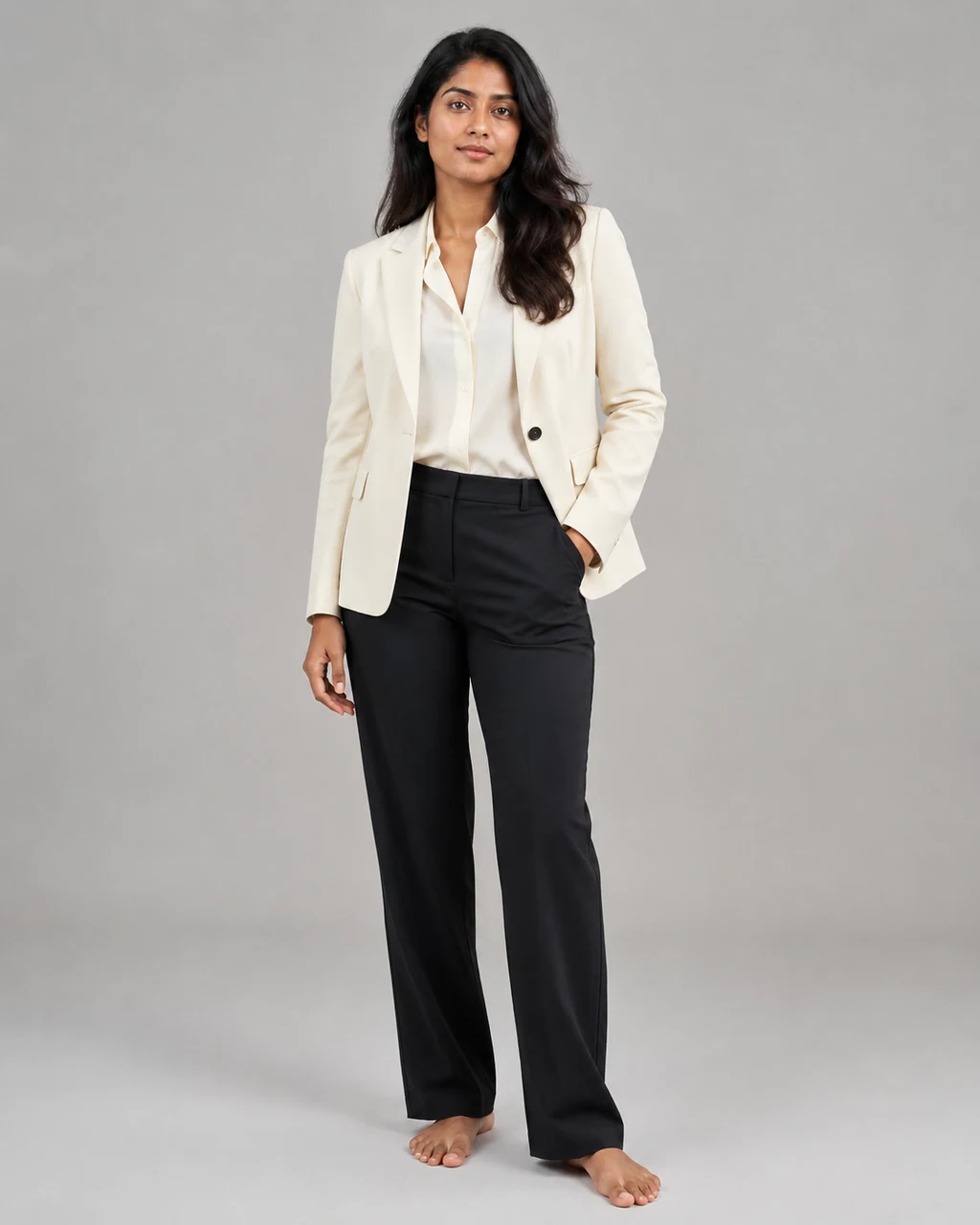
Replace an outfit in an authorized adult photo or a saved character with a written wardrobe direction while keeping the person, pose, and scene easy to review.
Use an authorized adult photo or a saved character, then describe the outfit you want to review.
Change clothes in StudioAn AI clothes changer creates a new clothing direction for an existing adult identity. It is useful when you want to explore a wardrobe, color, or styling change while keeping the person and their visible pose as the starting point.
Choose one identity source: an authorized adult photo for a one-off change, or a saved adult character for a reusable identity. Then describe the clothing, color, material, styling, and any scene details that matter.
These fictional adult examples show a written wardrobe change from a source photo. They are examples for review, not customer photos, fit evidence, or product claims.
A restrained tailored direction with a pale blazer, soft shirt, and clean editorial light.
A saturated knit direction that keeps the person while changing the visual energy of the frame.
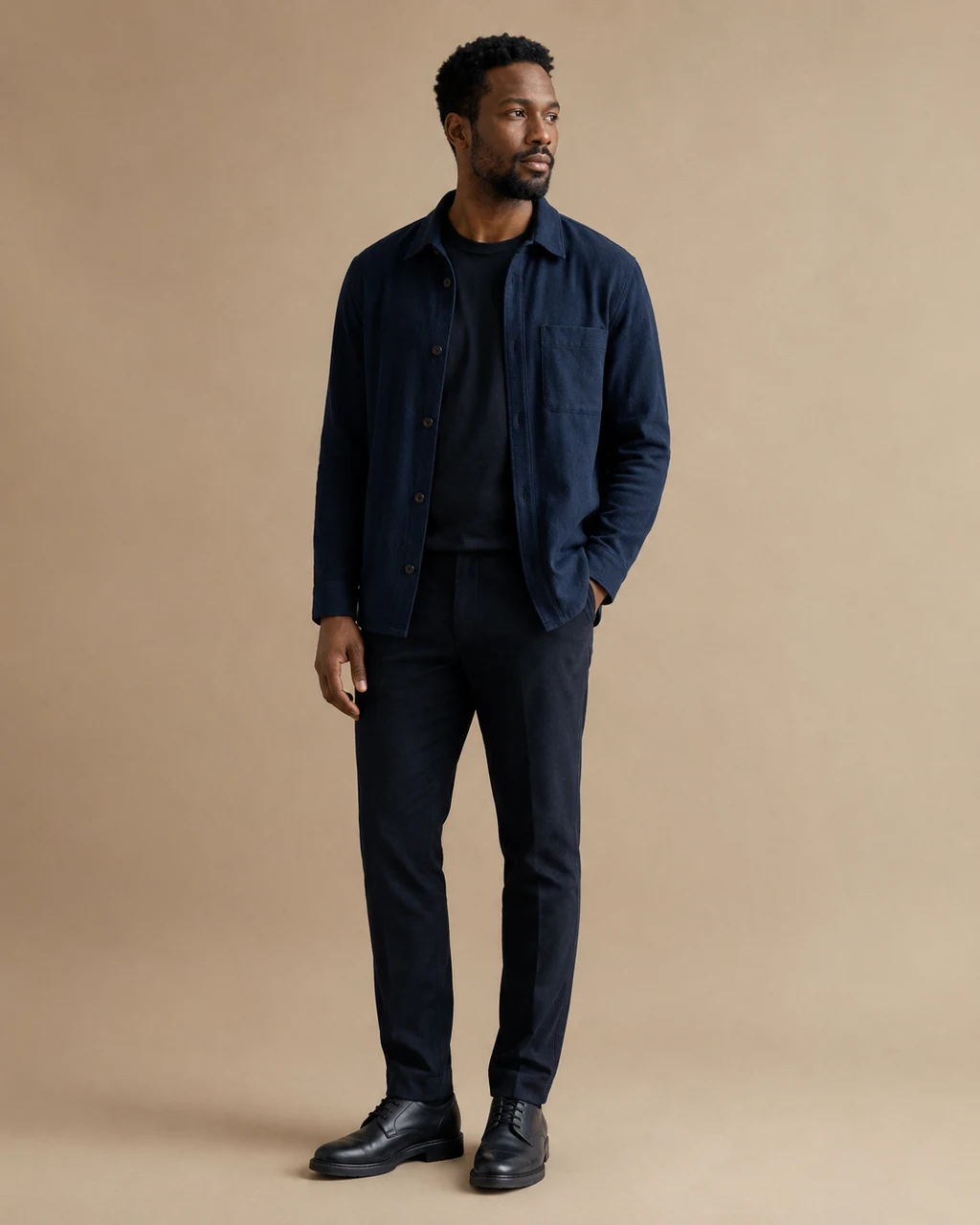
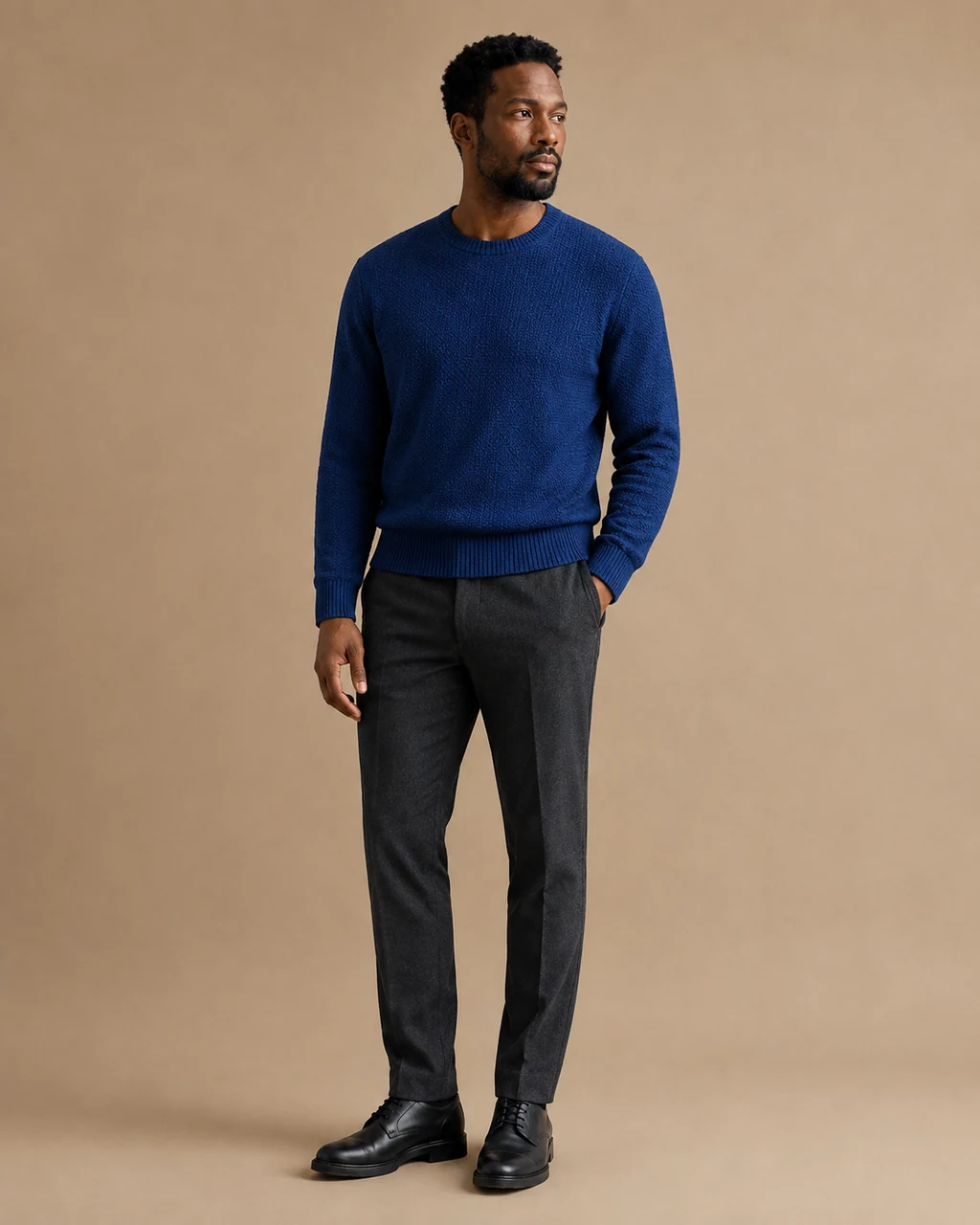
A warm dress direction for a more formal social or campaign presentation.
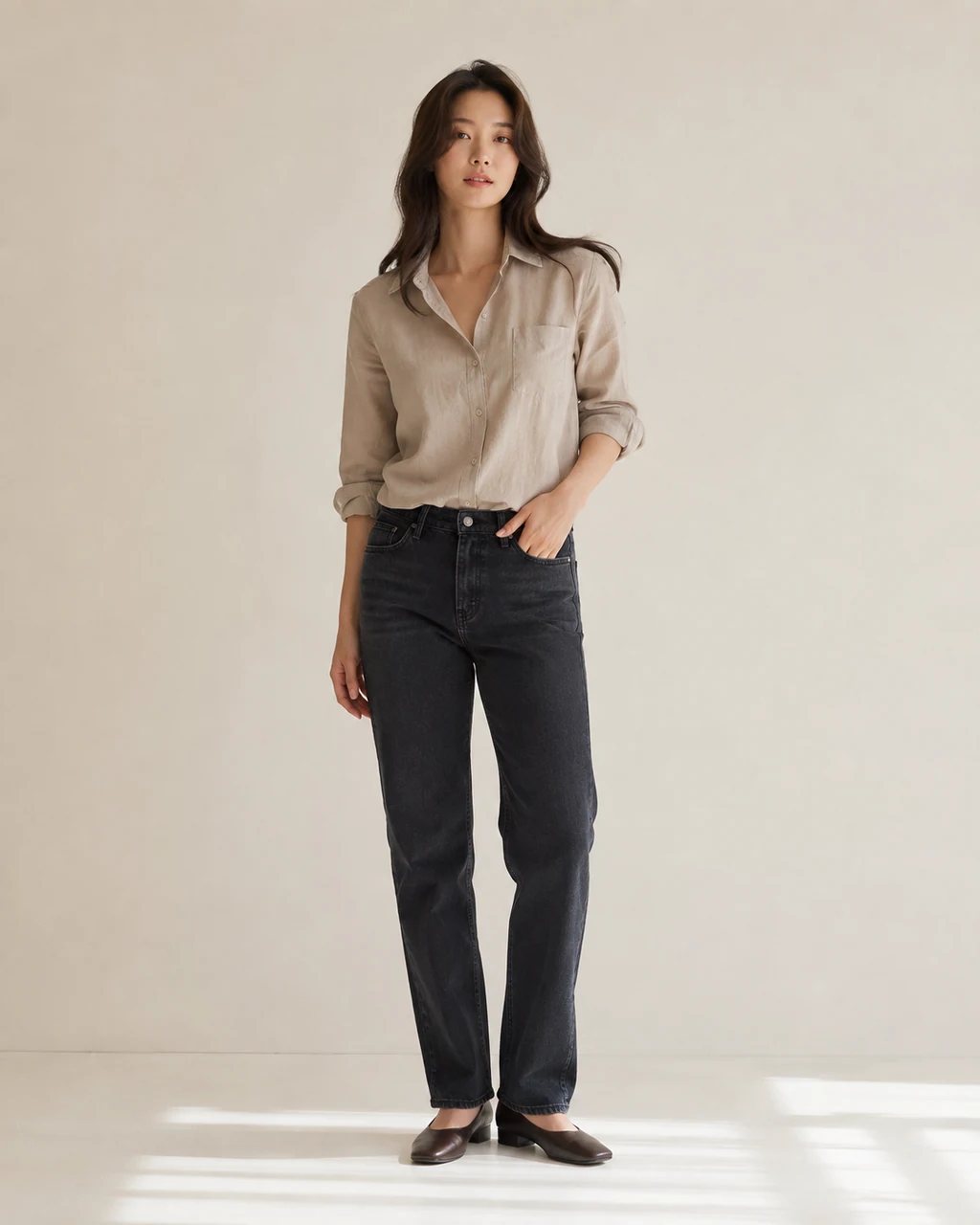
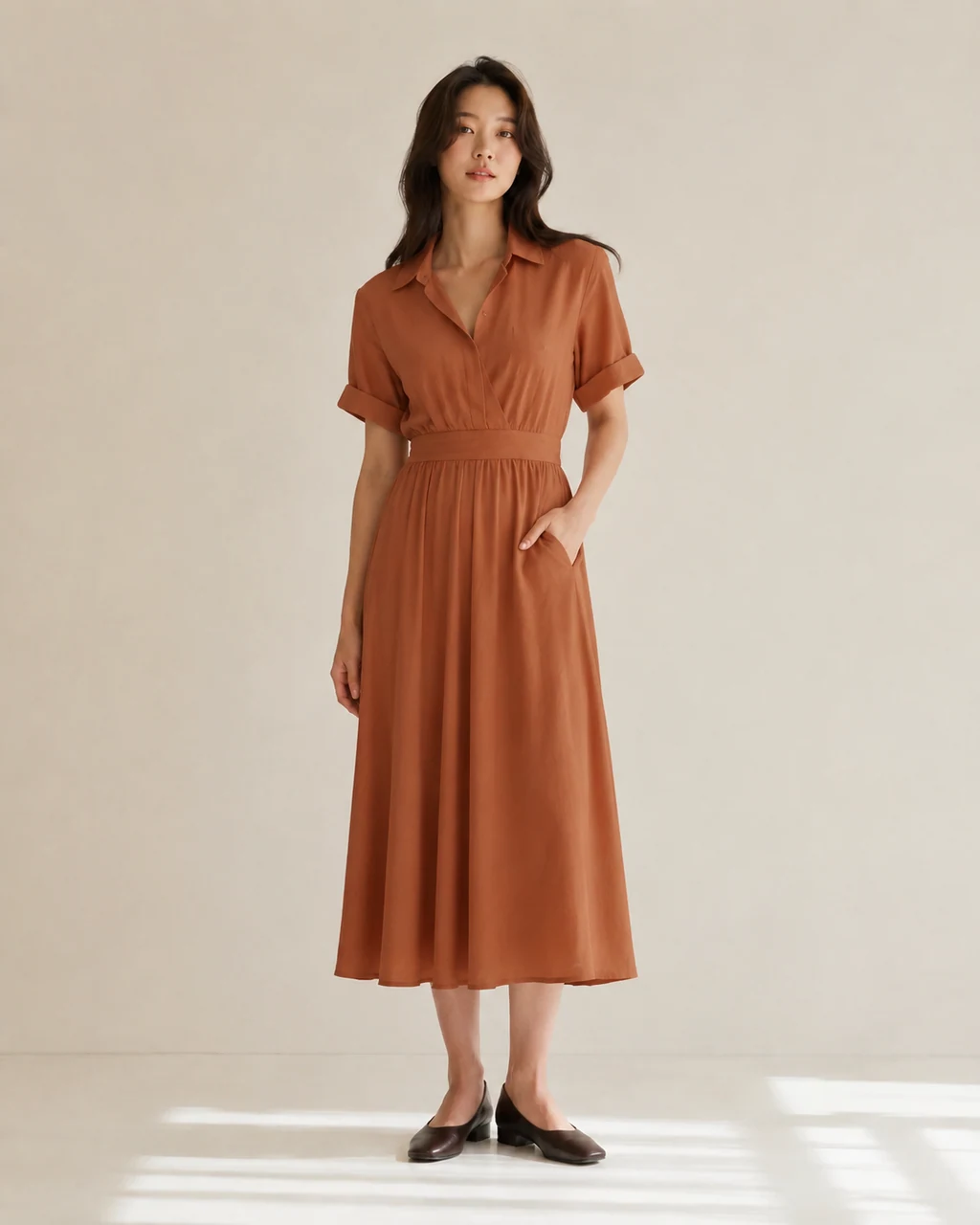
A relaxed overshirt direction for a casual editorial or everyday scene.
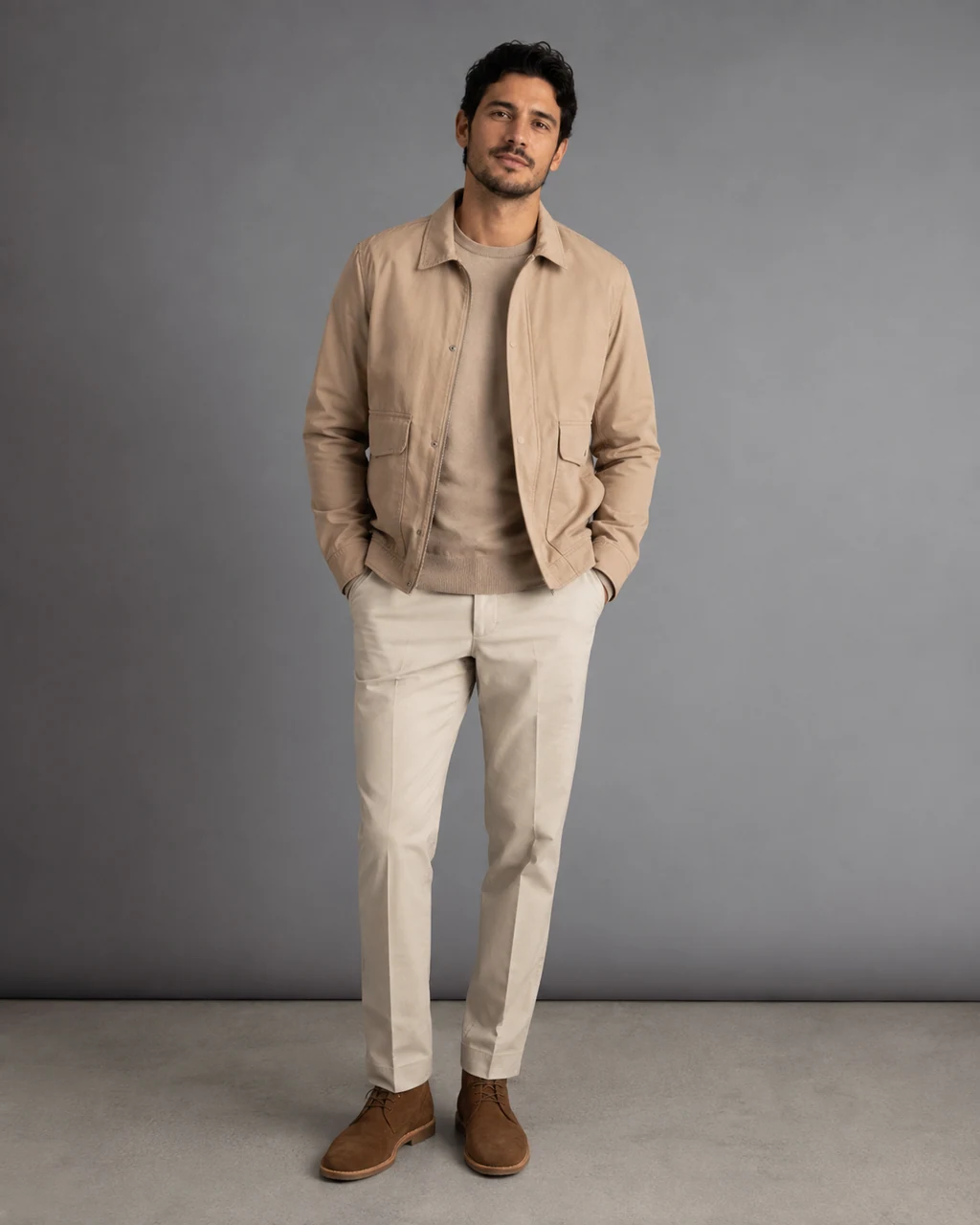
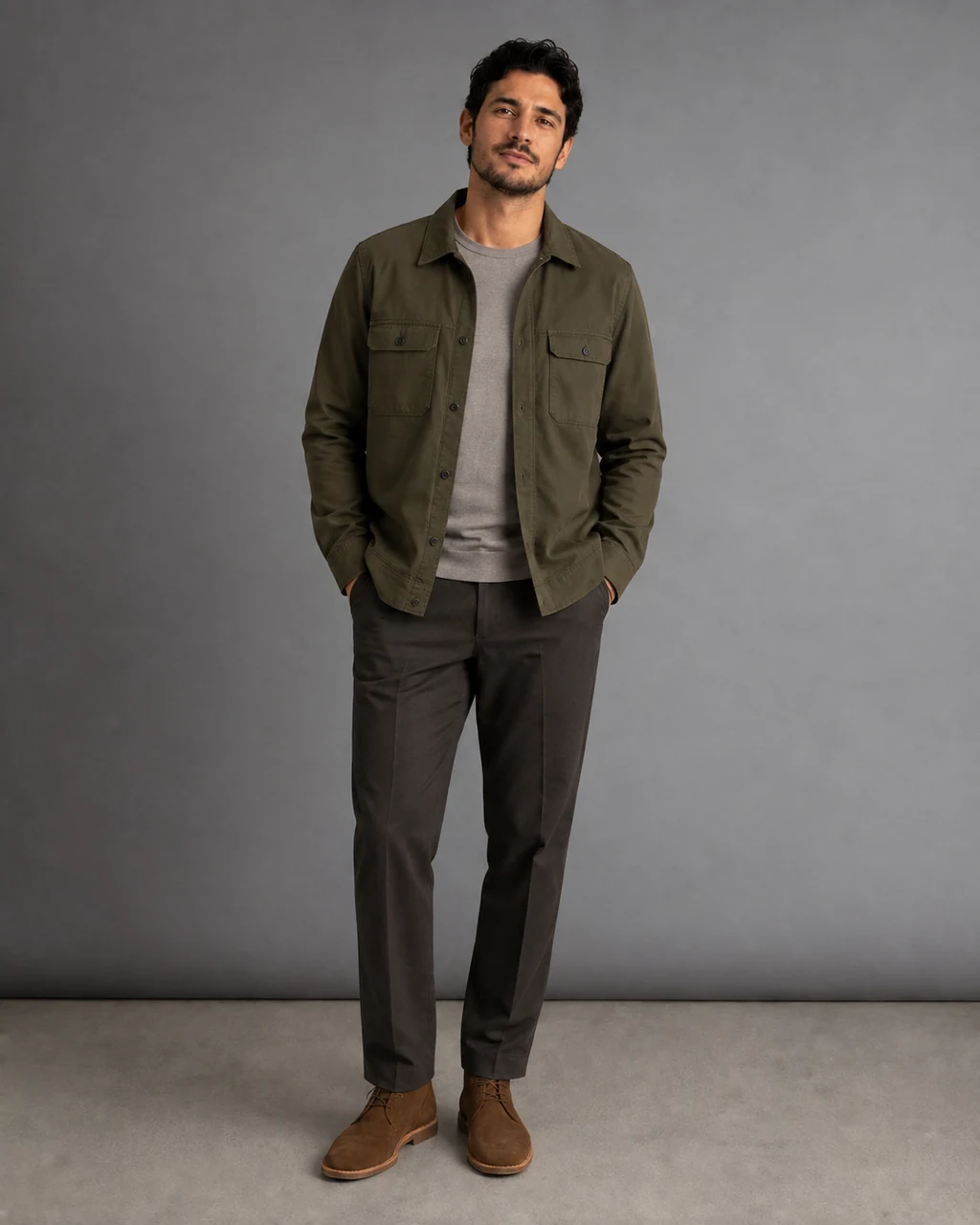
The strongest use is a visual review step before a creative team commits to a shoot, catalog update, or campaign direction.
Creators
Explore new social looks without changing the familiar identity of a series.
Fashion teams
Review wardrobe and art-direction ideas before a lookbook or campaign shoot.
Ecommerce teams
Plan a styling direction around approved product or category work.
Agencies
Share reviewable options with a client before making final production decisions.
A wardrobe change can help teams turn one identity reference into several reviewable creative routes without claiming a garment will fit in the physical world.
Social post refresh
Keep the use case clear so the direction, crop, and scene are intentional.
Styling preview
Keep the use case clear so the direction, crop, and scene are intentional.
Campaign variation
Keep the use case clear so the direction, crop, and scene are intentional.
Profile image update
Keep the use case clear so the direction, crop, and scene are intentional.
Specific but compatible directions help: name the main item, color, material, silhouette, styling, and scene. Leave room for the source photo to keep its existing pose and lighting where possible.
Garment
Blazer, knit, trench, dress, tee, overshirt, or full look.
Color
Use one main color and a small number of accents.
Material
Wool, cotton, denim, silk, leather, or textured knit.
Styling
Editorial, casual, tailored, relaxed, minimal, or seasonal.
The Studio flow keeps the person source, written direction, and credit quote in one place before a task begins.
A clear adult source makes wardrobe changes easier to review. Use a photo with a visible person, a natural pose, and enough of the existing clothing and body outline to understand the change.
Helpful
Clear light, a visible upper body or full body, simple background, and clothing edges that are not hidden.
Harder to review
Heavy motion blur, blocked hands, extreme crops, reflections, tiny prints, or multiple people in the source.
Lead with the outfit itself, then add a small number of supporting details. A short focused instruction is usually easier to inspect than several conflicting style requests.
Tailored example
“Replace the outfit with an ivory single-breasted blazer, soft cream shirt, straight dark trousers, refined editorial styling, natural window light.”
Casual example
“Replace the outfit with a textured olive utility overshirt over a warm gray tee, relaxed weekend styling, keep the existing pose and calm street setting.”
These four fictional examples show how color, material, and silhouette can change the direction of a frame. Each result still needs a visual review before use.
Choose the workflow that matches the source you actually have. One starts from words; the other starts from a specific garment image.
AI Clothes Changer
Use an authorized adult photo or saved character and describe a new outfit in words.
Virtual Try-On
Use an authorized adult photo or saved character plus a separate image of the garment that should guide the result.
A clothing-change image is a creative output, not an automatic approval. Review the visible result at the size and crop where it will actually be used.
This is a visual wardrobe exploration tool. It does not confirm garment size, comfort, inventory, performance, body measurements, or physical fit. Use images only when you have the right to use the person and the source photo.
These answers explain the visible workflow and the review boundary for an authorized adult photo or saved character.
Use the next tool only when it matches the source material and creative task you have.
Use the same credit plans, billing options, and generation choices available across the rest of the site. Studio shows the applicable credit quote before you submit.