
Kling AI Avatar Generator
Give a portrait a voice. Pair an adult creator image with a short script or authorized audio to make a direct-to-camera video.
Open in Studio →Model selected for you. Review the credit quote before generating.
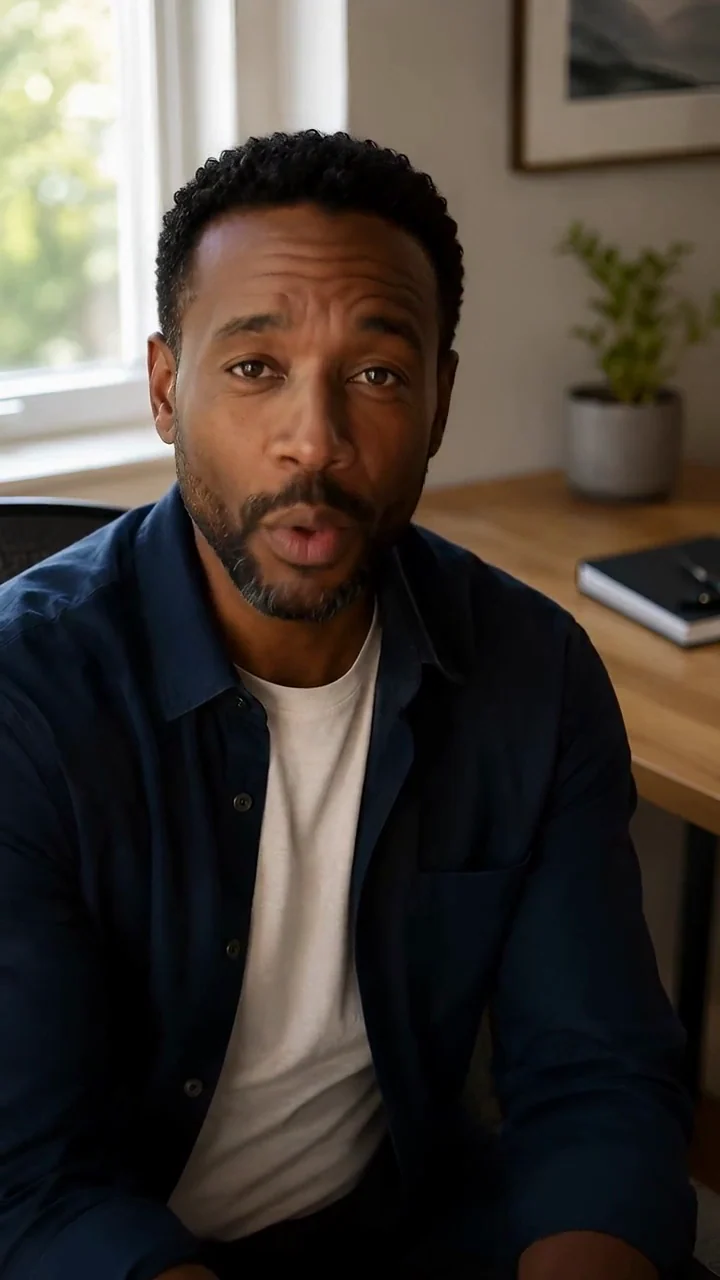
Start from a portrait
Use a clear front-facing image with one visible adult face.
Write or bring the speech
Studio supports a script with a built-in voice or authorized uploaded audio.
Review a speaking result
Listen to the message and check lip movement before sharing or downloading.
Settings at a glance
- Workflow
- Portrait-to-speech video
Use a clear front-facing image with one visible adult face.
- Inputs
- An adult portrait and a script with a voice, or authorized audio
Example references are not attached automatically.
- Resolution
- 720p
Review supported combinations in Studio.
- Duration
- Speech-dependent
The selected workflow controls the final output settings.
- Starting quote
- 47 Credits
Catalog minimum; selected settings determine the actual quote.
- Example provenance
- 2 recorded examples
These are fictional creator demonstrations, not customer testimonials.
Make the idea your own
Adapt this example prompt in Studio. References are not attached automatically.
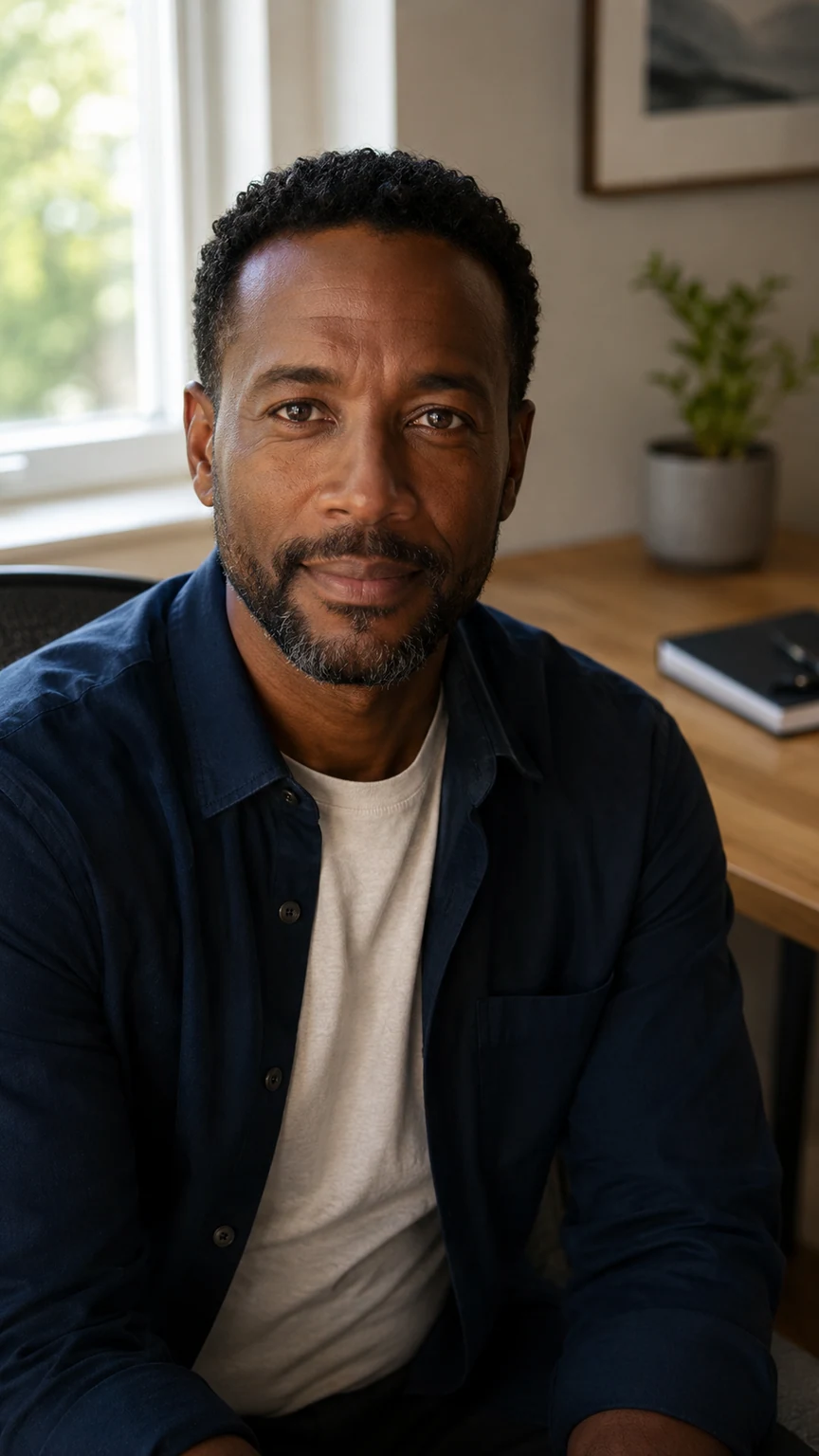
How to brief Kling AI Avatar Standard
Message
Write the words the creator should actually say.
Here is a quick update.
Scope
Keep one idea in a short script, without unsupported claims.
Today I will walk you through one useful idea.
Voice
Choose an available voice or upload speech you may use.
A clear introduction at a comfortable pace.
Portrait
Supply one clear adult face and review pronunciation and mouth motion.
A front-facing creator portrait with the mouth visible.
Where it fits
Creator introductions
Give an original fictional persona a short welcome message.
Explainer clips
Keep the delivery focused on one idea or step.
Social updates
Make a direct-to-camera draft from an existing portrait.
Before you generate
- These are fictional creator demonstrations, not customer testimonials.
- A portrait-to-video avatar is different from replacing speech in an existing video; use Lip Sync for that task.
- Speech, mouth shapes and pronunciation can vary. Review the full video with sound.
Questions, answered
Is Kling AI Avatar the same as lip sync?
Kling AI Avatar creates a new talking performance from a portrait and speech. Our Lip Sync tool uses an existing video and an audio track instead.
Can I upload my own audio?
Yes, use an audio track you own or are authorized to use. Alternatively, write a script and choose an available voice in Studio.
What inputs does Kling AI Avatar Standard need?
An adult portrait and a script with a voice, or authorized audio. The example prompt does not attach its source images or audio automatically. Add your own permitted inputs in Studio.
Which outputs can I choose with Kling AI Avatar Standard?
The current model catalog offers 720p. Available combinations depend on the workflow; check Studio before submitting.
Can Kling AI Avatar Standard keep my creator consistent?
Use an approved source or saved identity, then review every result. These are fictional creator demonstrations, not customer testimonials.
Can I try Kling AI Avatar Standard for free?
Browsing examples and preparing a prompt uses no generation credits. The catalog starts at 47 Credits for its lowest listed variant; the selected settings determine your actual quote. Generation requires an account and sufficient credits.
Where do I review a completed Kling AI Avatar Standard task?
Return to the saved task in Studio History to inspect the result and download it. If the task is still running, check its status before submitting another generation.
Plan Content
Measure Engagement
Build Your Profile
Price Your Work
Write Post Copy
Brand Partnerships