
Two adults · one shared scene
AI People Together
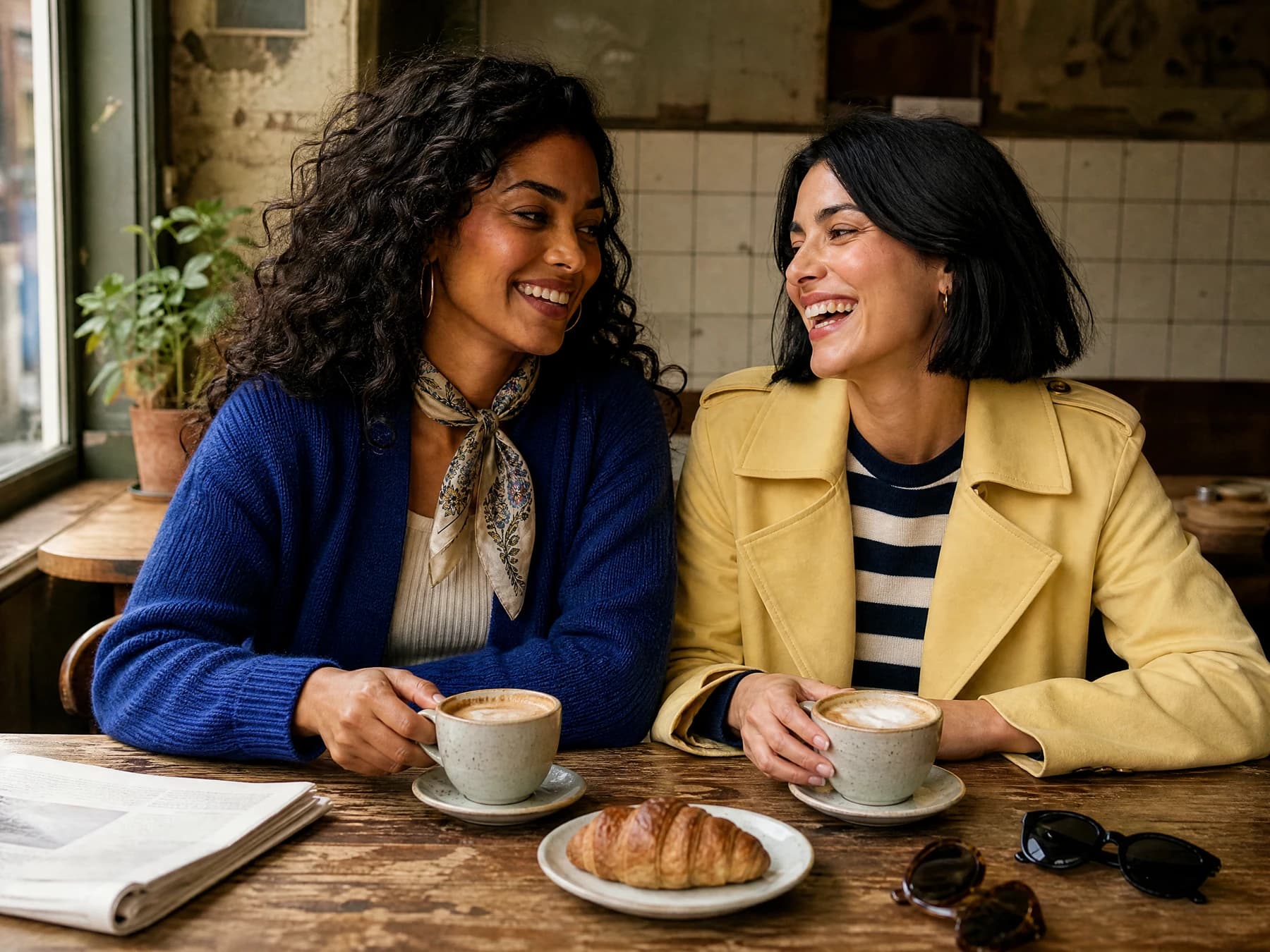
Bring people, characters, and story moments into one shareable AI visual workflow. AI Influencer Generator helps creators build consistent fictional AI characters, place them in collaborative scenes, and turn those scenes into influencer-style photos, social posts, and short-form content. Whether you want to put two people together in a photo AI workflow, create a symbolic hand-touch scene, or build an ongoing virtual creator community, the goal is simple: make every image feel connected, recognizable, and ready to publish.
What this search means
Put two people in one purposeful image.
AI can place two people in one scene when the creative direction is clear: who the characters are, how they relate, what they are doing, and what mood the final photo should communicate. With AI Influencer Generator, that idea becomes more than a one-off image because one saved fictional adult creator identity or an authorized uploaded reference can guide the first person. Add an authorized adult upload for the second person, then use the resulting still for campaigns, community posts, product storytelling, or AI influencer content.
That matters because community is visual. A solo creator photo can introduce a personality, but two-character scenes show interaction: a mentor meeting a student, two brand ambassadors planning a launch, friends touching hands across a barrier, or collaborators working on a shared project. Search phrases like ai put two people together, ai people together, and put two people together in a photo ai free all point to the same need: people want AI photos that feel like relationships, not isolated portraits.
AI Influencer Generator is designed for that kind of repeatable creative system. Start with one or two authorized adult references, define the scene, keep the interaction believable, and review the single image result before using it in a wider content plan.
A focused edit
Prepare the people and the shared scene
- 01
Your source
Authorized source images
- 02
Your direction
One scene and arrangement
- 03
Your review
Faces and physical contact
Connection needs direction
The relationship is the subject.
A strong two-person AI image is not just two faces in the same frame. It has a reason to exist. For influencer content, that reason may be a campaign collaboration, a lifestyle story, a product handoff, a fan-style moment, or a visual metaphor for connection. AI Influencer Generator gives creators a practical path from prompt to publishable concept by helping them think in scenes, not isolated outputs.
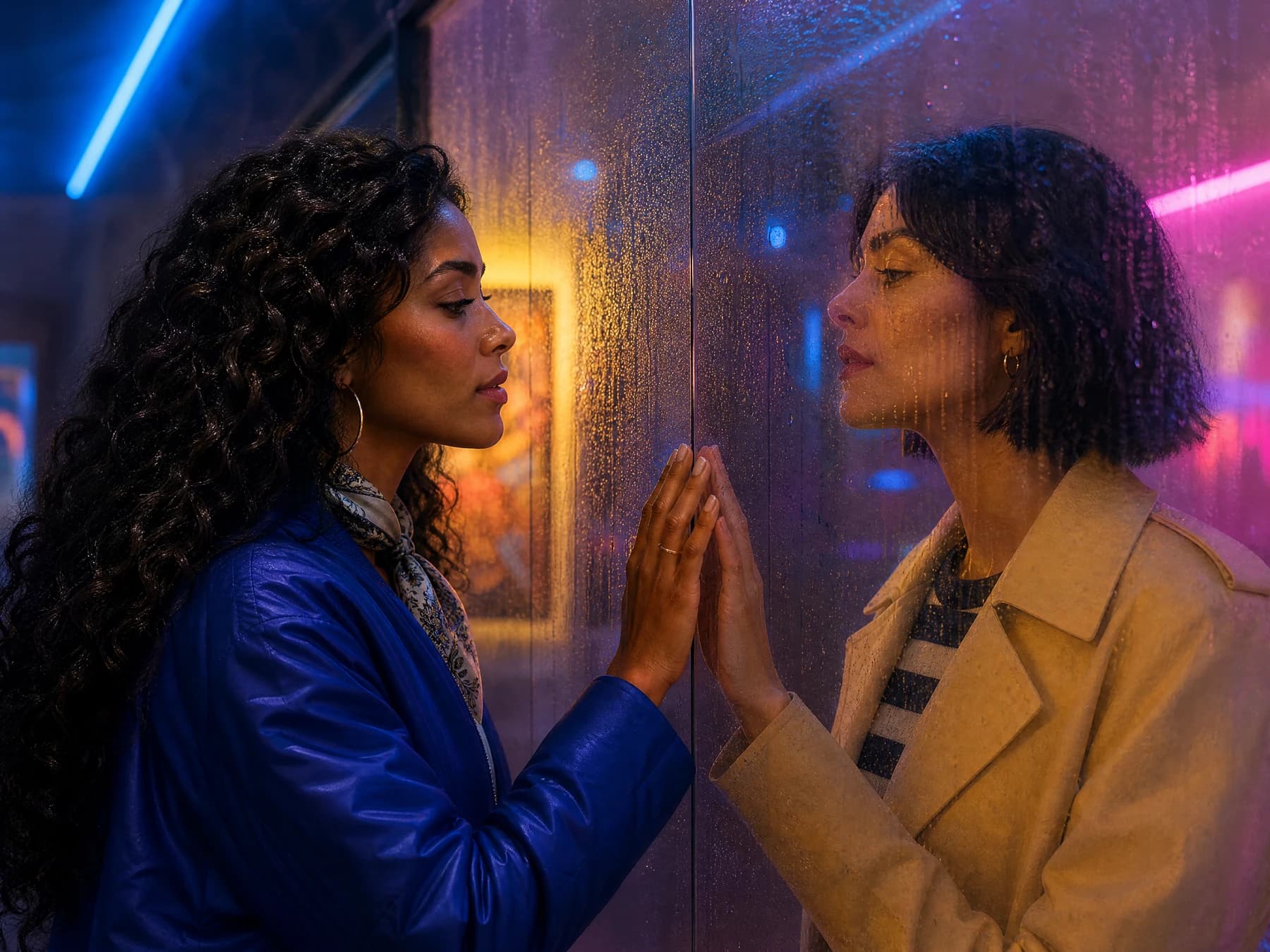
A symbolic image such as 2 people touching hands together from the otherside ai can communicate support, distance, trust, or reunion. The physical relationship, camera angle, setting, and emotion give the image its meaning; the phrase alone does not.
Build a scene around a real content job.
The best AI collaboration scenes begin with a specific relationship. If you simply ask AI to ‘put two people together,’ the result may look generic. If you describe the connection, the camera angle, the setting, and the emotion, the final image has a clearer purpose.
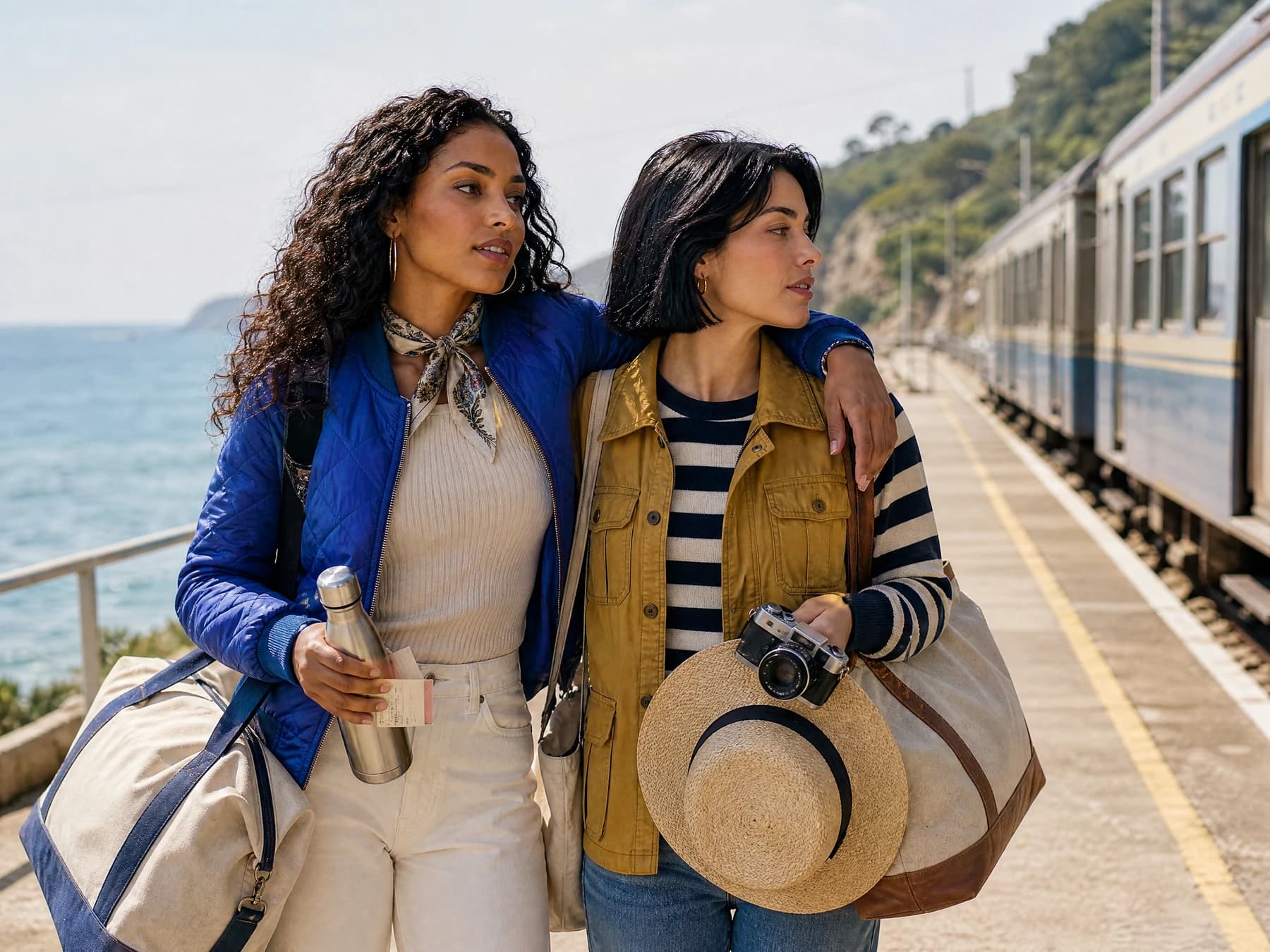
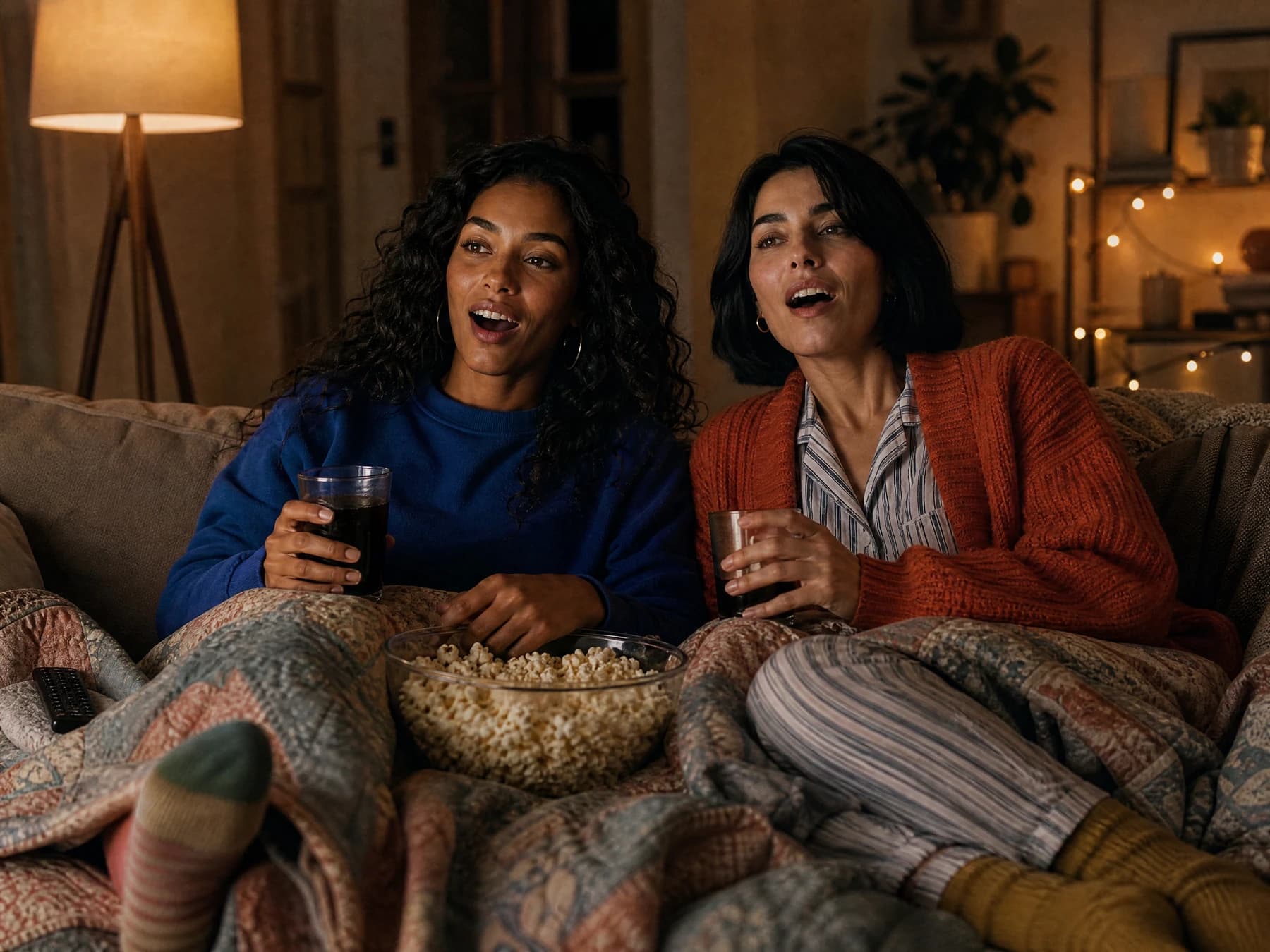
- Two fictional adult AI influencers posing together for a launch announcement.
- A creator and a guest character reviewing an unbranded product in a UGC-style scene.
- A friendship, couple, or team moment built around matching outfits, lighting, and setting.
- A symbolic hand-touch image for emotional storytelling.
- A two-person community image that reflects shared values or audience identity.
- A creator-collaboration sequence where reviewed characters return across several posts.
Identity continuity
Recognizable does not mean guaranteed.
This is where an ai photo generator to put two people together becomes valuable for more than novelty. If a reviewed character appears in a morning routine post, a product shot, a collaboration scene, and a later short-video concept, followers can begin to recognize the persona. That recognition is the foundation of AI influencer content: the character feels familiar, even as the setting changes.
The challenge with many AI image tools is drift. A character may look polished in one image, then appear slightly different in the next. Hair shape changes, facial structure shifts, proportions move, or the overall personality disappears. For creators building AI influencer accounts, that inconsistency makes a feed feel disconnected.
AI Influencer Generator keeps the focus on reusable identity without promising an exact likeness. You can use one saved fictional adult as the first person or upload an authorized first reference, add an authorized adult upload for the second person, and review every output. The separate Consistent Character Generator can support later images after you choose a result worth continuing.
- 01
Build recognition over time
Your audience can see a reviewed virtual creator in different outfits, locations, and collaborations, which makes the account easier to follow.
- 02
Create believable collaborations
Give each adult a clear role: host, guest, friend, customer, founder, stylist, coach, or community member.
- 03
Reuse visual direction
Once you know the character's look, tone, and content niche, future prompts become easier to write and review.
- 04
Move from still images to motion
A reviewed photo can become the starting point for a separate short-form video workflow.
- 05
Protect the brand feel
Keep a stable visual language across posts instead of jumping between unrelated aesthetics.
One still, wider campaign
Treat the first image as a story anchor.
Community-building content works best when the image is part of a sequence. A first post can introduce the collaboration. A second can show the characters using a product. A third can use the reviewed still as an authorized starting frame for a separate motion or talking-creator workflow.
A single image can start a larger creative system. Begin with a two-person photo that establishes the relationship. Then create supporting assets that expand the story: solo portraits, behind-the-scenes visuals, product close-ups, short videos, captions, bios, and campaign posts. The more connected these pieces feel, the more professional the account becomes.
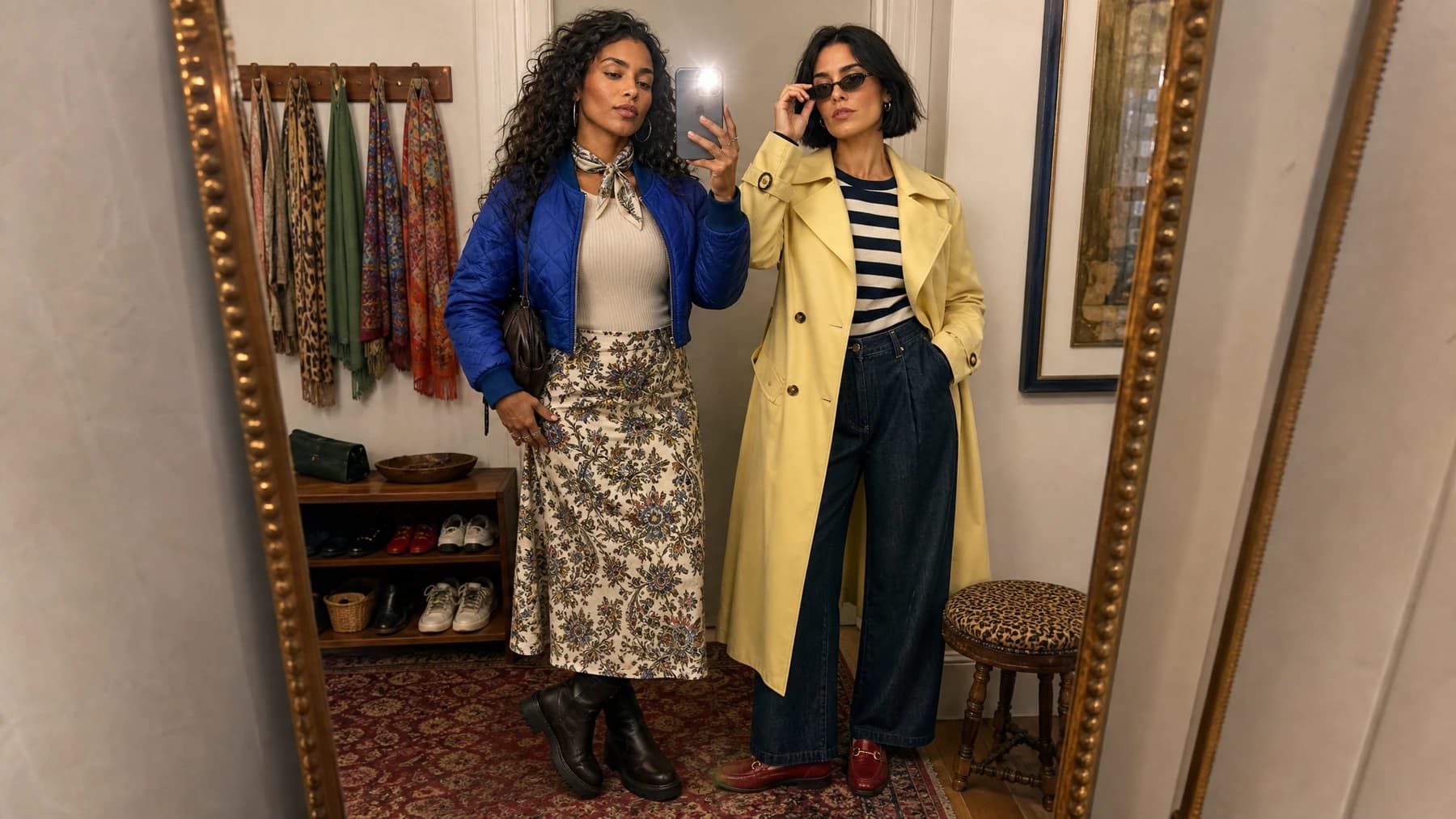

Scene planning board
Decide the relationship before the prompt.
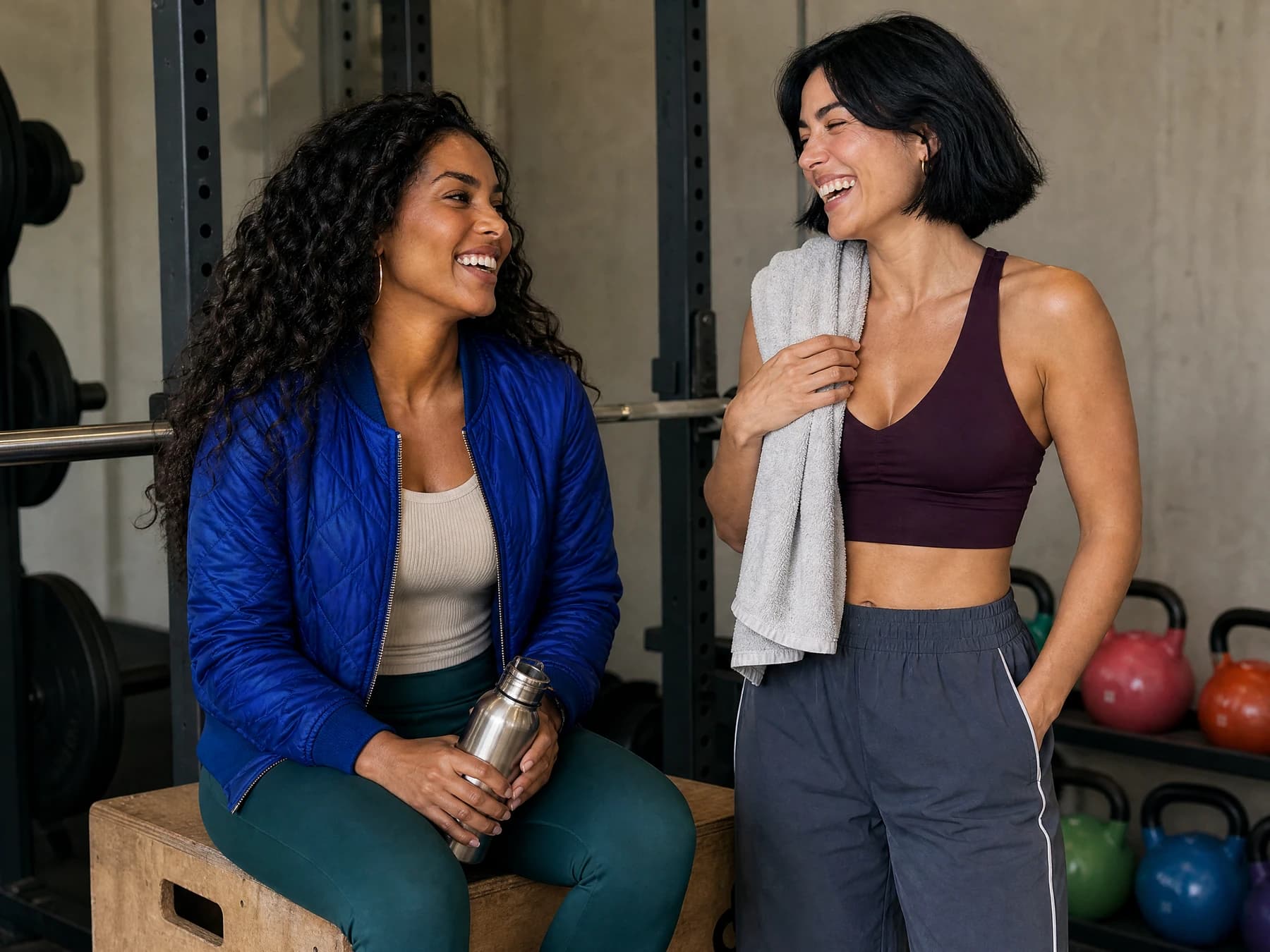
For example, a skincare account might create two fictional adult influencers sitting at a bathroom counter, comparing routines under soft morning light. A fitness creator might show an adult trainer and beginner touching hands after a completed workout. A virtual fashion account might place two adult characters on opposite sides of a glass storefront, fingertips aligned, creating a dramatic 2 people touching hands together from the otherside ai concept. Each image tells the audience what relationship they are looking at.
Creative brief
Creator collaboration
A calm planning moment between two fictional adult creators. The shared work, eyelines, and body language communicate trust without fake metrics or customer claims.
Define the two people
Are they friends, collaborators, a couple, teammates, or fictional brand ambassadors?
Choose the community signal
What does the image say about belonging, support, trust, celebration, or shared identity?
Set the physical interaction
Are they standing side by side, touching hands, sharing a product, filming together, or looking at the same screen?
Control the setting
Studio, street, café, bedroom, gym, event booth, beach, or product environment.
Match the mood
Warm, cinematic, playful, editorial, realistic, futuristic, casual, or premium.
Plan the next post
Will this become a carousel, captioned story, product demo, separate short-video workflow, or creator introduction?
Real workflow shape
Two references guide one result.
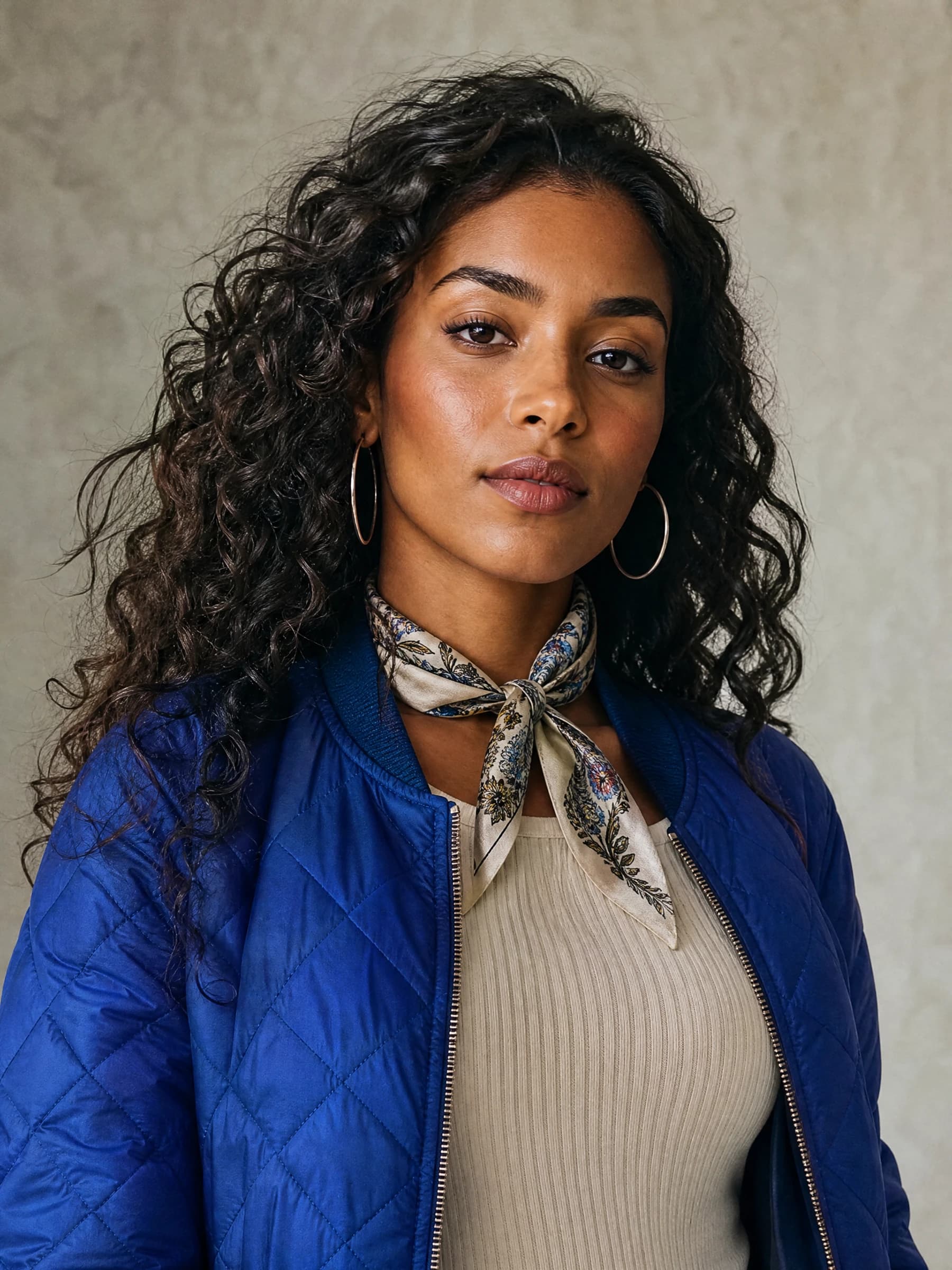
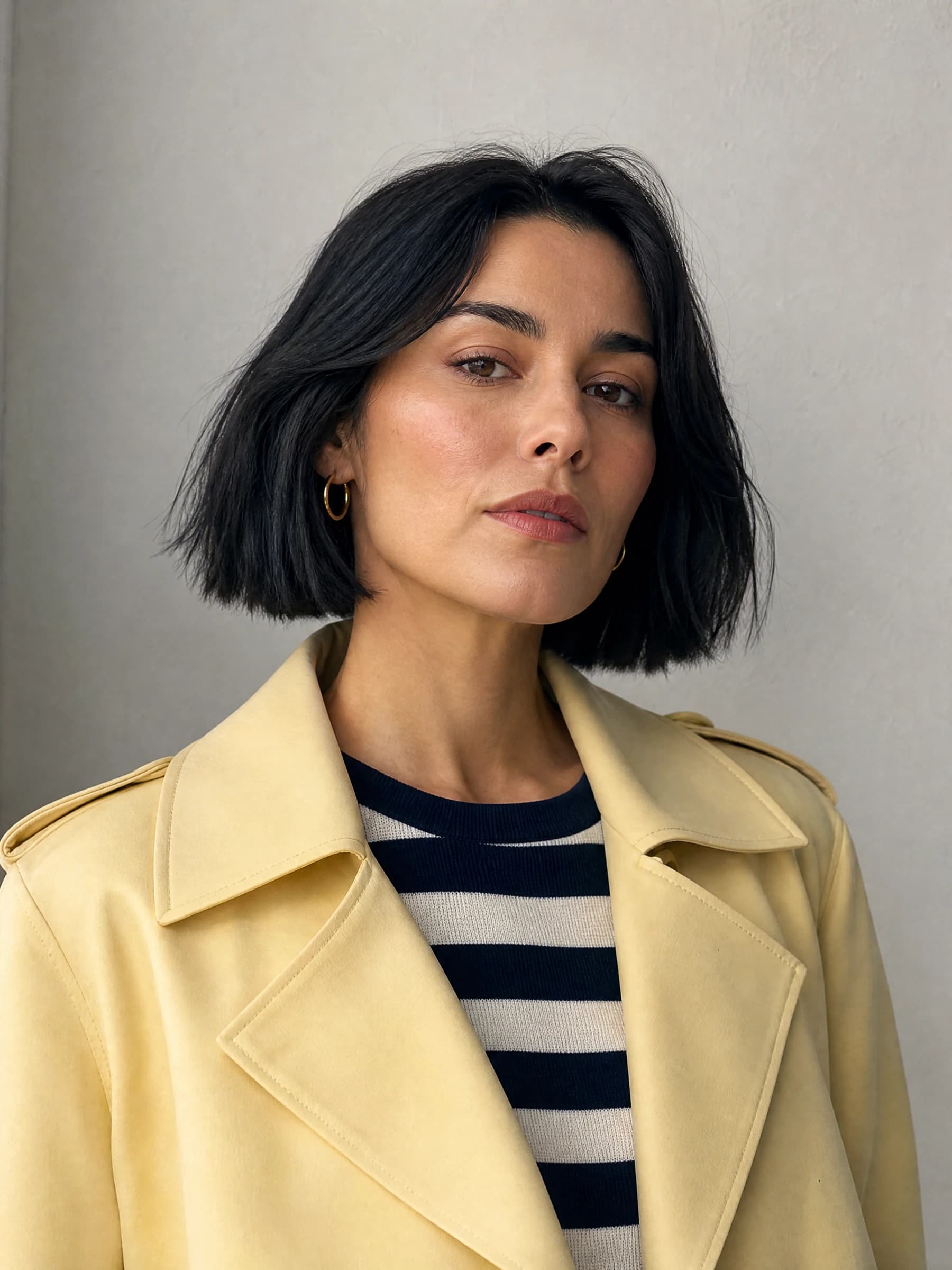
Both adult reference slots are optional. The first can also use one saved fictional adult character; the second is an upload. The task returns one still image for review.

Studio handoff
From inputs to one inspected image.
Studio shows the current credit quote before submission and records the actual task state. It does not promise a fixed free allowance.
- 1
Choose the first person
Upload an authorized adult photo or select one saved fictional adult character.
- 2
Add the second person
Upload one authorized adult reference. The second slot does not select another saved character.
- 3
Direct one shared scene
Describe the relationship, pose, emotion, wardrobe, setting, lighting, and composition.
- 4
Review the live quote and submit
Confirm consent and the current credit estimate, then create one still-image task.
- 5
Inspect the result
Check distinct identities, anatomy, hands, spacing, clothing, text, and context before downloading or continuing.
Prompt the moment, not just the people.
A practical prompt describes two adult roles, one relationship, one physical interaction, a controlled setting, a mood, light, and camera framing. Include terms such as put two people together in a photo ai or ai photo generator to put two people together only when they read naturally; the visual direction matters more than repeating the keyword.
Specificity saves creative energy because each post can build on the last. You are not starting from nothing every time. You are growing a small visual world around characters your audience can recognize after review.
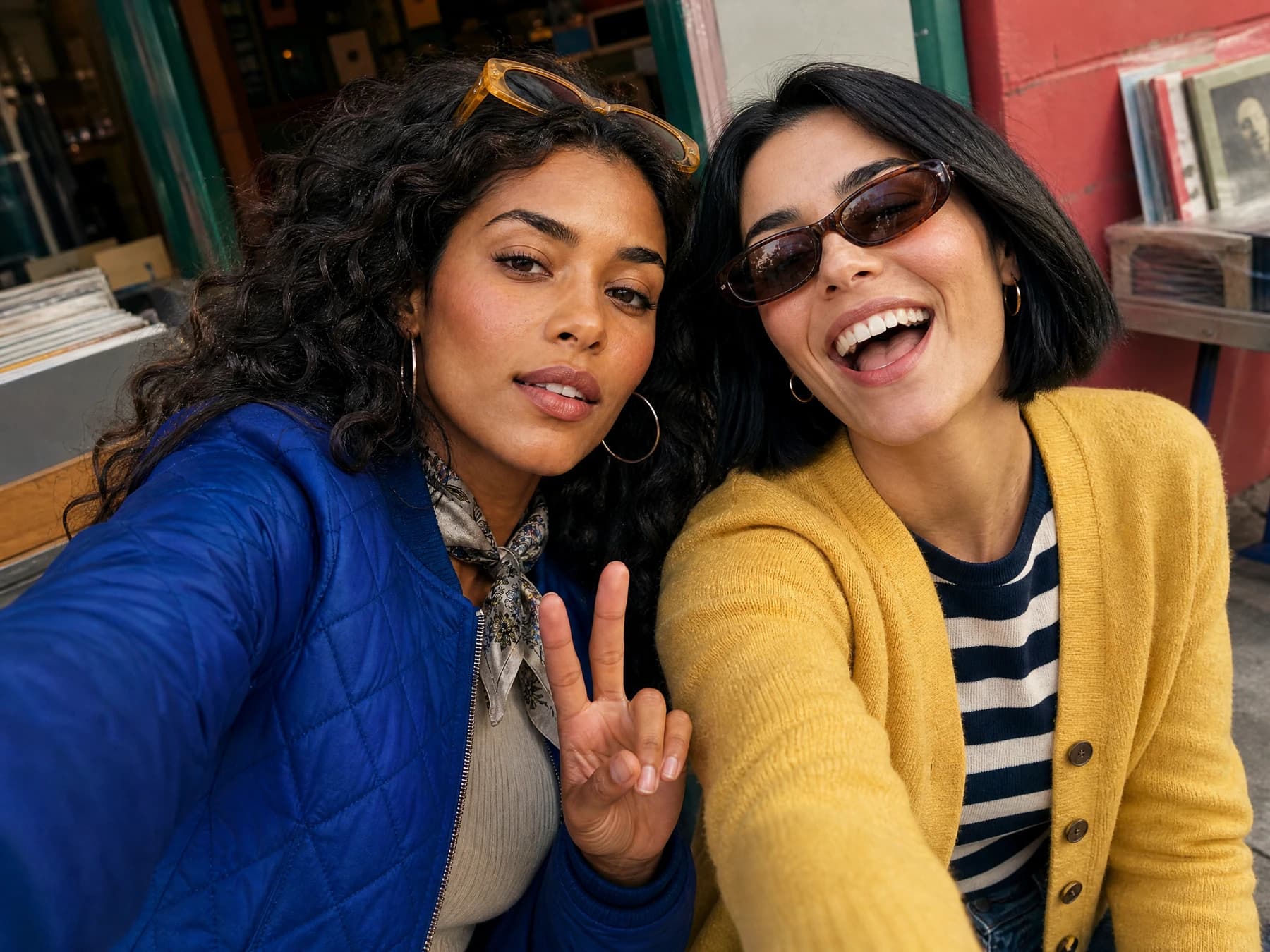
Two fictional adult creators planning a community launch at a bright studio desk, one points to a blank storyboard while the other holds an unbranded sample, relaxed collaborative body language, soft window light, medium-wide editorial photograph, natural hands, no logos, no readable text.
Who this fits
Interaction makes a campaign feel active.
AI Influencer Generator is a fit for solo creators, social media managers, small brands, AI creator accounts, UGC-style content teams, and marketers testing virtual influencer concepts. It is especially useful when you need many visual ideas but still want the account to feel intentional. Instead of relying only on stock-style images or one-off prompts, you can create repeatable scenes around fictional adults.
The platform is also helpful when your content strategy depends on interaction. Community posts often need more than one person in the frame: a handshake, a shared laugh, a product exchange, a behind-the-scenes planning moment, or two creators reacting to the same trend. Those images can make a campaign feel active rather than static.
Design connection without faking community.
AI Influencer Generator encourages creators to be specific and responsible with inputs. Work with fictional adult characters or authorized adult references, avoid misleading uses, and review the final output before publishing. The goal is not to fake community; it is to design original visual content that represents the story your brand or creator account wants to tell.
If your audience needs to see connection, give them scenes with connection. Create one reviewable AI photo that brings up to two fictional adults into the same frame, then decide whether it deserves a place in a wider campaign or a separate downstream workflow.
Fictional adults or authorized uploads
No celebrity or private-person impersonation
Inspect hands, faces, text, and context
Disclose AI use when viewers could be misled
Before you begin
Bring your direction into Studio
- Authorized source images
- One scene and arrangement
- Faces and physical contact
AI people together questions
What does AI people together mean?
It describes an AI image workflow that places up to two fictional adults in one purposeful scene, such as a collaboration, friendship, couple, product handoff, or symbolic connection moment.
Do I need to upload two photos?
No. Both adult reference slots are optional. You can write a scene prompt only, upload a first adult reference or choose one saved fictional adult, and optionally upload a second authorized adult reference.
Can I choose two saved characters?
No. The first person can use one saved fictional adult character. The second reference is an optional authorized adult upload.
How many people and images does one task create?
The current workflow is designed for a scene with up to two adults, and one submission creates one reviewable still-image task.
Will the result preserve both people exactly?
No. References guide a creative result and exact likeness is not guaranteed. Review both faces, hands, anatomy, clothing, background details, and context before use.
Can I turn the result into a video?
The Couple workflow returns one still image. After reviewing and downloading it, you can use that authorized still in a separate compatible image-to-video or talking-creator workflow.
Can I use real people as references?
Only upload adult images you have the right and consent to use. Do not impersonate a private person, fabricate an endorsement, or present a generated scene as a real event or relationship.
Is the AI people together workflow free?
This page does not promise a fixed free allowance. Studio shows the current credit quote before you confirm a task.
Bring two fictional adults into one scene worth reviewing.
Choose optional adult references, direct one shared moment, and create one still image in Studio.
Create an AI people scene
Plan Content
Measure Engagement
Build Your Profile
Price Your Work
Write Post Copy
Brand Partnerships