
Reported
A model label called mona-lisa-1 has appeared in public blind-comparison discussion.
Preview — not officially released
Mona Lisa 1 is an unannounced image-model label reported in blind Arena testing. Use this page to separate the public signal from the unknowns, then take a real creator direction into the available image Studio.
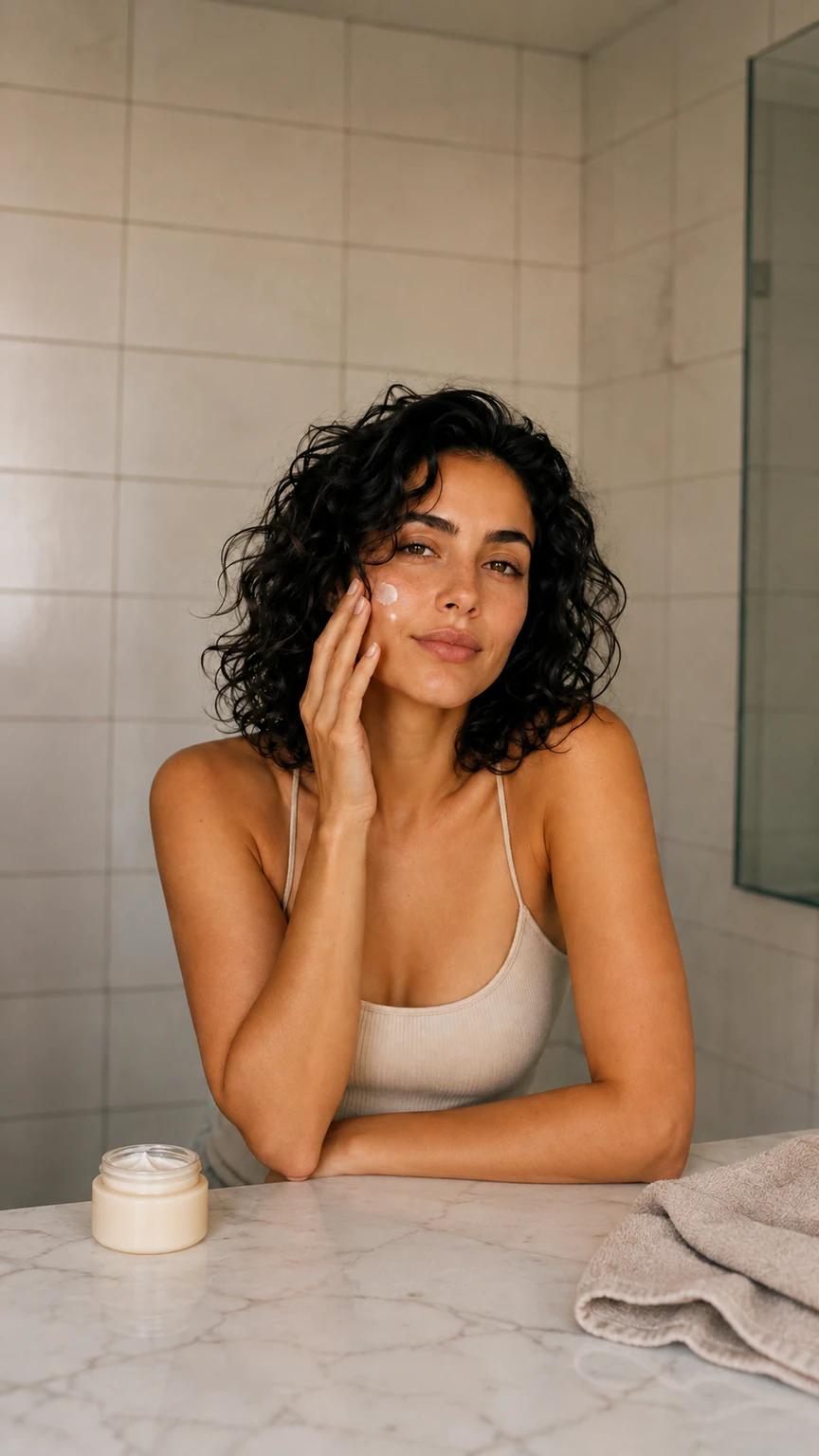
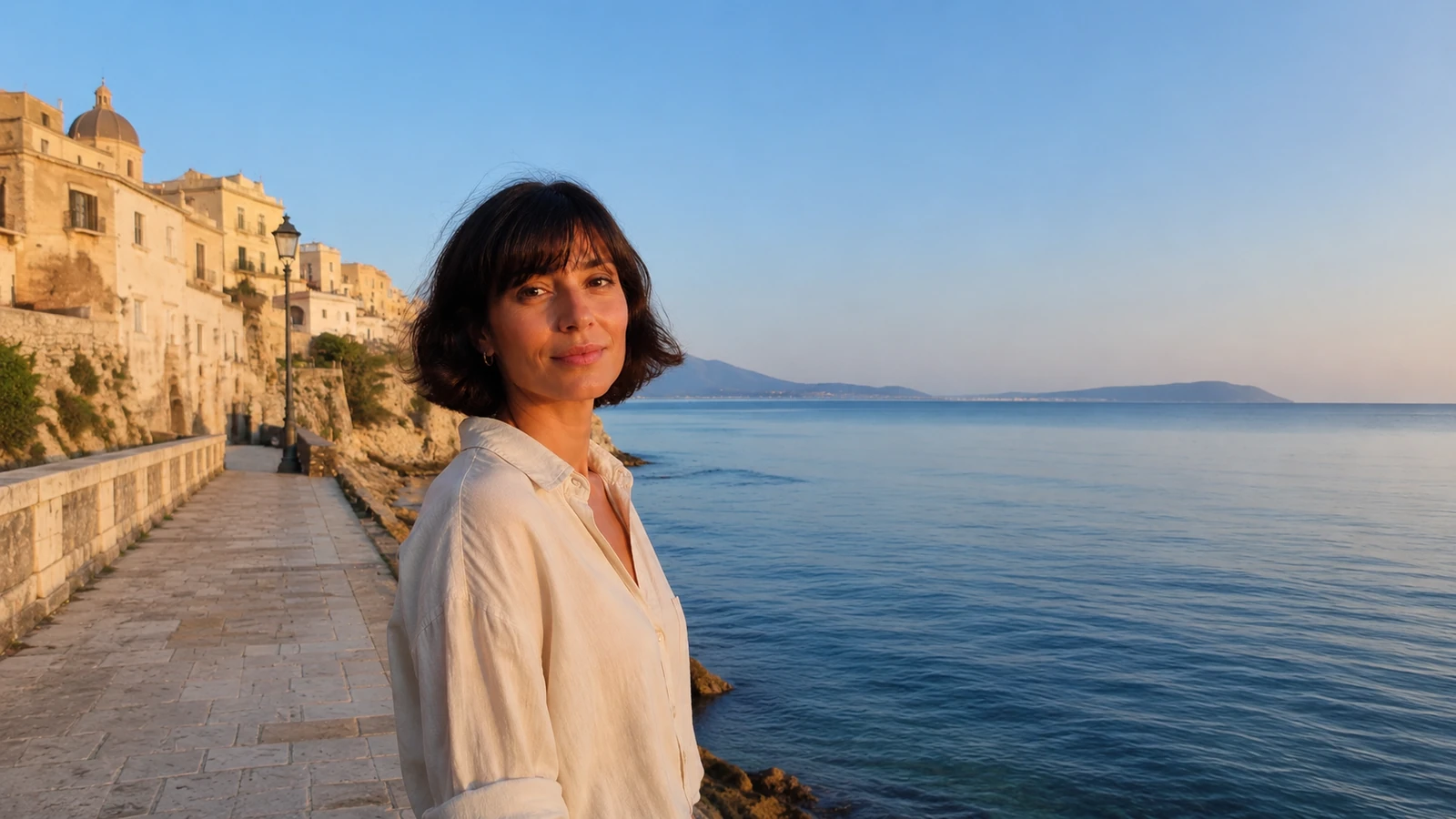
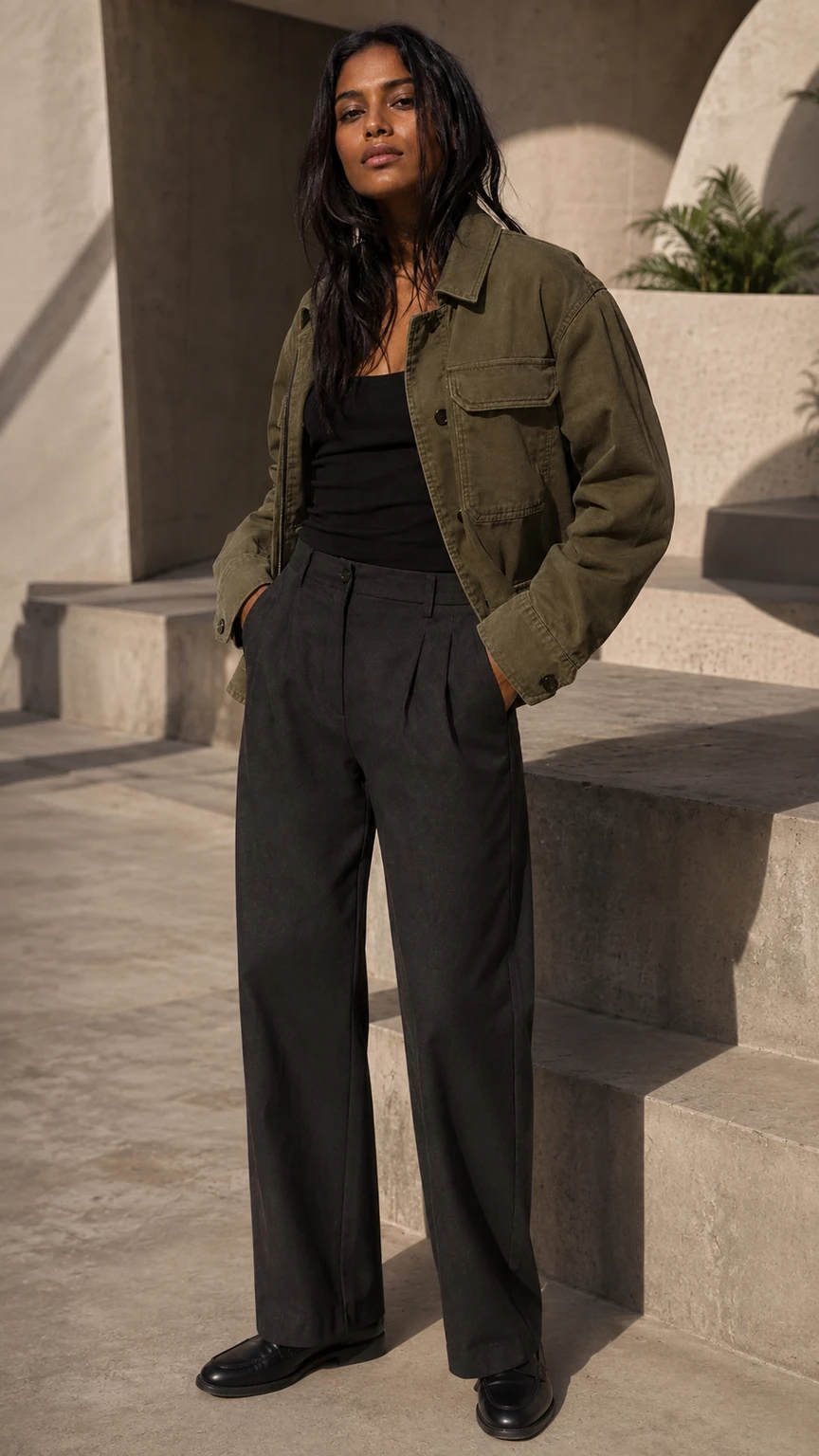
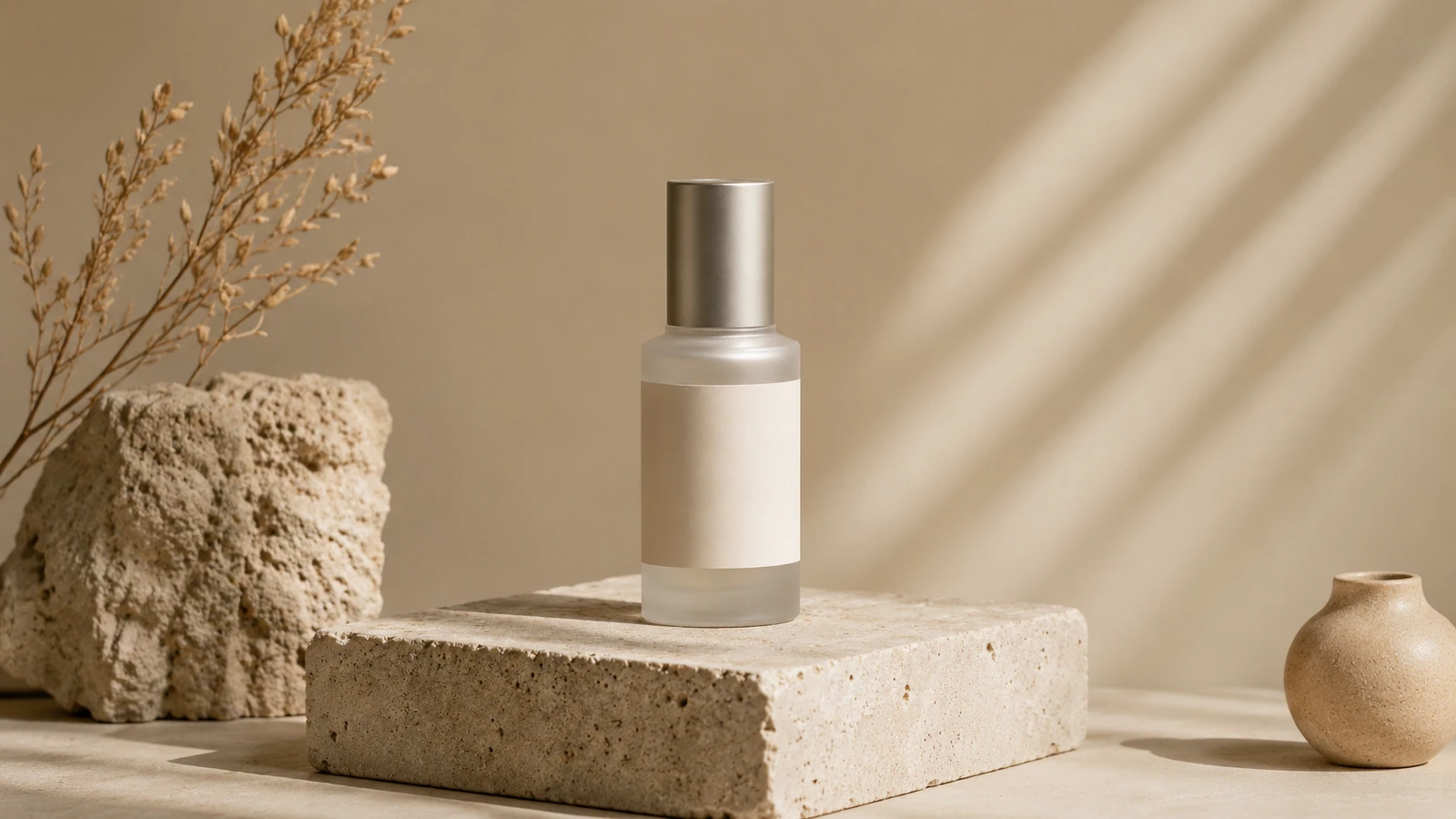
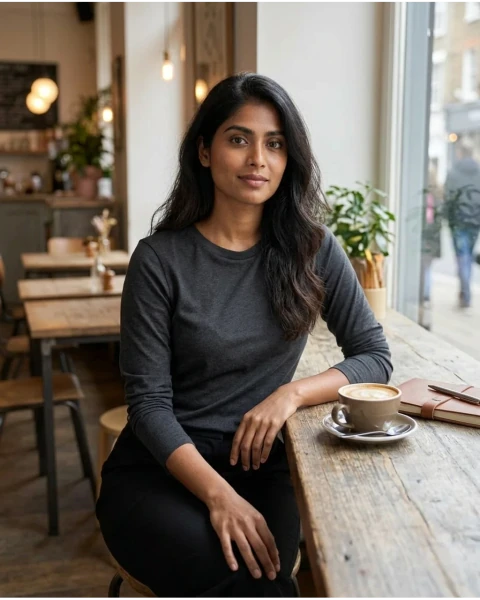
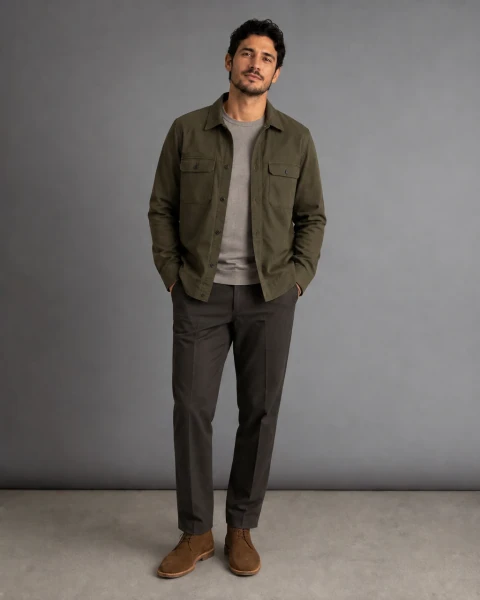
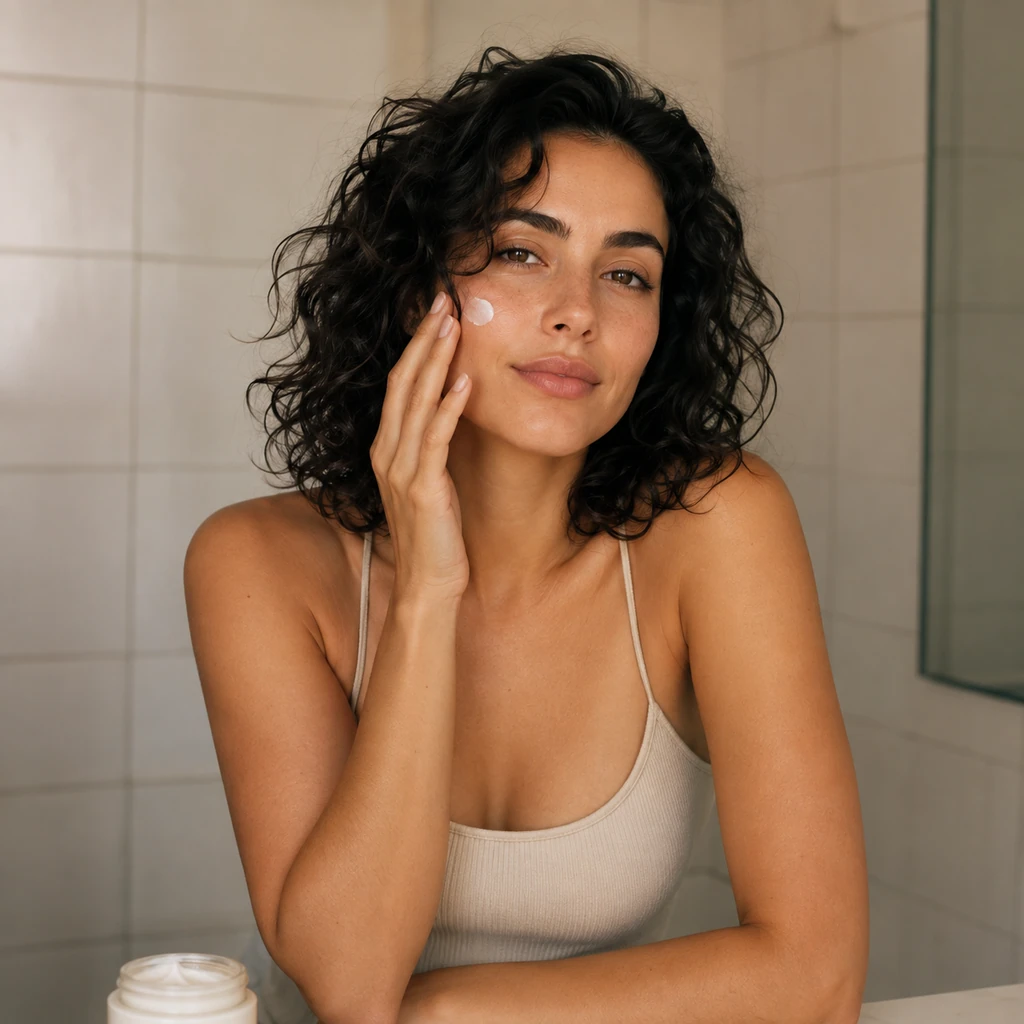
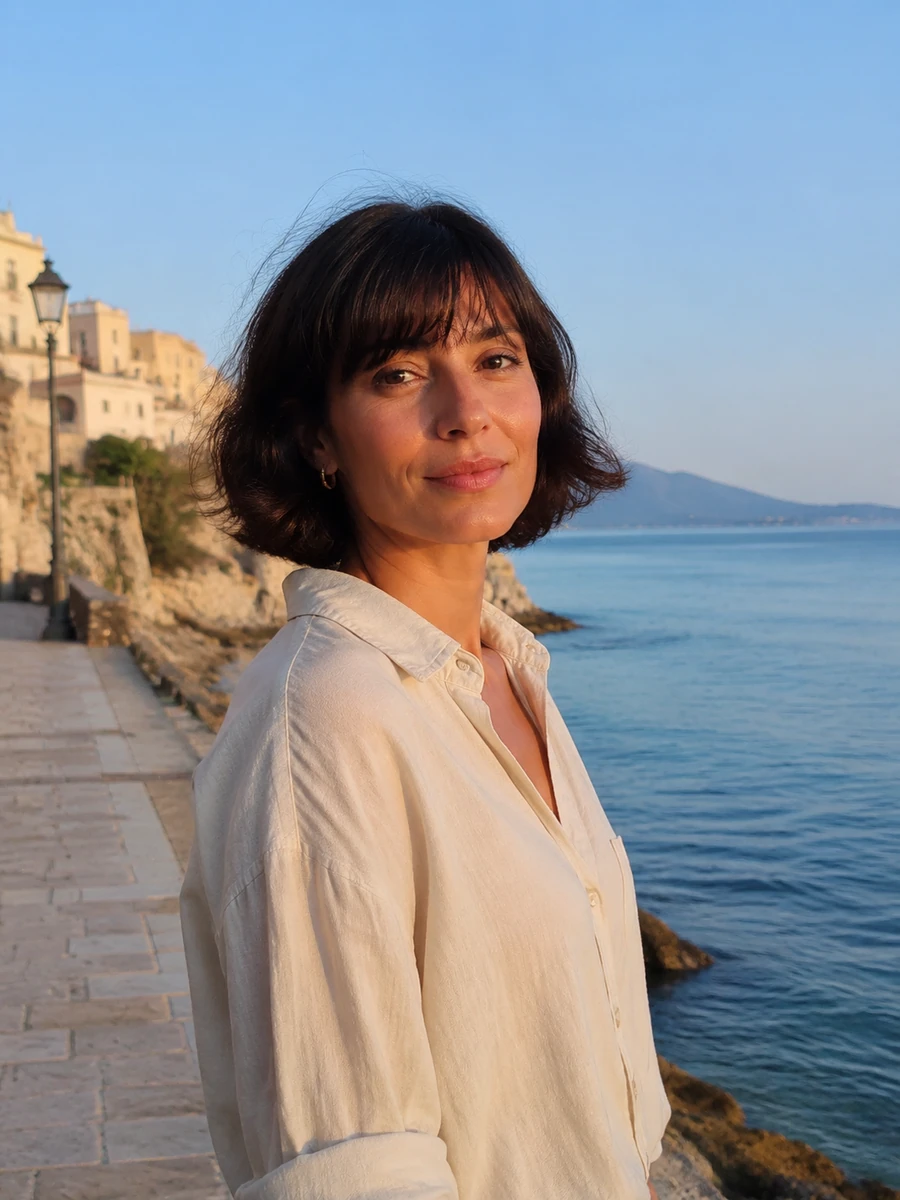
A name reported in anonymous image-generation comparisons, not a released product name or an available Studio option.
Public reporting describes Mona Lisa 1 as a label seen in blind Arena tests. That is enough to make it worth tracking, but not enough to describe it as an official OpenAI release or a confirmed successor to any current model.
Official documentation, release timing, price, performance, and the final model name remain unknown.
A model label called mona-lisa-1 has appeared in public blind-comparison discussion.
Some reporting discusses possible OpenAI provenance signals; that is not an official model confirmation.
Release date, availability, price, full capability set, and final product name.
The useful question is not whether a codename wins one image battle. It is whether future releases make creator imagery easier to direct, review, and reuse.
See what has been reported, what remains unconfirmed, and what a future release would still need to prove.
Use this direction in StudioTurn an early model story into a useful portrait, fashion, lifestyle, or product-image brief today.
Use this direction in StudioUse the same prompt with the GPT Image 2 workflow already available in Studio.
Use this direction in StudioThey need a clear creative brief for a series of posts, placements, and campaign variants.
They need a controlled visual direction that keeps styling, material detail, and framing reviewable.
They need a product moment that can be reviewed for recognisability, placement, and disclosure.
They need a practical way to turn one visual idea into an editable Studio prompt.
Name the person, setting, product context, framing, and the one detail that must read clearly.
The preview page keeps your wording intact and opens the available GPT Image 2 image workflow.
Check identity, hands, product detail, and any visible text before using a synthetic image publicly.
Describe the creator, the visible task, the setting, the desired placement, and the details that need a human review.
Use fictional adults or people you are authorized to depict.
Give the person one clear product, lifestyle, or fashion action.
Choose a useful social crop instead of asking for every possible angle.
Name hands, text, product edges, or identity details that need inspection.
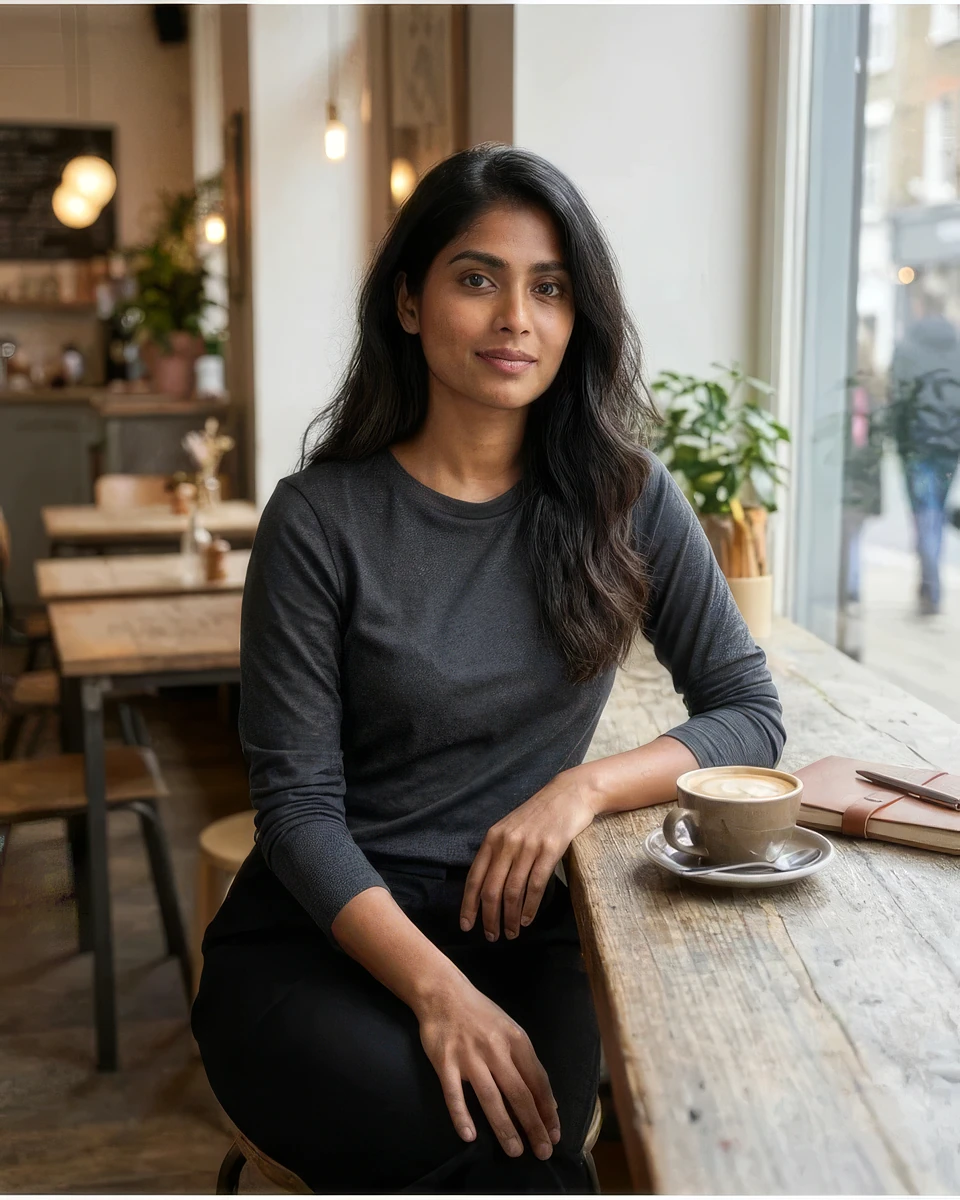
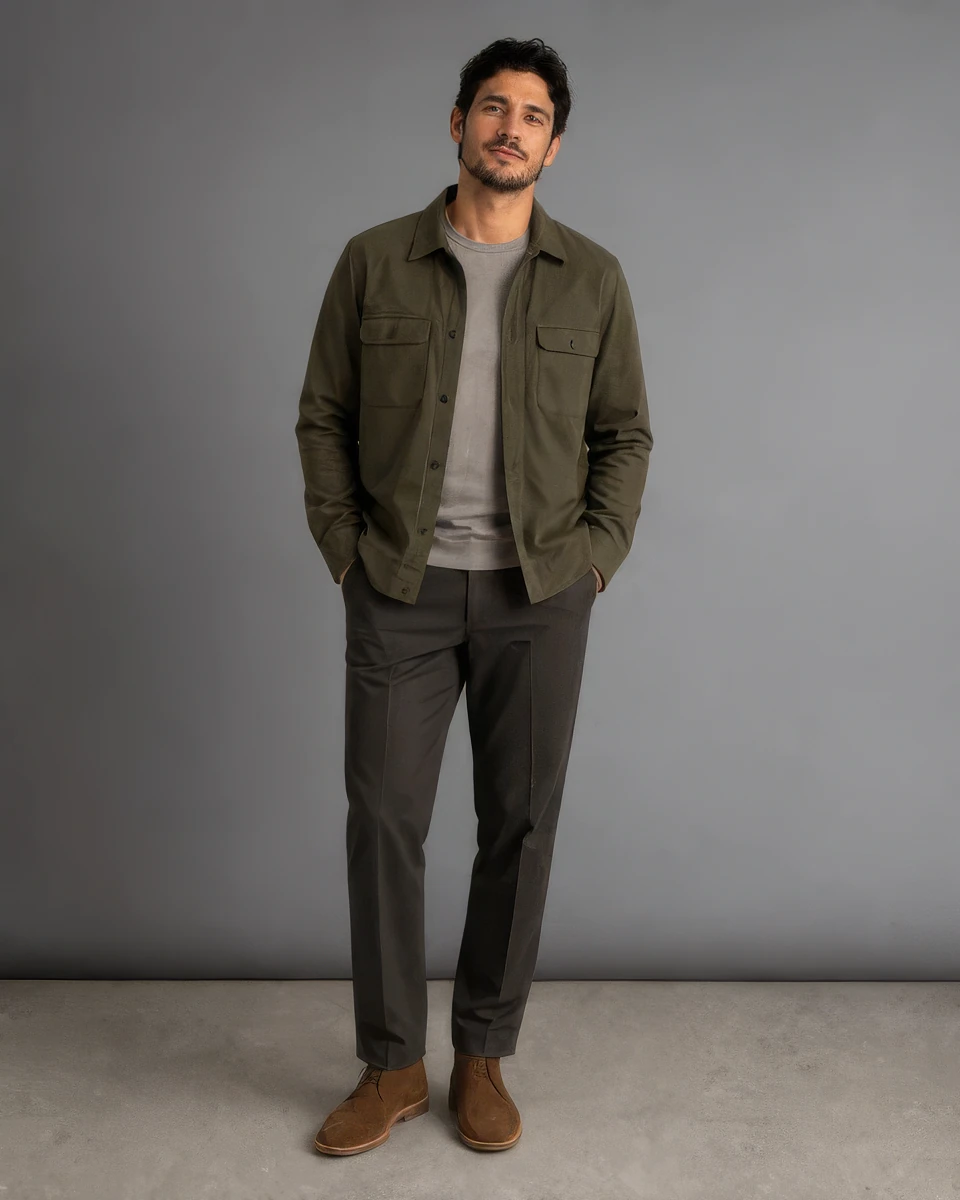
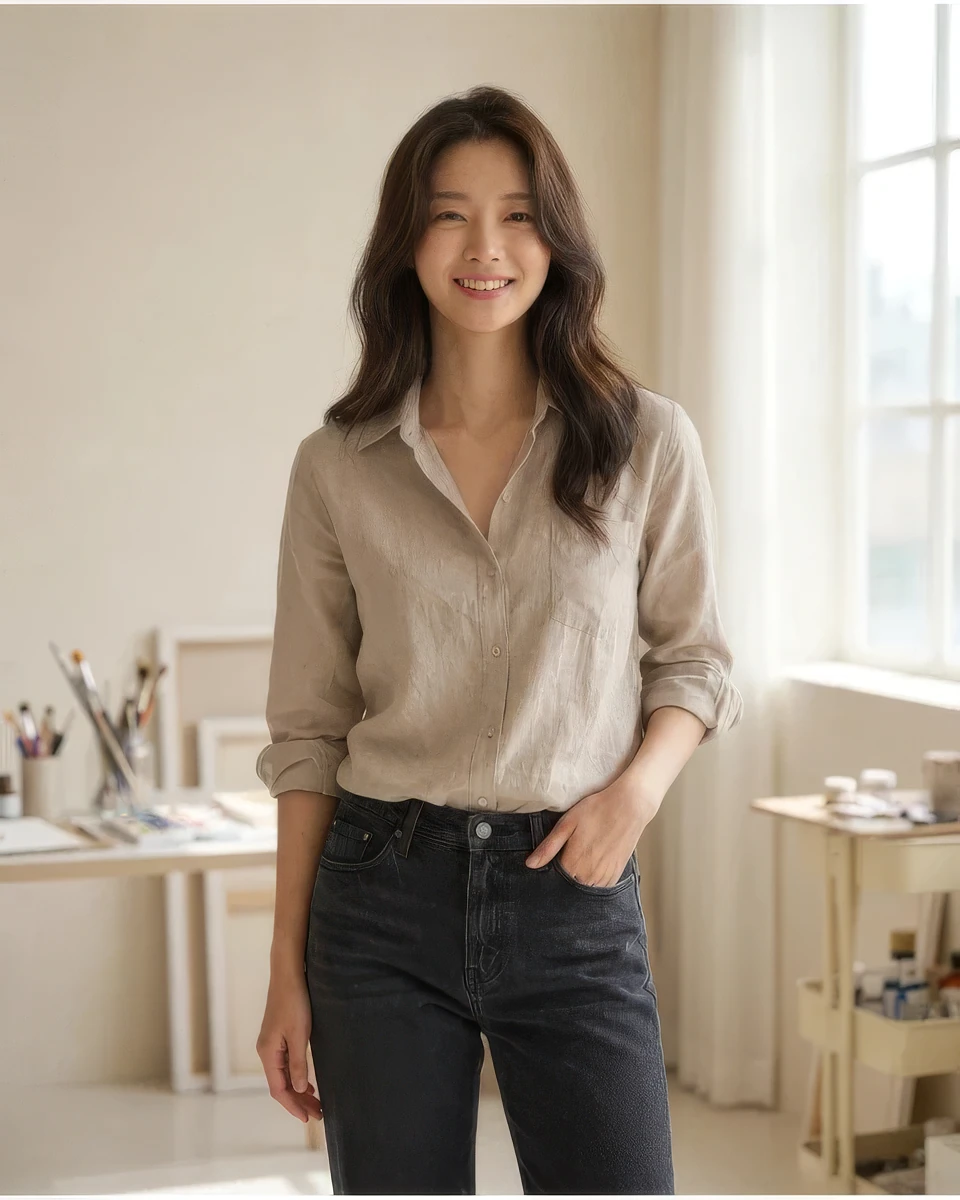
The external links below document early reporting. The images above are our current Studio illustrations. They are intentionally not presented as side-by-side model proof.
Natural skin, material response, complex scene instruction following, and character continuity are recurring discussion topics. Each needs repeated prompts before it becomes a workflow claim.
Noise, dense text, hands, stable identity, and long-run consistency can fail in ways a single pleasing image cannot reveal.
| Question | Mona Lisa 1 | GPT Image 2 in Studio |
|---|---|---|
| Availability | Unannounced preview label | Available workflow |
| Price and limits | Not confirmed | Shown before a real task |
| Output evidence | Early reporting only | Reviewable in your own Studio history |
| Use today | Track and evaluate | Generate with your prompt |
Use the direct prompt handoff when you want to test an influencer image now.
Open current StudioUse the current image workflow when a reusable creator identity matters.
Open current StudioUse the current image workflow when a more detailed image direction fits the job.
Open current StudioRepeat a natural portrait under mixed light.
Check products and hands at the intended crop.
Use a dense text or packaging prompt without assuming accuracy.
Run the same creator across several prompts and angles.
Keep original files and record the exact prompt.
Compare price, speed, and recoverable task behavior only when published.
It is an unannounced image-model label reported in blind Arena comparisons. Its developer, final name, and release plan have not been officially confirmed.
No. This page does not run Mona Lisa 1. It sends your prompt to the currently available GPT Image 2 workflow.
No official announcement confirms that. Public reporting has discussed possible OpenAI provenance signals, but that does not confirm product identity or availability.
No. The on-page images are current Studio illustrations. Linked reports are cited as early public discussion, not as proof of capability.
Use repeated prompt sets for natural portraits, products, text, multi-person scenes, and identity continuity rather than judging one appealing result.
Open the current GPT Image 2 workflow with your prompt, review the result, and keep approved directions for later comparison.
No. Only the existing Studio plans and the available model quote apply today.
Mona Lisa 1 has no separate price. Review current plan and credit choices before generating with a model that is available now.
Your prompt opens GPT Image 2 in Studio. Mona Lisa 1 remains a clearly marked model preview until an official release creates a different truth.
Generate now with GPT Image 2