
AI Video Generation
How Do I Use a Reference Video for Motion Transfer?
Open Motion Transfer, select or upload the target character image, and add a reference video you are allowed to use. The reference determines the movement; the target image determines the character appearance.
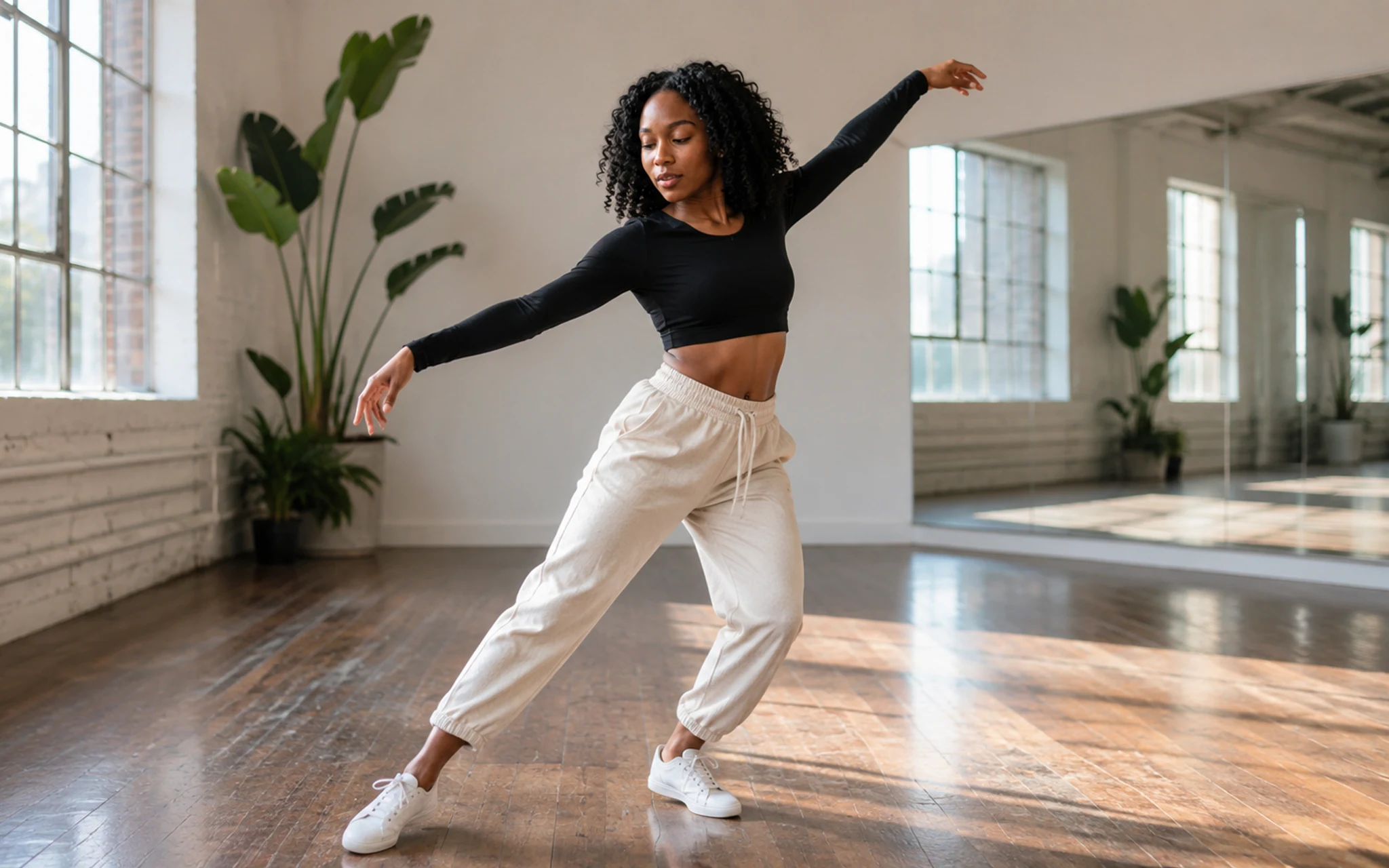 The target supplies identity while the permitted video supplies motion. Select the image to view it full size.
Match the inputs
A full, visible body in both inputs makes the intended movement easier to interpret. Use a reference with one clear performer and stable framing.
Review duration and price
Reference-led models can bill according to the reference duration. The Studio reads supported media information and shows the current quote before generation.
- 1Choose the target character image.
- 2Upload the authorized reference motion video.
- 3Review duration, model settings and the quote.
- 4Generate and inspect identity, limbs and scene stability.
Related answers
Last reviewed 2026-09-14. Product controls and available models may change; the Studio shows the current options before you generate.
Plan Content
Measure Engagement
Build Your Profile
Price Your Work
Write Post Copy
Brand Partnerships