
AI Video Generation
How Do I Turn an Image into an AI Video?
Open Image to Video, upload a clear source image, and describe a simple visible motion. Select an available model and duration, review the exact credit quote, then start the task.
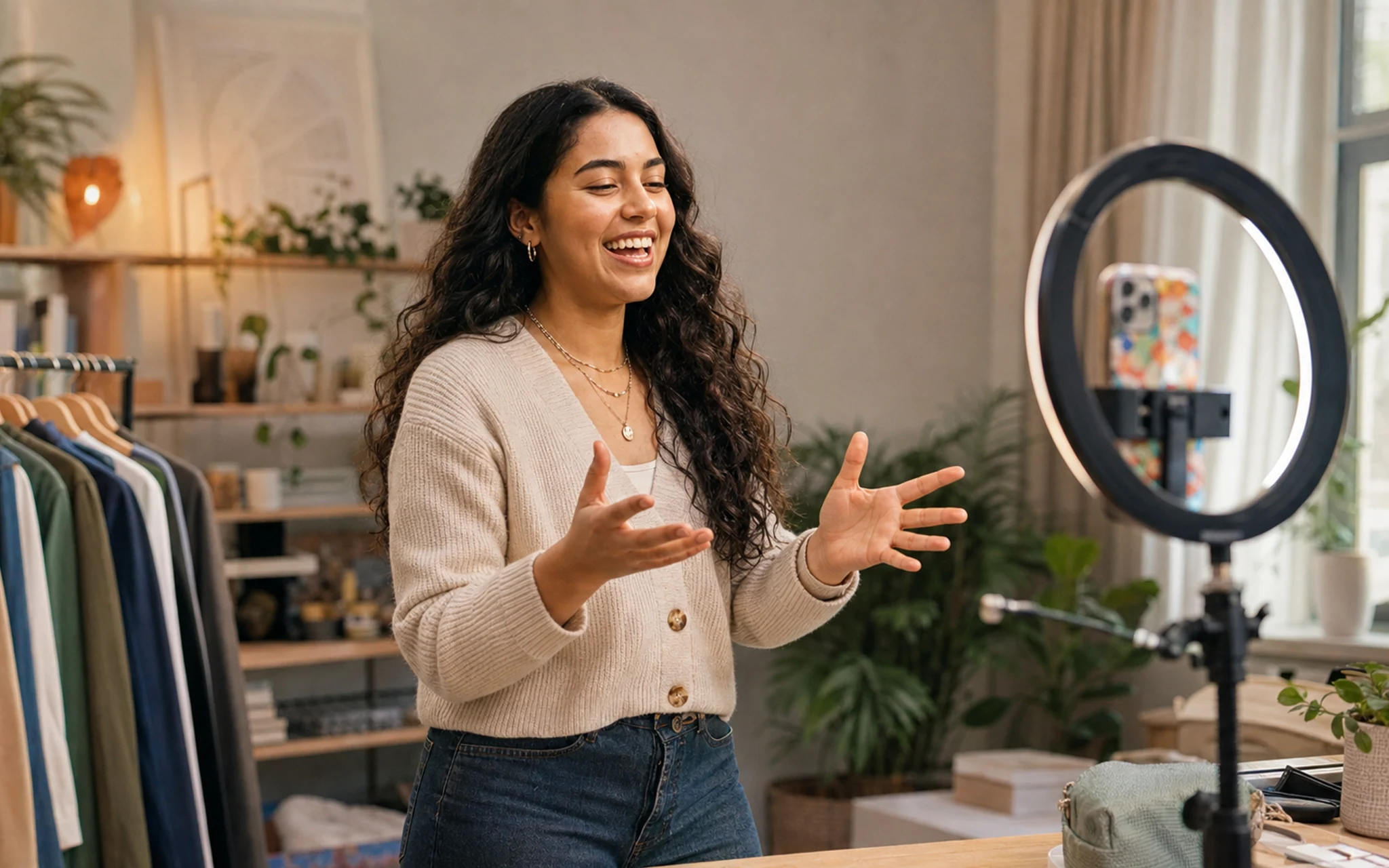 Video workflows request the inputs needed by the selected mode. Select the image to view it full size.
Prepare the source
Use a clear image with enough space around the subject. A natural pose and visible limbs give the motion model more usable information.
Describe motion
Describe camera movement and one primary subject action. Avoid stacking several incompatible movements into a short clip.
- 1Upload the source image.
- 2Describe the intended motion.
- 3Choose the available model, resolution and duration.
- 4Review the quote and generate.
Related answers
Last reviewed 2026-09-14. Product controls and available models may change; the Studio shows the current options before you generate.
Plan Content
Measure Engagement
Build Your Profile
Price Your Work
Write Post Copy
Brand Partnerships