
AI Video Generation
How Do I Create a Talking Photo?
Open Talking Photo, upload a clear front-facing portrait, then provide the requested speech input. Review the selected model, available duration and credit quote before generating.
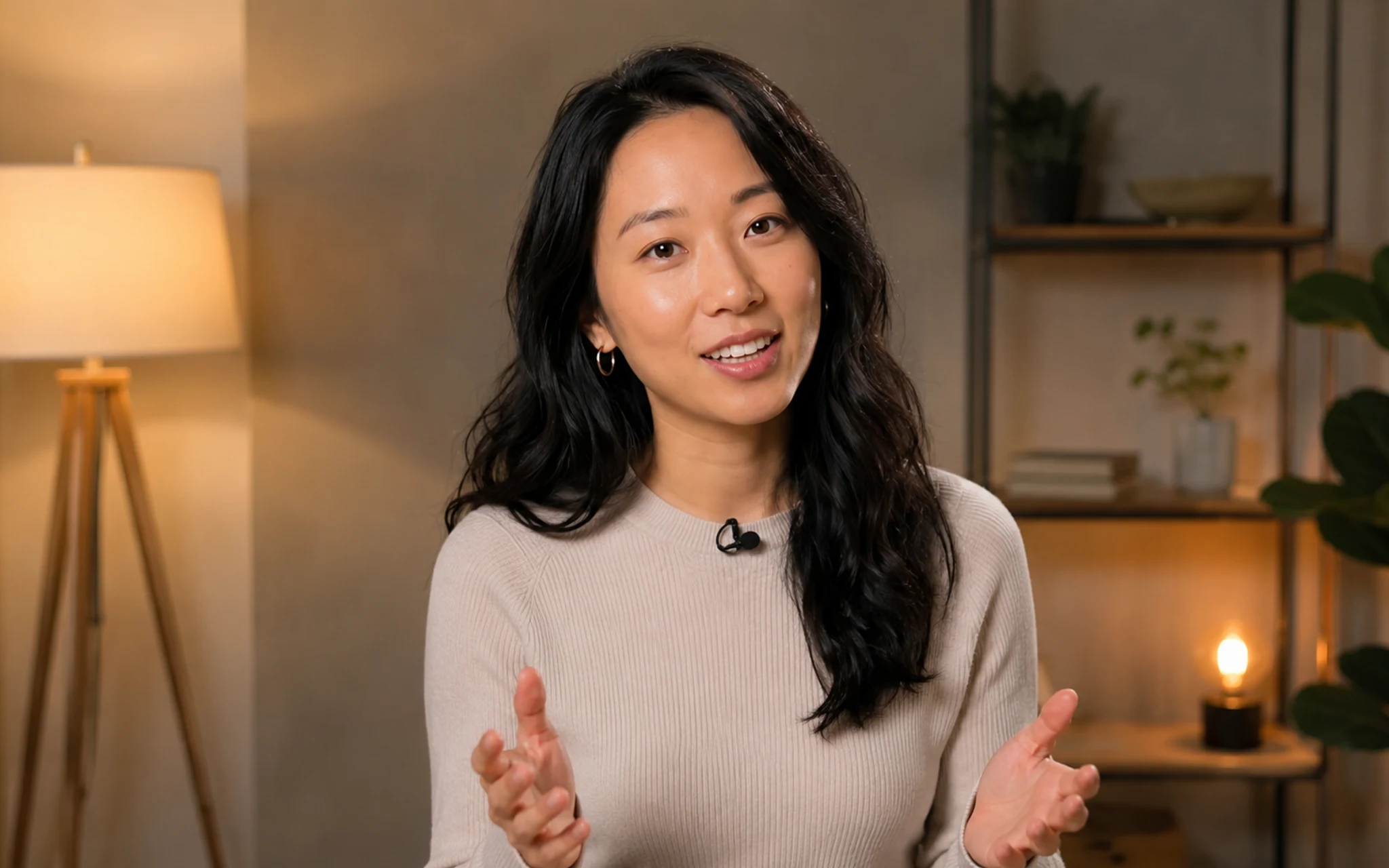 Add a permitted portrait and the speech input requested by the workflow. Select the image to view it full size.
Choose a suitable portrait
Use an adult portrait you own or have permission to animate. Clear facial features and an unobstructed mouth provide a better source.
Create the clip
Follow the workflow fields shown for the selected model. The available speech input and limits can differ by model, so the Studio is the current source of truth.
- 1Upload the portrait.
- 2Add the supported speech input.
- 3Review model settings and the quote.
- 4Generate and review lip movement before publishing.
Related answers
Last reviewed 2026-09-14. Product controls and available models may change; the Studio shows the current options before you generate.
Plan Content
Measure Engagement
Build Your Profile
Price Your Work
Write Post Copy
Brand Partnerships