
AI Carousel Generator for Consistent AI Influencer Photos
Create a consistent photo carousel with the same character, outfit, and setting. Change poses, expressions, and angles in one photoshoot.
Same character · 4 unique shots · One cohesive post
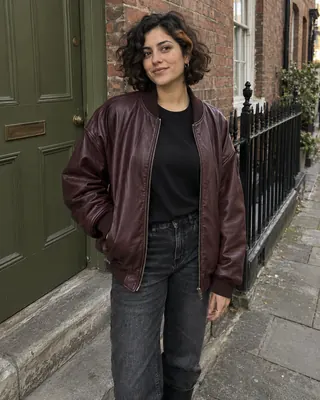
ai.creator.demo
AI Creator Demo
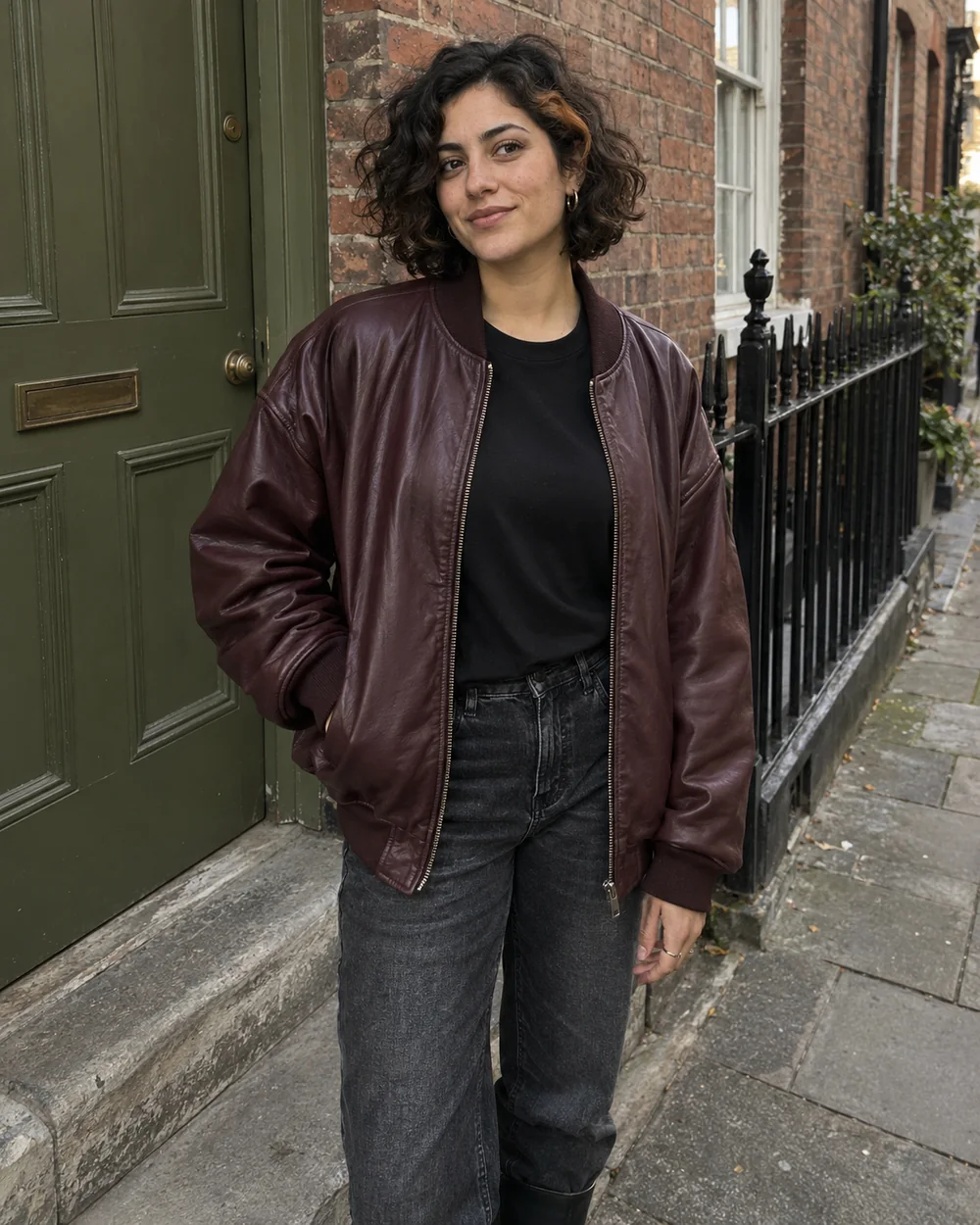
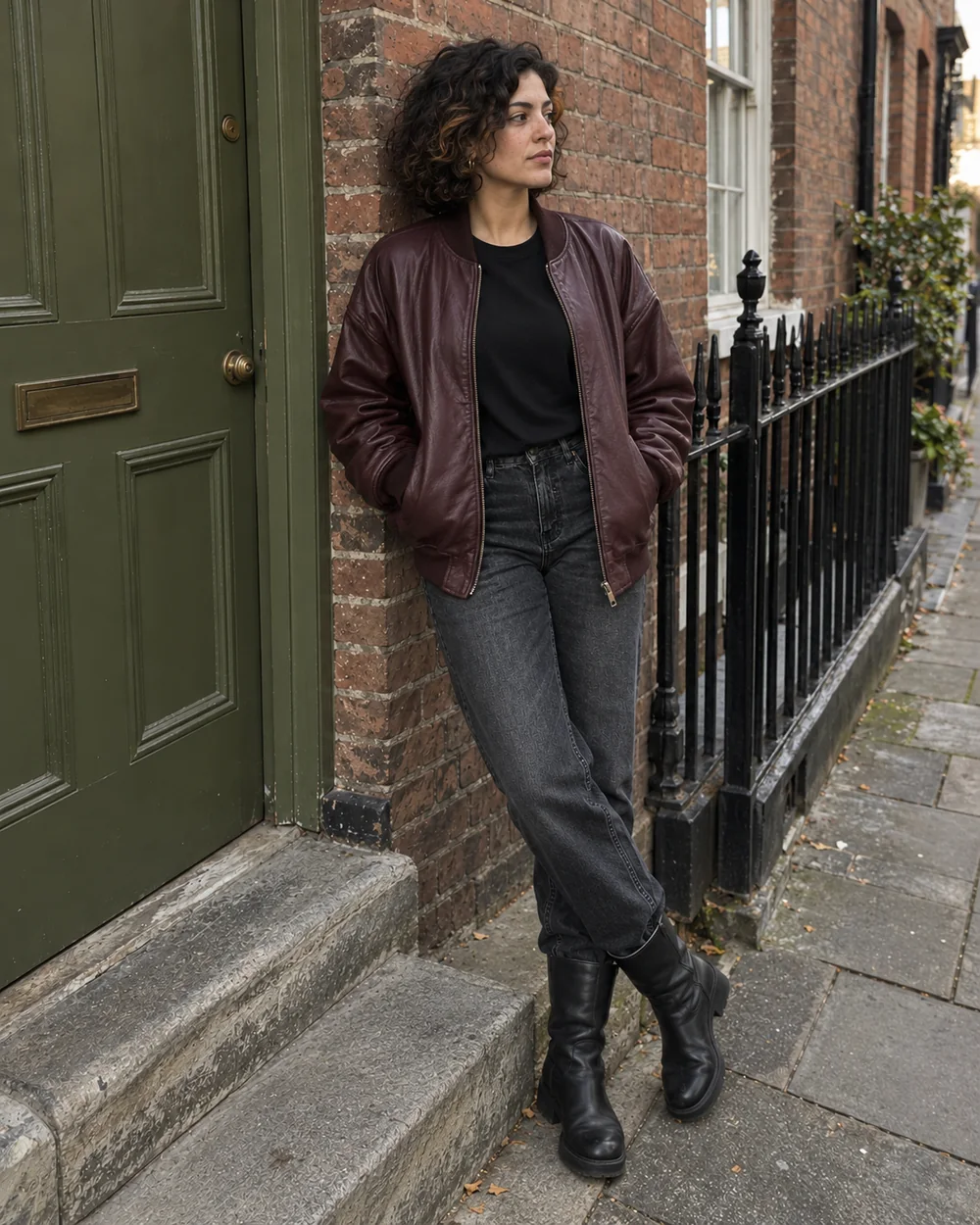
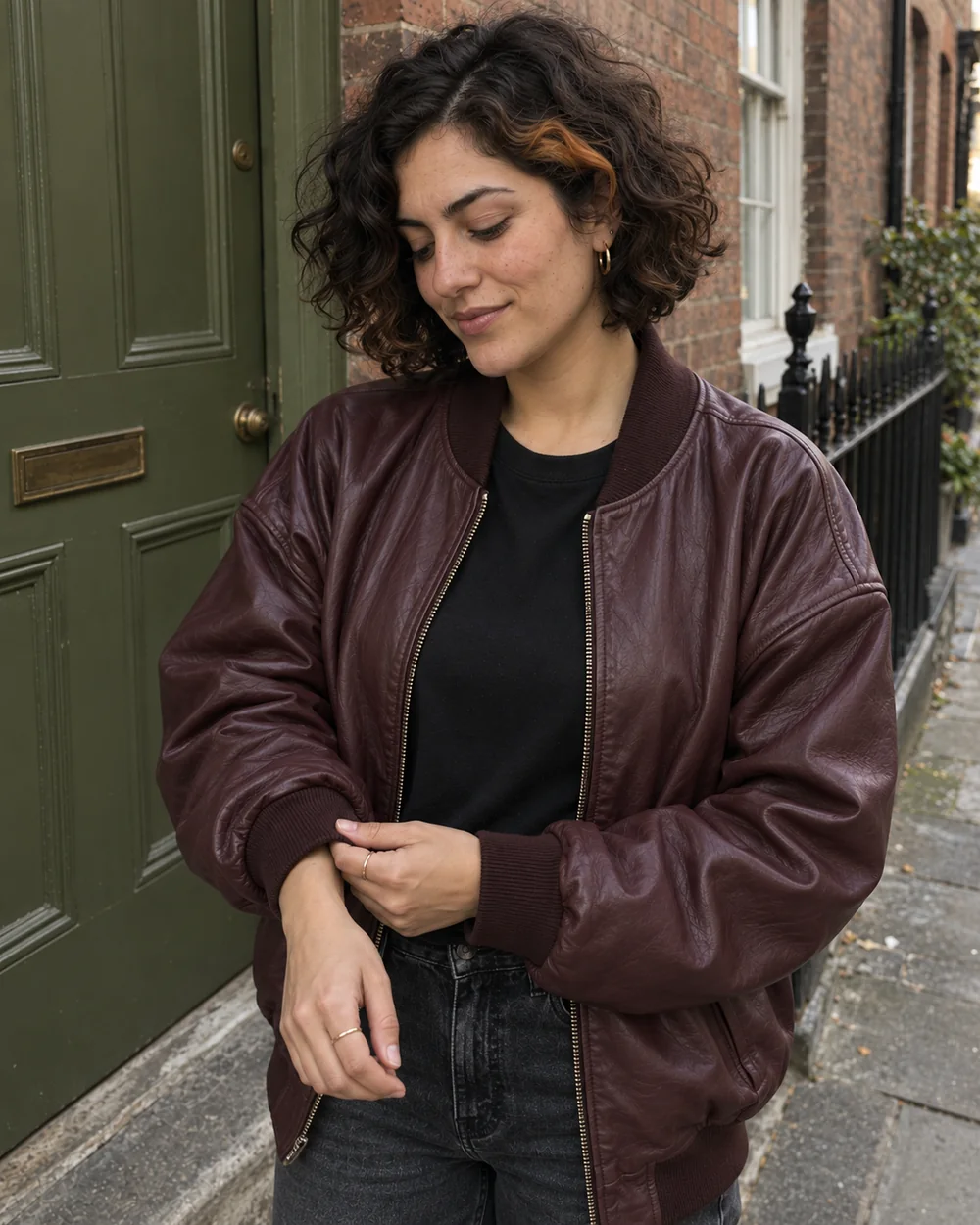
Preview of an AI-generated carousel
Same Character
Keep your AI influencer recognizable across the entire carousel.
Same Outfit & Scene
Maintain a cohesive setting and visual style throughout the set.
Different Poses & Angles
Create natural variation in movement, expression, and framing.
One photoshoot. Four different moments.
Explore four original AI photo carousel examples, then use a template with your own creator.
View template prompt
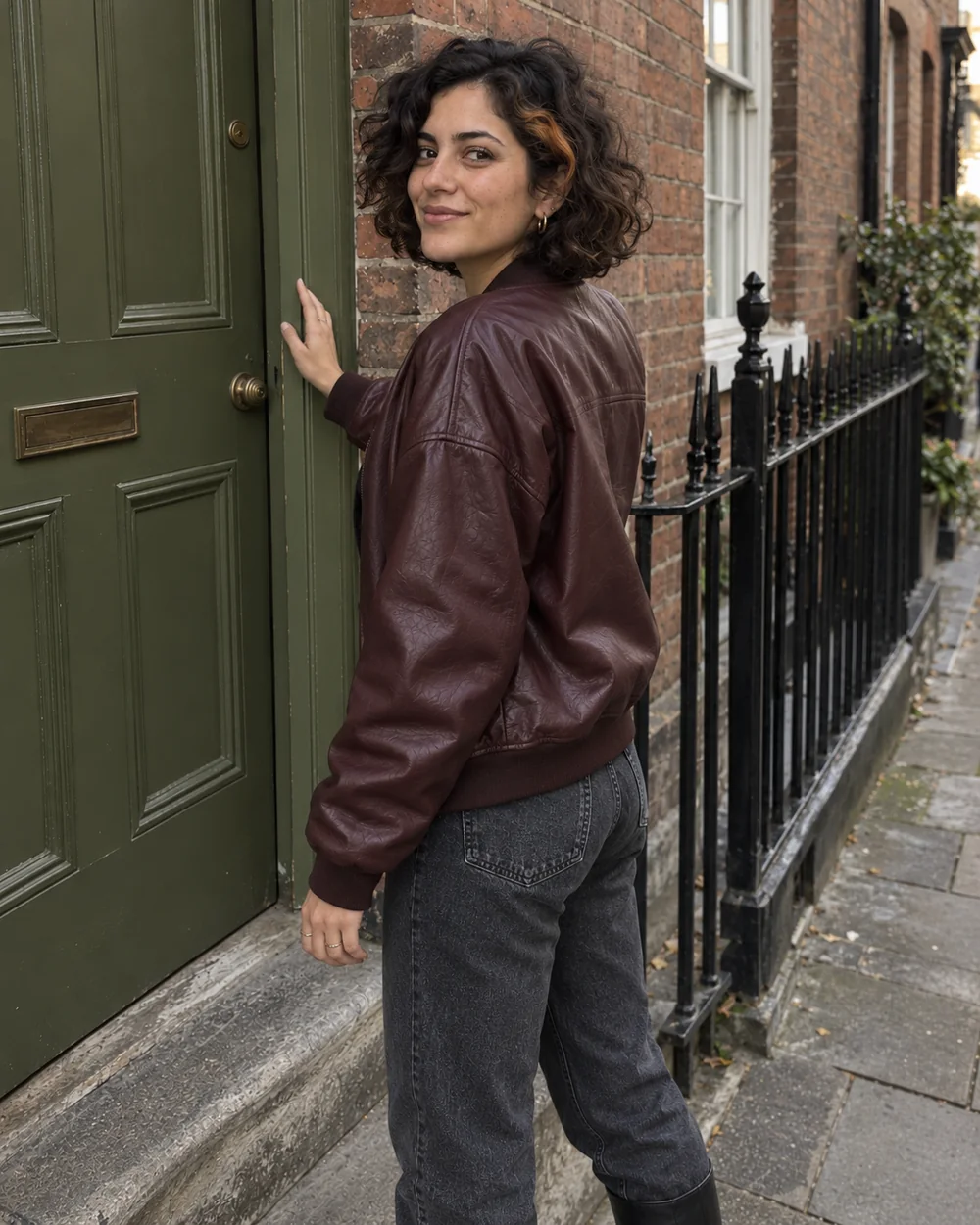
Photograph [SUBJECT] on a weathered red-brick side street beside an olive-green paneled door, a gray stone doorstep and black metal railings. An oversized burgundy leather bomber over a plain black crewneck tee, faded dark straight-leg jeans and black ankle boots. Soft late-afternoon overcast light, handheld street-style photography, real skin and fabric texture. One relaxed urban photoshoot with natural standing, leaning and turning gestures. Keep the same person, outfit, location and light in every photo; vary body angle, expression, camera height and framing.
ai.creator.demo
AI Creator Demo
Preview of an AI-generated carousel
How to Create an AI Photo Carousel
- 1
Choose Your AI Influencer
Select a saved AI influencer or upload an authorized reference image.
- 2
Choose a Photoshoot
Pick a carousel template or describe the scene, outfit, and mood you want.
- 3
Generate Your Carousel
Create four photo variations, review the results, and download the images for your next post.
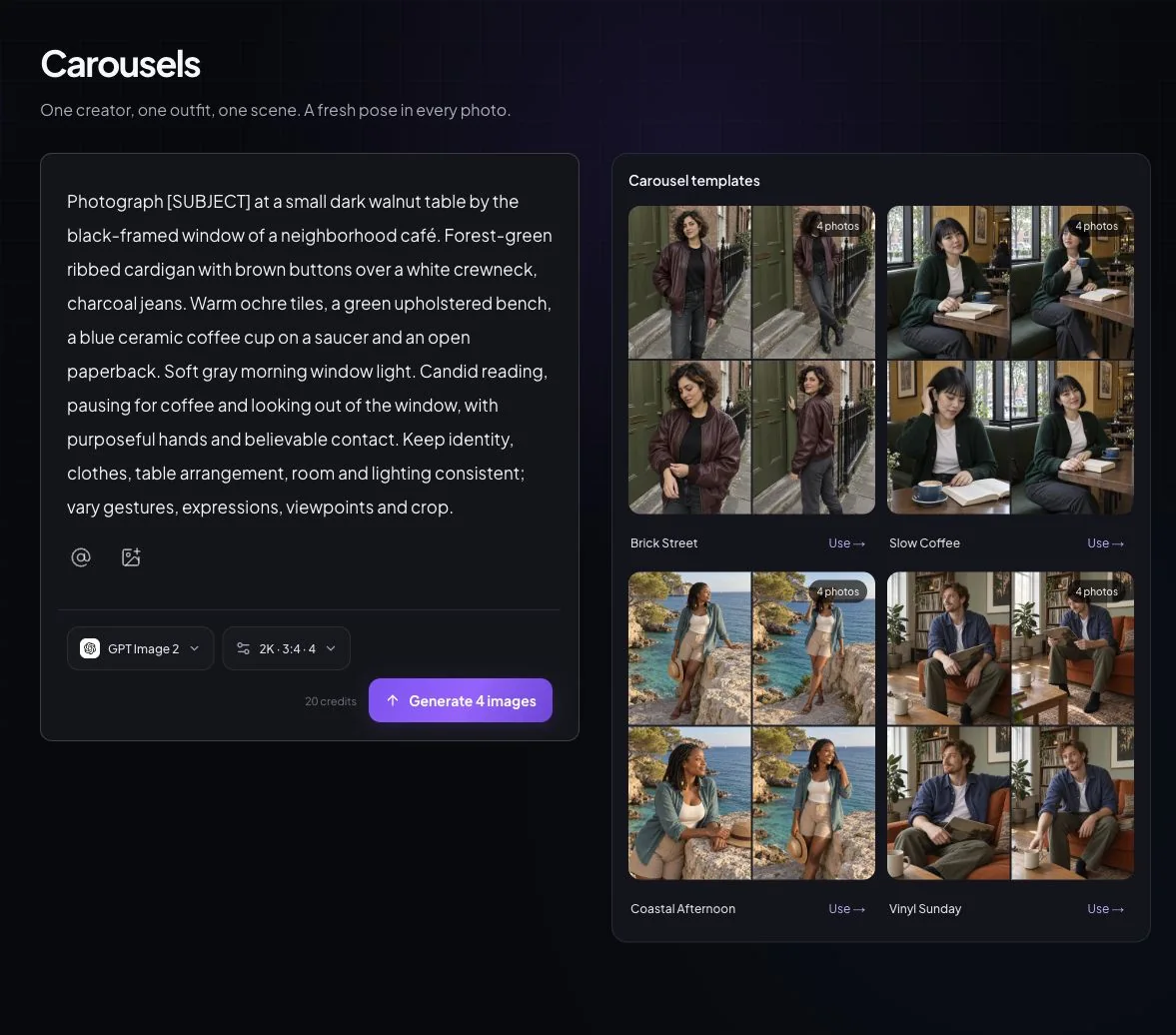
Keep the Character. Change the Shot.
One character and one photoshoot setting, with four different compositions. Create more content without rebuilding your influencer's identity for every image.
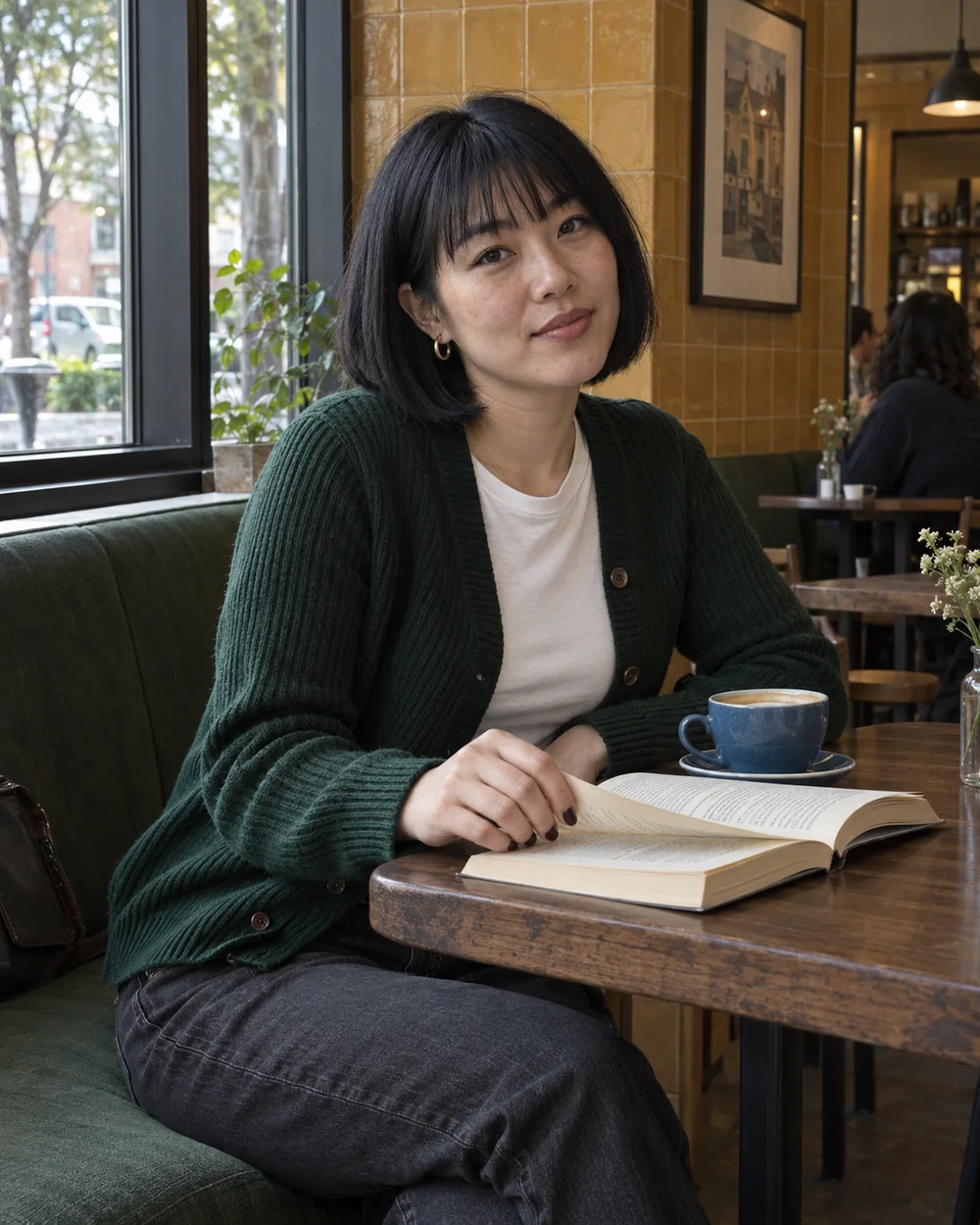
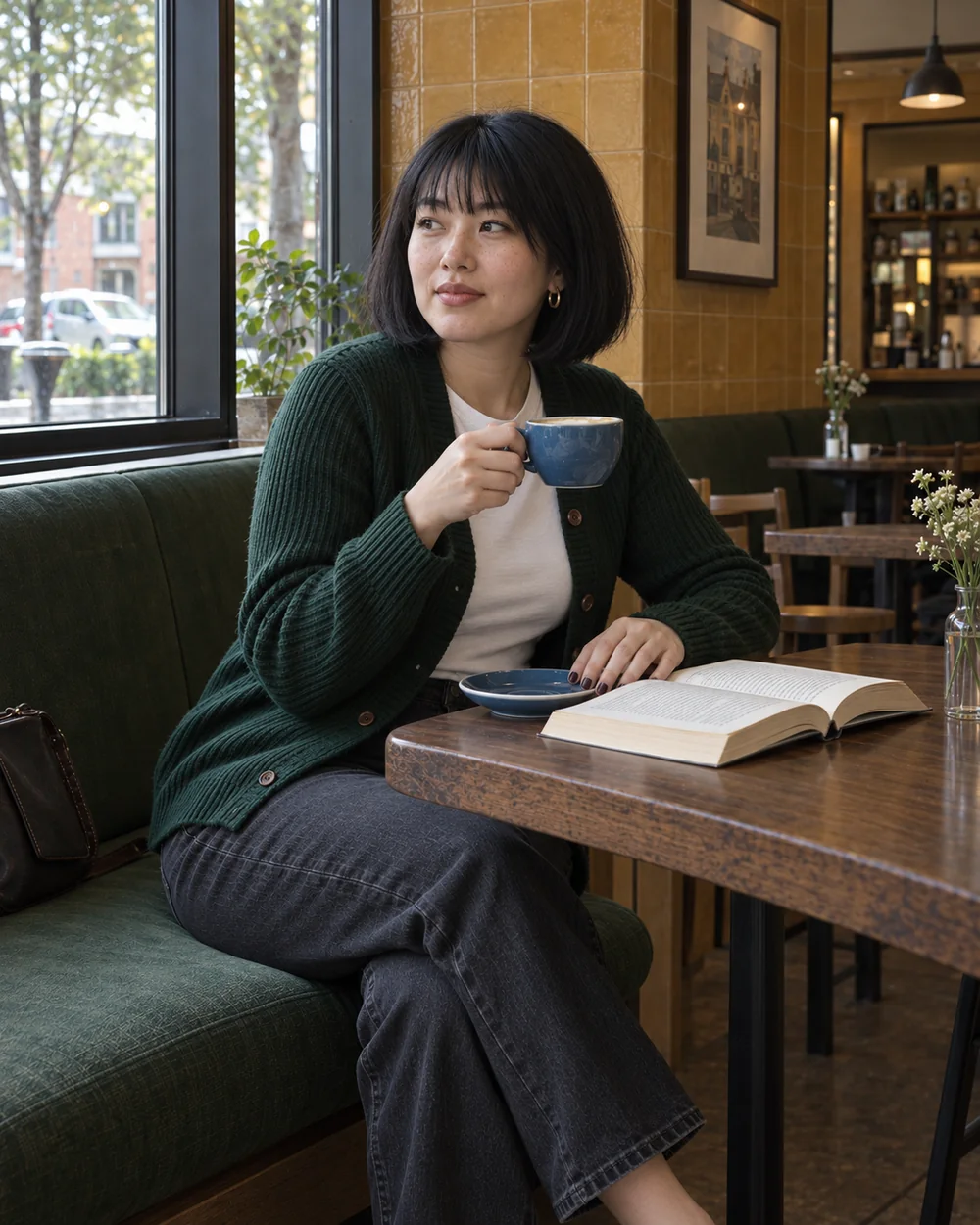
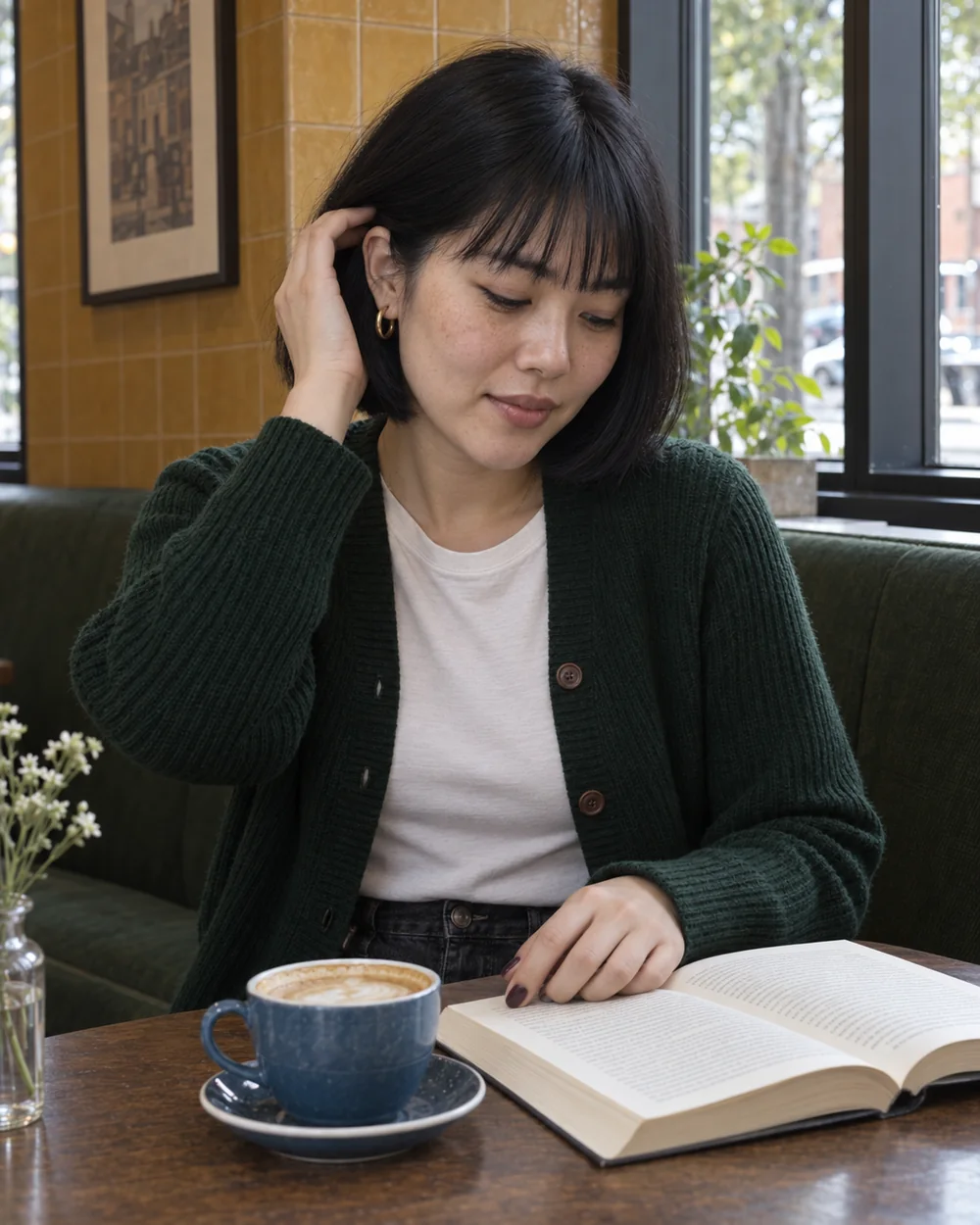
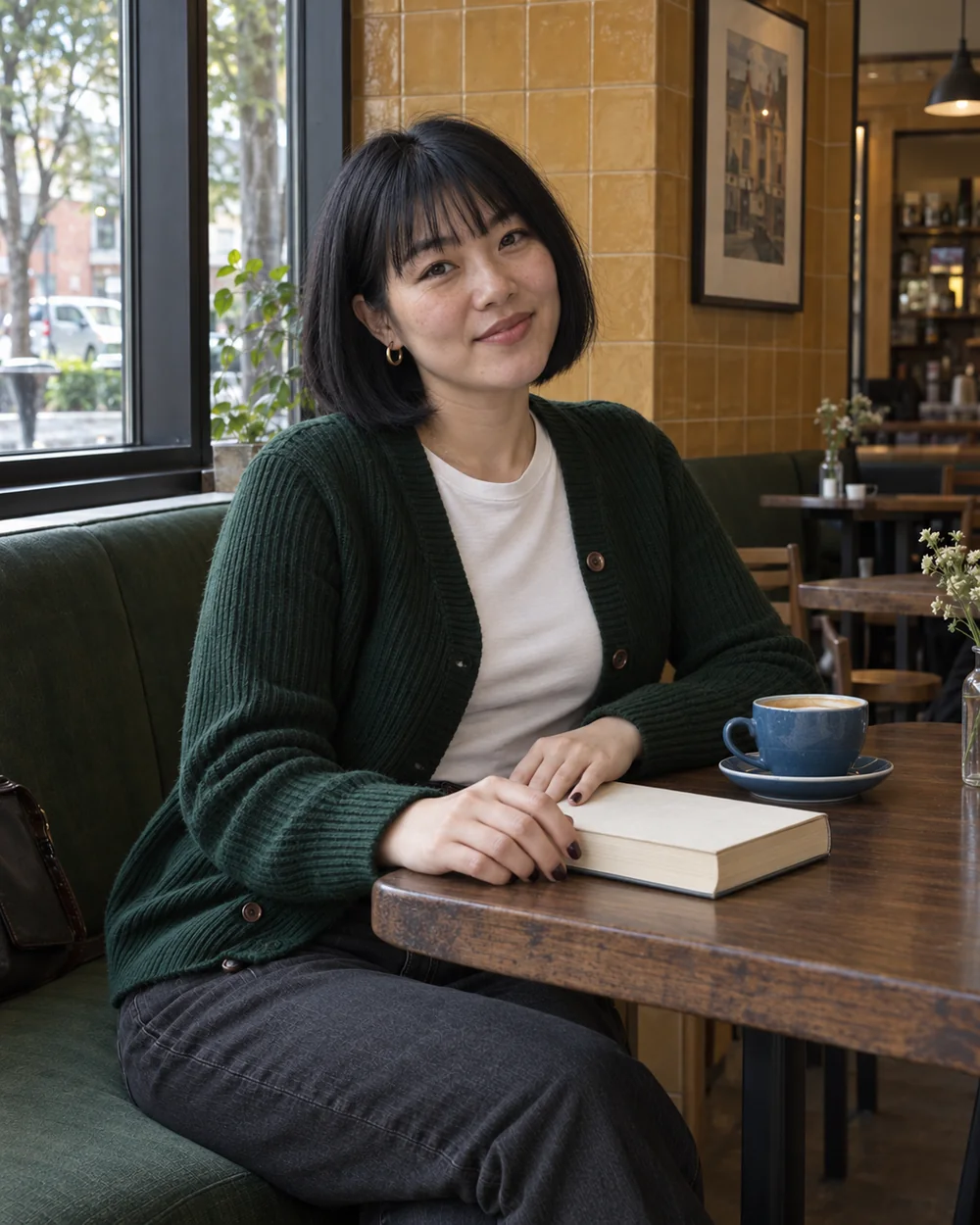
Same character · Same outfit · Same location · Different poses
Original AI-generated examples. Review every result for identity, hands, clothing, and scene details before publishing.
Made for AI Influencers and Social Creators
AI Influencers
Build a recognizable AI influencer feed
Return to a saved creator for your next street, travel, or everyday photoshoot.
Instagram & TikTok Creators
Create cohesive photo carousels
Use this AI Instagram carousel generator to plan a swipeable photo post, then upload the photos yourself.
Brands & UGC Creators
Produce consistent campaign photo sets
Explore a model-led campaign in one outfit and location. Check products, details, and input rights before commercial use.
Choose your format. Review your set.
Portrait photos, ready to download
Start with four shots, or choose two or three. Available ratios depend on your model, including 4:5 and 3:4 portrait options. Download a single photo or the group as a ZIP, and continue a selected image in the editor.
See the credits before you generate
Studio shows the total estimate for your selected model and quantity. Check your balance before submitting. Review the finished photos, choose your favorites, and publish manually.
View plans and credits →AI Carousel Generator FAQ
What is an AI carousel generator?
An AI carousel generator creates a group of related images for a swipeable post. AI Influencer Carousel Generator makes photo sets around one character, outfit, and setting, with changes in pose, expression, and camera angle.
How is a photo carousel different from a text carousel?
A photo carousel is a connected photoshoot. This tool generates photographs, not designed slides with headings, charts, or text overlays. You can write your caption separately after reviewing the images.
Can I keep the same AI influencer in every photo?
Select a saved AI influencer or an authorized identity reference. The first photo anchors the remaining shots to help preserve the face, hair, outfit, and scene. Consistency is not guaranteed; check every result for identity drift, anatomy, clothing, and background details.
Can I use my own character or reference image?
Yes. Choose a saved AI character or upload an image you own or have permission to use. Use the prompt editor's @ references to add your creator and other visual references.
How many photos can I generate in one carousel?
The default is four photos, and you can choose two, three, or four. Studio shows the total credit estimate for your selected model and quantity before submission. Generation uses credits; it is not unlimited or guaranteed to succeed.
Can I use these carousels on Instagram and TikTok?
Download individual photos or the group as a ZIP, then upload them yourself. Choose an available aspect ratio in Studio; portrait options vary by model, including 4:5 or 3:4. Check the final crop and follow the platform's rules. This tool does not publish or schedule posts.
Your AI Influencer's Next Photoshoot Starts Here.
Turn one consistent character into a complete set of photos for your next social media post.
Create Your First Carousel
Plan Content
Measure Engagement
Build Your Profile
Price Your Work
Write Post Copy
Brand Partnerships