
AI Influencer Product Photos
Give your product a familiar face. Reuse your saved AI influencer for a new launch, a daily routine, or a seasonal campaign.
Create realistic product photos with AI influencers. Turn your products into lifestyle images, UGC-style content, and marketing visuals without a photoshoot.
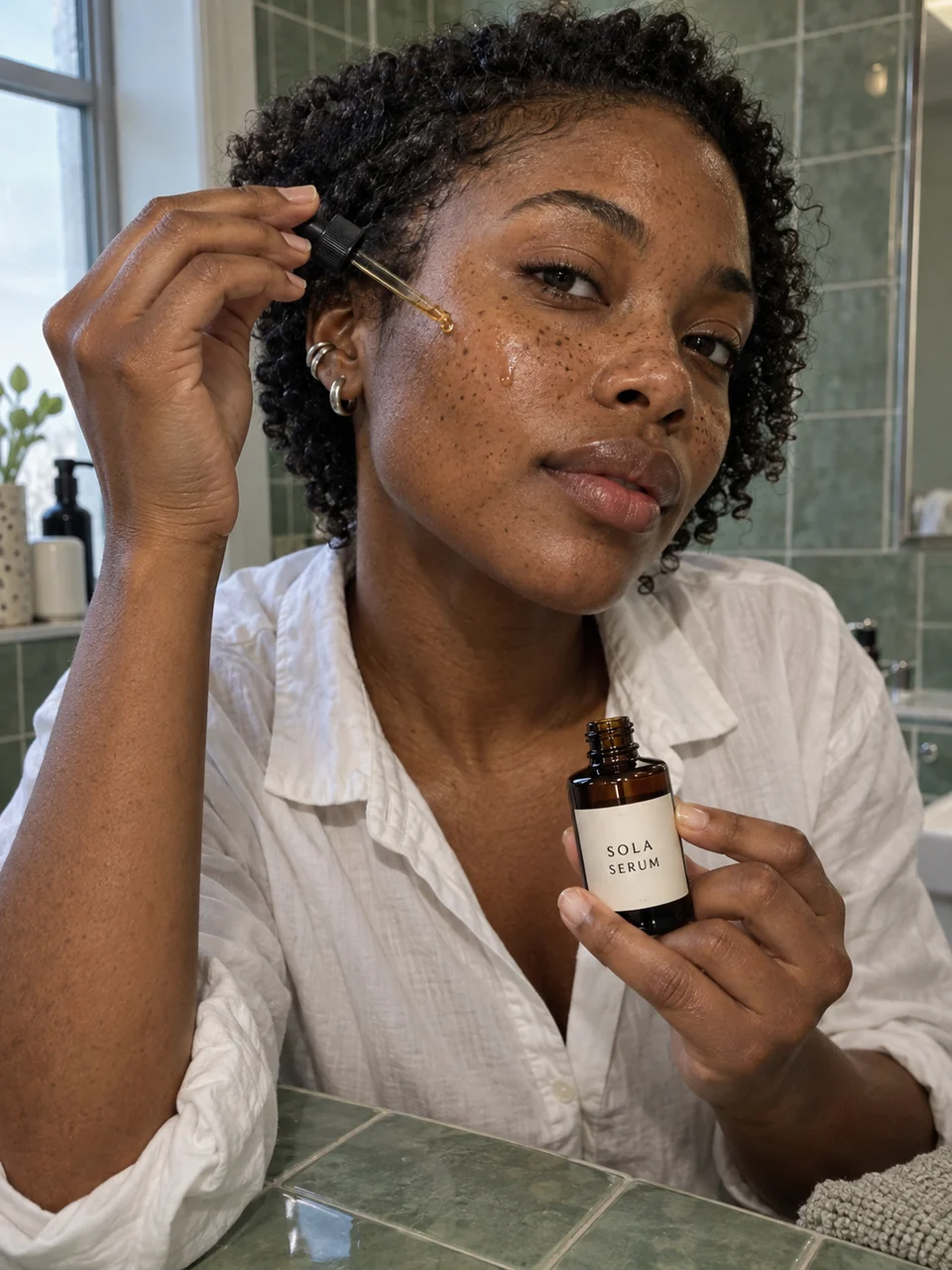
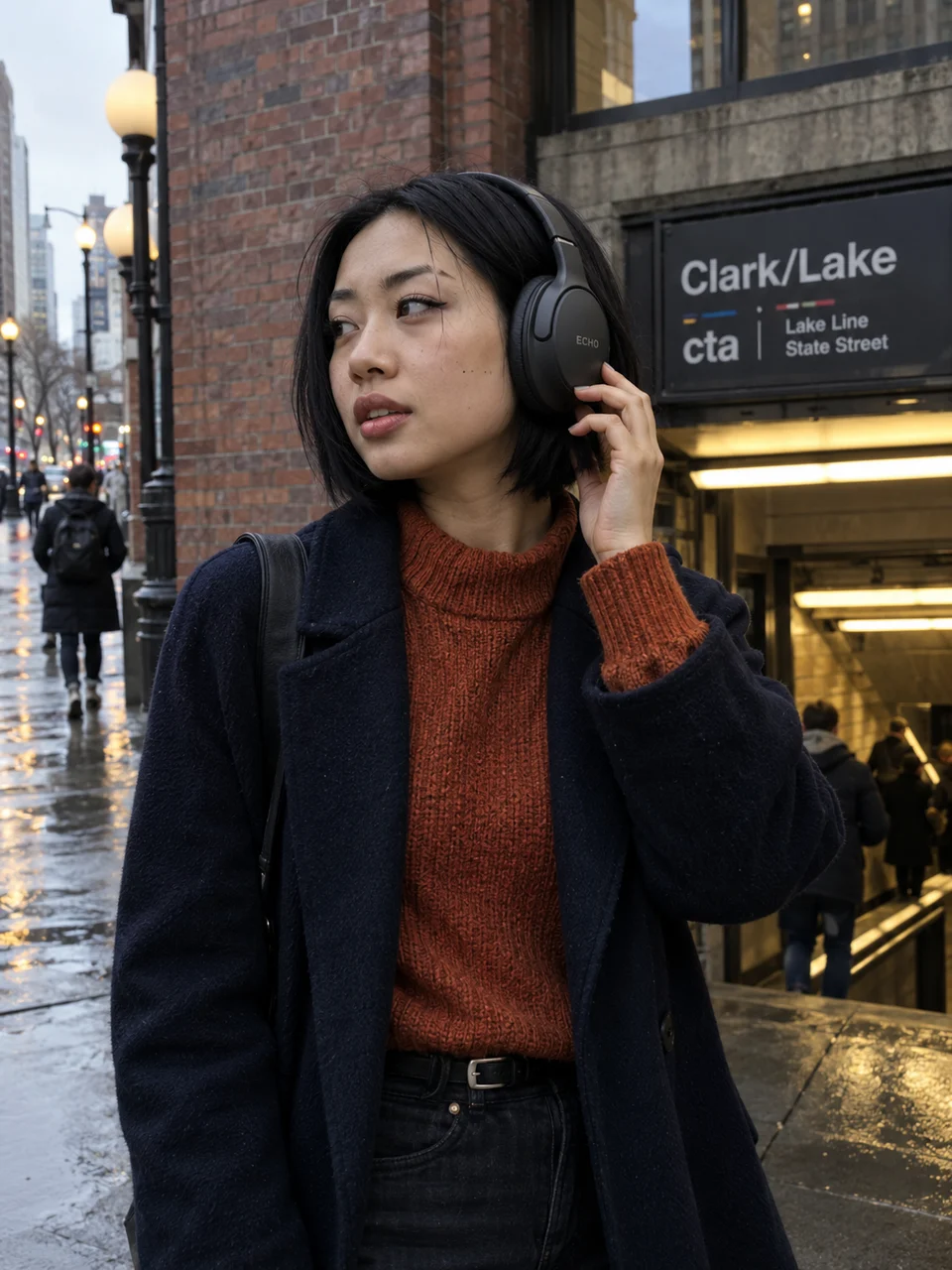
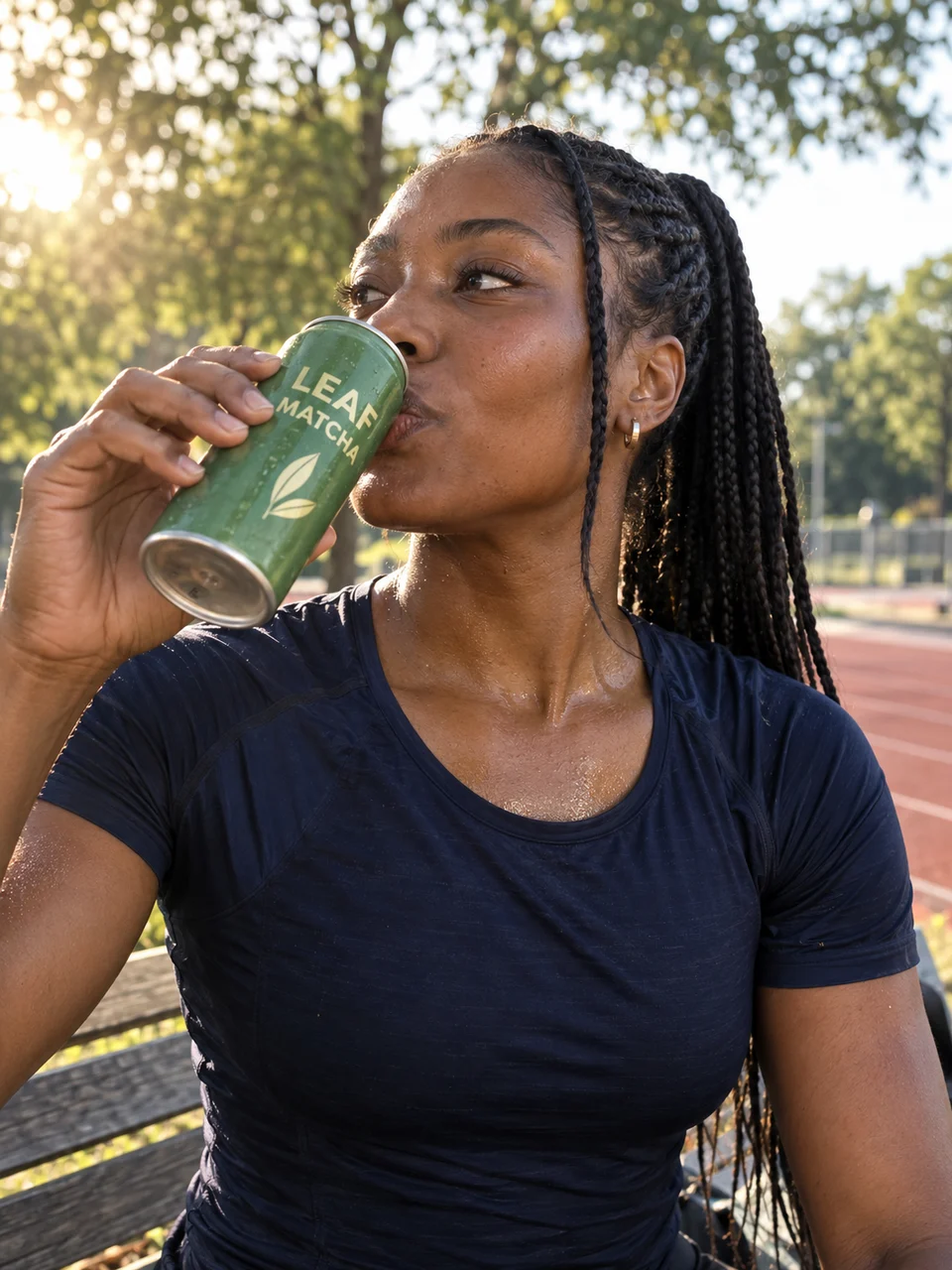
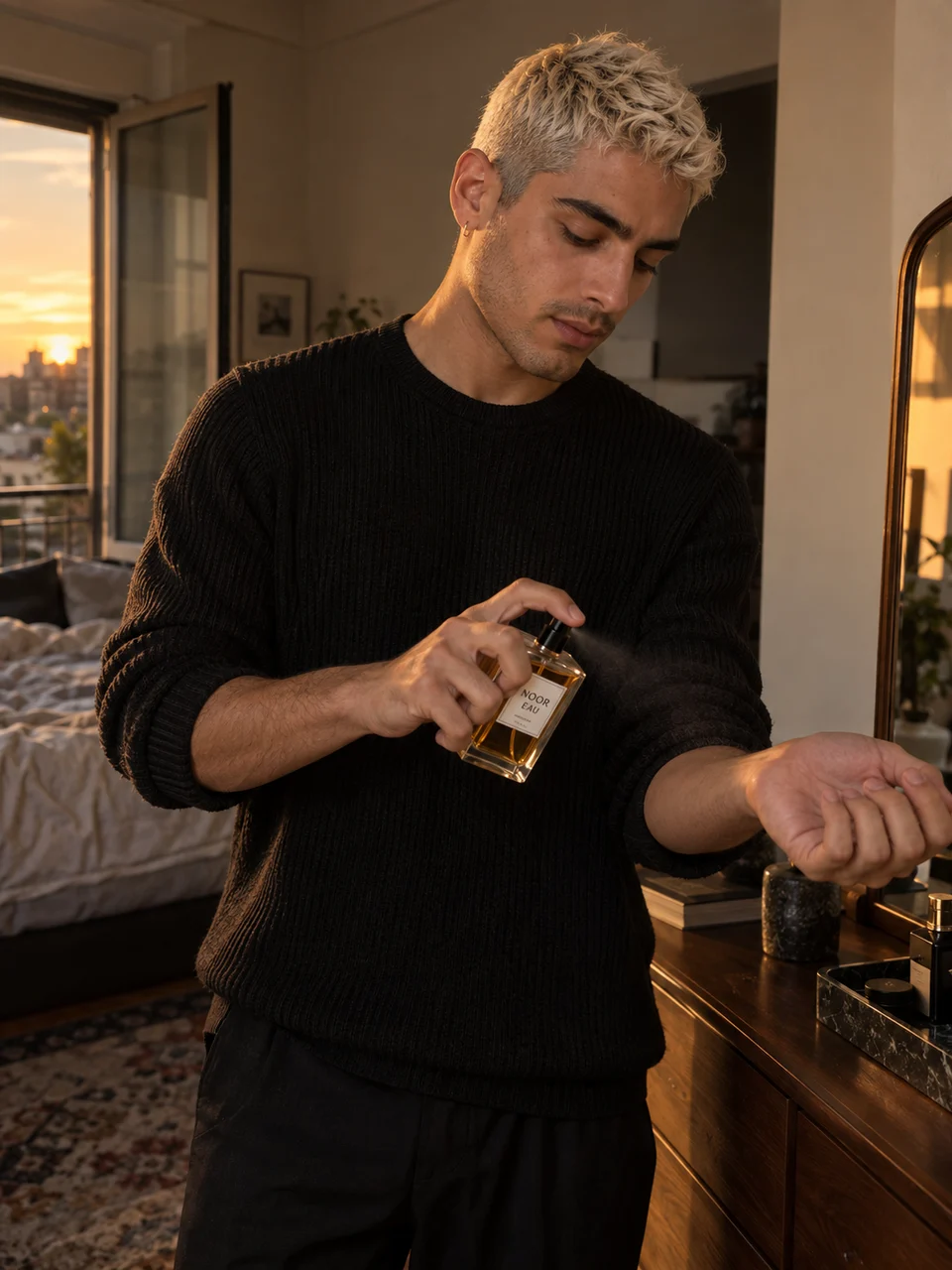
Pick a scene. Add your own creator and product. Make it your campaign.
20 product image templates
Morning Serum RitualUse This Template 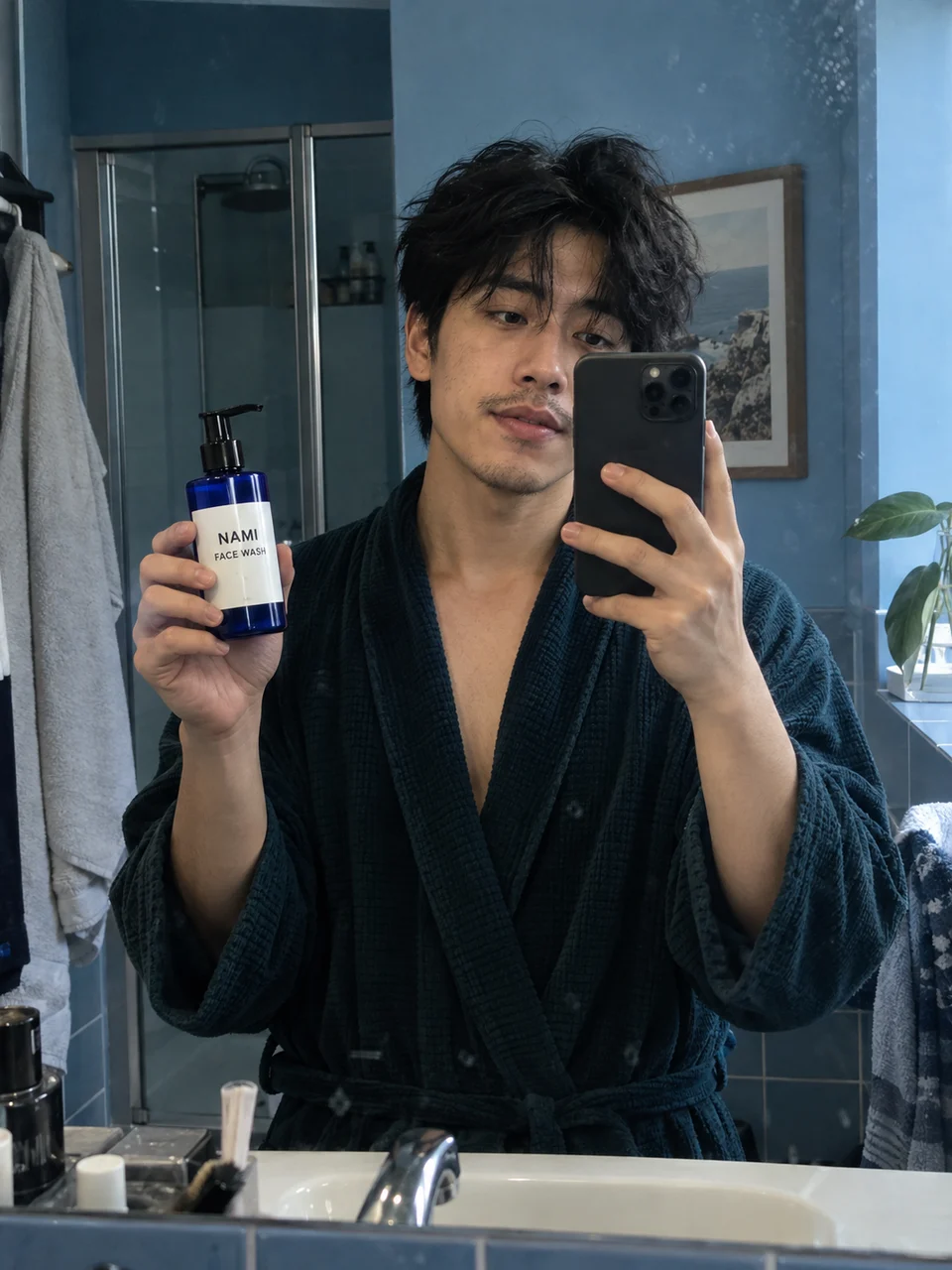 Mirror RoutineUse This Template
 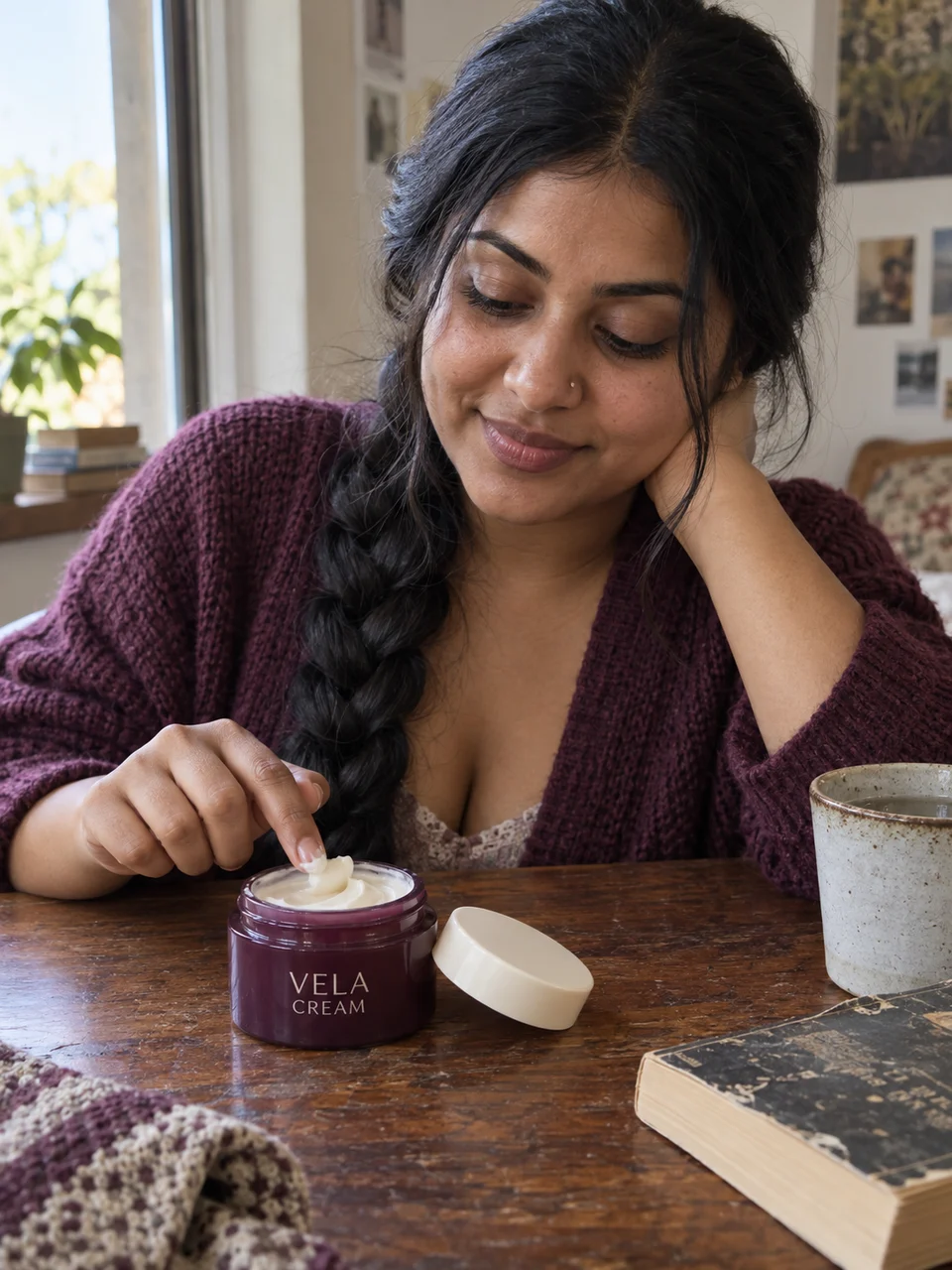 A Quiet Skincare BreakUse This Template
 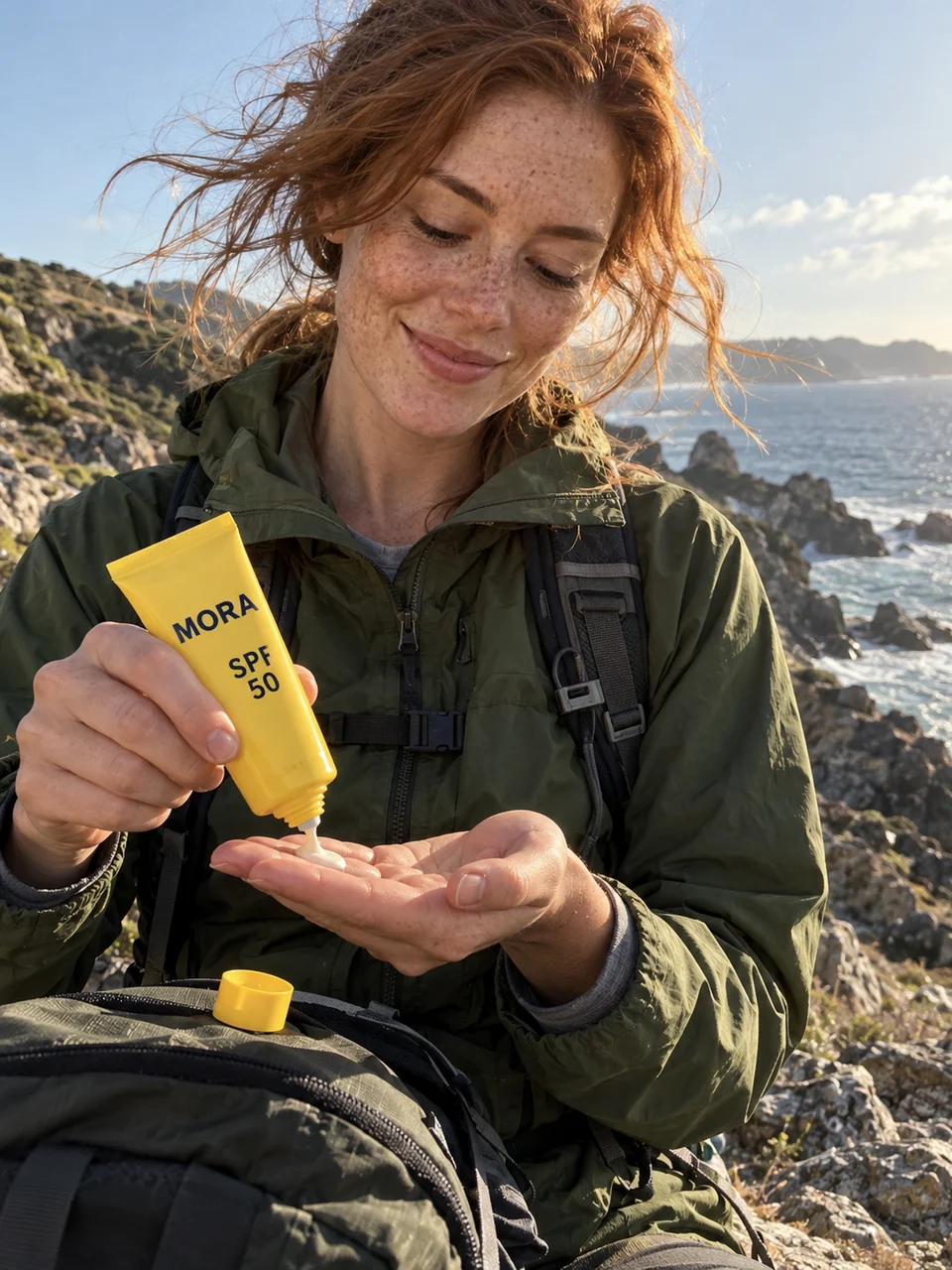 Trailside SunscreenUse This Template
 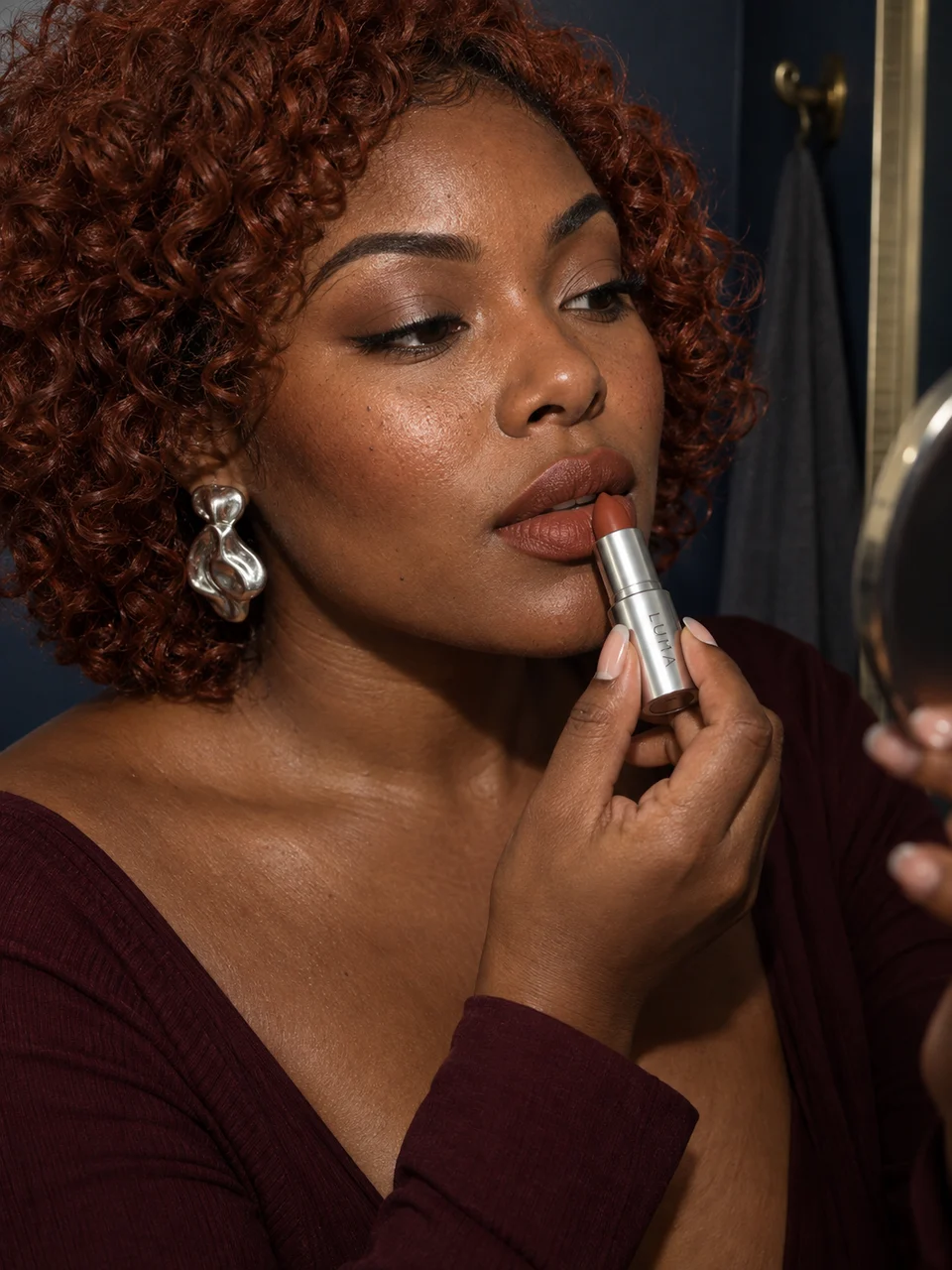 The Last Lipstick TouchUse This Template Before the EveningUse This Template
 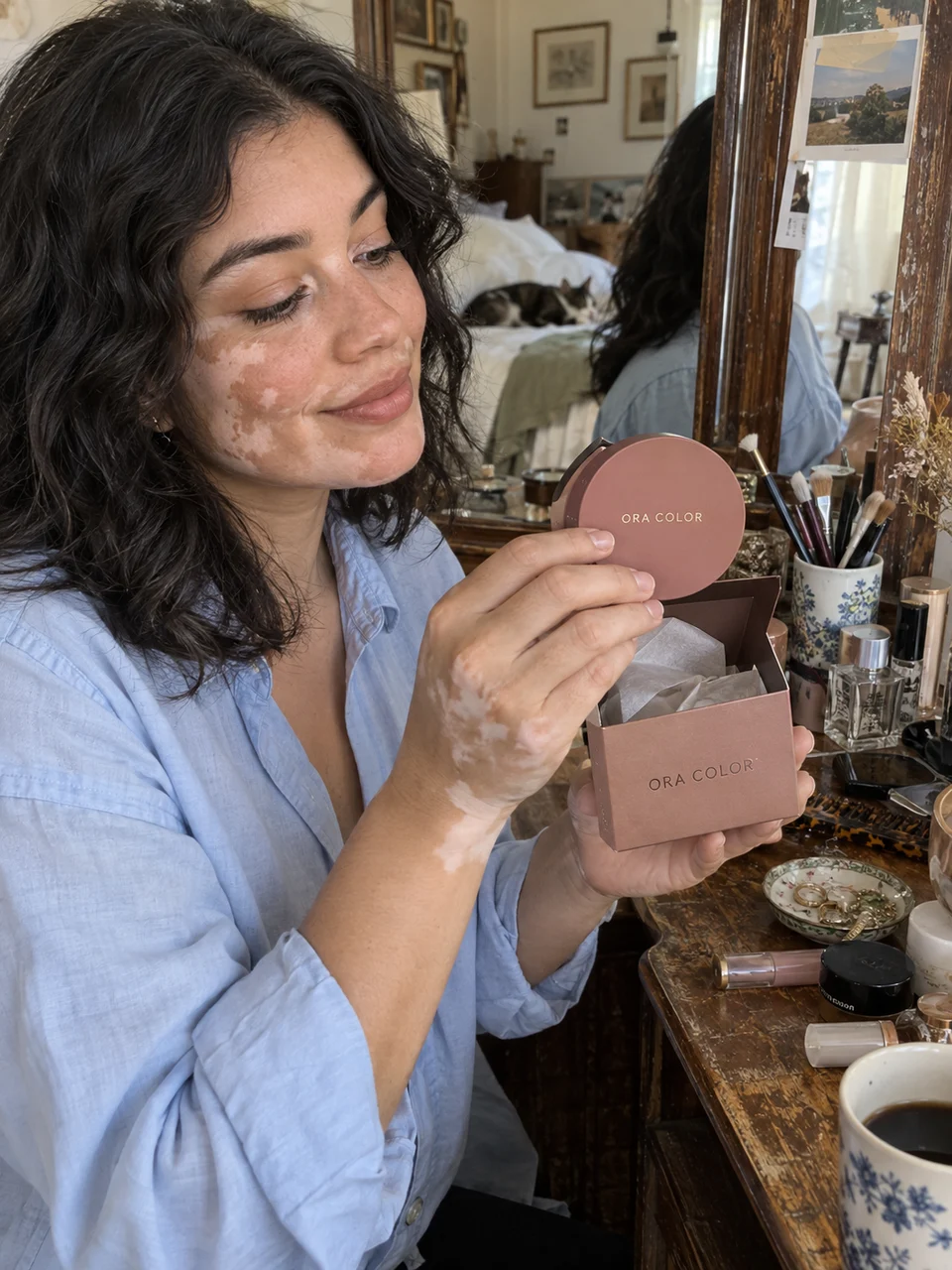 Vanity UnboxingUse This Template City SoundtrackUse This Template
 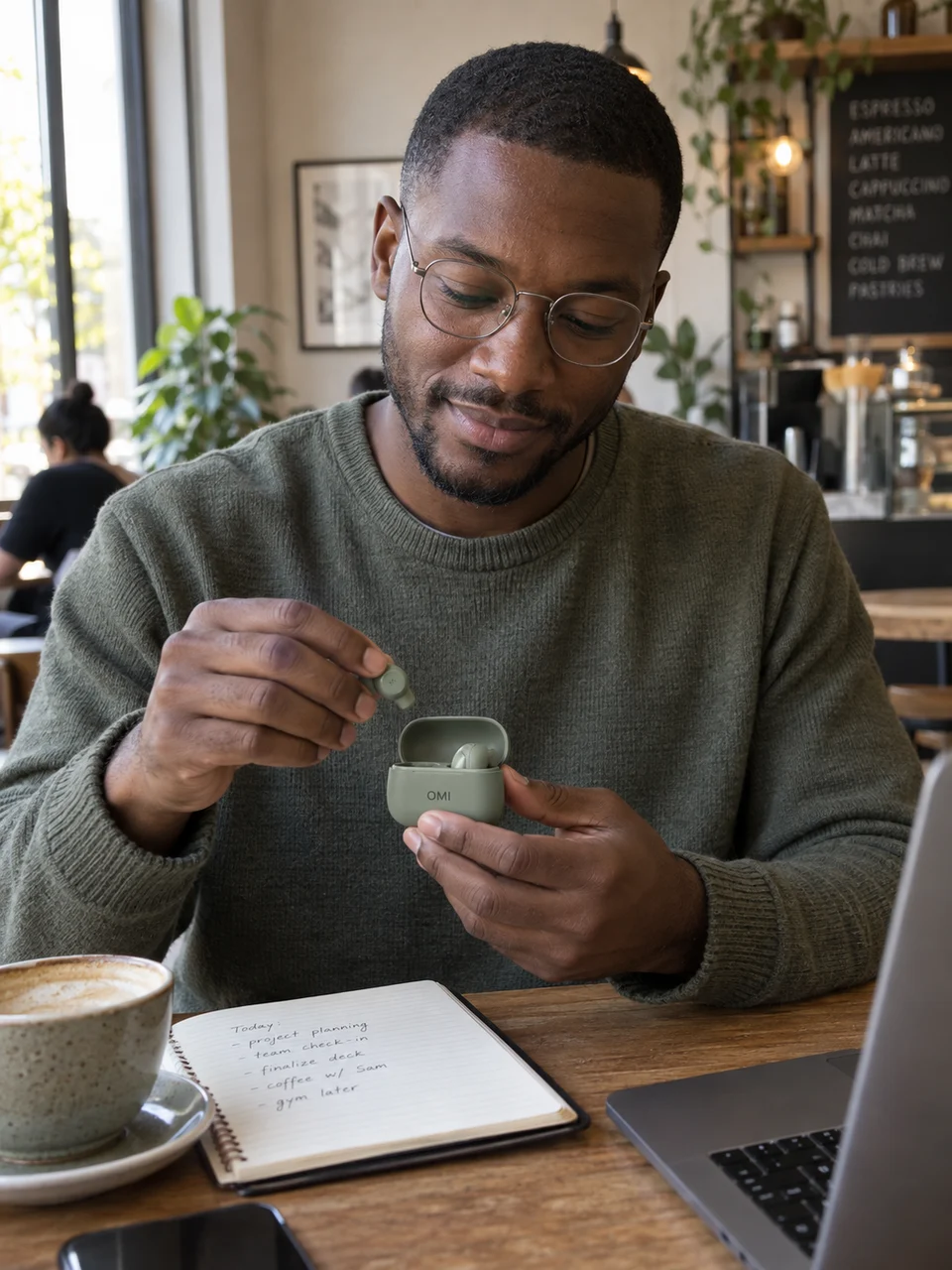 Between MeetingsUse This Template
 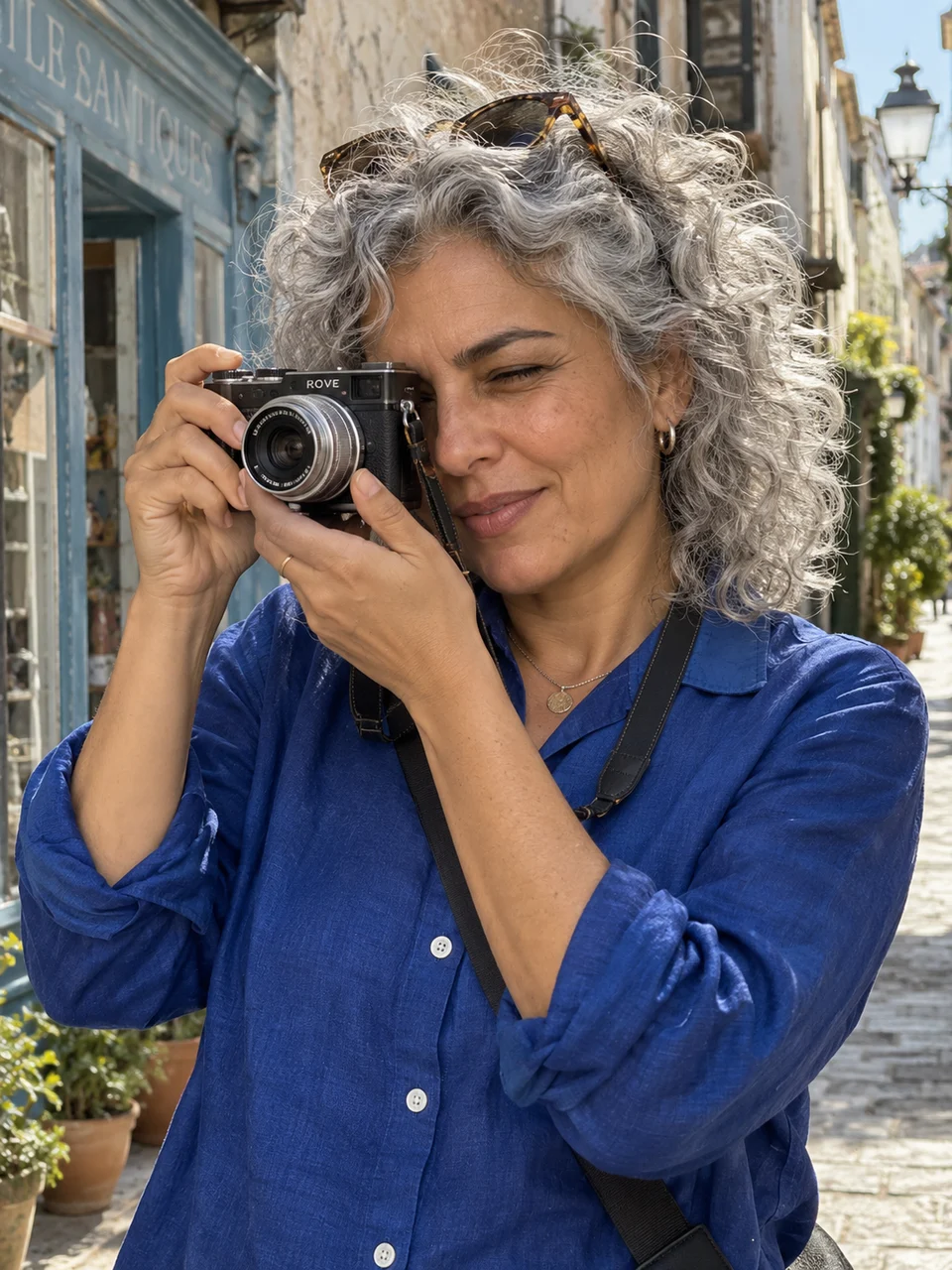 Weekend ViewfinderUse This Template After the RunUse This Template
 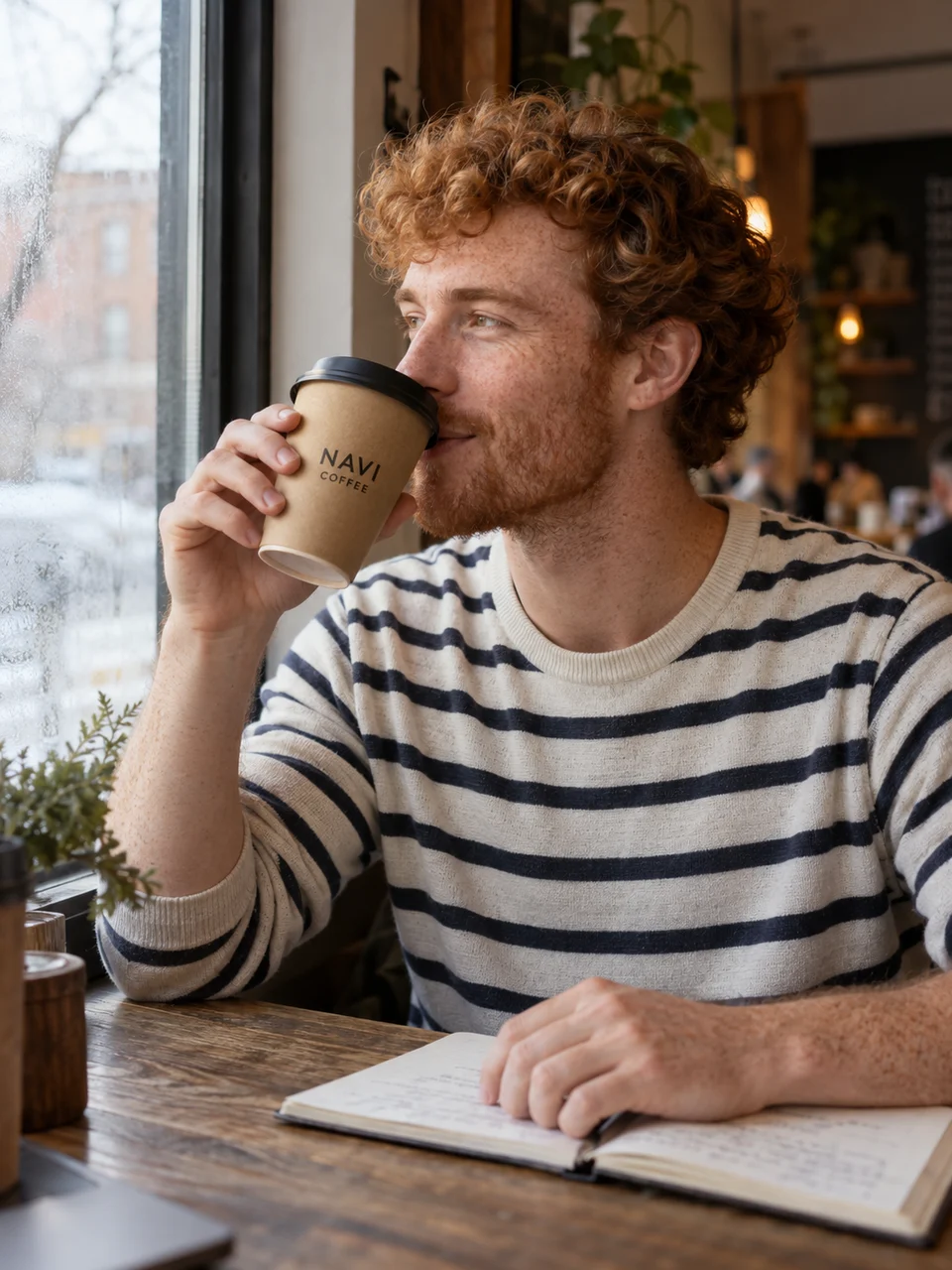 Window Seat CoffeeUse This Template
 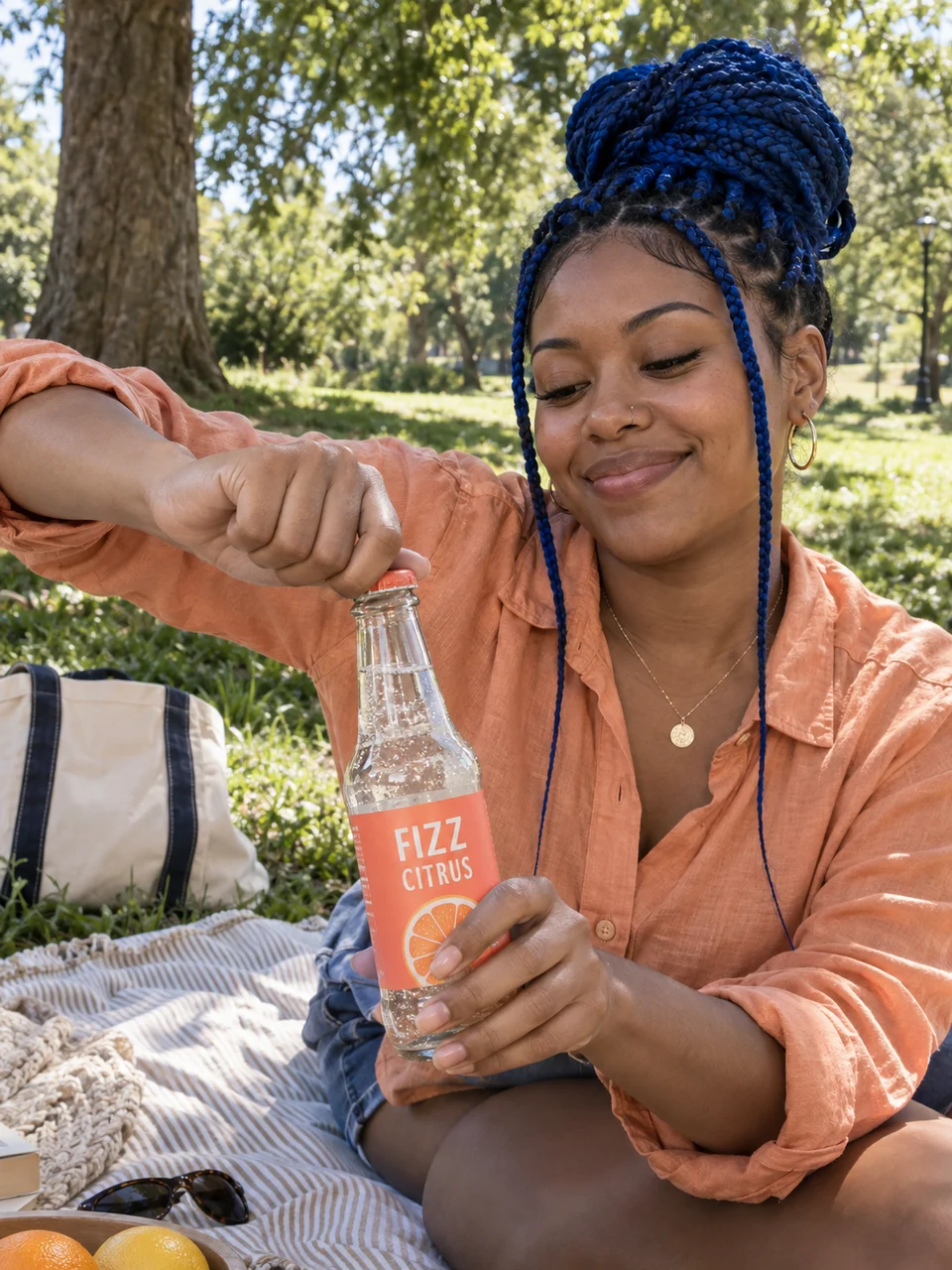 A Sparkling AfternoonUse This Template
 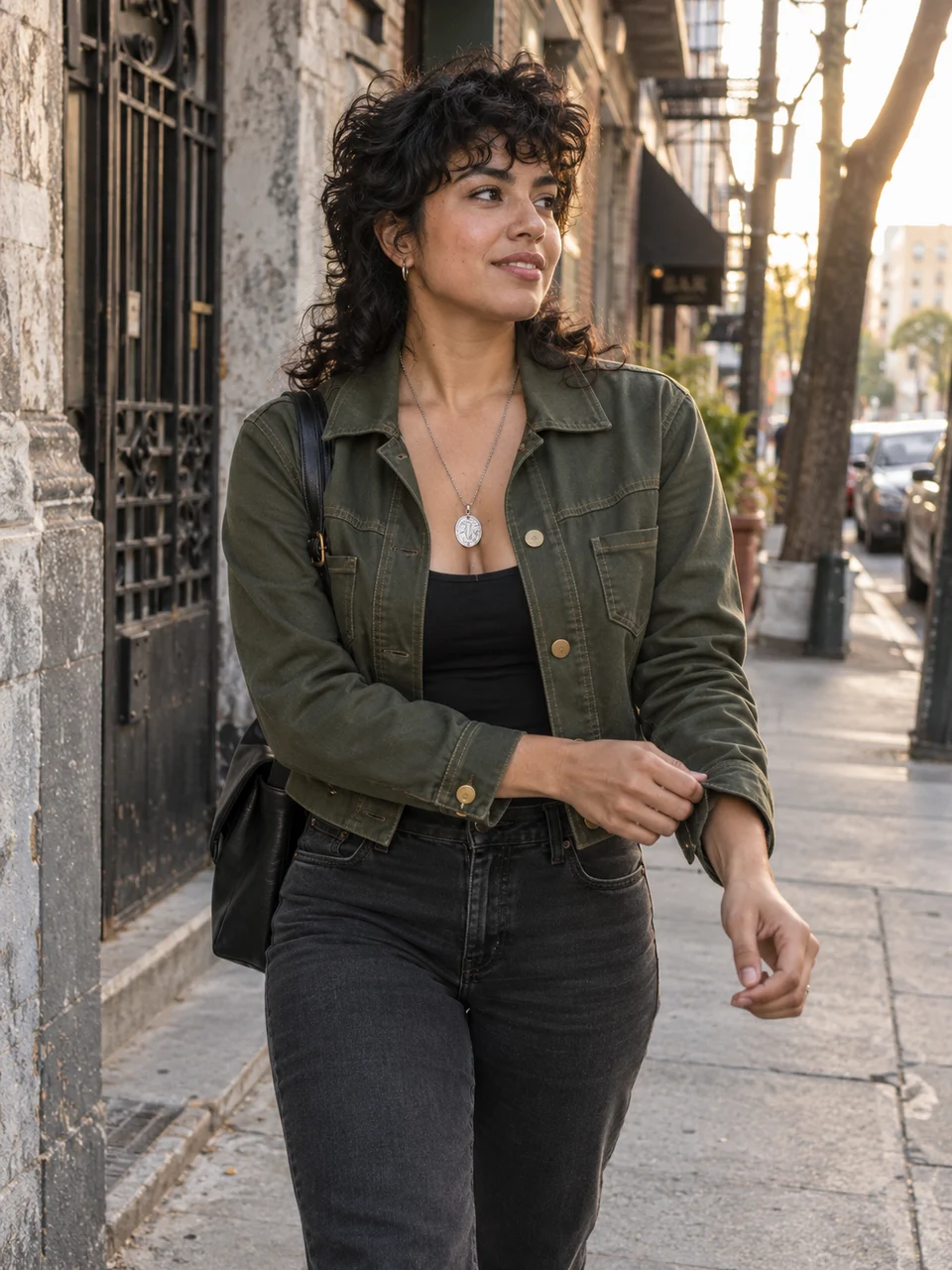 The Jacket in MotionUse This Template
 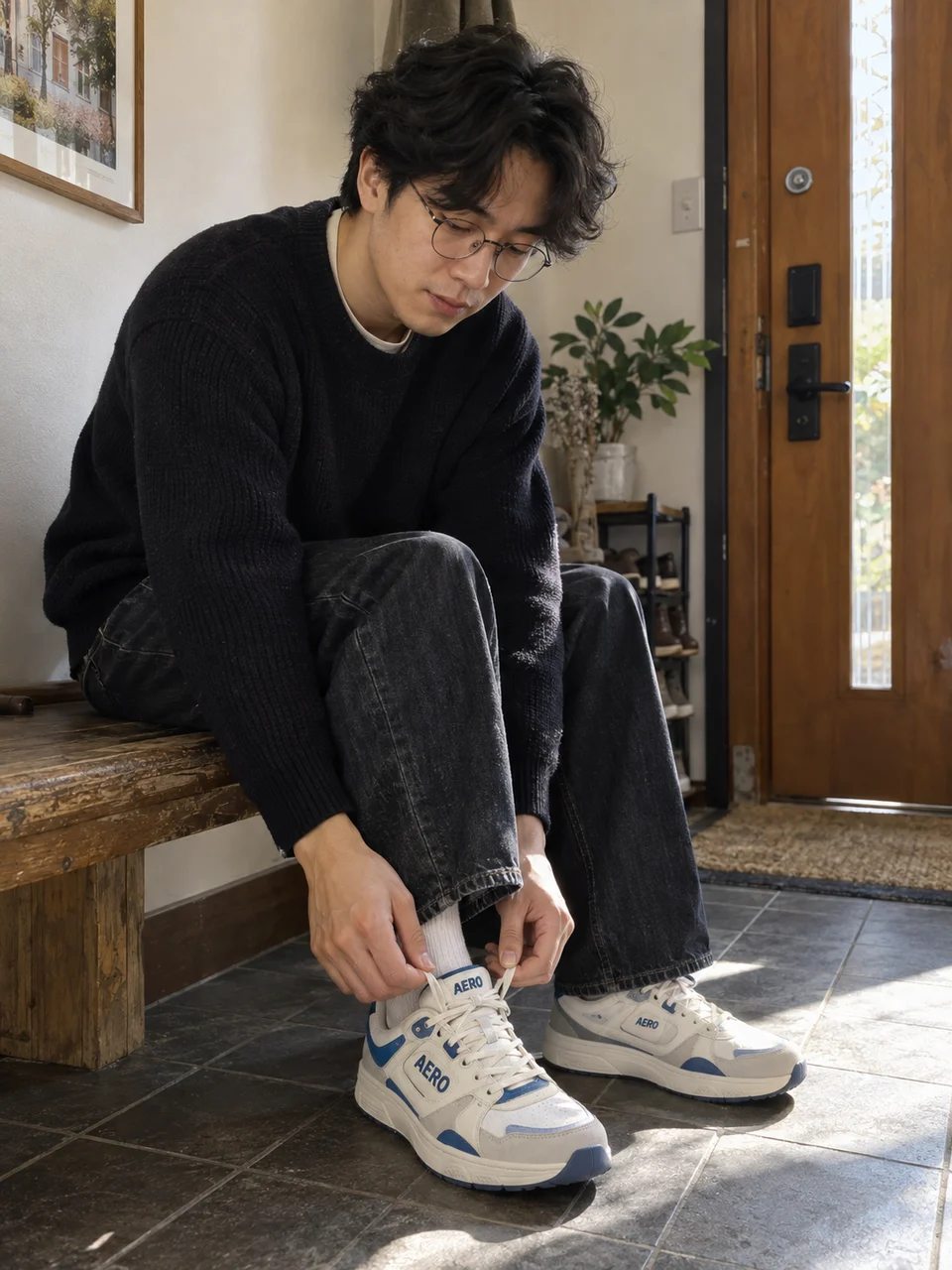 Laces Before LeavingUse This Template
 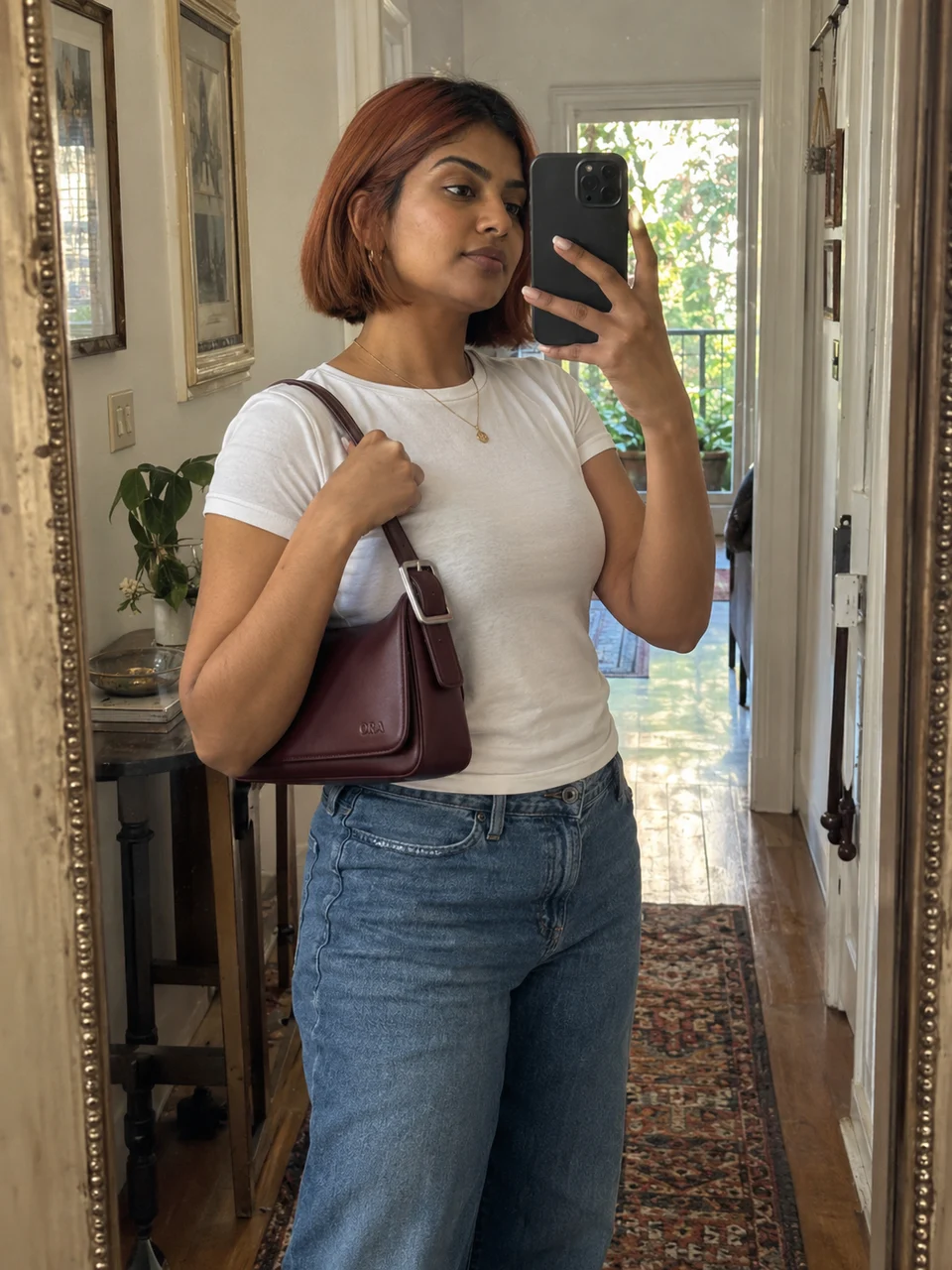 Outfit CheckUse This Template
 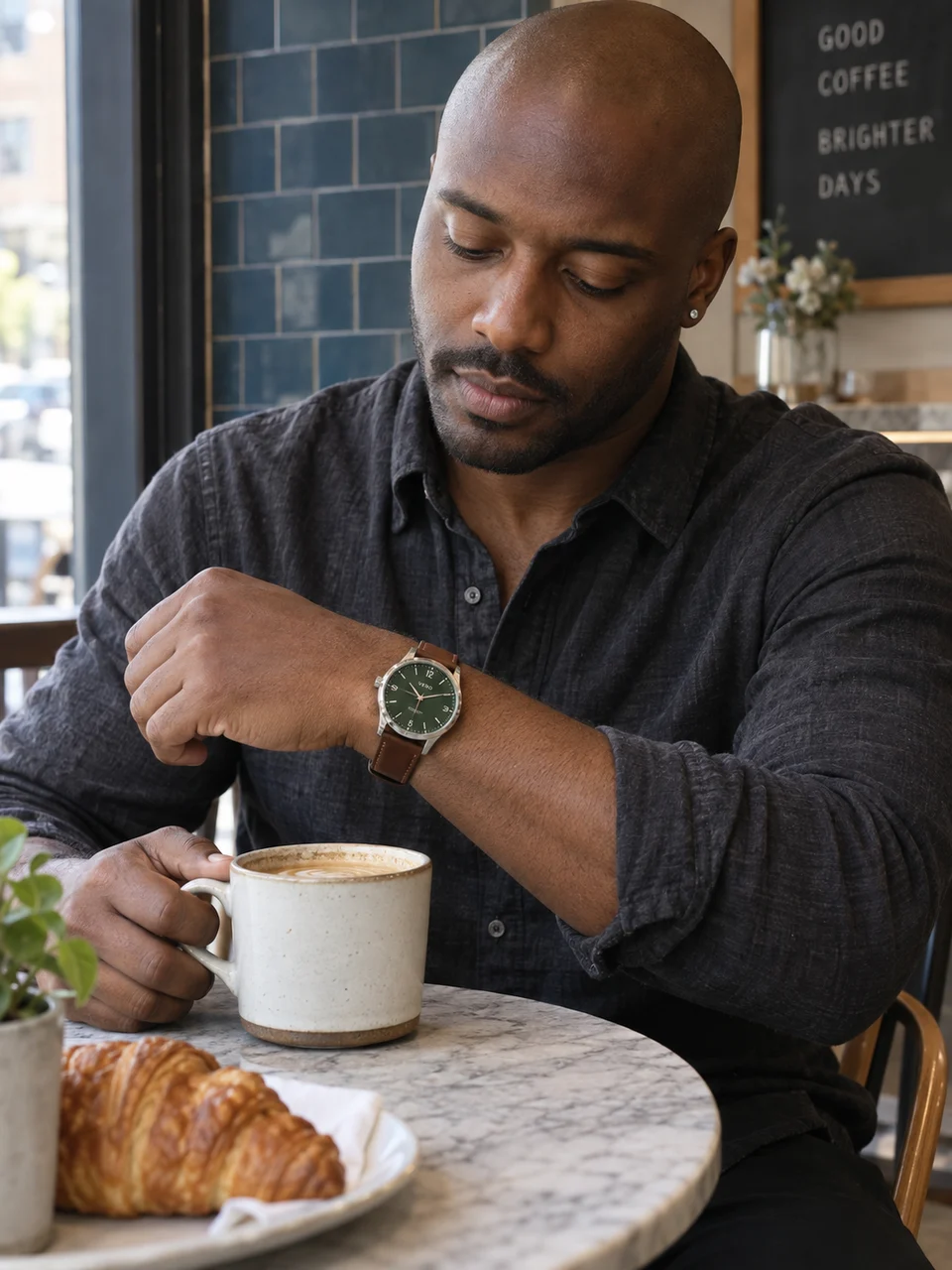 Time for CoffeeUse This Template
 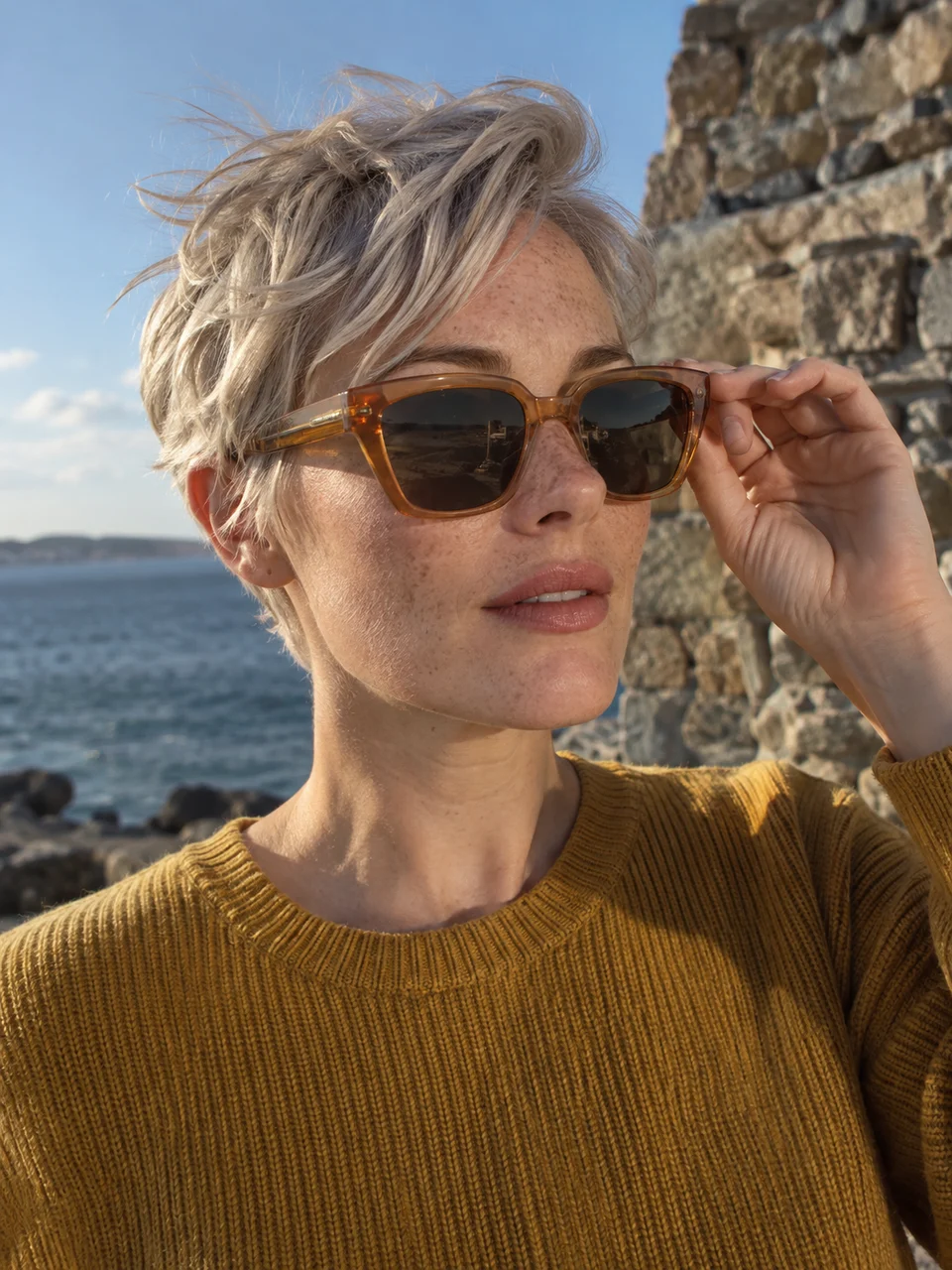 Into the LightUse This Template
 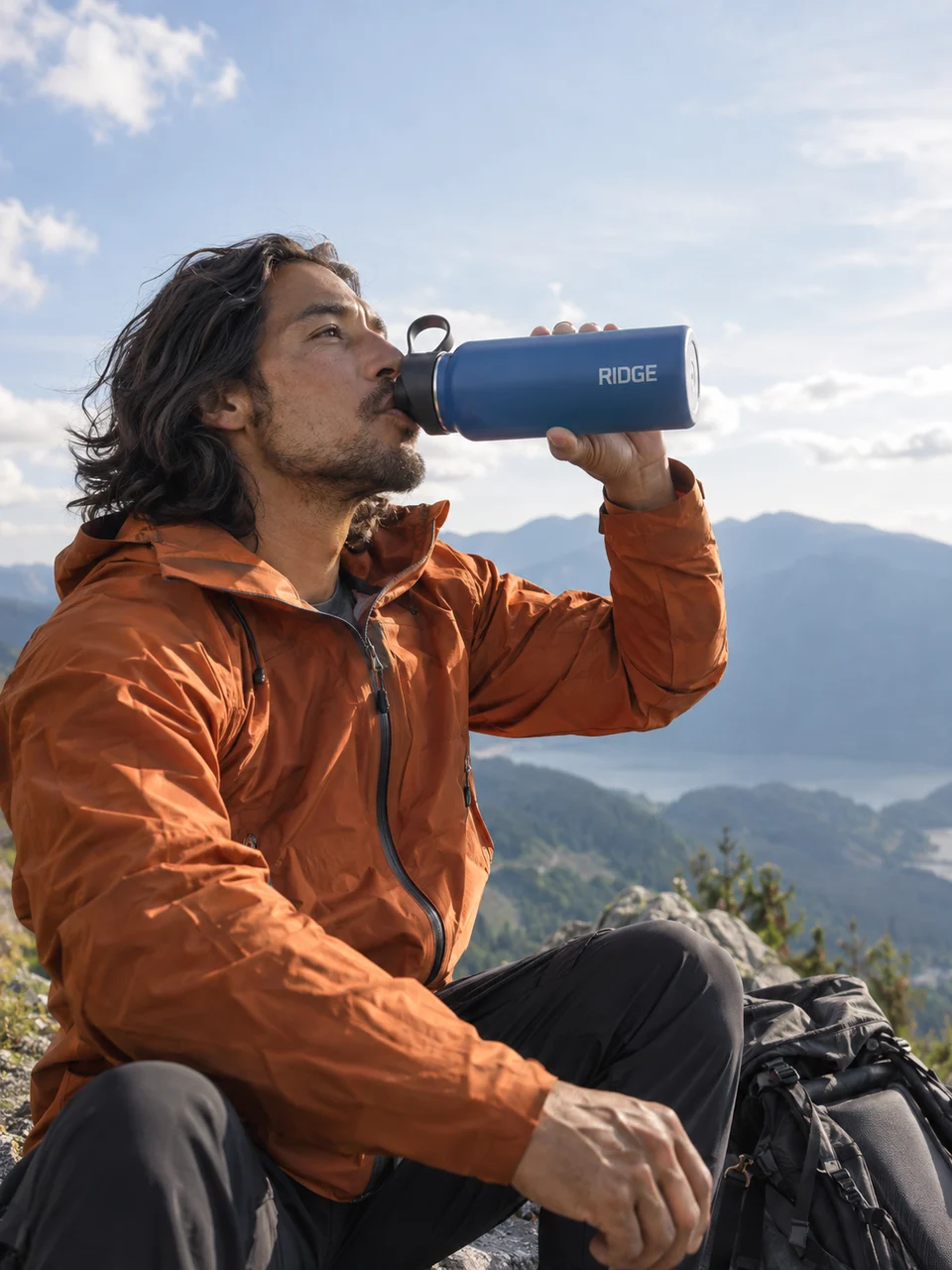 Water at the LookoutUse This Template
 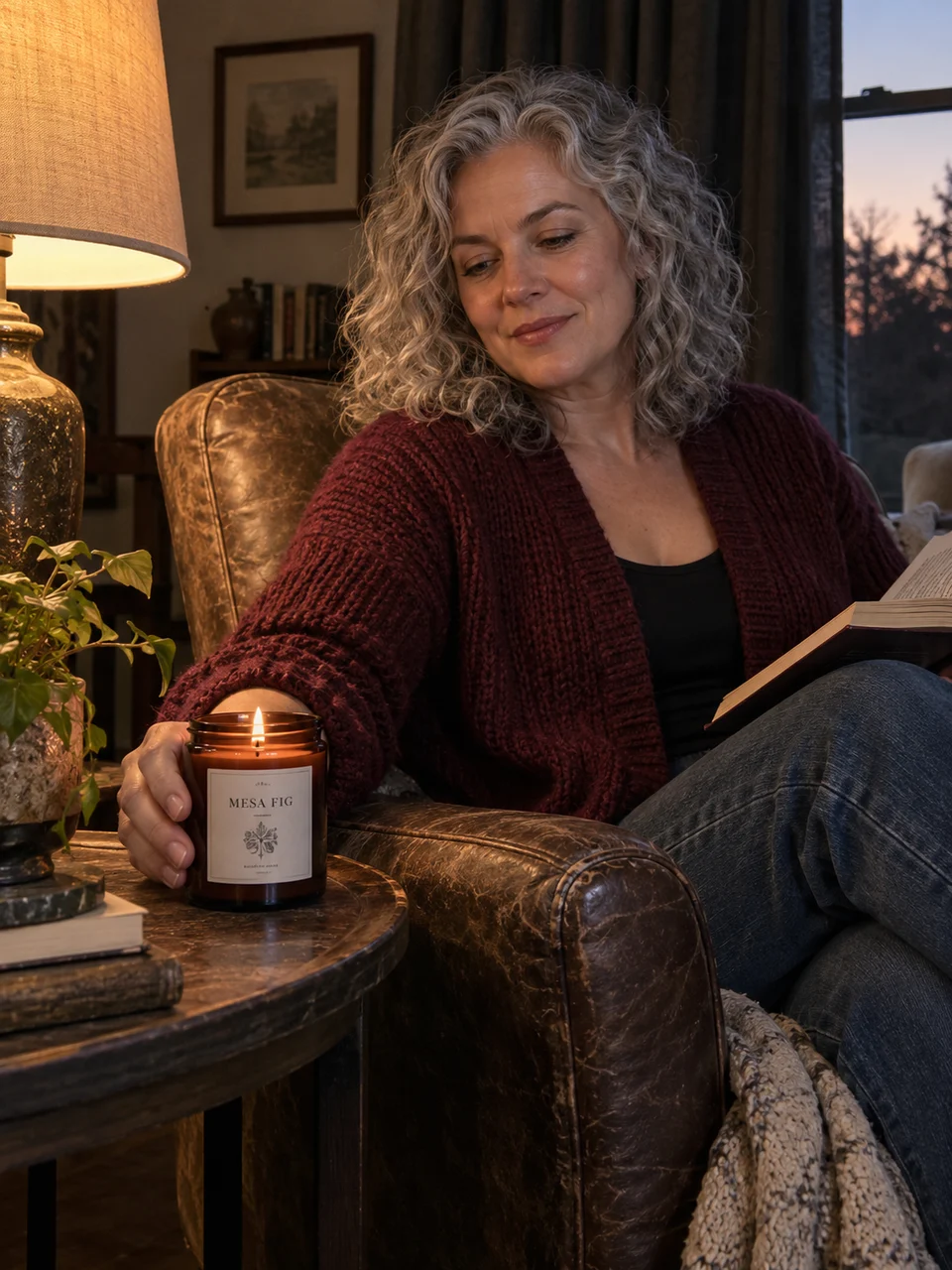 An Evening at HomeUse This Template
 AI influencer + product + lifestyle templates, built around how people actually use what you sell.
Give your product a familiar face. Reuse your saved AI influencer for a new launch, a daily routine, or a seasonal campaign.
Create AI UGC product images with everyday actions: opening a package, applying skincare, or getting ready. A creator aesthetic, without a fabricated customer testimonial.
Help shoppers picture your product in use. Build supporting lifestyle images for a Shopify gallery or an Amazon listing, then check each placement’s image rules.
Try a new mood for Instagram posts, TikTok photo content, or social ad concepts. Choose your format in Studio and review the crop before publishing.
Select a saved character or upload a person image you have permission to use. Reuse this identity for later product photos.
Upload your product or select it from your Product Library. Pick a lifestyle scene and adjust the prompt to suit your item.
Choose your settings, check the credit quote, and generate. Review the person and product details, then download your image.
Keep your chosen creator at the center of your campaign. Select the same saved character across sessions, then change the product, setting, or template. Review the face and styling in each new image.
Try this sceneGive the interaction a purpose. Put on headphones, lace up shoes, or apply a serum. Templates guide the grip, scale, lighting, and scene so the product belongs in the moment.
Try this sceneUse a clear product reference to guide the shape, color, material, and packaging. The prompt asks the model to preserve these details; inspect labels, logos, and small text against your original before using the result.
Try this sceneStart with AI lifestyle product photography for skincare, beauty, tech, drinks, fashion, accessories, outdoor products, and home goods. Every example above opens its matching template in Studio.
Try this sceneUse the template as a starting point. Edit the prompt, choose an available model and quality, and set the aspect ratio. Studio shows the credit estimate before you generate a new variation.
Try this sceneMore on commercial use, our terms, and AI disclosure.
An AI product image generator creates new product photographs from reference images and a scene direction. This tool combines your product with an AI influencer and a lifestyle template for creator-led marketing images.
Choose an AI influencer or upload an authorized person image, add your product, and select a template. Adjust the prompt and image settings, review the credit quote, then generate. Inspect the finished photo before downloading it.
Yes. Upload an image of a product you own or have permission to use, or choose a saved item from your Product Library. A sharp reference with visible packaging, color, shape, and label details gives the model clearer guidance.
Yes. Templates include applying skincare, wearing clothing and accessories, using headphones, and drinking from a bottle or cup. Choose an action that suits your product and check hands, contact, scale, and reflections in the result.
You can create lifestyle images for store galleries, campaign pages, and secondary listing images. Check the current rules for your platform and category. Amazon main images commonly require a pure white background and may not allow this style of lifestyle scene.
Under our current Commercial Use Terms, paid-plan outputs may be used in your own advertising, social posts, product demos, and client campaigns, subject to the Terms. The free trial is for evaluation. You need rights to your source assets and must follow advertising and AI-disclosure rules.
Reuse the same saved AI influencer and product reference, and keep important appearance details in your prompt. Change the setting or action through a template. AI can still alter faces, colors, logos, or small text, so compare every result with your references.
No. The 20 templates provide a starting point for the scene, lighting, and interaction. You can edit the direction and choose the available model, quality, and aspect ratio in Studio. Review the result as carefully as any other marketing asset.
Choose your creator. Add your product. Find your next scene.
Create Product Images
Plan Content
Measure Engagement
Build Your Profile
Price Your Work
Write Post Copy
Brand Partnerships