
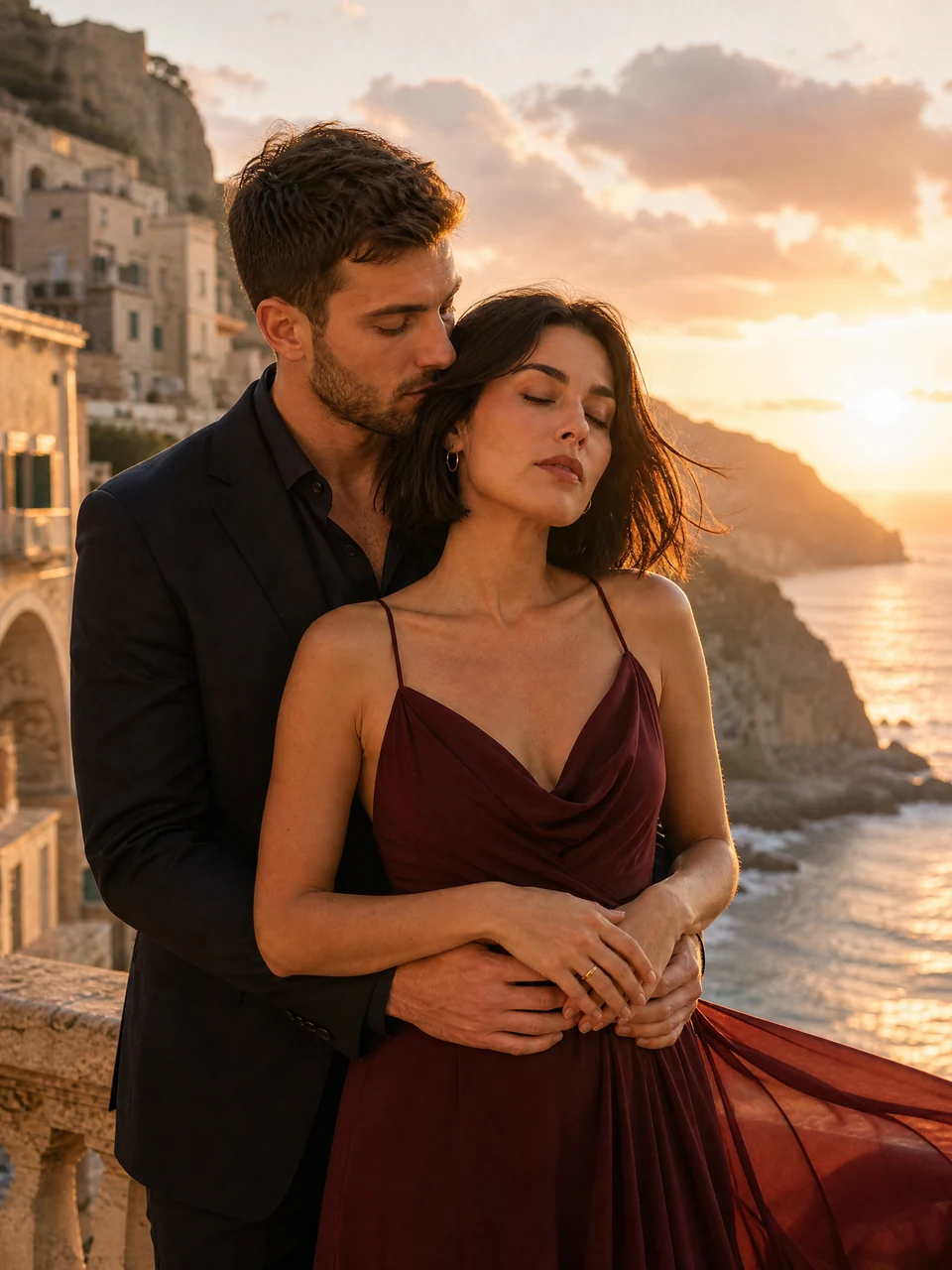
AI Couple Photo Generator
Turn two separate portraits into a shared moment: a sunset walk, a quiet embrace, or a dressed-up date. Bring your own adult likenesses and choose a pose that feels like you.
Create a couple photoBring two people together in one photo with AI. Combine separate portraits, create realistic couple and friend photos, or put yourself in a scene with an AI influencer.
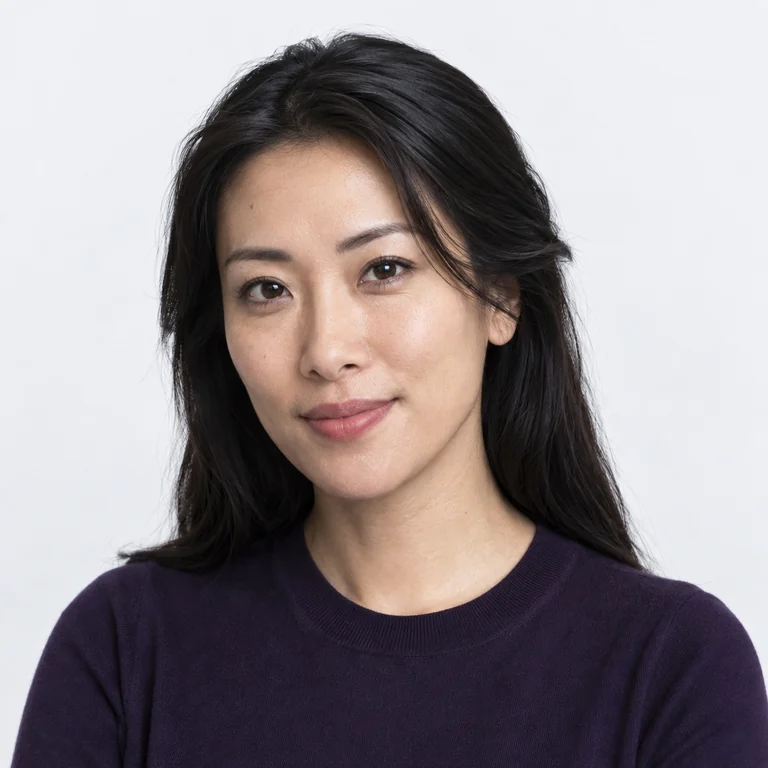
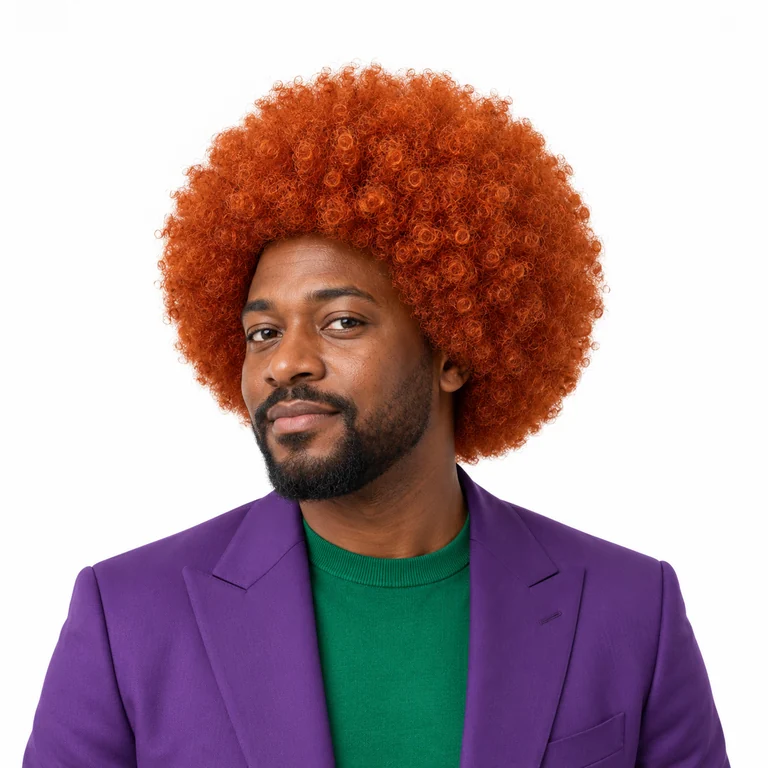
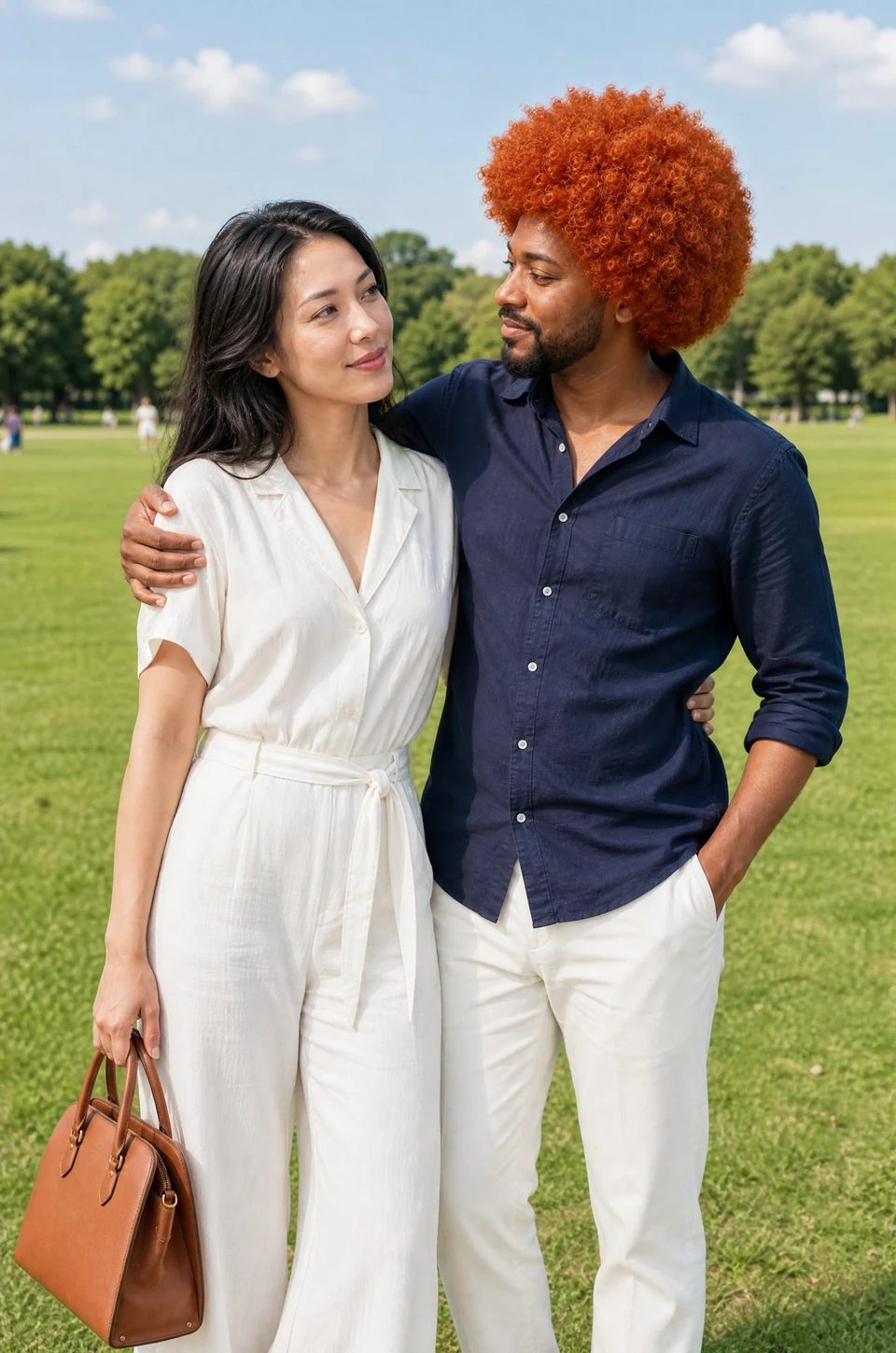
Separate identities. One shared scene. AI-generated example.
Find your scene, then add your two faces in Studio.
24 group photo templates
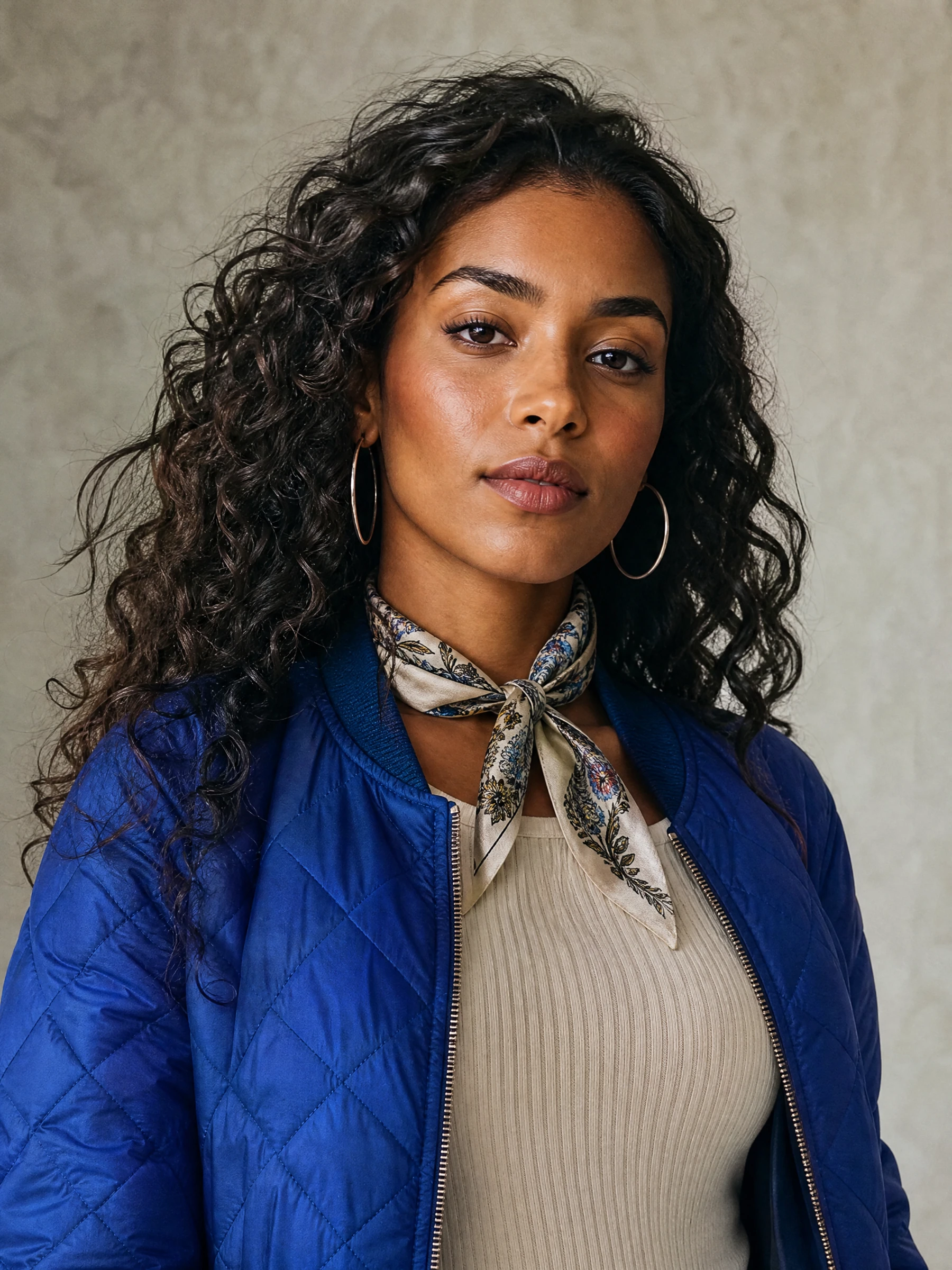
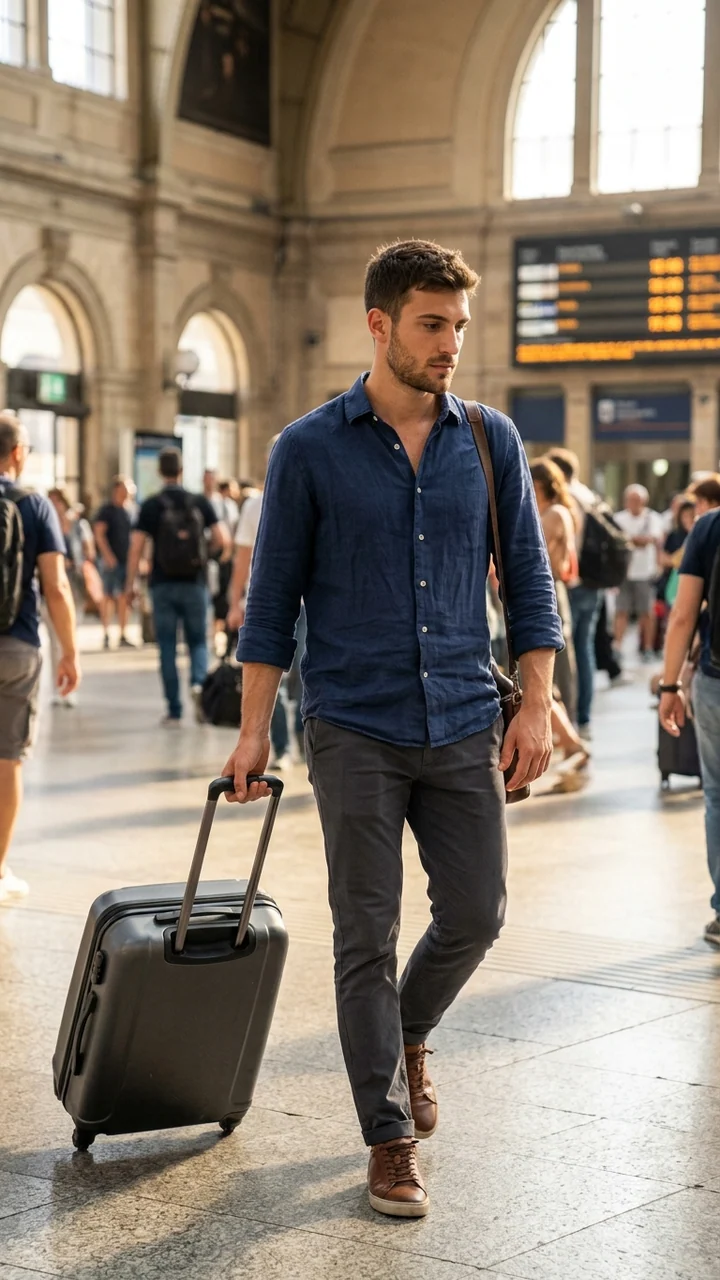
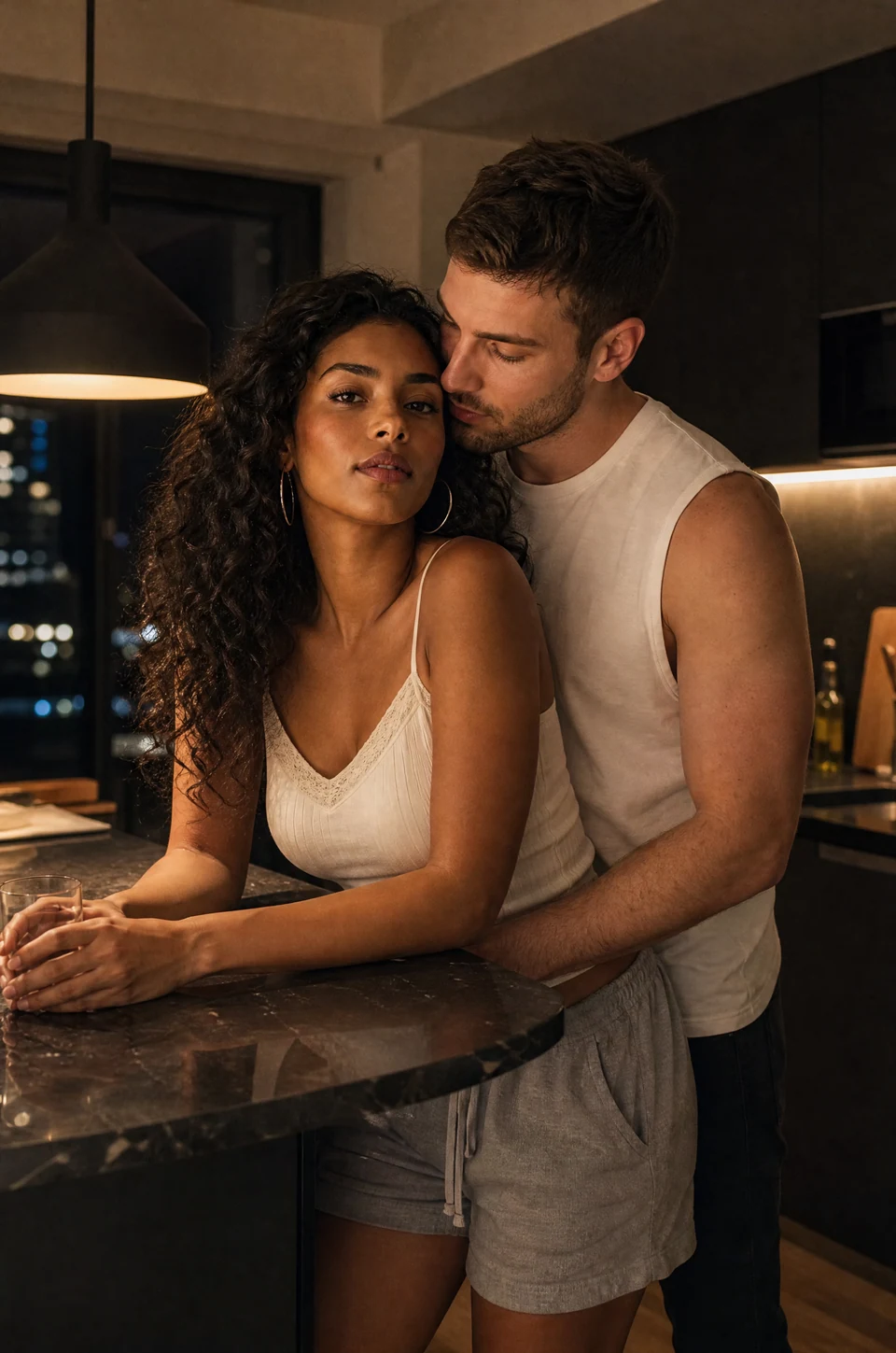
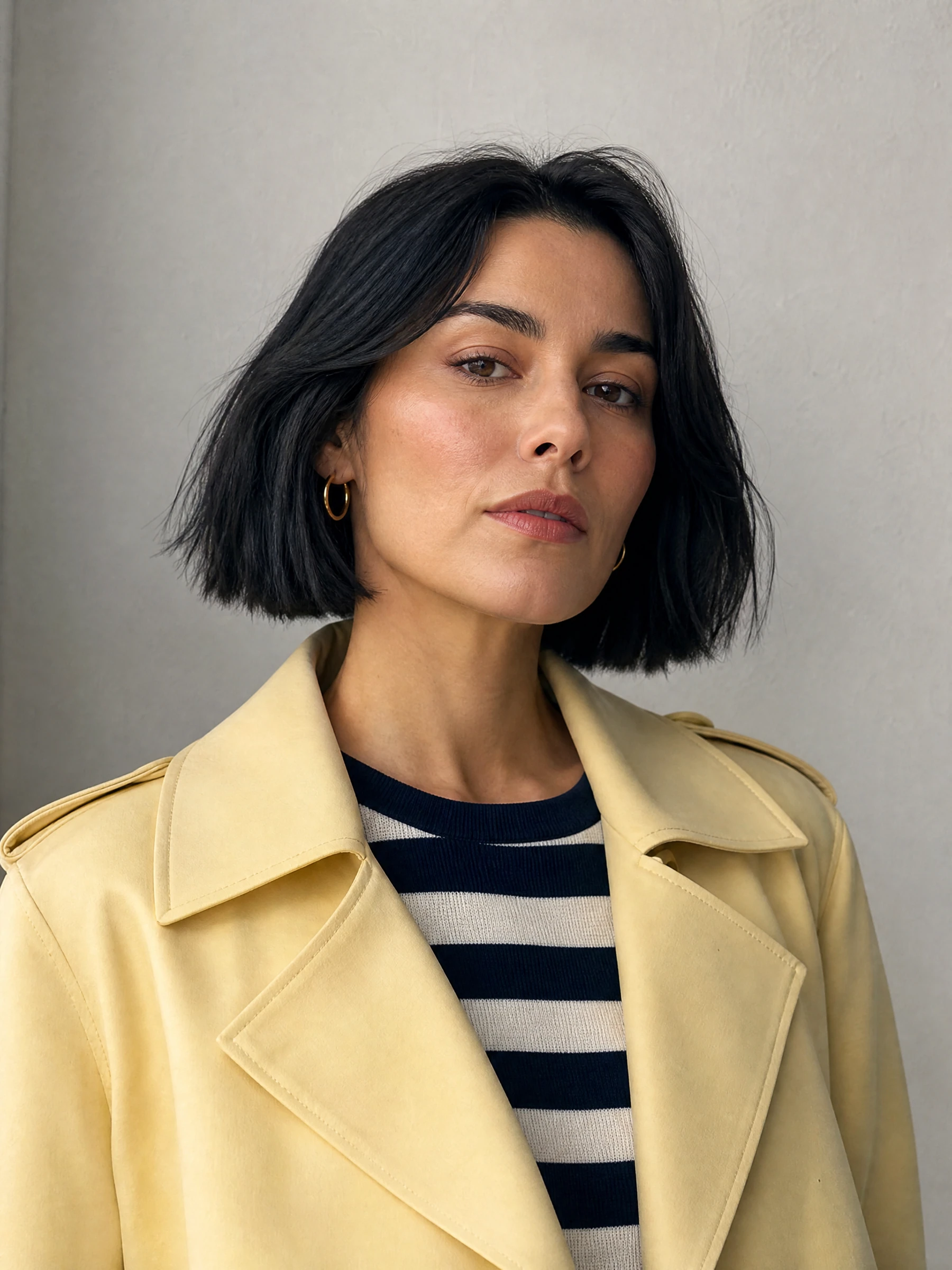
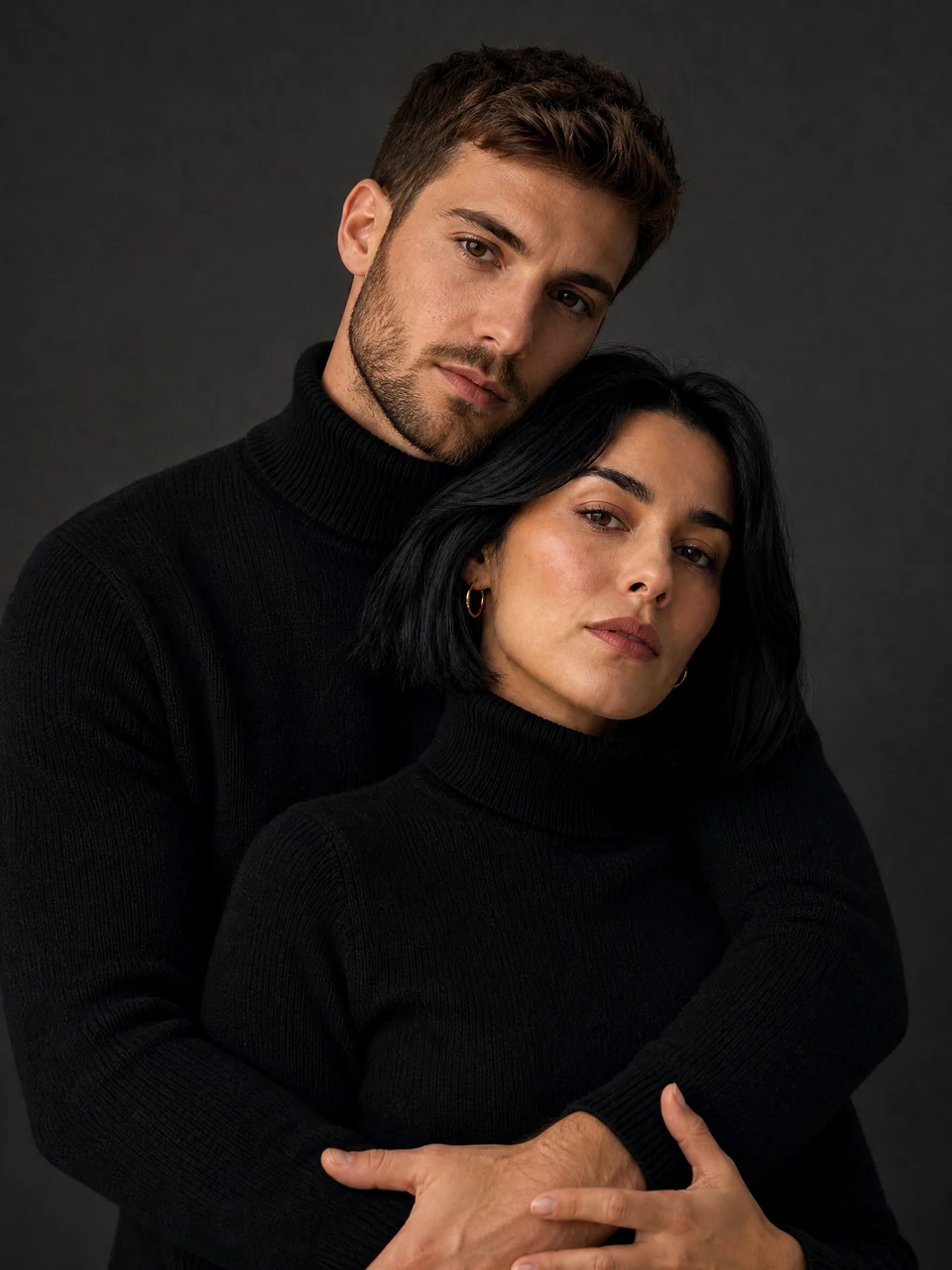
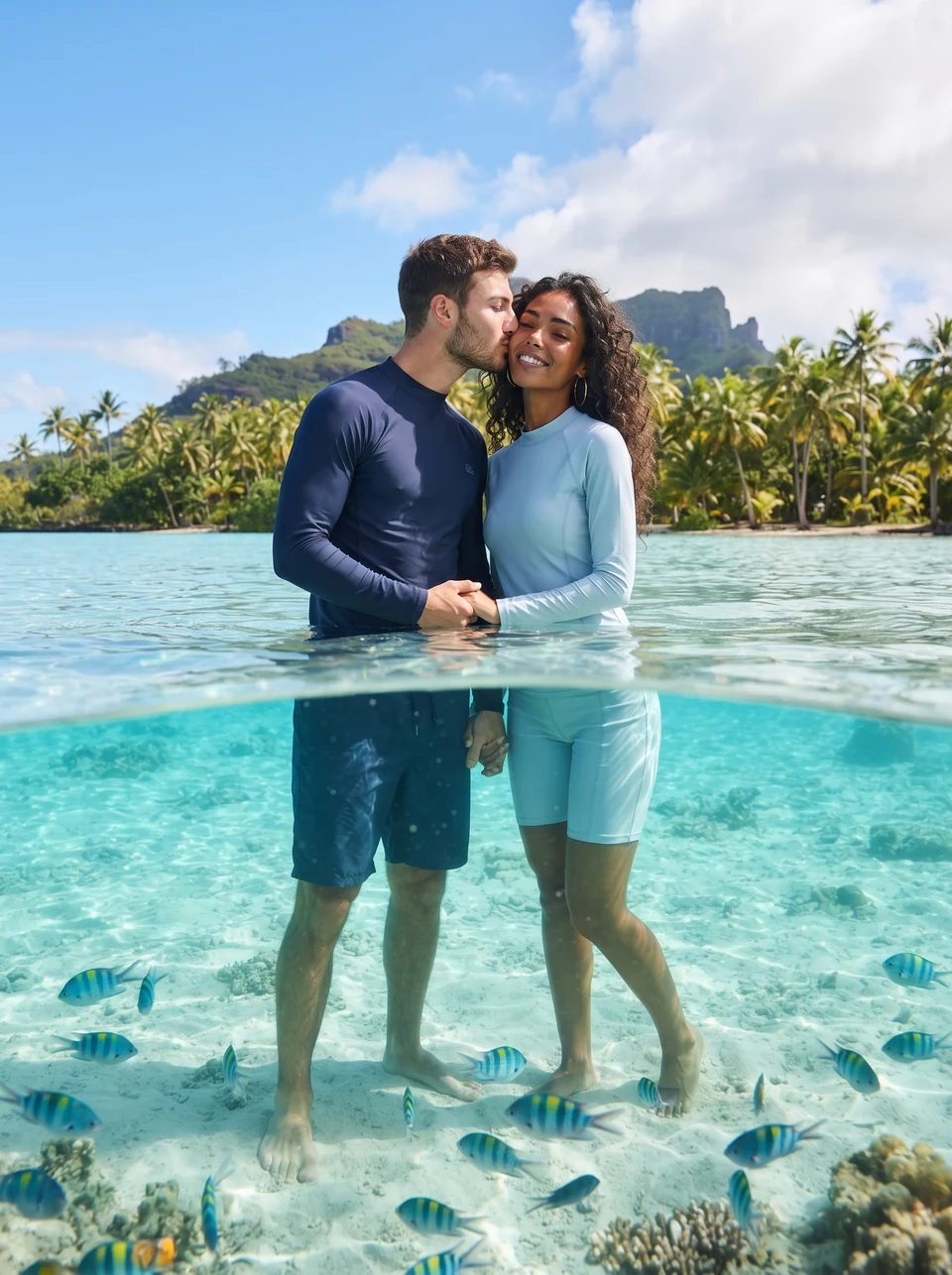
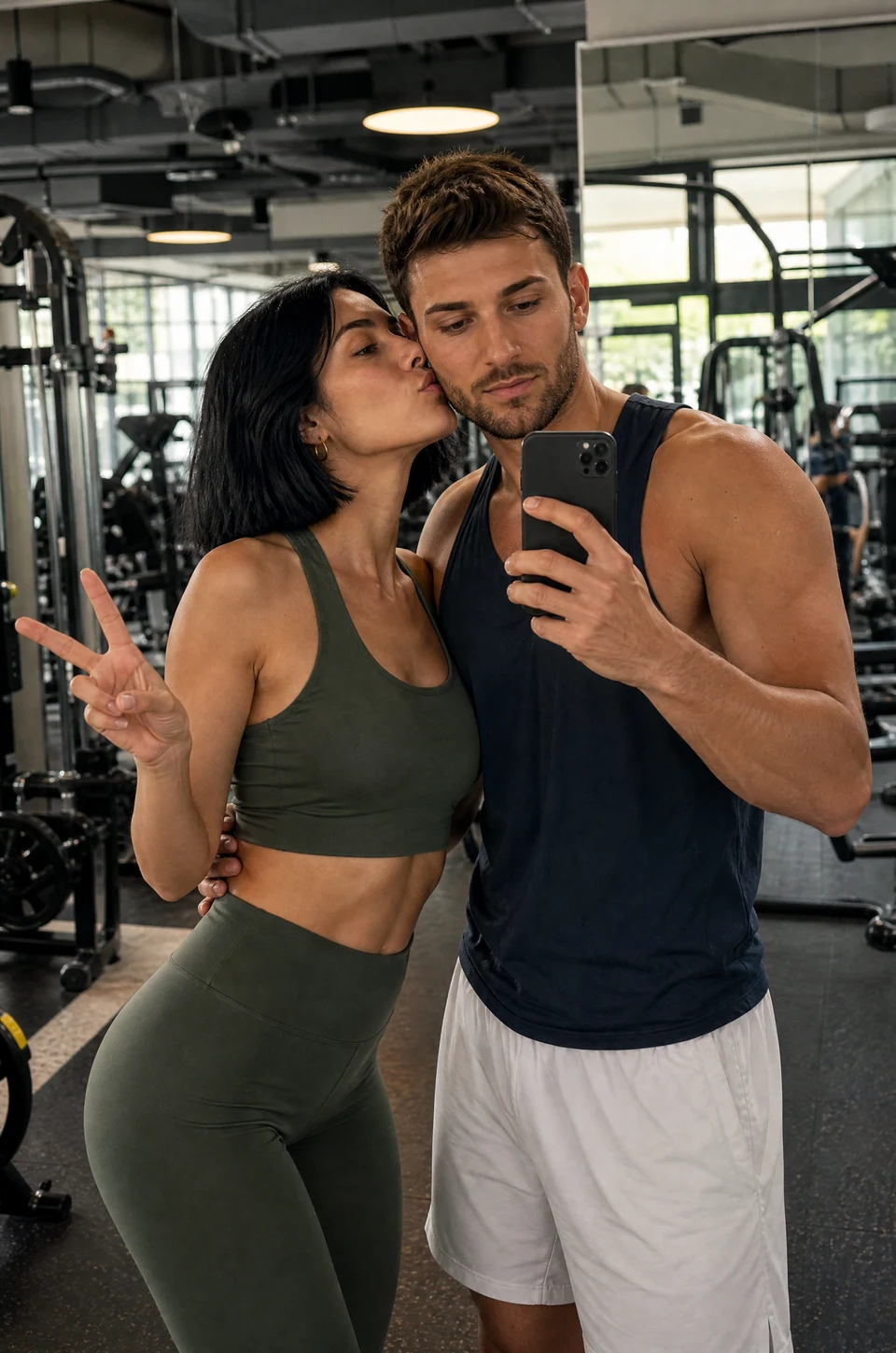
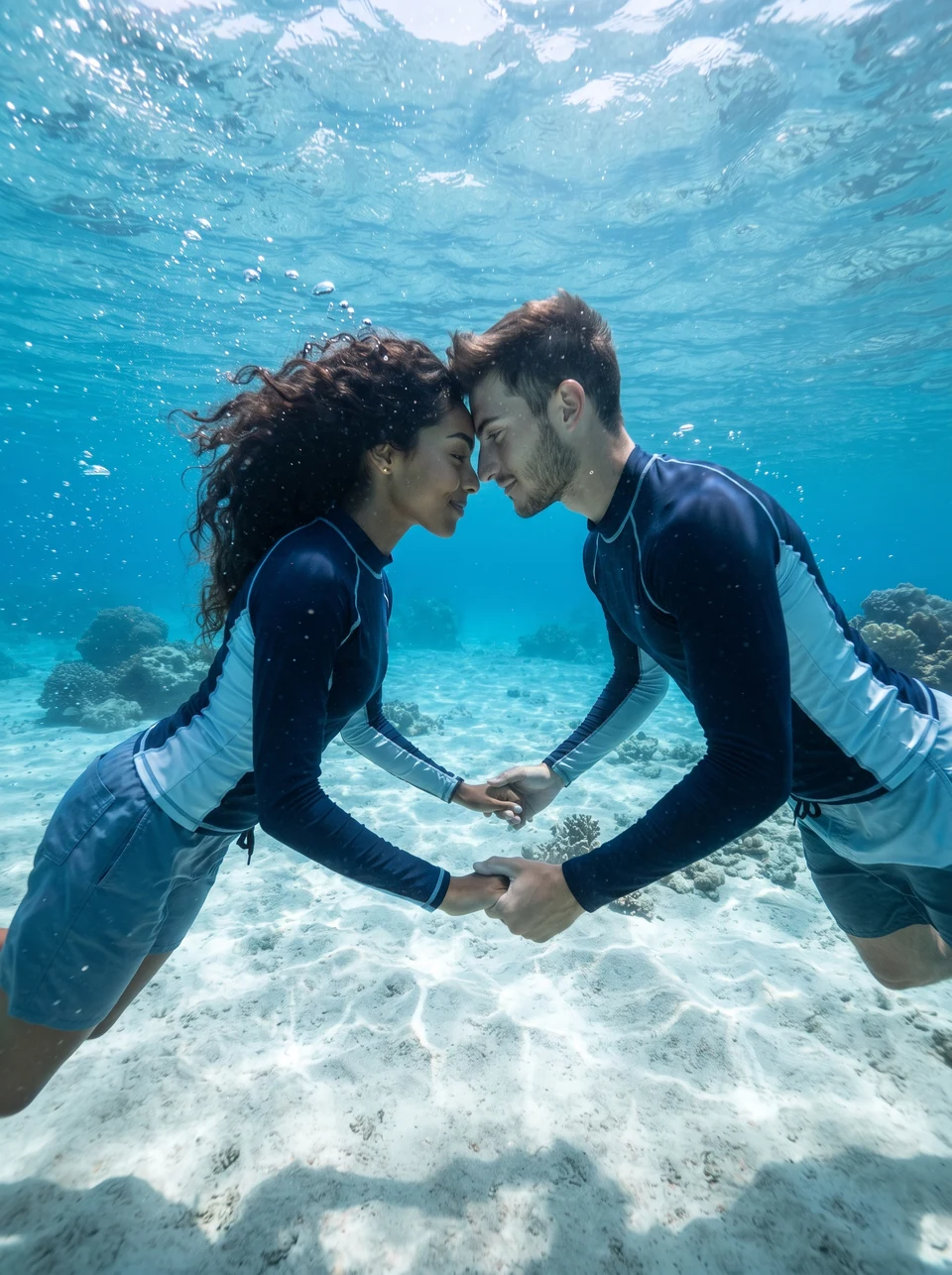
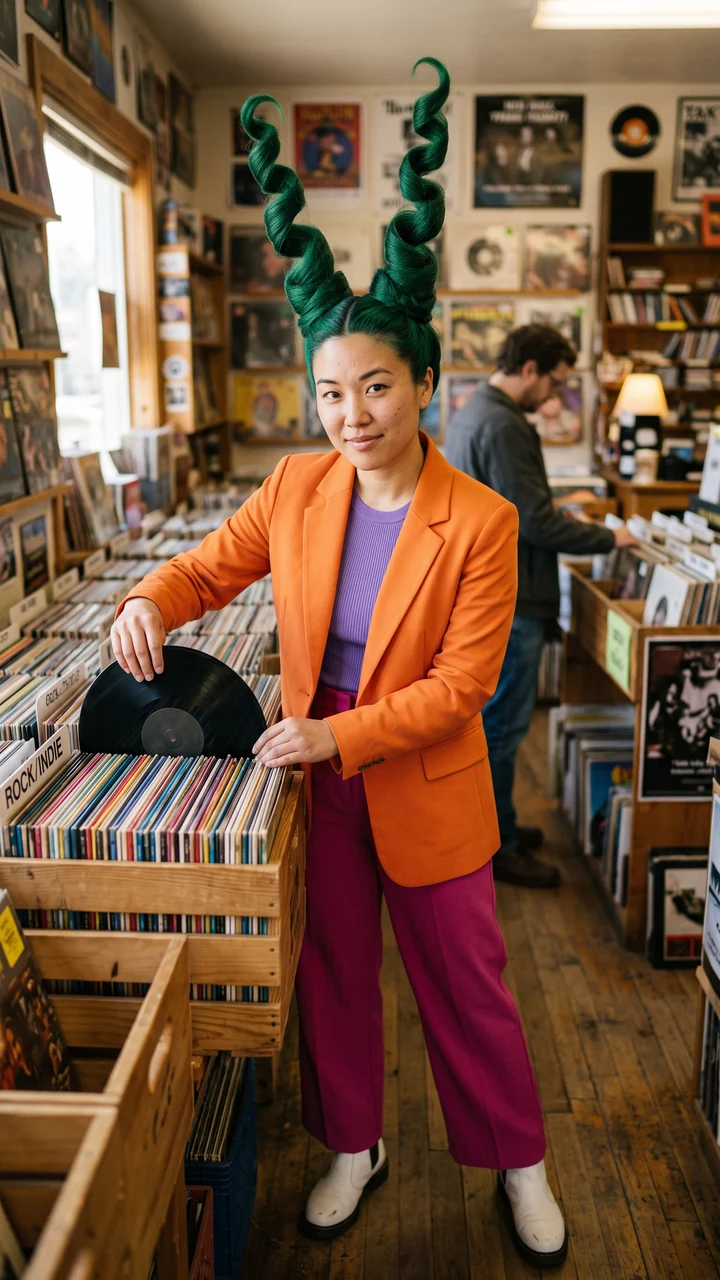
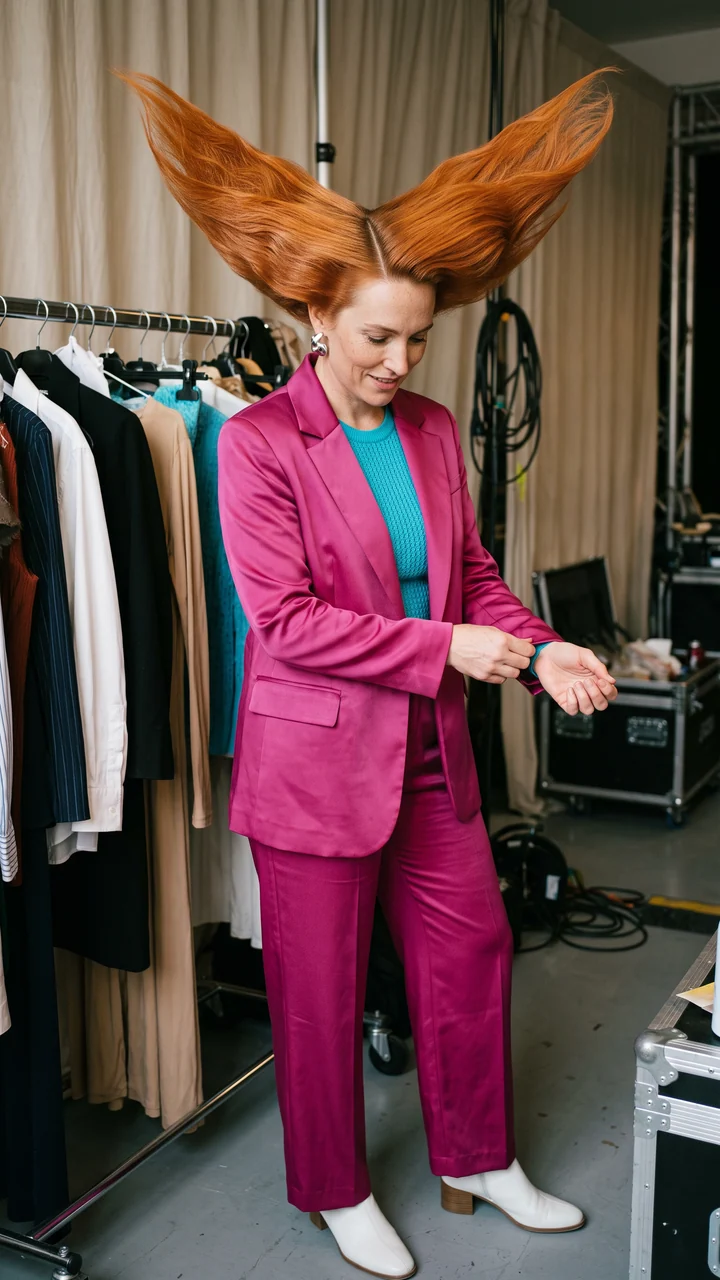
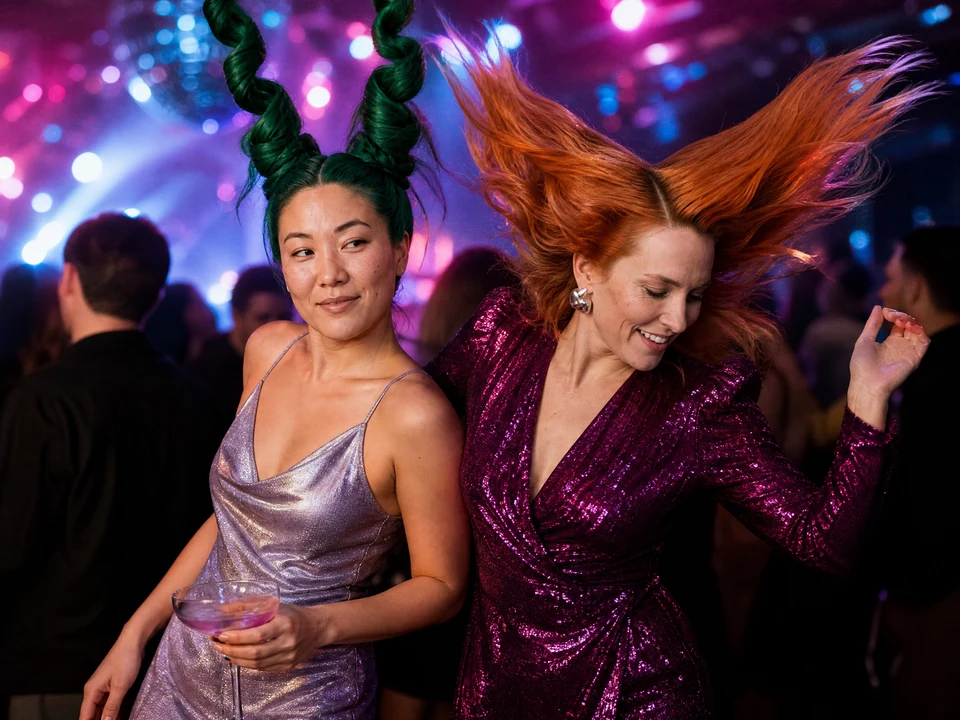
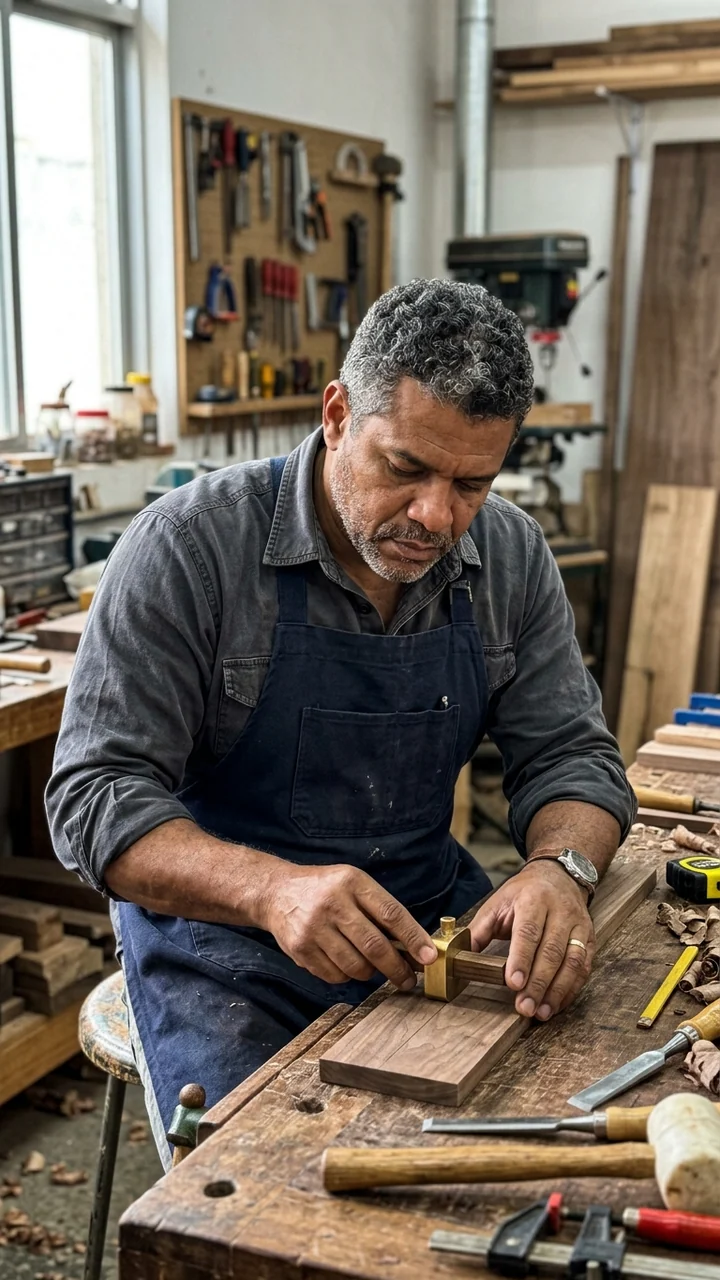
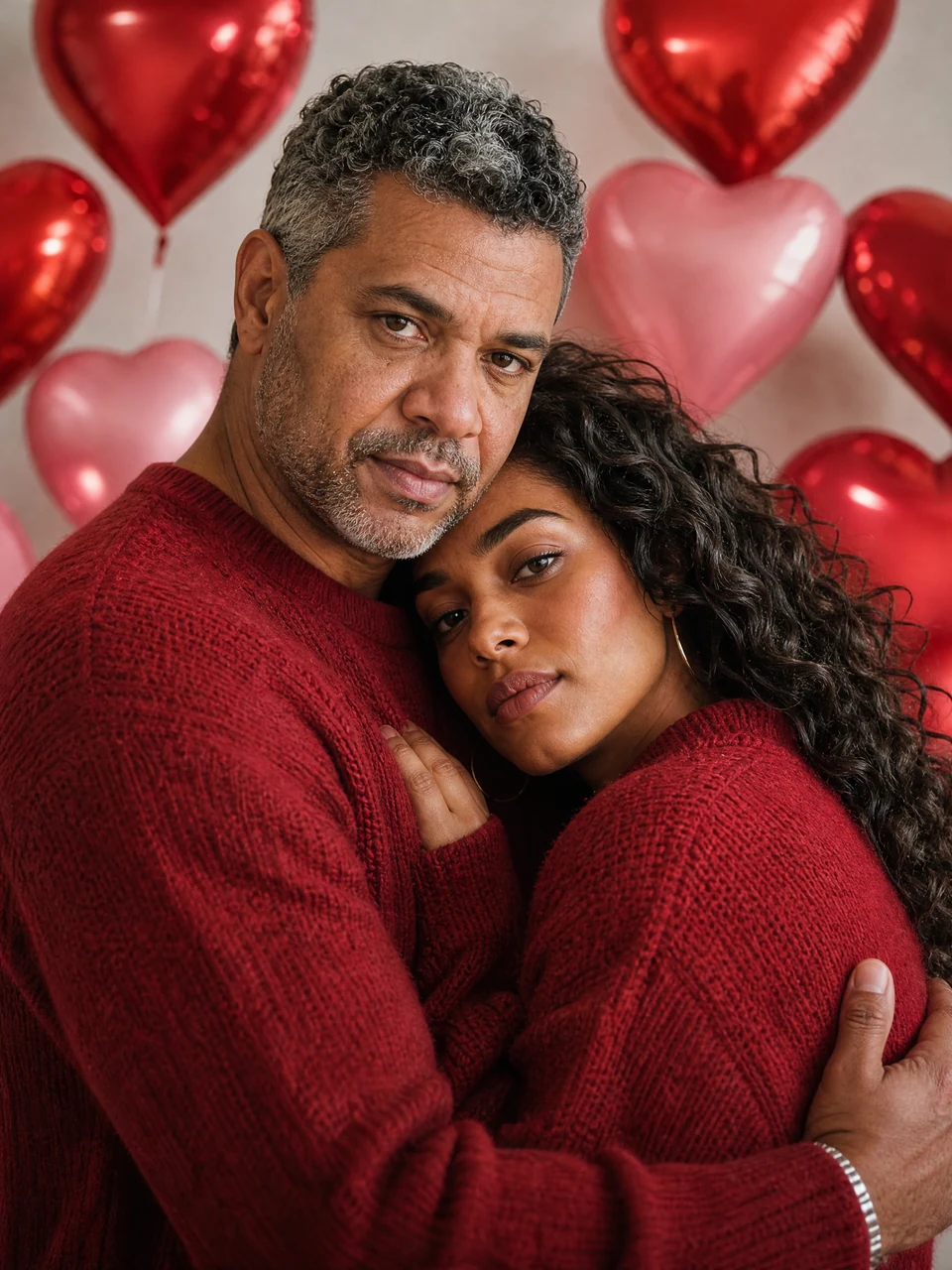
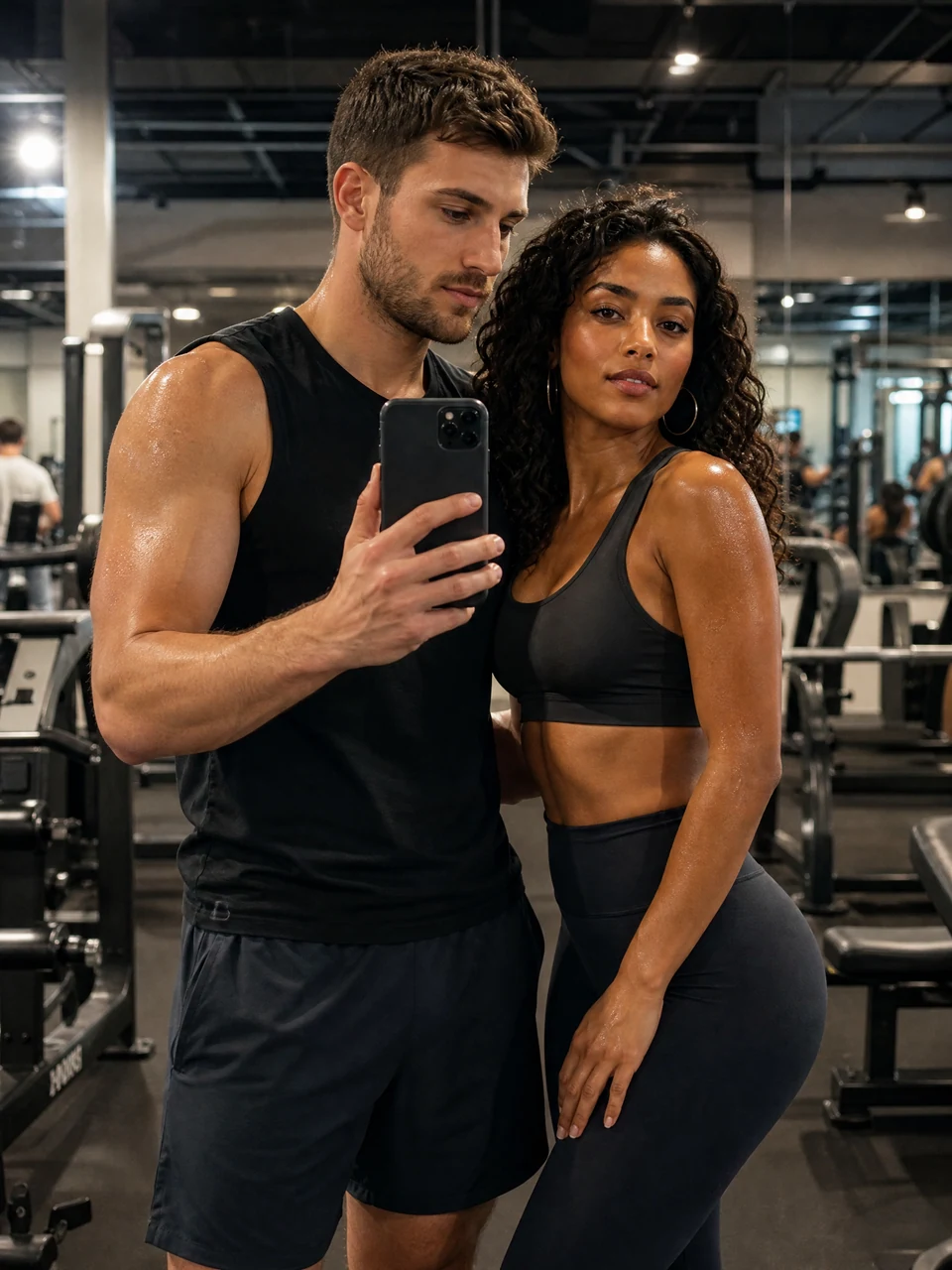
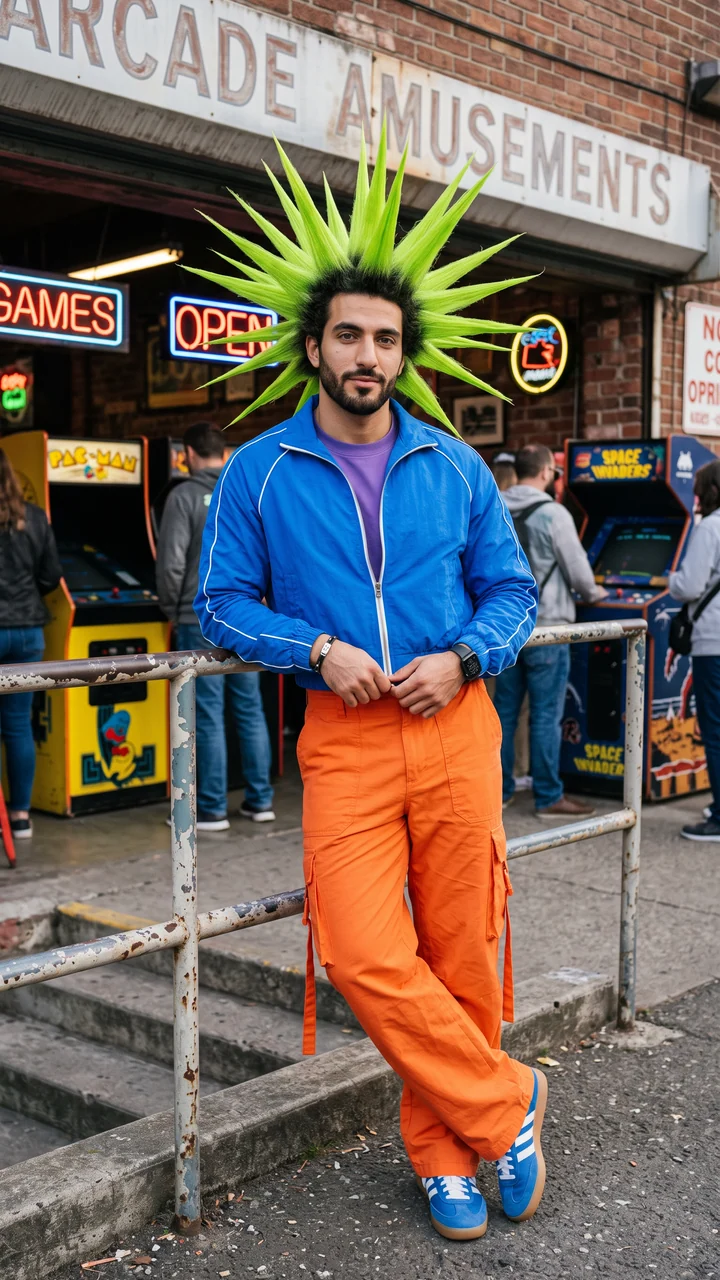
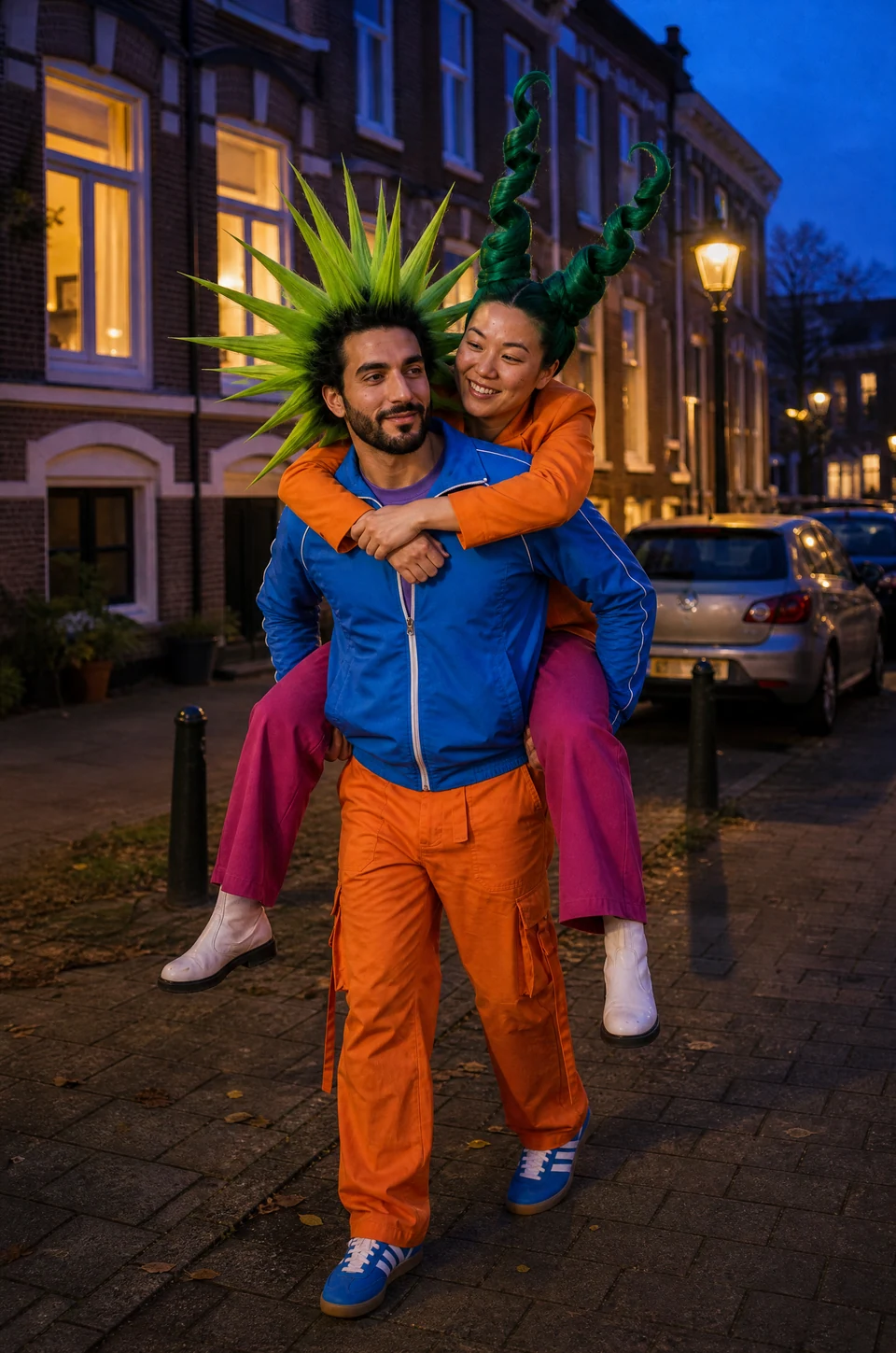
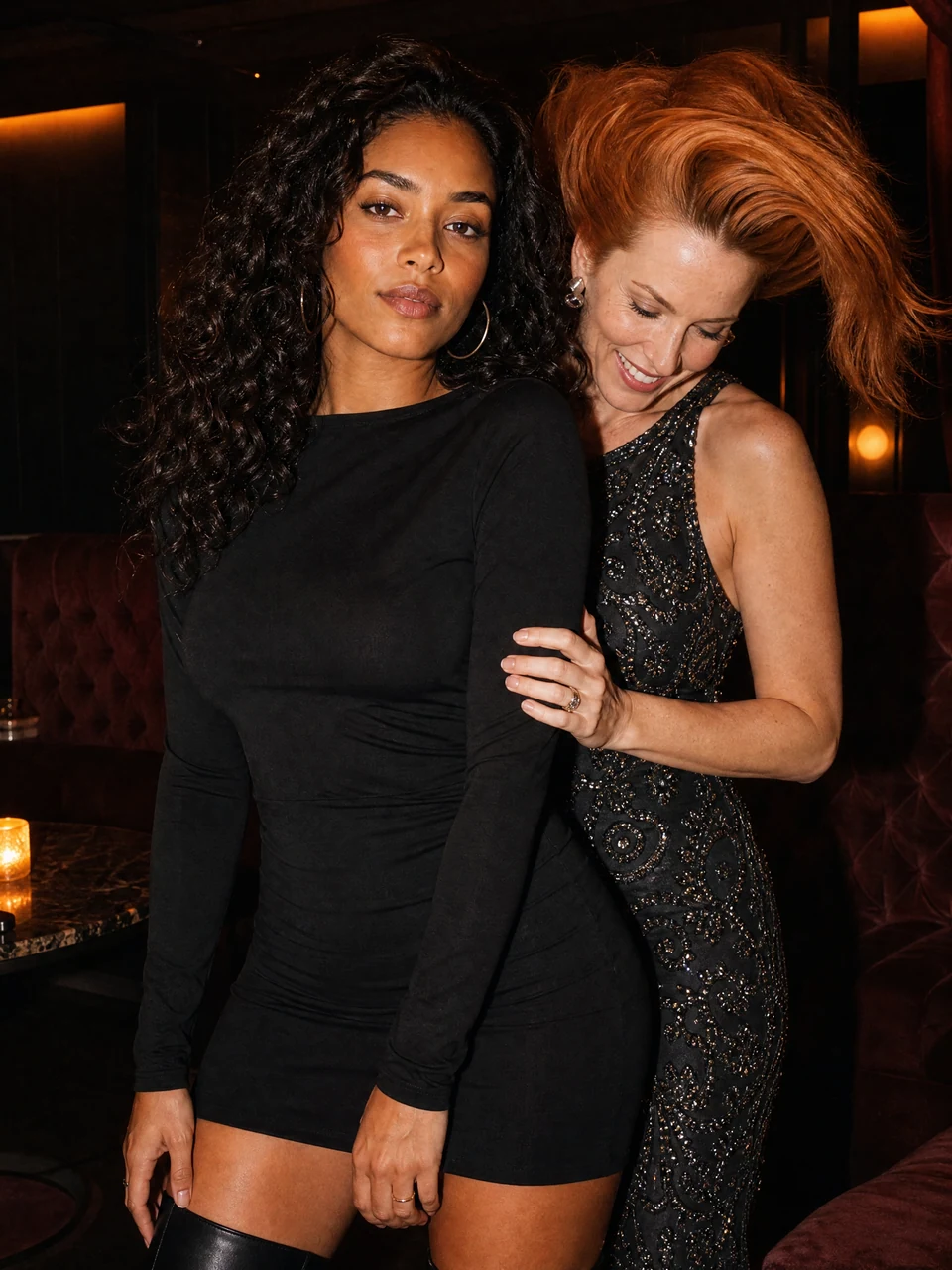
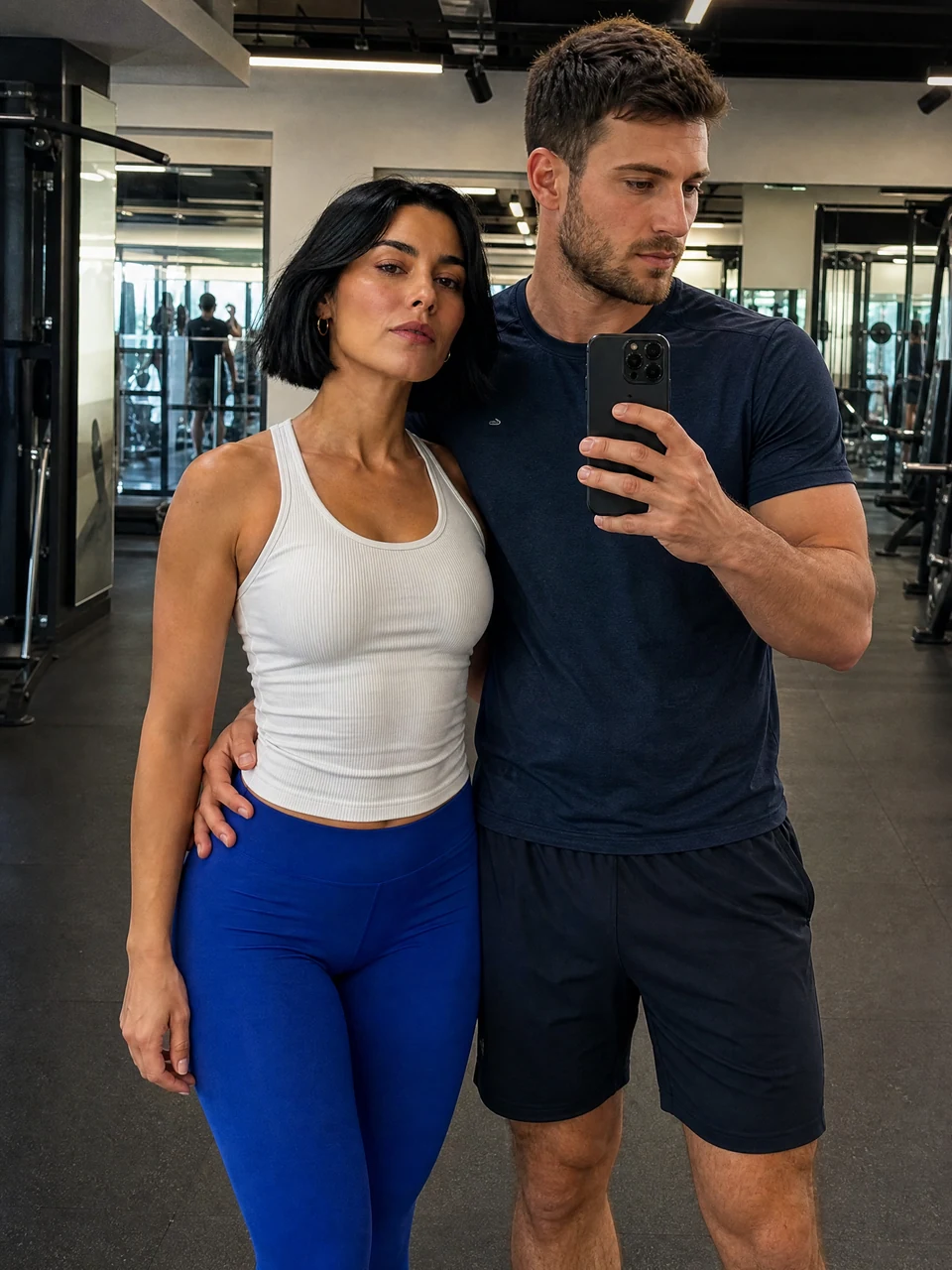
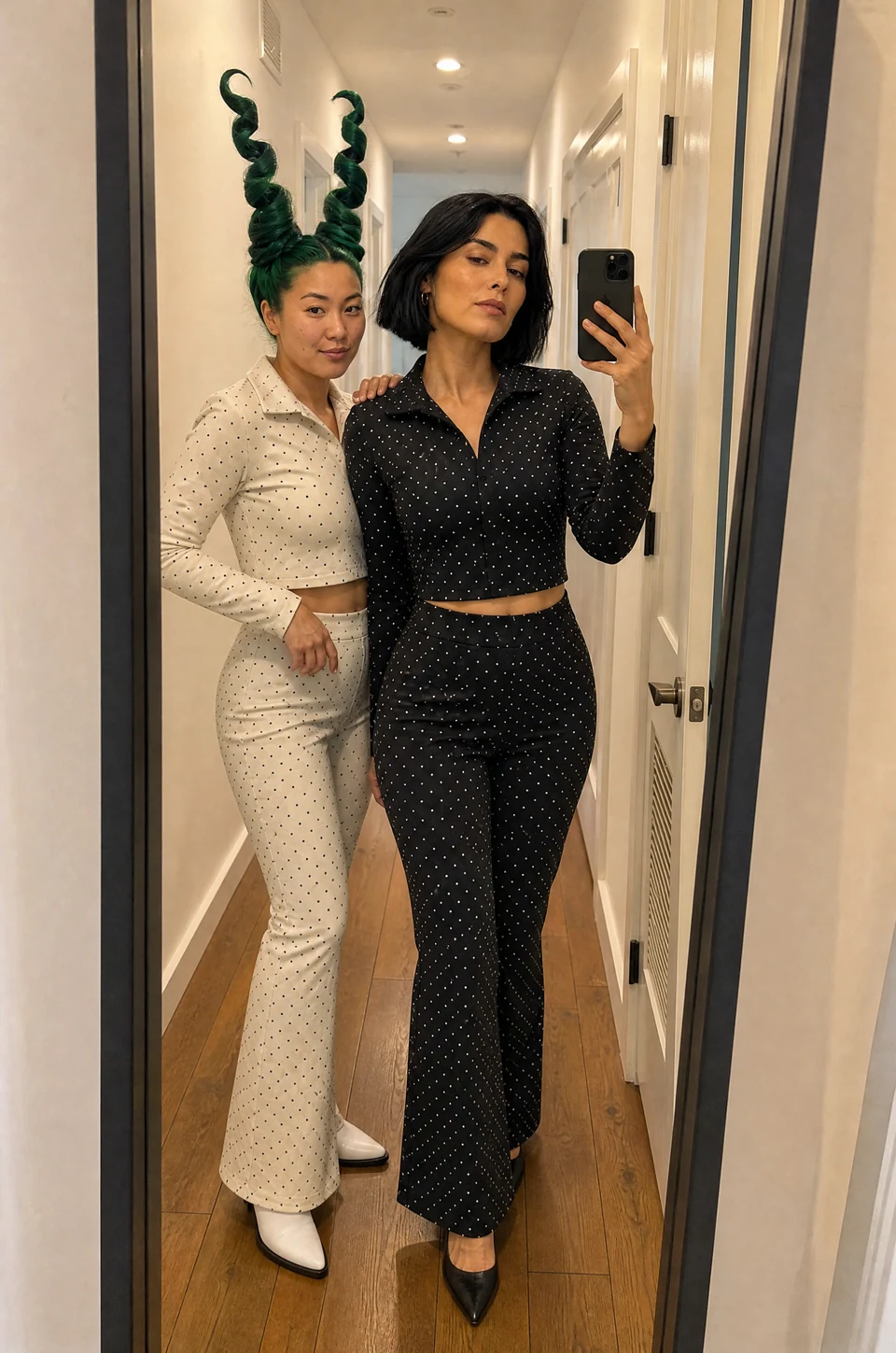
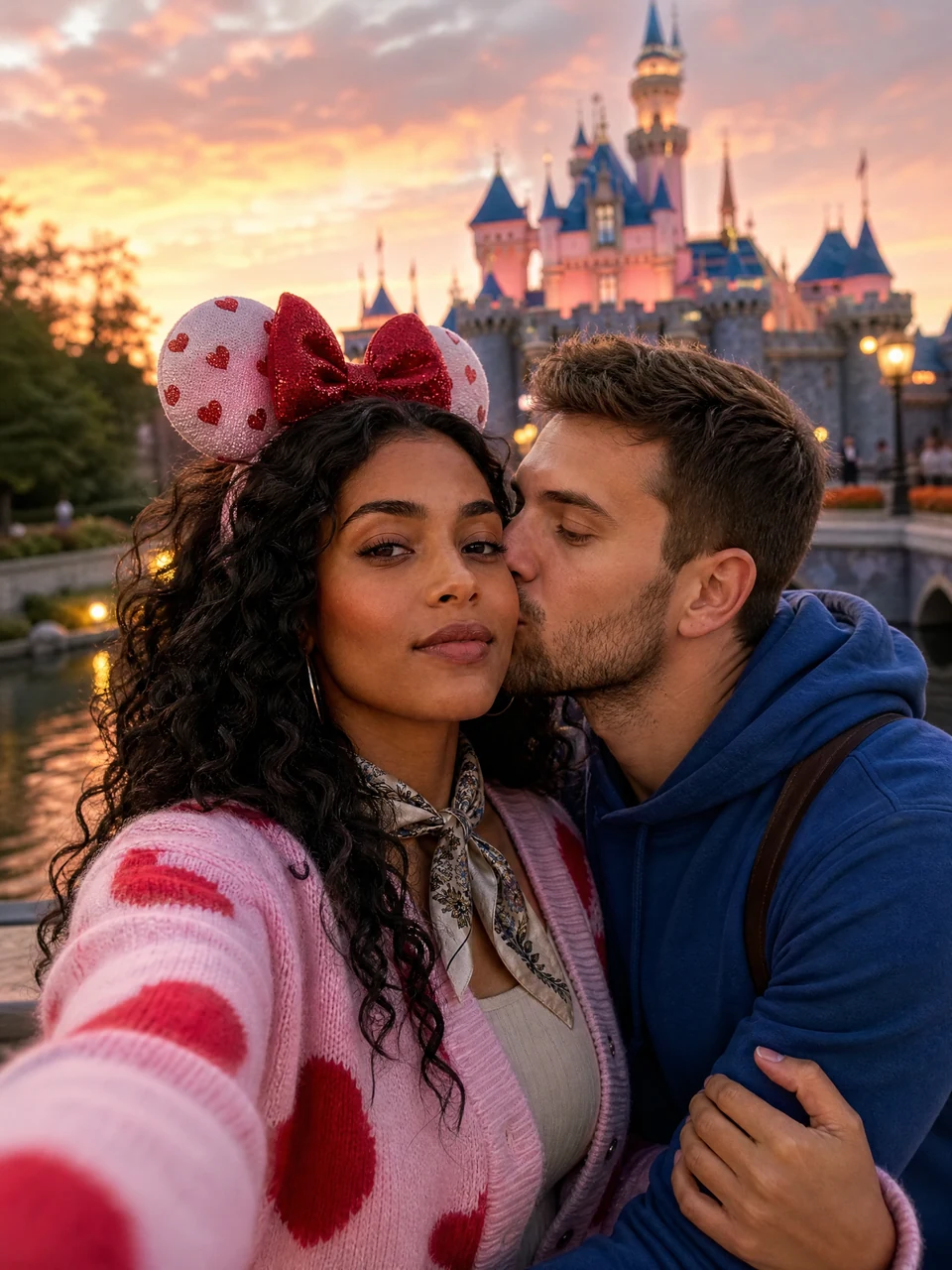
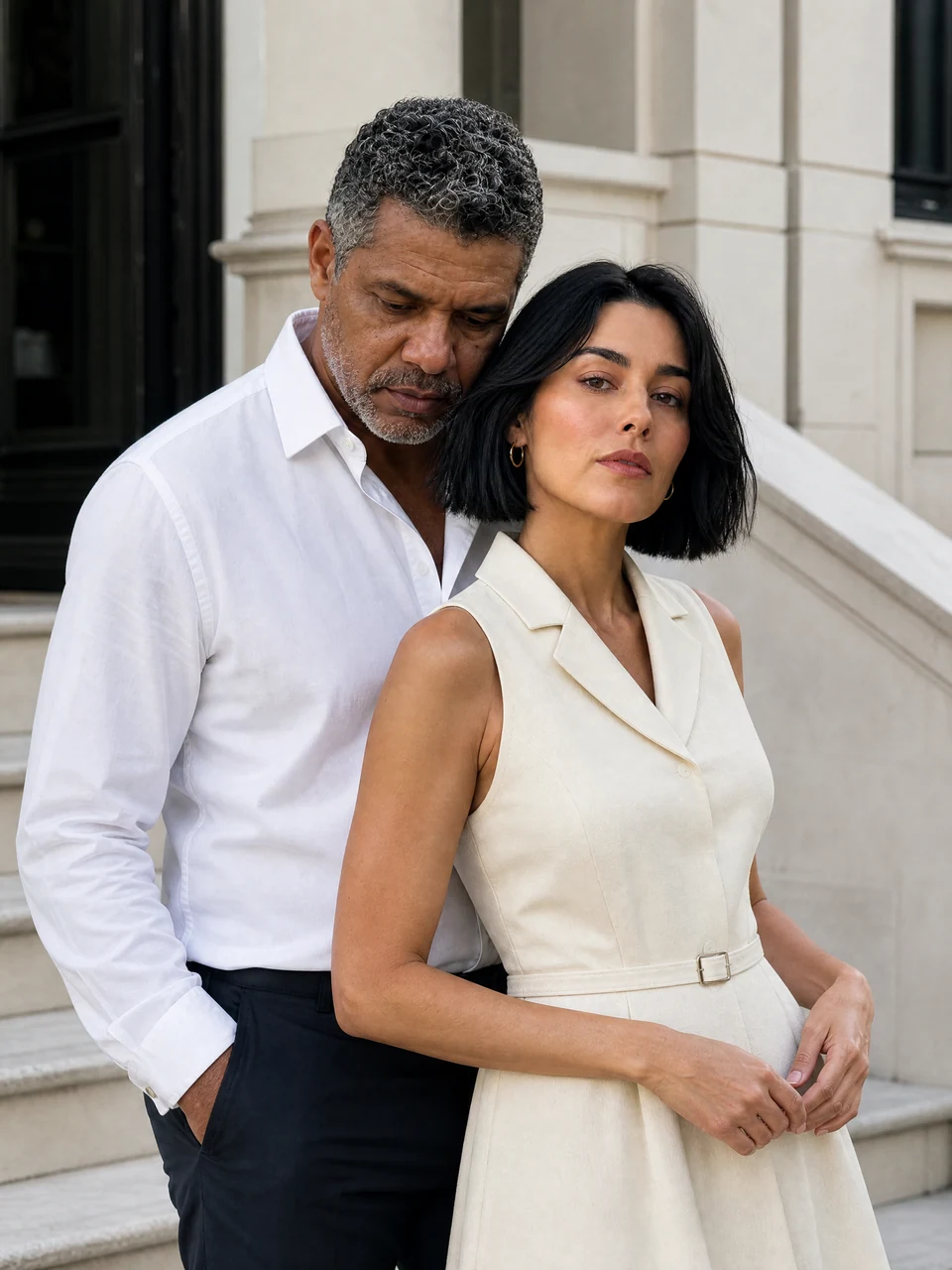
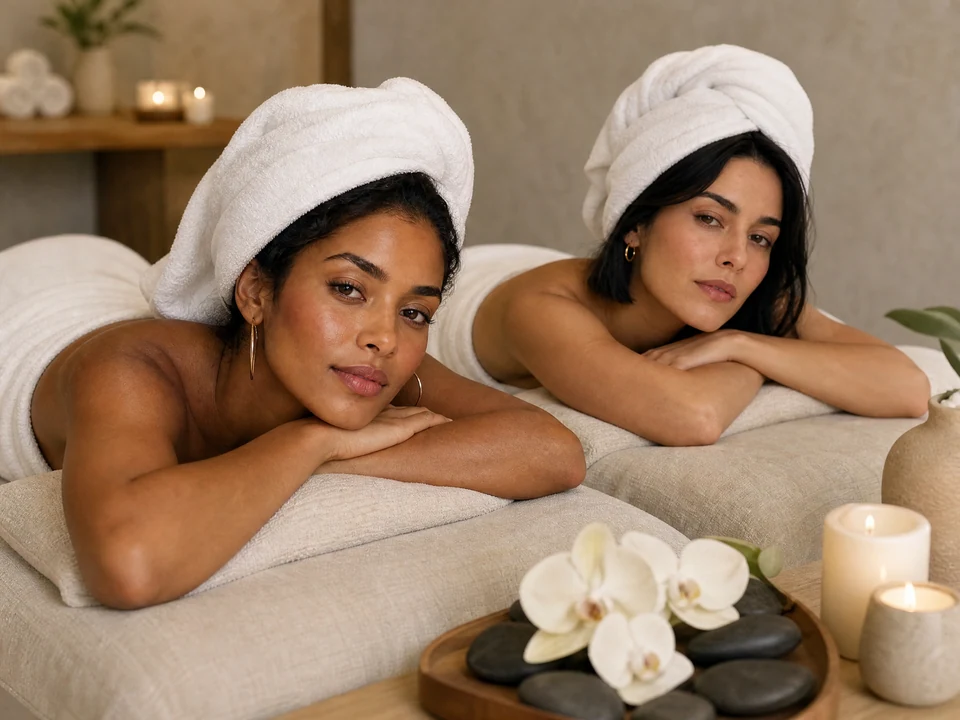
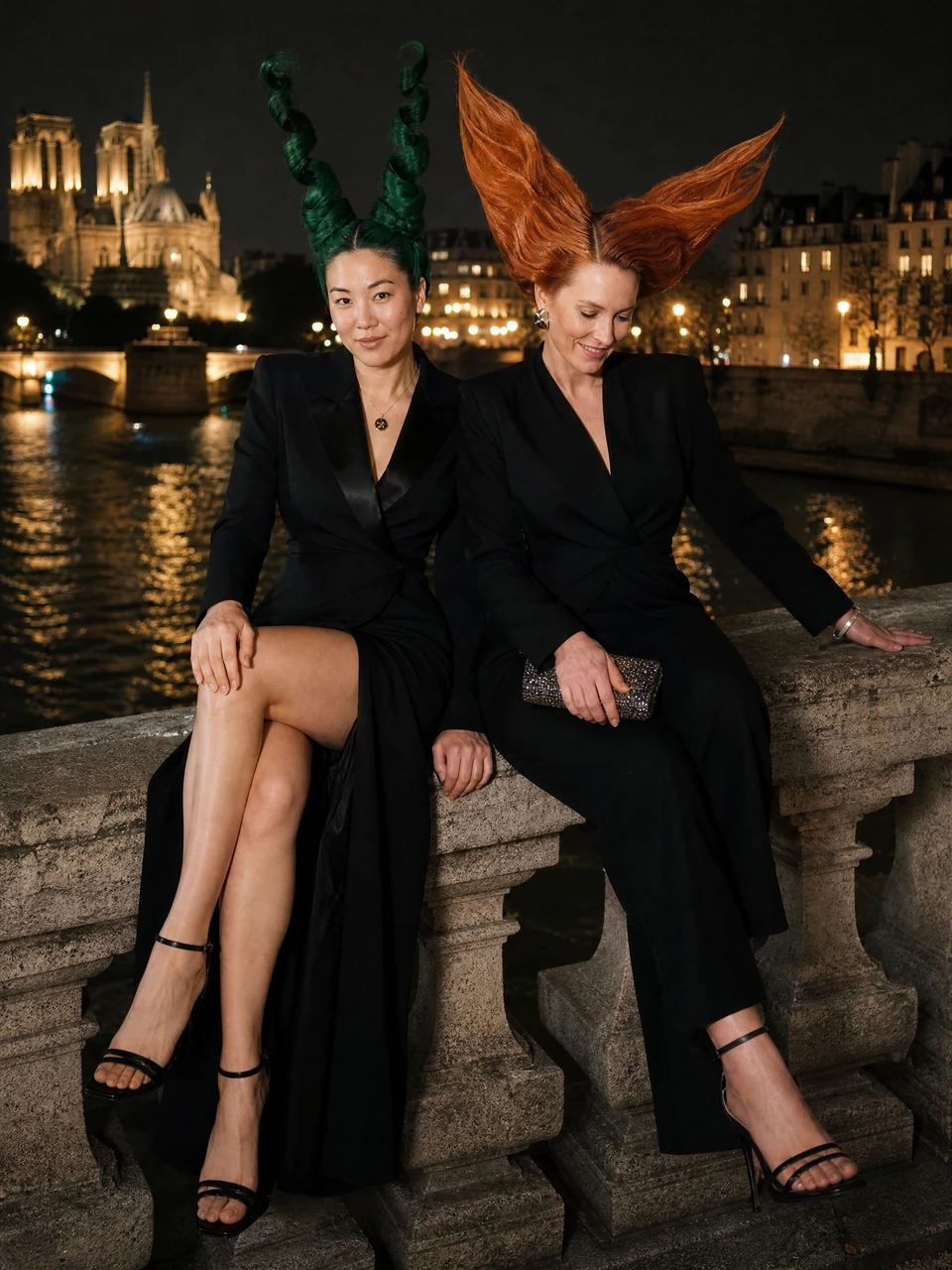
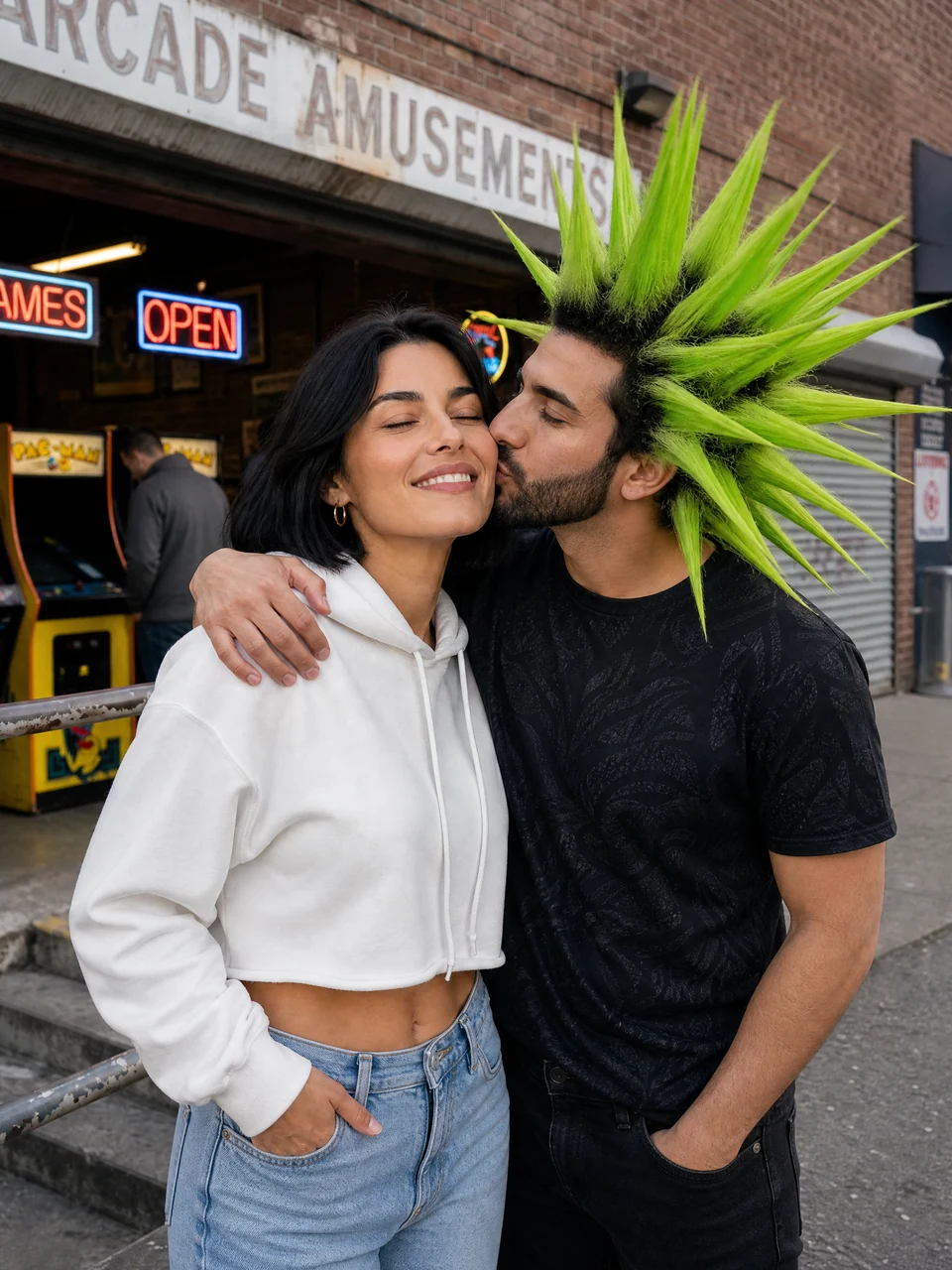
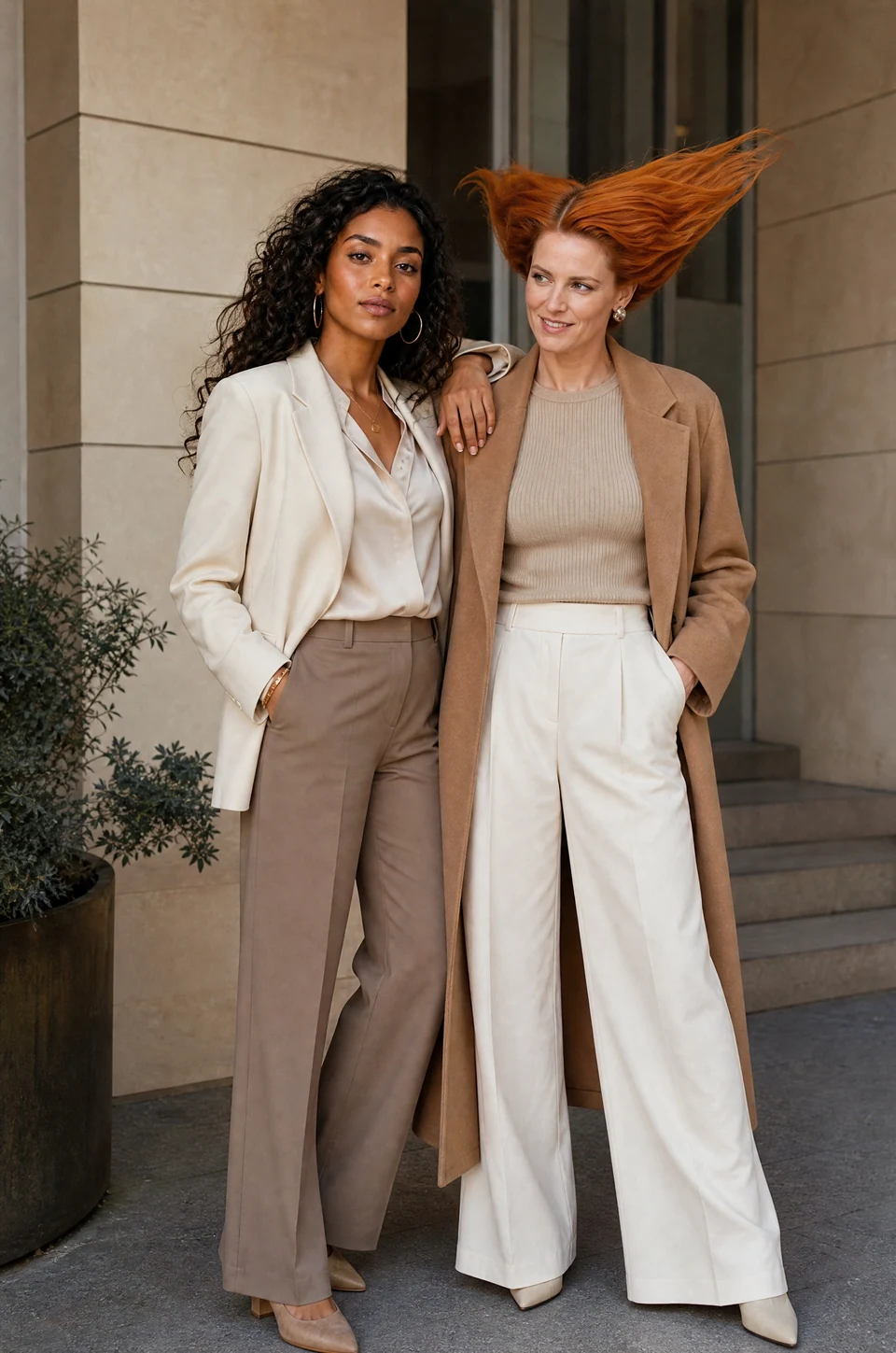
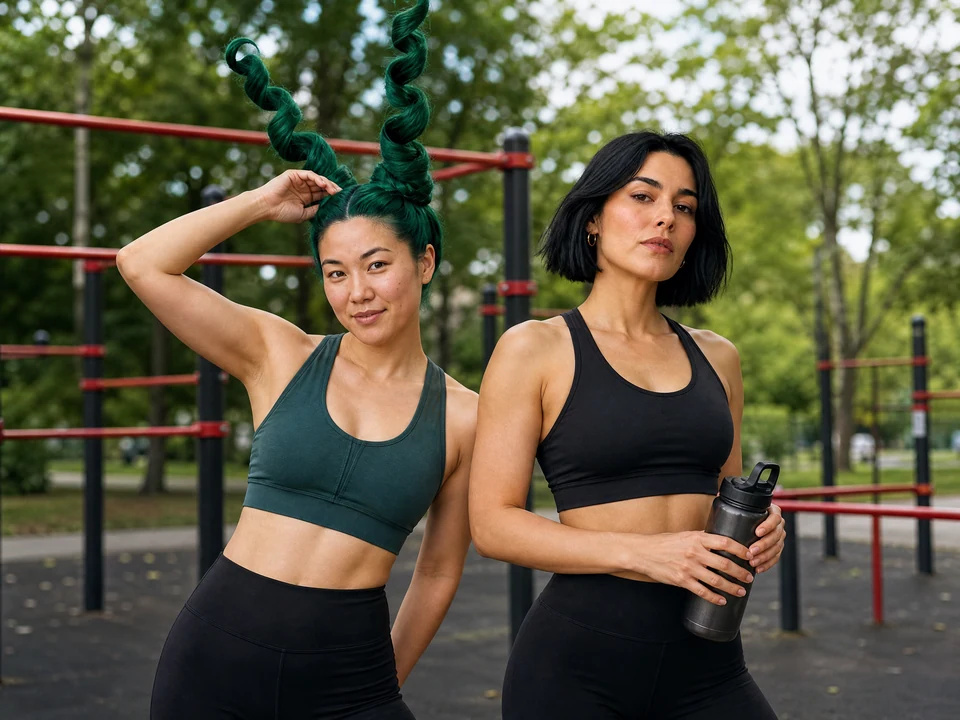
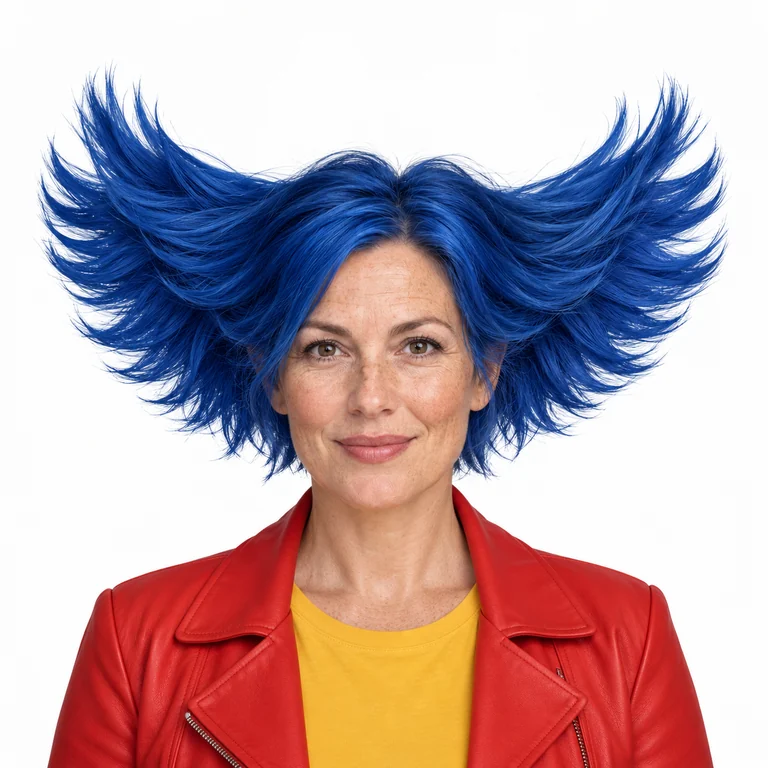
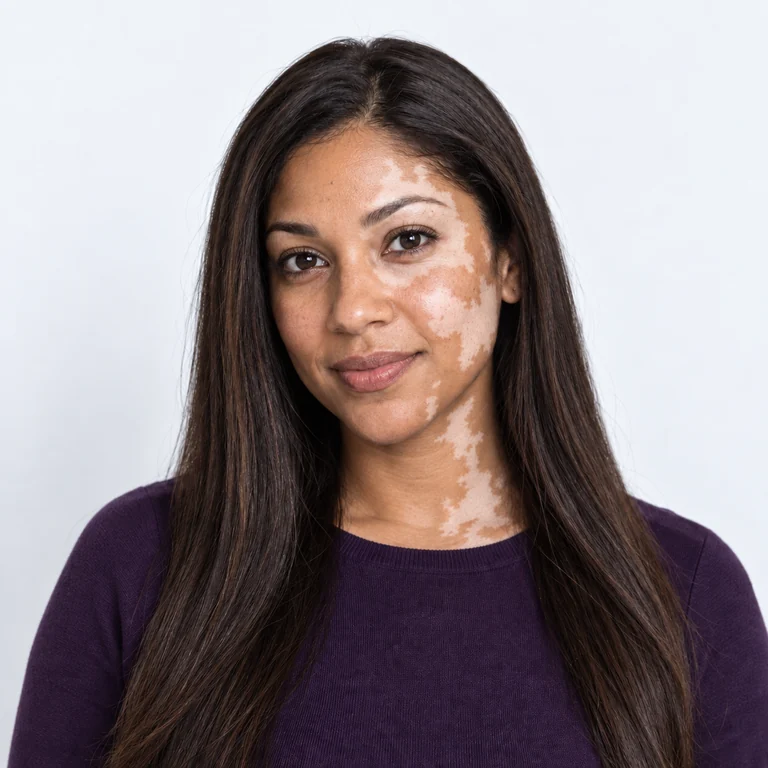
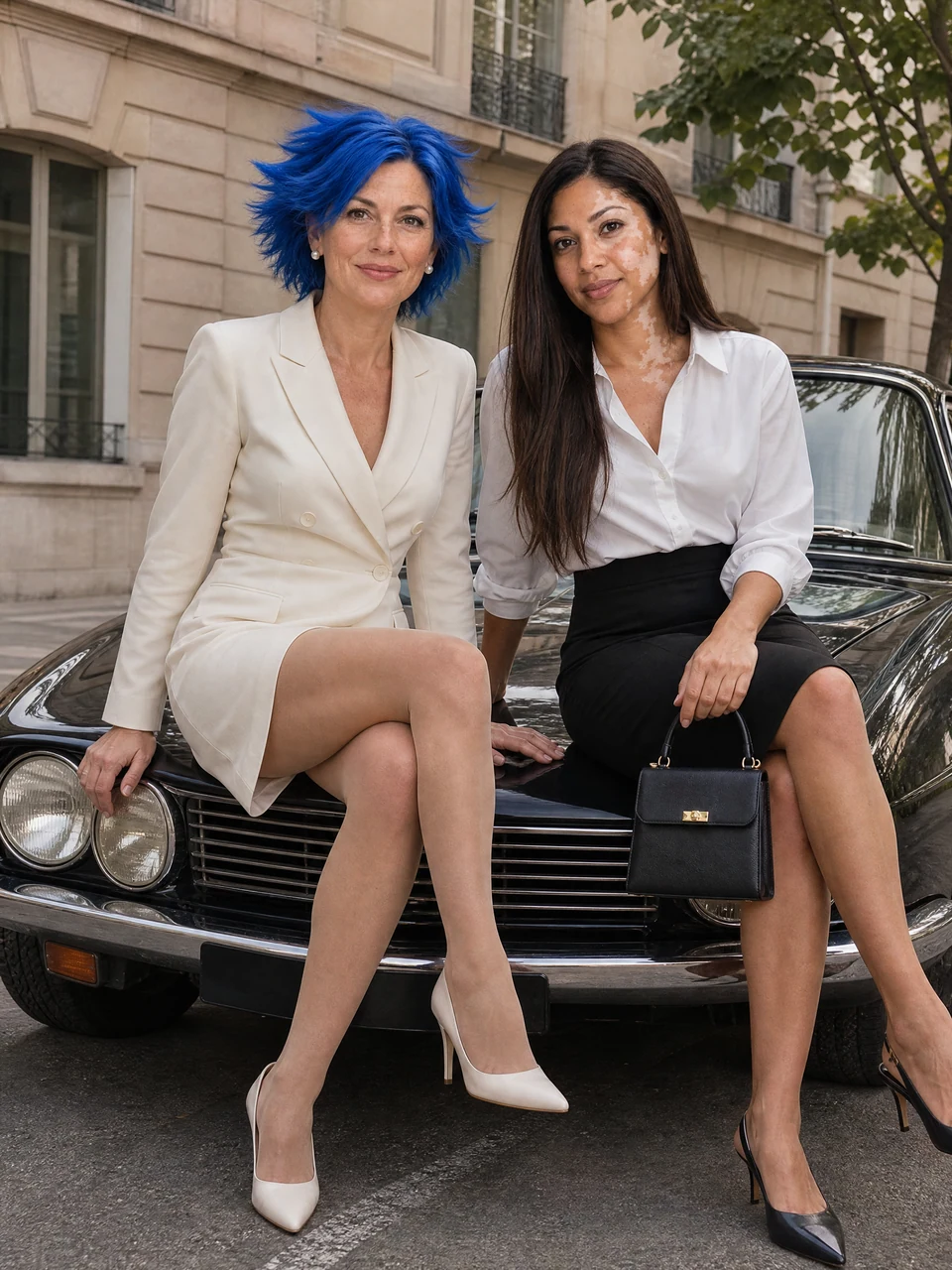
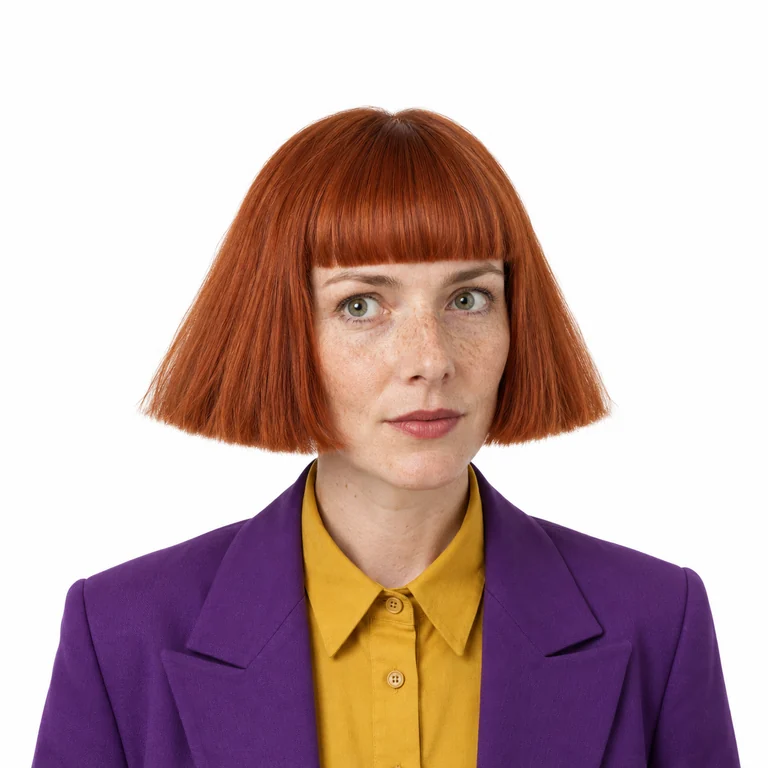
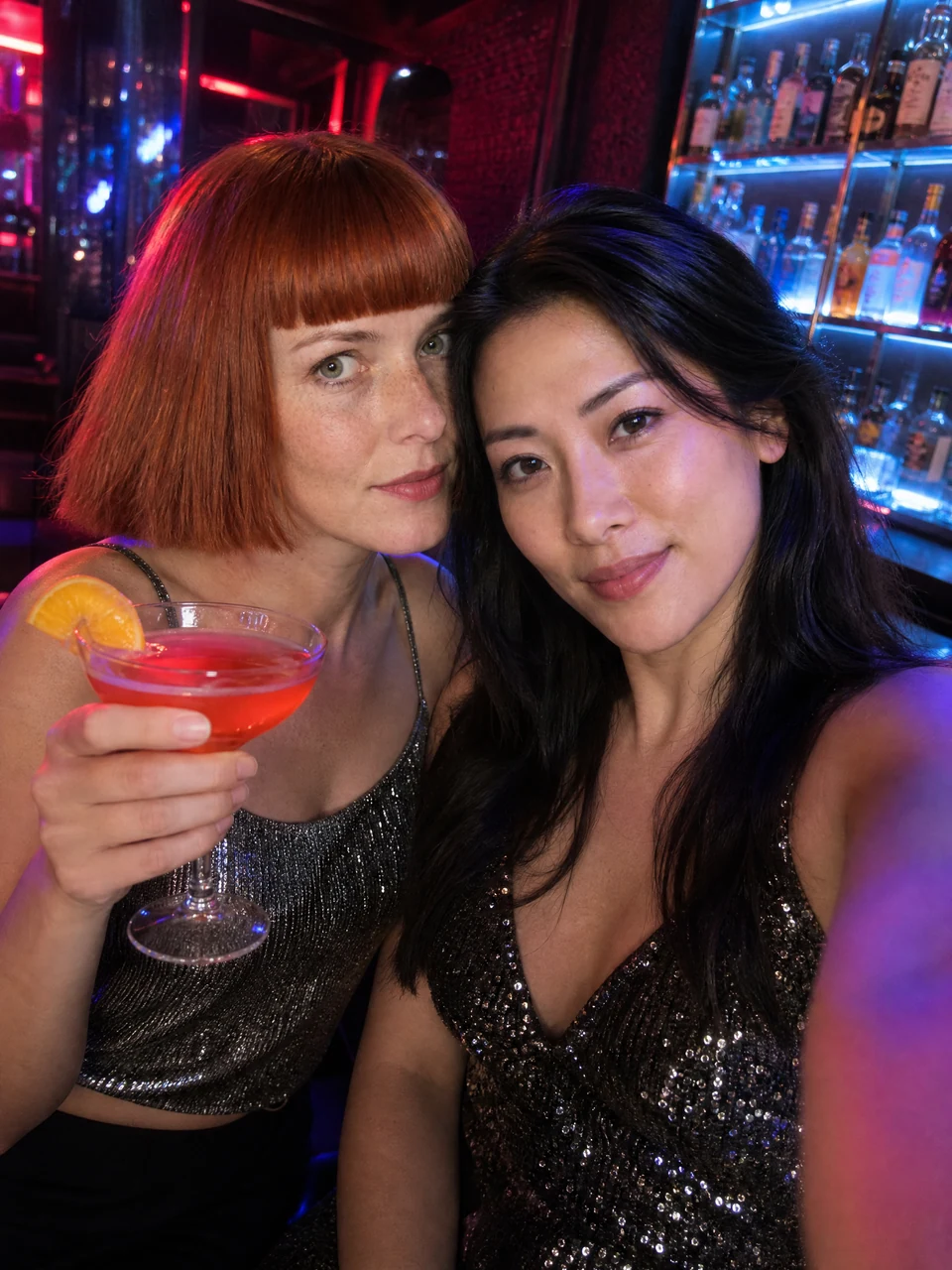
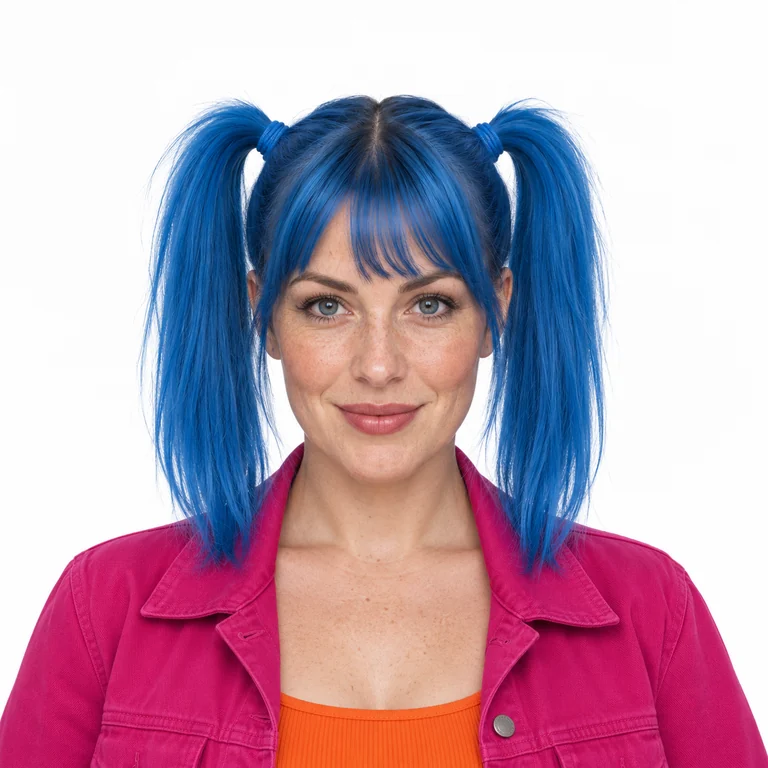
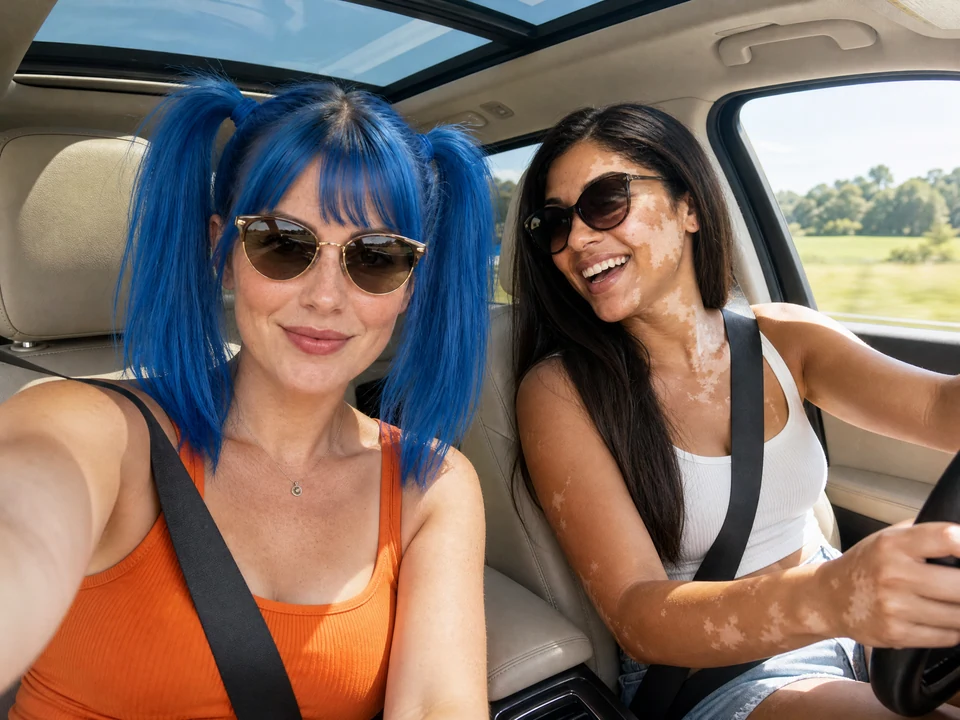
All examples use fictional adult characters. A template sets the scene; you choose the people.
Your portrait and an AI influencer. Two saved creators. Two people with a scene to share.
Turn two separate portraits into a shared moment: a sunset walk, a quiet embrace, or a dressed-up date. Bring your own adult likenesses and choose a pose that feels like you.
Create a couple photoMake a weekend scene, a travel memory concept, or a casual friend portrait from two individual photos. One setting and one lighting direction bring the picture together.
Create a friend photoGive two saved AI influencers a scene to share. Pair distinctive characters for fashion editorials, fitness content, and recurring social collaborations.
Pair two AI influencersUpload your portrait as one face and choose an AI influencer as the other. Direct a fictional meetup, a playful couple scene, or a creative social post.
Create with an AI influencerIllustrative AI-generated group photos, not records of real meetings or relationships.
Upload one adult portrait to each face slot, or choose saved AI influencers. Use photos you have permission to use.
Pick a couple, friend, travel, fashion, or fitness template. Edit the prompt and optionally add a Location Image for the setting.
Choose your settings and review the credit quote. Generate, check both identities and the interaction, then download from Studio or History.
A new photograph with a shared scene, natural interaction, and a unified style.
Generate a new scene around both people, with a shared camera angle, lighting, and physical interaction. Review hands, scale, and contact in the result.
Reuse saved characters in Face 1 and Face 2 across different scenes. Their references guide the output; facial features and styling can still vary.
Start with 24 scenes across Couples, Friends, Fashion, Travel, and Fitness. Each template gives your pair a setting, pose, and photographic direction.
Edit the prompt, add an optional Location Image, and choose the available model and image settings. Check the credit estimate before you generate.
An AI group photo maker uses separate reference images and a scene description to create a new photograph of people together. This tool supports exactly two adults, with a separate identity reference for each person and an optional location image.
Add a portrait or saved AI influencer to Face 1 and Face 2. Choose a template, adjust the prompt and settings, then review the credit quote and generate. Check both faces, hands and proportions before downloading the finished photo.
Yes. Upload two adult portraits you have permission to use and choose a Couples template. You can describe the pose, clothing and setting. The result is a newly generated scene, so it may differ from your original photos.
Yes. Upload your own portrait for one face and select a saved AI influencer for the other. Choose a shared scene and generate. Make clear that the image is AI-generated when sharing it in a context where someone could mistake it for a real meeting.
Yes. Choose a different saved AI influencer for Face 1 and Face 2. Reuse the pair across fashion, fitness, travel or friend scenes, then compare the result with both identity references.
Yes. The 24 templates cover Couples, Friends, Fashion, Travel and Fitness. Edit the prompt to change the pose, lighting or scene, and optionally add a Location Image to guide the environment. Available models and image settings are shown in Studio.
You can browse templates and open Studio for free. New accounts currently receive 30 introductory credits after signup. Generation uses credits; check your balance and the quote for your selected settings before submitting. Once a generation succeeds, you can download it from Studio or History. More credits and some models require a paid plan.
Use sharp, well-lit portraits with one clearly visible adult in each image. Keep Face 1 and Face 2 assigned consistently and avoid conflicting appearance instructions. Simple poses help, but identity, hands and lighting can still vary. Review each result against both references.
Two faces. Your scene. A new story together.
Generate AI Group Photo
Plan Content
Measure Engagement
Build Your Profile
Price Your Work
Write Post Copy
Brand Partnerships