
Creative brief · prompt formula · examples
AI Photoshoot Prompt
AI photoshoot ideas are easier to create when you treat the prompt like a creative brief, not just a string of pretty words. The right details help an image tool understand the subject, mood, light, clothes, camera style, and setting you want.
Creative brief
Subject
Founder portrait
Light
Soft sunrise
Wardrobe
Tailored navy
Mood
Calm confidence
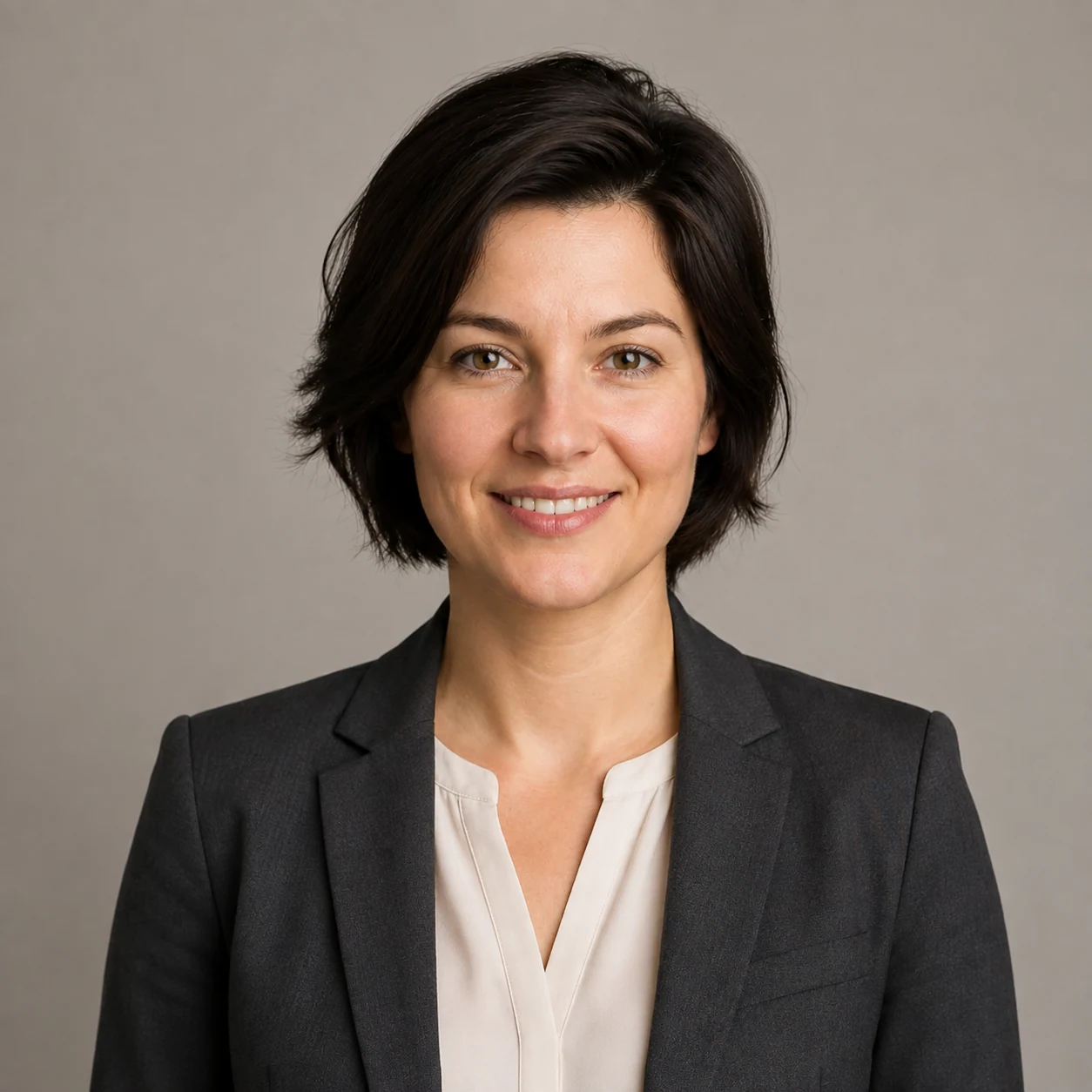
Whether you are building content for a brand, planning a personal concept, or exploring AI portrait prompts for fun, a clear structure gives you more consistent results. The same setup can be adapted for AI art prompts and even a Gemini AI photoshoot prompt, although available controls and results vary by tool.
An effective AI photoshoot prompt says what to create, how it should feel, and which visual choices matter most. Instead of writing woman in a studio, you can describe the subject, pose, background, light, lens style, outfit, color palette, and emotion. That gives the AI enough direction to make a polished image while still leaving room for creative choices.
The same prompt can produce different details from one generation to the next, so treat the formula as creative direction rather than a guarantee.
A strong AI photoshoot prompt usually includes these building blocks:
Subject
Who or what is being photographed, such as a fashion model, entrepreneur, musician, couple, athlete, or product.
Setting
Studio, rooftop, forest, beach, office, city street, vintage room, gallery, or fantasy environment.
Lighting
Natural window light, golden hour glow, dramatic spotlight, softbox lighting, neon reflections, or moody shadows.
Styling
Clothing, makeup, hair, accessories, textures, and color themes.
Composition
Close-up portrait, full-body shot, fashion angle, symmetrical framing, candid pose, or cinematic crop.
Mood
Confident, serene, mysterious, joyful, elegant, nostalgic, bold, futuristic, or romantic.
Technical style
Film photography, high-fashion style, DSLR realism, shallow depth of field, 85mm look, or black-and-white contrast.
The clearer these details are, the more useful the output becomes. You do not need to pack every prompt with every detail, but you should give the AI enough direction to avoid bland results.
Weak prompt → creative brief
Give the image a point of view.
The easiest way to write better prompts is to use a repeatable formula: subject + setting + styling + lighting + mood + camera direction. This structure works for realistic portraits, fashion concepts, lifestyle scenes, fantasy spreads, and branded content. It also helps when you need to rewrite a Gemini AI photoshoot prompt fast.
Too broad
Man in a suit.
For example, instead of a basic prompt like man in a suit, try:
Useful visual brief
A confident young entrepreneur in a tailored navy suit, standing in a modern glass office at sunrise, soft warm light, natural expression, business portrait, shallow depth of field, realistic photography.
The second version gives the tool a full visual brief.
Prompt formula
Six decisions, one clear direction
Before generating
A five-question prompt check
- 1Can you picture the final image from the prompt alone? If not, add more visual detail.
- 2Is the mood clear? Words like calm, cinematic, playful, refined, or powerful shape the output.
- 3Does the setting support the story? A rooftop says something different from a library or beach.
- 4Is the light specific? Light often has a bigger impact than clothes or background.
- 5Are there unnecessary words? Remove vague filler and keep the prompt focused.
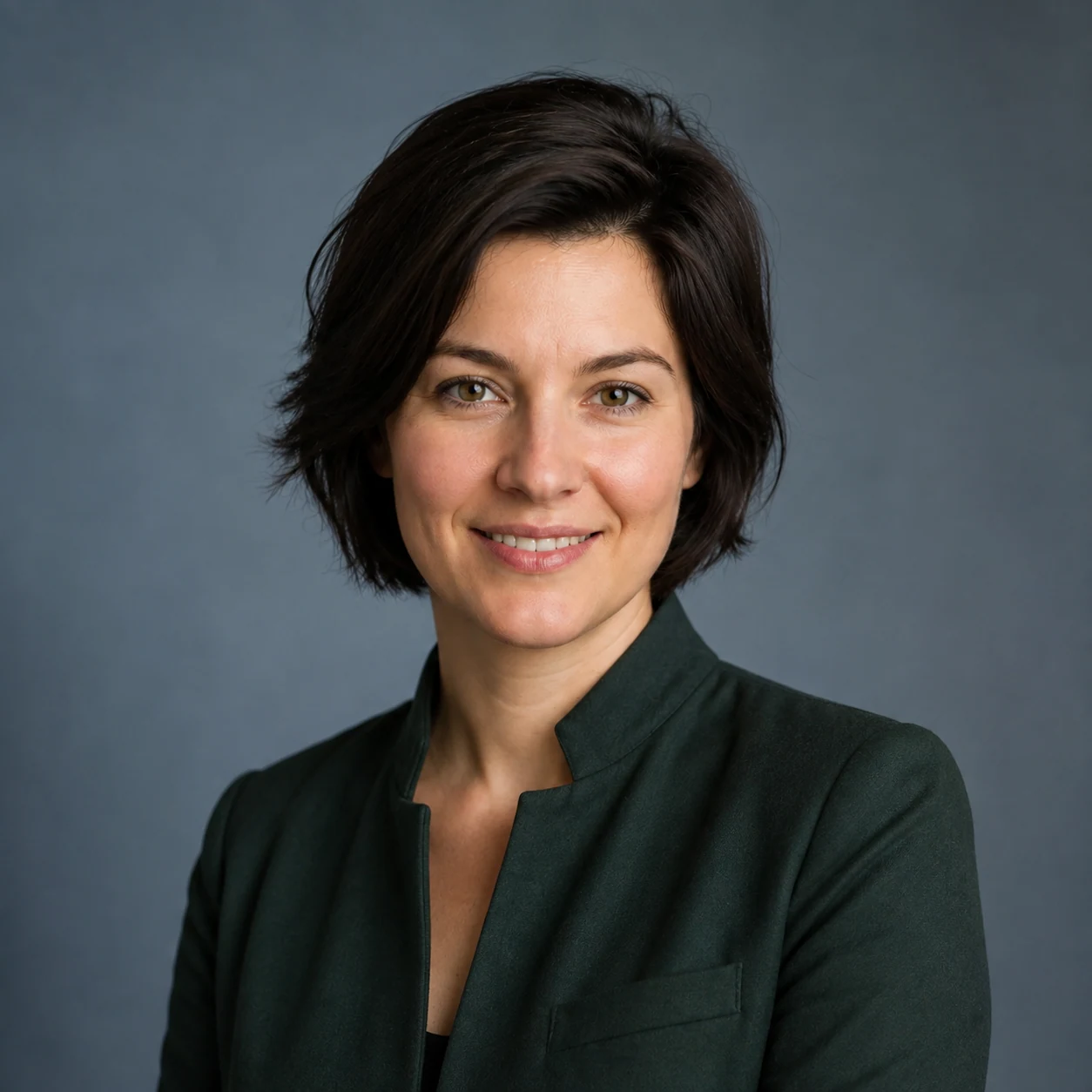
AI portrait prompts to adapt
AI portrait prompts are useful because small details can change the feel of an image. A portrait can look professional, artistic, intimate, surreal, or cinematic depending on the light, face direction, expression, and background. Start with one of these prompts, then adjust age, style, colors, and setting to fit your idea.
Fashion studio portrait
A poised fashion model in a structured cream blazer, standing against a warm beige backdrop, soft studio lighting, minimal makeup, confident expression, clean fashion photography, realistic skin texture, 85mm portrait lens.
Golden hour lifestyle portrait
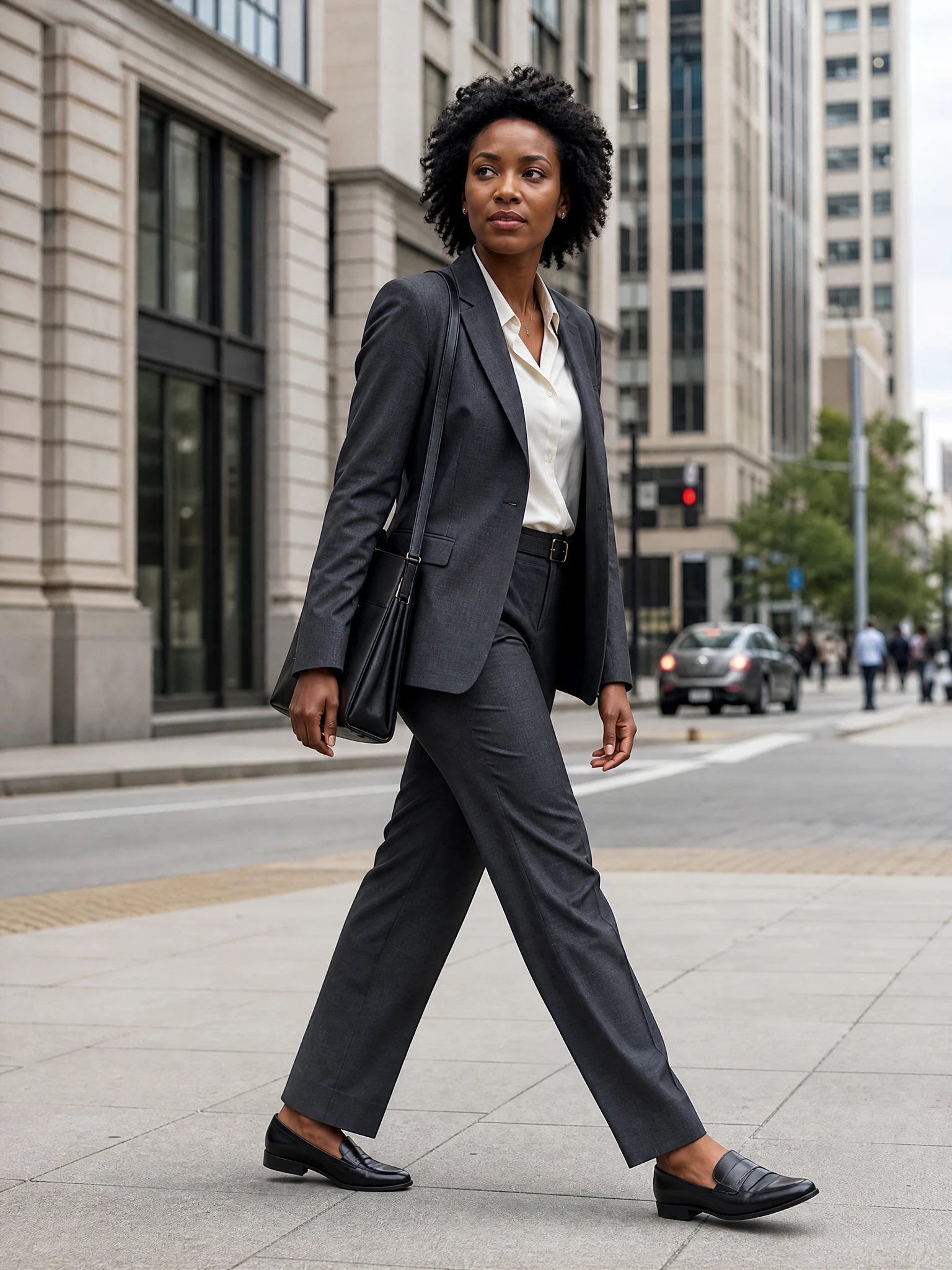
A relaxed creative professional walking through a quiet city street at golden hour, linen shirt, soft wind, warm sunlight, candid smile, natural lifestyle photography, shallow depth of field.
Moody cinematic portrait
A musician seated beside a rain-streaked window at night, black turtleneck, blue neon reflections, dramatic shadows, thoughtful expression, cinematic portrait, high contrast, film grain.
Luxury personal brand portrait
A modern founder sitting in a bright minimalist office, tailored outfit, laptop nearby, calm confident posture, natural window light, premium brand photography, clean and polished style.
Fantasy-inspired portrait
A regal portrait of a woman in an emerald velvet gown, standing in an enchanted forest, misty background, soft glowing light, elegant pose, painterly realism, magical fantasy feel.
Black-and-white character portrait
An older artist with expressive features, seated in a studio filled with canvases, textured sweater, side lighting, black-and-white fine art portrait, emotional and authentic mood.
Create more original photoshoot ideas
These examples work best when you make them your own. Swap the clothes, change the light, move the location, or add a visual cue such as minimal, retro, futuristic, or documentary-style.
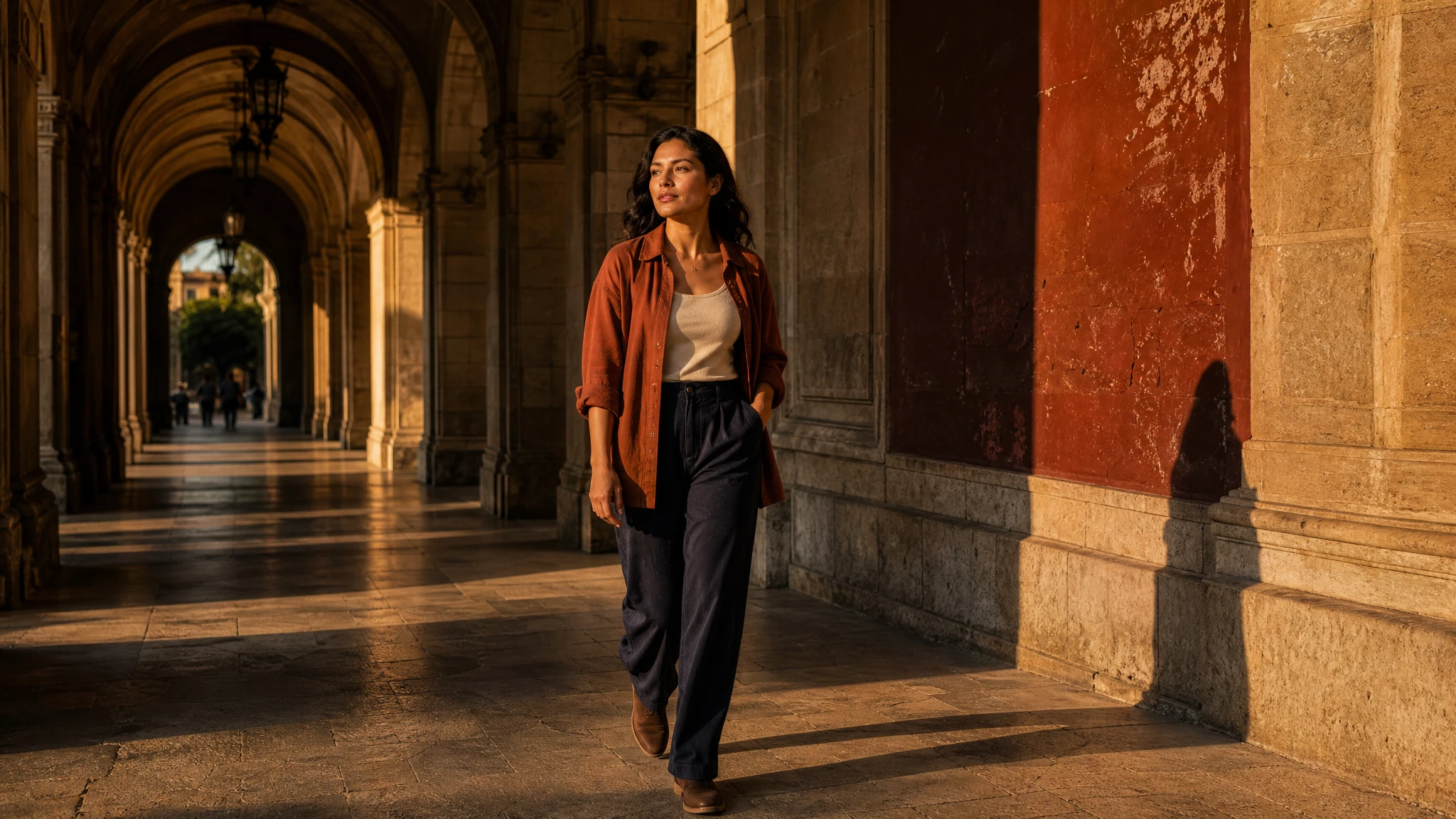
Original AI photoshoot ideas come from mixing familiar elements in new ways. A studio portrait is common. A studio portrait with desert colors, sculptural clothes, and soft shadow patterns feels more distinct. The goal is not the longest prompt. It is a clear creative contrast.
Classic setting + unexpected styling
A corporate portrait with bold accessories.
Natural location + luxury mood
A beach portrait styled like a high-fashion campaign.
Modern subject + vintage treatment
A tech founder photographed like a 1970s film still.
Simple outfit + dramatic lighting
A plain white shirt shaped by bold shadows.
Everyday activity + cinematic framing
Someone making coffee, shot like a movie scene.
You can also make prompt variants from one idea. If you like a portrait of a chef in a rustic kitchen, create versions with morning light, candlelight, black-and-white documentary style, and colorful styling. This helps you explore range without starting from scratch each time.
Match the details to the photoshoot type
Different styles need different details. A fashion prompt should focus on shape, fabric, pose, and light. A lifestyle prompt should feel natural, with real movement and easy emotion. A brand portrait should highlight clarity, confidence, and setting.
01
Fashion campaign
Full-body fashion portrait of a model wearing a flowing red coat, standing on a windy urban bridge, dramatic movement, overcast sky, high-fashion style, sharp detail.
02
Wellness portrait
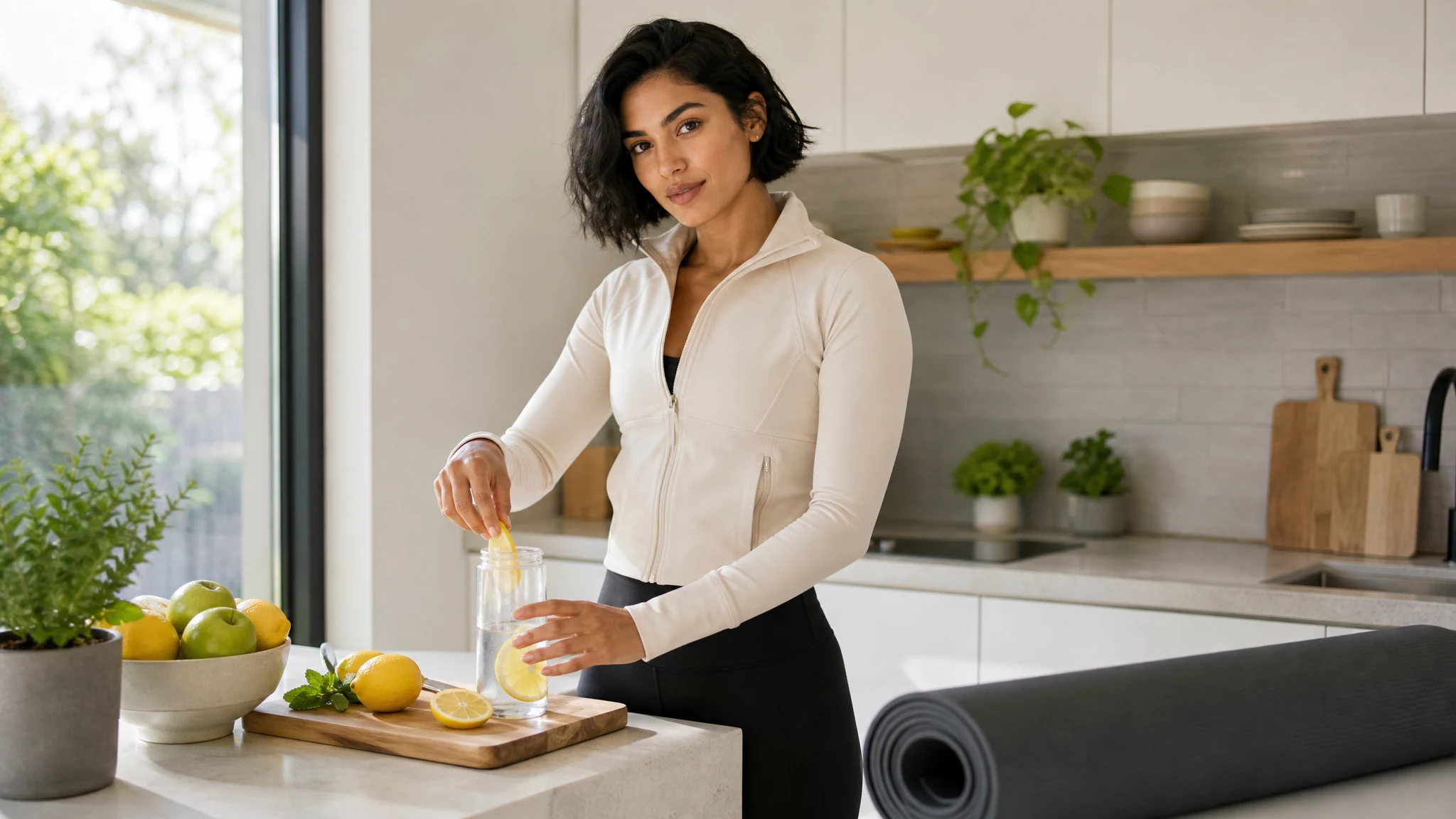
Serene portrait of a yoga instructor in a sunlit studio, neutral activewear, soft plants in the background, peaceful expression, clean natural light, calming lifestyle photography.
03
Creative workspace
Portrait of a designer at a cluttered desk with sketches, fabric swatches, and coffee, warm desk lamp, focused expression, authentic behind-the-scenes photography.
04
Futuristic profile image
Close-up portrait with metallic jacket, sleek hair, cool blue lighting, abstract digital background, confident gaze, futuristic photography, crisp details.
05
Outdoor adventure
Portrait of a hiker standing on a mountain trail at sunrise, windbreaker jacket, backpack, misty valley behind, inspiring natural light, realistic adventure photography.
Better inputs, better refinements
If a result feels too artificial, add terms such as natural expression, realistic photography, subtle retouching, or authentic skin texture. If it feels too plain, strengthen the art direction with richer clothes, more specific light, or a bolder setting.
The best results often come from editing, not rewriting. After your first image, look at what worked and what missed the mark. Then change one or two details at a time so you can see what improved.
- Replace vague words like nice or beautiful with visual terms such as soft, polished, minimal, textured, or dramatic.
- Specify the crop if composition matters, such as close-up headshot, waist-up portrait, or full-body editorial pose.
- Add emotional direction, because expression changes the story of the image.
- Keep style references consistent instead of asking for too many looks at once.
- Use negative direction carefully if your tool supports it, such as avoiding extra limbs, distorted hands, heavy blur, or cluttered backgrounds.
Review the result before you use it
A good prompt gives direction without confusion. When in doubt, simplify the concept and strengthen the most important visual choice.
Generated details can vary. Check hands, anatomy, identity, clothing, background objects, crop, and any visible text before publishing or using the image in a campaign.
Creative AI photoshoot prompts work best when they are specific, visual, and easy to read. Start with a clear subject, choose a setting that fits the story, define the light and mood, then refine the result with small edits. With a simple prompt structure and a little testing, you can turn a basic idea into a polished AI-generated photoshoot concept that feels intentional and ready to inspire your next project.
AI photoshoot prompt FAQs
What is the most important difference between a weak AI photoshoot prompt and a strong one?
A weak prompt gives only a basic idea, like woman in a studio or man in a suit, while a strong prompt works like a creative brief. It includes the subject, setting, styling, light, mood, composition, and camera direction so the AI has enough context to make a more polished result.
Do AI photoshoot prompts need to include every possible detail?
No. The goal is not the longest prompt. It is the most useful visual detail. A prompt should give enough direction to avoid generic results without becoming confusing. If the image feels overloaded or mixed up, simplify the concept and focus on the most important choices, like light, mood, setting, and subject.
How can I make an AI portrait look more realistic?
Add terms that guide the AI toward believable photography, such as natural expression, realistic photography, subtle retouching, authentic skin texture, and camera-style details like shallow depth of field or 85mm portrait lens. You can also avoid conflicting styles and refine one or two parts at a time after each generation.
What should I change first if the generated image is close but not quite right?
Start by changing one or two details instead of rewriting the whole prompt. For example, switch soft studio lighting to golden hour glow, change the crop from full-body to close-up headshot, or make the mood more specific with words like calm, cinematic, playful, refined, or powerful. That makes it easier to see what improved the result.
How can I create more original AI photoshoot ideas?
Combine familiar elements in unexpected ways. Try pairing a classic setting with bold styling, a natural location with a luxury mood, a modern subject with a vintage treatment, or an everyday activity with cinematic framing. These creative contrasts help a simple idea feel more distinct without making the prompt too complicated.
Related workflows
Plan Content
Measure Engagement
Build Your Profile
Price Your Work
Write Post Copy
Brand Partnerships