
AI Photo Generation
How Do I Generate Photos of My AI Influencer?
Open the influencer photo workflow, select a saved character, and describe the scene you want. Keep the action, location, wardrobe and camera direction clear. Review the selected image settings and credit quote before generating.
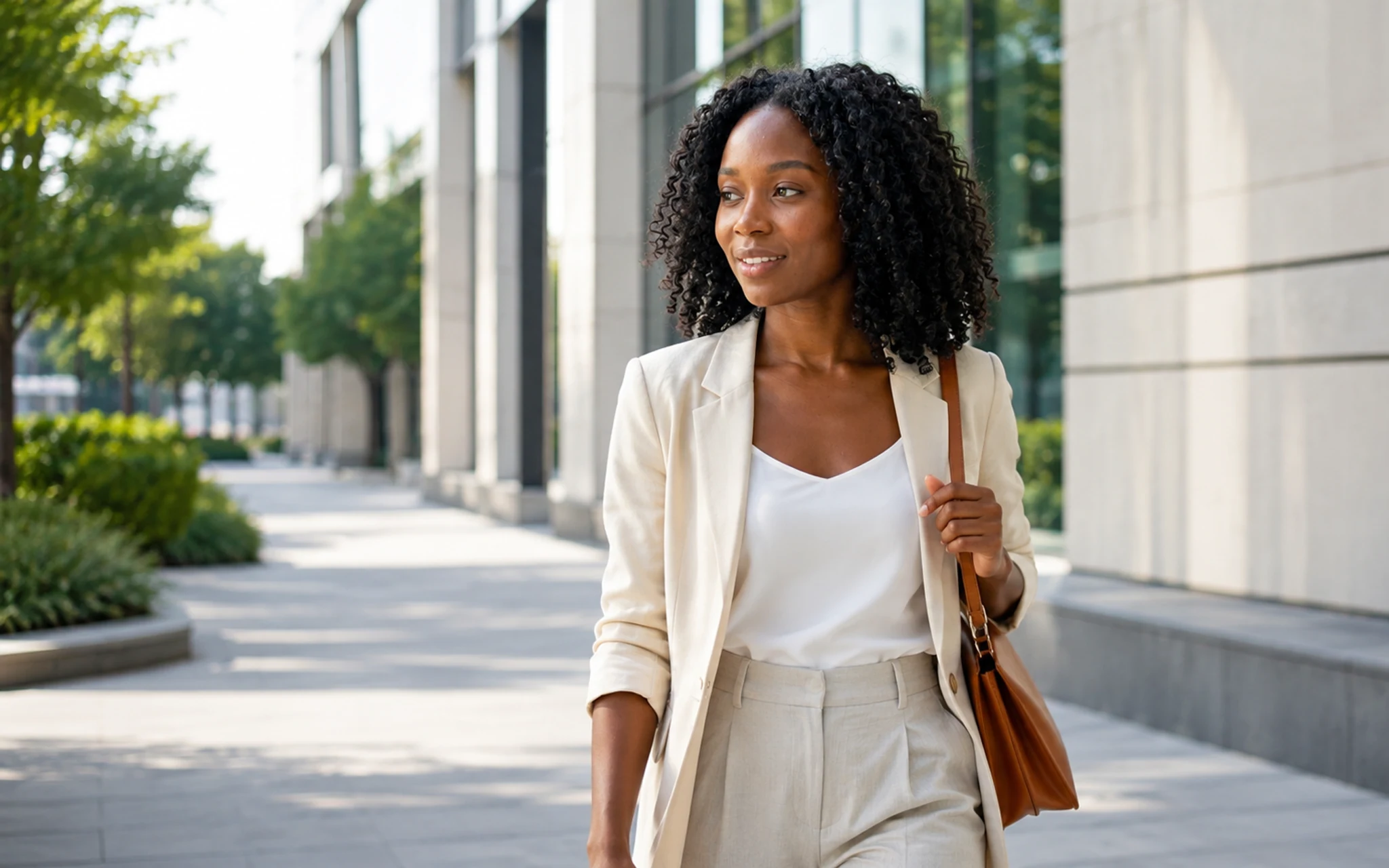 Choose a character and describe the new photo scene. Select the image to view it full size.
Build the scene
Describe what the person is doing, where they are, what they are wearing, and how the camera sees the moment.
- 1Choose your saved character.
- 2Describe one scene and one natural action.
- 3Select the available image settings.
- 4Review the quote and generate.
Review the output
Check identity, eyes, teeth, hair edges, hands, object contact, text and background geometry before using the image publicly.
Related answers
Last reviewed 2026-09-14. Product controls and available models may change; the Studio shows the current options before you generate.
Plan Content
Measure Engagement
Build Your Profile
Price Your Work
Write Post Copy
Brand Partnerships