
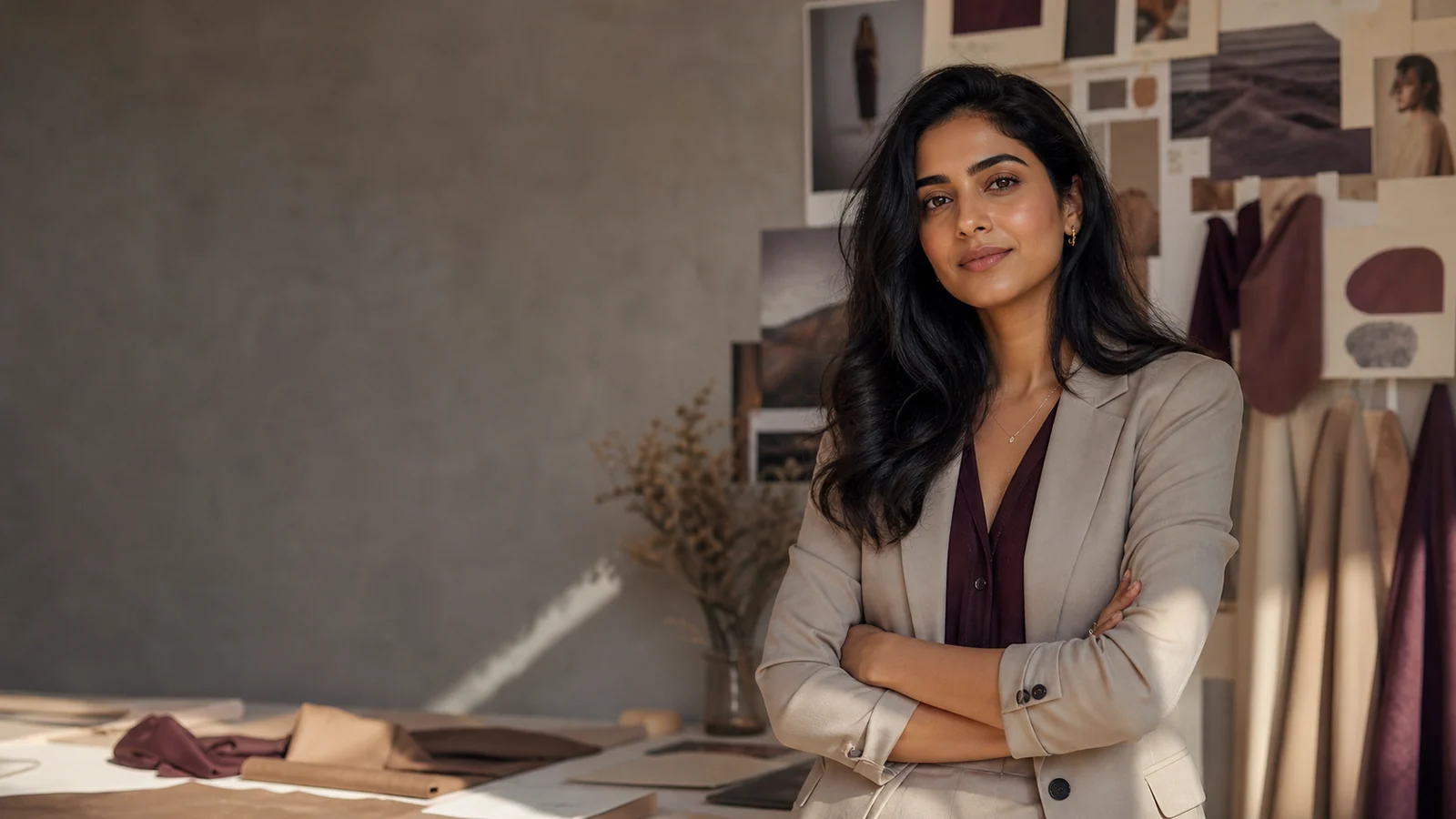
For the current product workflow, follow the step-by-step Studio guide to creating a reusable AI woman, from Character Builder through photos, video, and History.
If you want to know how to make ai girl model images, start with a clear plan. An AI girl model is a made-up female character for images, social posts, stories, fashion ideas, or brand visuals. The best results come from planning the character first, then writing clear prompts, choosing the right AI tool, and refining the output until the look stays stable. This guide shows a safe, practical way to make an AI girl that feels original, polished, and easy to reuse.
How do you make an AI girl model safely and professionally?
Make the character fully fictional and adult. Do not copy a real person, and do not use prompts that hint the character is underage. Focus on style, mood, clothing, setting, and image quality. A professional ai model girl should feel like a designed digital character, not a copied identity.
Before you start, decide what the model is for. A beauty creator, fashion lookbook model, product presenter, fitness character, fantasy hero, or lifestyle influencer will each need different styling. That choice helps you write better prompts and avoids random results that look nice but do not match each other.
Prepare the concept before opening an AI tool
A strong AI character starts on paper, not inside the generator. If you only type beautiful girl into a tool, you may get one good image, but it will be hard to repeat the same face, mood, and visual identity later. Planning gives your ai girl a clear creative direction.
Define the key parts first:
- Age framing: adult woman, young adult, mature professional, or another adult description.
- Cultural style: modern Indian fashion, South Asian fashion beauty, urban streetwear, or festive styling.
- Personality: confident, soft-spoken, elegant, playful, artistic, bold, calm, or luxurious.
- Use case: profile image, social posts, fashion catalog, brand mascot, story character, or ad creative.
- Visual tone: realistic portrait, cinematic photo, anime art, 3D render, fashion look, or drawn style.
If your goal is a beautiful desi girl model ai prompt generator workflow, your plan might include South Asian features, graceful styling, warm light, elegant jewelry, and a modern Indian fashion look. Keep the description respectful and specific instead of reducing the character to appearance alone.
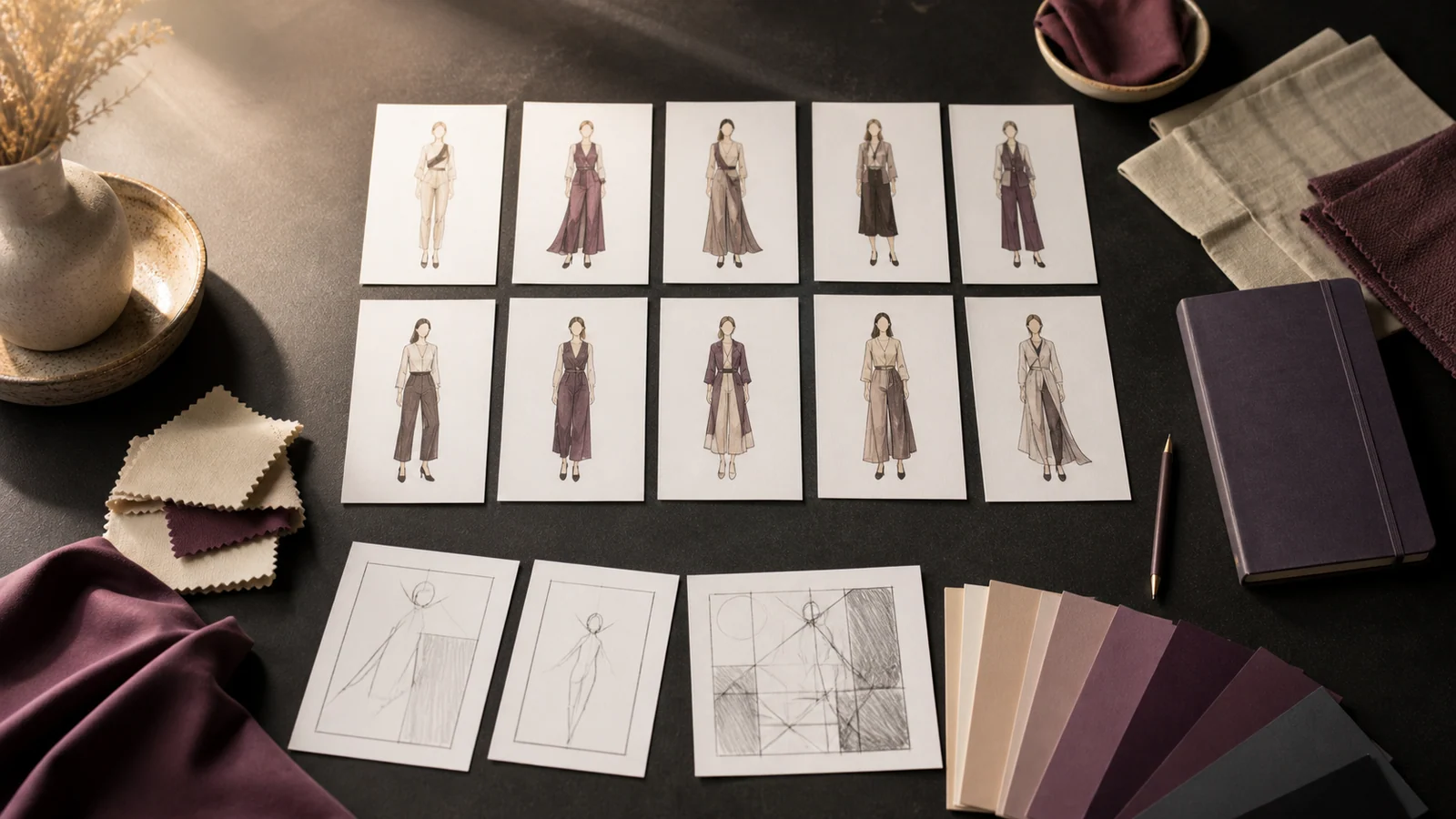
1. Choose the right AI image generator
Pick an AI image generator that fits the kind of model you want. Some tools work best for realistic portraits. Others are stronger for art, anime, or 3D characters. If you want commercial-looking results, check which controls the selected tool actually supports, such as aspect ratio, variations, seeds, or authorized reference images.
Check the usage rules before you publish anything. Some generators allow commercial use under certain plans, while others limit how generated images can be used. If your ai model girl will appear in marketing, products, or paid social posts, read the commercial-use terms first.
A practical beginner setup includes:
- An AI image generator with strong portrait quality.
- A notes file for prompts and settings.
- A folder system for the best outputs.
- Optional editing software for cleanup, cropping, and color balance.
- A simple name system for versions, such as Aira portrait v1 or Desi fashion model v3.
2. Define the character identity
Give your AI girl model a basic identity so she feels steady across images. You do not need a long backstory, but you should choose enough details to guide the visuals. This identity becomes the base for every prompt you write.
Start with a short character profile:
- Name: choose a fictional name.
- Look: face shape, hair type, skin tone, expression, and overall style.
- Fashion direction: casual, luxury, ethnic wear, fusion, streetwear, bridal, fitness, or business.
- Mood: cheerful, elegant, mysterious, confident, calm, or cinematic.
- Signature details: earrings, hairstyle, color palette, makeup style, scarf, glasses, or a favorite background.
For a Desi-inspired character, you might choose a warm color palette, long dark hair, expressive eyes, delicate jewelry, and outfits like sarees, lehengas, kurtas, or Indo-Western dresses. Be careful not to lean on stereotypes. Make the character feel like a person with style, not a generic label.
3. Write a clear base prompt
Your base prompt is the main description you will reuse and adjust. It should describe the subject, appearance, pose, clothing, setting, lighting, and image style. The clearer the prompt, the easier it is to generate a steady ai girl.
A useful base prompt structure is:
A fictional adult South Asian woman fashion model, oval face, long dark wavy hair, warm brown skin, bright eyes, soft natural makeup, wearing a modern embroidered saree, gentle smile, in a luxury studio, warm gold light, fashion photo, realistic skin, high detail, pro portrait, shallow depth of fieldThis prompt works because it gives the AI several anchors. It says who the subject is, how she looks, what she wears, where she is, and what image style you want. You can swap the outfit, pose, background, or lighting while keeping the core identity the same.
4. Add a negative prompt to reduce bad results
Many image generators support negative prompts. Where your selected tool supports them, these tell the AI what to avoid. This helps because image tools can create distorted hands, strange eyes, extra fingers, blurry faces, fake jewelry, or over-processed skin. A negative prompt will not fix everything, but it often improves quality.
Try a negative prompt like:
blurry image, distorted face, extra fingers, missing fingers, bad hands, crossed eyes, duplicate person, unrealistic skin, plastic skin, harsh shadows, low quality, messy background, text, watermark, logo, deformed jewelryKeep the list tight. If you add too many extra rules, the image may feel flat or odd. Review the output, note the most common problems, and update the negative prompt based on what you actually see.
5. Generate several versions and save the best seeds
Do not expect the perfect AI girl model on the first try. Make several versions with the same base prompt, then compare them carefully. Look for steady face shape, good light, usable hands, and a style that matches your original idea.
If the selected tool gives you a seed number, save it. A seed can help you bring back a similar look later. This is useful when you want the same ai model girl in different outfits or scenes. In AI Influencer Generator, you can instead save and reuse a character identity when creating consistent images.
Use this selection checklist:
- The face looks natural and easy to repeat.
- The character is clearly adult.
- The clothing matches the plan.
- The background supports the image instead of stealing focus.
- Hands, eyes, hairline, and jewelry look believable.
- The image does not resemble a real public figure or private person.
- The overall look fits your brand, story, or project.
What makes an AI girl model look consistent?
An AI girl model looks consistent when you keep the same core identity details in every prompt and change only one or two things at a time. The face, hair, skin tone, mood, and signature style should stay the same while outfits and settings shift. Consistency comes from controlled change, not from rewriting the whole prompt each time.
Keep a character lock section in your prompt. This is the part you rarely change. For example:
Fictional adult South Asian woman, oval face, long dark wavy hair, warm brown skin, expressive almond-shaped eyes, soft natural makeup, elegant calm expressionThen add a scene section you can change:
wearing a pastel lehenga in a festive courtyard, soft evening lights, fashion portraitThis method helps you build a clear ai girl without advanced controls. If a selected generator allows authorized image references, you can use your best licensed or AI-generated portrait as a reference for future images. AI Influencer Generator also supports saving a character and creating consistent character images around that reusable identity.
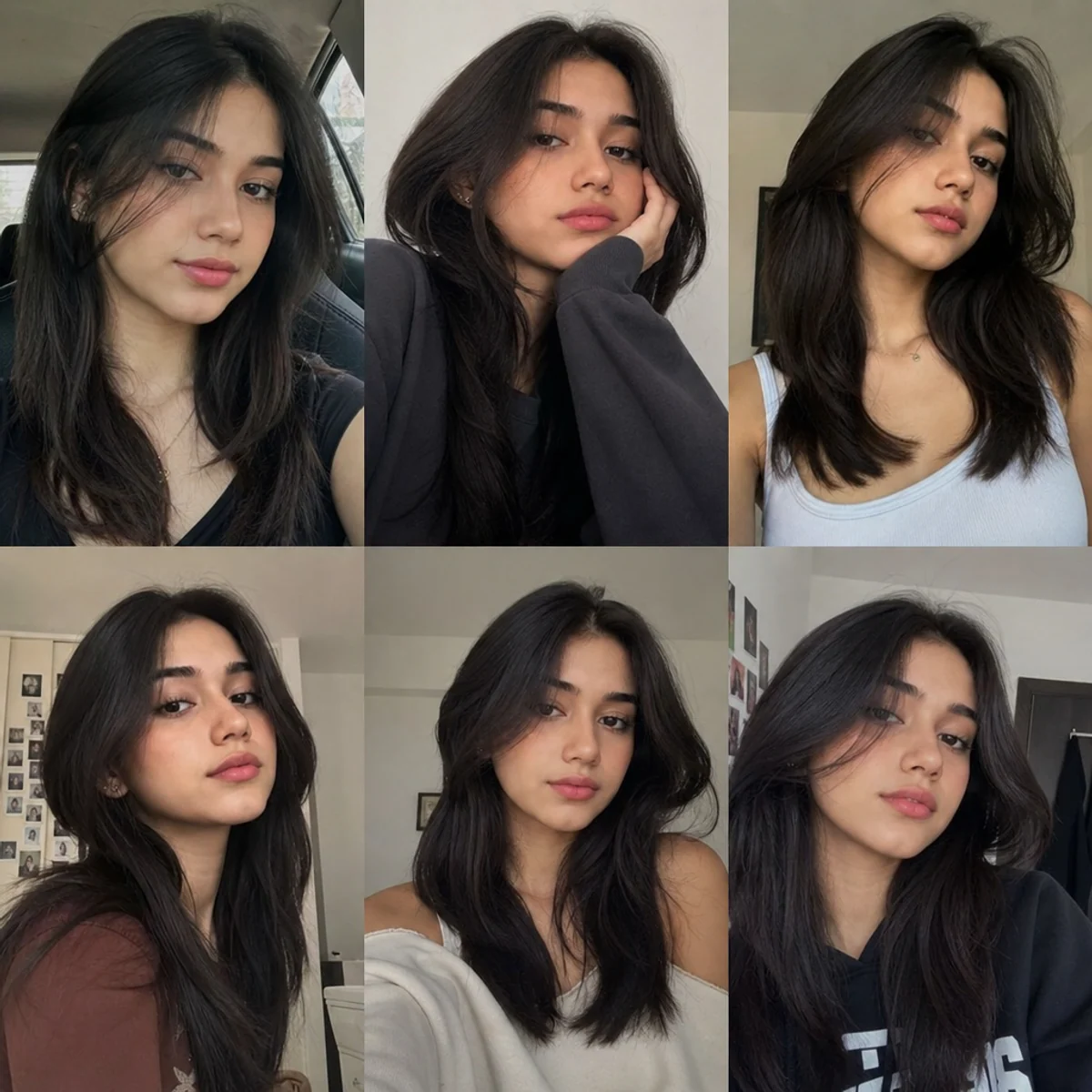
6. Build prompt variations for different looks
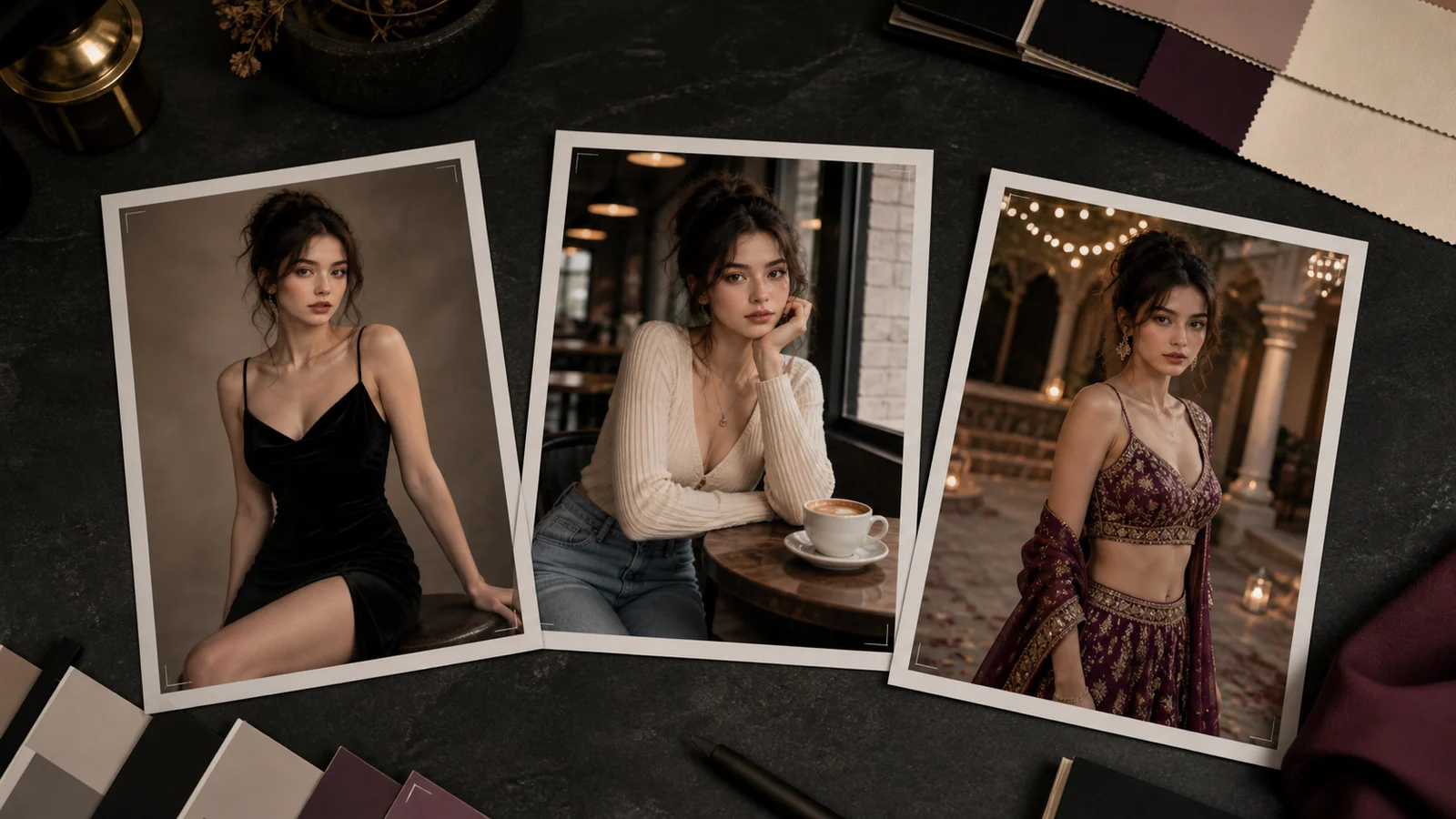
Once the base character works, create variations for different content needs. Keep the character identity the same and change the scene, outfit, camera angle, or mood. This is how one ai model girl can appear in a fashion series, social media campaign, or visual story.
- Fashion portrait
Fictional adult South Asian woman fashion model, same face and long dark wavy hair, wearing a cream silk saree with minimal gold jewelry, studio backdrop, soft light, luxury magazine photo, elegant and refined mood
- Modern casual look
Fictional adult South Asian woman, long dark wavy hair, warm brown skin, wearing a white linen shirt and high-waist jeans, city cafe background, natural daylight, lifestyle photo, relaxed confident smile
- Festive Desi fashion look
Fictional adult Indian fashion model, deep red lehenga with detailed embroidery, traditional earrings, festive palace courtyard, warm lights, cinematic fashion photo
- Beauty brand look
Fictional adult South Asian beauty model, glowing natural makeup, sleek hair, close-up skincare portrait, clean beige background, soft light, realistic skin texture, premium beauty campaign style
- Digital influencer look
Fictional adult AI girl lifestyle creator, stylish Indo-Western outfit, rooftop sunset background, holding a phone naturally, friendly expression, modern social media photo style
Use keyword-style phrases in your notes in a natural way, but do not stuff the prompt with search terms. AI tools respond better to visual detail than to repeated keywords.
7. Refine the face, pose, and styling
Refinement is where the model becomes useful. After you generate your first images, adjust one part at a time. If you change the face, clothing, background, lighting, and camera angle all at once, you will not know what helped or hurt the result.
Focus on these edits:
- Face: oval, heart-shaped, round, sharp jawline, soft features, or expressive eyes.
- Hair: length, texture, parting, volume, or hairstyle.
- Expression: natural smile, calm gaze, confident look, or thoughtful expression.
- Pose: standing pose, seated portrait, walking shot, over-the-shoulder look, or hands folded gently.
- Lighting: soft daylight, golden hour, studio softbox, cinematic shadows, or festive warm light.
- Camera style: close-up portrait, full-body fashion shot, waist-up frame, or fashion angle.
If hands look wrong, reduce hand detail in early versions. Ask for hands relaxed at sides, one hand gently holding fabric, or a portrait crop above the waist. After the character is steady, try more complex poses.
8. Edit the final images carefully
AI-generated images often need light editing before they feel finished. You may need to crop, brighten, remove small flaws, adjust colors, or clean up jewelry and background details. Editing is not cheating; it is part of building a polished digital model. Use an AI photo editor only for the corrections you can review before publishing.
Check each final image for:
- Uneven eyes or strange pupils.
- Extra fingers or bent hands.
- Blurry earrings, necklaces, or fabric patterns.
- Unwanted text, logos, or watermarks.
- Skin that looks too plastic or too smooth.
- Background items that look melted or wrong.
For a professional result, keep color grading steady across the whole set. If one portrait is warm and gold while another is cold and blue, the model may feel like a different person. Save a preset or reference image to guide your edits.
How can you use an AI model girl after creating her?
You can use an AI model girl for fictional content, concept art, fashion mockups, social visuals, brand stories, and creative campaigns, as long as your use follows the tool license and does not mislead people. If the character represents a brand or influencer-style account, say clearly that she is AI-generated. Clear disclosure builds trust and cuts confusion.
Practical uses include:
- Creating fashion mood boards before a photo shoot.
- Testing outfit, makeup, or jewelry ideas.
- Designing fictional characters for stories or games.
- Making visual ideas for ads and social posts.
- Building a steady virtual presenter for non-deceptive content.
Avoid using an AI girl model to fake endorsements, copy real people, or suggest a real person said or did something they did not. The more real the image looks, the more important transparency becomes. Review the FTC's Disclosures 101 alongside the rules that apply to your platform and market.
9. Create a reusable prompt generator template
A simple prompt generator template saves time and keeps your images steady. Instead of starting from scratch, fill in the blanks for each new scene. This is especially useful if you are building a beautiful desi girl model ai prompt generator workflow for fashion or lifestyle visuals.
Use this template:
A fictional adult [cultural or style identity] woman model, [face shape], [hair description], [skin tone], [expression], wearing [outfit], styled with [accessories], in [location or background], [pose], [lighting], [camera angle], [art or photo style], high detail, polished final imageExample:
A fictional adult South Asian woman model, elegant oval face, long dark wavy hair, warm brown skin, calm confident smile, wearing a pastel pink embroidered saree, styled with delicate gold earrings, in a modern studio with floral decor, standing in a graceful pose, soft warm light, waist-up portrait, fashion photo, high detail, polished final imageKeep your best prompts in one file with notes about what worked. Over time, you will build your own library of reliable looks, poses, and lighting styles.
10. Organize, label, and publish responsibly
Once you have a set of strong images, organize them by version, outfit, scene, and quality. This makes it easier to reuse the same ai girl across campaigns or creative projects. Save the original prompt, negative prompt, seed where supported, tool name, and editing notes with each final image when you can.
Before publishing, review the image in context. A portrait that looks fine alone may feel misleading if the caption treats the AI character like a real person. If you are building a virtual influencer, fictional fashion model, or brand avatar, simple disclosure such as AI-generated character can prevent confusion.
A responsible final workflow looks like this:
- Confirm the character is fictional and adult.
- Check the image for visual errors.
- Confirm the image does not copy a real person.
- Review the AI tool's usage rights.
- Add disclosure where needed.
- Save the prompt and settings for reuse.
- Publish only the polished, appropriate version.
Common mistakes to avoid
Many beginners focus only on beauty and forget structure. A good AI girl model needs consistency, ethics, and usable image quality. If your prompts are vague, the tool will make too many creative choices for you.
Avoid these mistakes:
- Using a real person's name or photo without permission.
- Writing prompts that hint the character is underage.
- Changing the whole prompt after every image.
- Ignoring hands, eyes, and background errors.
- Publishing realistic AI images without context.
- Depending on one lucky image instead of building a repeatable prompt system.
- Packing the prompt with keywords instead of visual detail.
The better path is simple: design the character, create a base prompt, make variations, refine with care, and write down what works. That process turns a random AI image into a repeatable digital model.
Final checklist for creating your AI girl model
Before you finish, run through this quick checklist:
- The character is fictional, adult, and original.
- The prompt covers identity, outfit, setting, lighting, and style.
- The negative prompt removes common visual problems where supported.
- The best seed or authorized reference image is saved where supported.
- The model looks steady across several images.
- The final images are edited and checked for errors.
- The usage rights are clear for your goal.
- Any public-facing content is transparent when needed.
With a clear concept and a repeatable prompt system, you can make an ai girl that looks polished, expressive, and steady. Whether you are creating an ai model girl for fashion ideas, storytelling, social visuals, or a beautiful desi girl model ai prompt generator workflow, the key is to treat the character like a designed asset rather than a one-time image.
Create a fictional adult character in StudioQ&A
What is the most important first step when creating an AI girl model?
Plan the character before you use an AI image generator. Decide that the character is fictional and adult, then define her purpose, style, personality, fashion direction, and visual tone. That planning makes the model easier to repeat across portraits, fashion looks, social posts, or brand visuals instead of relying on one random image.
How can I keep the same AI girl face across multiple images?
Keep a stable character lock in every prompt. Repeat the same core details, such as face shape, hair type, skin tone, expression, makeup style, and signature styling, while changing only one or two items like outfit, pose, or background. If your selected tool supports seeds or reference images, save your best seed or use a properly licensed reference to improve consistency.
Why should I use a negative prompt?
Where a selected image tool supports them, negative prompts can reduce common image problems such as distorted hands, extra fingers, crossed eyes, blurry faces, fake jewelry, watermarks, logos, and messy backgrounds. They will not fix every issue, but they can give the generator clearer limits.
Can I use an AI girl model for commercial or social media content?
You can use an AI girl model for fashion mockups, concept art, brand stories, social visuals, ads, fictional characters, and virtual presenter content when your tool license allows that use. Avoid copying real people, faking endorsements, or misleading viewers. For public-facing realistic content, disclose that the character is AI-generated where appropriate.
What should I check before publishing a final AI girl image?
Confirm the character is fictional, adult, and original. Check for visual errors in the eyes, hands, jewelry, clothing, skin texture, and background. Review the tool's usage rights, save the prompt and settings for reuse, and add disclosure when the image could be mistaken for a real person.
Plan Content
Measure Engagement
Build Your Profile
Price Your Work
Write Post Copy
Brand Partnerships