
AI Influencer
How Do I Create My First AI Influencer?
Use Create Character to define an original fictional adult. Choose the visible traits and creative direction, generate a preview, then save the character you want to reuse in photo and video workflows.
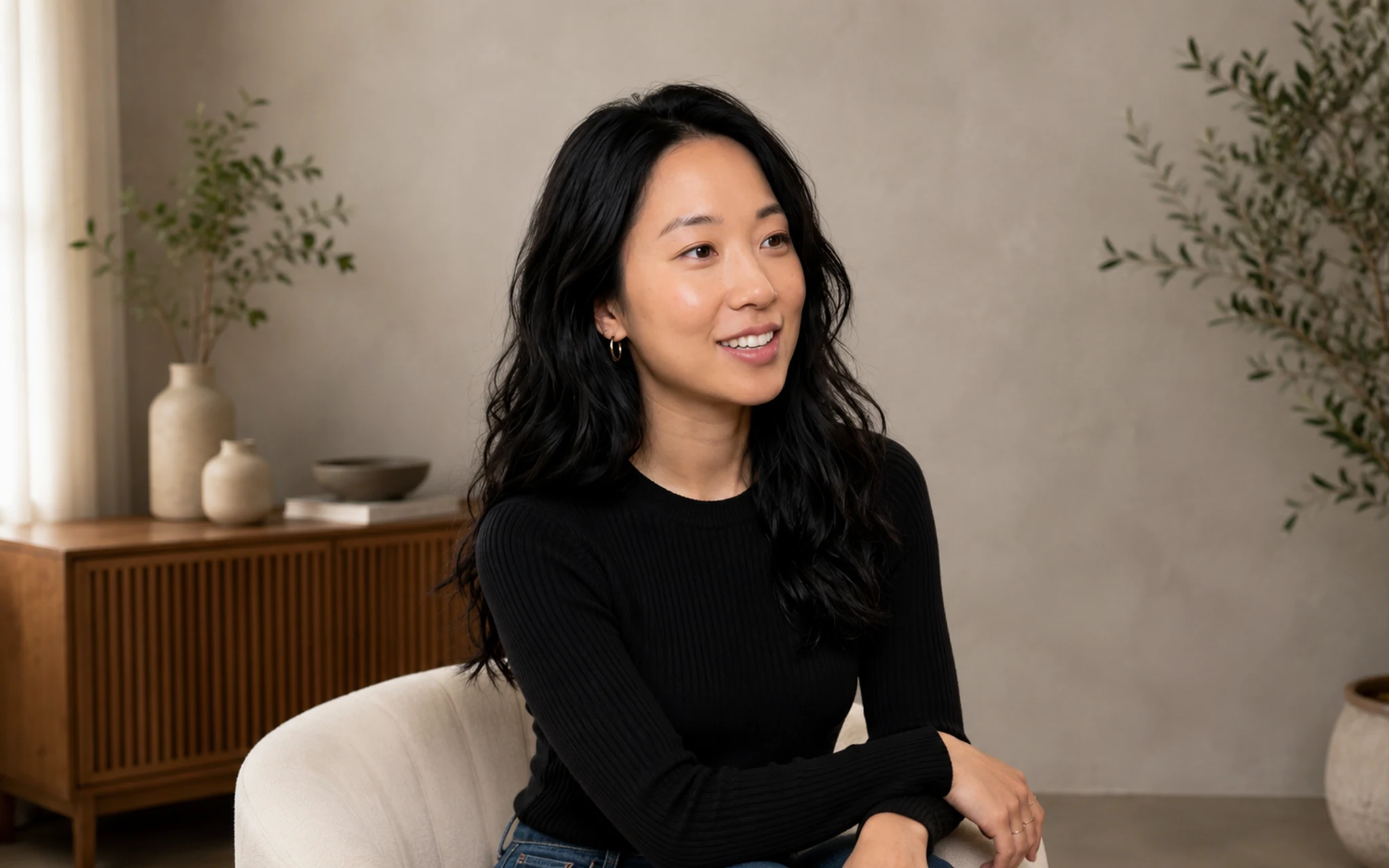 Define and save an original character from the character workflow. Select the image to view it full size.
Create the identity
A specific character direction produces a more useful starting point than a list of generic beauty terms.
- 1Open Create Character.
- 2Choose the character form and visible traits.
- 3Add a clear creative direction, then generate the preview.
- 4Review the face, hair, hands and overall identity before saving.
Use only permitted references
If you provide a reference, use an image you own or have permission to use. Do not use a celebrity, private person or underage-looking subject without authorized scope.
Related answers
Last reviewed 2026-09-14. Product controls and available models may change; the Studio shows the current options before you generate.