
AI Girlfriend Photo Generator
Add an original fictional adult girlfriend to your authorized photo, direct the shared scene, and review one couple-style image in Studio.
Create an AI girlfriend photoUse only adult photos you are authorized to upload. The result is a fictional visual concept, not proof of a relationship or event.
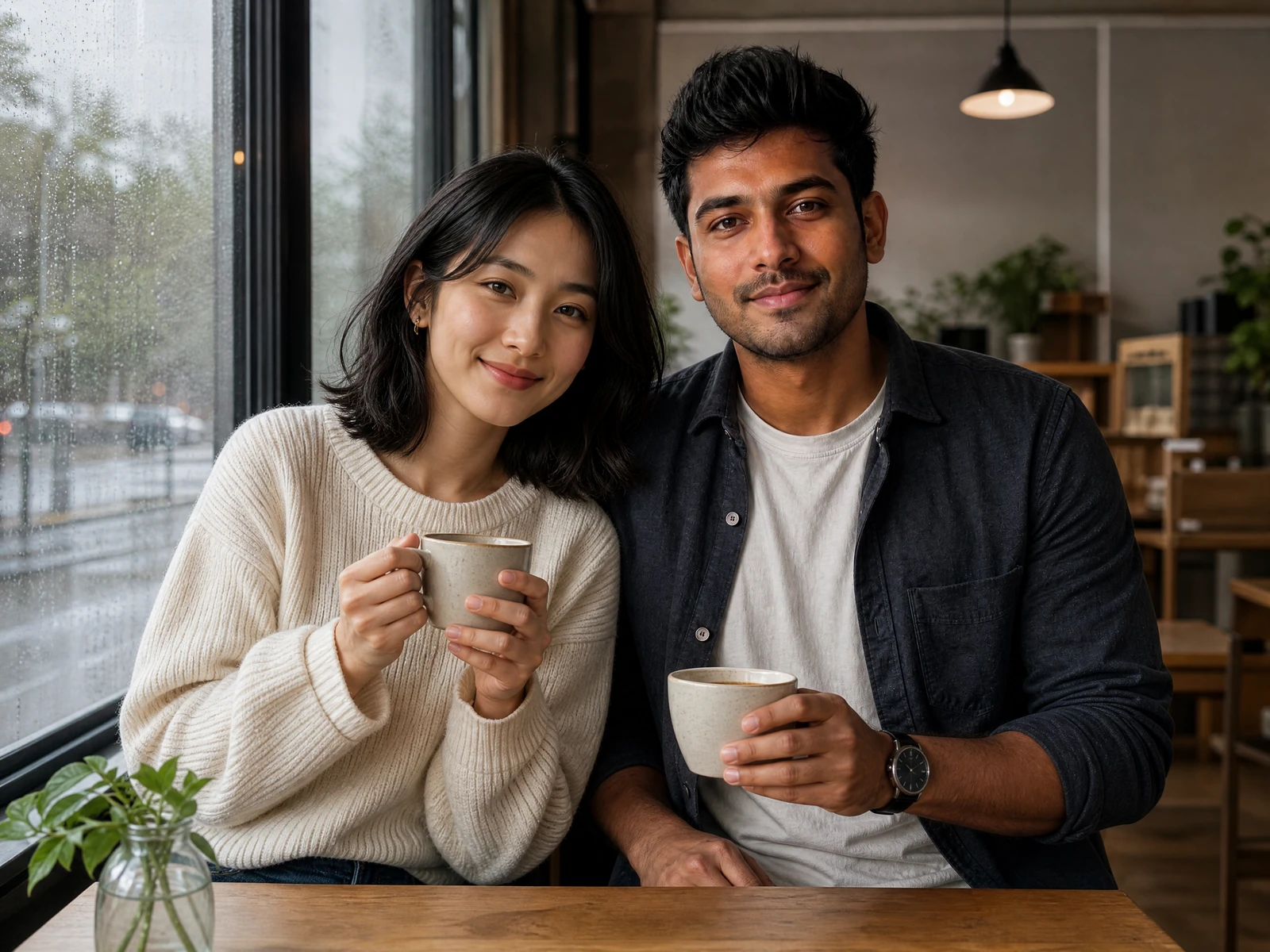

Add an original girlfriend to an authorized photo
Turn an authorized photo and a clear visual idea into a polished AI girlfriend picture that feels personal, expressive, and ready to review. An AI girlfriend photo generator can add an original fictional adult girlfriend beside you in a couple-style image while letting you direct the mood, outfit, setting, pose, and photographic style. The full generation flow stays in Studio, where uploads, Credits, task status, History, and result controls remain visible.
This page is for creating a still-image concept, not a chat companion, memory system, voice experience, or claim about a real relationship. The girlfriend is an original fictional adult over 21 unless you add a second authorized adult reference. Every result can vary and should be reviewed before it is saved or shared.
Input
One authorized adult photo, a written direction, or two authorized adult references.
Action
Describe the fictional girlfriend and direct one shared scene.
Output
One still couple-style image saved with its real task status in My Images.
Choose the source that fits the scene
The most direct workflow starts with one clear photo of yourself or another adult you have permission to use. Your prompt then describes the fictional girlfriend and the moment you want to create: her broad appearance, wardrobe, expression, pose, setting, lighting, and the way both adults share the frame.
You can also start from a written direction alone, upload one authorized couple photo, or provide two separate authorized adult references. The second reference is optional. References guide the creative result; they do not guarantee exact identity, anatomy, clothing, or background details.
Both references remain separate. Exact likeness is not guaranteed.
One task, many possible girlfriend aesthetics
The best results come from treating the image like a creative brief instead of a random prompt. Instead of asking for a pretty girlfriend, describe what makes the shared image feel right: a warm smile, a cream knit outfit, rainy cafe lighting, a relaxed conversation, and a candid medium-wide phone-photo composition.
A strong image combines choices that support the same visual direction. A quiet bookstore scene needs different body language and light from a rooftop fashion editorial. A natural selfie needs different framing from a full-body travel image. Align the girlfriend's styling, expression, action, location, and camera direction before generating.
Use the prompt to define the fictional adult girlfriend's hair, wardrobe, accessories, observable expression, and posture. Then describe the other adult, their shared action, the space between them, the setting, the light source, and whether the frame should feel candid, cinematic, editorial, or phone-shot.
Visual personality here means visible creative cues only: a shy smile, composed gaze, playful movement, tailored wardrobe, relaxed posture, or bold editorial pose. The workflow does not create a private personality profile, emotional relationship, or persistent companion identity.
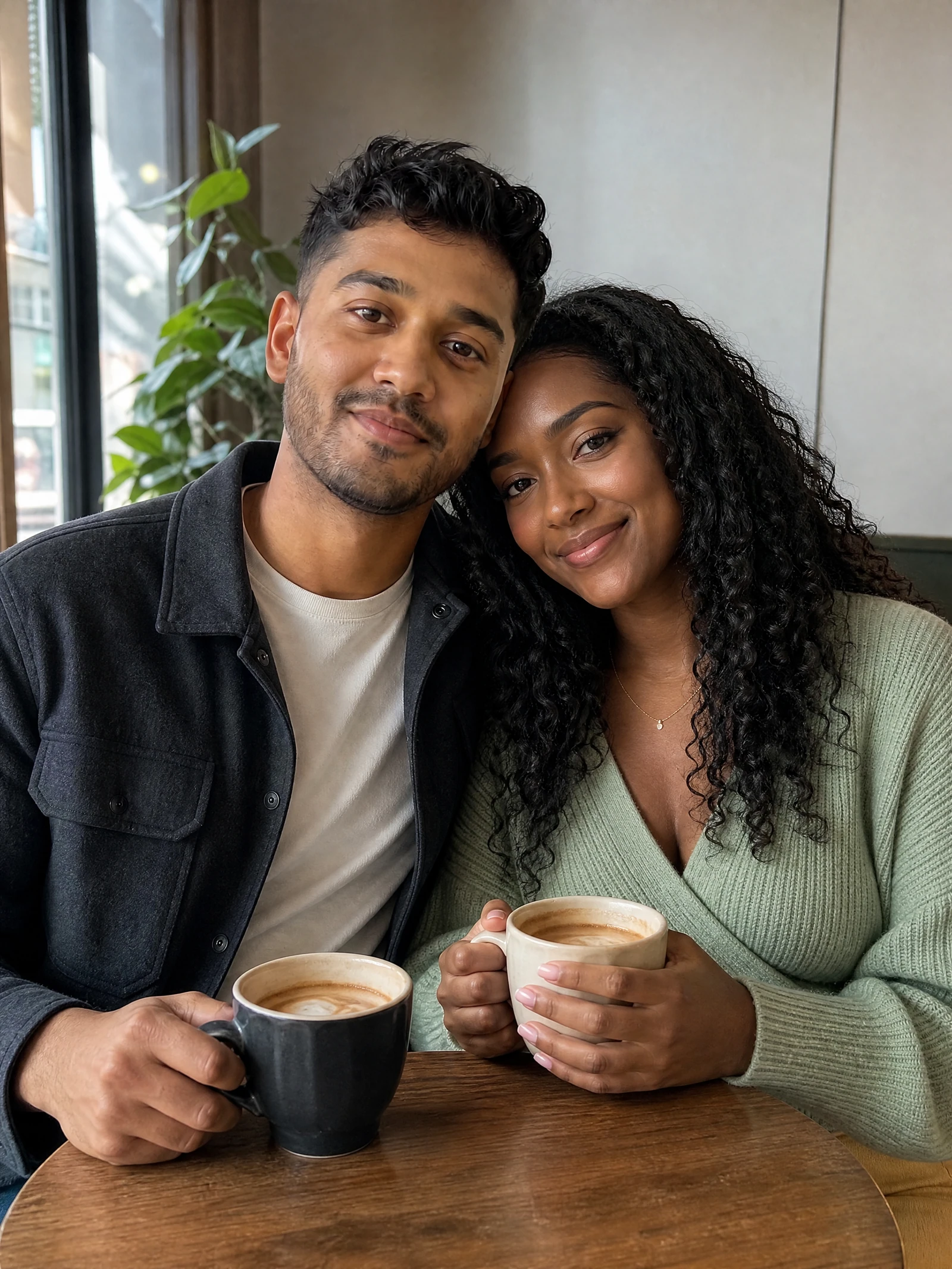
Cozy cafe
Warm window light and a small shared action.
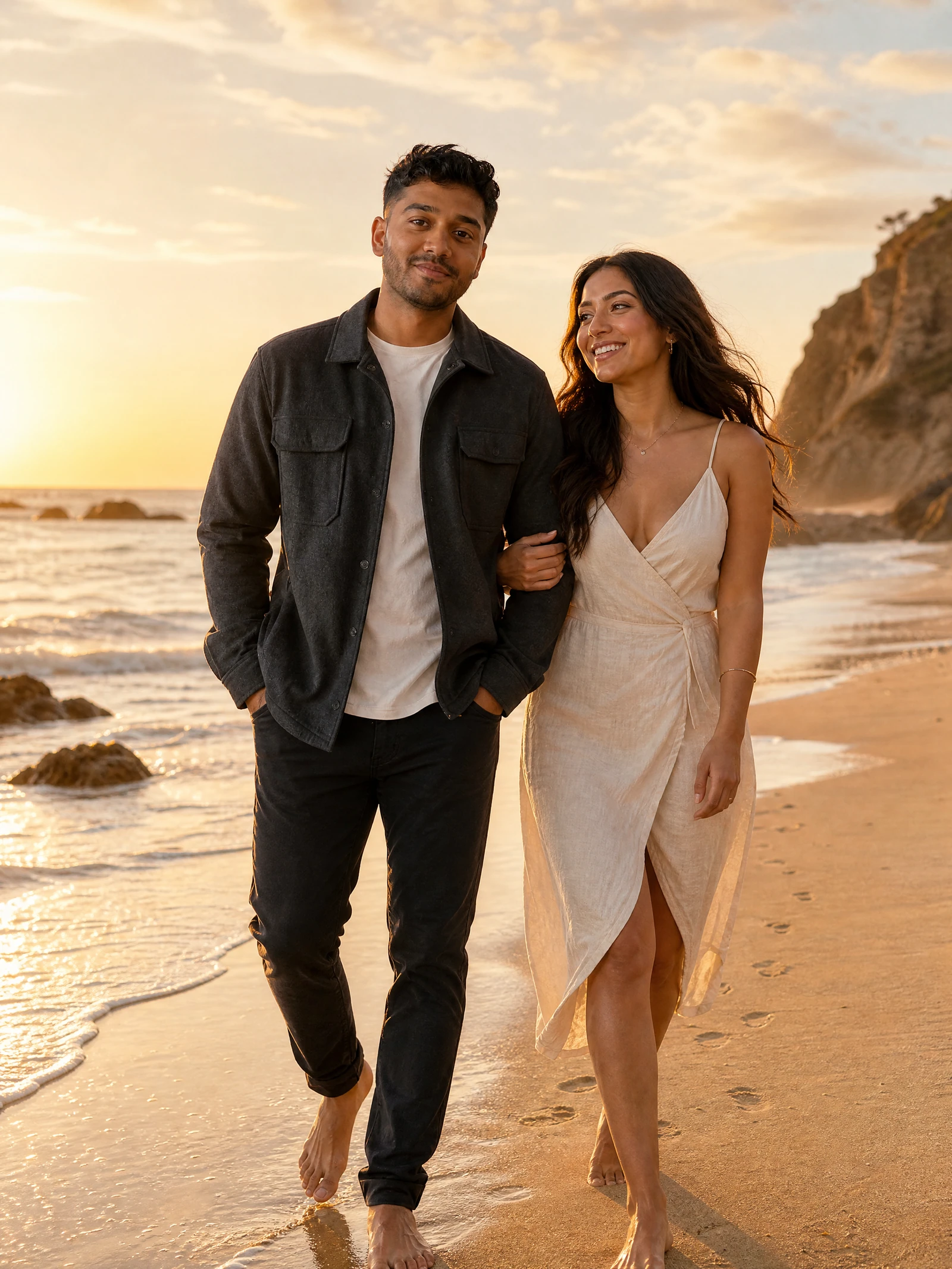
Sunset beach
Movement, wind, and relaxed travel energy.
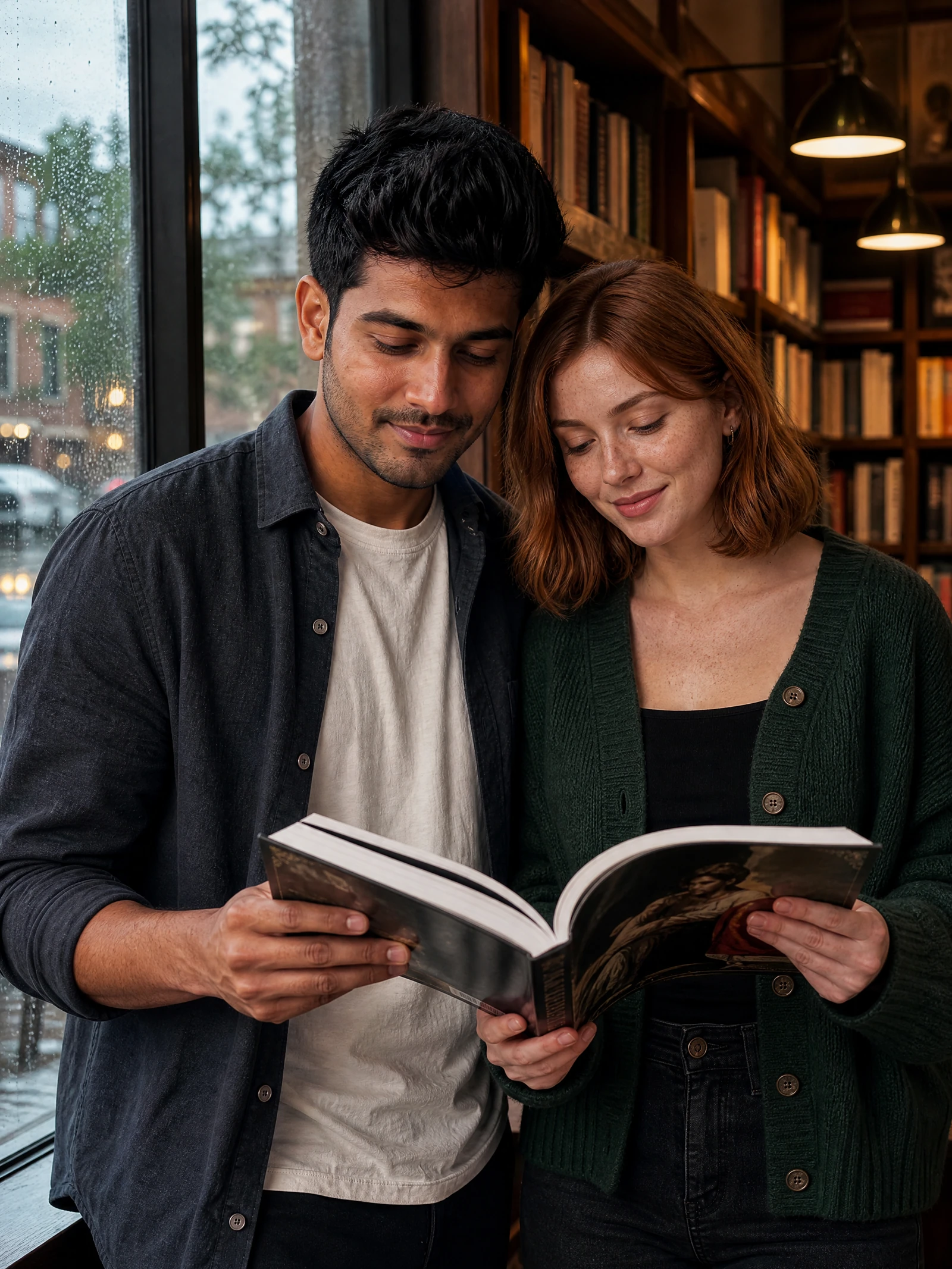
Rainy bookstore
A shy expression built around a believable activity.
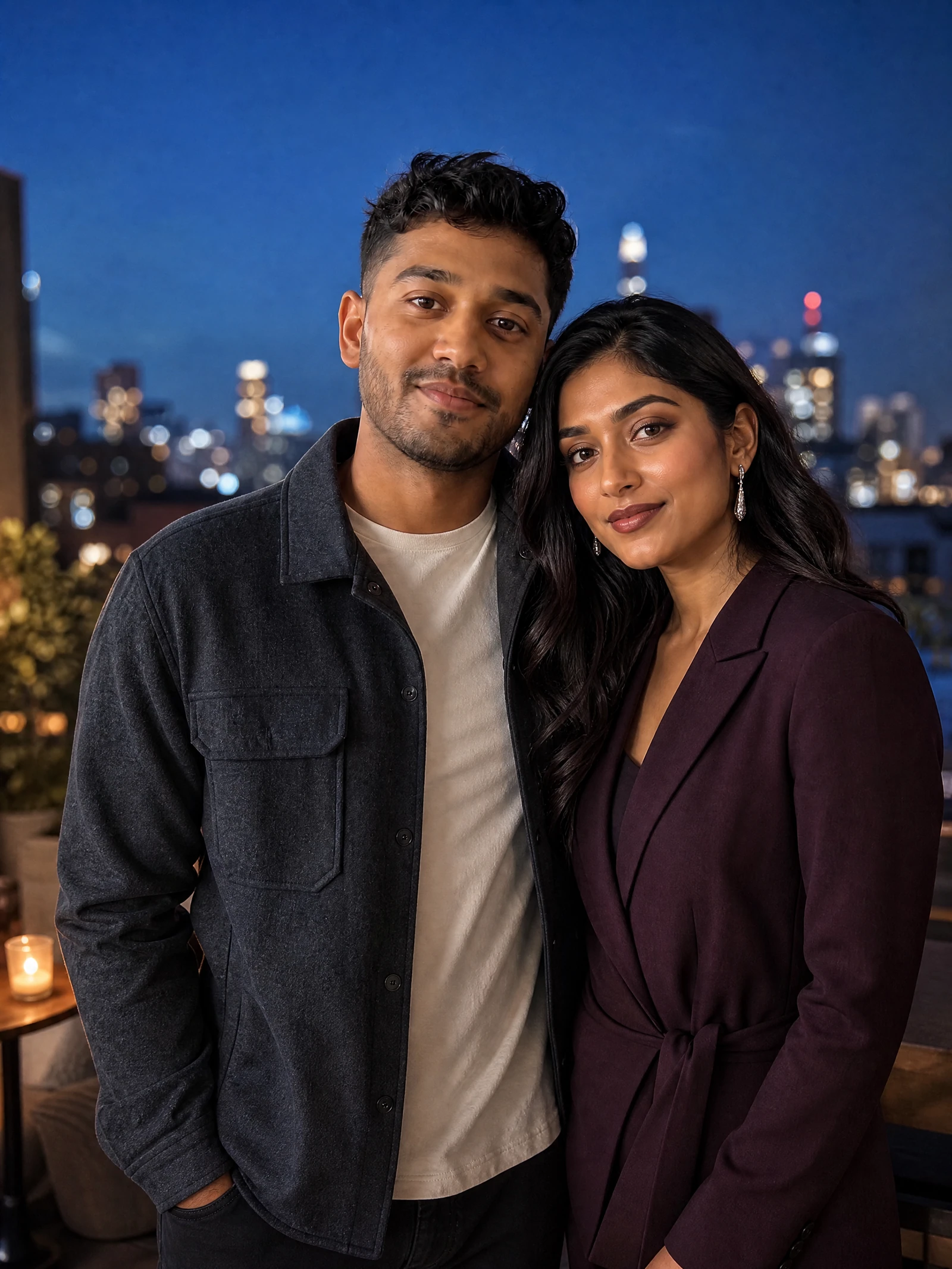
Rooftop date
Polished styling and blue-hour city light.
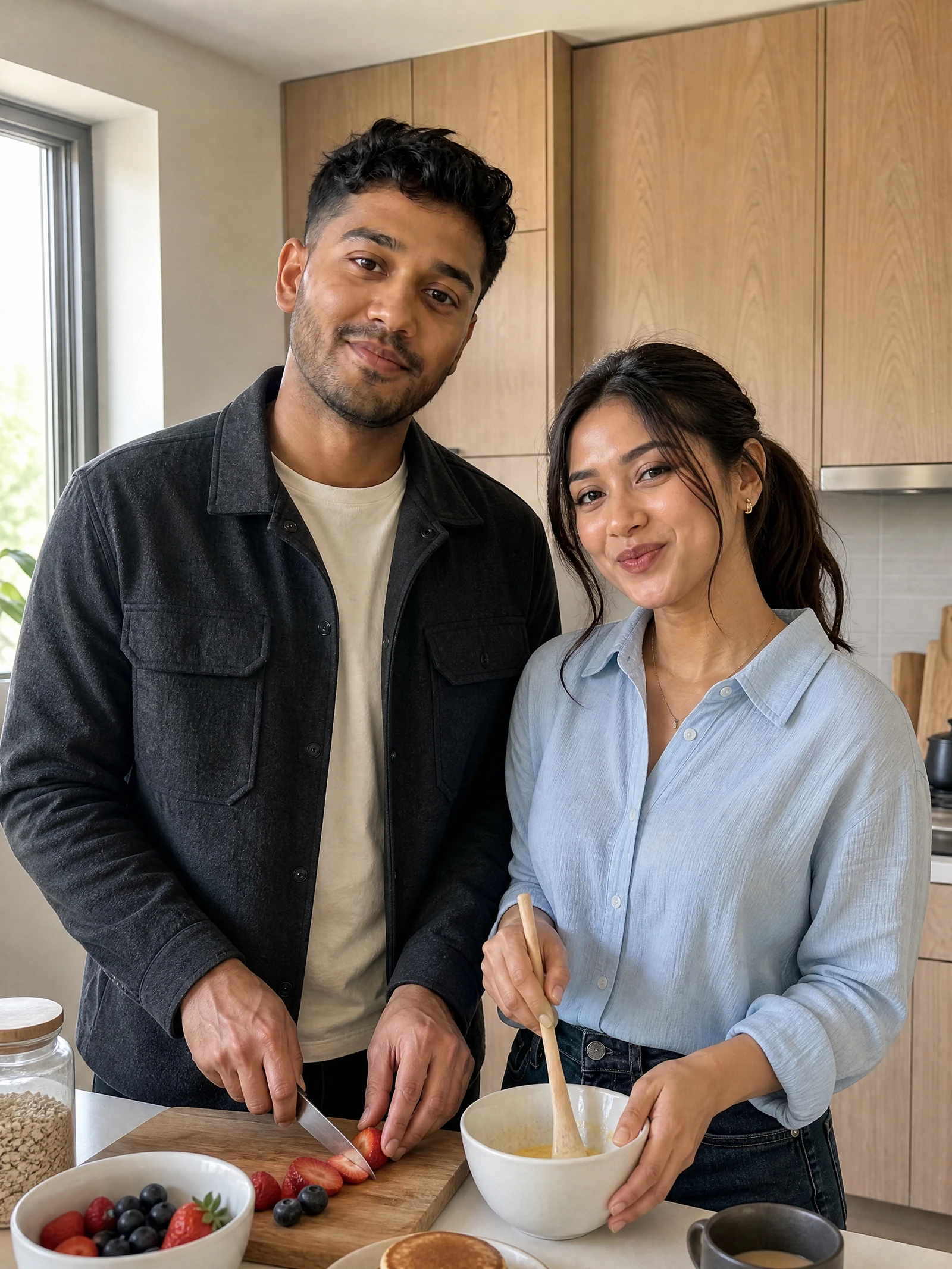
At home
Playful body language in a quiet everyday scene.
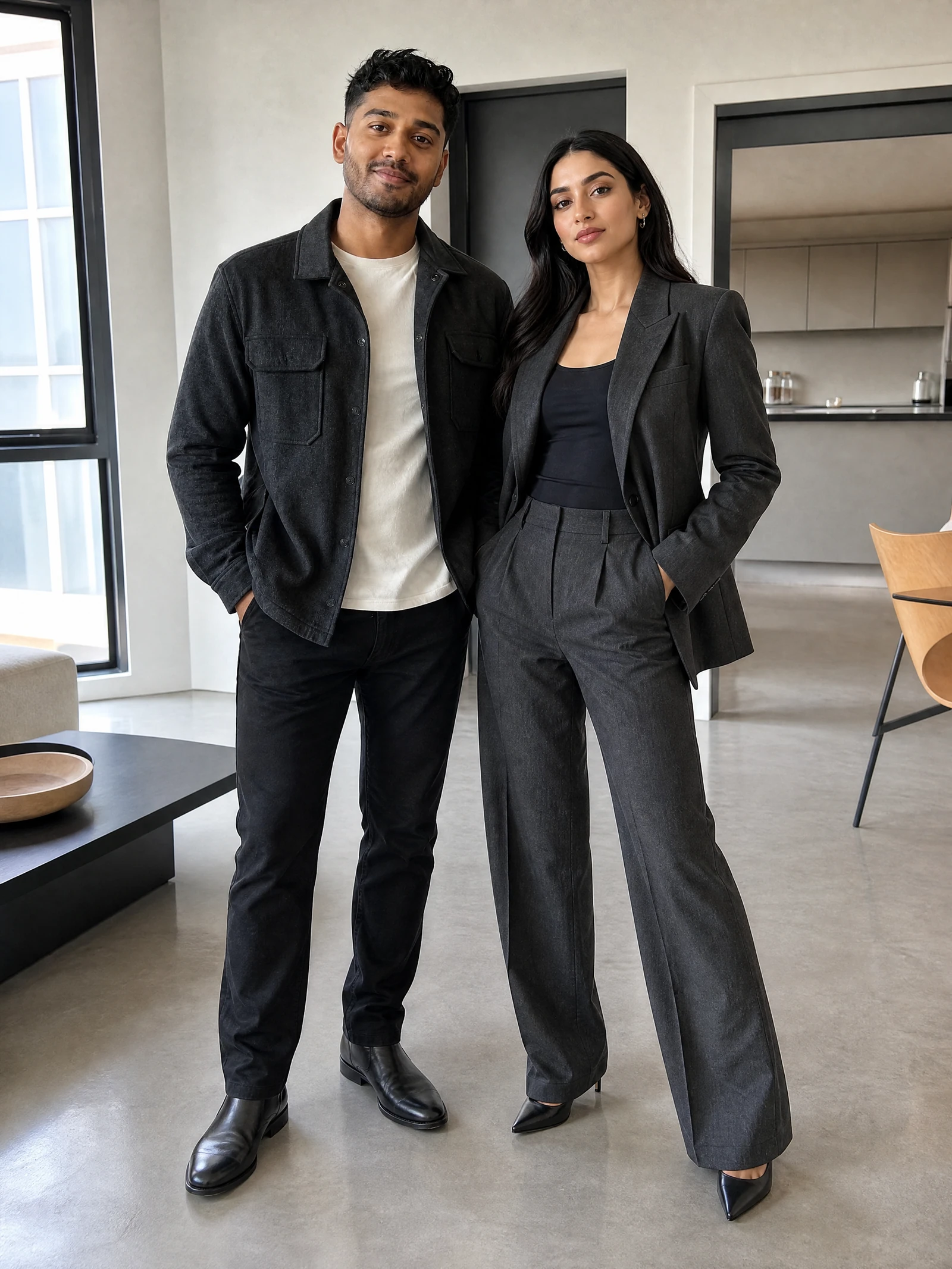
Fashion editorial
Full-body posture, clean shape, and direct flash.
From one source photo to a directed couple scene
A reference image can guide face structure, pose, composition, or a broader personal aesthetic. Use a clear adult photo with visible facial features and limited clutter. Add only images you own or are authorized to use, and never use this workflow to impersonate, harass, defraud, catfish, or invent proof of a real relationship.
A useful source-to-result workflow is simple. Choose a clear authorized photo. Select a scene direction or write a focused prompt. Check the current Studio quote. Submit one generation task. Follow its real status in My Images, then open the result workspace to inspect faces, hands, anatomy, clothing, text, logos, and context.
One photo can support many creative directions, but each direction is a separate task. You might try a cozy cafe moment, a sunset beach walk, a rainy bookstore visit, a polished rooftop date-night concept, a casual kitchen morning, or a fashion editorial. These are fictional visual concepts rather than records of events that happened.
A practical before-and-after begins with a vague request such as add a girlfriend to my photo. A clearer direction names an original adult woman with shoulder-length auburn hair and a forest-green cardigan, browsing books beside the supplied adult near a rainy window, shy smile, warm shelf light, clear hands, and candid waist-up framing.
Write a prompt that controls the shared image
Prompt structure matters because the subject tells the generator who belongs in the frame while the scene direction explains how the image should feel. Include the two adults, a shared action, wardrobe, setting, expression, lighting, framing, and any details that must be absent, such as readable text, logos, celebrity resemblance, or ambiguous age.
Start with the people: one supplied or described authorized adult and one original fictional girlfriend, both clearly over 21. Add the action: walking, sharing coffee, browsing books, preparing breakfast, or posing for an editorial. Then name the setting and light so the result has a coherent physical context.
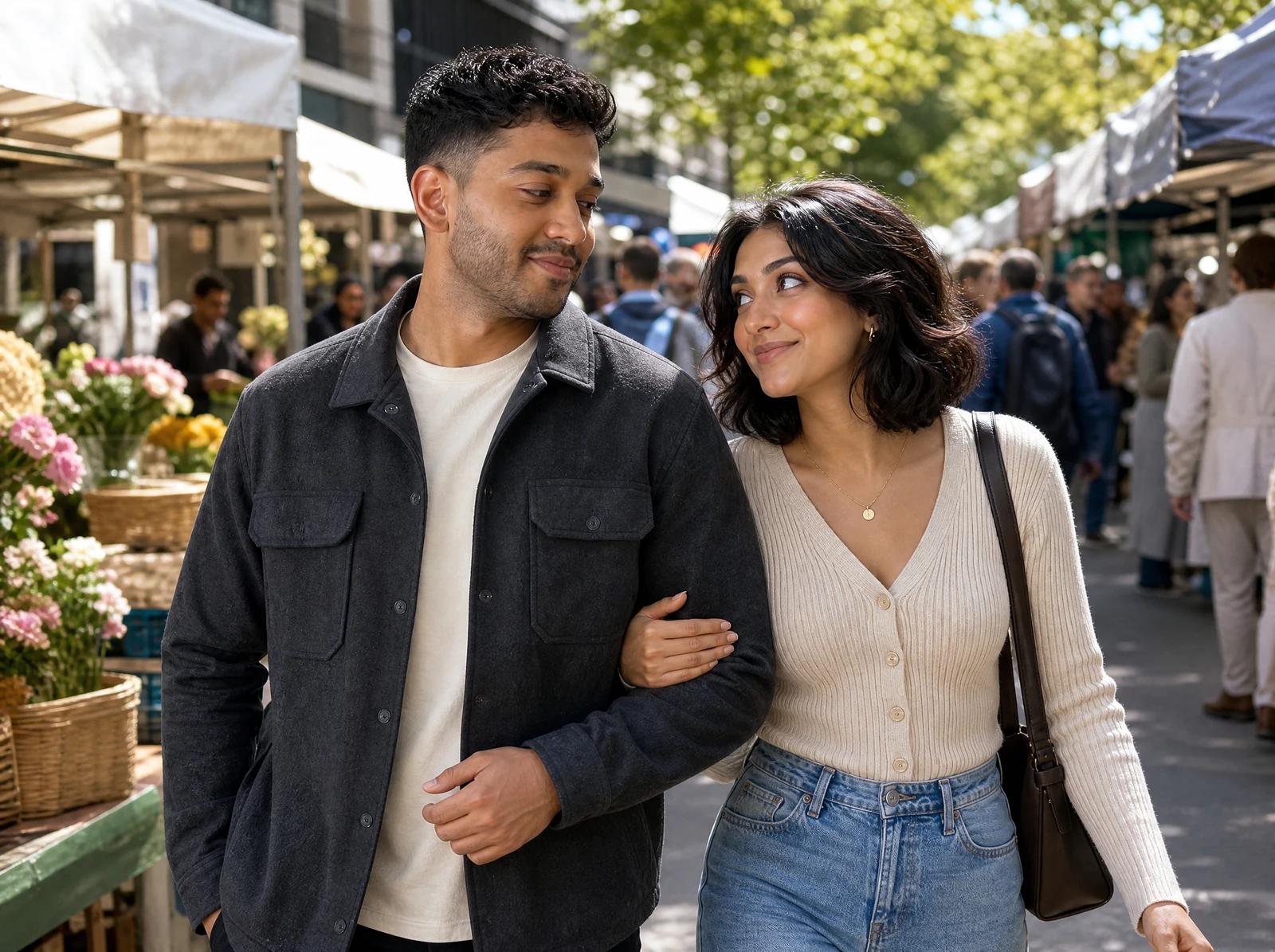
Use relationship distance as a visual control. Standing side by side, sharing an activity, leaning toward a conversation, or making light shoulder contact can communicate warmth without forcing an unnatural embrace. Keep both faces visible and give hands a believable role whenever possible.
Framing changes the purpose of the image. A close selfie emphasizes expression. A waist-up scene balances faces with a shared activity. A full-body image shows wardrobe, posture, and location. Choose one framing direction rather than asking for several incompatible compositions in the same result.
Lighting should support the scene. Soft window light suits a calm home or cafe image. Golden hour works for travel and beach scenes. Blue-hour city light can support a date-night concept. Direct flash can create a fashion editorial, but it also makes anatomy, skin, and accidental background details easier to notice during review.
You do not need a perfect prompt on the first task. Review what the workflow understood, identify the weakest visual element, and refine that element in a new submission. Keep the parts that already work. Do not describe this process as automatic batch generation: one submission creates one reviewable result.
- 1PeopleThe authorized adult and an original fictional girlfriend, both clearly over 21.
- 2ActionGive both people one observable activity or natural point of connection.
- 3AppearanceDescribe hair, wardrobe, accessories, expression, and posture.
- 4SettingName a physical location with relevant weather or background details.
- 5LightChoose window light, golden hour, blue hour, practical light, or flash.
- 6CameraChoose selfie, waist-up lifestyle frame, or full-body editorial.
Direct expression, distance, and framing
Popular uses include fictional story references, private mood boards, transparent social concepts, profile-style creative art, romance-themed wallpapers, fashion and location studies, and character planning for games or comics. Do not present a generated couple as proof of a real partner, meeting, endorsement, or event.
Different aesthetics change more than the girlfriend's outfit. Cozy realism favors restrained styling and small shared actions. Travel photography uses movement and location. Date-night imagery depends on deliberate light and polished wardrobe. Streetwear benefits from full-body framing. Editorial work uses stronger pose, shape, and contrast.
Expressions also need observable direction. A shy expression can use a small smile and softened gaze. Playful energy can come from movement and a shared joke. Warmth can appear through relaxed eye contact. Confidence can come from posture and direct camera presence. Avoid asking the system to infer private emotions or personality traits.
Create the image in the real Studio
A useful source-to-result workflow is simple. Choose a clear authorized photo. Select a scene direction or write a focused prompt. Check the current Studio quote. Submit one generation task. Follow its real status in My Images, then open the result workspace to inspect faces, hands, anatomy, clothing, text, logos, and context.
- 1
Upload one authorized adult photo or choose another supported source.
- 2
Select one of six girlfriend scene directions or write a custom prompt.
- 3
Review the current credit estimate before submitting.
- 4
Follow the task's observed state in My Images.
- 5
Open the result workspace to inspect, download, delete, or edit.
- 6
Restore the setup after a clear failure and submit again only when ready.
Keep a recognizable visual direction without overpromising
When you want a recognizable direction across separate images, reuse the same authorized source, broad appearance anchors, wardrobe palette, framing language, and setting family. A saved character can also provide a visual anchor in compatible workflows. Results can still vary, so continuity always requires manual review.
- Reuse the same authorized source and broad appearance anchors.
- Keep wardrobe palette, framing language, and setting family stable.
- Submit separate tasks for separate directions.
- Review faces, hands, clothing, text, and context every time.
Use the result as transparent fictional creative
Popular uses include fictional story references, private mood boards, transparent social concepts, profile-style creative art, romance-themed wallpapers, fashion and location studies, and character planning for games or comics. Do not present a generated couple as proof of a real partner, meeting, endorsement, or event.
Different aesthetics change more than the girlfriend's outfit. Cozy realism favors restrained styling and small shared actions. Travel photography uses movement and location. Date-night imagery depends on deliberate light and polished wardrobe. Streetwear benefits from full-body framing. Editorial work uses stronger pose, shape, and contrast.
Respect consent, adulthood, and relationship context
Use photo references responsibly. If an image includes a real person, confirm that every depicted person is an adult and that you have permission to upload and transform the image. Do not use a private person's likeness without consent, copy a celebrity, or generate deceptive romantic evidence.
Review each result as generated media. Check both faces, hands, limbs, clothing edges, reflections, background people, signs, and accidental text. Regenerate or edit details that could confuse viewers. Add an AI disclosure whenever the context could reasonably make someone believe the relationship or event is real.
Access, credits, downloads, and watermark behavior can change. Studio shows the current credit estimate before submission. A failed generation follows the existing task and credit-recovery behavior; this public page does not promise free, unlimited, instant, or watermark-free output.
Commercial use depends on the rights to every input, the generated result, the current product terms, the account plan, the jurisdiction, and the intended context. Review the Commercial Use, Privacy, and AI Disclosure pages before publishing a result in a sensitive or commercial setting.
Create one fictional couple image to review
Your strongest image begins with one clear idea: who is in the frame, what they are doing, where the moment takes place, and how the camera observes it. Open Studio, select a direction or write your own, upload only authorized adult references, and create one fictional couple image to review.
AI girlfriend photo generator questions
Choose the next workflow
Each route starts from a different input or solves a different production task.
AI Boyfriend Picture
Create the corresponding fictional boyfriend couple concept.
Couple AI Image Generator
Explore the broader two-person image workflow.
AI Generated Beautiful Woman
Create a standalone fictional adult woman portrait.
Consistent Character Generator
Create a reusable fictional adult visual character.
Commercial Use
Review rights before publication.
AI Disclosure
Learn when generated imagery should be labeled.