
AI Boyfriend Picture Generator
Create a fictional adult couple scene from a written direction, your authorized photo, or an optional adult boyfriend reference—then review the still image in Studio.
Create an AI boyfriend pictureUse only adult references you are authorized to upload. Review every generated result before sharing.
What an AI boyfriend picture can help you create
Create a polished, believable AI boyfriend picture for stories, social posts, profile concepts, mood boards, private jokes, or fictional relationship content without booking a photoshoot or searching stock libraries. This AI boyfriend picture generator helps you shape the look, setting, style, and mood of a realistic or stylized couple image from your authorized photo, an optional adult reference, and a clear prompt. Use it when you want a repeatable visual direction, creative control, and a direct way to turn an idea into an image you can refine.
You can create an ai generated boyfriend picture that matches the character, vibe, and situation you have in mind, from a casual coffee-date snapshot to a cinematic travel portrait or a clean studio-style image. Instead of settling for a random image that almost fits, you describe the details that matter: hair, outfit, age range, background, lighting, expression, and overall aesthetic. The result is a custom visual you can use as fictional content, a creative reference, or a playful fictional AI boyfriend picture, as long as you use it responsibly and avoid impersonating a real person.
Stories and concepts
Build a visual reference for a fictional adult character or scene.
Social creative
Explore a transparent, fictional post or skit direction.
Mood and style
Test wardrobe, location, light, and composition before choosing a direction.
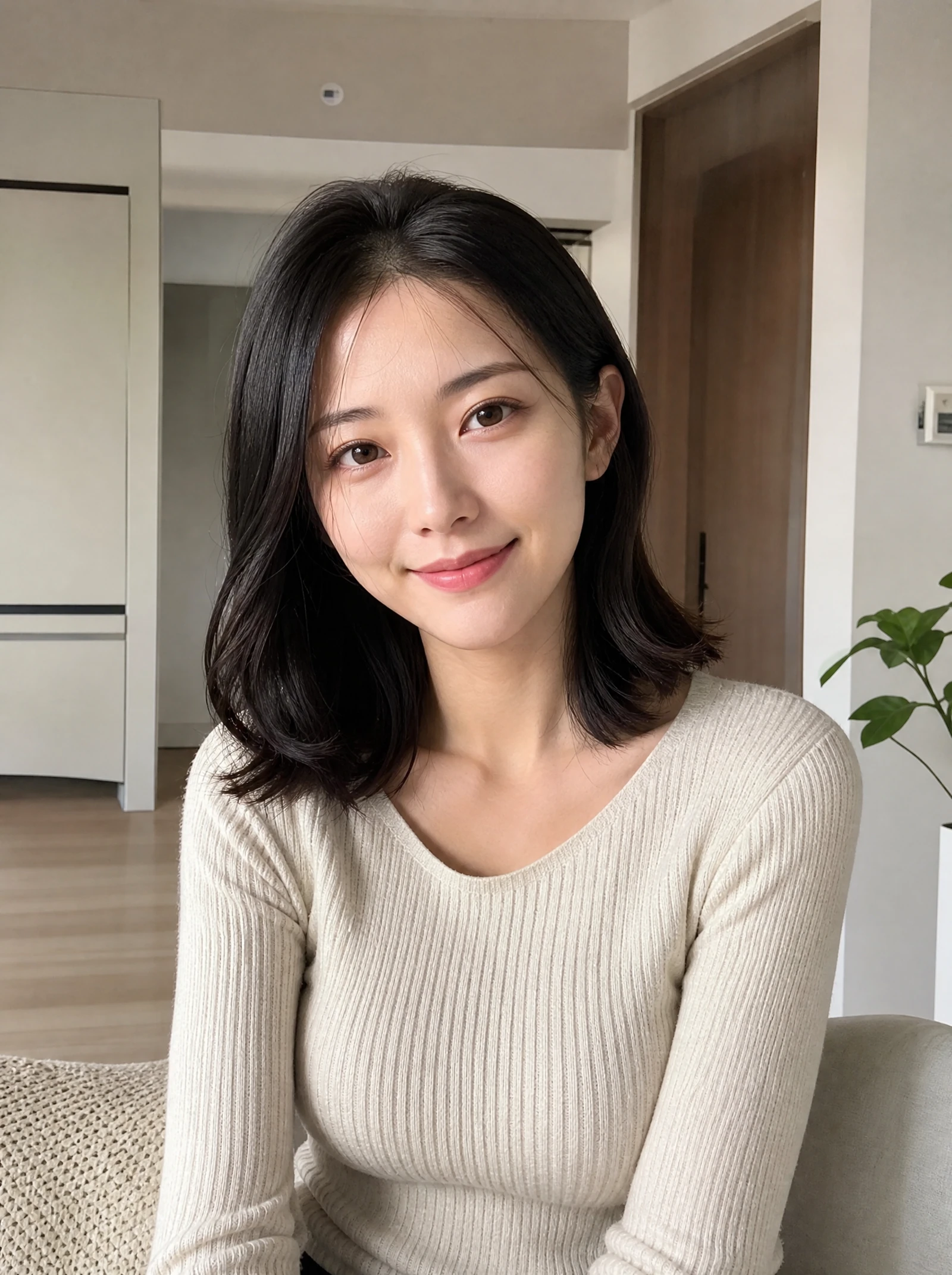
Start with your photo and describe a fictional boyfriend
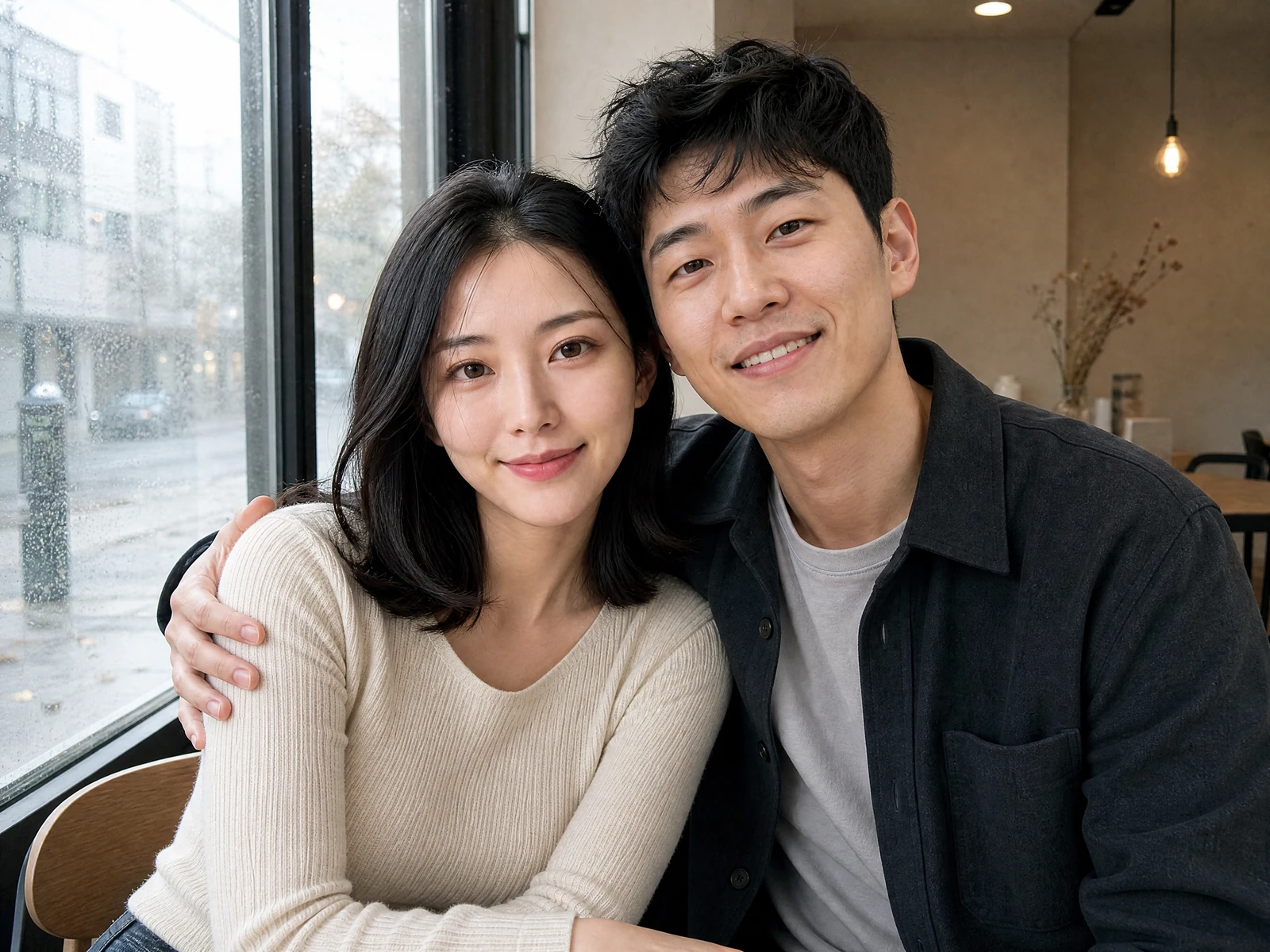
The best results come from treating the tool like a creative director rather than a magic button. A vague prompt may produce a generic face; a clear prompt gives the generator more context. For example, “handsome boyfriend” is broad, while “warm candid photo of a stylish boyfriend in a cream sweater, sitting by a rainy cafe window, soft natural light, relaxed smile” gives the image a story.
A strong ai boyfriend generator picture starts with control. The product experience should help you move from a rough idea to a finished image with less trial and error, whether you want something photorealistic, softly romantic, fashion-inspired, anime-style, or editorial. You are not just generating a face; you are building a scene that feels intentional.
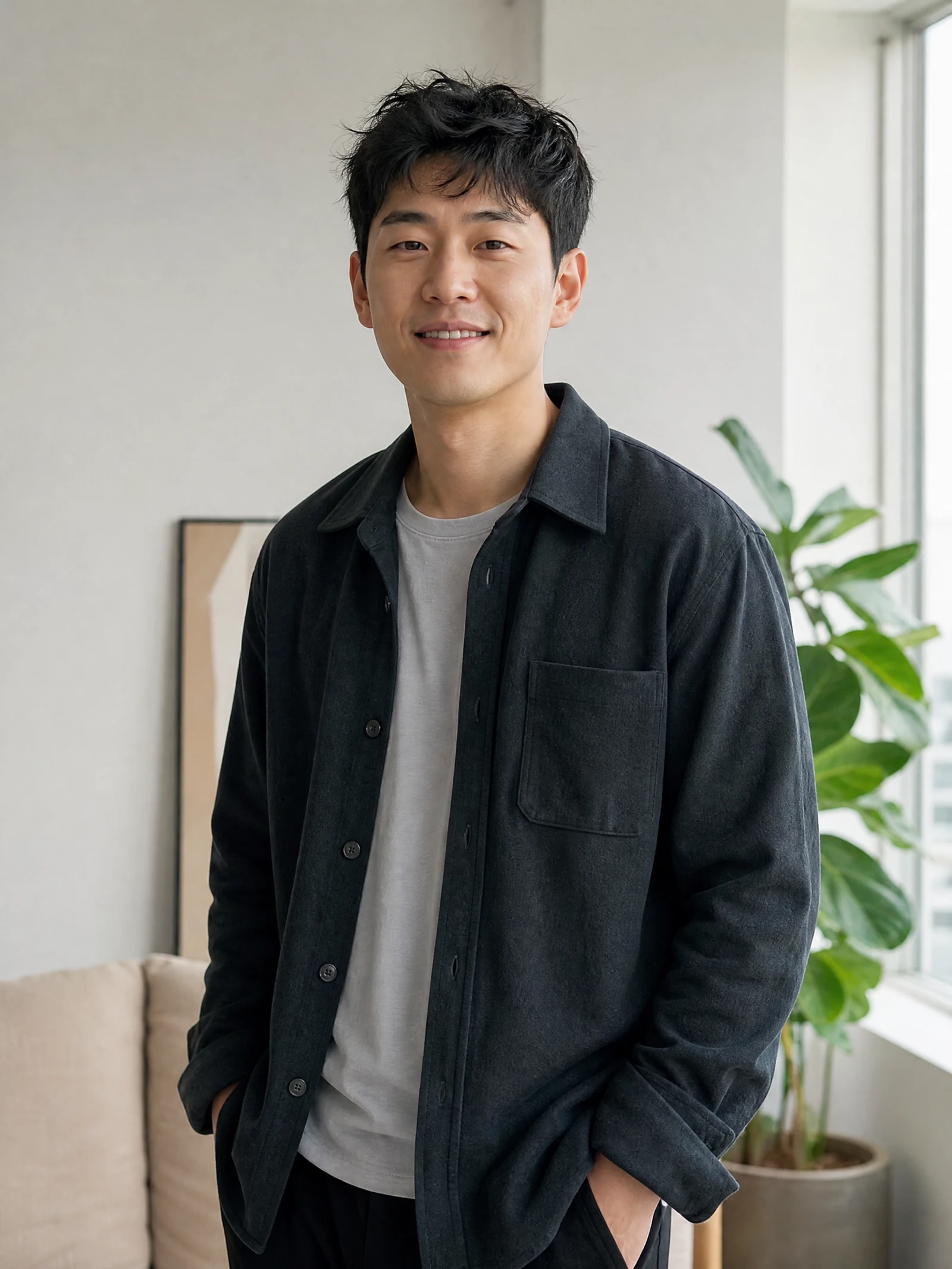
Or add an authorized boyfriend reference
Both slots accept only images you have permission to use. Studio keeps them as separate ordered references.
What makes the result feel believable
Key features include:
Prompt-based image creation so you can describe the boyfriend’s appearance, outfit, location, mood, and style in natural language.
Style flexibility for realistic portraits, lifestyle shots, cinematic images, illustration-inspired looks, or social media concepts to review.
Scenario control that lets you place the character in everyday moments such as a dinner date, vacation selfie, gym mirror photo, bookstore visit, or cozy at-home scene.
Iteration and refinement so you can adjust details when the first image is close but not quite right.
Accessible creation flow for users looking for an ai boyfriend picture free option or a simple way to test the concept before committing to more advanced use.
Permission-aware creative use because you can generate fictional visuals instead of editing photos of real people without authorization.
These features matter because the small details make the picture believable. Clothing, background, lighting, camera angle, and facial expression all work together. When those elements match the story you are trying to tell, the image feels less random and more like a moment.
Turn a vague idea into a clear creative direction
Vague direction
“A cute boyfriend photo.”
Clear direction to review
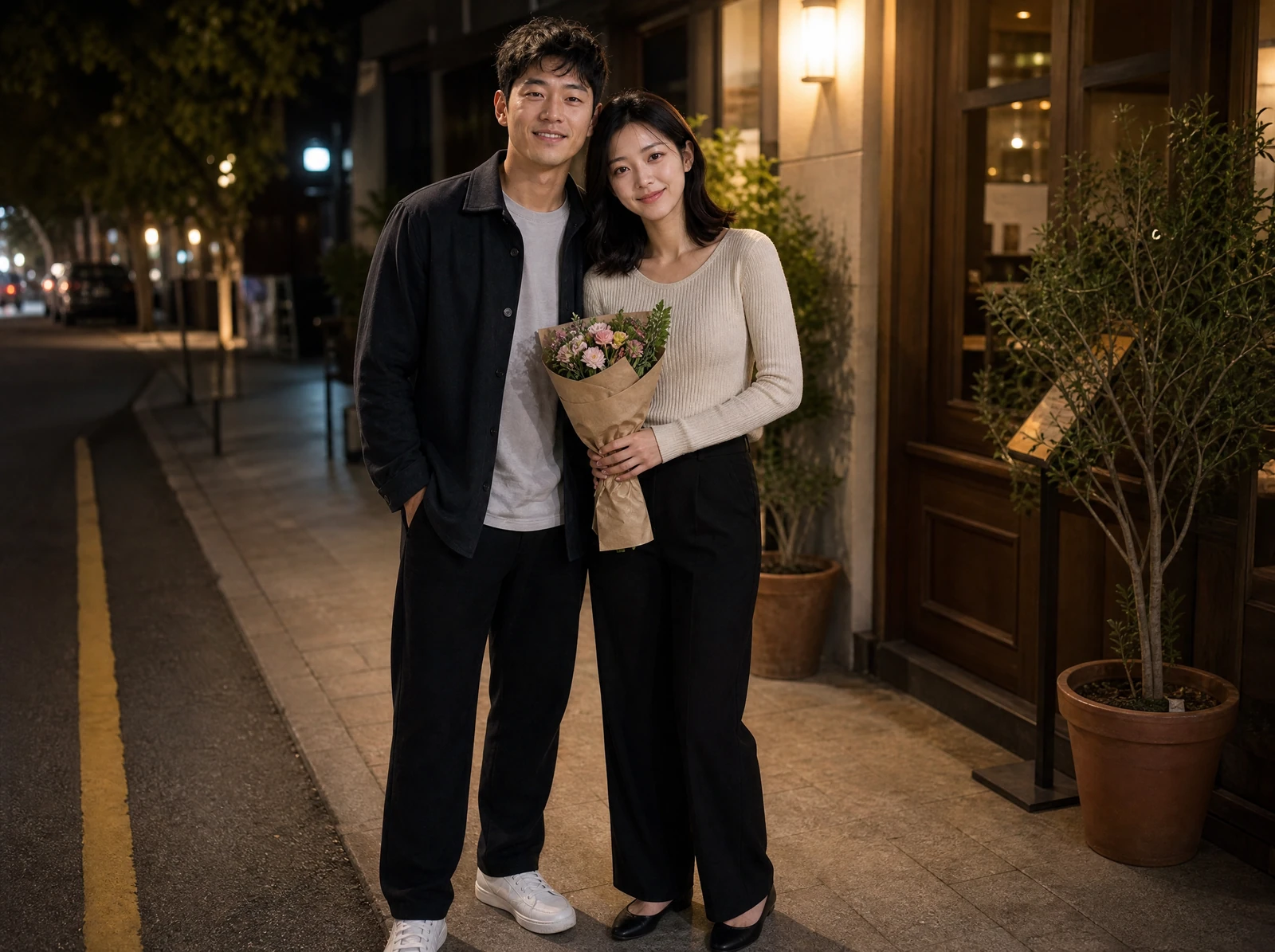
“A fictional adult couple outside a small restaurant at night, the boyfriend holding flowers, warm streetlights, natural expressions, medium-wide phone photo.”
Most image searches force you to compromise. One photo has the right hairstyle but the wrong setting. Another has the right mood but looks too staged. An AI boyfriend picture generator gives you a more direct route: you describe the image you want, review the result, then refine the prompt until the image fits your concept.
This is especially useful for creators who need a consistent visual direction. If you are building a fictional character for a romance story, roleplay profile, comic reference, TikTok concept, visual diary, or themed post series, a custom ai boyfriend picture can help you keep the same atmosphere across multiple images. You can retain a clear character direction, then change the scene from “weekend brunch” to “airport goodbye” to “winter walk downtown.”
A practical before-and-after looks like this: before, you have a vague idea of “a cute boyfriend photo for a fictional anniversary story concept.” After, you have a detailed image direction: “candid phone-style picture of a smiling boyfriend holding flowers outside a small restaurant at night, warm streetlights, natural expression, slightly blurred background.” That shift turns a generic request into a usable creative brief.
How to write an AI boyfriend picture prompt
The quality of your prompt has a direct effect on the usefulness of your final image. You do not need to write a long paragraph every time, but you should include the details that affect the visual outcome. Think in layers: person, setting, mood, style, and constraints.
- 1PeopleA fictional adult couple; describe broad age range, hair, and wardrobe.
- 2ActionGive them something natural to do together instead of asking for a generic pose.
- 3PlaceName the cafe, street, home, airport, or travel setting.
- 4LightChoose overcast window light, warm streetlight, flash, or golden hour.
- 5CameraSpecify candid phone photo, medium-wide lifestyle frame, or editorial portrait.
Use this simple prompt checklist:
Describe appearance clearly. Include general age range, hair color, hairstyle, facial hair, build, and style without referencing a real person.
Set the scene. Mention where the image takes place, such as a cafe, beach, car, apartment, campus, hotel balcony, or city street.
Choose the mood. Words like candid, romantic, playful, confident, shy, cozy, dramatic, or effortless guide the feeling of the image.
Add lighting and camera style. Try soft morning light, flash photo, golden hour, mirror selfie, close-up portrait, film look, or editorial lighting.
Specify clothing. Outfits create context, whether you want casual streetwear, a suit, gym clothes, winter layers, or a relaxed hoodie.
Avoid real-person impersonation. Create a fictional character instead of asking for someone who looks like a specific private individual or celebrity.
Refine one thing at a time. If the face is right but the background is wrong, change the background prompt first before rewriting everything.
A good starter prompt could be: “AI generated boyfriend picture of a fictional man in his late twenties with dark wavy hair, wearing a black jacket and white T-shirt, leaning against a city railing at sunset, warm smile, candid phone photo style, realistic lighting.” From there, you can make it softer, more fashionable, more casual, or more cinematic depending on your goal.
Popular uses and responsible boundaries
A fictional AI boyfriend picture can be funny, romantic, aesthetic, or useful for storytelling, but the best use is transparent and fictional. Use it for mood boards, character concepts, harmless social trends, private jokes with friends, or creative posts where no real person is being misrepresented. The product is most valuable when it helps you create an image that did not exist before, not when it is used to deceive someone.
This makes the tool a good fit for:
Writers building visual references for a fictional love interest.
Social media creators making skits, memes, or trend-based posts.
Roleplay users who want an original character image.
Designers creating romance, dating, or lifestyle mood boards.
People who want a way to compare an AI boyfriend picture workflow before exploring more options.
Anyone who wants a custom image without using photos of a real ex, crush, influencer, or stranger.
The creative possibilities are wide, but the rule is simple: keep it fictional, consensual, and clear when context matters. That approach protects real people and makes the image more useful as original content.
Explore boyfriend picture styles and scenes
Not every boyfriend picture needs to look like a polished studio portrait. Sometimes the best image is casual, slightly imperfect, and believable, like a quick photo taken during a normal day. Other times, you may want a dramatic cinematic look that feels like a movie still or a clean profile-style image with sharp lighting.
Popular style directions include:
Candid lifestyle: relaxed, natural images that look like everyday snapshots.
Romantic date-night: warm lighting, restaurants, flowers, city walks, or cozy interiors.
Travel boyfriend: beaches, airports, hotel balconies, scenic streets, and vacation outfits.
Soft aesthetic: muted colors, dreamy lighting, gentle expressions, and clean backgrounds.
High-fashion editorial: bold styling, confident poses, dramatic shadows, and magazine-inspired framing.
Anime or illustrated: stylized character art for roleplay, fiction, and fandom-inspired projects.
Choosing a style before generating saves time. If you are not sure, start with a realistic lifestyle image because it works for the widest range of uses. Then create variations in different settings once you have a character direction you like.
Flowers after dinner
A warm night scene with both people fully in frame.
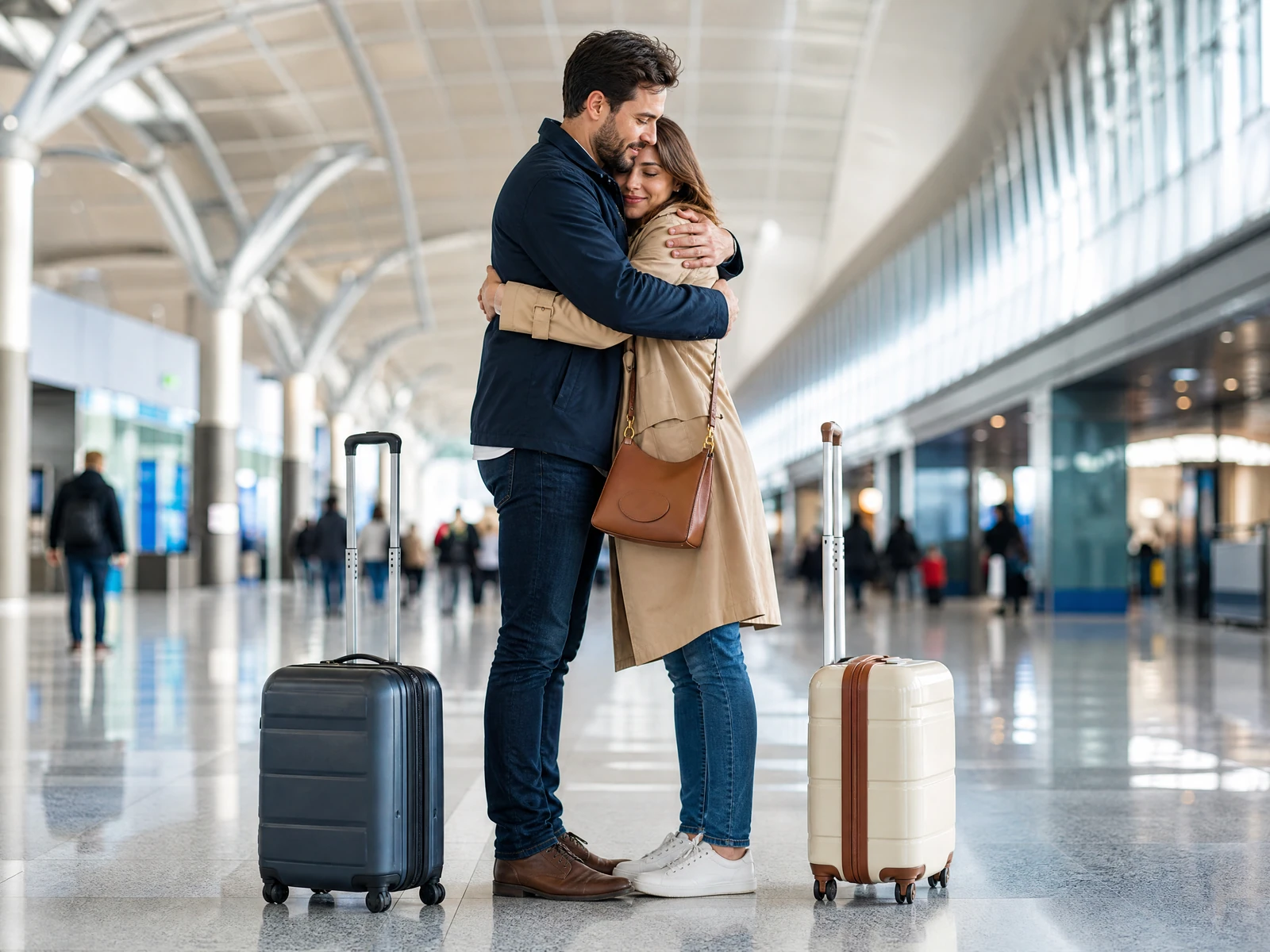
Airport goodbye
A travel-story direction built around a clear action.
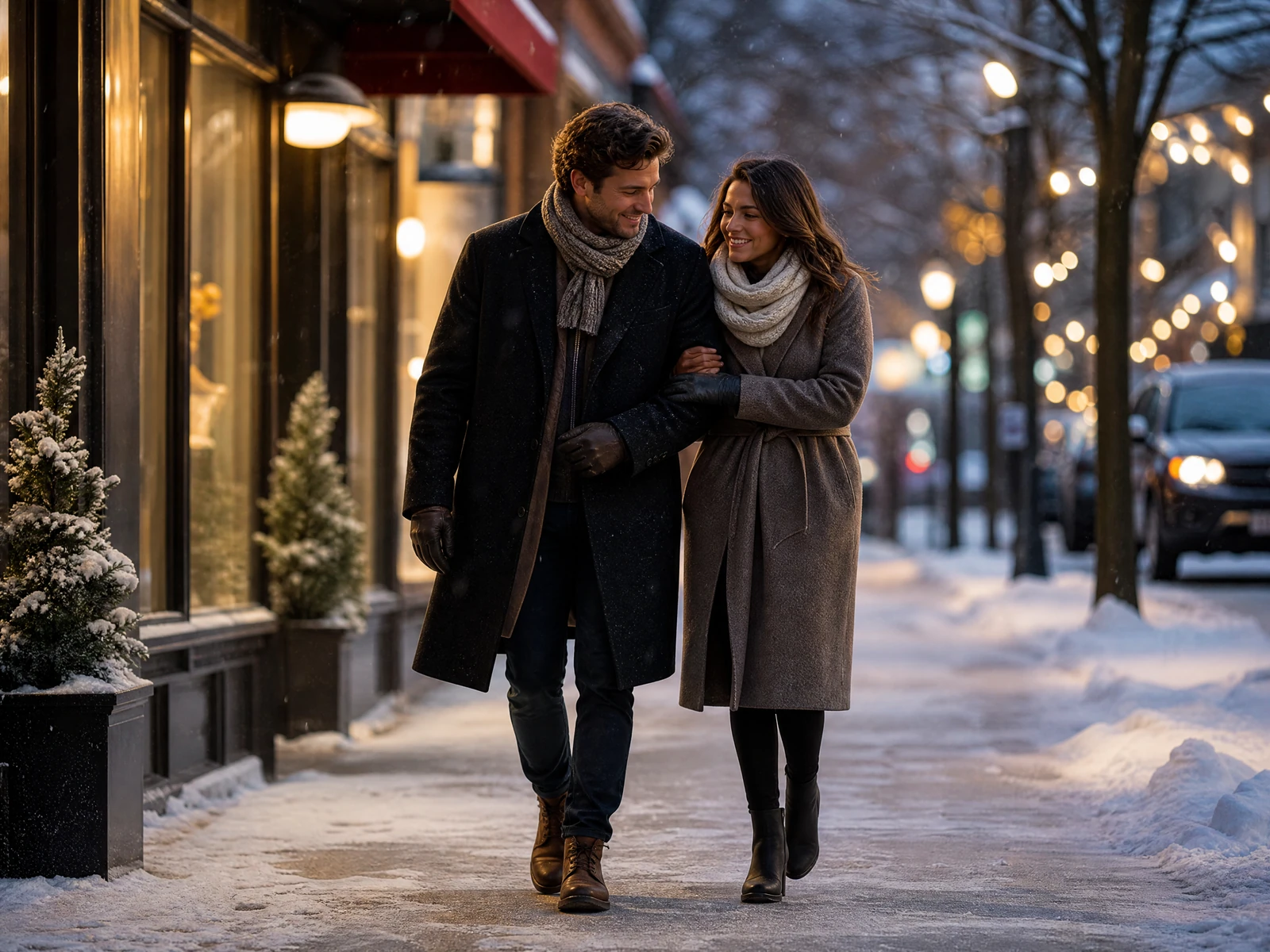
Winter city walk
Wardrobe, weather, and full-body movement establish context.
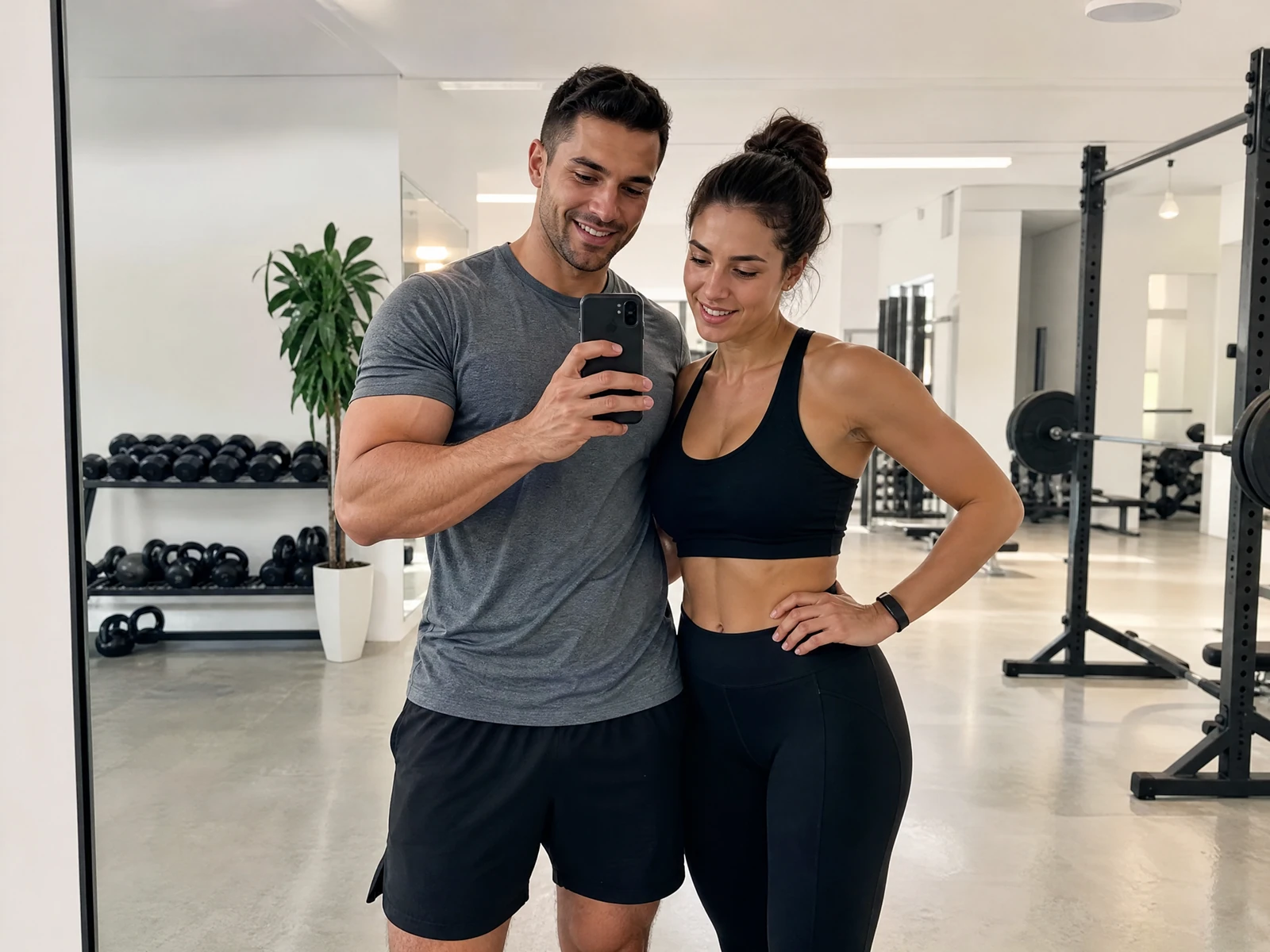
Gym mirror moment
A casual phone-style composition without a fake social interface.
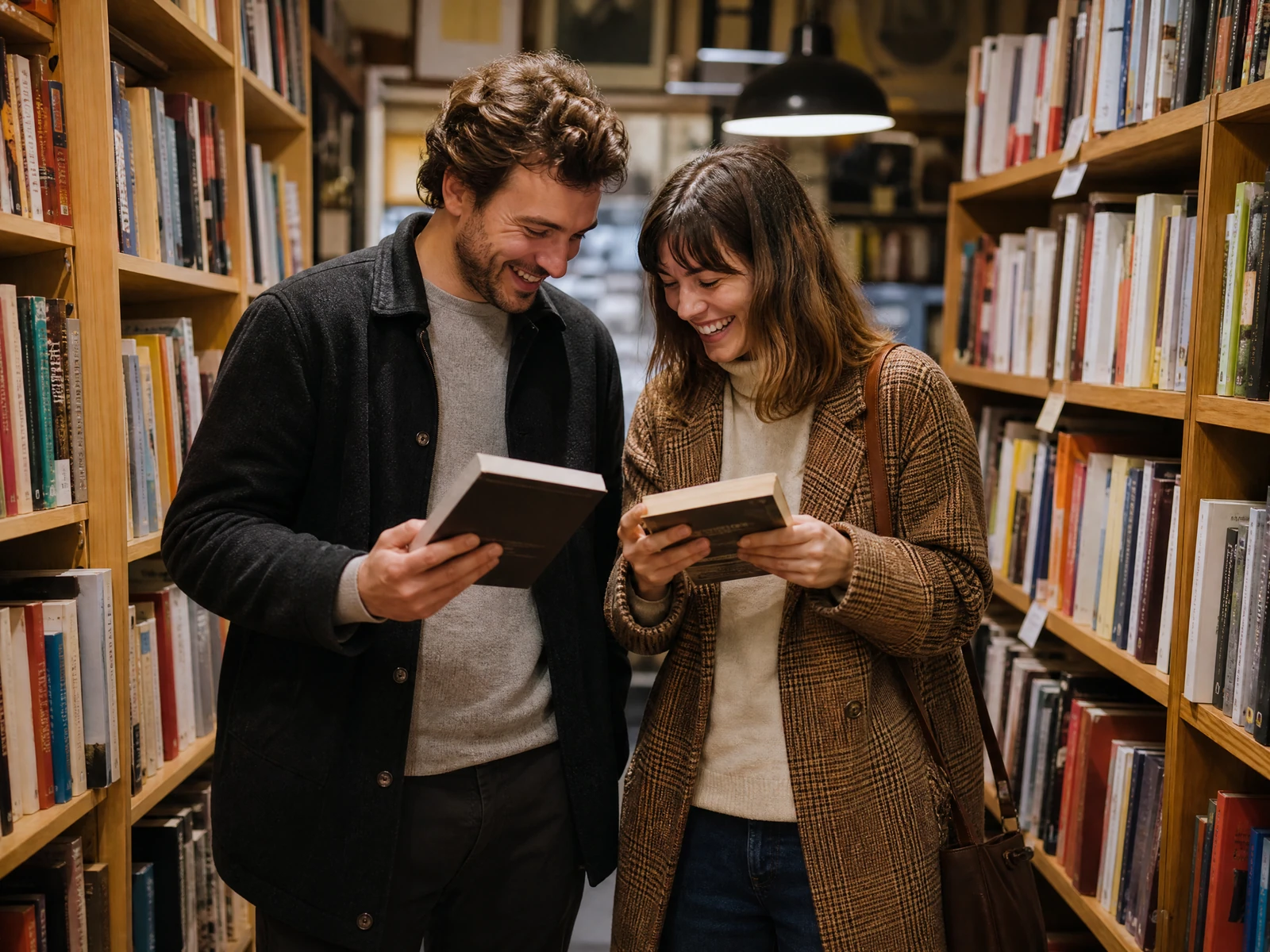
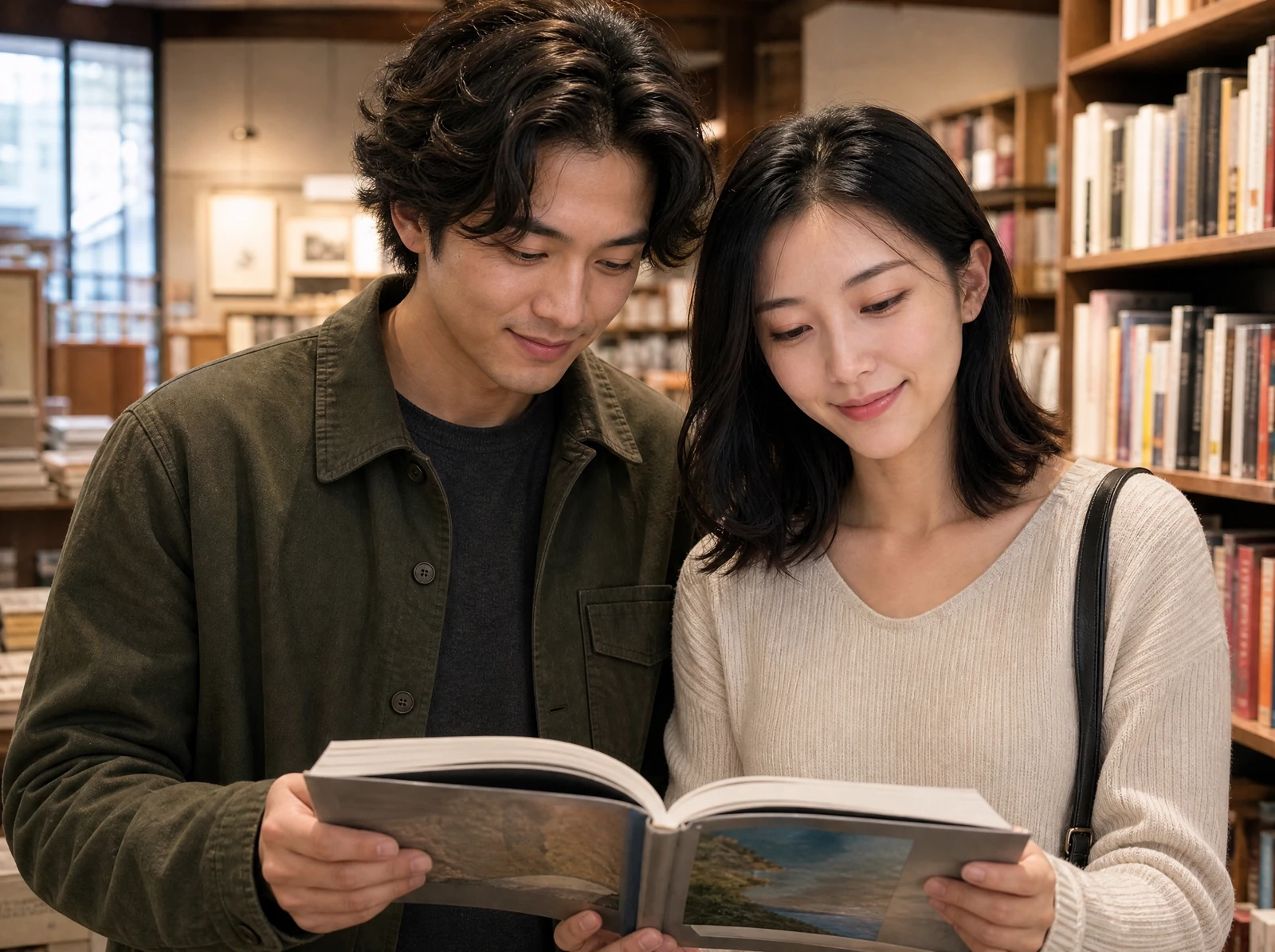
Bookstore visit
Shared activity gives the couple natural body language.
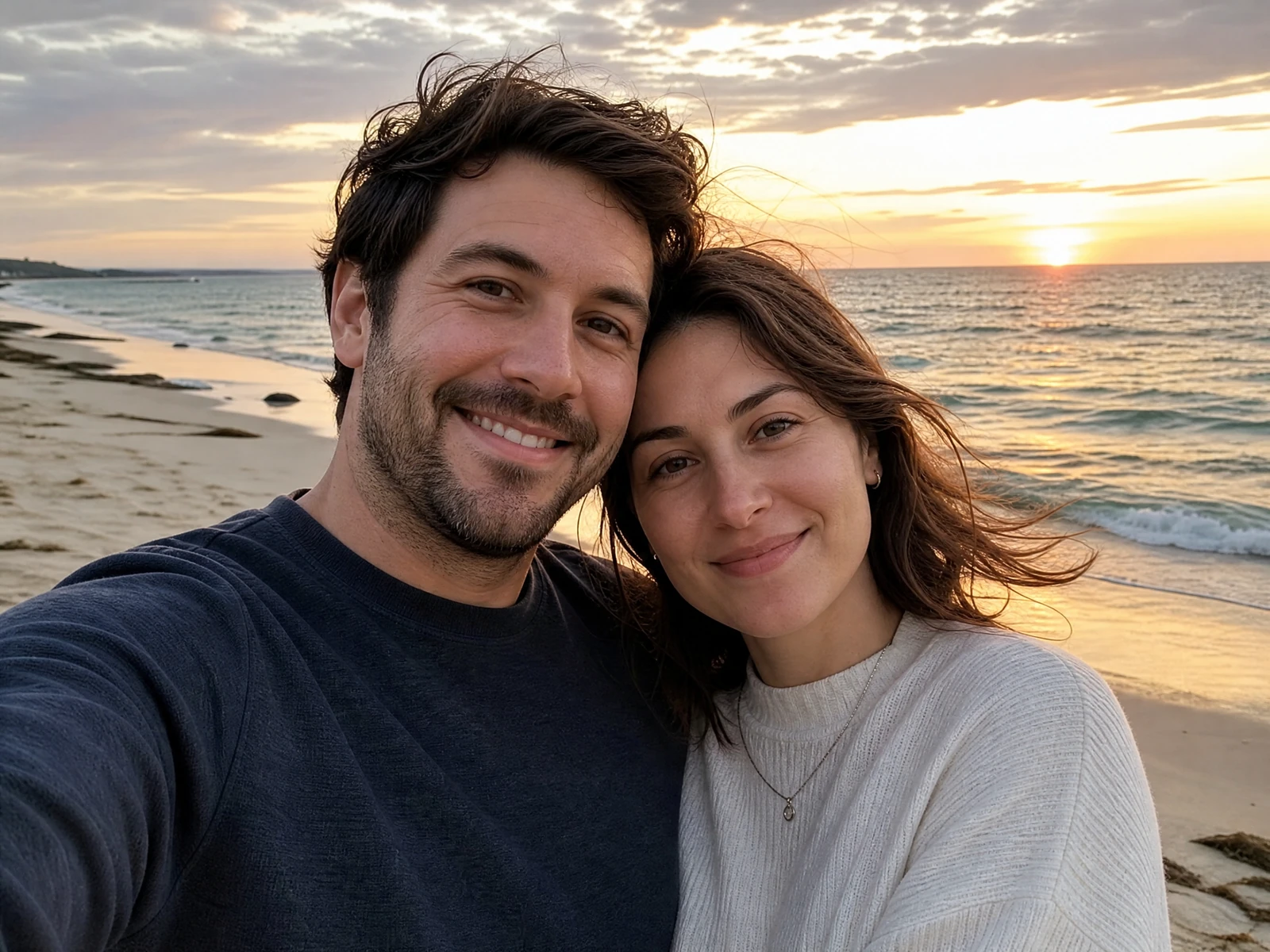
Beach travel selfie
A close composition with a location-specific atmosphere.
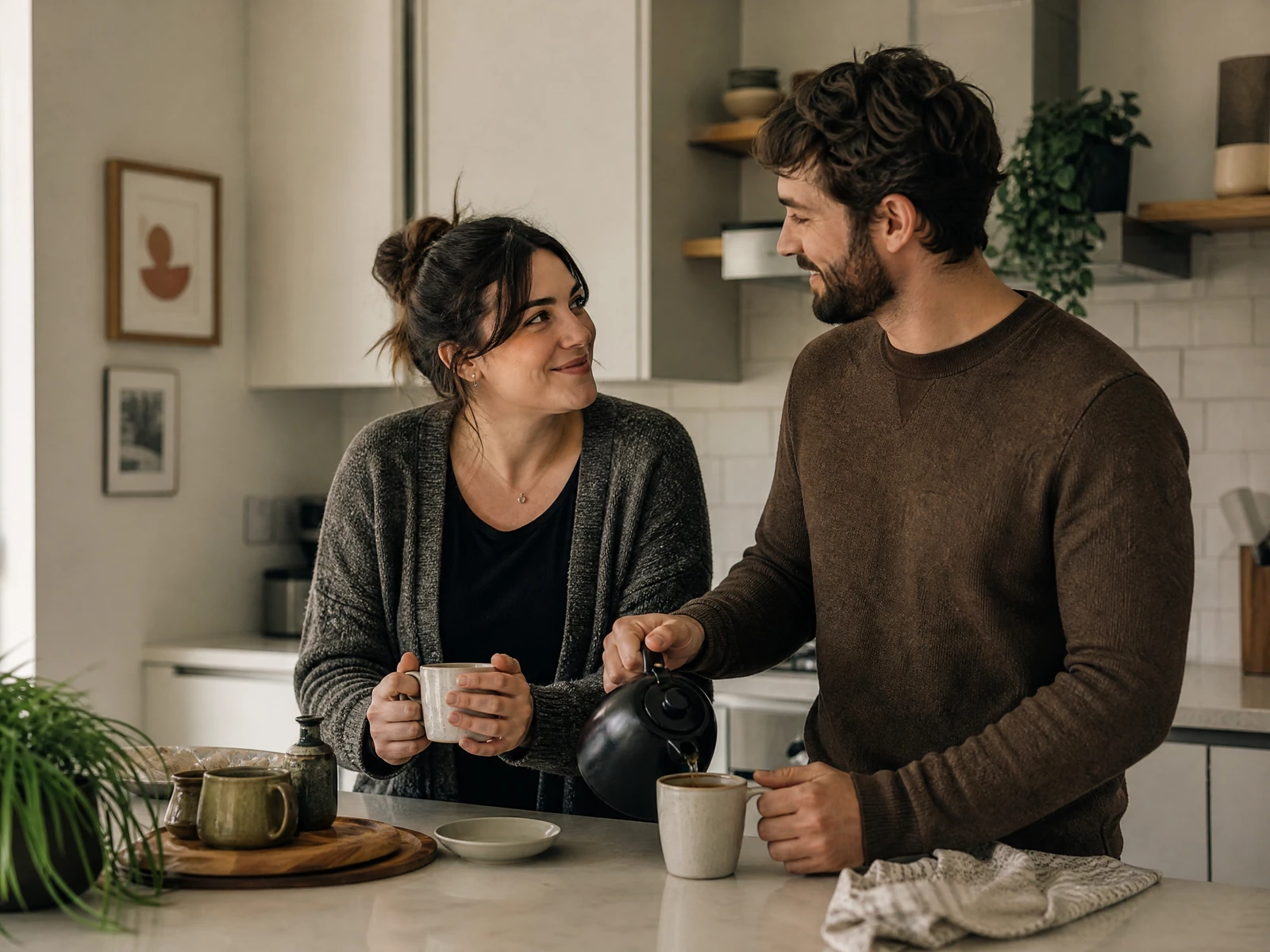
Quiet time at home
An everyday scene with restrained light and styling.
How the real Studio workflow works
Choose the Couple workflow
Open the existing still-image workflow in Studio.
Add zero, one, or two references
Both adult reference slots are optional and remain independent.
Write one clear direction
Describe both adults, their action, setting, mood, light, and framing.
Review the live quote
Pricing and credits come from the current Studio configuration.
Submit one generation task
Studio uploads authorized inputs and shows the actual task state.
Review the result and History
Check identity, anatomy, hands, text, clothing, and context before use.
Free access, credits, rights, and watermark questions
If you are searching for “ai boyfriend picture free,” start with the currently available trial or credit options and use them to test prompt quality, style, and realism. Trial access can be useful for experimenting, learning how the generator responds, and deciding whether the final look matches your needs. If paid options are available, review the pricing, usage limits, download rights, watermark rules, and image quality settings before upgrading.
Because pricing and access can vary by platform, the safest approach is to check the current plan details during sign-up or checkout. Look for the practical details that affect your use: how many images you can generate, whether you can revise outputs, what resolution downloads are included, and whether commercial use is allowed. Do not assume every ai boyfriend picture generator includes the same rights or features.
Review the image before publishing
AI images work best when they are clearly fictional and used with care. Avoid generating images that imitate a real private person, mislead someone in a relationship context, or create confusion about whether a person actually exists. A playful ai generated boyfriend picture should not become a tool for harassment, catfishing, fraud, or emotional manipulation.
Responsible use also improves the final product experience. When you create an original character, you are free to define the style, backstory, setting, and mood without copying anyone’s identity. That gives you more creative control and reduces the risk of crossing personal boundaries.
A useful AI boyfriend image is not just about attractiveness; it is about creative fit. The picture should match the story, tone, and purpose you have in mind, whether that is a believable casual selfie, a romantic fictional character portrait, or a polished visual for a creative project. A clear prompt and careful review can turn a loose idea into a more specific image direction.
Start by choosing the scene, style, and mood you want. Write one clear prompt, generate your first version, then adjust the details that matter most. Your ideal ai boyfriend picture is easier to create when the image has a purpose from the beginning.
- Check both faces, hands, anatomy, clothing, and background details.
- Remove or regenerate accidental readable text, logos, or misleading context.
- Confirm every reference is authorized and every depicted person is an adult.
- Add an AI disclosure when viewers could mistake the relationship or event for a real one.
Create a fictional couple scene you can review
Start from a prompt, your authorized photo, or two authorized adult references. The full generation flow stays inside Studio.
Create an AI boyfriend pictureAI boyfriend picture questions
Choose the next workflow
Each route starts from a different input or solves a different production task.
Couple AI Image Generator
Explore the broader couple-image workflow.
AI Influencer Image Generator
Create a fictional adult visual character.
Consistent Character Generator
Build a reusable fictional character.
AI Photo Editor
Edit an existing authorized image.
AI Image Upscaler
Enhance a selected final image.
Commercial Use
Review rights before publication.
AI Disclosure
Learn when to label AI-generated media.