
Couple AI Image Generator
Create a fictional adult couple from a detailed scene, or add one or two authorized adult references when they are genuinely useful.
Prompt required. Reference slots are optional and reviewed before submission.
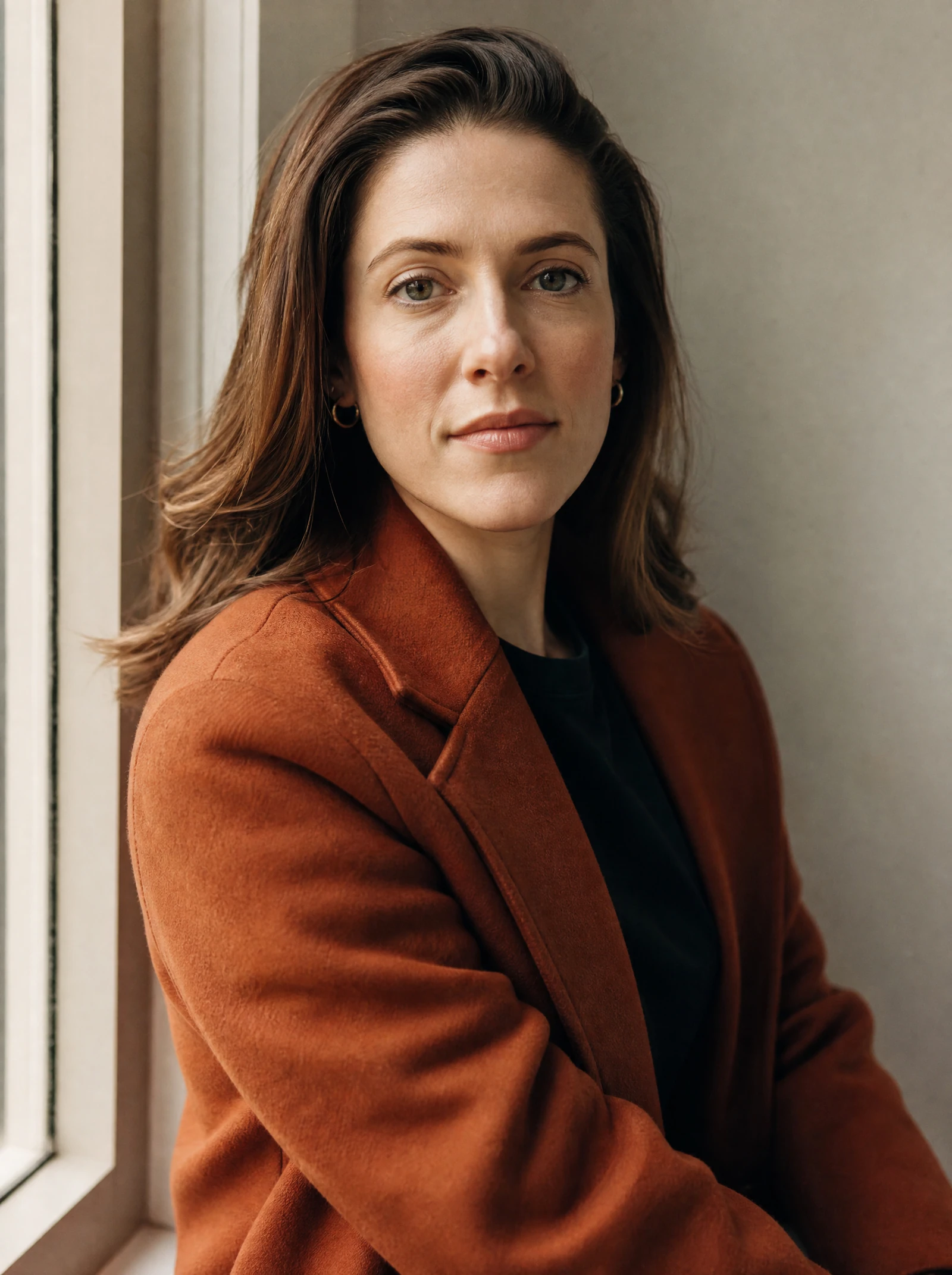
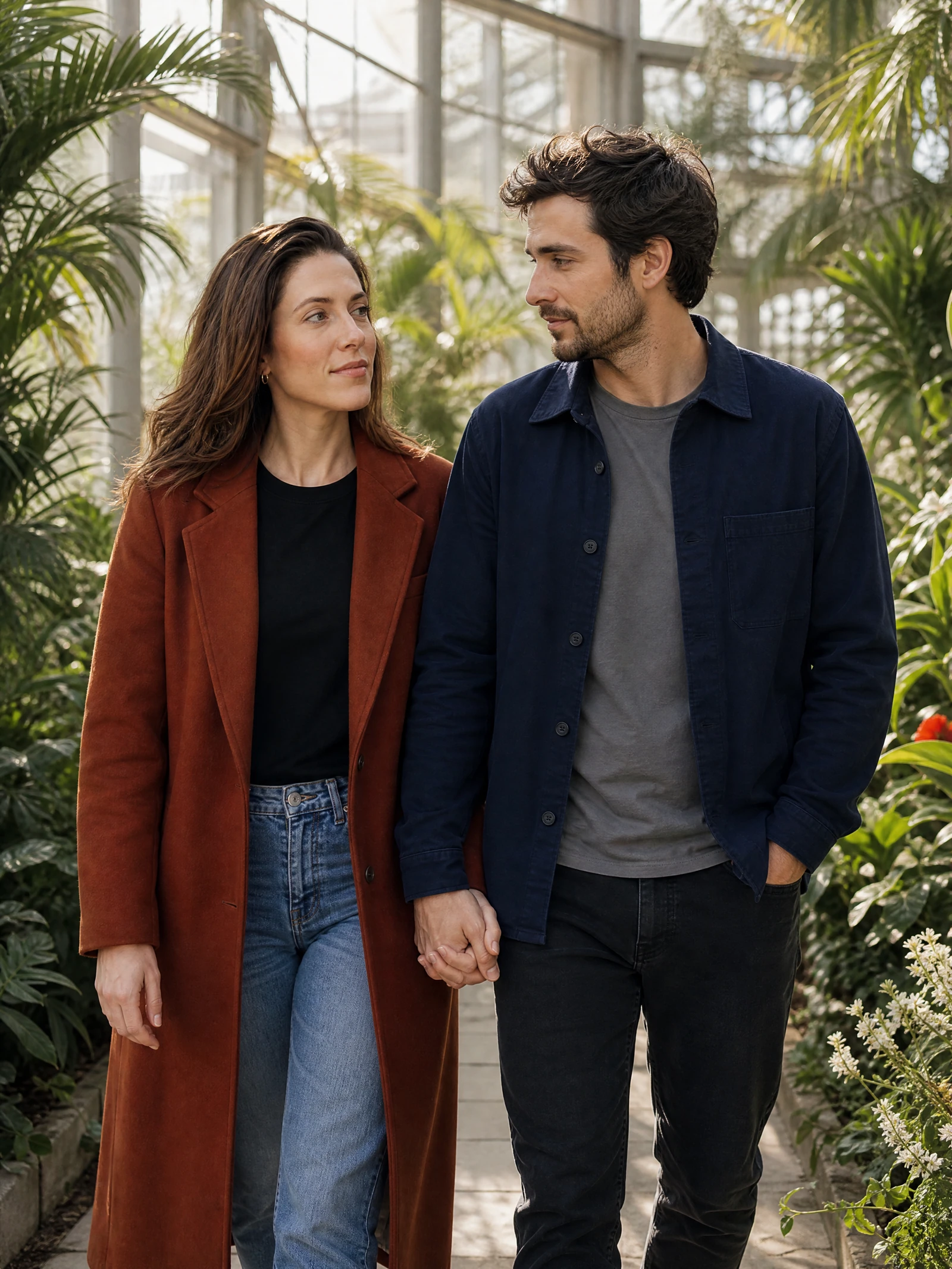
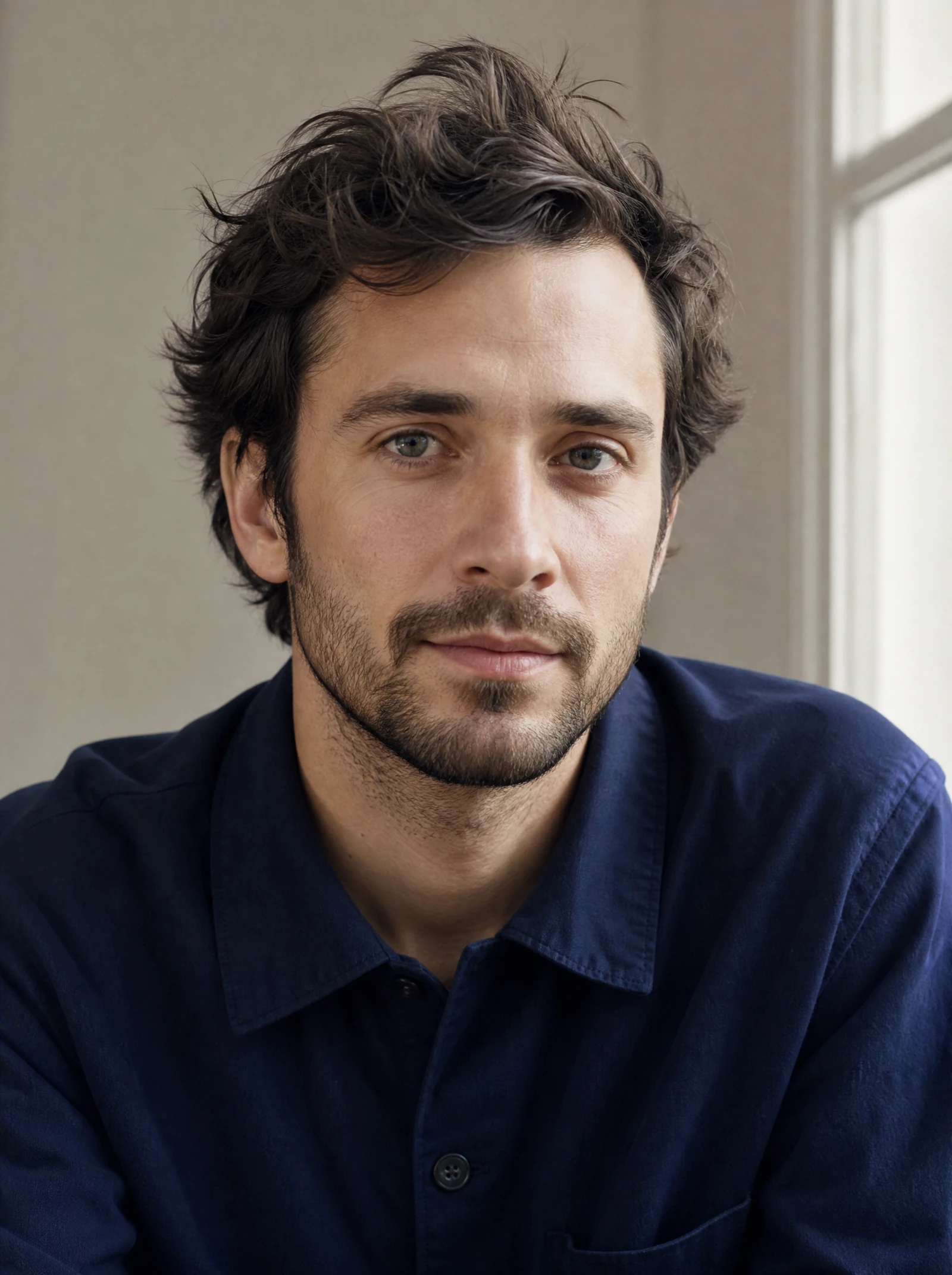
What you can create from an idea, selfie, or two photos
Turn a simple idea, selfie, or written prompt into stylized couple portraits you can use for gifts, social posts, profile pictures, invitations, mood boards, and keepsakes. A couple AI image generator helps you explore different looks without booking a shoot, hiring an illustrator, or learning complex design software. Start with the people, the setting, and the mood you want, then refine the image until it feels personal.
You can create romantic, playful, cinematic, realistic, or cartoon-style couple images by describing the pair, their pose, their outfits, and the scene around them. The best results usually come from prompts that combine practical details with emotional direction, such as “a cozy winter engagement portrait,” “a retro diner date night,” or “a soft watercolor anniversary illustration.” Whether you want realistic AI couple photos or a charming illustration, an AI couple image generator gives you a flexible way to visualize a relationship, fictional pairing, or creative concept.
Use it when you want visuals that feel more specific than a stock photo but do not need a full custom photoshoot. You can experiment with themes, seasons, lighting, art styles, and composition before deciding on a direction. That makes it useful for creators, couples, small businesses, fan artists, event planners, and anyone who wants a distinctive image of two people together.
A strong couple image is not only about two people standing next to each other. It communicates a mood: comfort, humor, elegance, adventure, nostalgia, or celebration. With an AI image couple generator, you can build that mood from the ground up by choosing the visual style, background, wardrobe, body language, and level of detail.
Instead of settling for a generic pose, you can guide the scene toward a moment that feels meaningful. Picture a couple walking through a rainy city street, sharing coffee in a sunlit kitchen, dancing under string lights, or posing as cartoon characters in a fantasy world. The more intentional the prompt, the more useful the result becomes.
Popular ways to use couple AI images
Use cases are creative starting points. Review each image for its own context and the permissions behind any reference.
Popular uses include:
- Anniversary artwork: Create a portrait concept for a card, framed print, or digital keepsake.
- Engagement and wedding inspiration: Explore outfits, backdrops, poses, and visual themes before planning a shoot.
- Social media content: Generate distinct couple visuals for posts, reels covers, profile icons, and story graphics.
- Cartoon avatars: Use an AI cartoon couple image generator style to explore a playful illustrated direction from an authorized reference.
- Fictional couples: Visualize characters from a novel, game, campaign, comic, or roleplay concept.
- Seasonal designs: Try holiday, beach, autumn, winter, vintage, or festival-inspired scenes without starting from scratch.
The right AI couple generator should help you move from idea to image with less friction. You do not need a finished art direction document. You only need enough detail to tell the generator who is in the image, what they are doing, and what the final picture should feel like.
This makes it especially helpful when you have a visual idea but no reference image that matches it. A content creator might need a romantic banner in a soft editorial style. A couple might use authorized photos as reference for a dreamy cartoon celebration illustration. A writer might want to see two characters together before describing a scene. In each case, the tool becomes a visual brainstorming partner rather than a rigid template.
If you are searching for an ai couple image generator free option, start by testing simple prompts first. Free tools may have limits on image count, resolution, editing features, or commercial usage, so review the tool’s terms before using images for business, merchandise, or paid campaigns. For personal inspiration, draft concepts, and early creative exploration, free access can be a practical way to learn what prompts work best.
Build the mood, not just the pose
AI image tools respond to detail, but the detail needs to be useful. A prompt that only says “happy couple” leaves too much open to chance. A prompt that includes appearance, setting, style, lighting, and mood gives the generator clearer creative direction.
A simple prompt formula:
- Name the couple type: newly engaged couple, elderly couple, fictional couple, cartoon couple, stylish modern couple.
- Describe the action: holding hands, dancing, laughing, sitting on a park bench, walking through a city.
- Choose the setting: beach at sunset, cozy apartment, mountain overlook, wedding venue, neon street, fantasy castle.
- Set the style: realistic photo, cinematic portrait, watercolor illustration, anime-inspired, 3D cartoon, vintage film.
- Add the mood and lighting: warm, playful, dramatic, soft, dreamy, joyful, golden hour, candlelit, pastel.
- Mention framing: close-up portrait, full-body image, square social post, wide banner, profile picture composition.
For example, instead of writing “make AI couple photos,” try: “Create a realistic golden-hour portrait of a joyful couple holding hands in a quiet garden, soft warm lighting, natural smiles, elegant but relaxed outfits, shallow depth of field.” That prompt gives the AI couple image generator a clearer path to an image that looks intentional.
A couple ai image generator is most powerful when you use it to test different creative directions. The same couple concept can feel completely different as a fine-art portrait, a cartoon avatar, a cinematic poster, or a cozy lifestyle image. Try generating several versions before choosing one final direction.
How the real Studio workflow works
The public page explains the process. Uploading, a current quote, task state, and results stay inside the signed-in Studio.
- 01
Write a specific direction for two fictional adults, their setting, action, style, and mood.
- 02
Optionally add one authorized couple reference or two authorized adult portraits.
- 03
Review the current quote, submit once, and follow the real task state in History.
- 04
Check the completed image for likeness, anatomy, text details, context, and permissions before sharing.
Choose from 8 couple image templates
Each template begins with a different fictional adult couple, action, and scene. Select a direction to open the real workflow with an editable prompt.
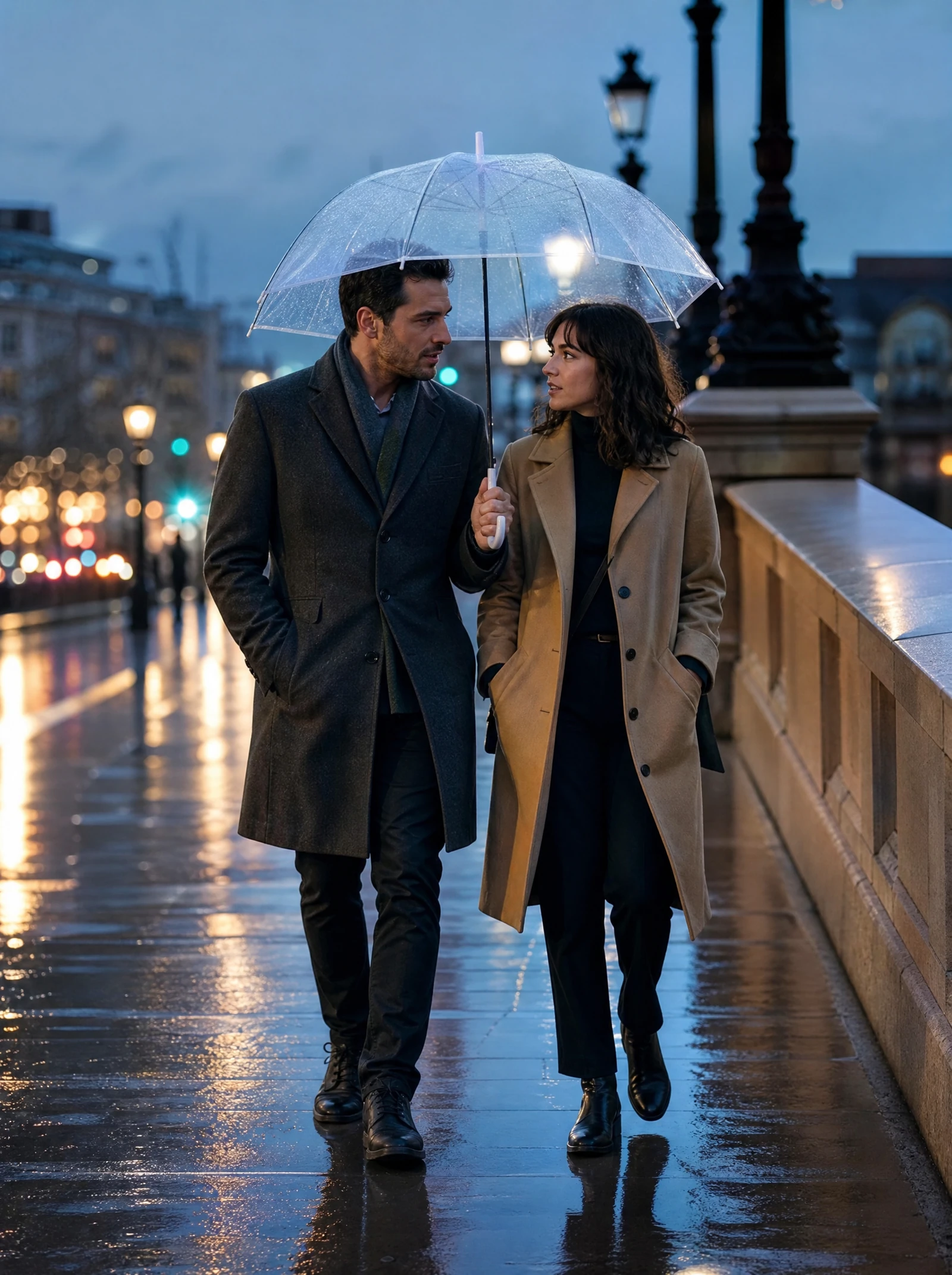
Rainy city walk
Cinematic date-night concept · Original fictional adult AI-generated example
Explore realistic, cartoon, fantasy, and editorial styles
Style ideas to explore:
- Realistic portrait: Best for polished AI couple photos, profile images, mood boards, and romantic concepts.
- Cartoon couple: Great for stickers, avatars, playful gifts, gaming profiles, and lighthearted social graphics.
- Fantasy illustration: Useful for book characters, roleplay couples, magical themes, and dramatic visual storytelling.
- Editorial fashion: Strong for stylish couples, campaign visuals, modern wedding inspiration, and bold compositions.
- Vintage film: Adds nostalgia with soft grain, muted colors, old-city backdrops, and timeless styling.
- Minimal line art: Works well for invitations, simple prints, tattoos concepts, and clean decorative graphics.
- Anime-inspired art: A good fit for expressive characters, fan concepts, and vibrant emotional scenes.
You do not have to choose only one. Generate a realistic version first, then ask for a cartoon interpretation, then try a cinematic version with different lighting. Comparing the results helps you understand which style best matches the purpose of the image.
The first image is rarely the final image, and that is normal. Treat each result as a draft. Keep what works, adjust what feels off, and make the next prompt more specific.
If the pose feels stiff, ask for natural body language. If the image looks too formal, request casual clothing and candid expressions. If the scene feels crowded, simplify the background. Small changes can make a couple image feel more believable, more personal, and more useful.
Refine the image instead of restarting
Helpful refinement prompts include:
- “Make the couple look more relaxed and candid.”
- “Keep the same romantic mood but use a cleaner background.”
- “Change the style to a soft cartoon illustration.”
- “Use warmer lighting and a closer portrait crop.”
- “Make the outfits more casual and modern.”
- “Create a version suitable for a square profile picture.”
- “Make the scene feel like an anniversary celebration, not a wedding.”
This refining process is where an ai image couple generator becomes more than a novelty. It gives you control over visual direction, even when you are not a designer. You can move from a broad concept to an image that fits a real use case.
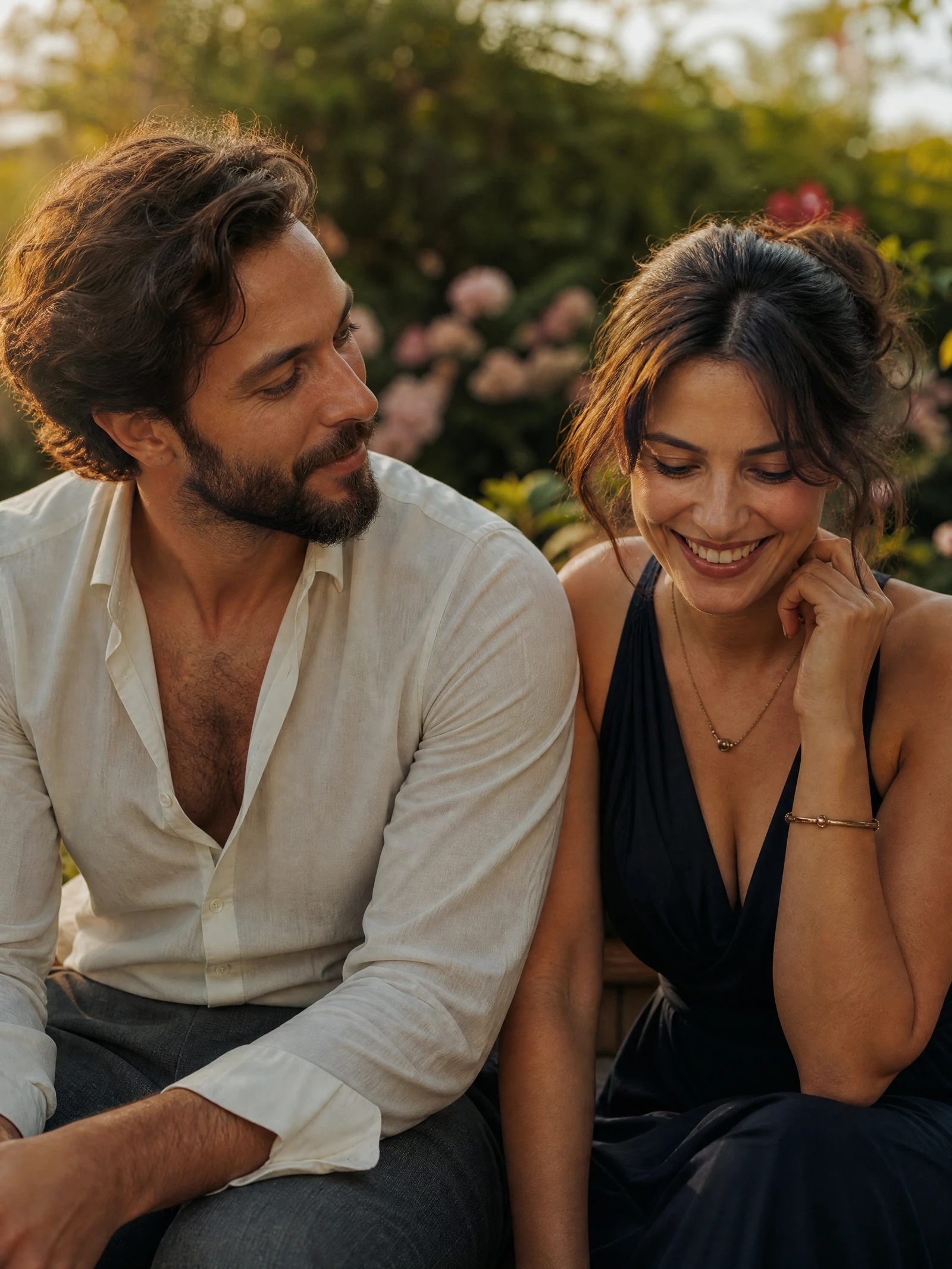
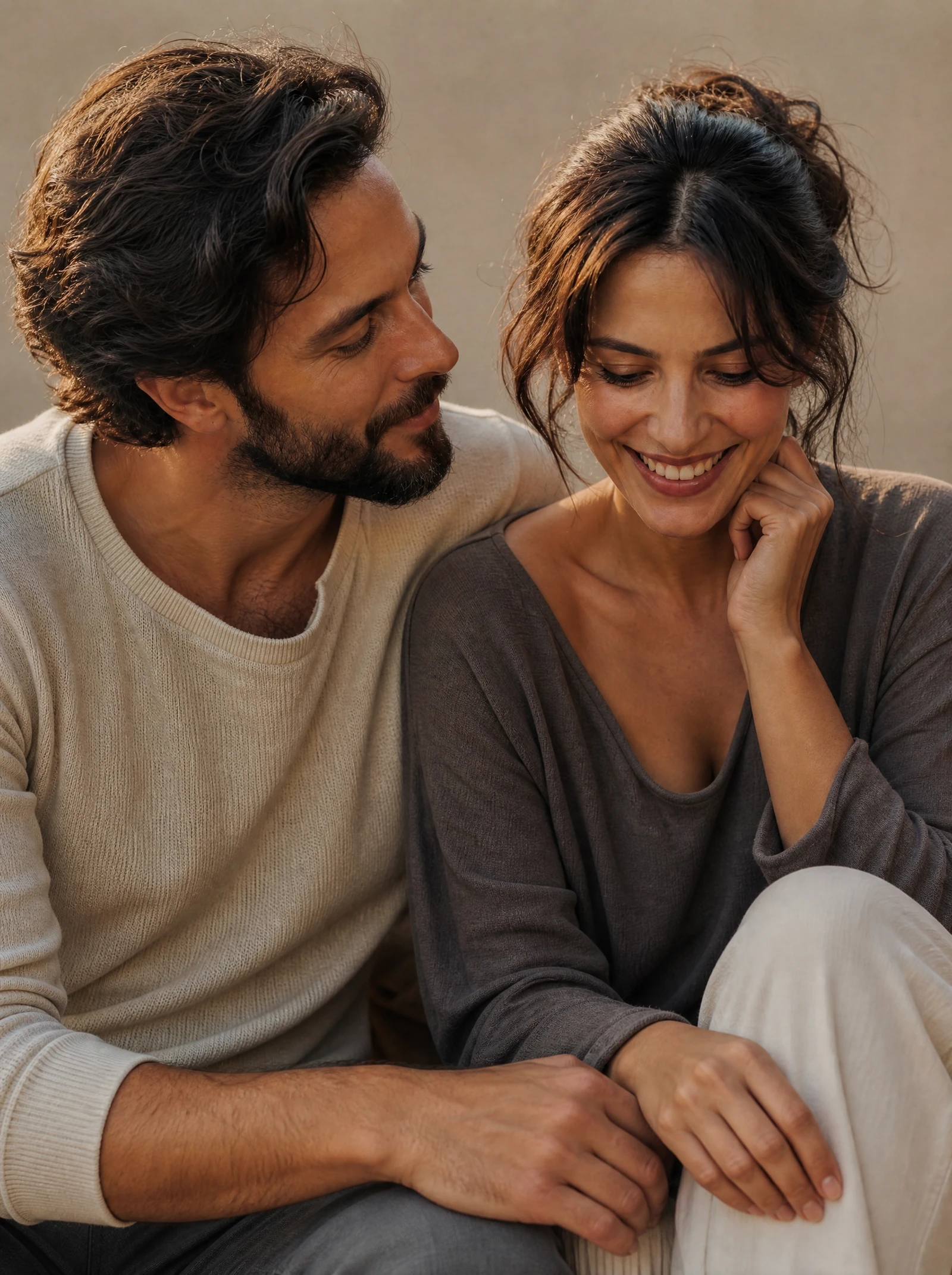
Use reference photos responsibly
AI-generated couple images can be fun, expressive, and practical, but they should be used thoughtfully. If you are uploading reference photos of real people, make sure you have permission. If you plan to use an image commercially, check the platform’s license and usage rules before publishing or printing.
A quick responsible-use checklist:
- Use reference photos only when you have the right to use them.
- Avoid creating misleading images of real people in sensitive situations.
- Review hands, faces, accessories, and text details before sharing.
- Confirm whether your chosen tool allows commercial use.
- Keep original prompts and drafts if you need to recreate a style later.
- Use editing tools when you need final polish for print or campaigns.
These simple checks help keep the creative process smooth. They also protect the people represented in the image and reduce surprises when you move from experiment to finished design.
Review Commercial Use and AI Disclosure before public-facing use.
Start with a specific idea, then improve it
You do not need a perfect idea to begin. Start with the couple, choose a setting, pick a style, and describe the feeling you want the image to have. From there, the couple ai image generator can help you explore realistic portraits, cartoon couples, fantasy scenes, social graphics, and keepsake-ready concepts.
Try a simple prompt now, then refine it with more detail after your first result. Whether you are testing an ai couple image generator free, building a creative campaign, or making a personal gift, the fastest path is to start specific and improve as you go.
Create your first AI couple image now and turn your idea into a visual worth sharing.
Questions before you create
These answers describe the live workflow and the review boundaries around it.
Continue with a related workflow
Each route starts from a different input or solves a different production task.
AI Influencer Image Generator
Create a fictional adult character scene from a written direction.
Consistent Character Generator
Save and revisit one fictional adult identity across supported scenes.
AI Photo Editor
Refine an image after reviewing the first creative direction.
AI Image Upscaler
Prepare an approved image for a larger reviewed output.
Commercial Use
Review usage considerations before a public or paid release.
AI Disclosure
Review disclosure considerations for public-facing AI-generated imagery.