

AI Influencer Generator
Create one consistent character for photos, Reels, motion clips, and talking videos.
Create My AI InfluencerCreate your AI influencer. Keep creating with them.
Build a recognizable virtual creator for Instagram photos, Reels, TikTok videos, UGC, and product content. Choose a character template or create your own, then save the identity for your next scene, outfit, or story.
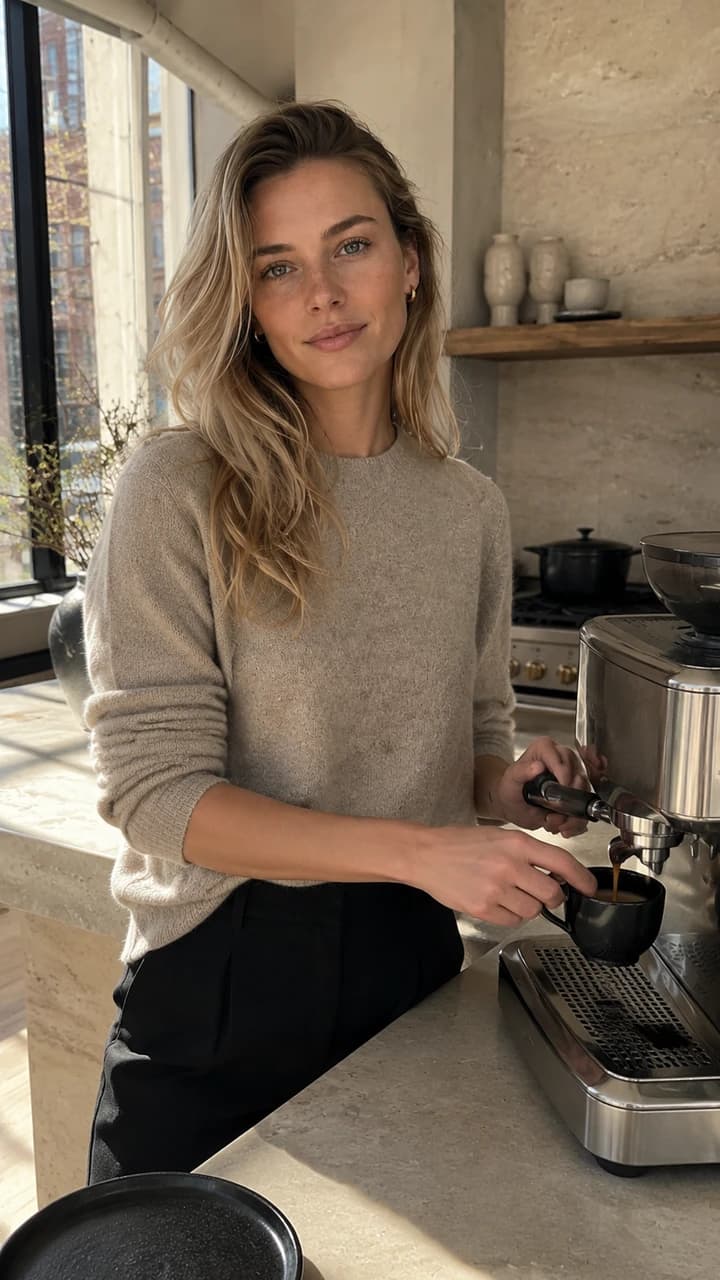
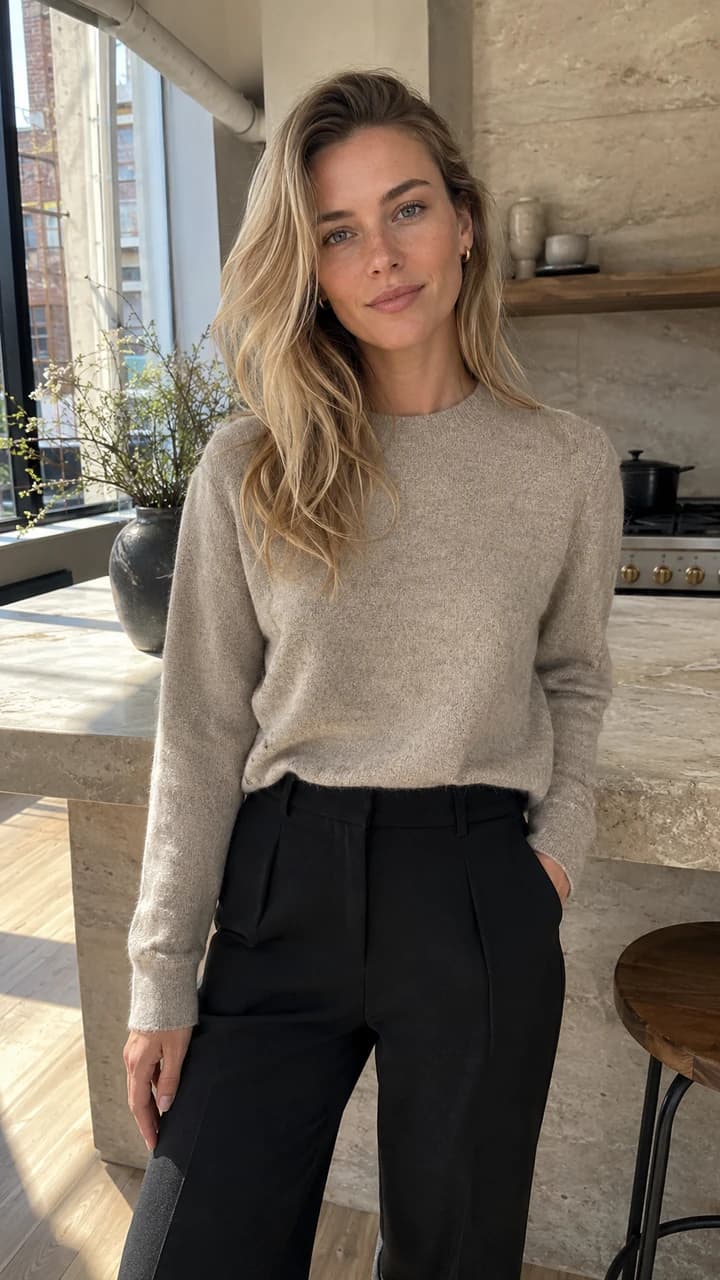
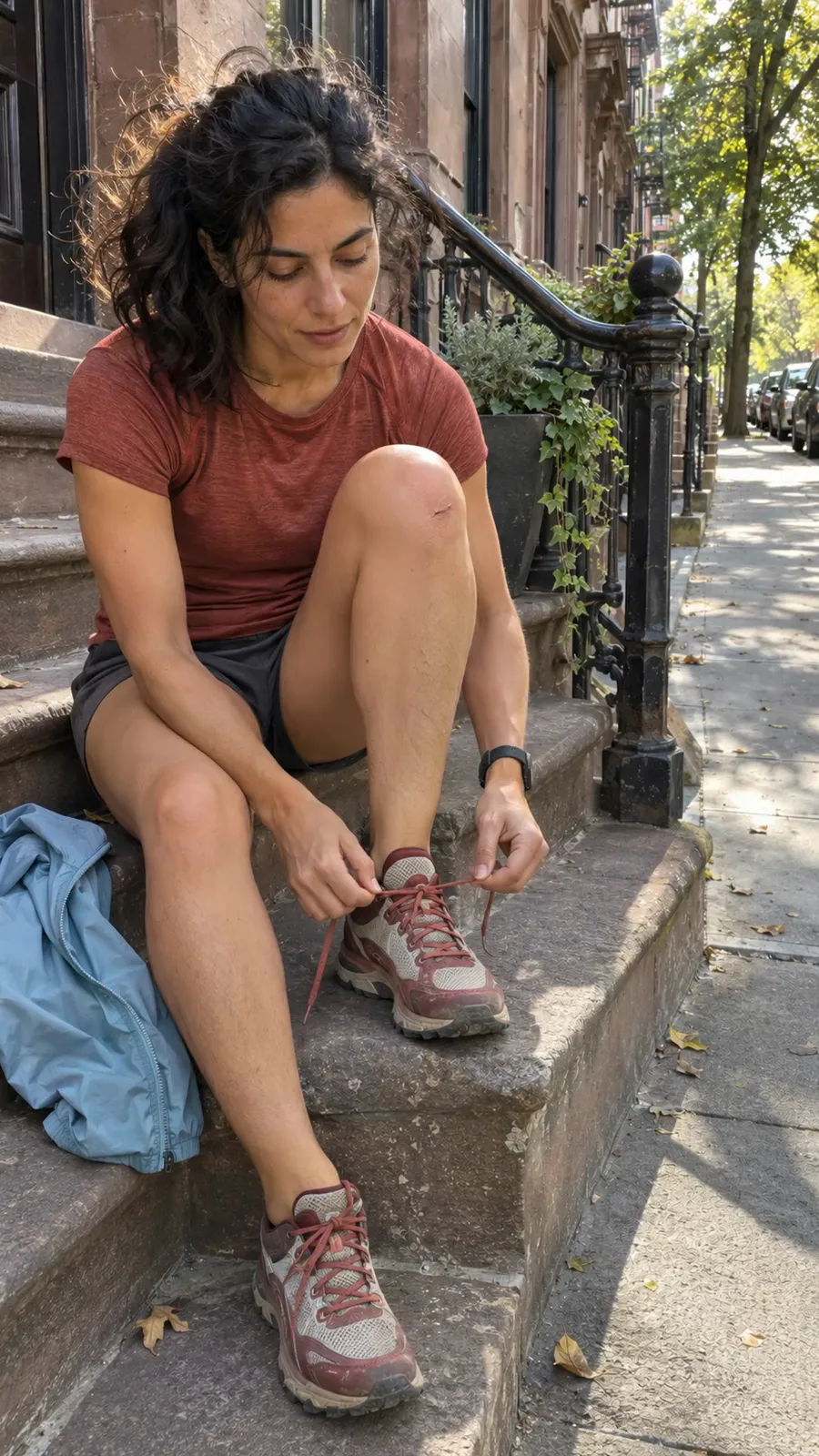
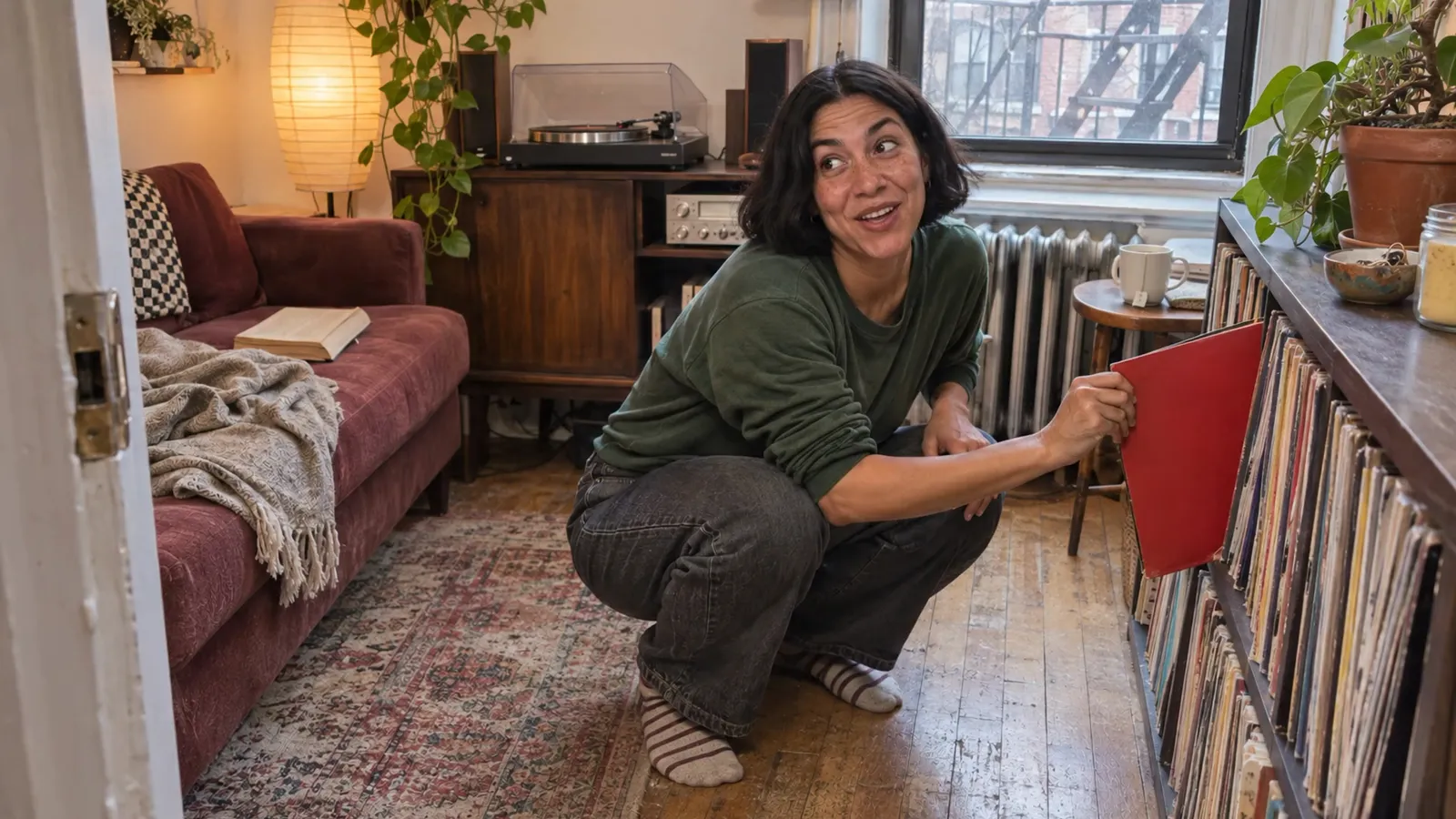
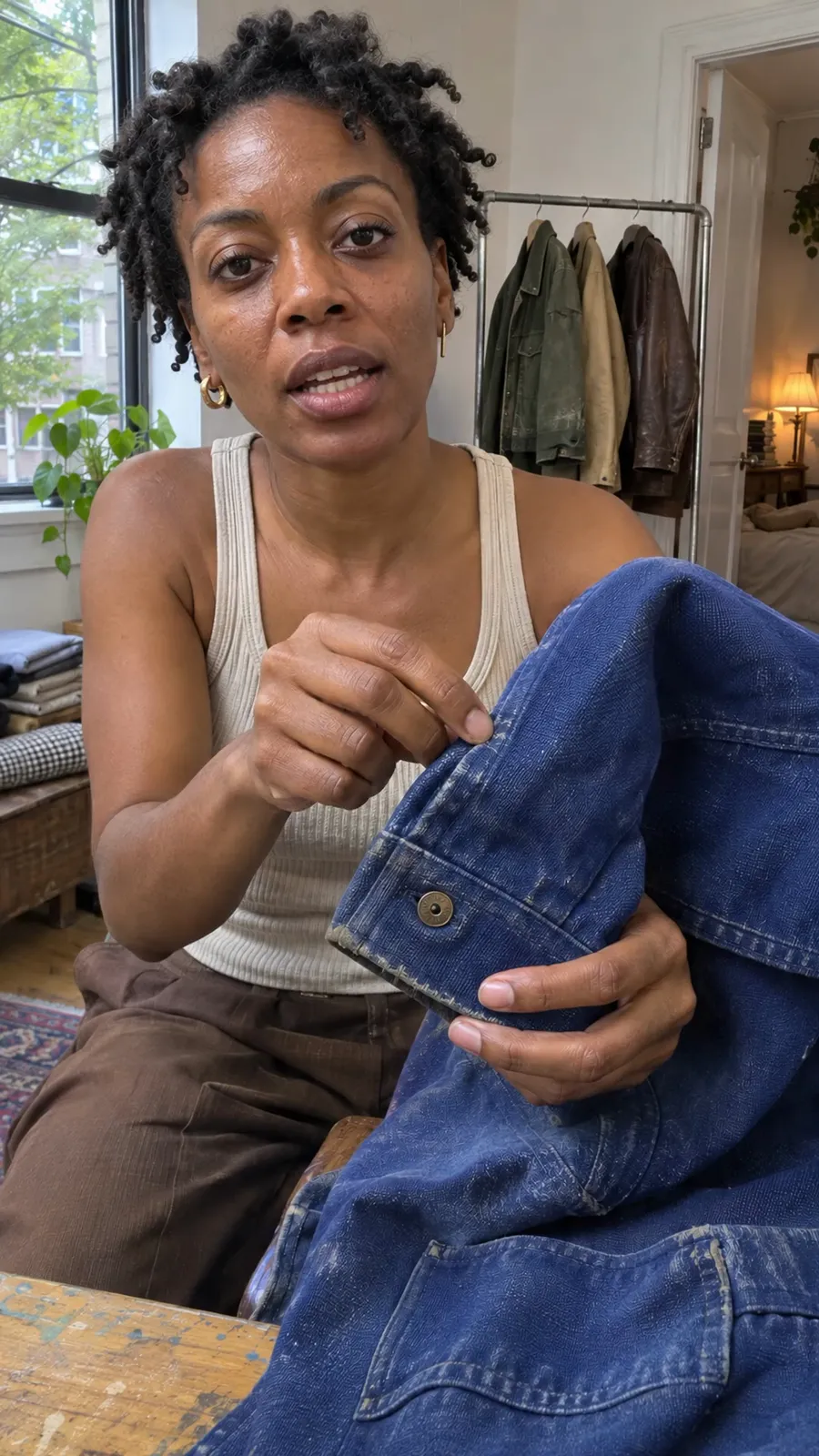
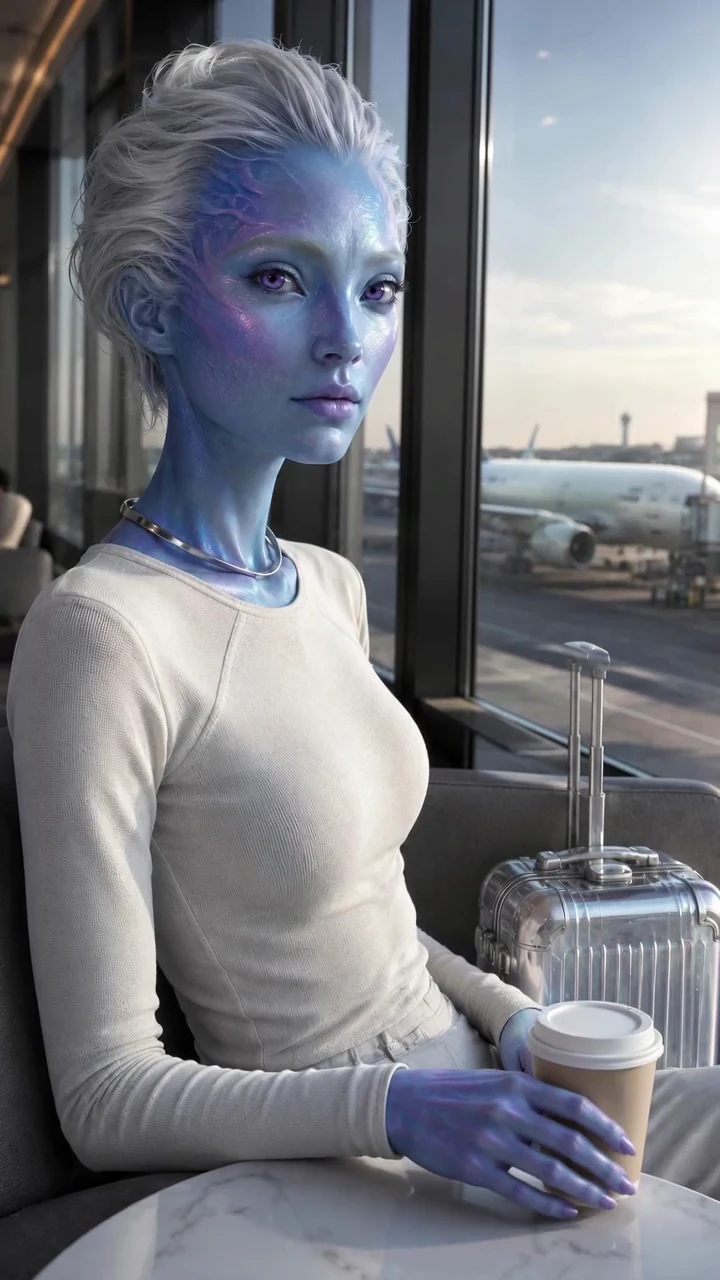
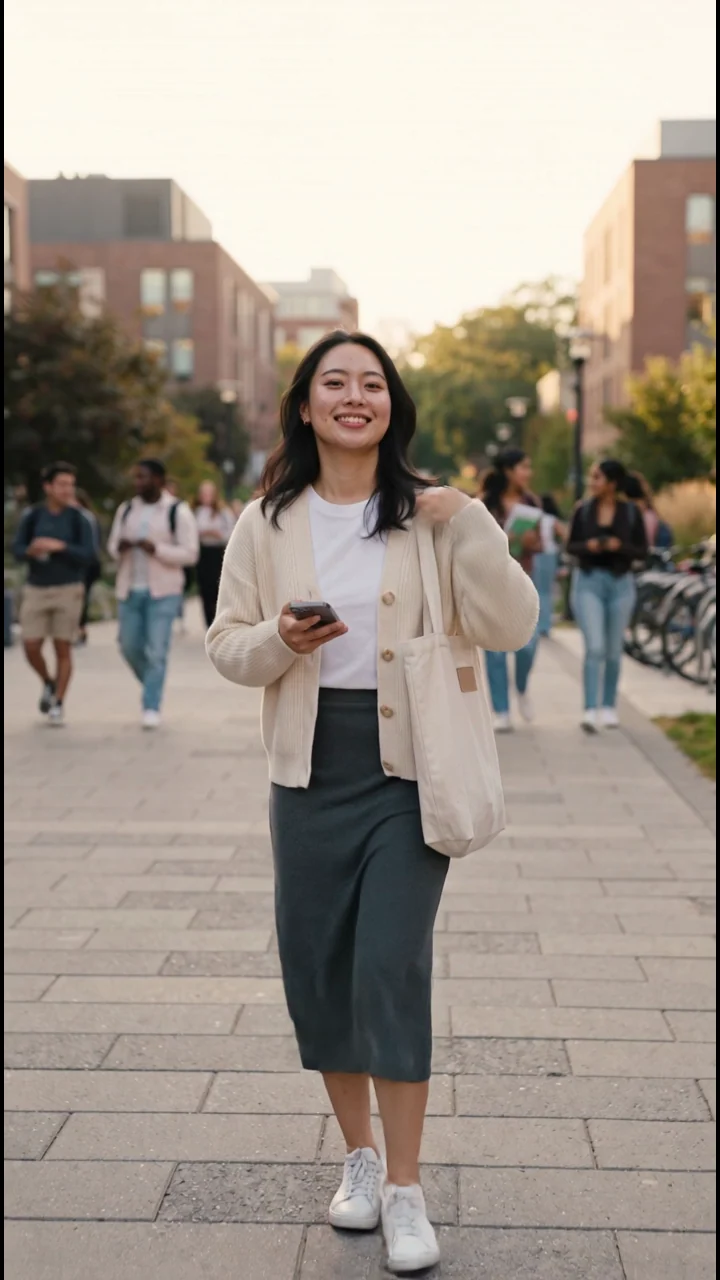
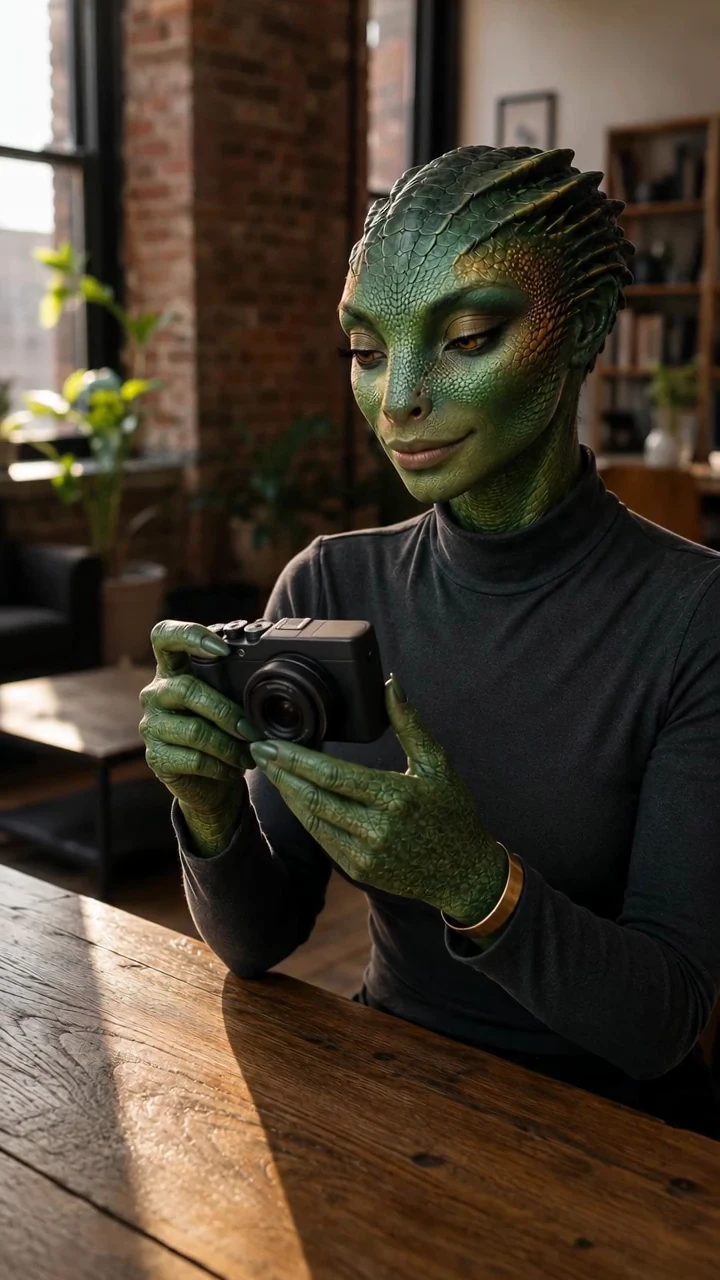
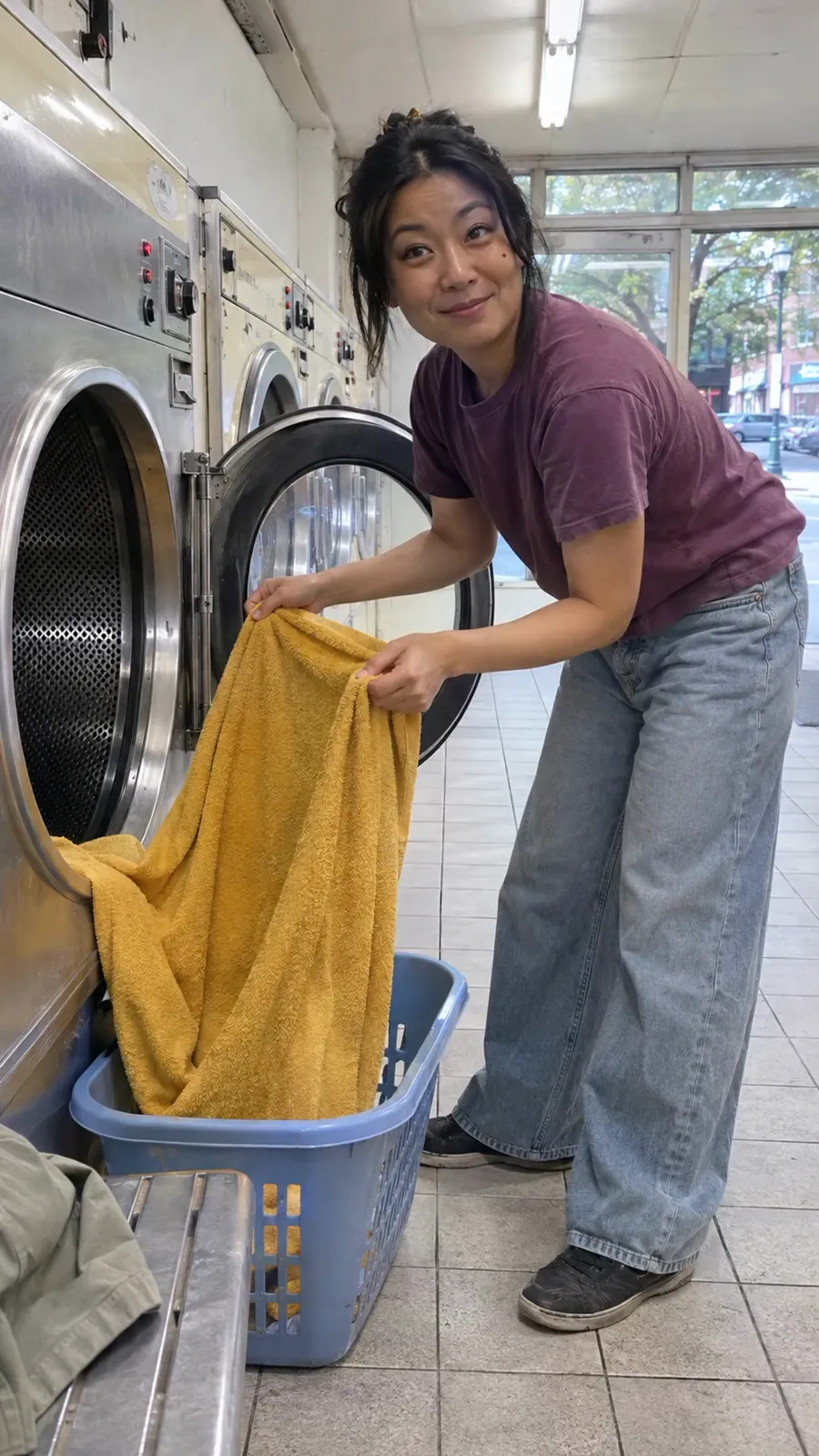
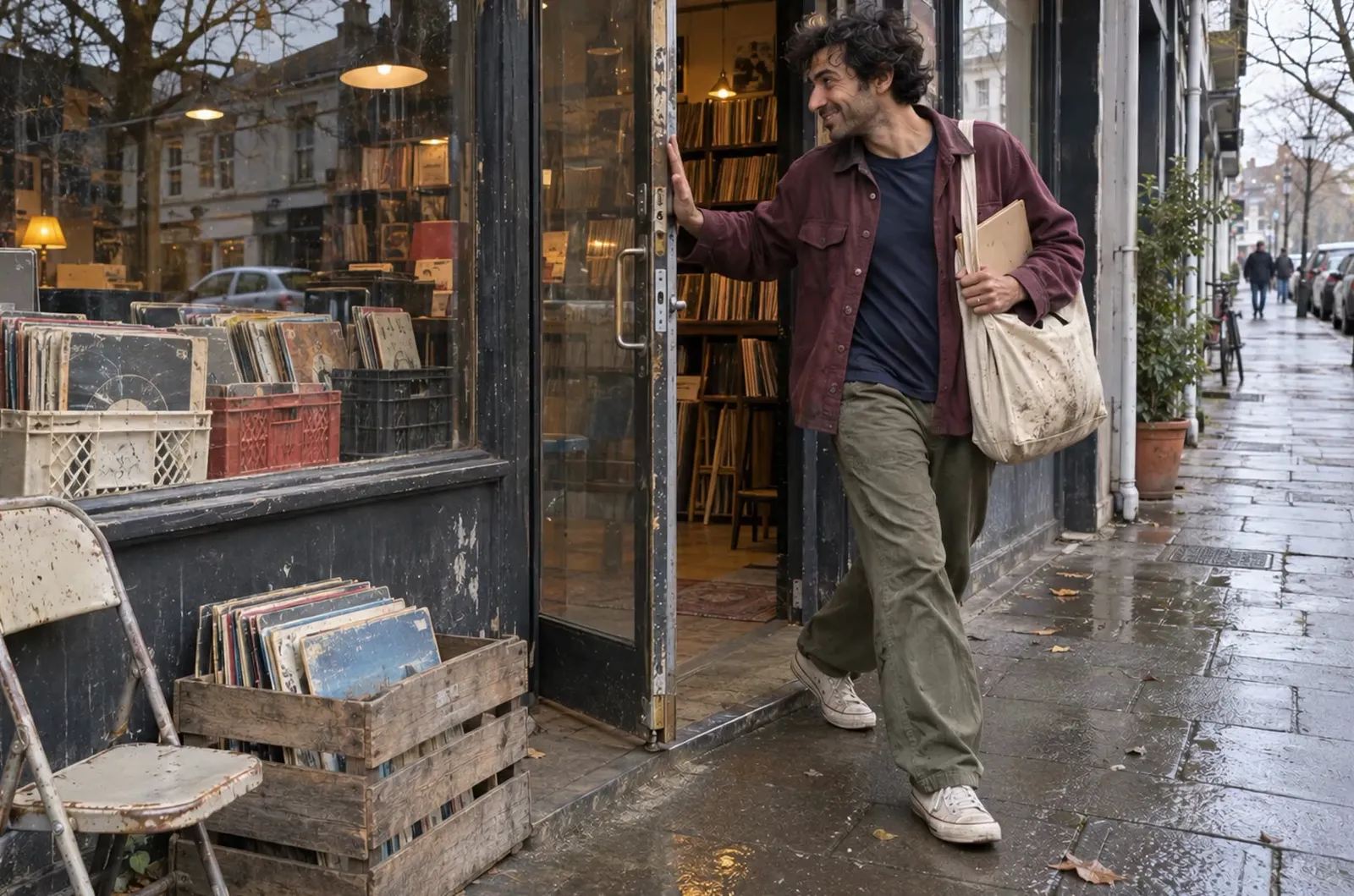
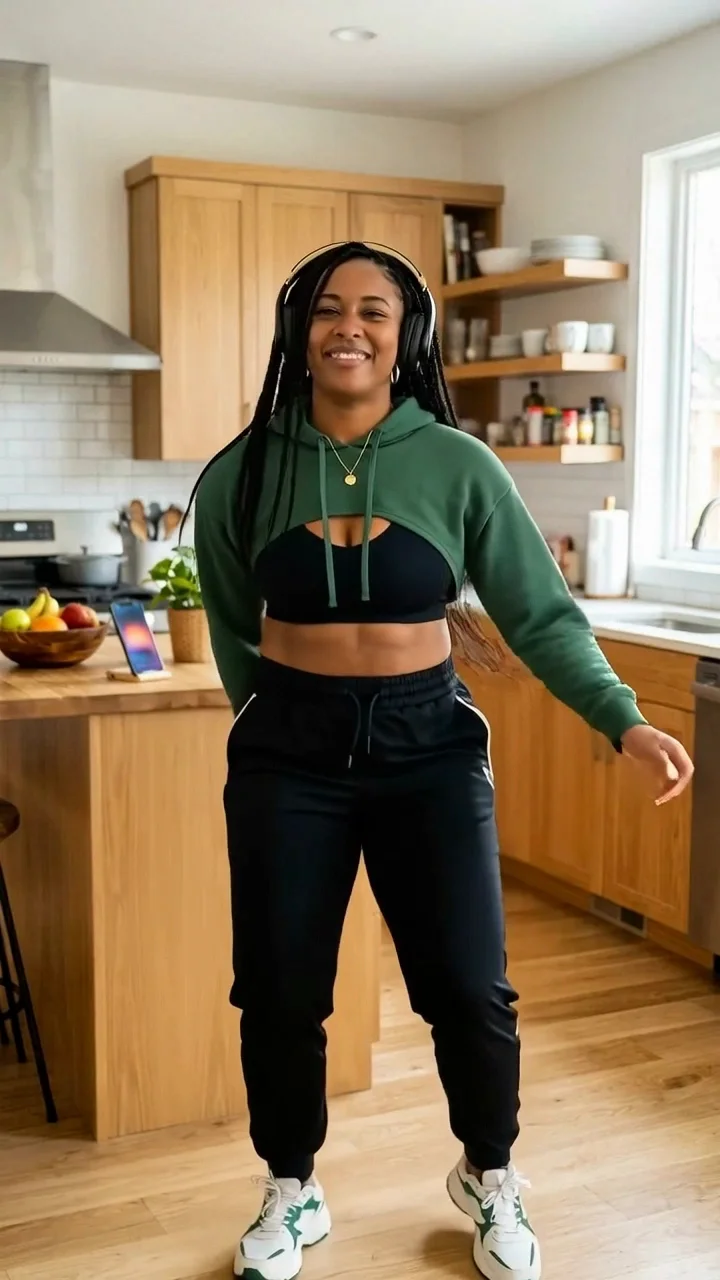
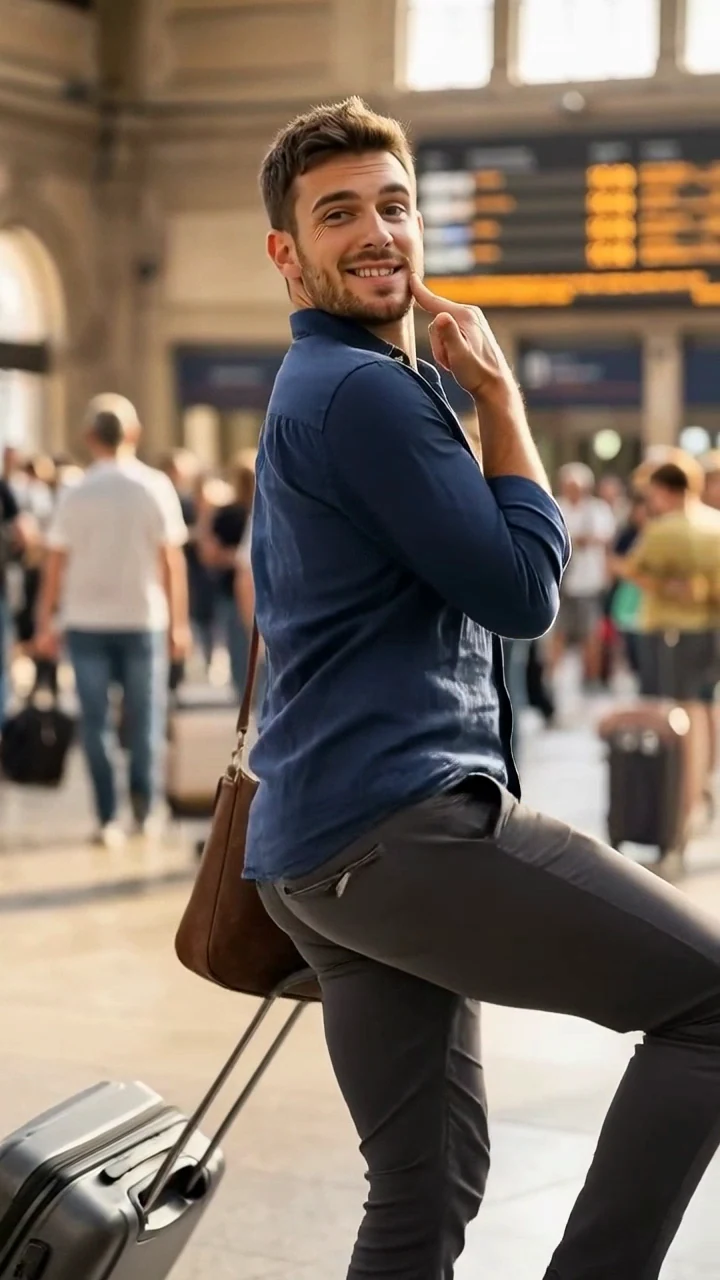
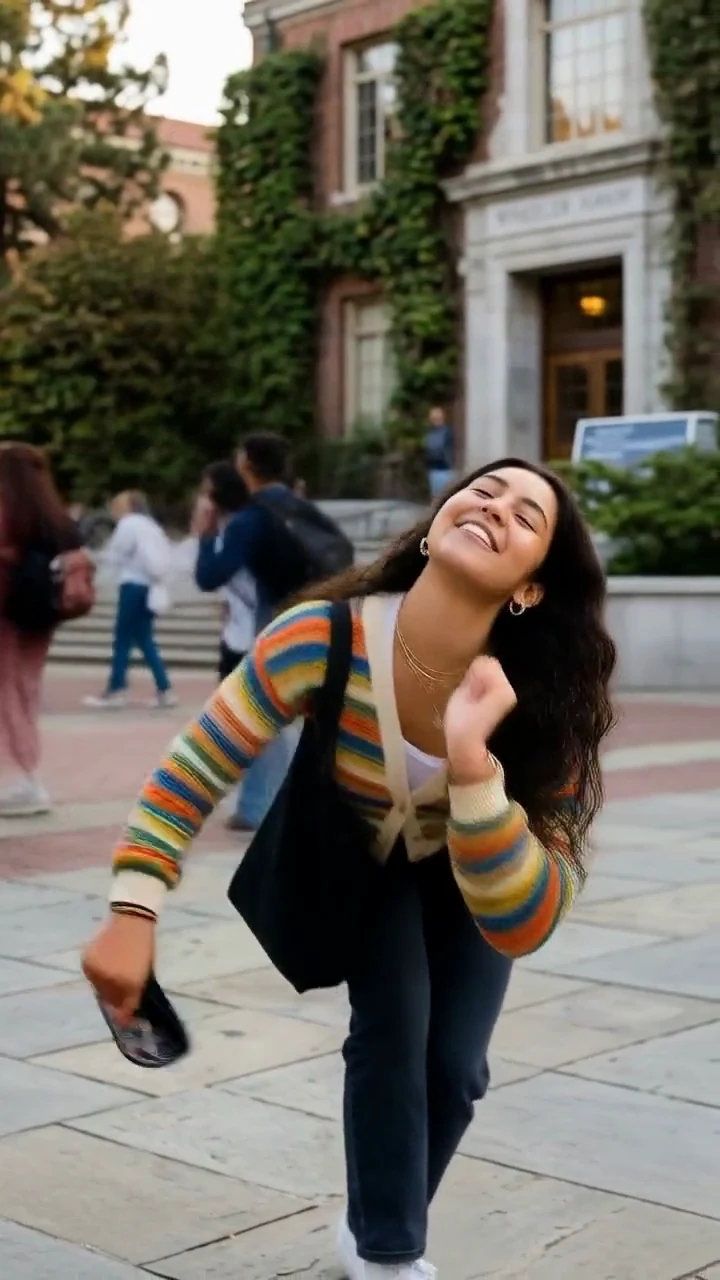
See an AI influencer come to life.
This coffee-scene example follows one fictional creator from a saved portrait to a new image and a short video. Explore the actual prompt, model, settings, Credits, and generation time to see how the result was made.
Generation details
- Character
- Creator 01 · fictional adult
- Model / mode
- bytedance/seedance-2 · image to video
- Duration / settings
- 5 seconds · 720p
- Historical Credits used
- 100
- Actual generation time
- 104 seconds
Recorded costs; current quotes may differ.
View prompt
The same fictional blonde adult woman completes one natural action: she lifts the espresso cup from the counter and gives a small confident smile toward the phone. One slow handheld push-in only. Preserve her exact face, freckles, hair, natural skin texture, hands, outfit, apartment geometry, and morning light. No cuts, no extra people, no morphing, no text, no logo, no watermark, no audio.
Start with a template. Or create your own AI influencer.
Explore 50 fictional character templates across lifestyle, fashion, fitness, and fantasy. Choose a look for your photos and videos, build an original character, or start from a photo or video you have permission to use.
50 AI influencer character templates
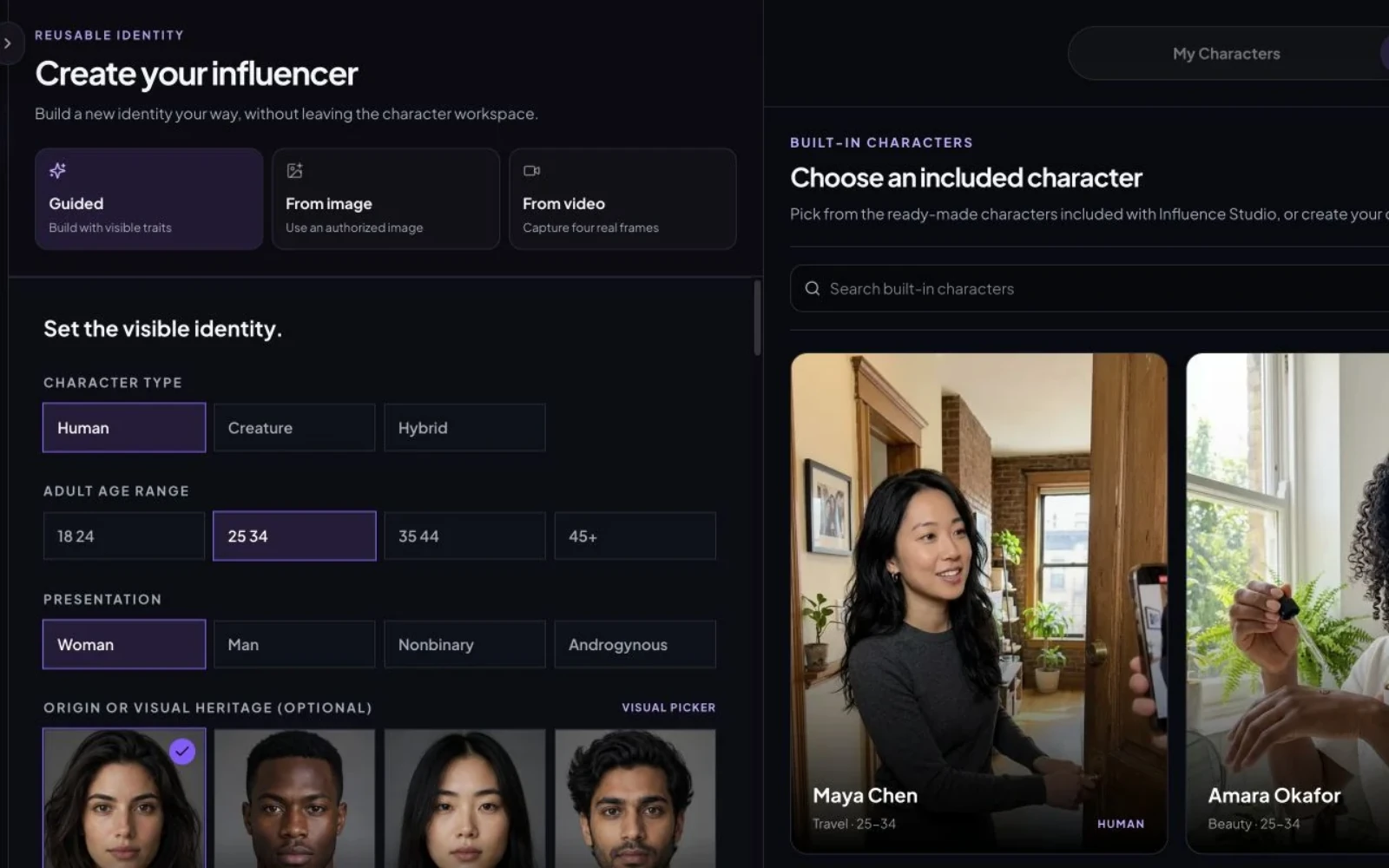
Choose a character template
Explore different looks, styles, and creator niches.
Create an original character
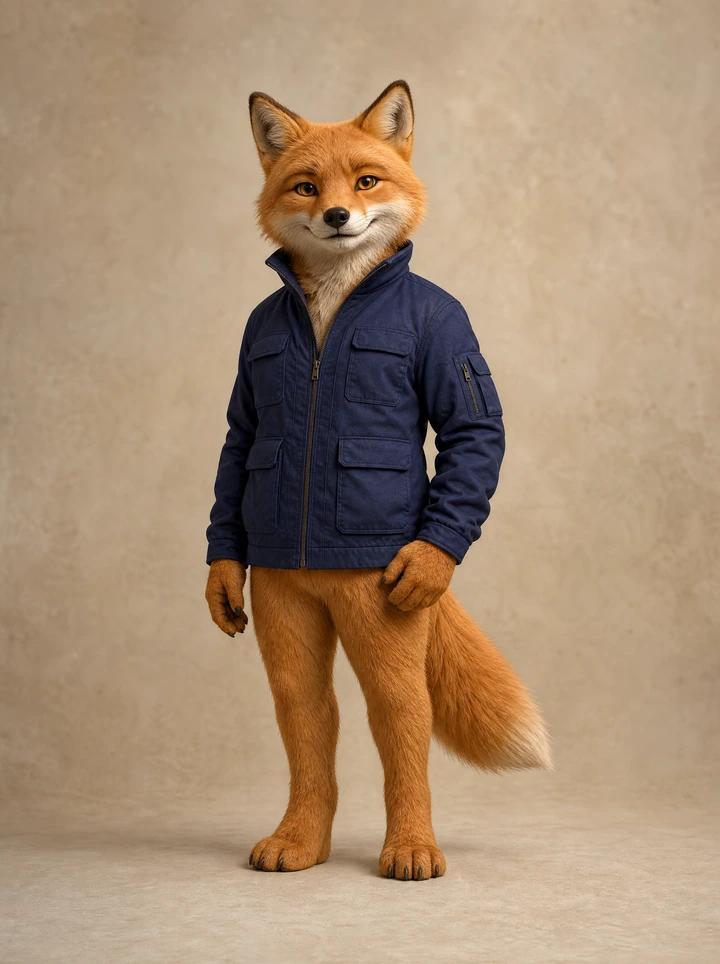
Define adult age, skin tone and texture, facial features, hair, body proportions, and style. You can also build a Creature, Hybrid, or another imagined character.
Start from a photo
Use an authorized portrait as the reference for new scenes and outfits.
Start from a video
Capture character references from footage you have the right to use.
Your character library, ready for the next post.
Save your influencer in a private character library. Select that identity for a new photo, video, or compatible template without rebuilding their appearance each time.
- Change the outfit
- Change the scene
- Try a new pose
- Create photos
- Generate video
- Use a template
More than a single AI-generated image.
A standalone image captures one idea. A saved AI influencer gives you an identity to build on: create photos and videos, write the accompanying copy, and plan the next post in one workspace.
01Create a character
02Save the identity
03Make photos
04Create videos
05Write the copy
06Make the next post
Give your AI influencer a look of their own.
Direct the outfit, hair, pose, expression, and setting of each shot. Your saved character provides the reference for facial features and proportions while you explore a new creative direction.
- Outfit
- Hair
- Pose
- Expression
- Setting
- Camera angle
- Lighting
- Content style
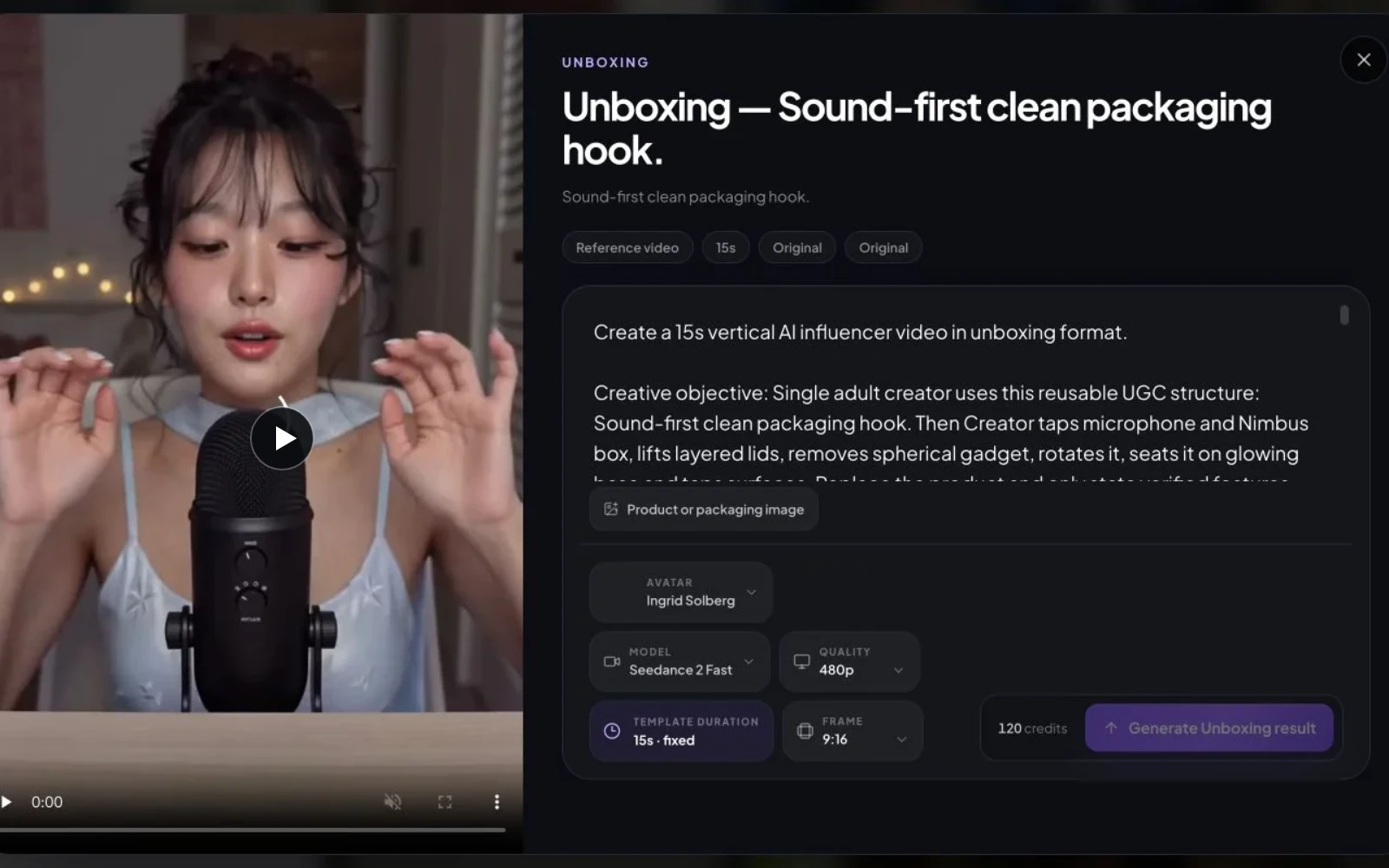
Consistent characters across photos and videos.
At a café today, the gym tomorrow, or the beach for a travel story. Use the same saved identity across Instagram photos, TikTok videos, Reels, and product content while changing the scene, outfit, and action.
Adapt a reference to your own AI influencer.
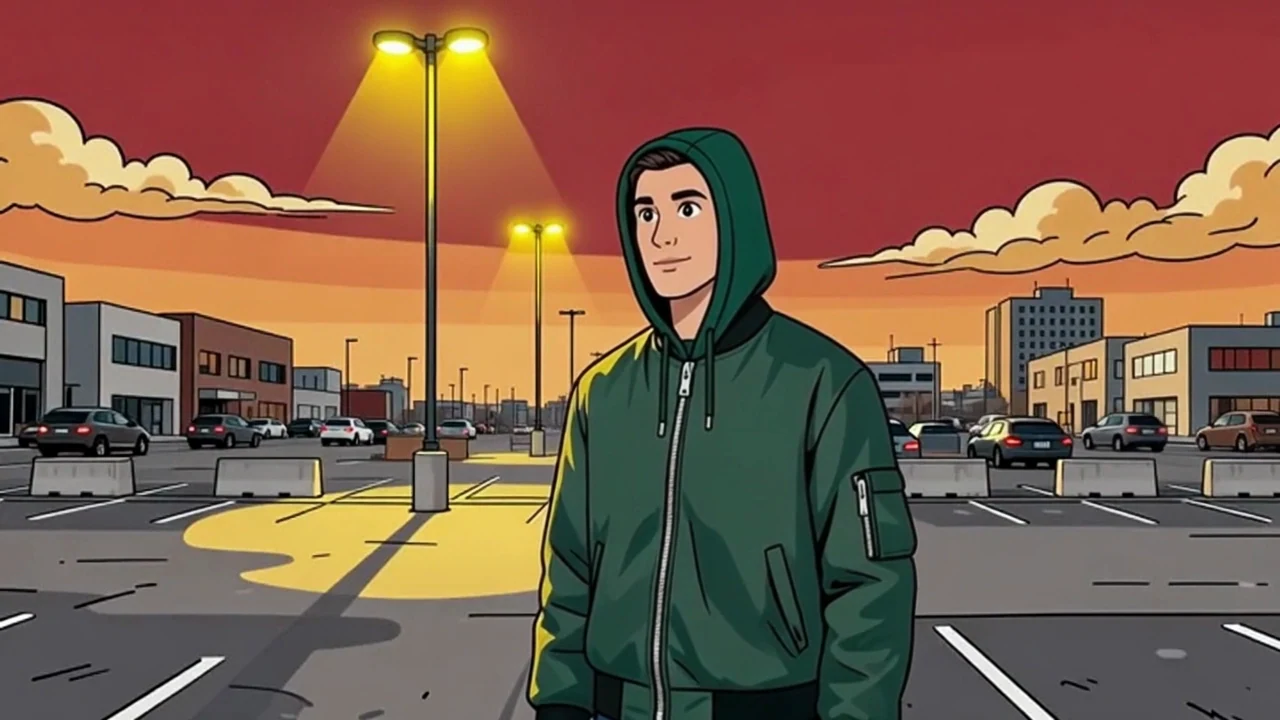
Start with a template or an image or video you have permission to use. Transfer the movement, reference a pose, or adapt the framing and story structure to your own character.
Reference the movement
Use a motion reference to guide your influencer’s actions and performance.
Reference the pose
Describe or supply an authorized pose reference for a new character image.
Reference the framing
Adapt the composition and camera direction to your scene.
Reference the structure
Keep the useful format while changing the character, setting, product, and message.
Explore a Jean Phil-style AI influencer with an original identity. Compare the source movement with our generated Remy Swirl example.
What should your AI influencer post next?
Find photo and video ideas around your creator’s niche, platform, and goals—from an everyday selfie to a product demonstration or a short lifestyle story.
Example ideas for a fitness & lifestyle creator
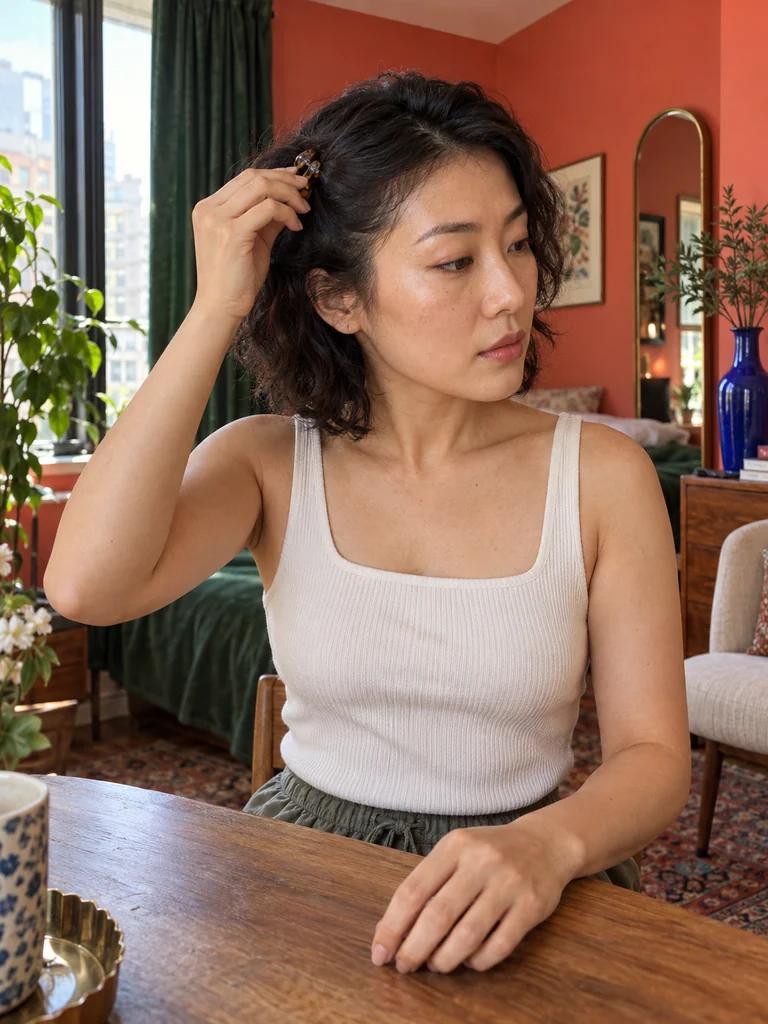
Gym mirror photo
Get-ready-with-me Reel
Choose an idea, then take the brief into an image or video workflow with your saved character.
Plan ideas for my influencerBuild your AI influencer’s content strategy.
Define your niche, audience, and posting schedule, then turn them into content pillars, photo and video directions, and writing briefs that suit your character.
Start with your brief
- Your niche
- Your main platform
- Audience growth or commercial goals
- How often you want to post
Use it to define your strategy
- Account positioning
- Target audience
- Content pillars
- Photo directions
- Video directions
- A mix of content formats
- Ideas for upcoming posts
Plan the next 30 days of content.
Build a 30-day calendar of photo, video, and caption ideas for your AI influencer.
Example first week
- Day 1
Morning coffee selfie
Photo direction
- Day 2
Gym mirror photo
Photo direction
- Day 3
What I eat in a day Reel
Video direction
- Day 4
Outfit post
Photo direction
- Day 5
Skincare UGC
Video direction
- Day 6
Lifestyle story
Video direction
- Day 7
Weekend travel photo
Photo direction




Schedule and publish social content.
Connect your social accounts to publish now or schedule your next post.
Schedule Your First Post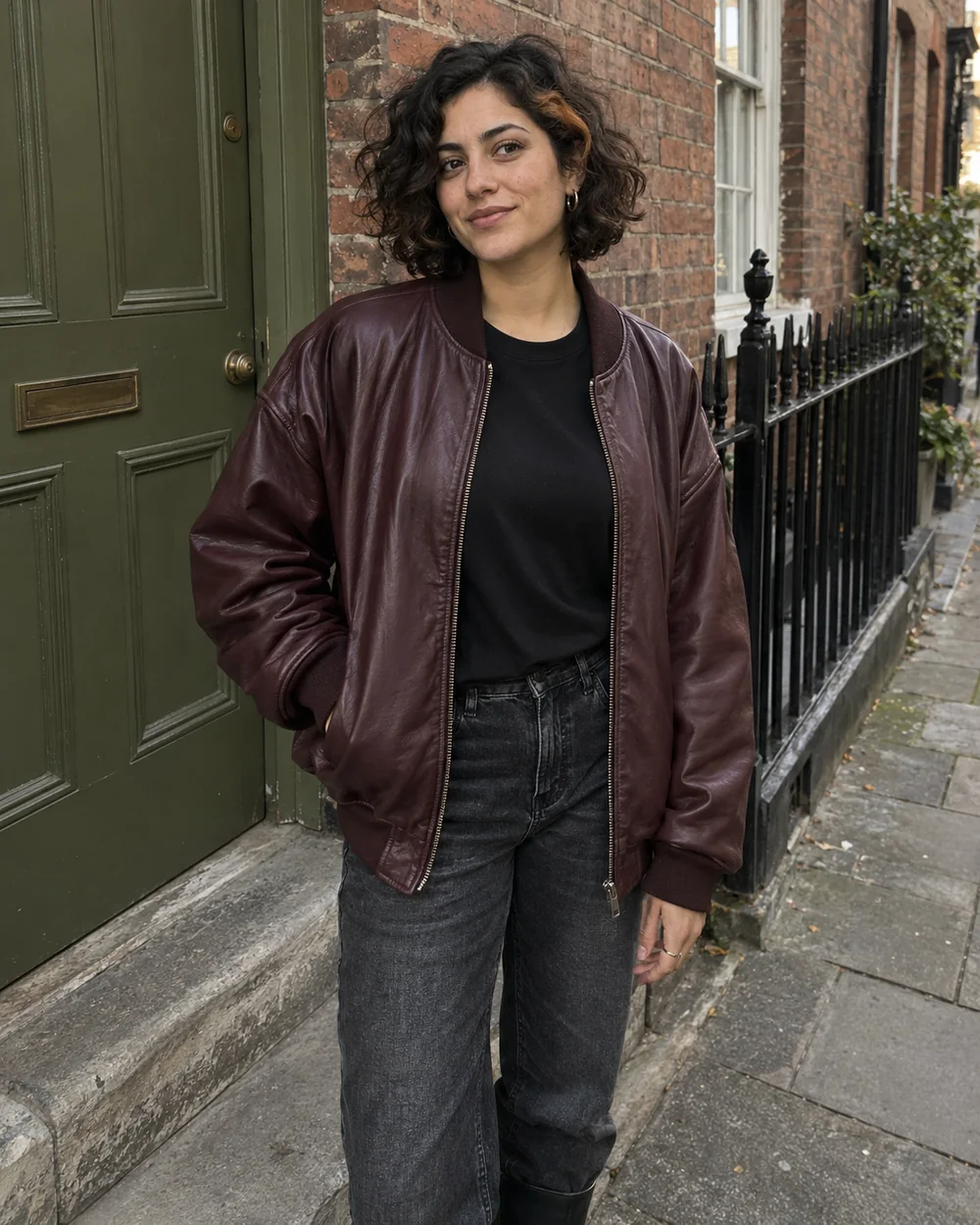
Example schedule · UTC
- MON09:00Scheduled
- WED
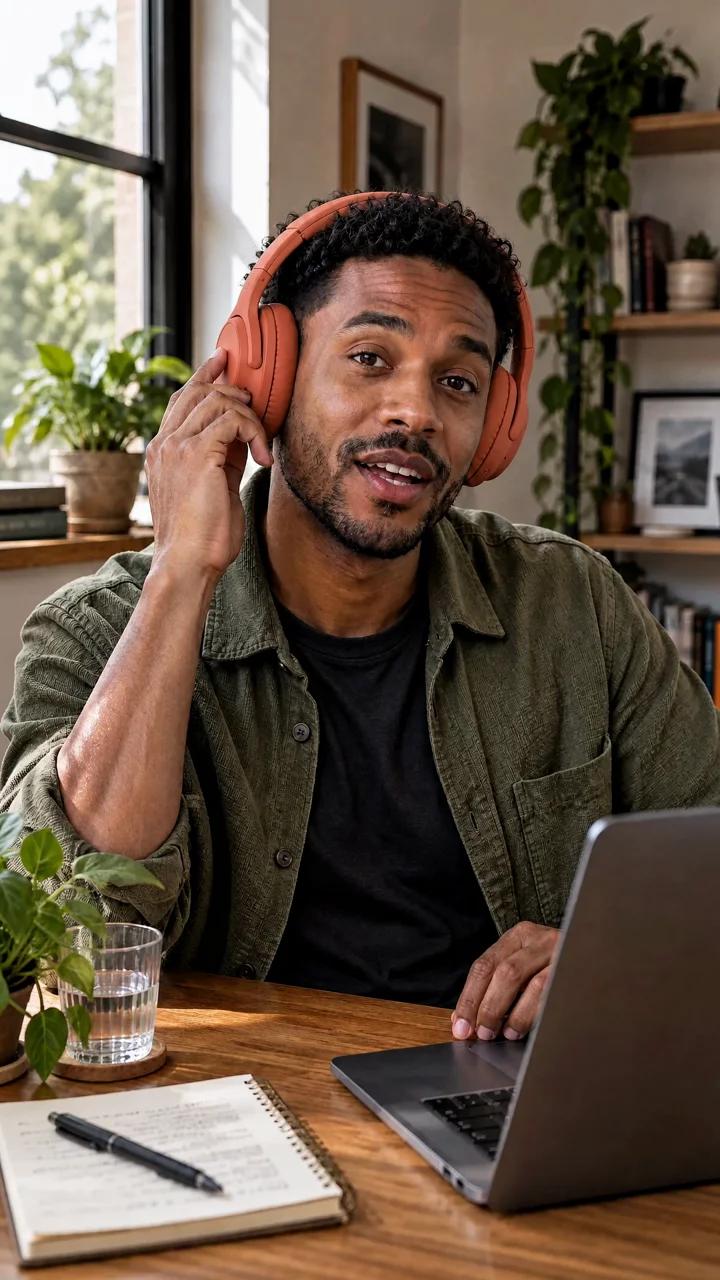 12:30Scheduled
- FRI
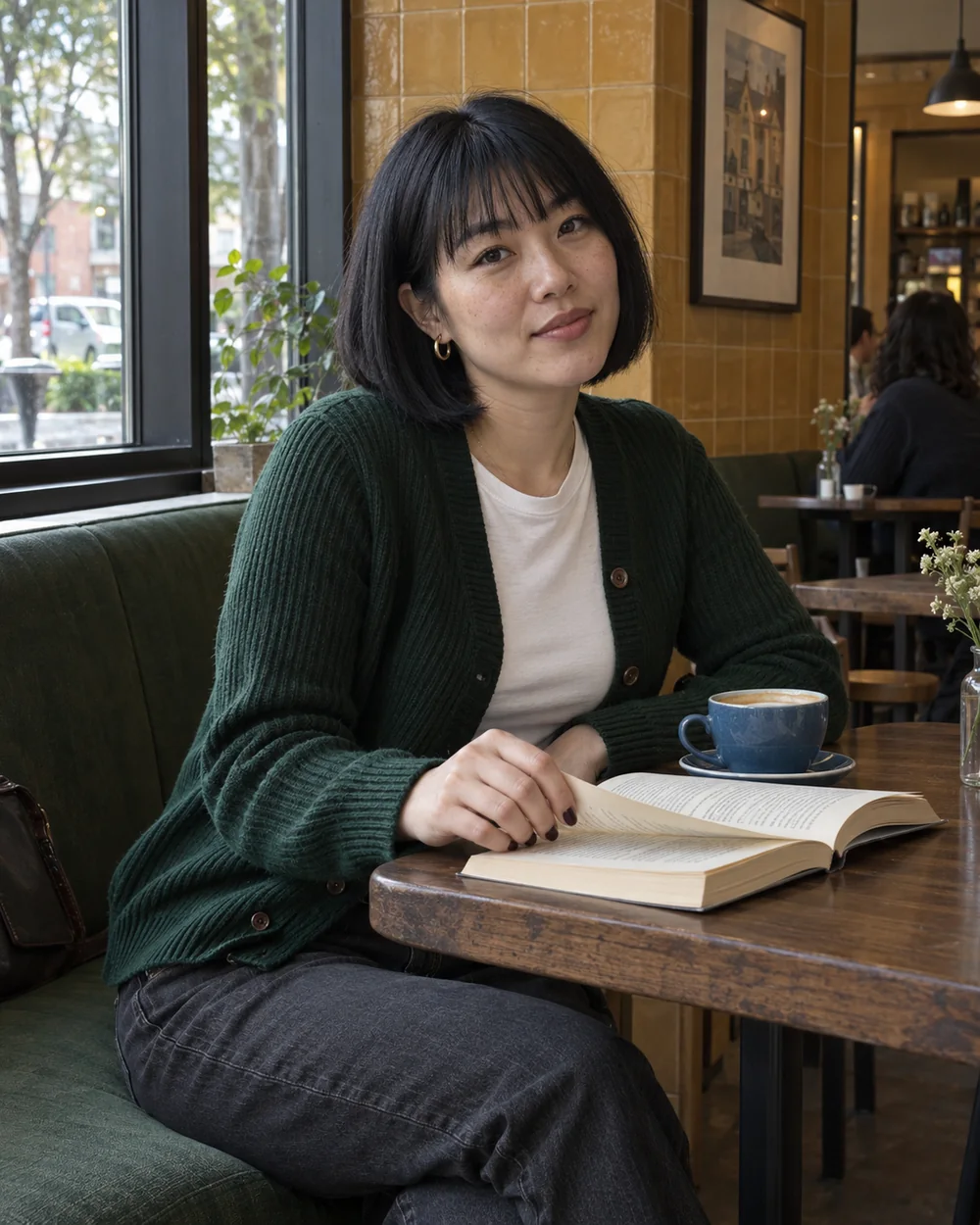 18:00Scheduled
- TikTok
- YouTube
- X
- Threads
From AI creation to social publishing.
01Create Your Content
Generate photos and videos with your AI influencer.
- InstagramTikTokYouTubeFacebookXLinkedInThreadsPinterest
02Connect Your Channels
Connect your social accounts in one workspace.
Publishing calendarPreview Example schedule · UTC
- MON09:00Scheduled
- WED12:30Scheduled
- FRI18:00Scheduled
03Schedule & Publish
Publish instantly or schedule posts using your content calendar.
- MON
Connecting channels and publishing require an active subscription. Instagram Business and Facebook Pages are supported; available post formats vary by platform.
Turn a video idea into a scene-by-scene brief.
Develop a short-video script from your topic, with an opening hook, character actions, shot directions, and a clear ending. Use the brief to plan each image and clip before generating.
Hook
What happens in the first few seconds?
Scene 1
Where is the character, and what are they doing?
Scene 2
How does the shot or action change?
Scene 3
How will you show the product or main idea?
Ending
How does the story finish, and what is the CTA?
Generate the individual images and clips, then assemble them in your preferred video editor.
Write my video scriptCreate UGC-style videos and product content.
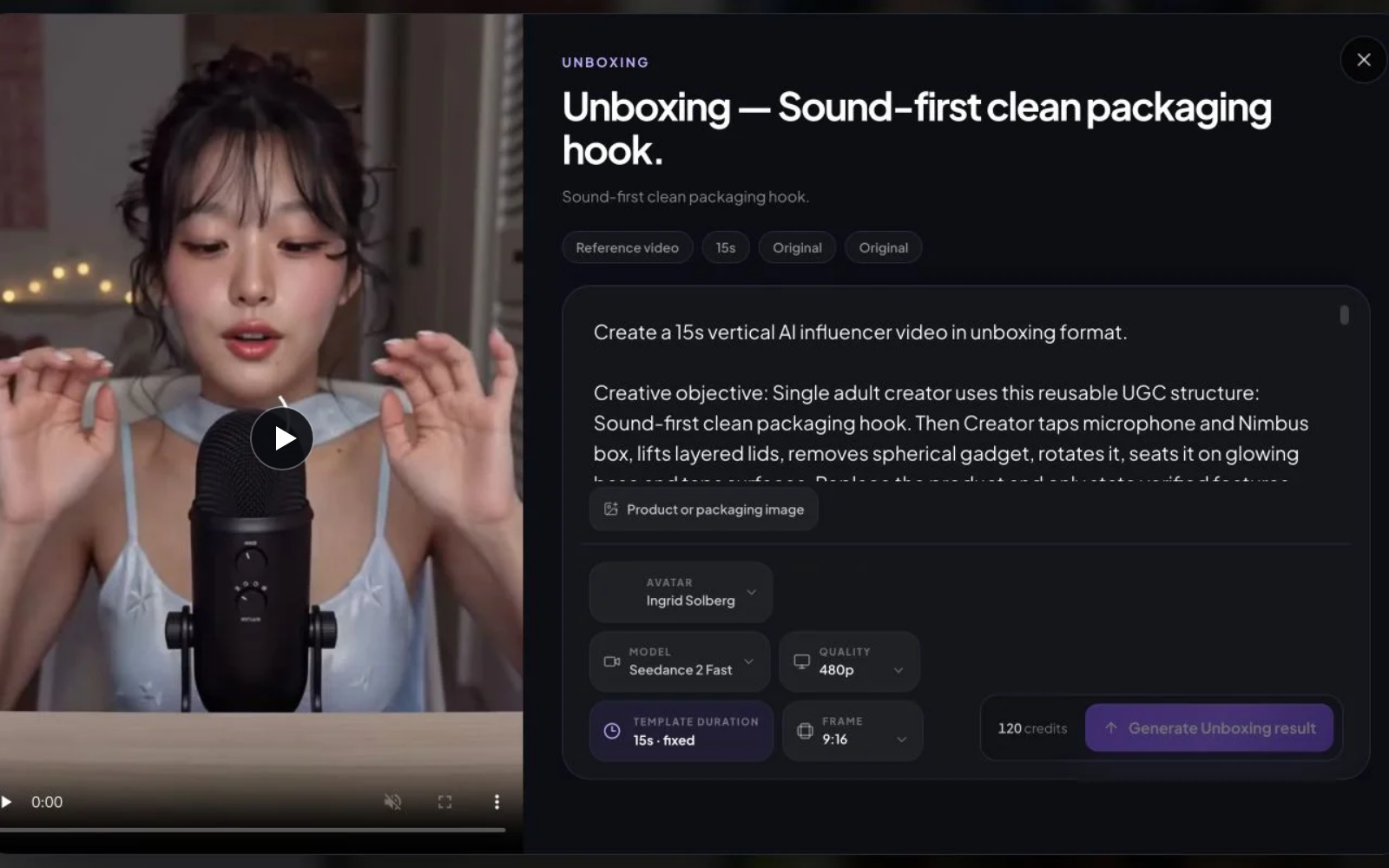
Bring your product into unboxing concepts, demonstrations, skincare routines, fashion try-ons, and short-video ads featuring your AI influencer. Start with a product image or written brief and choose the photo or video workflow that fits the concept.
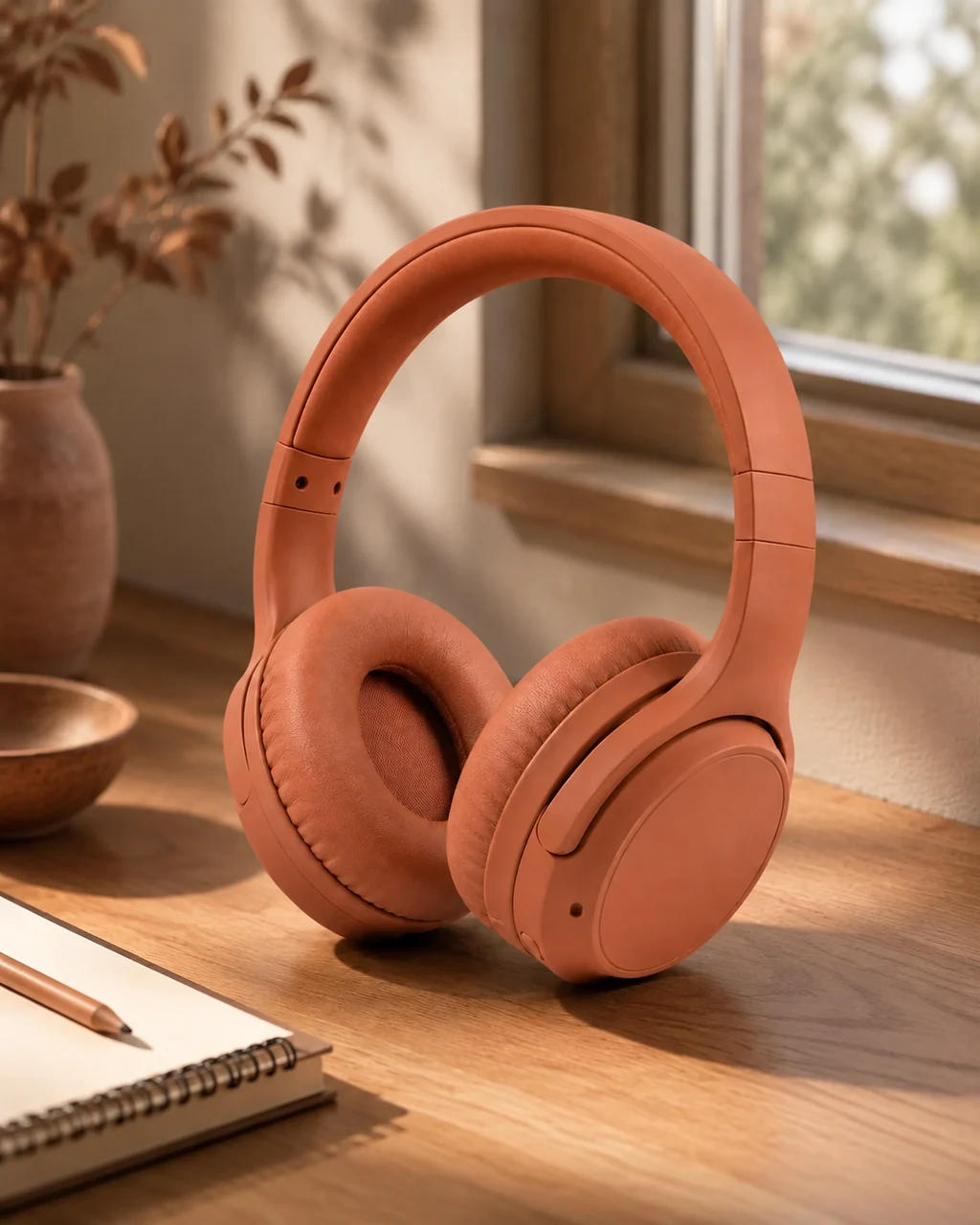
Edit, style, and animate your AI content.
Continue beyond the first generation: change outfits and hairstyles, refine skin texture, replace a background, improve image quality, or animate a photo. Use your result as the reference for the next tool.
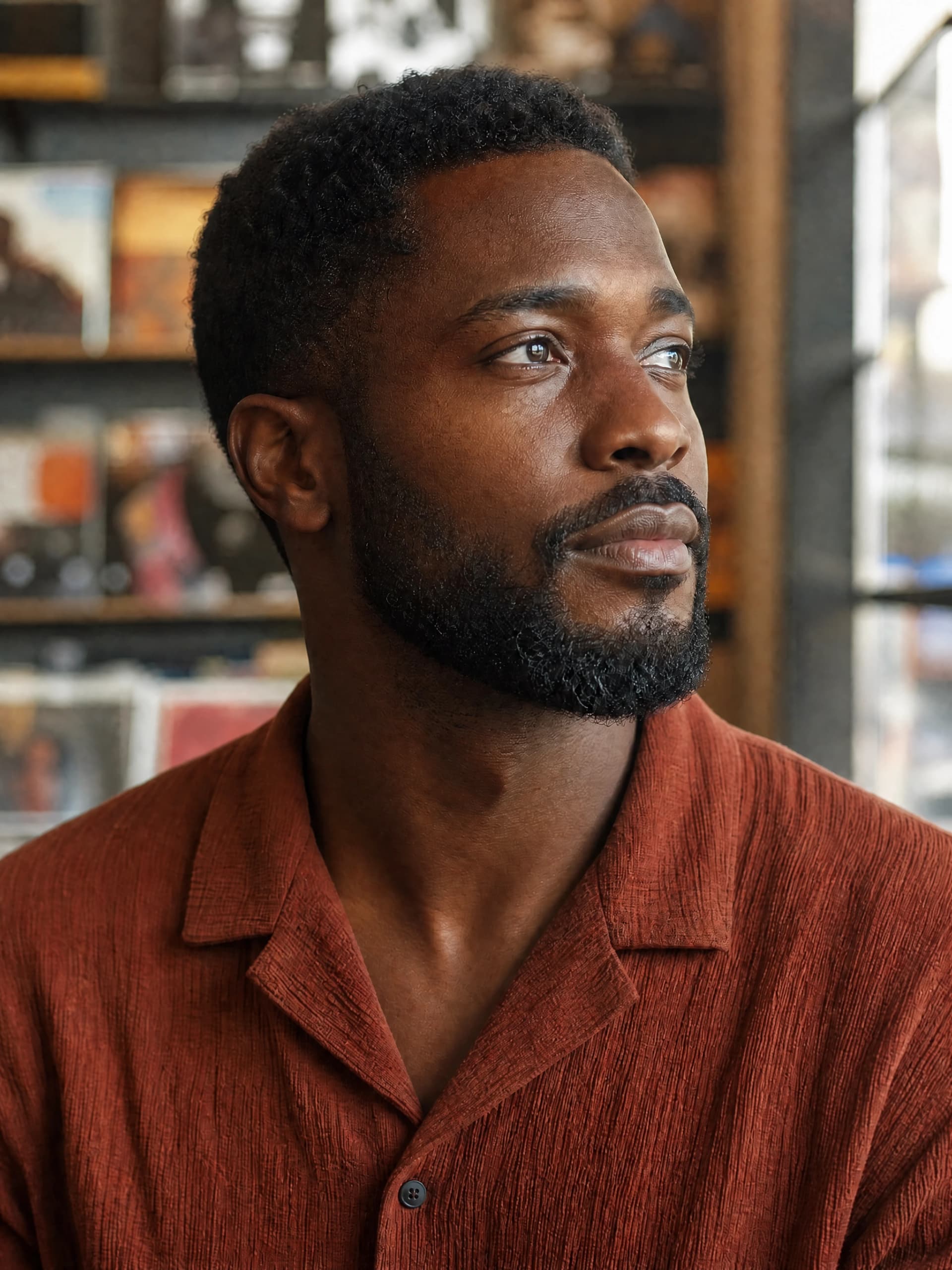
The same face. More natural detail.
Move the divider to inspect the original photo and its skin texture edit, side by side.
Try skin textureExplore the tool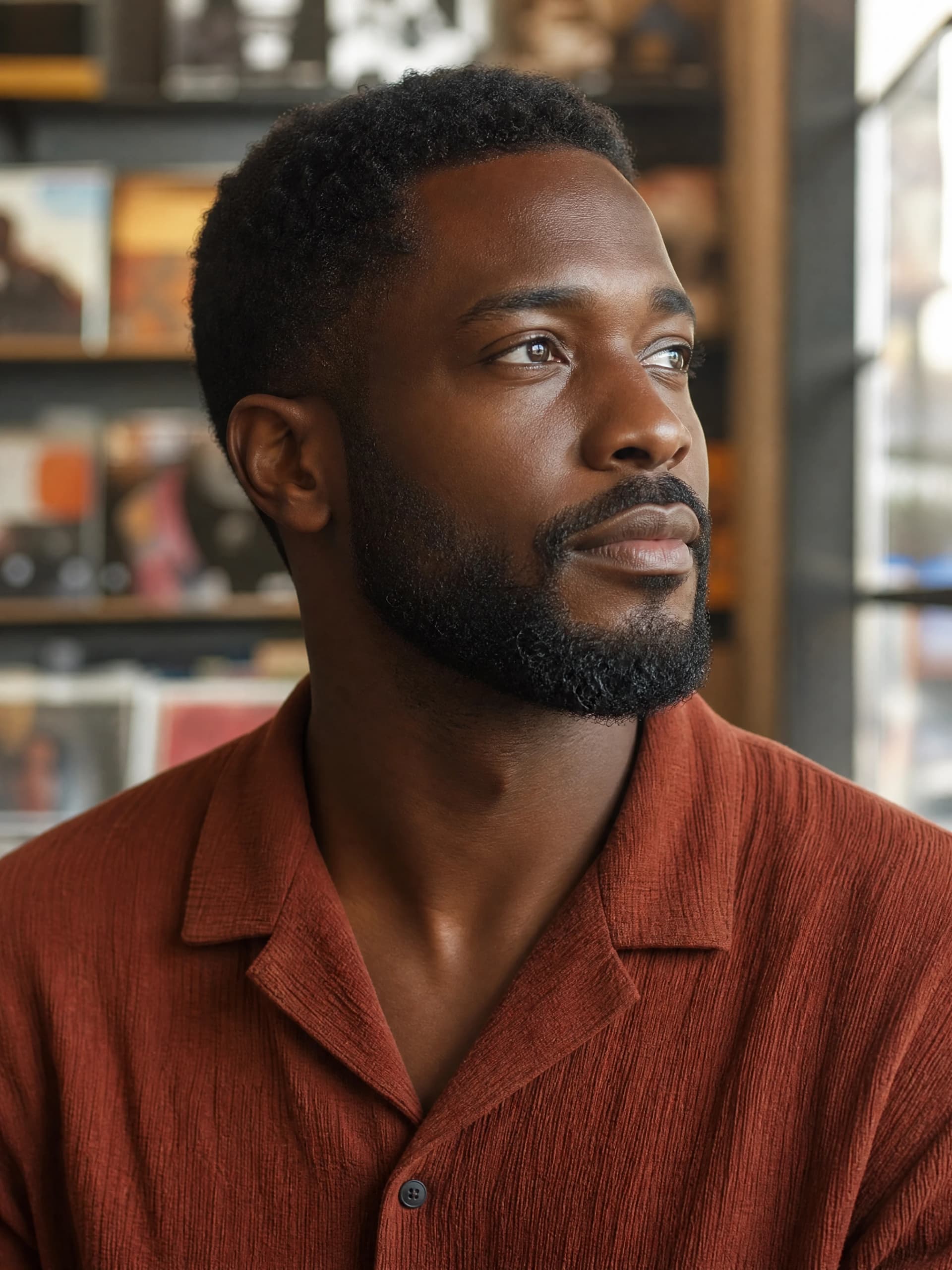
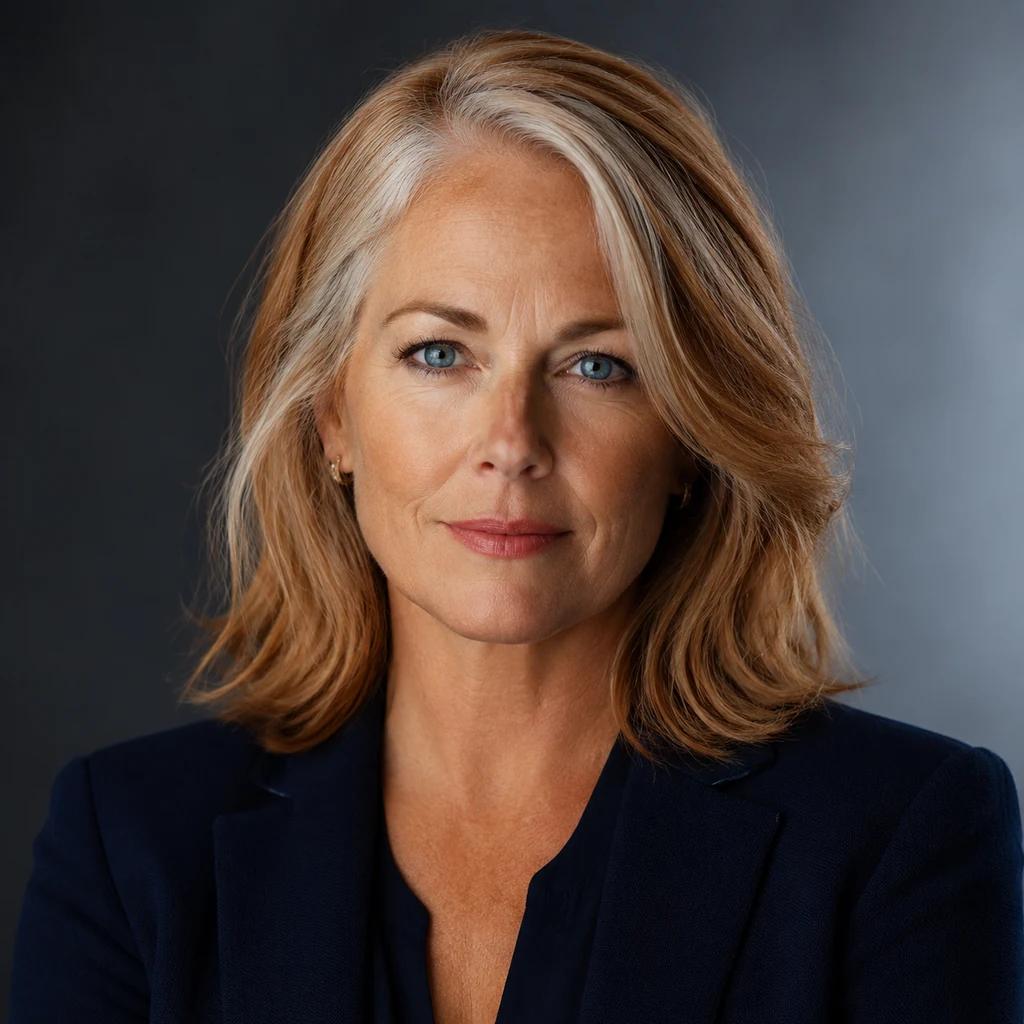
Create Images
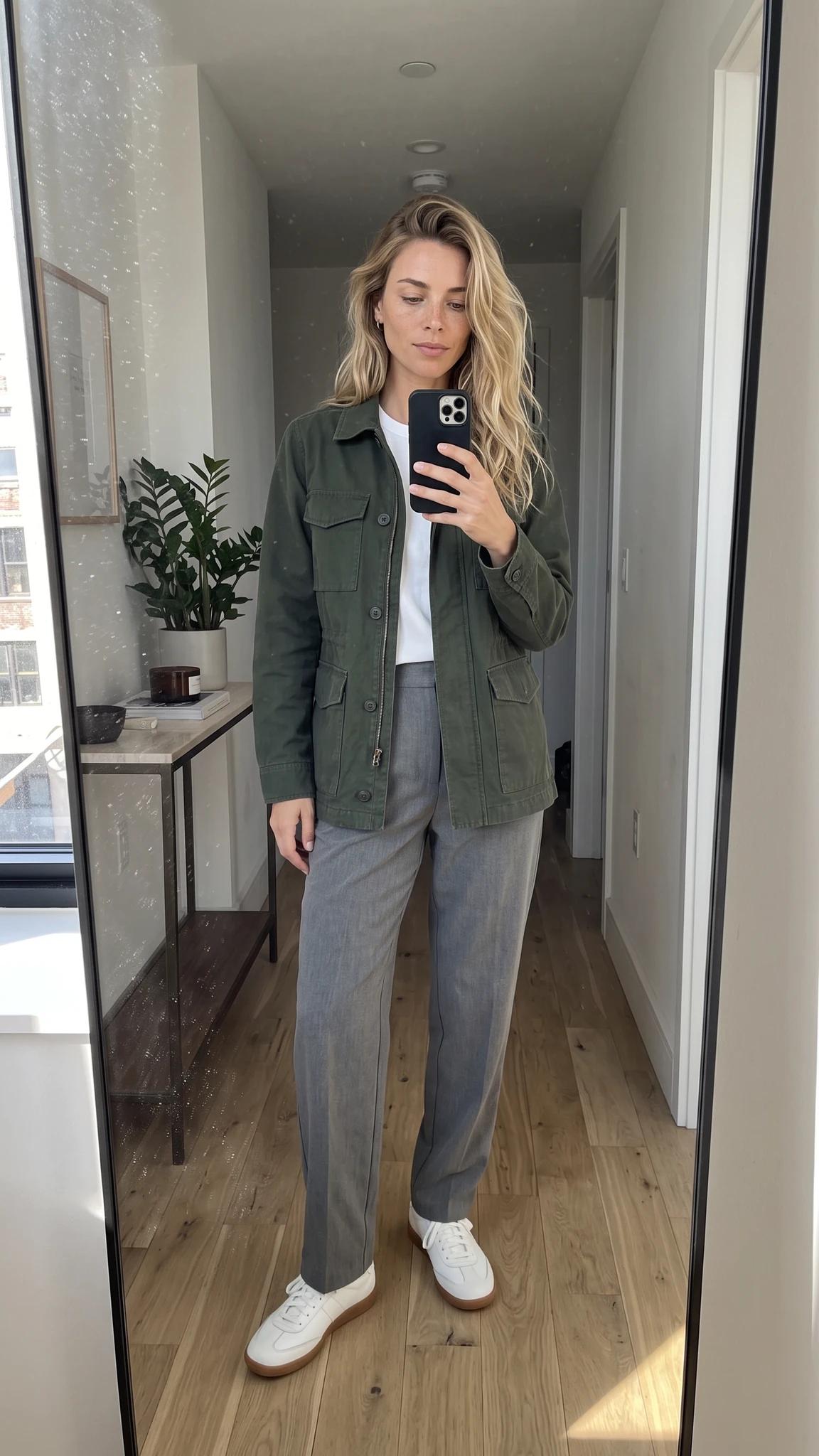
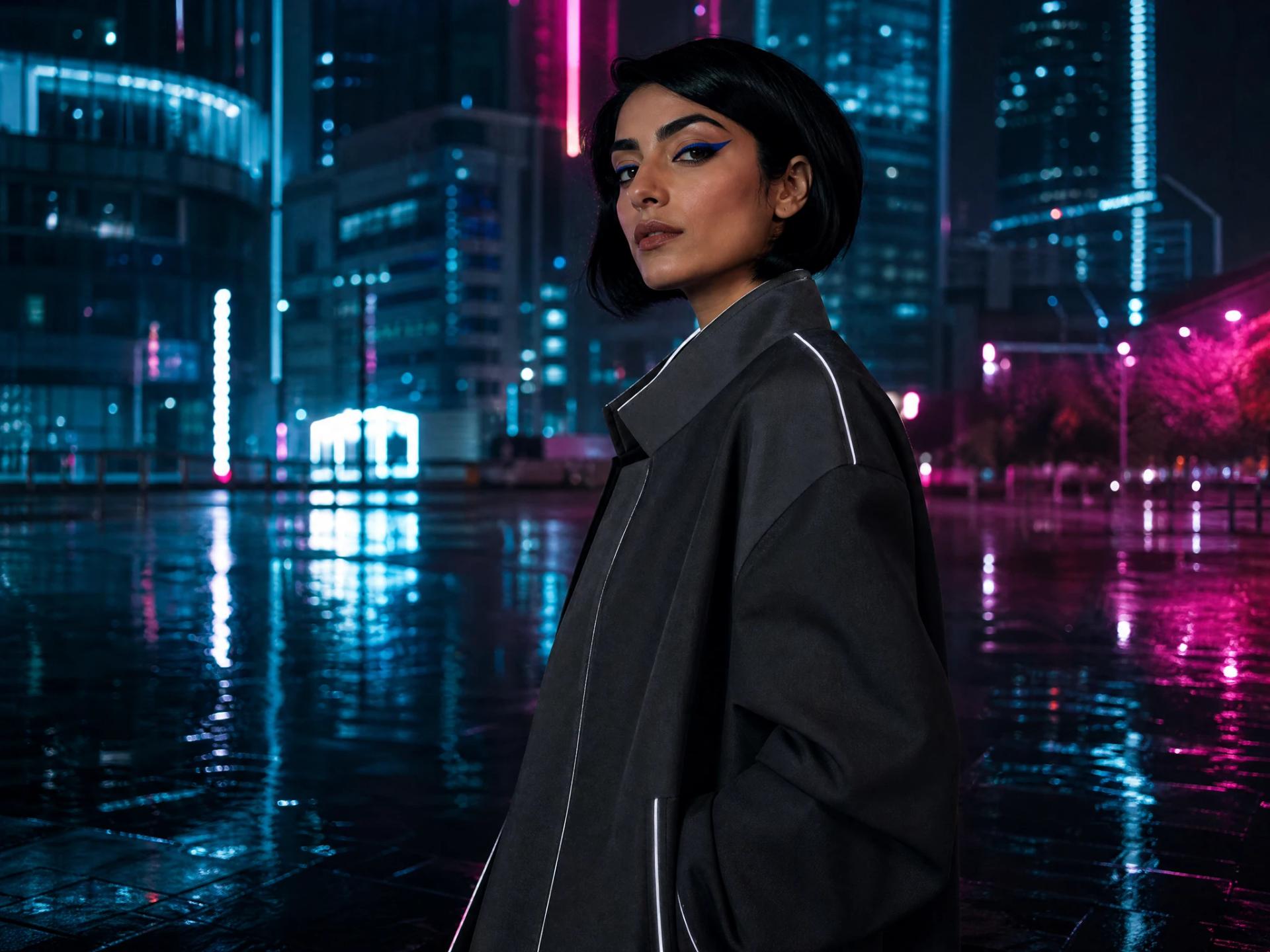
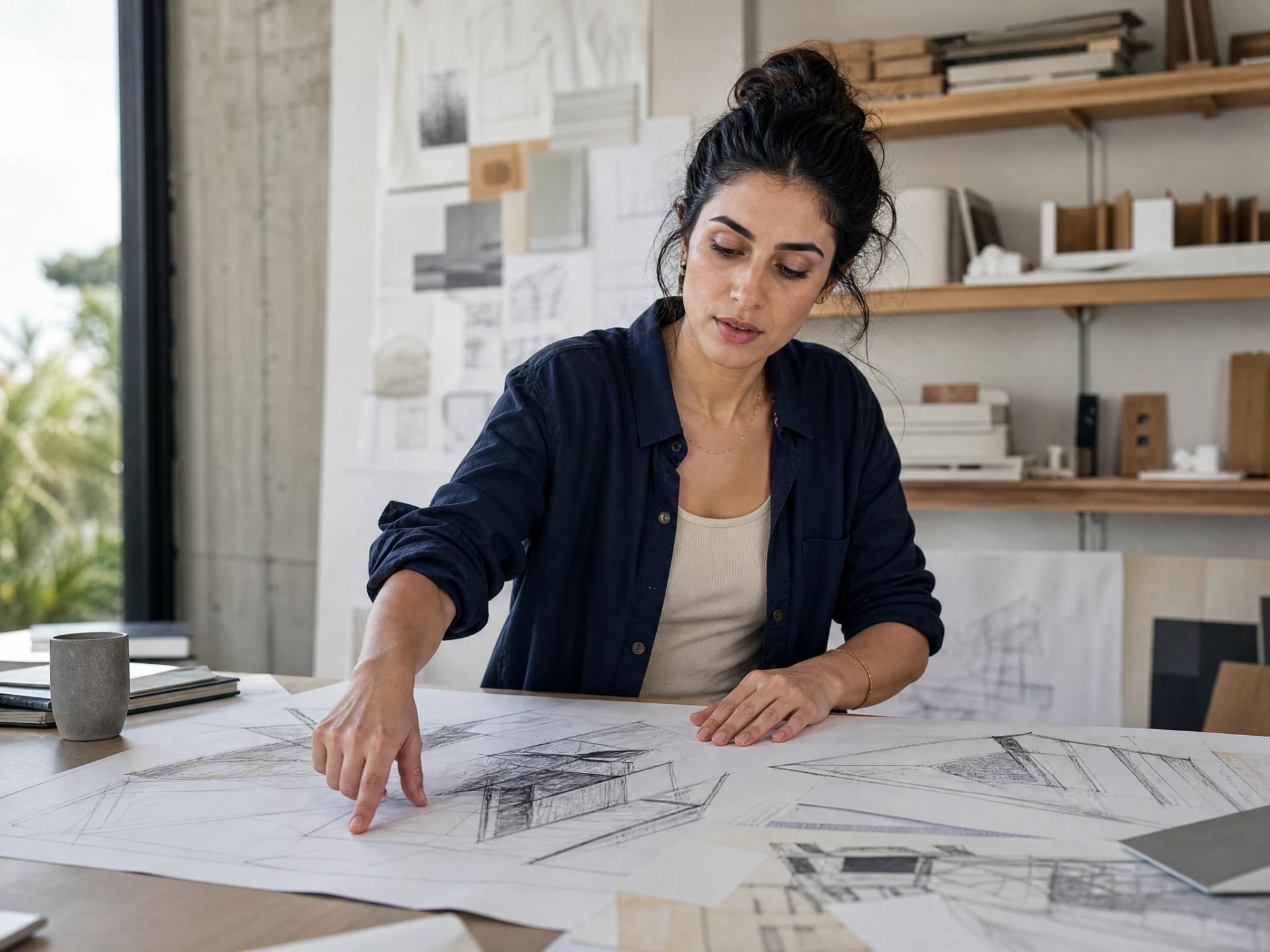
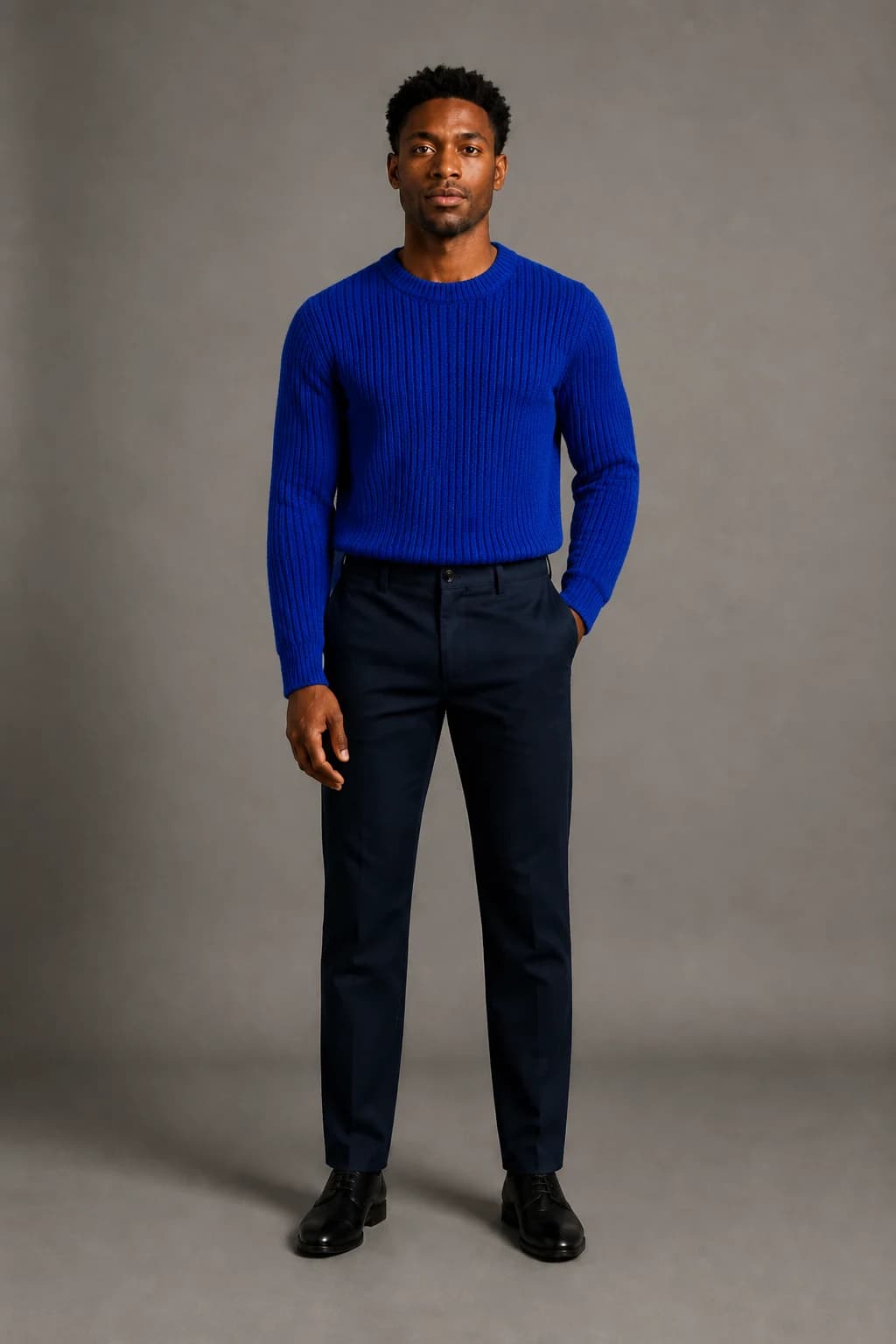
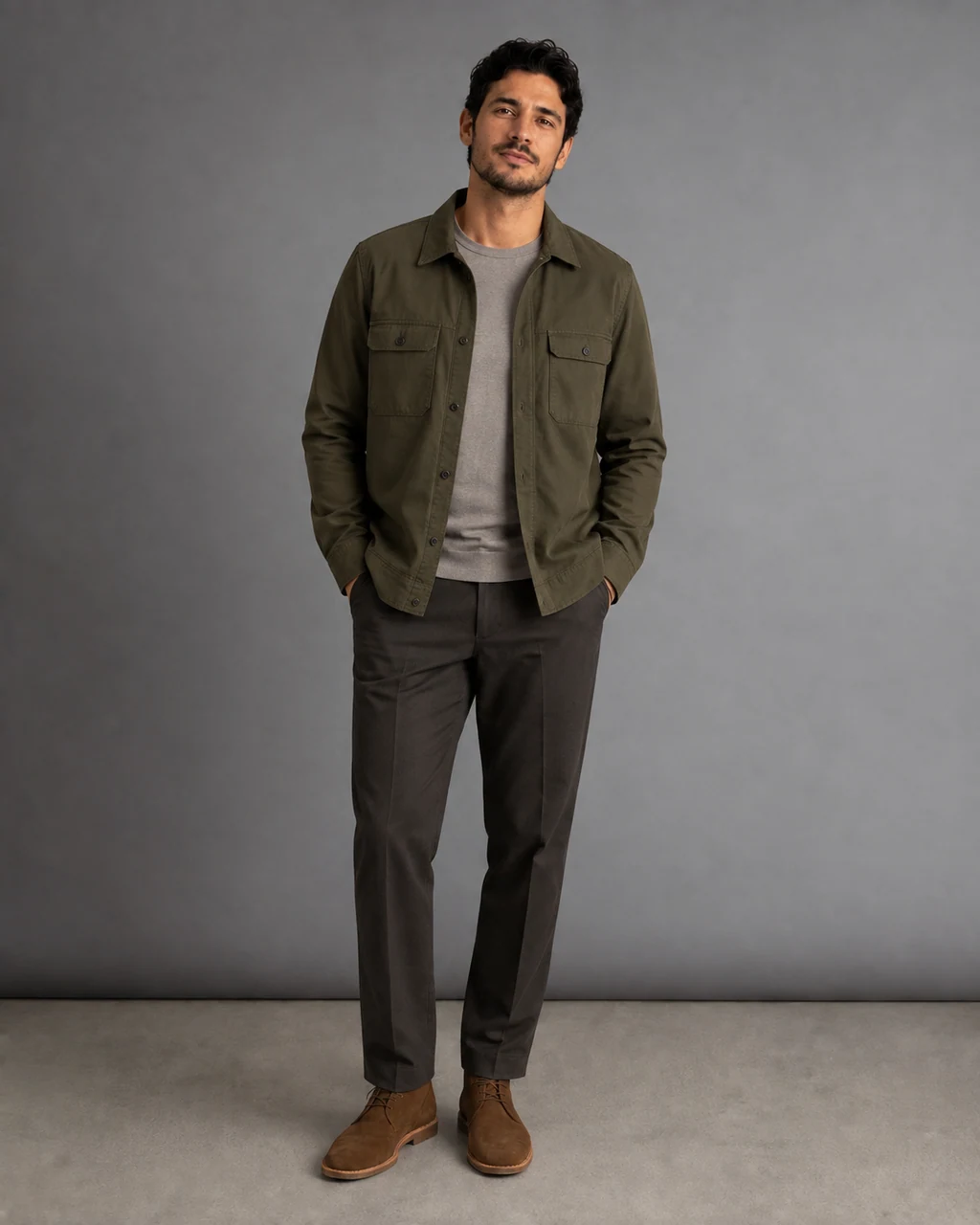
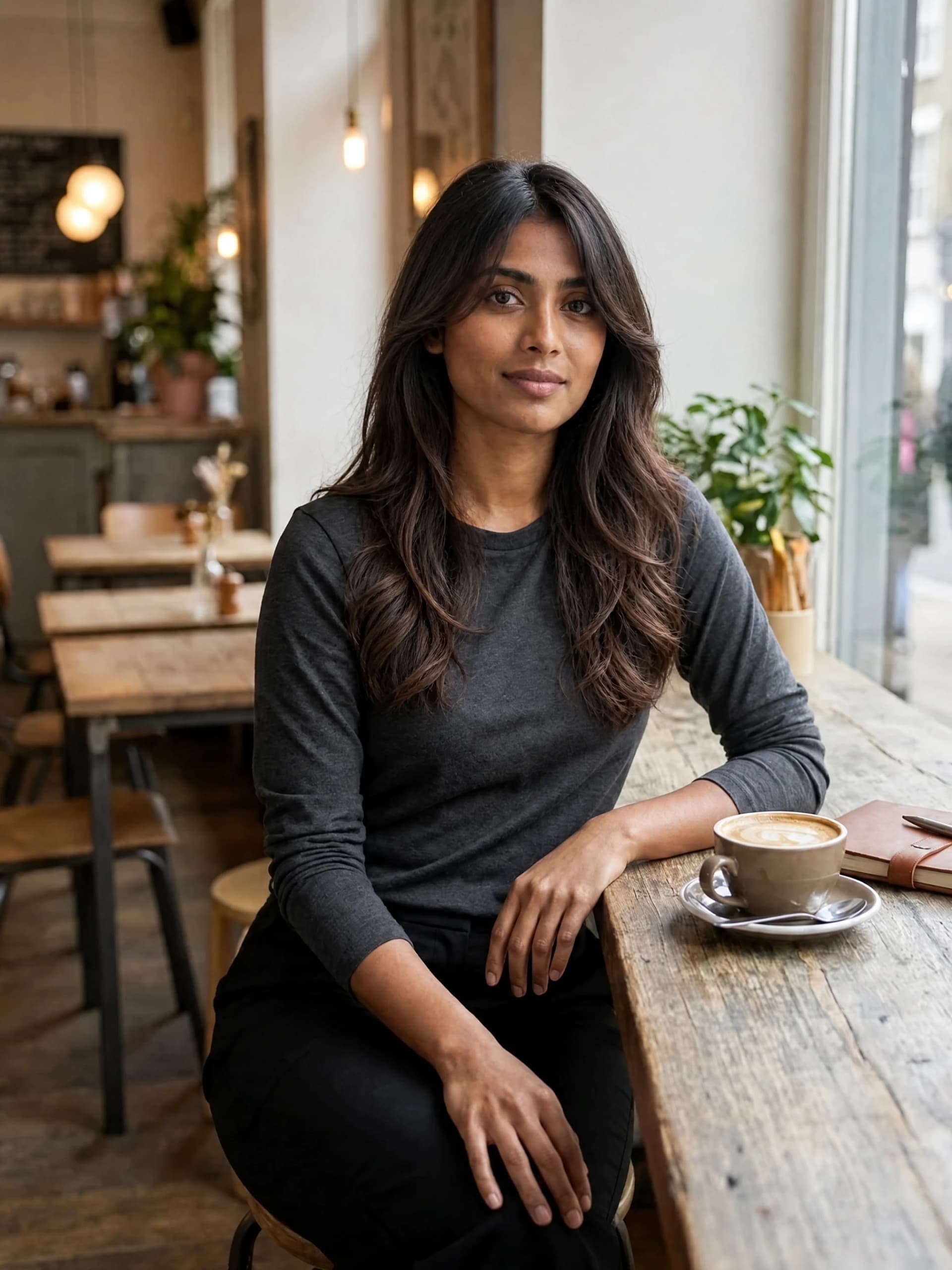
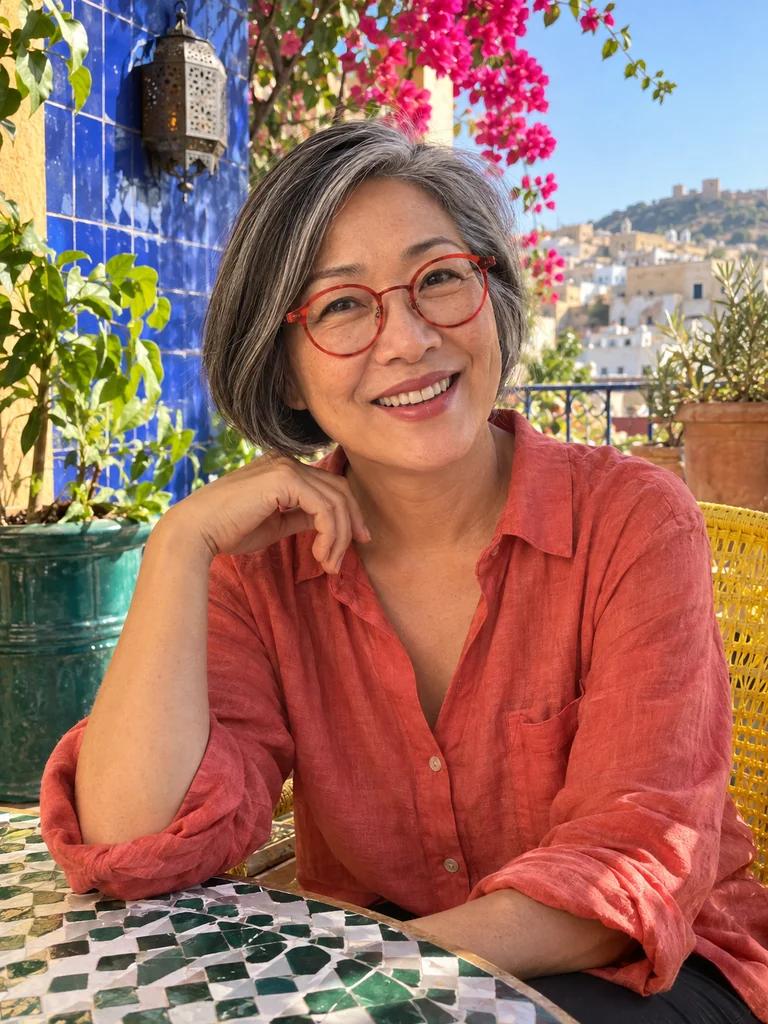
Create an influencer, a random face, a selfie, a headshot, or a product photo.
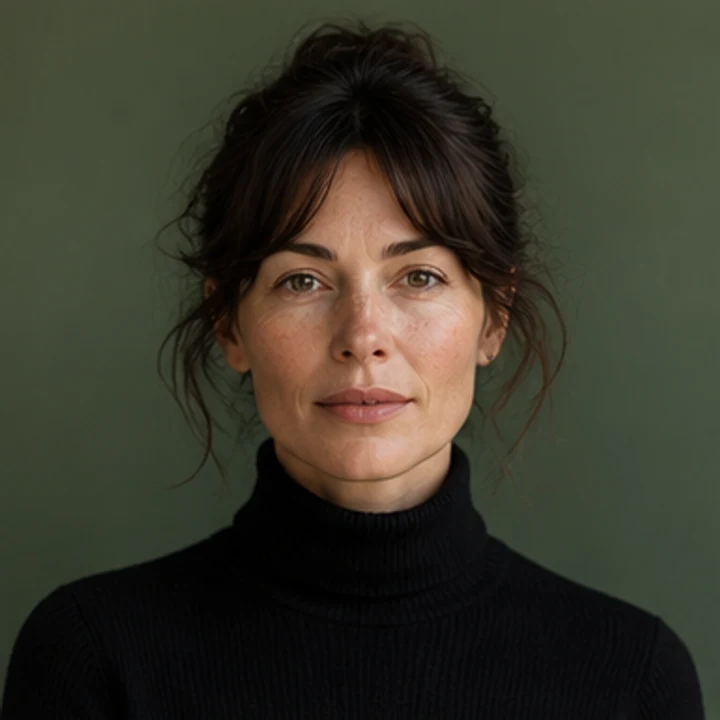


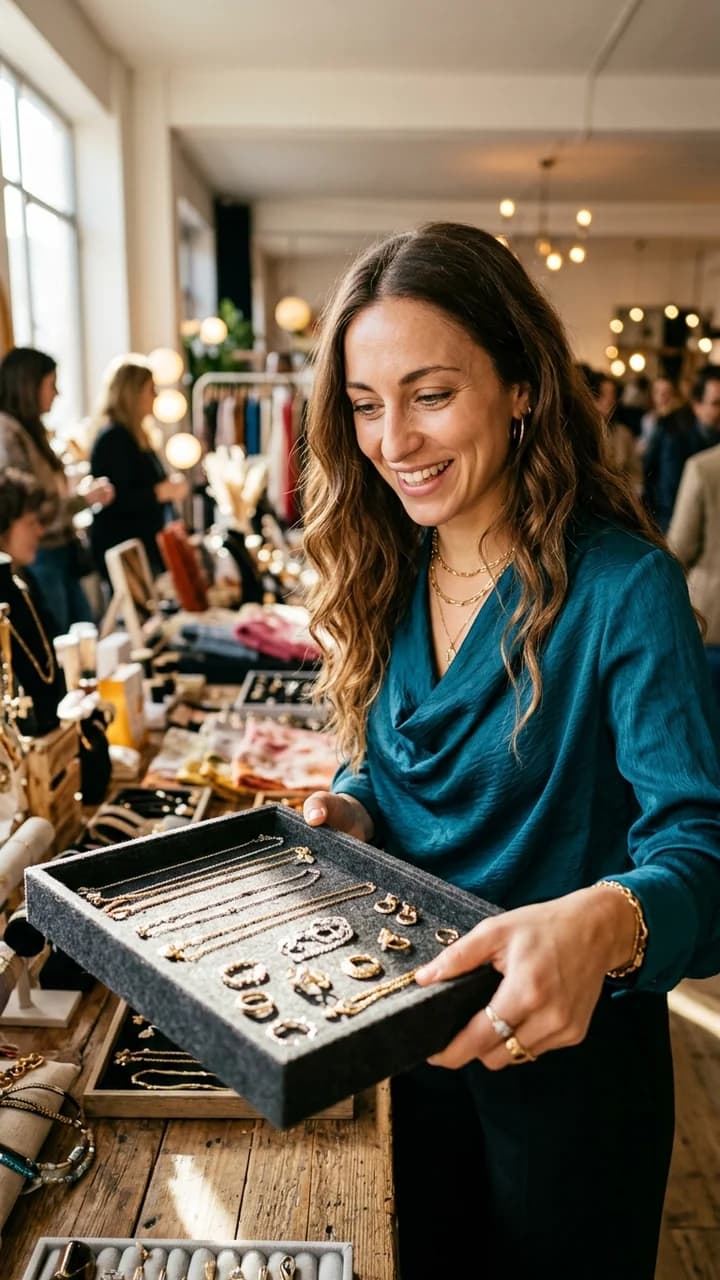
Fashion & Styling
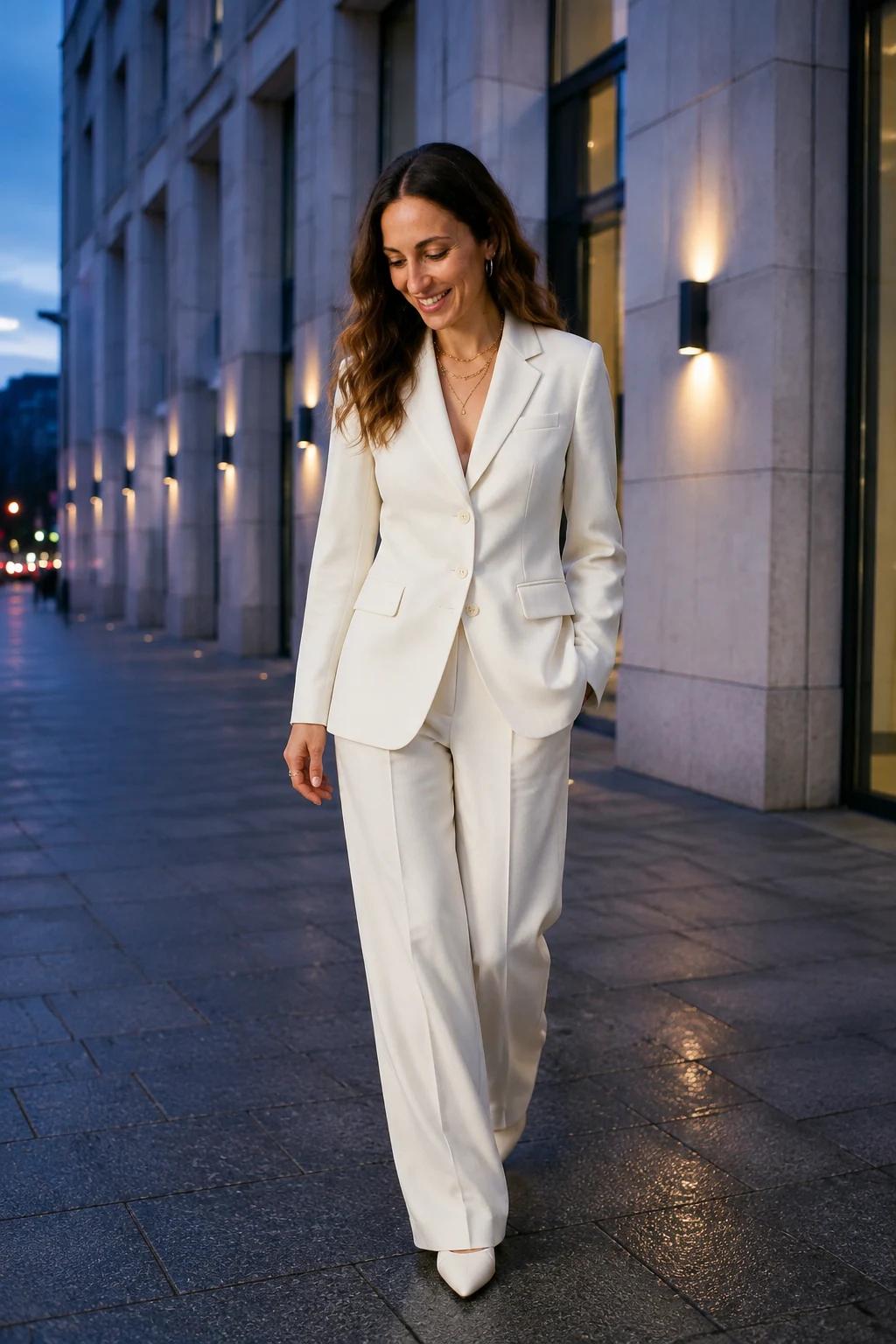
Try outfits, virtual try-on, and hairstyle directions.
Edit & Enhance
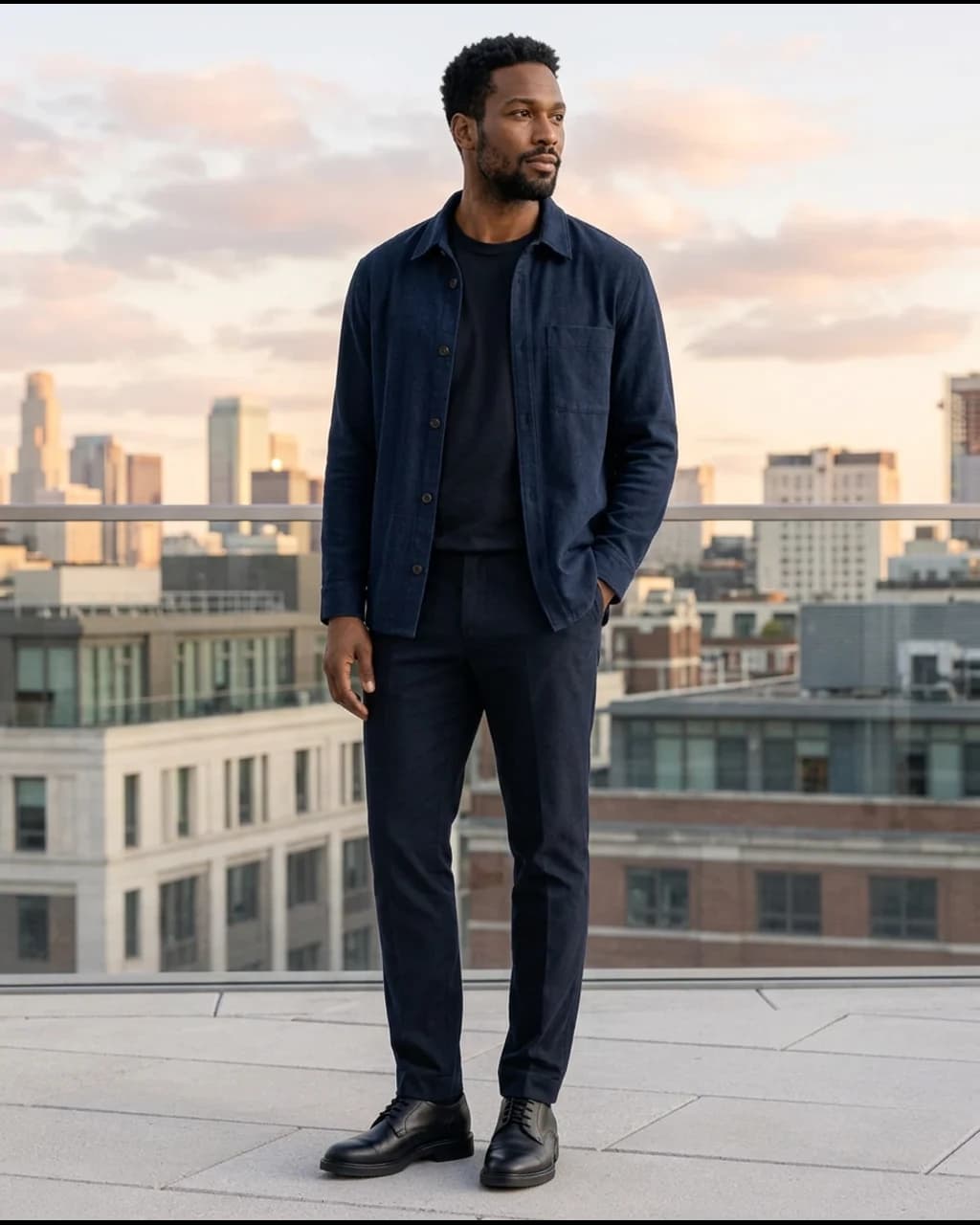
Edit a result, refine skin texture, make image variations, remove a background, upscale, extend an image, change adult age, or create a group scene.
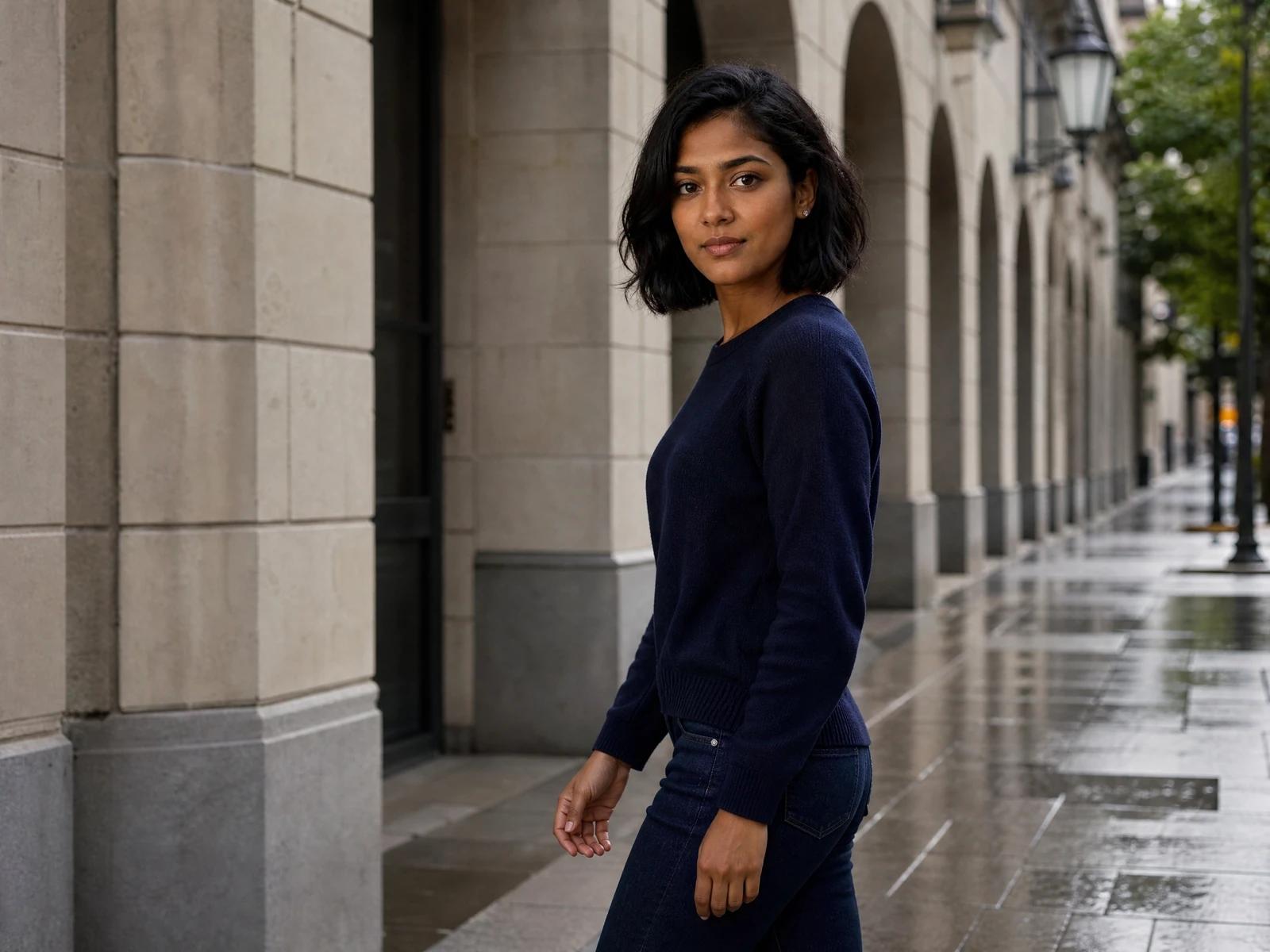
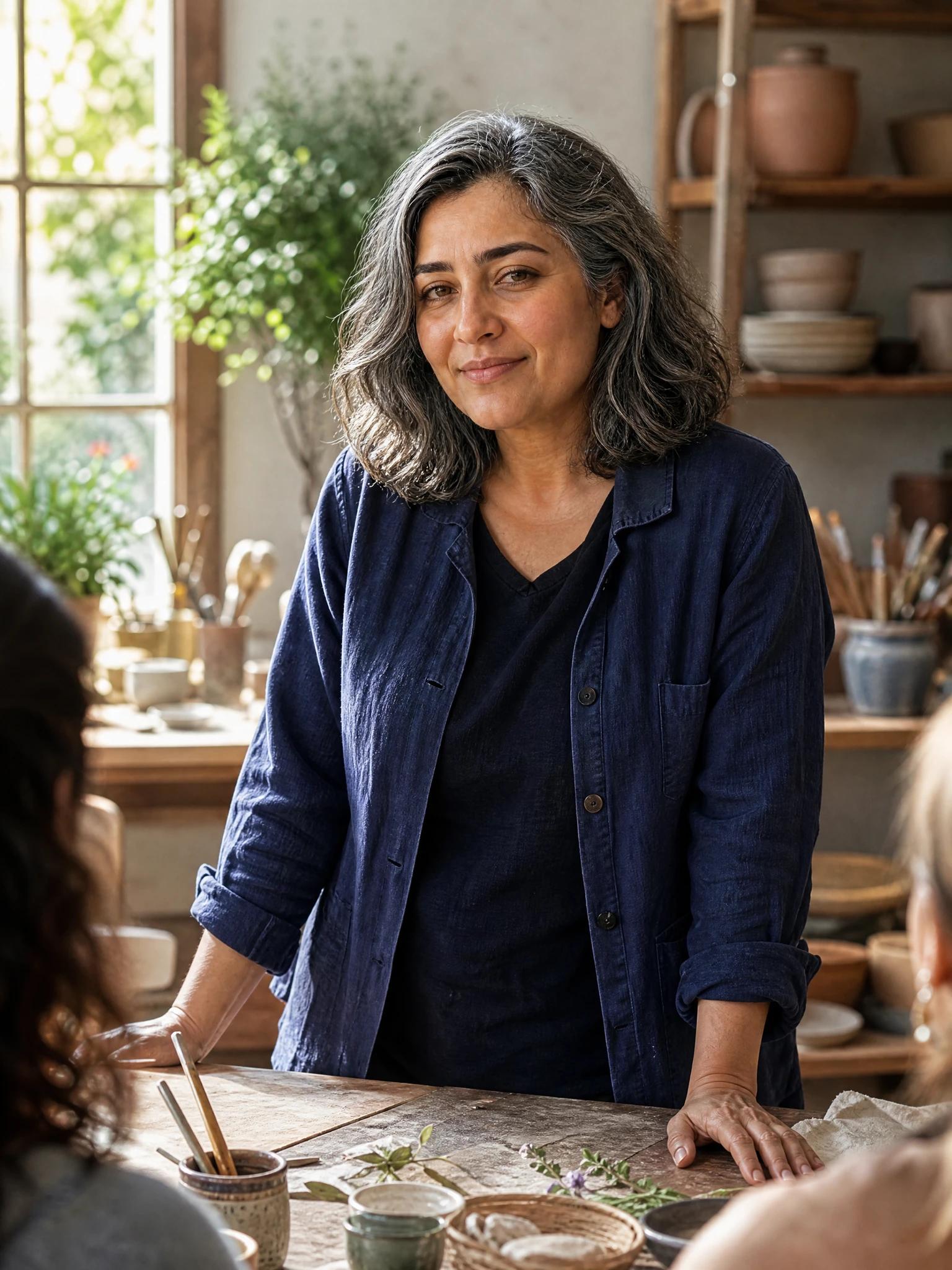
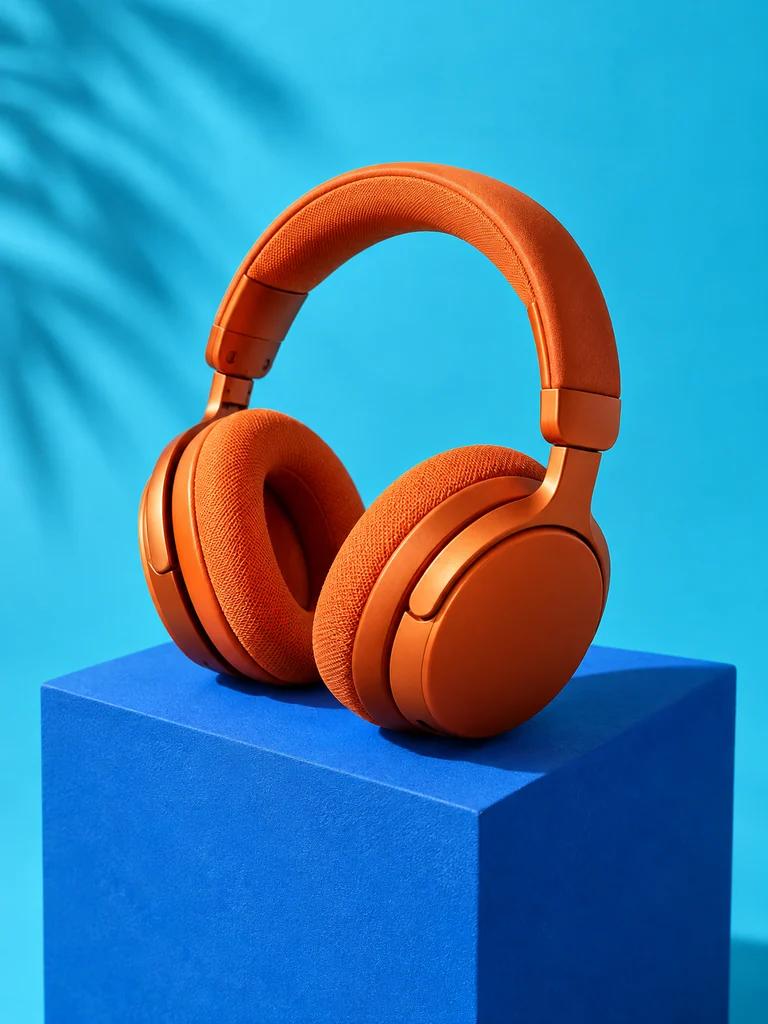
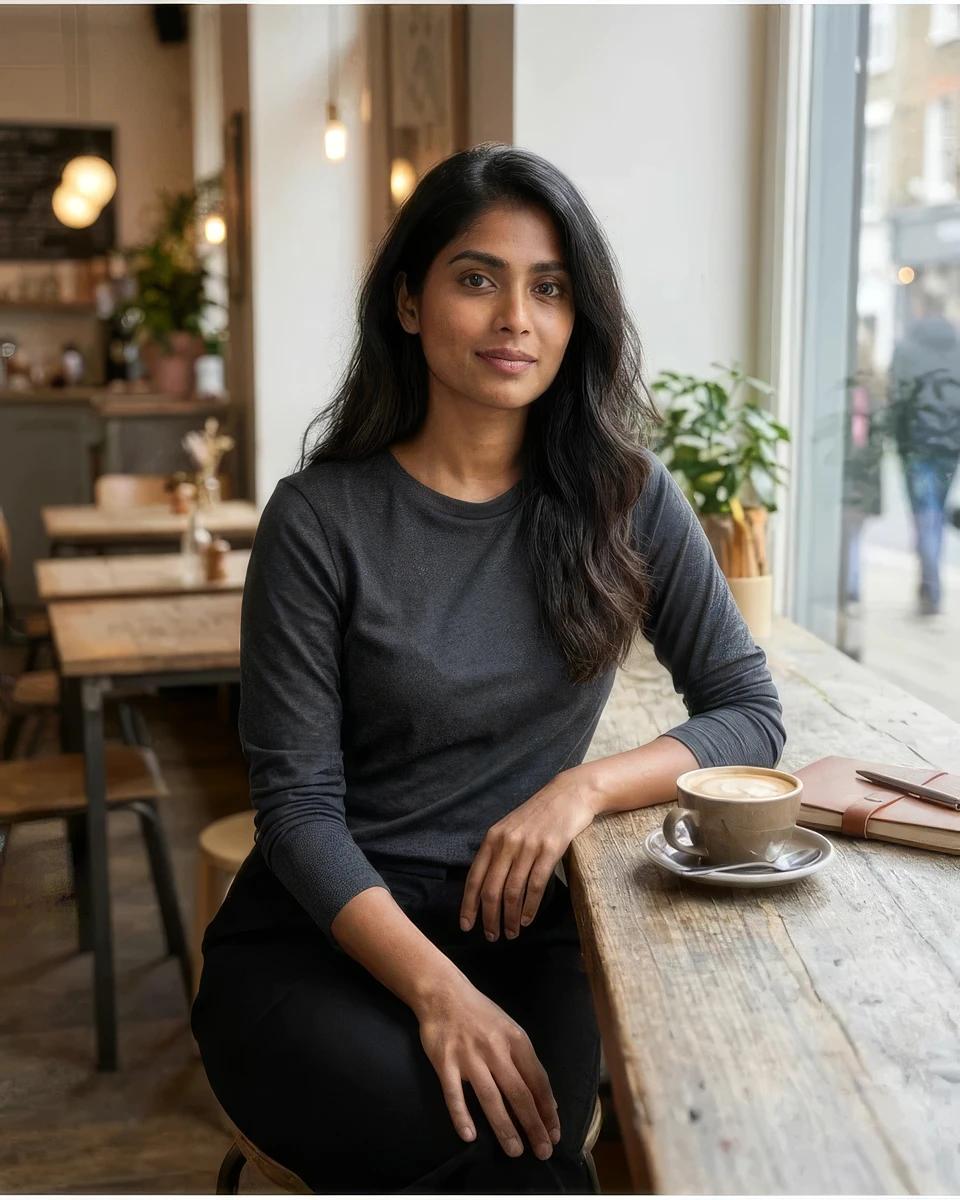

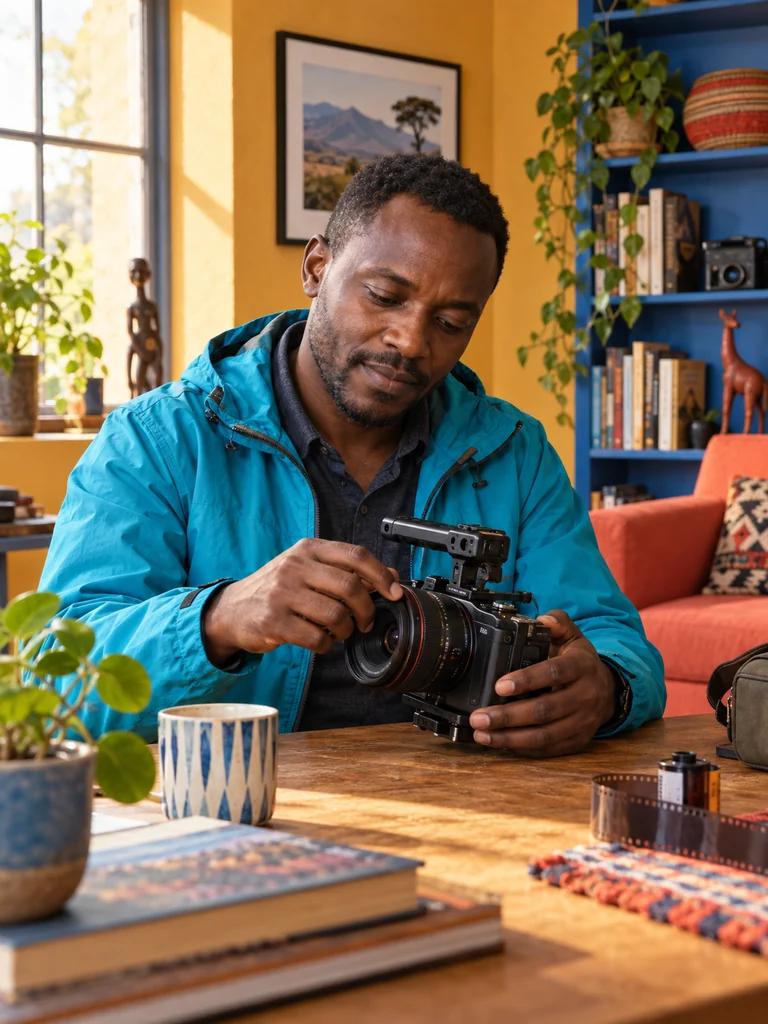
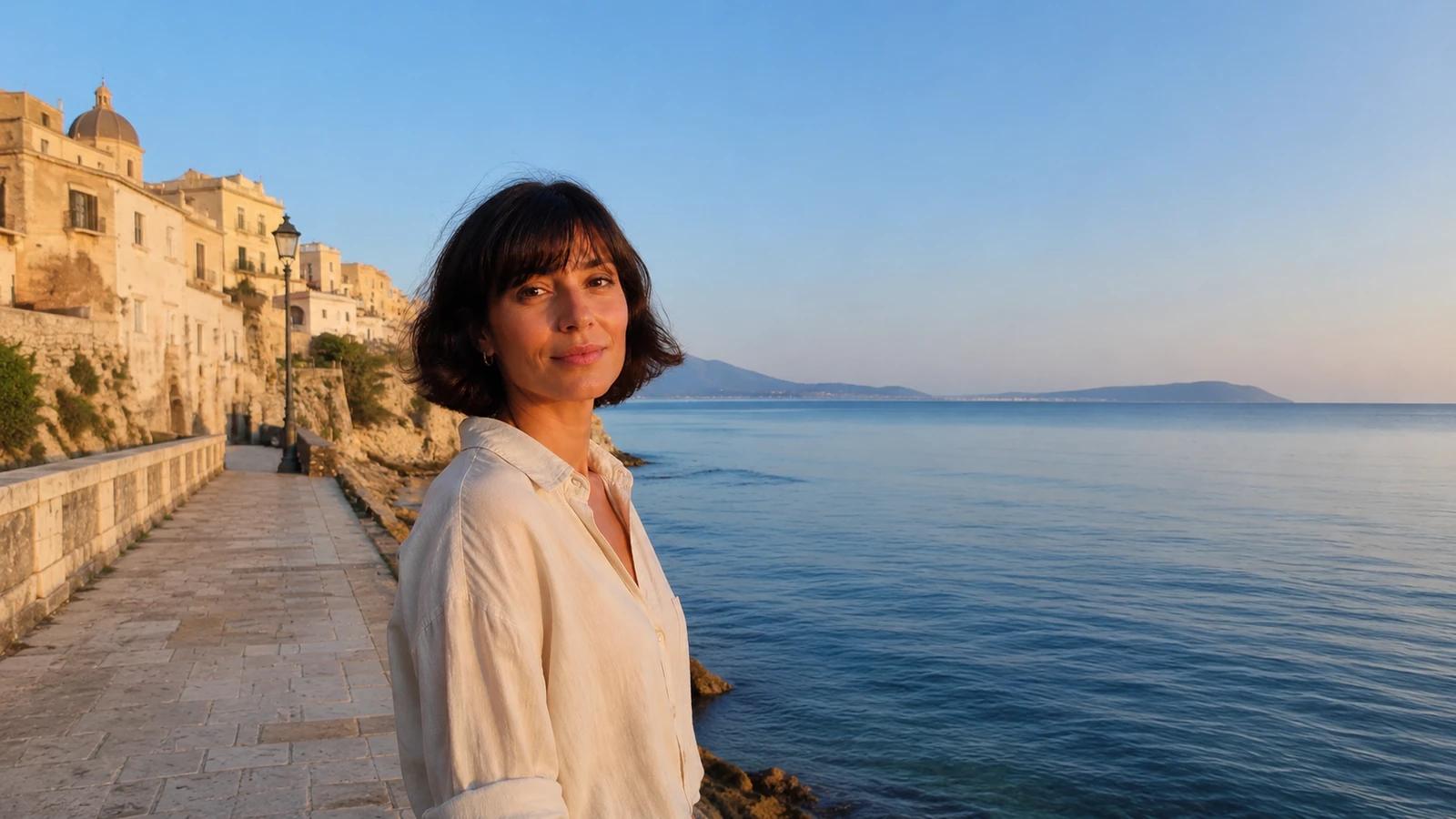
Video & Motion
Create influencer video, animate an image, generate from text, explore character animation, dance, motion transfer, UGC, or ad concepts.
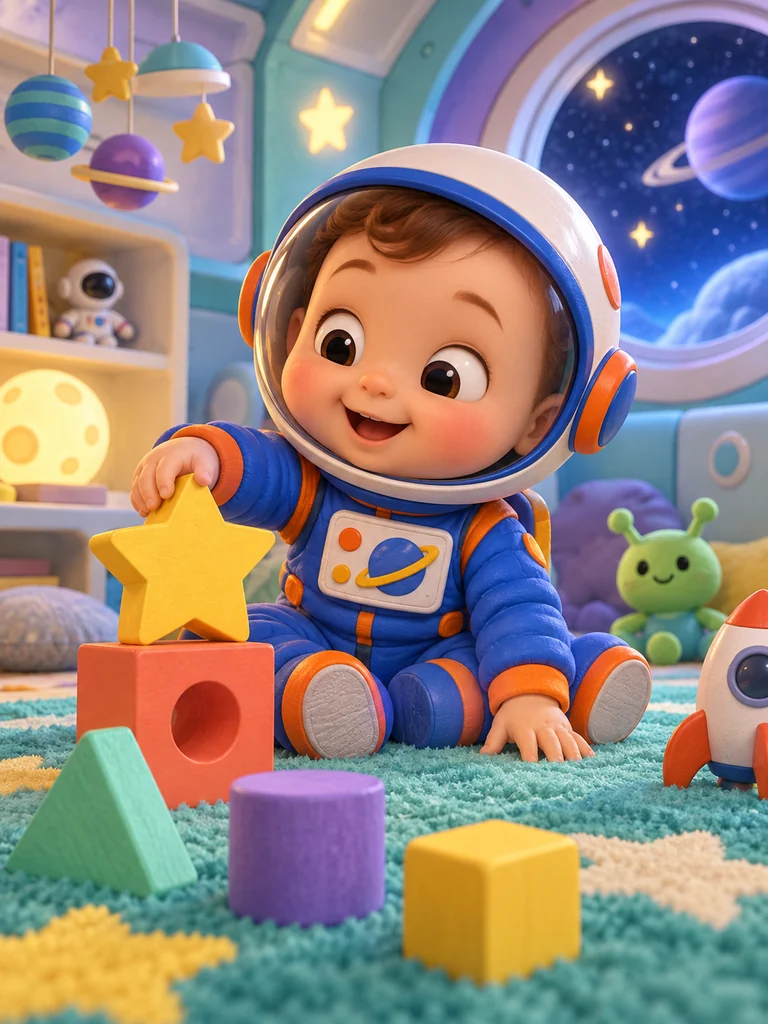
Voice & Character
Explore lip sync, talking photos, talking avatars, and consistent character workflows.
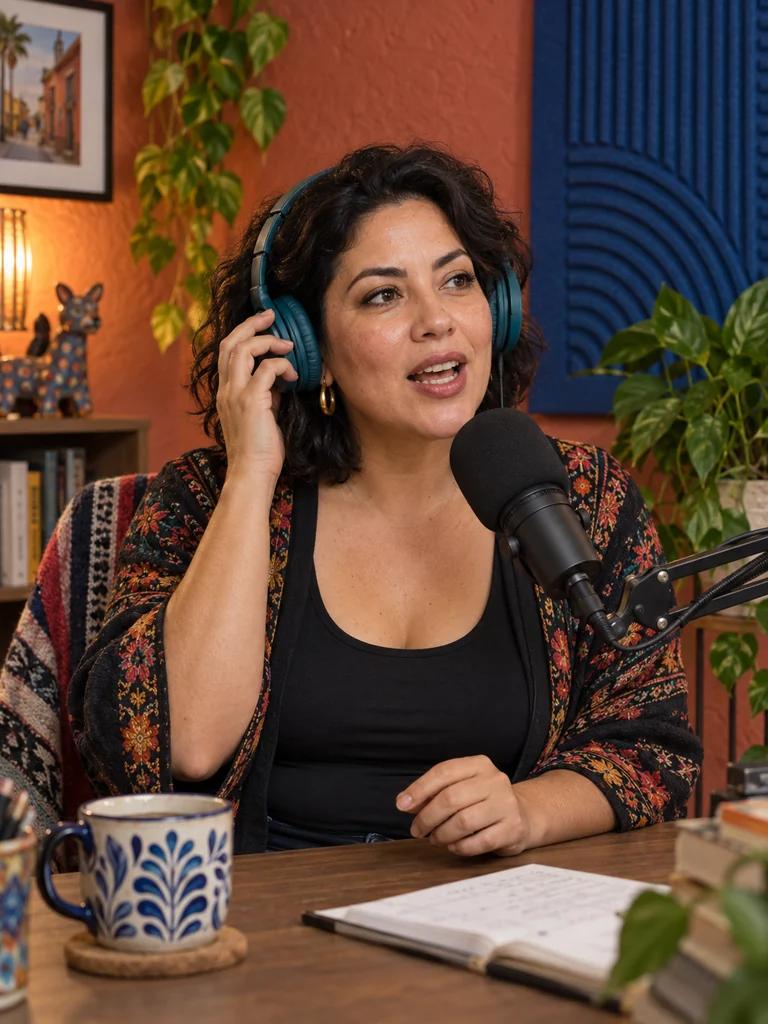
Social Content
Prepare Instagram and TikTok captions and bios, TikTok scripts, YouTube titles, and descriptions.
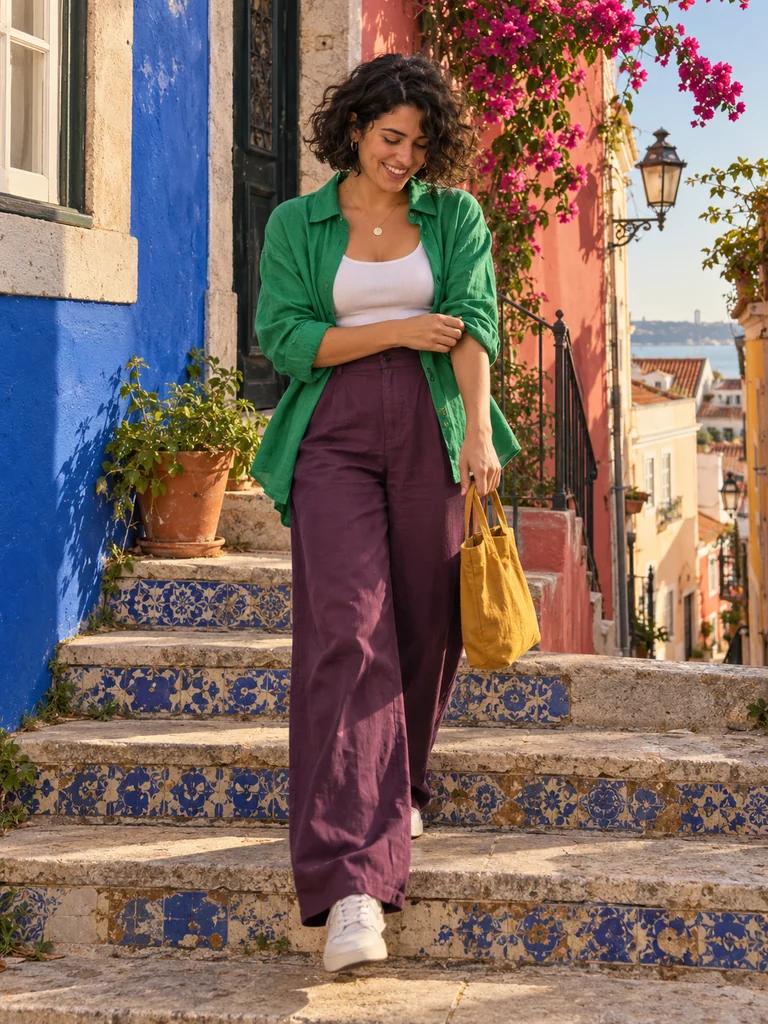
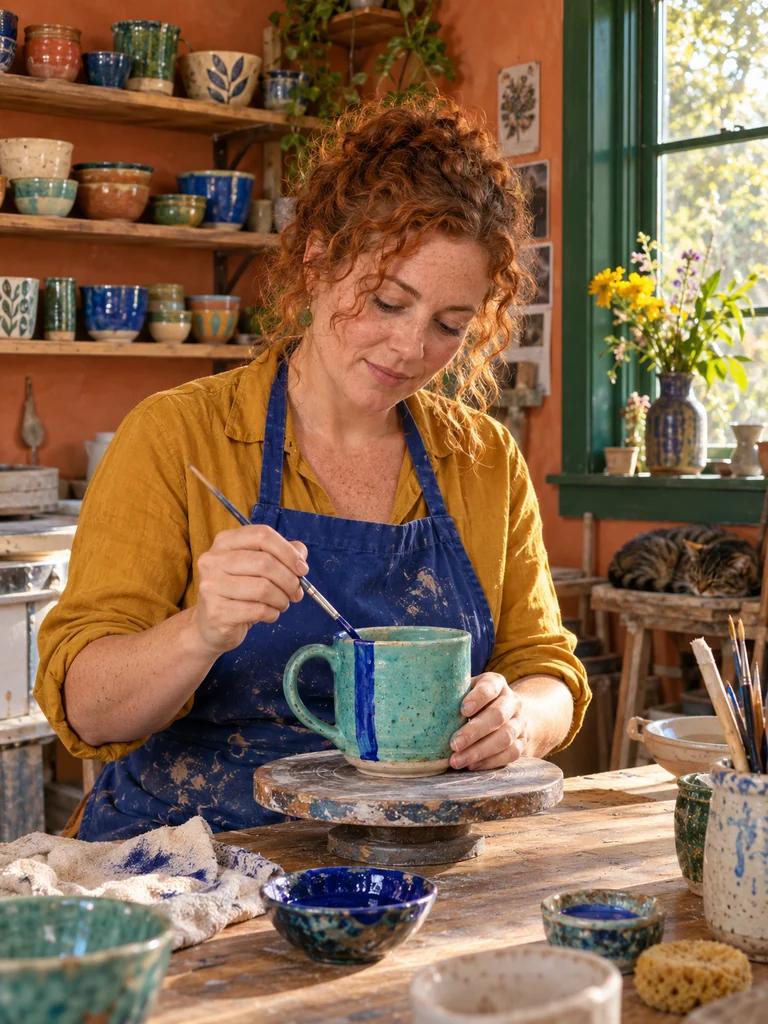
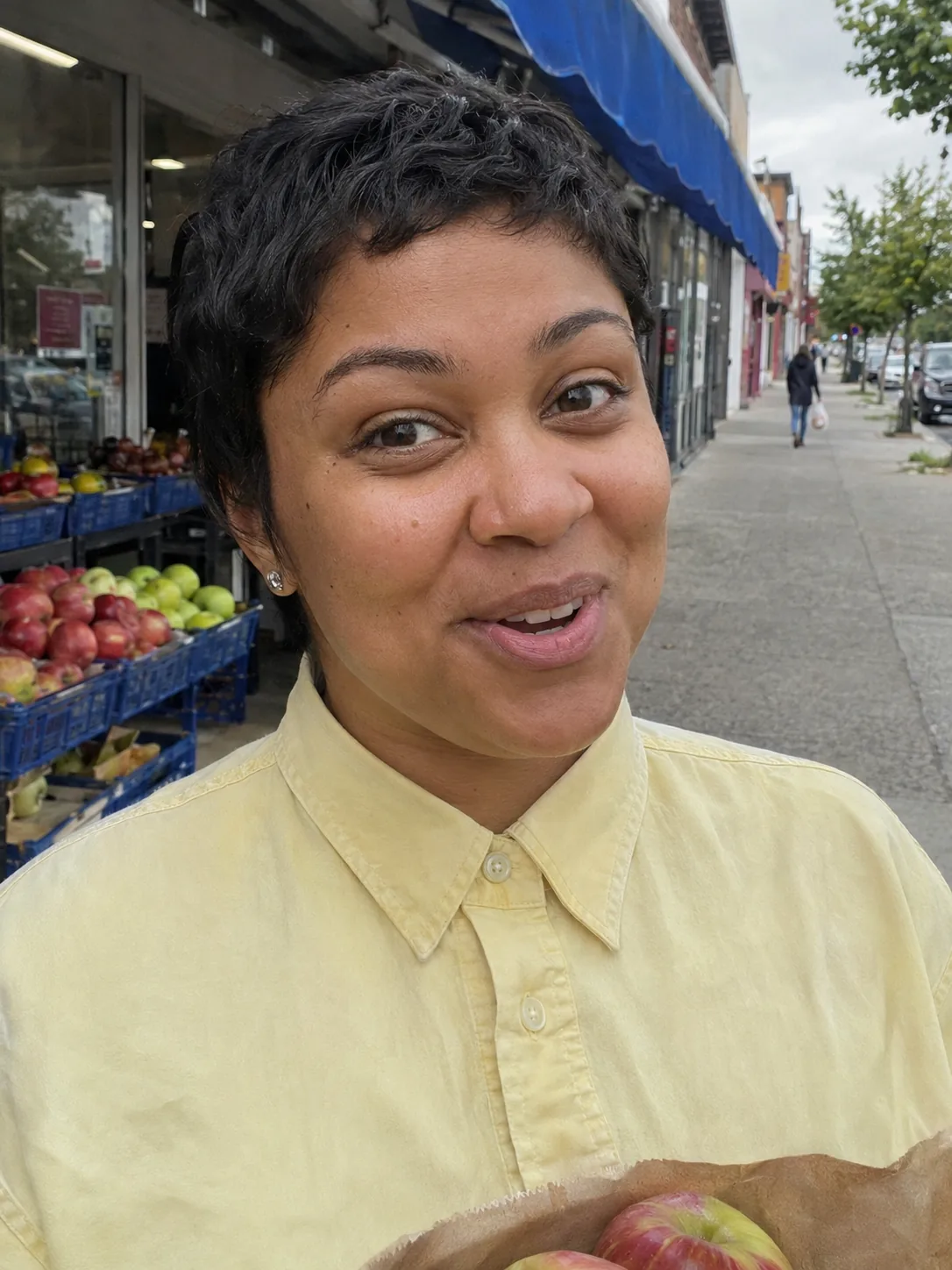
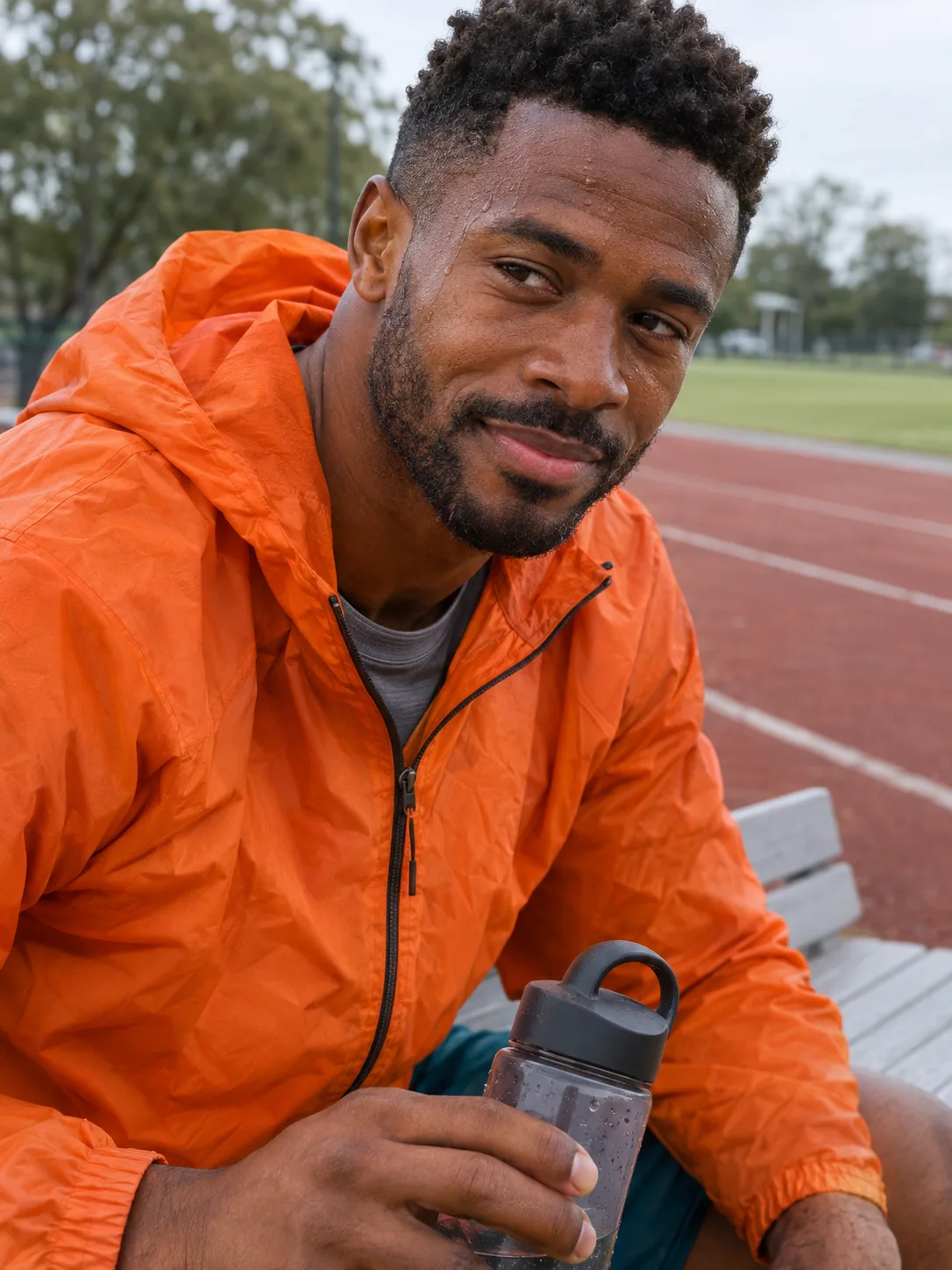
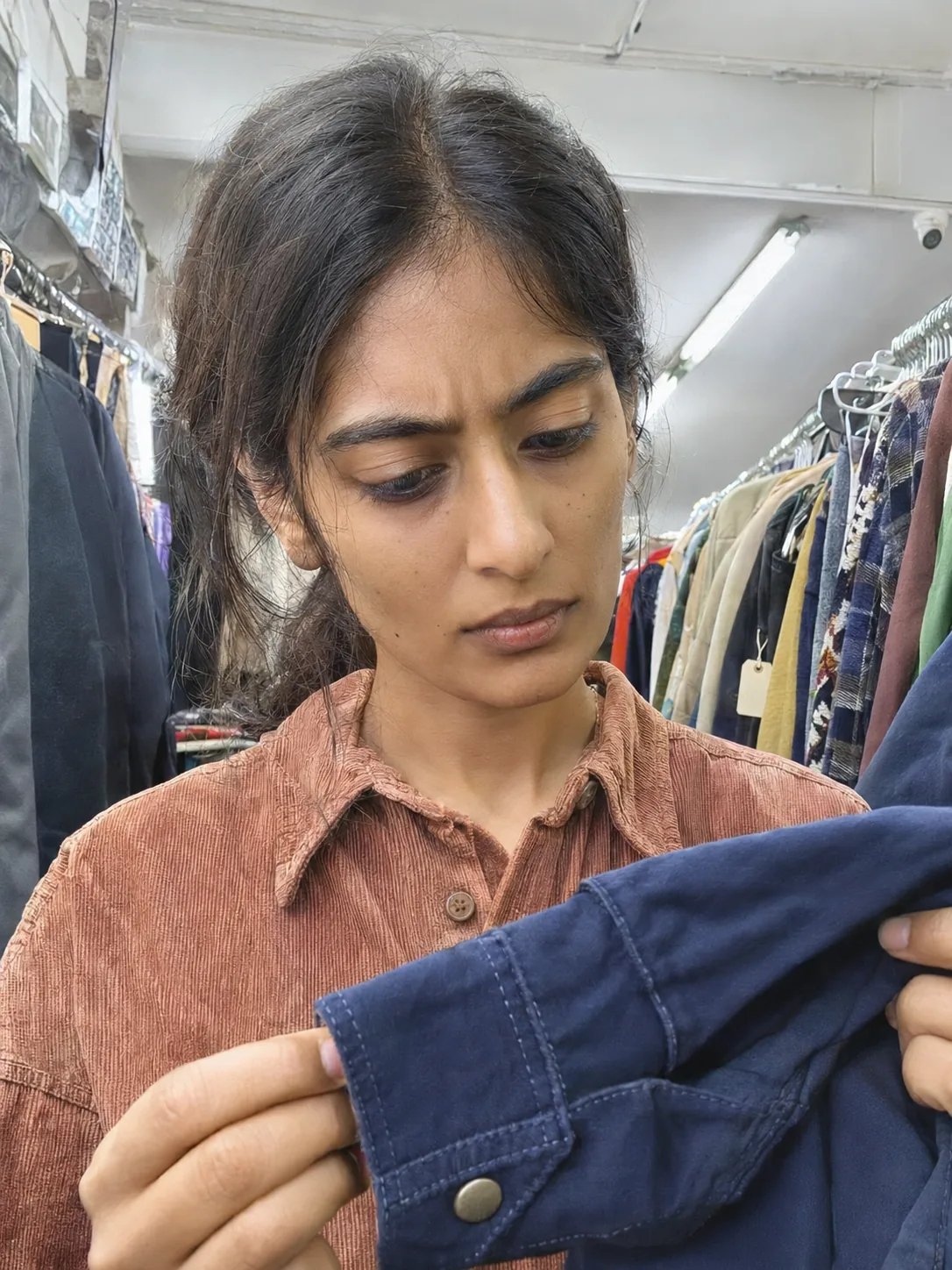
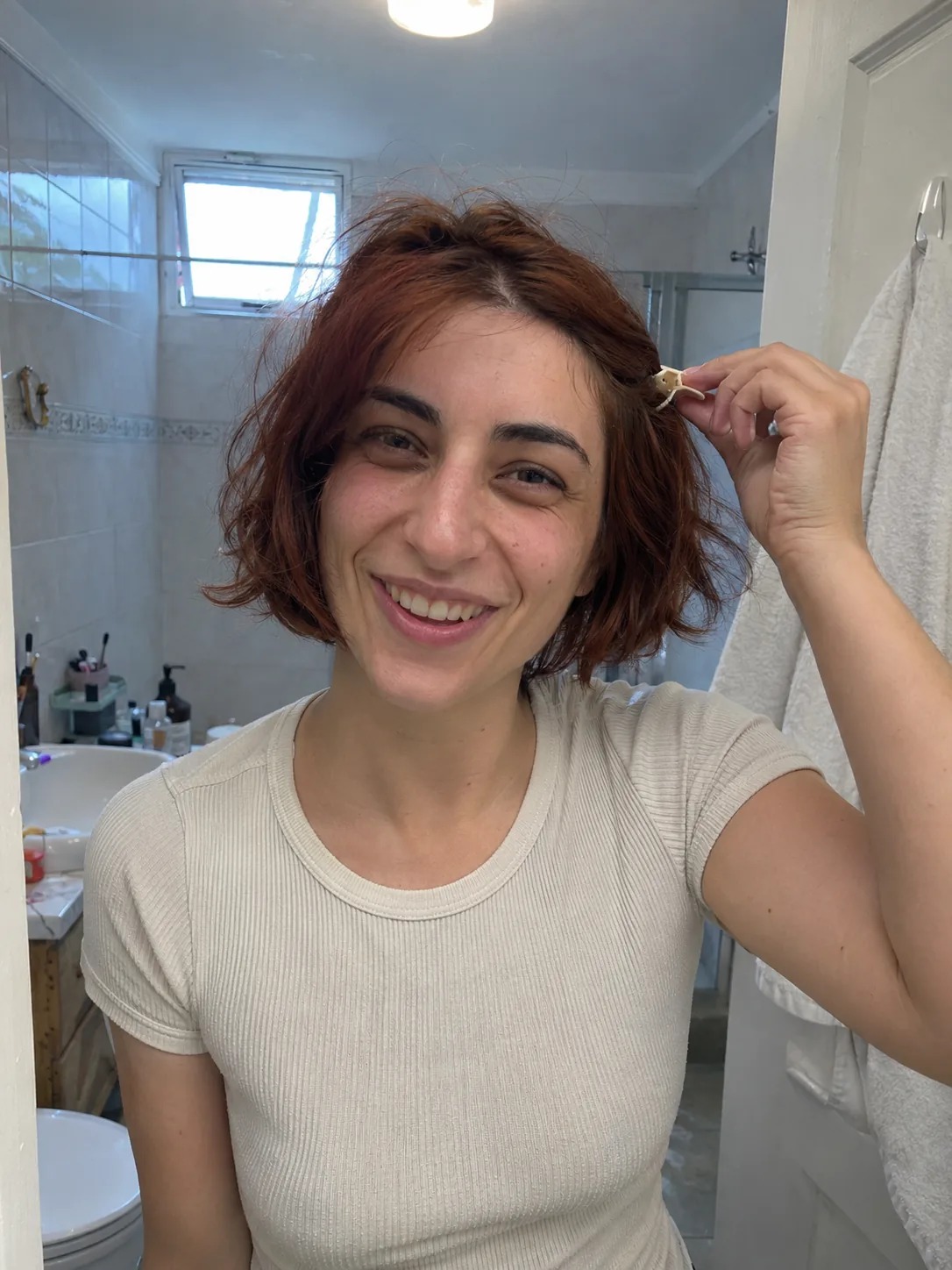
Choose your AI image or video model.
Choose from Nano Banana, GPT Image, Kling, Wan, and Seedance models for the tasks they support. Compare image creation, editing, video, motion, and speech options, then adjust resolution and duration to fit your content and budget.
Image creation and editing
 Nano Banana 2.1Flexible image generation and editing across output sizes.
- Nano Banana ProHigher-fidelity identity, text, products, and complex scenes.
 GPT Image 2.5 SunburstOur default for Character Sheets, creator photos and reference-guided edits.
Video, movement, and speech
 Kling 3.0 OmniText or one start frame, optional native audio, and 720p, 1080p, or 4K output.
- Kling 3 TurboFast Kling generation for text or image input with 720p and 1080p output.
 Wan 2.6Text or image guided video with a production-quality 1080p option.
- Wan 2.6 FlashLowest-cost way to test a five-second motion draft.
 Seedance 2Production-focused fidelity with higher credit use.
- Kling AI Avatar StandardTurns a portrait and voice track into a talking video.
- Kling 3.0 Motion ControlTransfers a reference movement to the selected character.
 Volcengine Lip SyncKeeps the source video and replaces only the speech alignment.
Built for recurring creator content.
A saved identity connects your images, videos, edits, and post copy. Here’s how that compares with a general-purpose setup; individual tools vary.
| Task | A general-purpose setup | AI Influencer Generator |
|---|---|---|
| Starting point | A standalone image or video brief | A saved influencer you can select again |
| Character setup | Describe or supply the character for each project | Reuse an identity from your character library |
| After generation | Continue in the editing tools your setup provides | Change outfits, hair, backgrounds, skin detail, and image quality with the available tools |
| Images and video | Move between the tools in your own setup | Create images, video, motion, and talking content from connected Studio workflows |
| Model choice | Compare models and configure your own inputs | Choose a supported model for the image or video task |
| Creative direction | Write a general-purpose prompt | Start with creator scenes, social formats, and available templates |
| Consistency | Keep track of references yourself | Reuse the saved identity and review results for consistency |
| Animating a photo | Prepare an image for a separate video workflow | Continue with an existing influencer image in Image to Video |
| Post copy | Use the writing tools in your own setup | Prepare captions, bios, scripts, titles, and descriptions in Content Studio |
| Primary focus | A broad range of creative tasks | Repeatable creator content for Instagram, TikTok, UGC, and campaigns |
From character to published post.
- 1
Create your influencer
Build an original character, choose a starter, or import an authorized reference.
- 2
Save the identity
Keep the character in your account so you can select them again.
- 3
Choose the content
Pick a photo, video, UGC, motion, template, or reference workflow.
- 4
Generate and review
Create the new scene, outfit, pose, or performance. Check the result.
- 5
Schedule and publish
Prepare your caption, connect a supported social account, and publish now or schedule for later in Publish.
Start with 30 free Credits.
Try creating your influencer before choosing a plan. No payment required; some video modes need more than the free balance.
Create my AI influencer freeExample generation costs
Nano Banana 2.1 · 1K5 Credits / image
Wan 2.6 · 720p · 5 seconds27 Credits / video
Costs vary by model and settings. See the exact quote before generating.
Compare plans and CreditsHow to create an AI influencer.
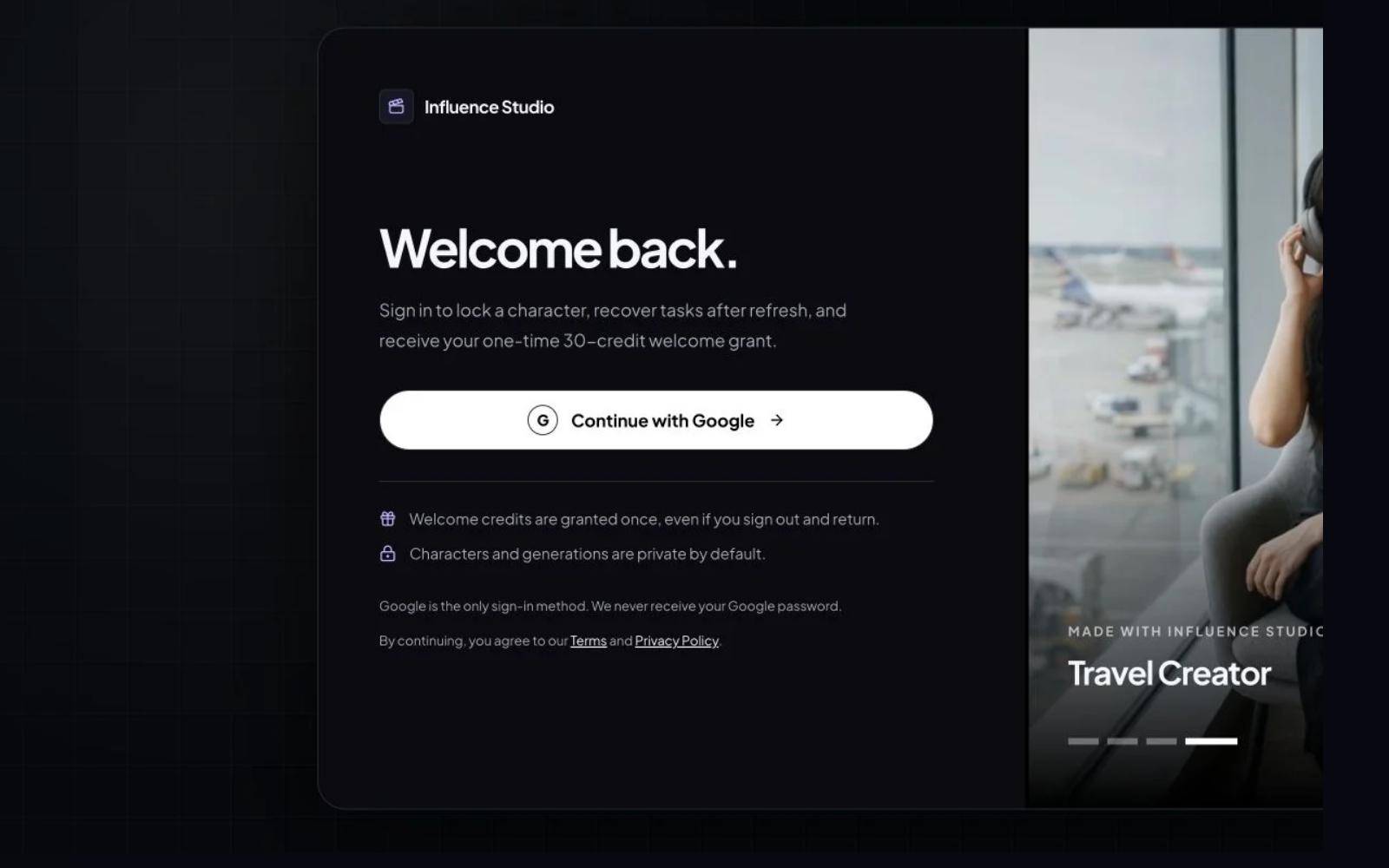
01Sign in with Google
Create a private workspace with 30 welcome Credits. No payment required to start.
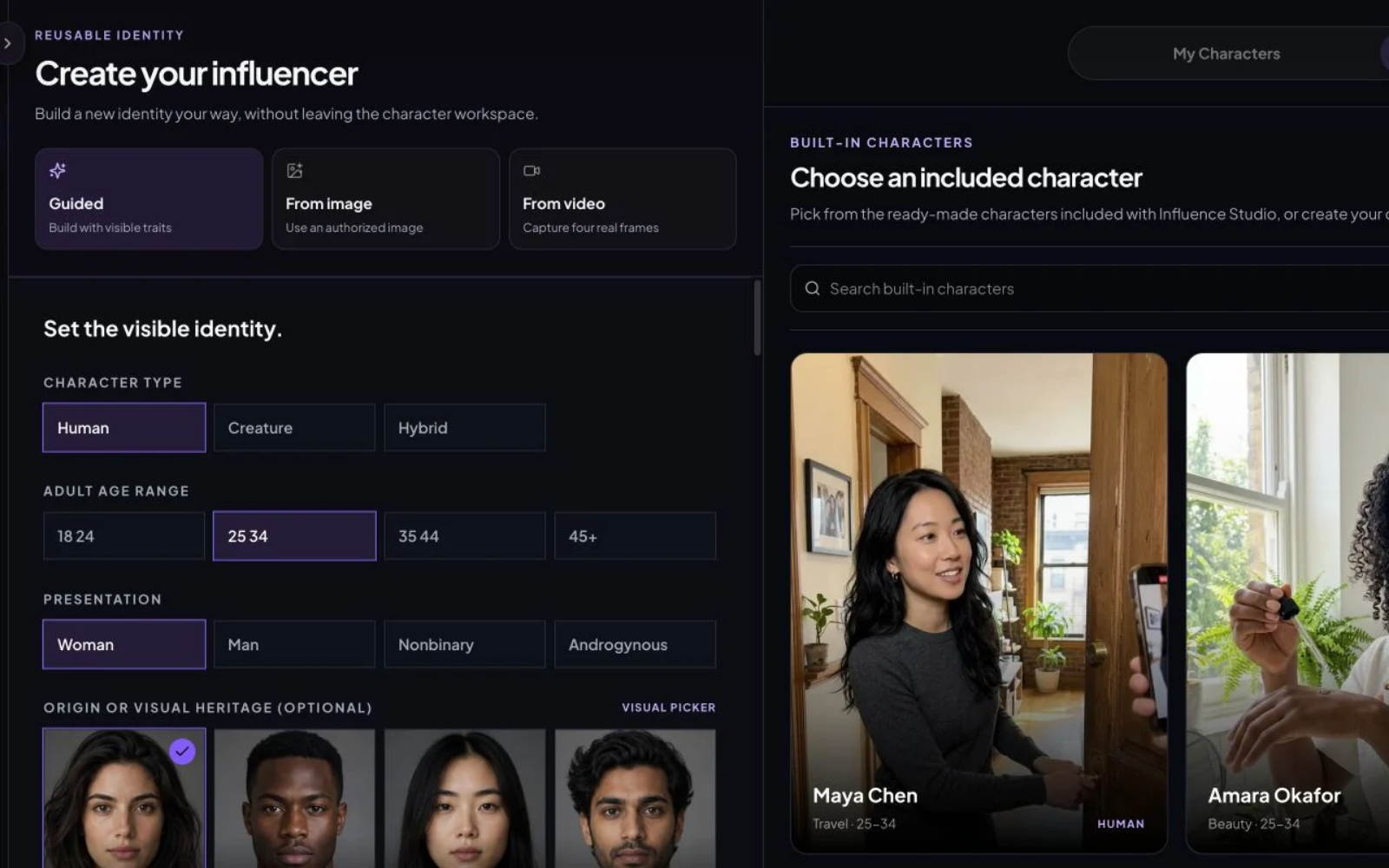
02Build or import a character
Choose a character template, use the guided builder, or import an authorized photo or video. Save the identity for future posts.
03Choose the scene and format
Select your character, describe the scene, and choose image or video settings. Review the Credit quote before generating.
For example: your creator making coffee in a sunlit apartment, framed waist-up. Start with the photo, then animate one action, such as lifting the cup.
04Review, schedule, and publish
Review the result in History, add a caption, and download or schedule it for a connected social account.
View the coffee-scene example ↗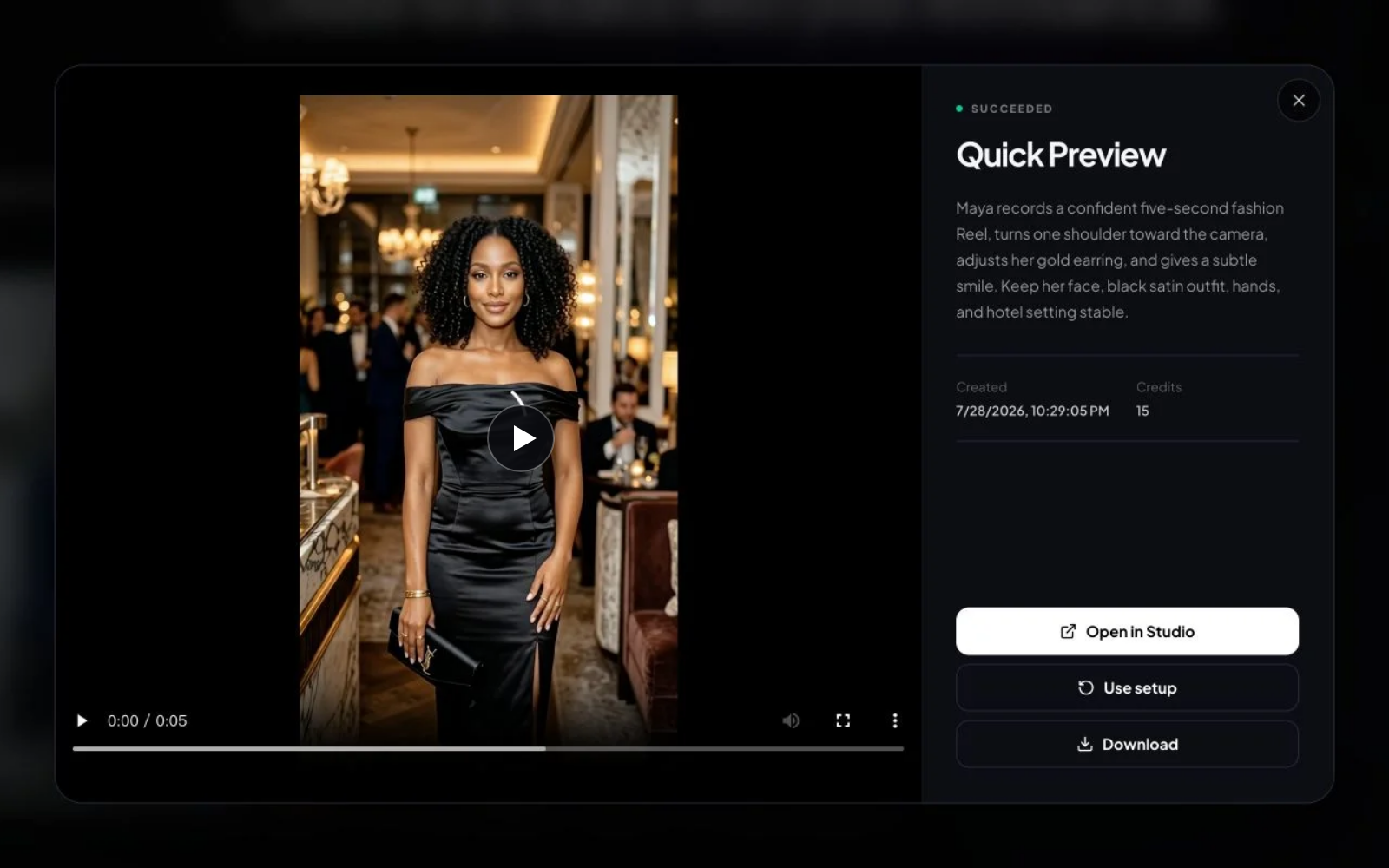
Compare AI influencer generators.
Compare workflows, access, and pricing. “Not publicly listed” means the feature could not be verified from the cited source.
| Feature | AI Influencer Generator | Argil |
|---|---|---|
| Saved custom identity or avatar | Yes — reusable private character | Custom AI clone and AI Influencer |
| AI still-image generation | Yes | Not publicly listed on pricing |
| Image-to-video or avatar video | Yes — Fast and Quality modes | Avatar-led video |
| Talking avatar or lip sync | Yes — voice, lip sync, captions | AI avatar video |
| Motion-reference transfer | Yes — Motion mode | Not publicly listed |
| Free access or trial | 30 sign-up credits; cost shown before generation | 5-day trial |
| First paid plan explicitly including video | $19/month Starter | $39/month Classic |
| Cost shown before generation | Yes — exact credit estimate | Plan credits listed |
APOB annual pricing: October 14, 2026. Other comparisons: July 30, 2026. Check providers for current terms.
What your Credits can create.
Estimates for one output type at a time. Actual output varies with model, settings, and retries.
Starter
300 Credits monthly
- Balanced images
- ≈ 60
- Fast video drafts
- ≈ 20
- Quality videos
- ≈ 9
Professional
800 Credits monthly
- Balanced images
- ≈ 160
- Fast video drafts
- ≈ 53
- Quality videos
- ≈ 24
Advanced
2,000 Credits monthly
- Balanced images
- ≈ 400
- Fast video drafts
- ≈ 133
- Quality videos
- ≈ 60
AI Influencer Generator pricing for images and videos.
First subscription only · Cancel renewal anytime
Starter
For trying a consistent creator workflow.
FIRST MONTH 20% OFF
$15.20first month$19
Then $19/month
300 credits per month
- No monthly rollover · unused credits expire
- Custom AI character creation
- Publish: 30 posts/month · 1 platform · 1 account
Recommended for regular creators
Professional
For creators producing every week.
FIRST MONTH 20% OFF
$31.20first month$39
Then $39/month
800 credits per month
- 2× rollover · up to 1,600 subscription credits total
- Full image and video model catalog
- Publish: 100 posts/month · All supported platforms
Advanced
For high-volume UGC and small brand teams.
FIRST MONTH 20% OFF
$63.20first month$79
Then $79/month
2,000 credits per month
- 3× rollover · up to 6,000 subscription credits total
- Full image and video model catalog
- Publish: 300 posts/month · All supported platforms
Supported publishing platforms
- Instagram Business
- TikTok
- YouTube
- Facebook Pages
- X
- Threads
See the credit cost before you create. Applicable taxes are shown at checkout.
Failed jobs return credits automatically. Subscription credits keep their original expiry; purchased credits never expire.
Questions before you create?
Will my influencer stay recognizable after an outfit change, a new scene, or a video?
Save your character and select that identity again in supported image and video workflows. Your reference helps preserve the face, hair, proportions, and overall look. AI output can still vary, so check each result before publishing.
How can I create my own AI influencer?
Choose a ready-made fictional character, build an original adult character with guided appearance and style choices, or start with photos or video you have permission to use. Save the identity you want to keep for future content.
Can I create an AI version of myself from a photo?
Yes. An authorized adult photo can become the reference for character creation and later content. Use your own likeness or obtain permission from the person shown.
Can my influencer follow the movement in a reference video?
Yes. Supported motion-transfer workflows use a character image and an authorized reference video to guide the performance. You can also start from an available video template. Check the input requirements and credit quote for the workflow you choose.
Can I create UGC, product content, and ads?
Yes. Create product photos, UGC-style clips, demos, and ad concepts from product images or a written brief. Review product accuracy and use only claims you can support. Generated scenes are not real product tests or endorsements.
Are my characters and generated content public?
No. Your characters and generations are private by default. You choose whether to download, share, or publish them.
Can I use the results on Instagram, TikTok, or in commercial projects?
Connect supported social accounts in Publish to post immediately or schedule for later with an active subscription. You can also download your finished media. Commercial use is subject to the current commercial-use terms; trial media is for evaluation. You need rights to your source photos, likenesses, products, audio, and other material, and must follow platform rules for AI and advertising disclosure.
Can I try it free, and how many Credits does a generation use?
New accounts start with 30 Credits. The cost of a photo or video depends on the model, resolution, duration, and other settings. Check the quote shown before you confirm. Some video workflows cost more than the free balance; free Credits do not include every video mode.
Plan Content
Measure Engagement
Build Your Profile
Price Your Work
Write Post Copy
Brand Partnerships